50M
+ Creator

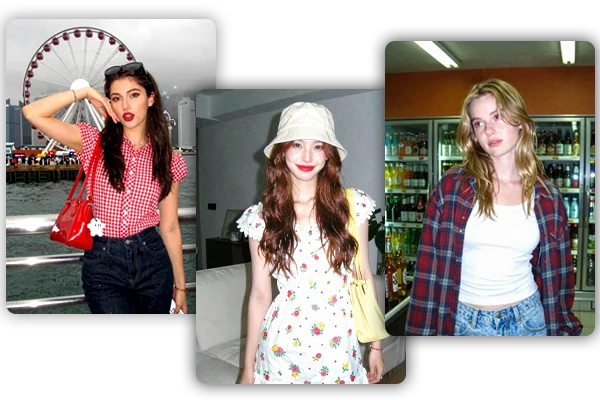
Give your photos that trending Instagram flash look. Our AI Instagram flash filter instantly applies realistic retro camera flash effects with bright, punchy lighting, strong contrast, and authentic film vibes.
Upload your photo, copy a prompt, and create a direct-flash edit with retro camera energy.
Turn everyday photos into viral flash shoot with stronger mood, contrast, and social-ready style on SeaArt AI.
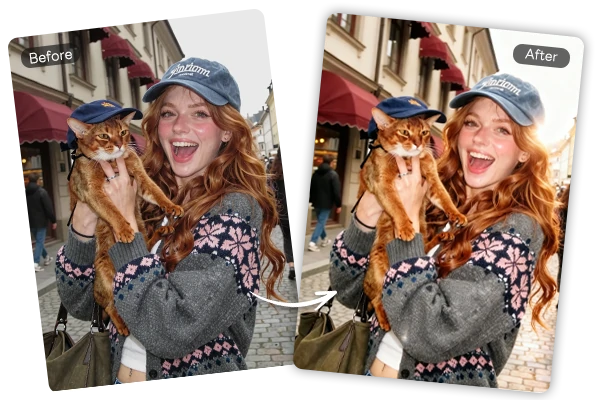
Turn a flat photo into a stronger flash-style image with brighter front lighting, darker surroundings, and sharper contrast. SeaArt AI's Instagram flash effect works well for selfies, portraits, outfit checks, and casual night shots where the subject needs more presence. You get the look of a compact camera flash without adjusting exposure by hand.
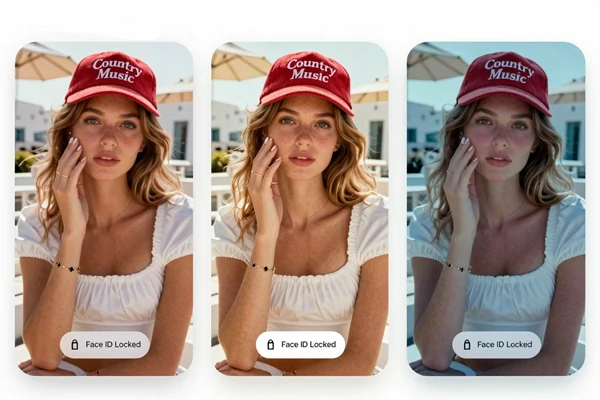
Use the Instagram flash filter free online to shift lighting and digital camera mood while keeping the photo grounded in the original upload. It is designed for portraits, mirror selfies, and lifestyle shots where the face, outfit, and pose still matter. Clear source photos usually give the most stable, recognizable flash effect.
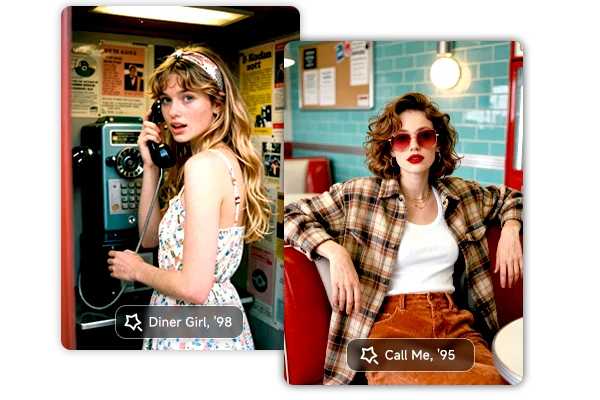
Take full creative control. Start with our proven prompt examples and easily customize the vibe, from Y2K style effect and paparazzi street style to neon club lighting, soft glam flash, or your own unique vision. Small prompt tweaks deliver completely different, personalized results.
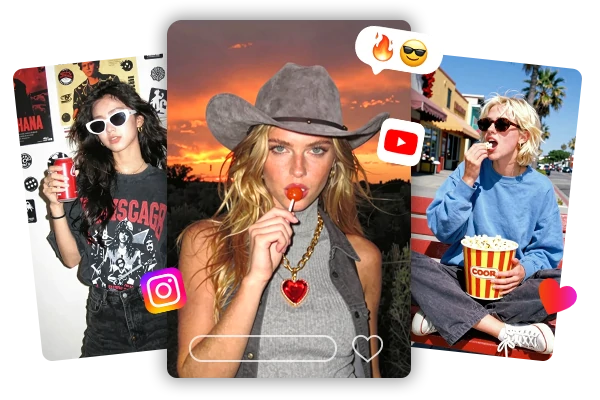
Direct flash works well when a photo needs more attitude without a full redesign. Use it for profile images, carousel covers, Reels thumbnails, nightlife recaps, and outfit posts. The result feels more like a quick camera snapshot than a polished studio edit.


Prompt-Driven Control
Copy a ready prompt or write your own flash direction instead of relying on one fixed preset.

Flexible Flash Styles
Create Y2K, CCD, paparazzi, club, disposable camera, mirror selfie, or soft glam flash looks.



Built for Social Posts
Make photos feel ready for Instagram posts, Reels covers, TikTok thumbnails, profile images, and trend edits.

Upload Your Photo
Choose a clear selfie, mirror shot, portrait, or lifestyle image.
Copy or Write a Prompt
Use a prompt above for the same style, or write your own flash direction from scratch.
Generate and Refine
Create the edit, review the result, then adjust the prompt for stronger flash, softer grain, or a new mood.

What is an Instagram flash filter?

What photos work best with this Instagram flash filter?
Use a clear image where the face, outfit, and scene are visible. Selfies, mirror shots, portraits, event photos, and lifestyle images usually work well. Very blurry photos, heavy filters, hidden faces, or extreme shadows may make the flash result less stable.
How is this different from turning up brightness?
Brightness only lifts the whole image, while a flash-style edit aims for a stronger camera mood with frontal light, sharper contrast, darker falloff, glossy highlights, and retro texture. That combination gives the photo a snapshot feel that simple exposure sliders rarely create on their own.
Can I use the result for Instagram or TikTok?
Yes, this AI flash filter is perfect for social visuals such as Instagram posts, Reels covers, TikTok thumbnails, profile images, story graphics, and party recaps.
Use Instagram flash filter to give portraits, mirror photos, and nightlife shots a stronger camera-flash mood for social content.