50M
+Creator

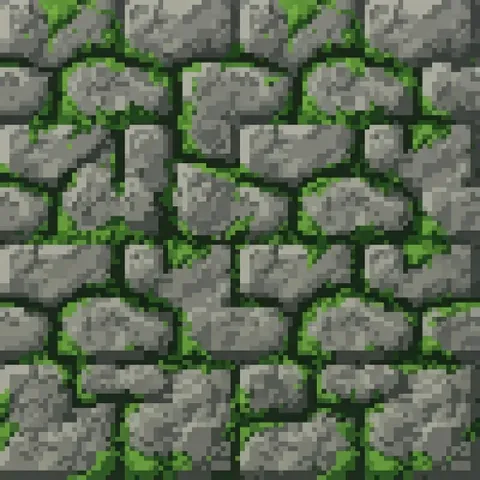
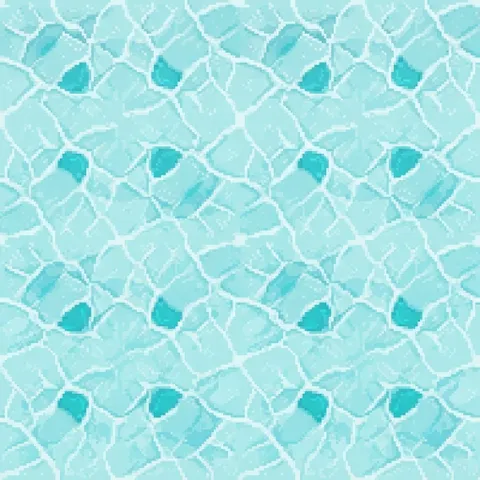
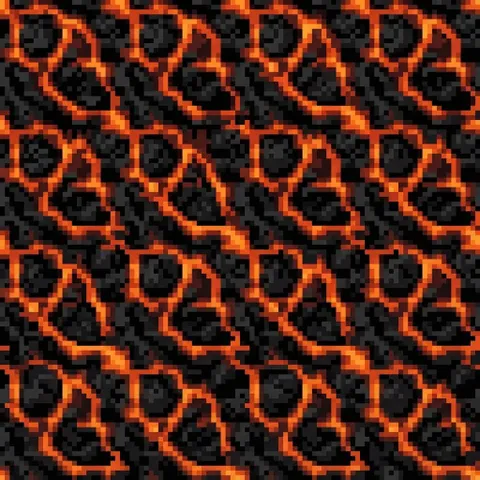
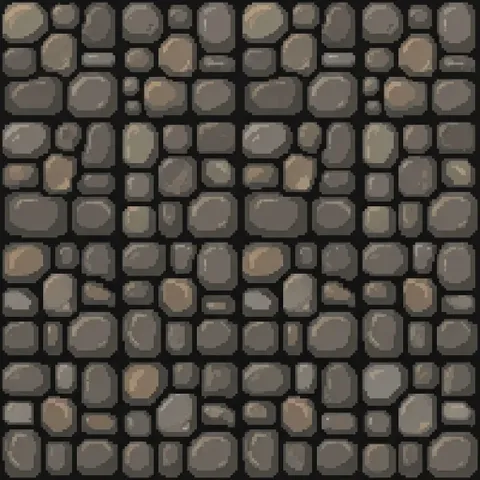
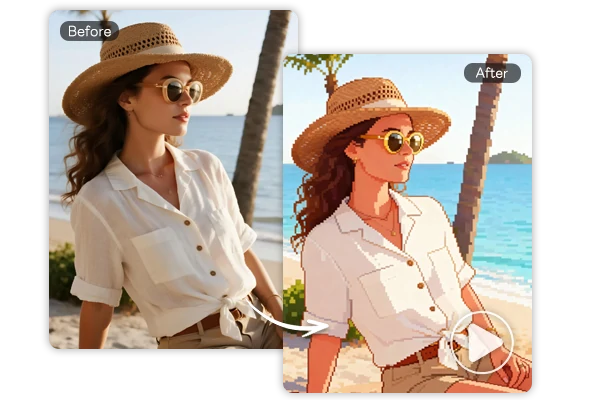
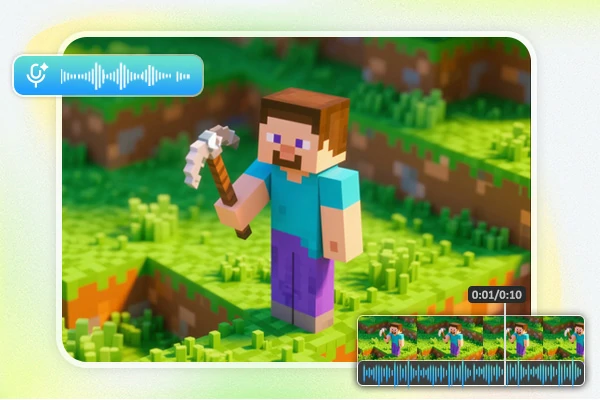
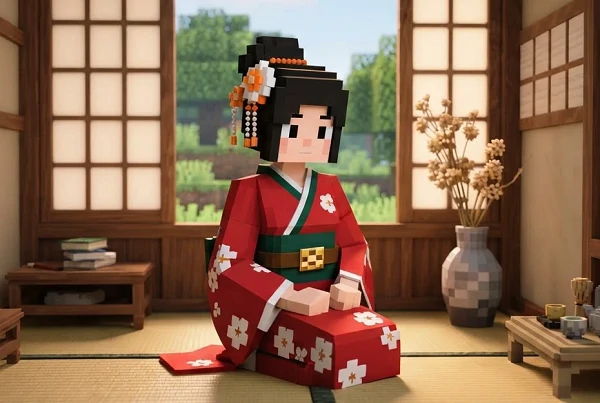
Build stone, brick, ore, terrain, and fantasy block concepts with SeaArt AI's Minecraft texture generator online.

Upload Image
Click to upload or drag images here.
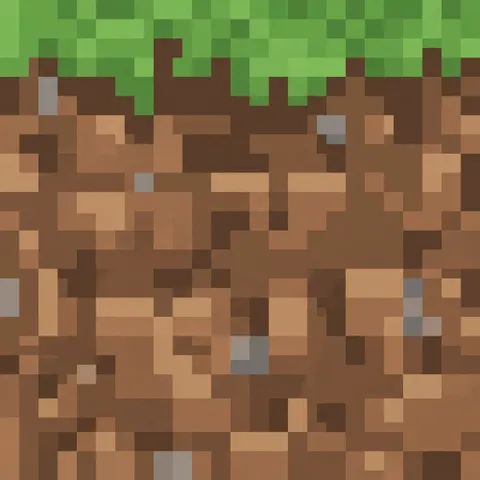
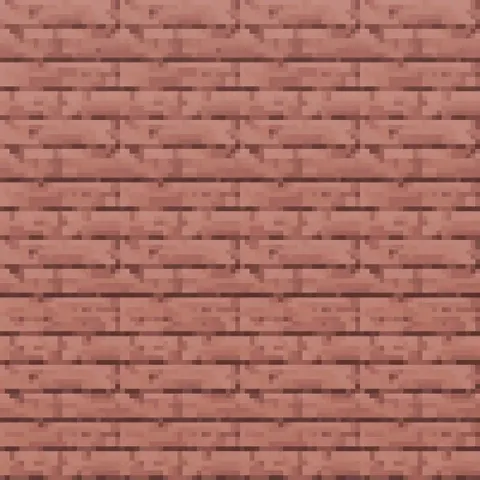
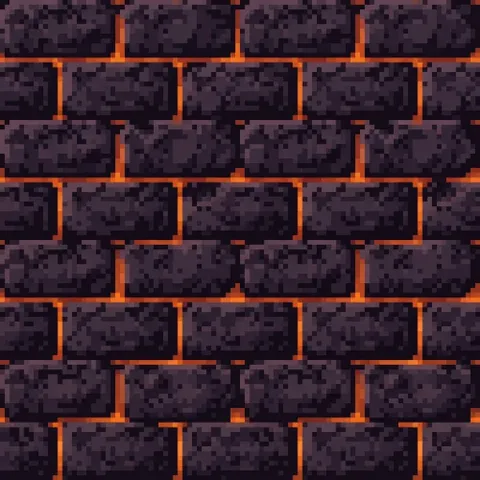
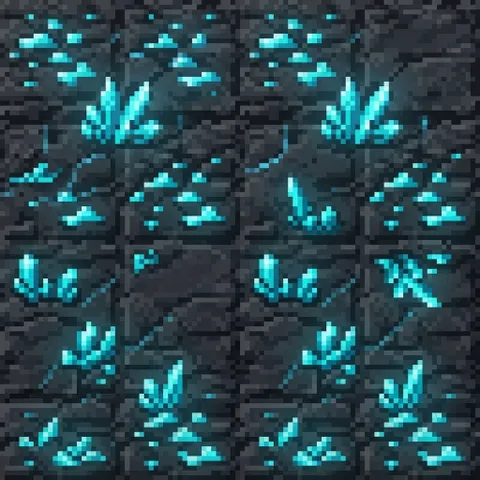
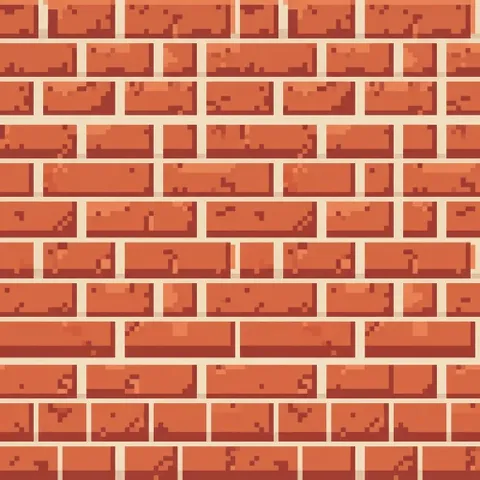
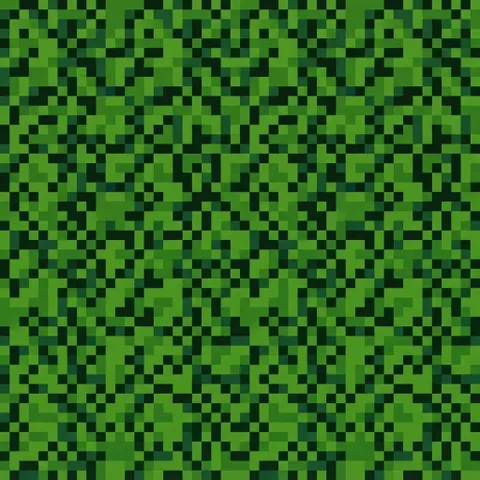
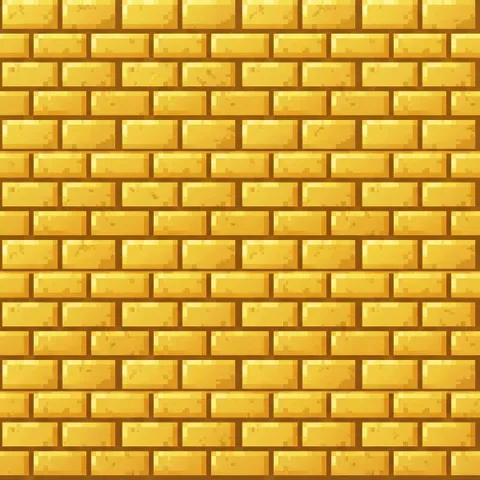
Explore our collection of ready-to-use prompt templates for Minecraft-style pixel art. Copy any prompt, paste it into the generator, and create high-quality, seamless Minecraft textures for visual experiments, resource pack planning, or game art mood boards instantly.

Ready-to-Copy Starting Templates
Skip the blank prompt box and begin with structured templates. Each one includes practical texture language for scale, material, view, palette, edge behavior, and unwanted elements, making it easier to test a focused idea and adjust only the details that matter.

Lightning-Fast Generation
Create high-quality Minecraft textures in seconds instead of spending hours on manual pixel art, dramatically speeding up your creative workflow.

Seamless & Tileable Results
Generate perfectly seamless, tileable textures that work flawlessly in resource packs, maps, and in-game environments without visible seams or breaks.
Step 1: Choose a Prompt
Copy any prompt from above or describe your own idea.
Step 2: Paste into the Generator
Go to the AI tool and paste the prompt. Use square aspect ratio for best block results.
Step 3: Generate & Refine
Click Generate. Try variations by adding details like "more glow", "vanilla style", or "higher contrast".
Step 4: Download & Edit
Download the high-resolution Minecraft-style image.

Is this AI MC texture generator free?

Which pixel size should I mention in a texture prompt?
Use 16x16 language for classic block textures and 32x32 when an item needs a little more shape detail. Treat the size phrase as a style direction, then resize and clean the final asset in your preferred pixel editor.