Wolf Cut Filter Free Online
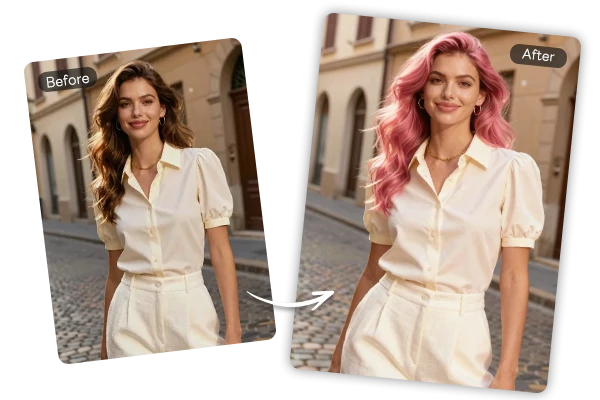
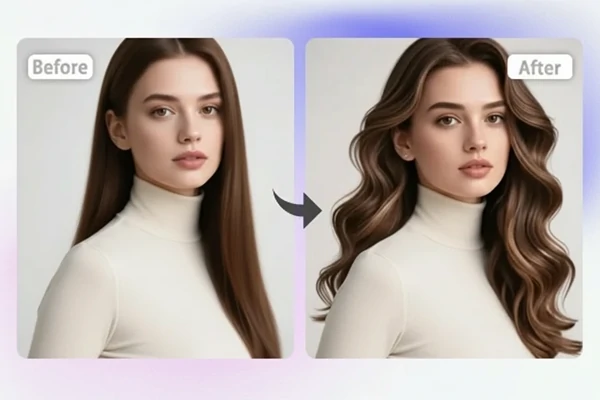
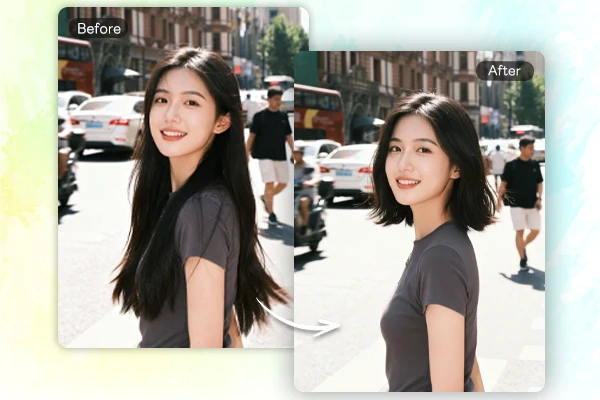
Upload a portrait, shape the layered cut you want, and compare a new wolf haircut before changing your real hair.


Upload Image
Click to upload or drag images here.
Wolf Cut Ideas for Your Photo
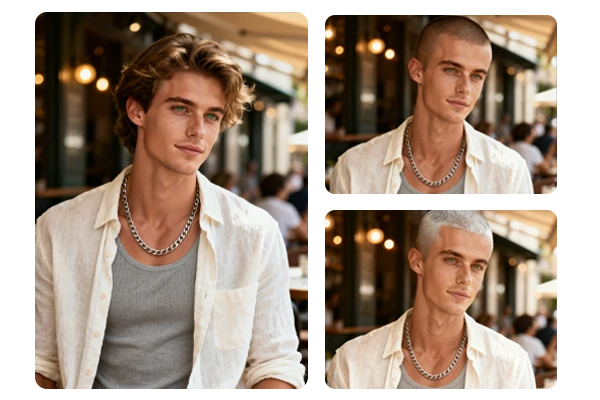
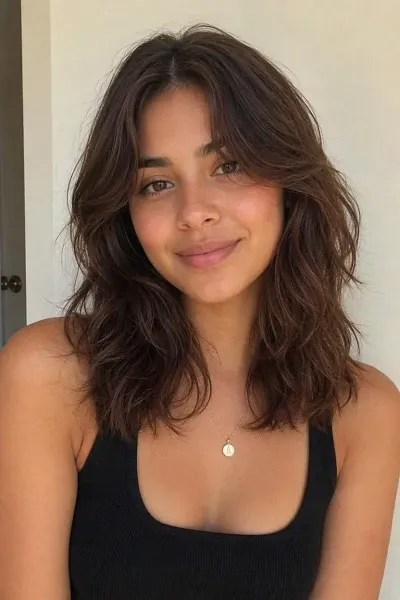
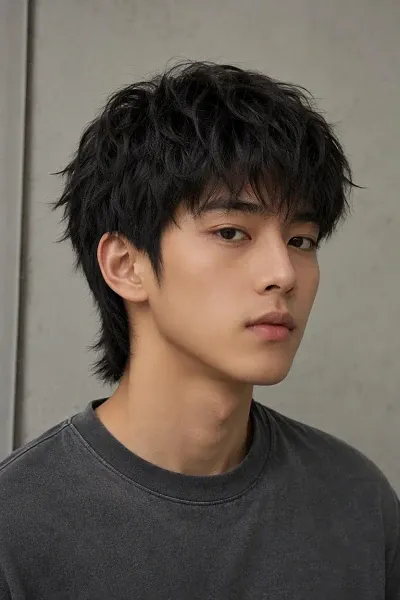
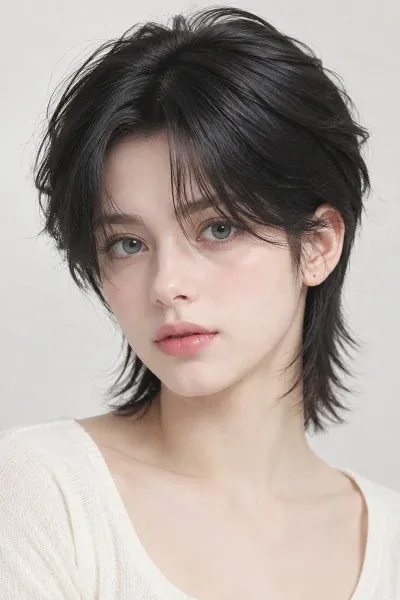
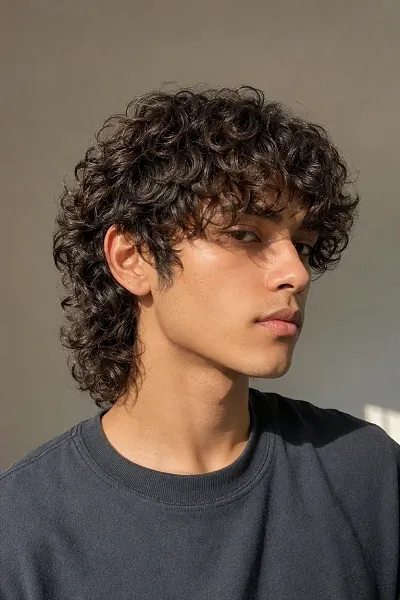
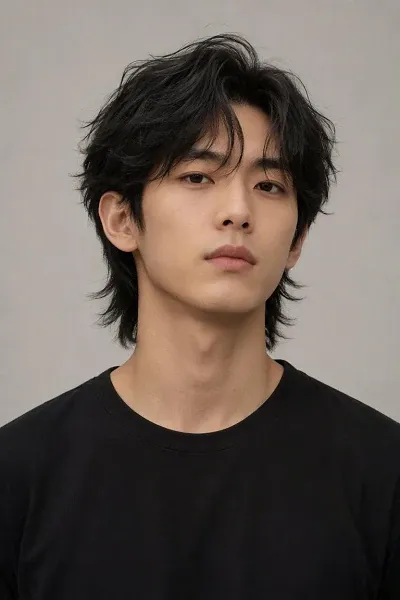
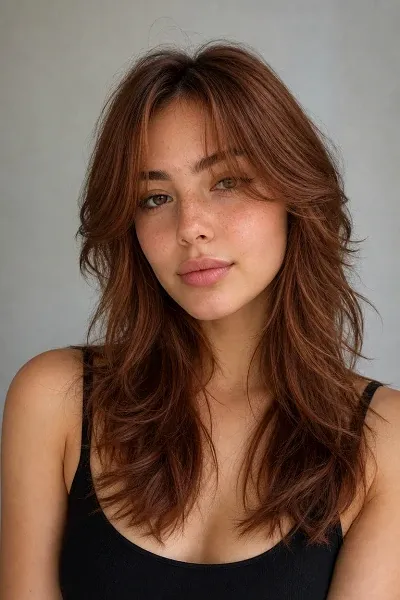
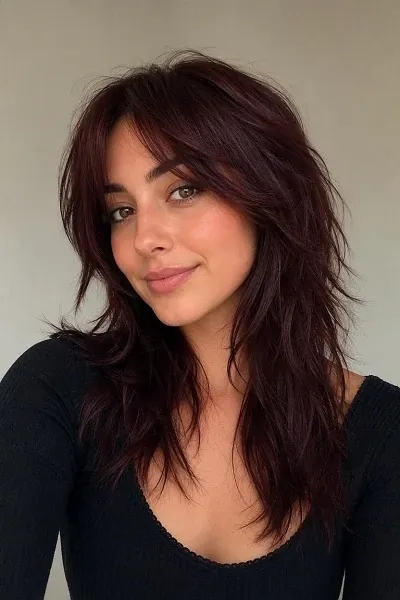
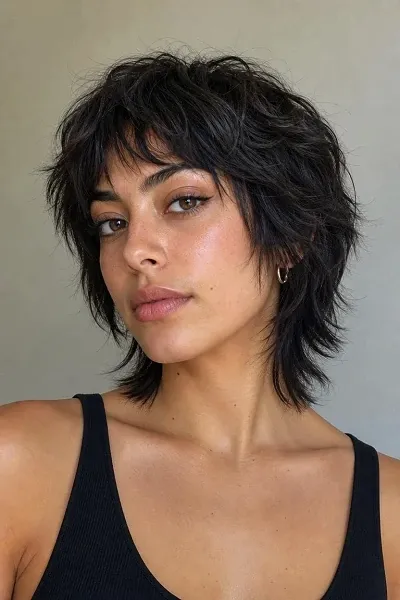
Upload a clear portrait, choose a ready-made direction, and compare wolf cut layers, fringe, texture, and color. You can also try other AI filters for more creative photo ideas.





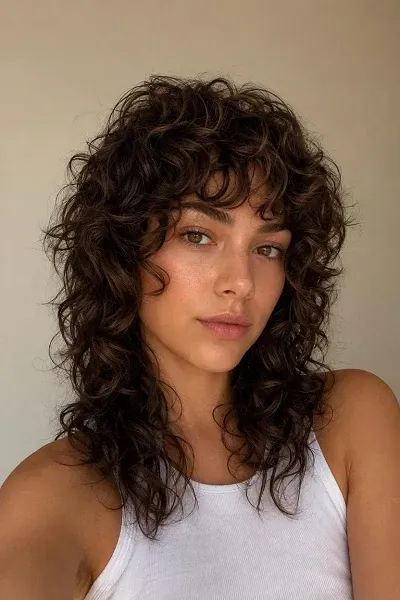
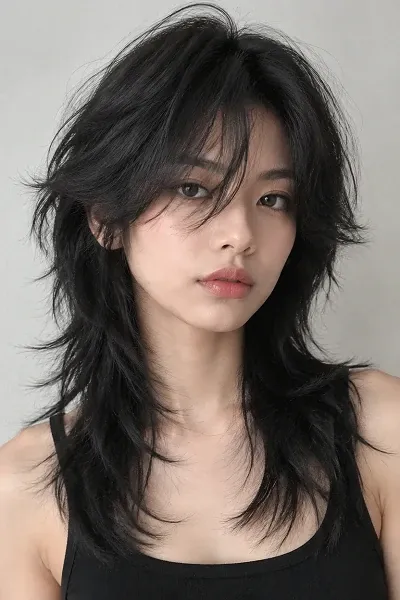

Why Try a Wolf Cut Preview on SeaArt AI

See It Before You Cut It
Start with a portrait you already have and make a quick style preview with the AI image generator, giving you a clearer wolf cut reference before a salon appointment.

Powered by Advanced AI
Advanced AI model reshapes the visible hair into a wolf cut while keeping the portrait recognizable, so new layers feel connected to the person in the photo.

Free to Try Your Next Look
SeaArt AI gives you daily free Stamina to compare a soft, shaggy, or longer wolf cut direction and keep a clear reference for your next hair conversation.

Keep Your Style Test Private
Try out a new hair direction on your own terms. Your portrait is not shared publicly unless you choose to publish it, and you can delete it at any time.
Make the Wolf Cut Feel Like Yours
A wolf cut is defined by contrast: shorter volume around the crown, softer framing around the face, and longer textured ends. Start with your own portrait, then guide the balance of those details instead of settling for one fixed look.
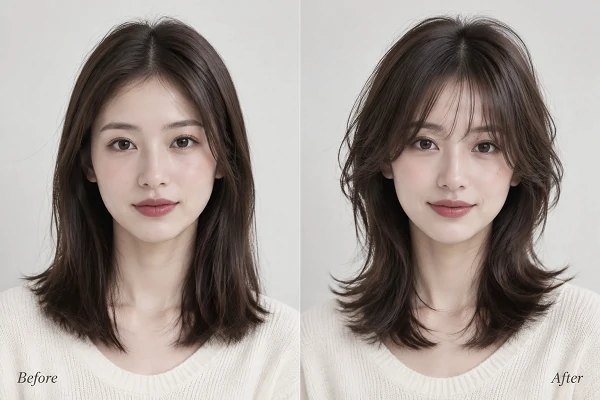
See the Cut on Your Face
Start with a clear portrait and let the wolf cut filter create a visual preview around your face. The goal is a result that still feels connected to your expression, camera angle, and lighting while introducing layered volume, face-framing pieces, and textured ends. It gives you a useful starting point for comparing a new cut before booking a salon appointment or changing your profile photo.
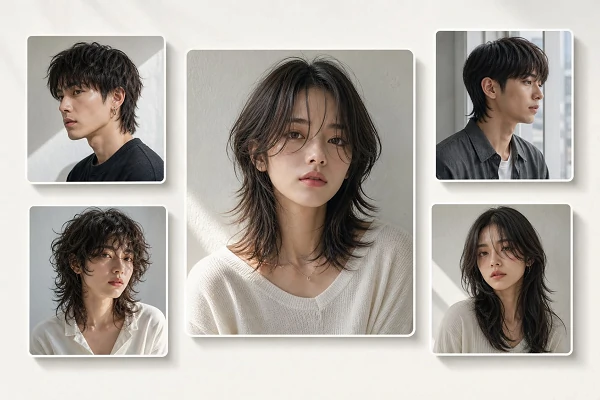
Fine-Tune Every Layer
Use a short written direction to shift the look without starting over. Ask for a soft Korean wolf cut, stronger shaggy layers, a shorter crown, curtain bangs, natural curls, or a fresh color while keeping the same portrait as your reference. Generate more than one version to compare how each change affects the silhouette. This makes the AI haircut useful for narrowing down details you can clearly explain to a stylist.
How to Try a Wolf Cut Filter in 3 Steps
Upload a Clear Portrait
Choose a front-facing or three-quarter photo where your hair, face, and shoulders are visible in balanced light.
Describe the Cut
Choose a ready-made wolf cut direction, or refine it with your preferred length, layers, fringe, texture, and hair color.
Generate and Compare
Create a few variations, review how each silhouette frames your face, and save the one you want as a haircut reference.
SeaArt AI Trusted by












Frequently Asked Questions

How does a wolf cut filter work?

How should I describe the wolf cut I want?
Start with the length, then add the layer placement, bangs, texture, and color. For example: "short textured wolf cut, tapered sides, light fringe, natural black hair." Specific details give you clearer variations to compare side by side.
How long does a wolf cut preview take?
Most wolf cut previews are ready within a few moments after you submit your portrait and direction. Timing can vary with the image model, the image settings, and how many variations you choose to create.