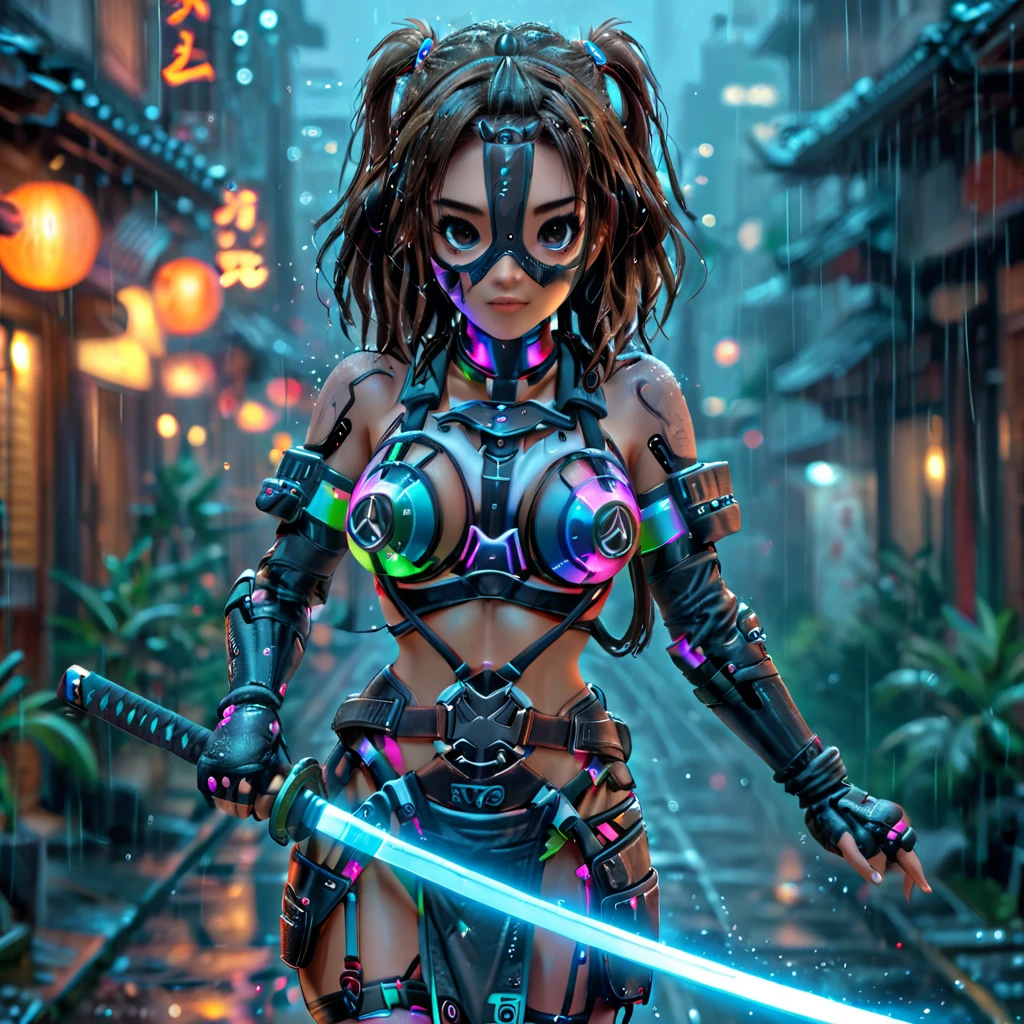
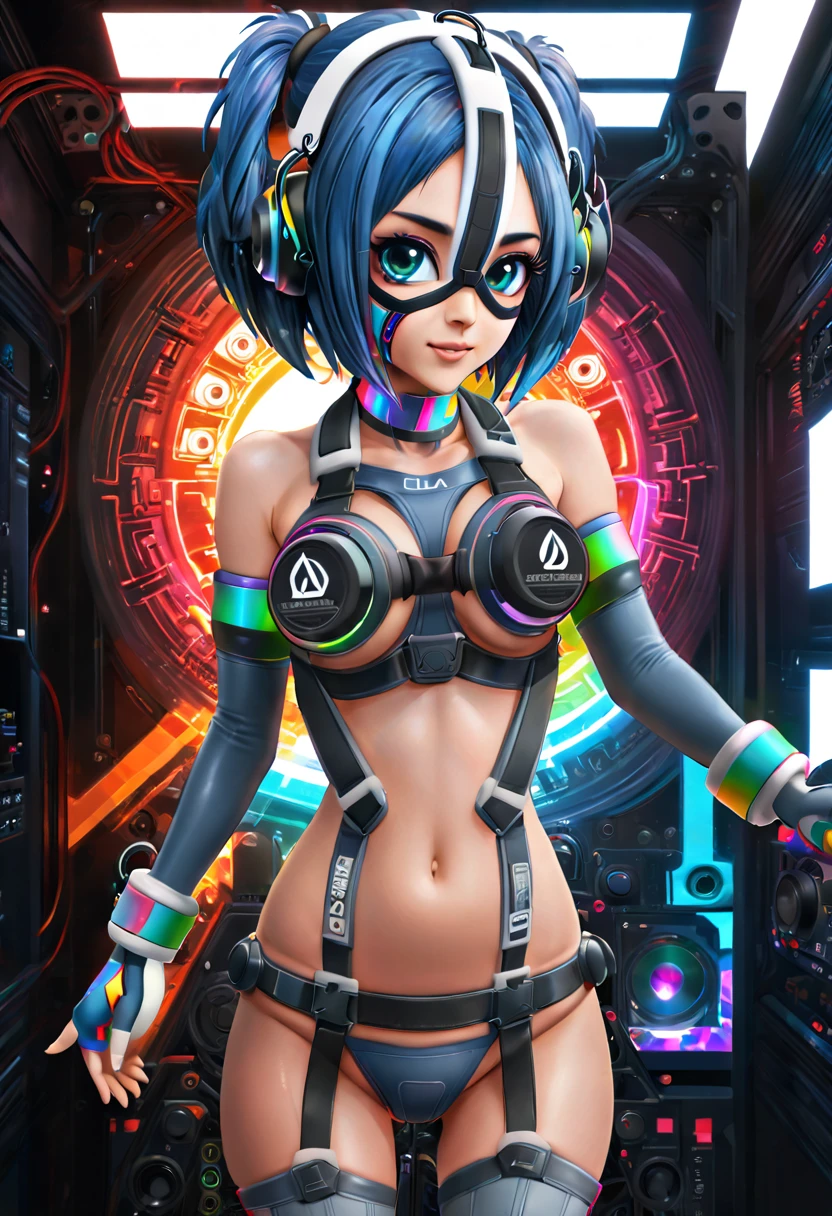
== v2 Models ==
Multiple colors, as well as an RGB lights one !
Now accepts character/style loras.
Bode well with ControlNet poses except side views. No side view in the dataset (sadly).
Best with 2.5D / cartoon style models - I used Pilgrim 2D v5/v6 for the samples.
Some parts of the outfit are in a tight spot, especially the mask. You want it to appear but not to be a fully covering one. Depending on character, weight can range from 1 to 1.5 .
Source dataset is tiny, and only contains front views. Therefore it will fail with side poses, sometimes in a funny way. It is still sticky to original character appearance, but much less than before. Play around with character lora weight, Ishtar is at 2 in the white samples.
Holding objects is a nightmare. I gave up on Aerith holding flowers, Peach's umbrella was a lot of inpainting and controlnet intermediate steps.
Holding weapons is doable but still rough.
It will struggle a lot with colored skin or alien characters. See Cortana in Blue.
By default, models tend to put character on ground, sit or kneeling. Use (sitting, kneeling, on floor) in the negative for standing poses.
Works best with 2.5D / cartoon style models as it is the closest to the original.
'(color name) theme' is optional is the prompt but is useful to force outfit color when character is based on specific colors already (e.g. Miku is cyan, Pneuma is cyan/green)
Be sure to specify hair cut and color.
RGB uses 'rgb lights' instead of '(color name) theme'.
Useful keywords for the negative prompt: covered mouth, head tilt, looking down, bent over
Also 'double bun' if you want a different hair cut.
== v1 model notes ==
Not mine - based off the work of Failanex (https://www.deviantart.com/failanex/gallery/all)
Original dataset has only 2 images so it is definitely a challenge to get something rather flexible out of it.
Sources:
This model will give your girl some strange bra-attached stereo sound system, headphones, hard gloves and a harness with an integrated amplifier.
Most device parts are ok, but some are a bit random:
Head straps don't always show up - can use this to your advantage !
Lower loudspeaker is really random, no idea why.
Those integrated in the shoes, well... you have to make it show the feet first.
Weight range: 0.35 - 0.5
A bit lower than this will give some creative hybrid parts, however going higher is destructive for the background and tends to focus more and more on the original images from the training dataset.
Sampler: DPM++ 2M SDE Karras / DPM++ 3M SDE Karras
Steps: 50+
Checkpoints tested:
Typical look: 1girl, speakini, multicolor long hair, orange hair, twintails, slight smile, mask, face straps, bra, ???? shoulders, wristbands, dark gray elbow gloves, dark gray thighhighs, fingerless gloves, neck choker, ????????, harness, headphones, cybernetics
For Automatic1111, I suggest for re-coloring single parts you make use of the Cutoff extension: https://github.com/hnmr293/sd-webui-cutoff
If you use this lora in merges or forks, please credit the original author. Thank you !