











Detail
Rekomendasi
v1.0
JAY-Photographic Realism

JAY-Photographic Realism

61.4K
307
542
#Base Model

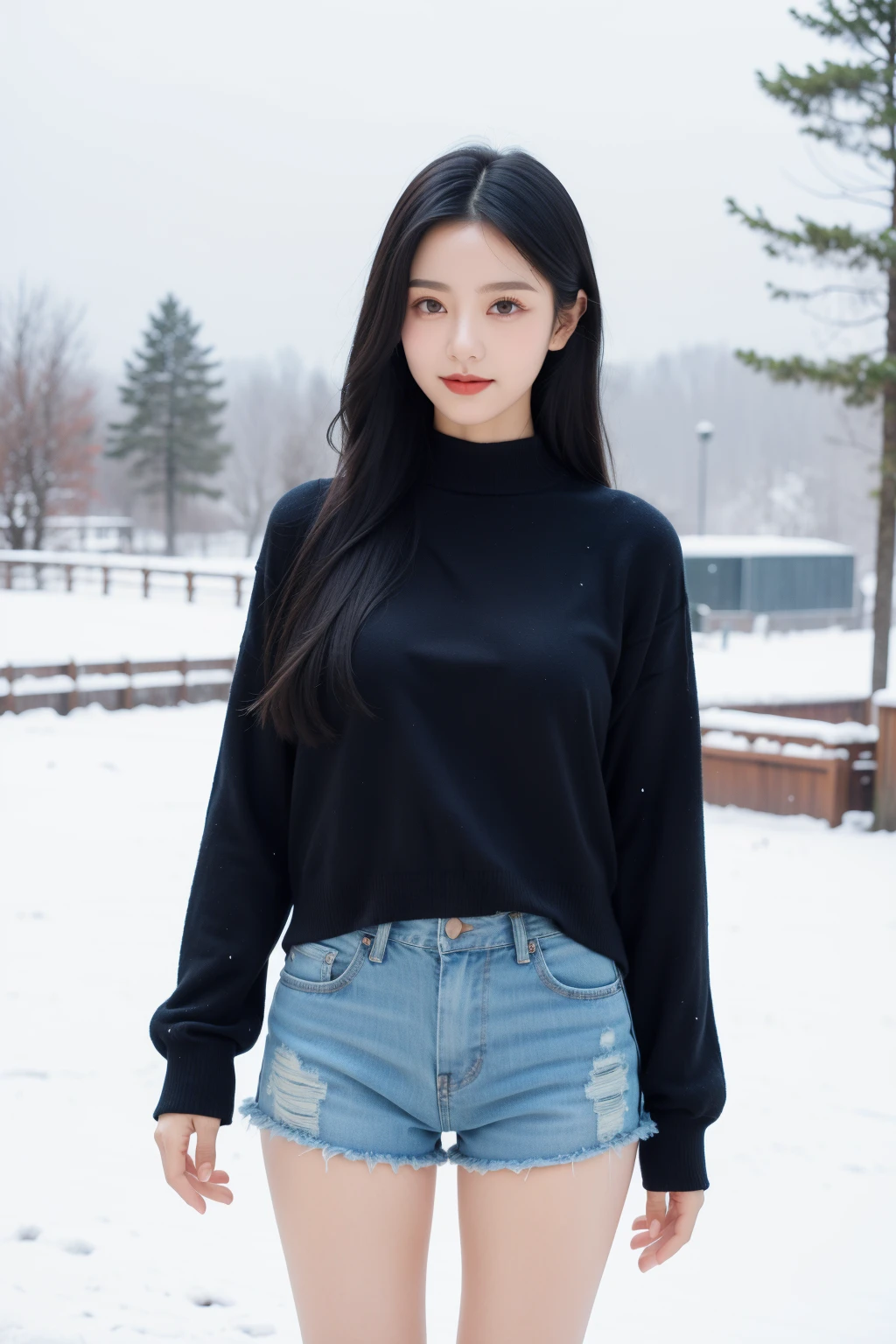
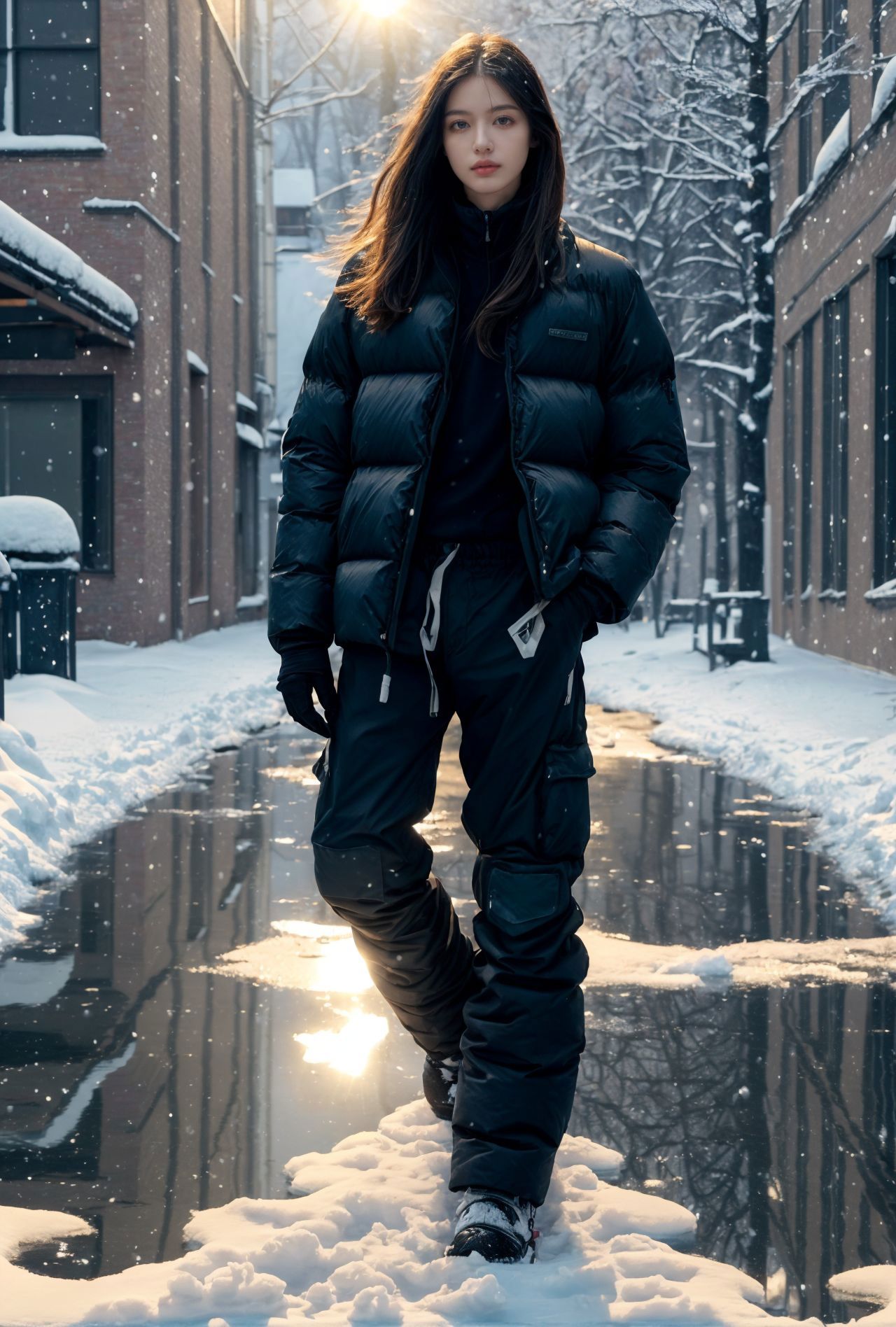
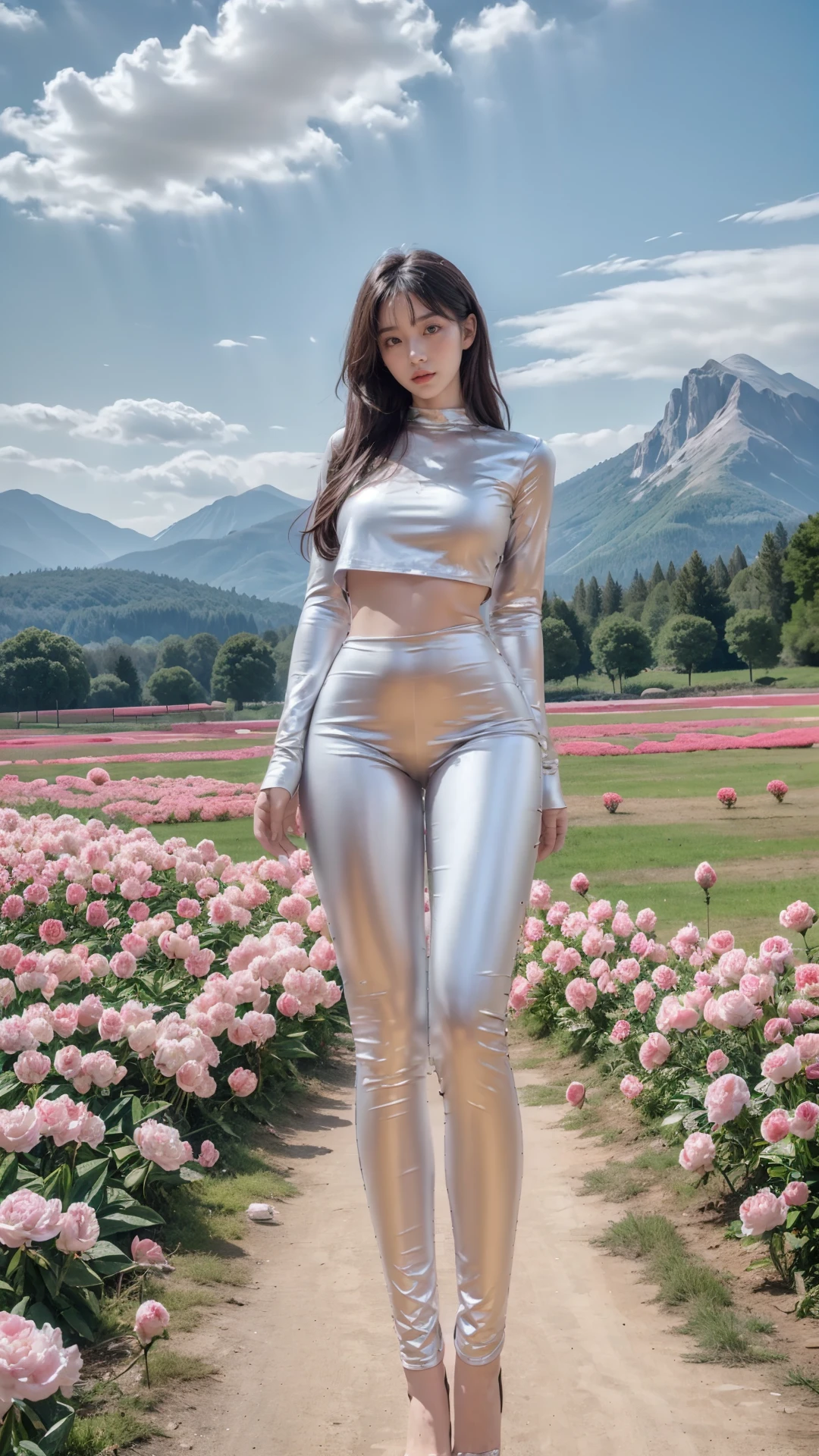
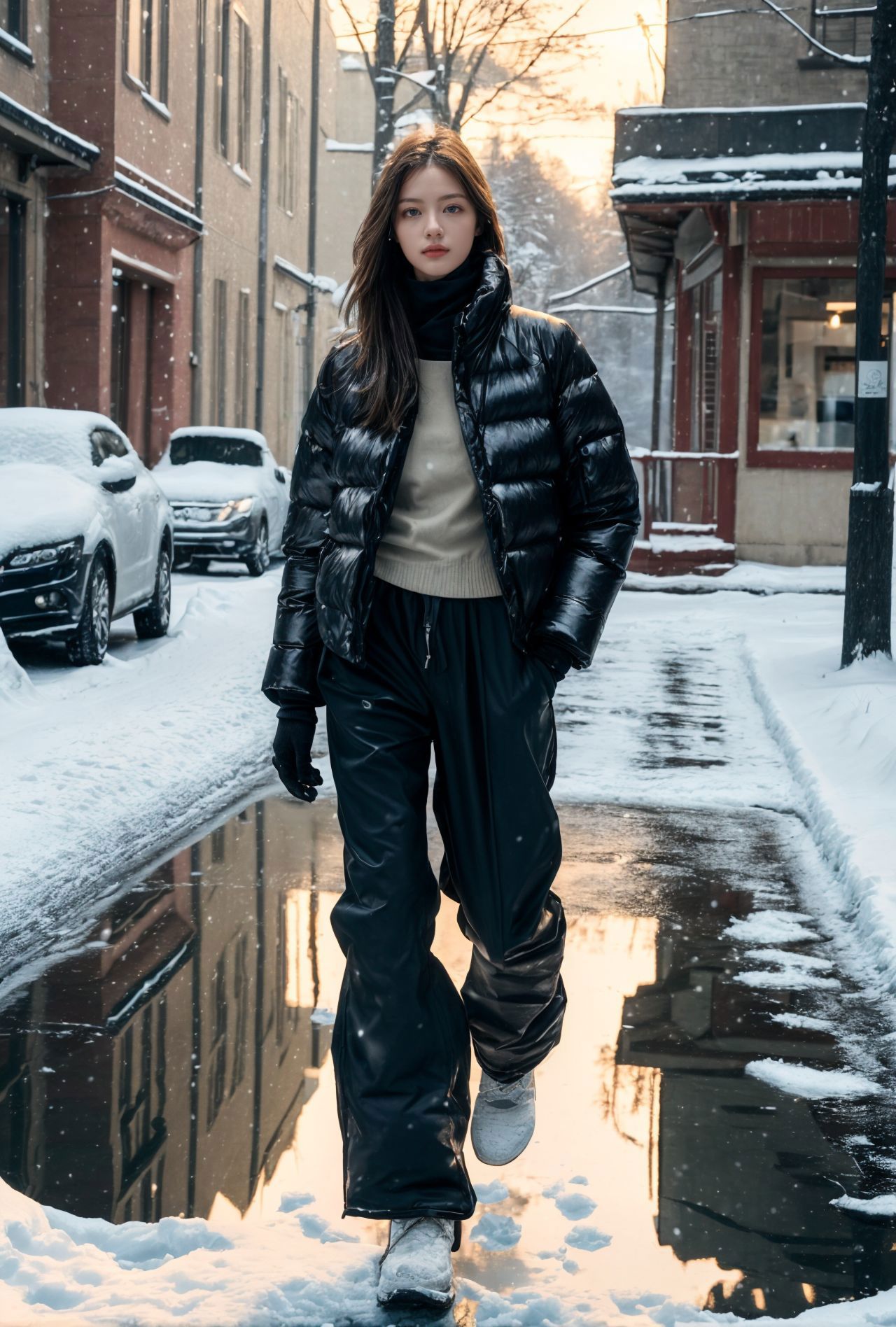
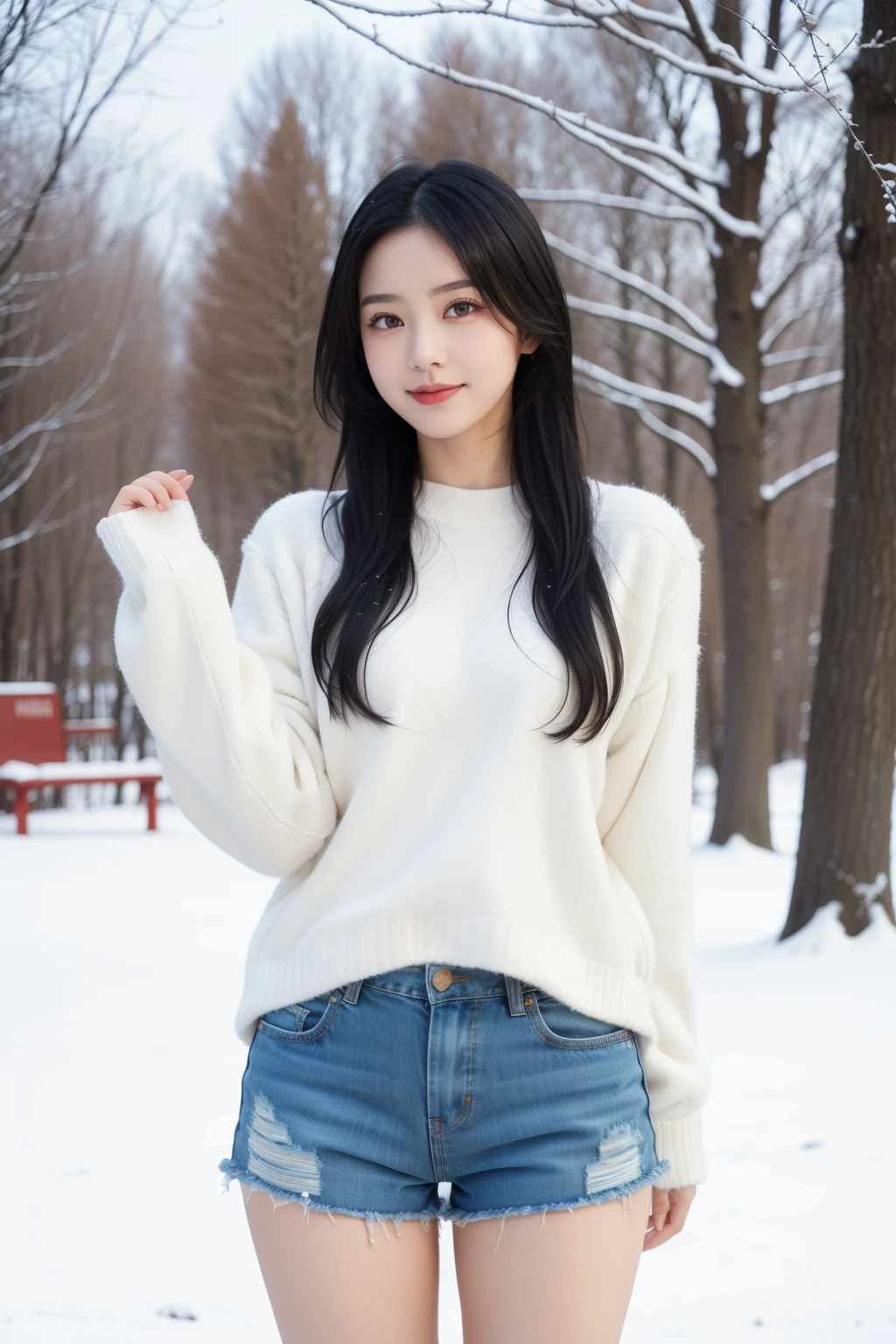
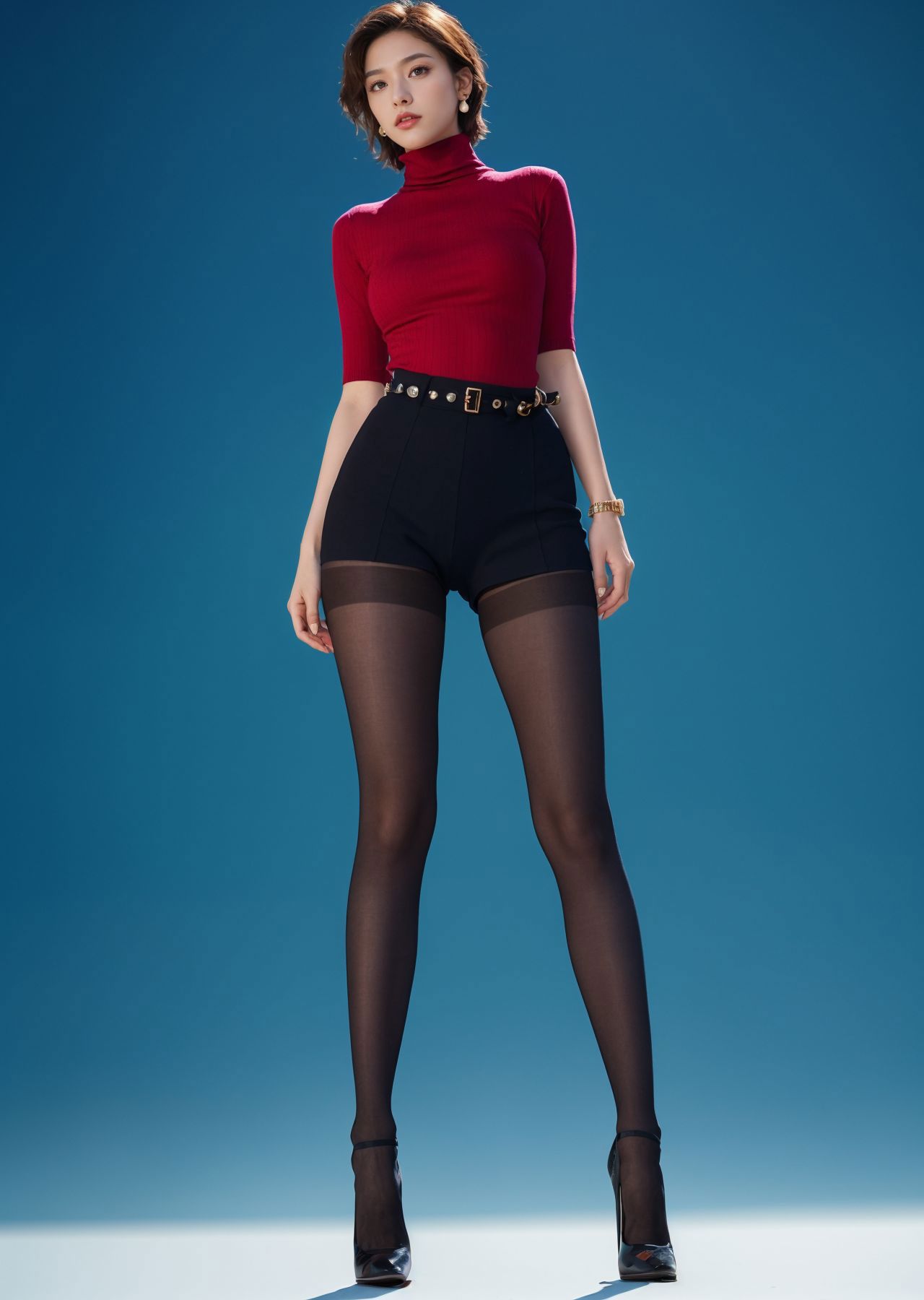
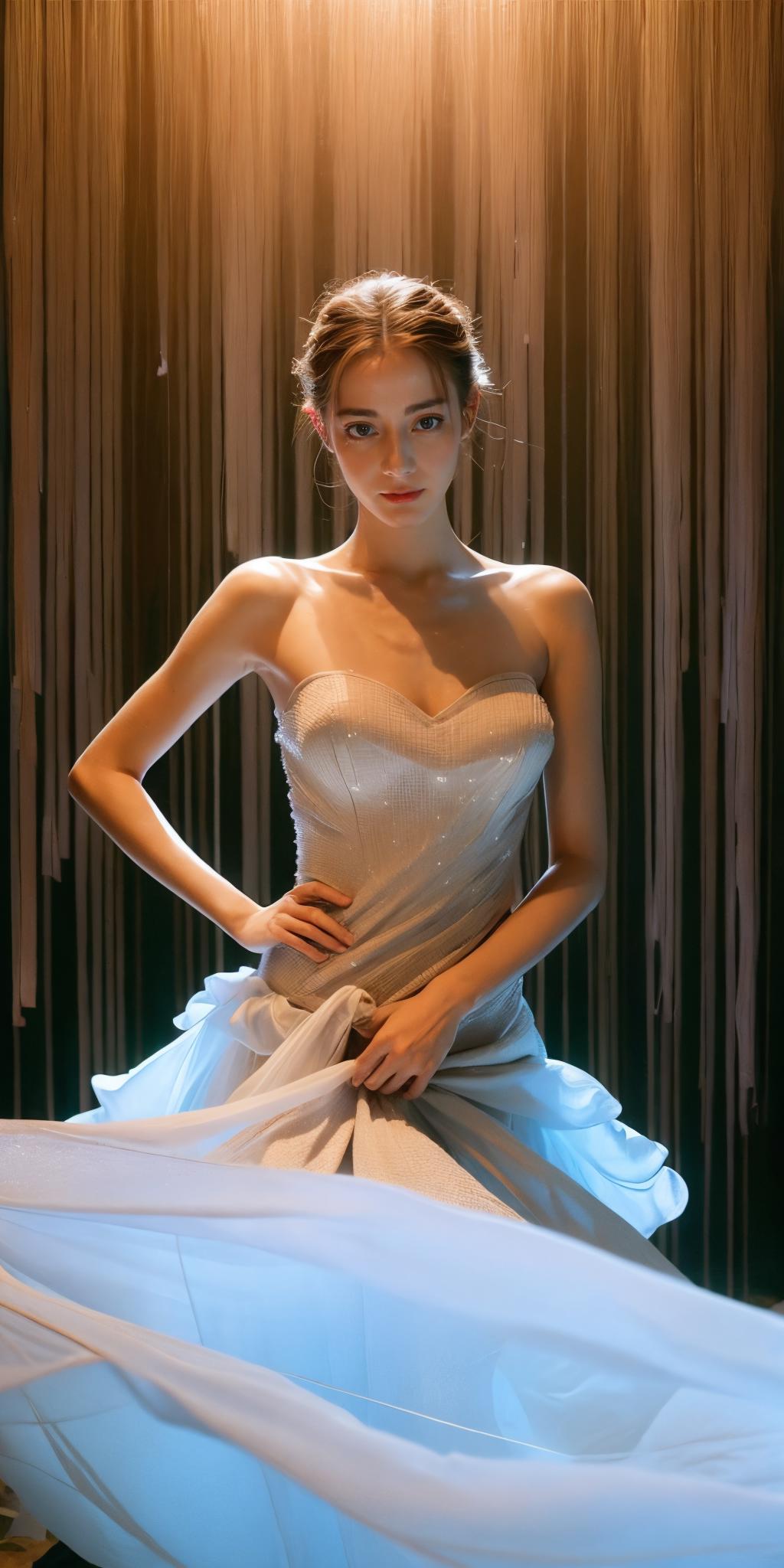
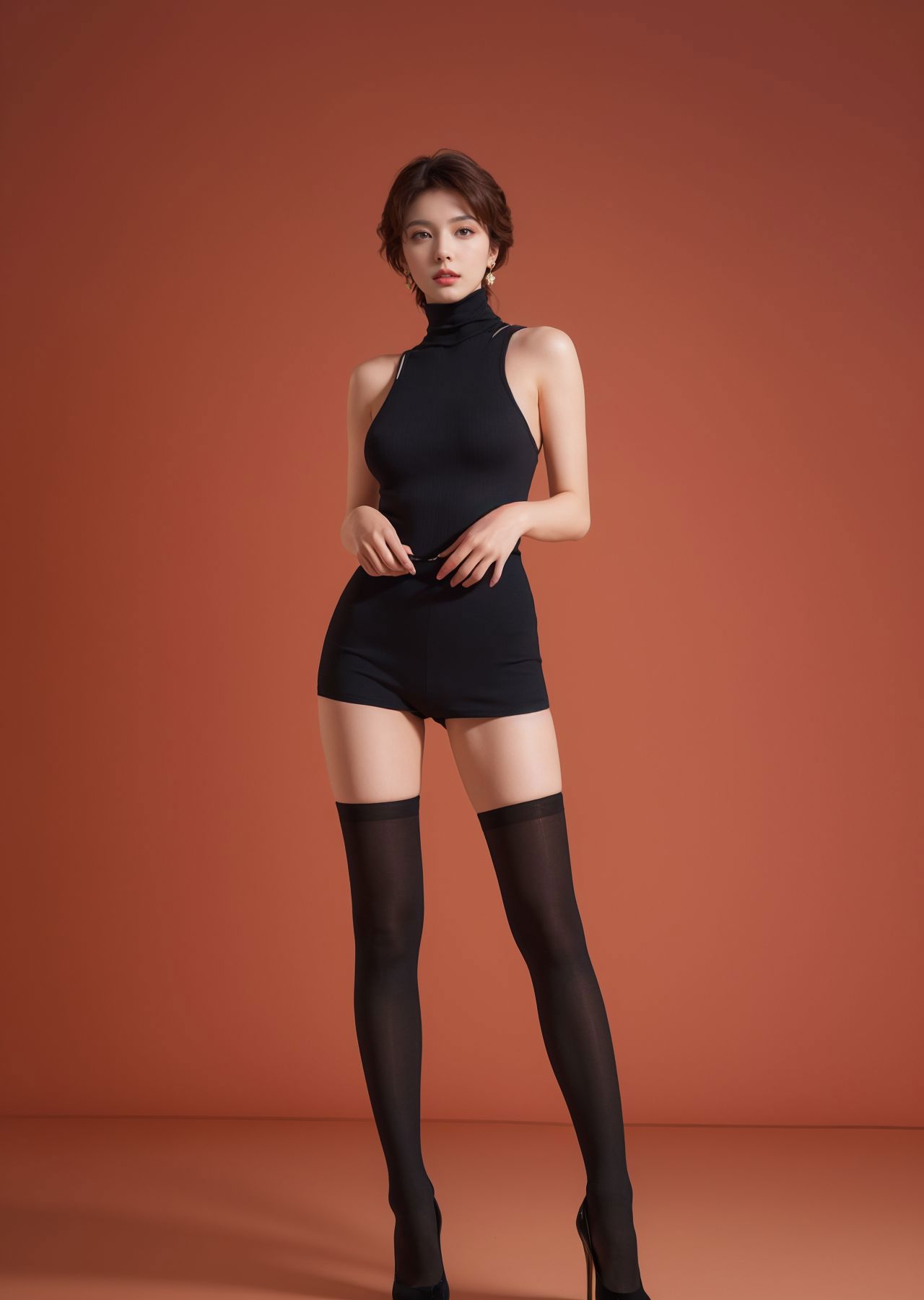
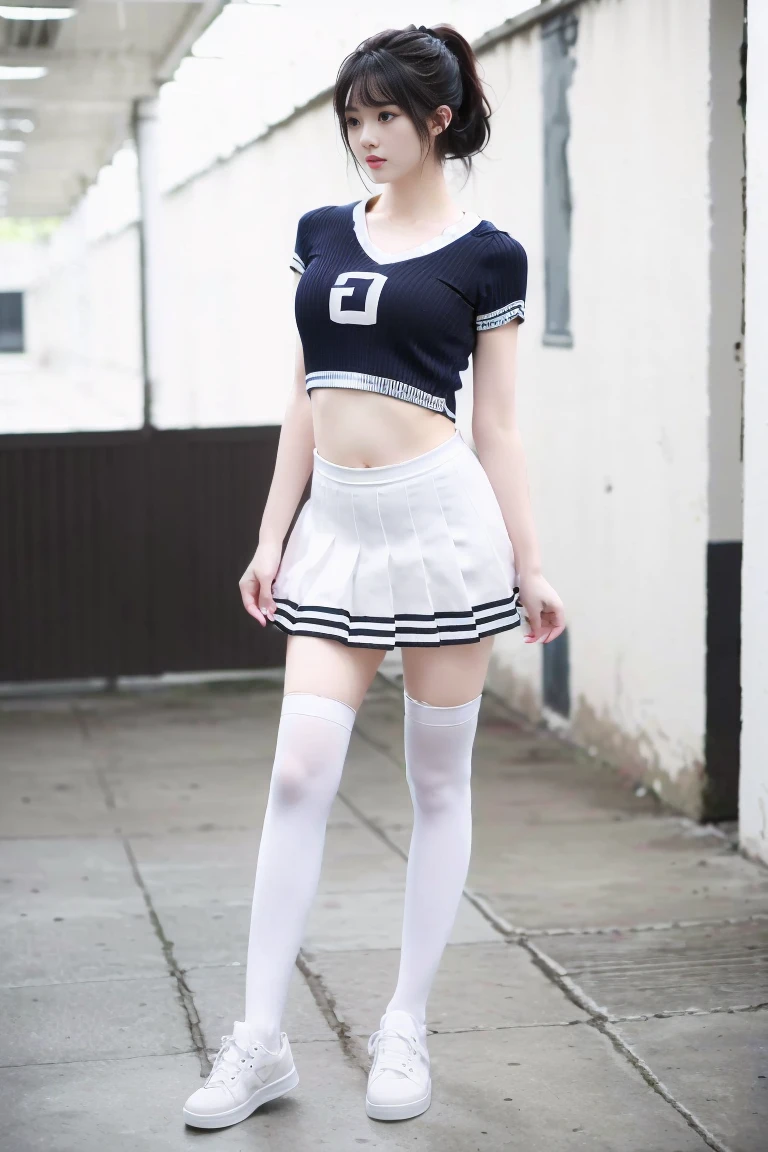
Regarding everyone’s feedback on the inconsistent proportions of the model’s body: The sample picture is 1024*2048, which is a fashion display photo, mainly to highlight the specific cut size of the clothes on the model.

If you don't like this size, you can set it to the default size, such as -512*768, 768*1024. It is recommended to use controlnet to fix the finger problem.

Recommended number of steps: 30-150 (30-50 is basically enough, unless you need to add more details on the clothing, you can open the large tag to adjust)

Sampling recommendation: spm++sde karras (I usually use this, you can test the others by yourself)

Recommended magnification algorithm: 4x-ultrasharp (redraw amplitude is about 0.2, magnification factor is generally 2)

Recommended size: 512x1024*2 (if you mind if your person is too long, you can use: 512*768/768*1024) cfg recommendation: 2-11 (if you are looking for some distinctive clothing or effects, 2-3.5 is recommended)

There isn’t much to share about controlnet.

Maybe it would be easier to understand by watching a video tutorial.

Version 1.0 is still very good, but version 2.0 is equally excellent, so choose yourself! E-commerce or other commercial graphics can be produced using post-processing software, so I won’t introduce them here.

Lihat terjemahan

Rating dan Ulasan

5.0 /5
0 rating

Belum menerima penilaian atau komentar yang cukup

avatar
jaysdvn
11
272
Pengumuman
2024-05-06
Memposting model
2023-10-30
Perbarui informasi model
Detail model
Jenis
Checkpoint
Waktu publikasi
2023-10-30
Model Dasar
SD 1.5
Kata Pemicu
realistic
Salin
Perkenalan versi

Regarding everyone’s feedback on the inconsistent proportions of the model’s body: The sample picture is 1024*2048, which is a fashion display photo, mainly to highlight the specific cut size of the clothes on the model.

If you don't like this size, you can set it to the default size, such as -512*768, 768*1024. It is recommended to use controlnet to fix the finger problem.

Recommended number of steps: 30-150 (30-50 is basically enough, unless you need to add more details on the clothing, you can open the large tag to adjust)

Sampling recommendation: spm++sde karras (I usually use this, you can test the others by yourself)

Recommended magnification algorithm: 4x-ultrasharp (redraw amplitude is about 0.2, magnification factor is generally 2)

Recommended size: 512x1024*2 (if you mind if your person is too long, you can use: 512*768/768*1024) cfg recommendation: 2-11 (if you are looking for some distinctive clothing or effects, 2-3.5 is recommended)

There isn’t much to share about controlnet.

Maybe it would be easier to understand by watching a video tutorial.

Version 1.0 is still very good, but version 2.0 is equally excellent, so choose yourself! E-commerce or other commercial graphics can be produced using post-processing software, so I won’t introduce them here.

Cakupan Lisensi
Model Source: civitai

1. Hak untuk model yang diposting ulang adalah milik pembuat aslinya.

2. Pencipta asli yang ingin mengklaim model harap hubungi staf SeaArt AI melalui saluran resmi. Klik untuk mengklaim

Cakupan Lisensi Penciptaan
Gambar Online
Melakukan Penggabungan
Izinkan Unduhan
Lisensi Komersial
Gambar yang dihasilkan dapat dijual atau digunakan untuk tujuan komersial
Izinkan model dijual kembali atau dijual setelah penggabungan
QR Code
Unduh SeaArt App
Lanjutkan perjalanan kreasi AI Anda di perangkat mobile