Jenis
Checkpoint
Waktu publikasi
2023-07-05
Model Dasar
SD 1.5
Perkenalan versi
SafeTensor

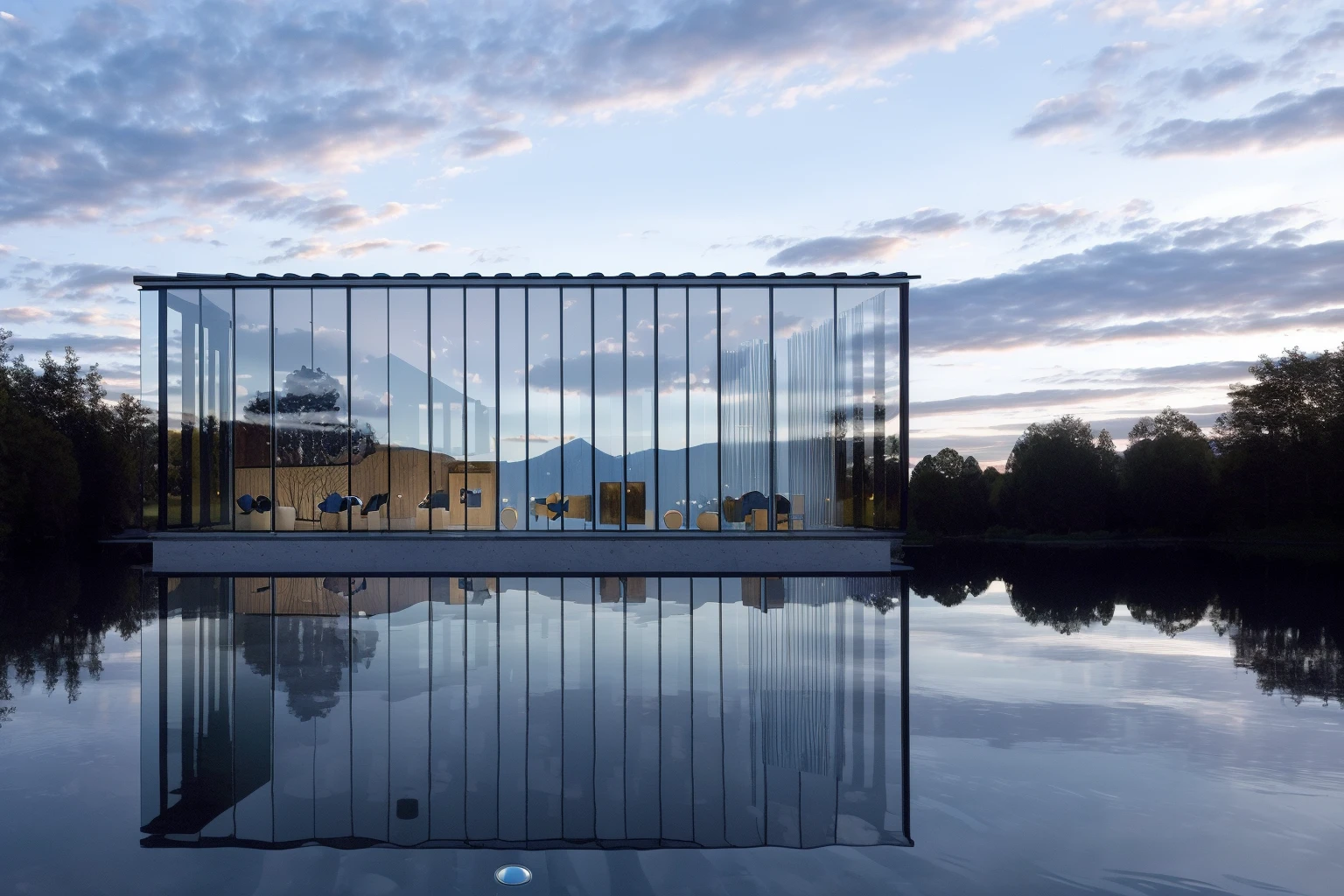
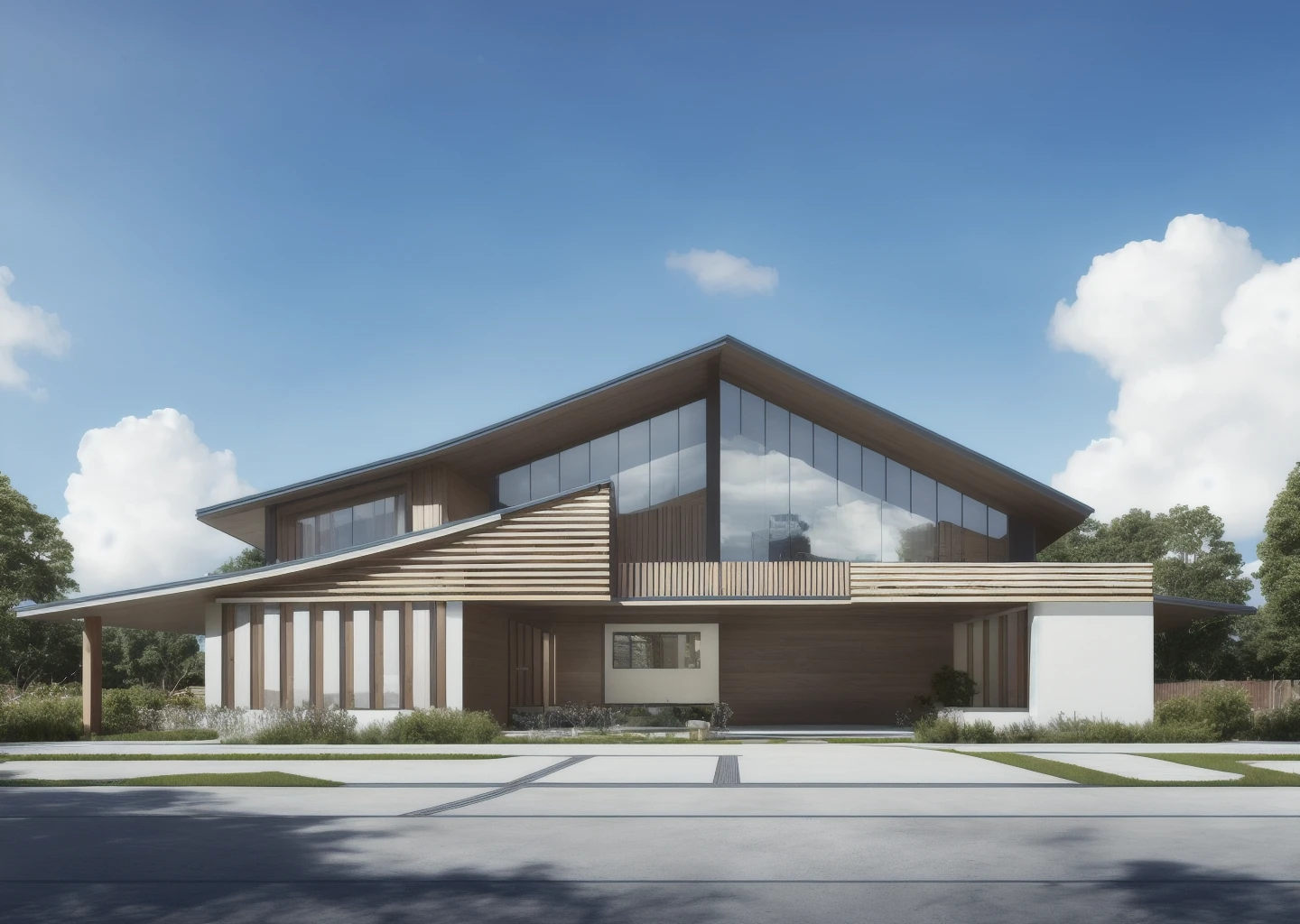
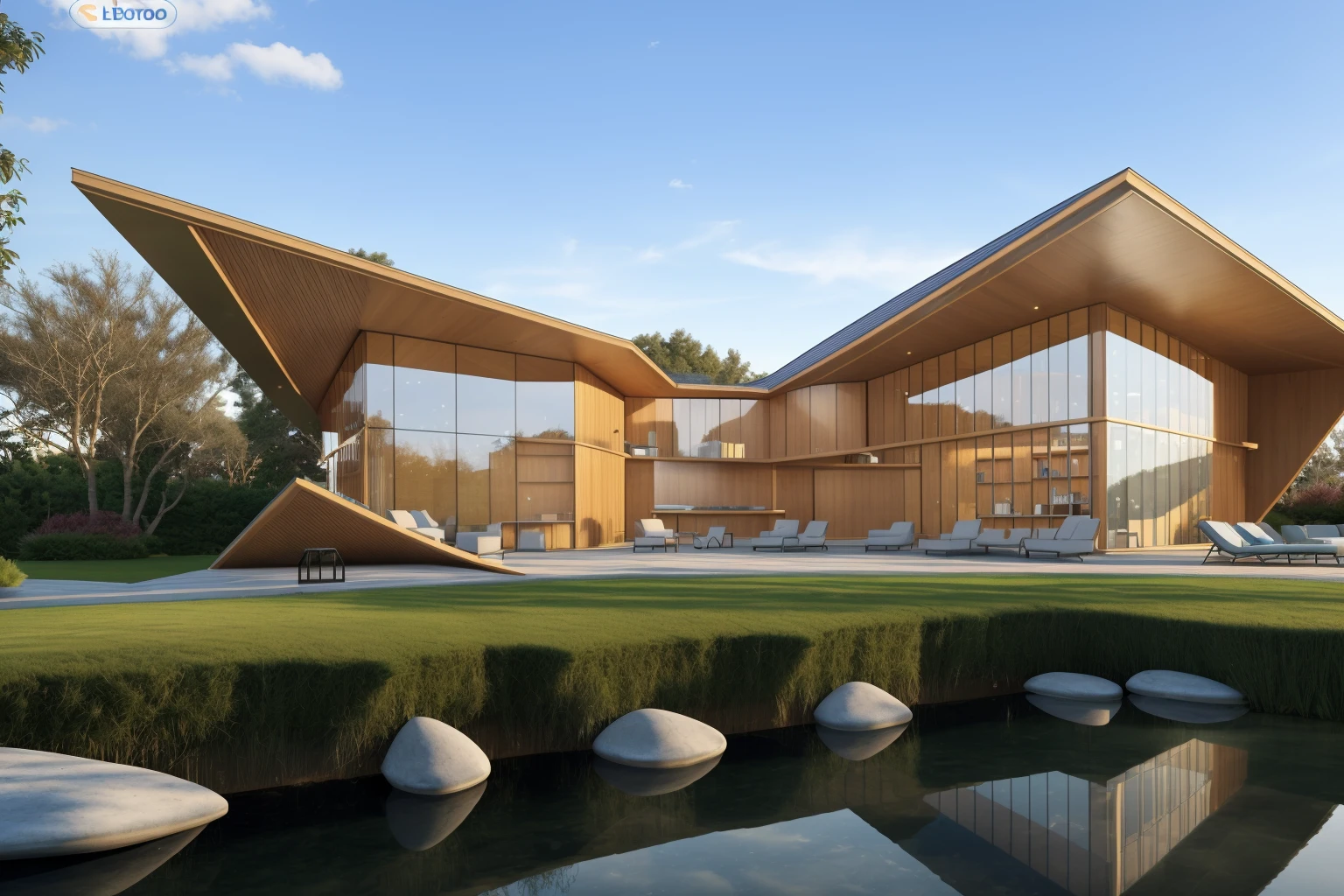
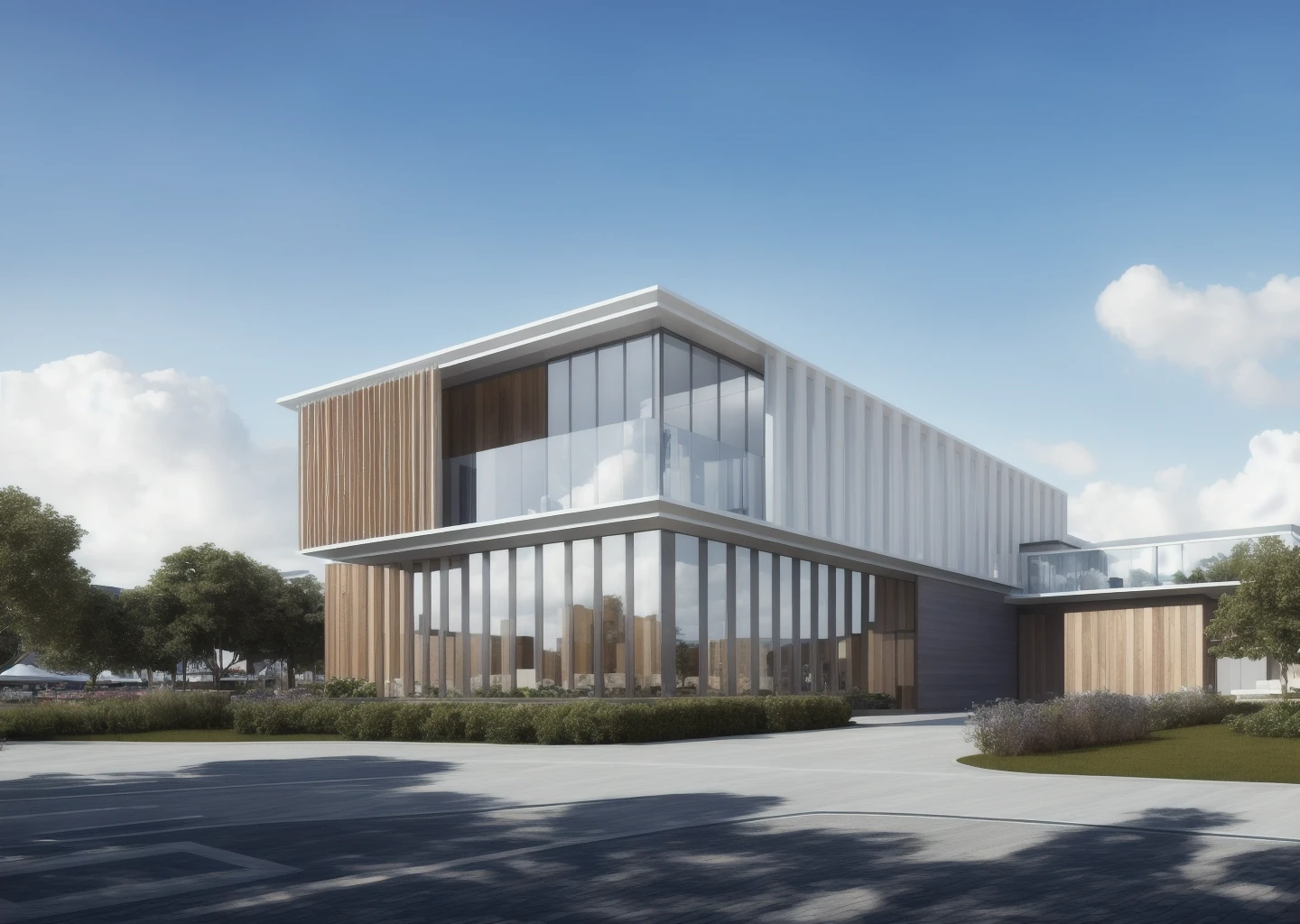
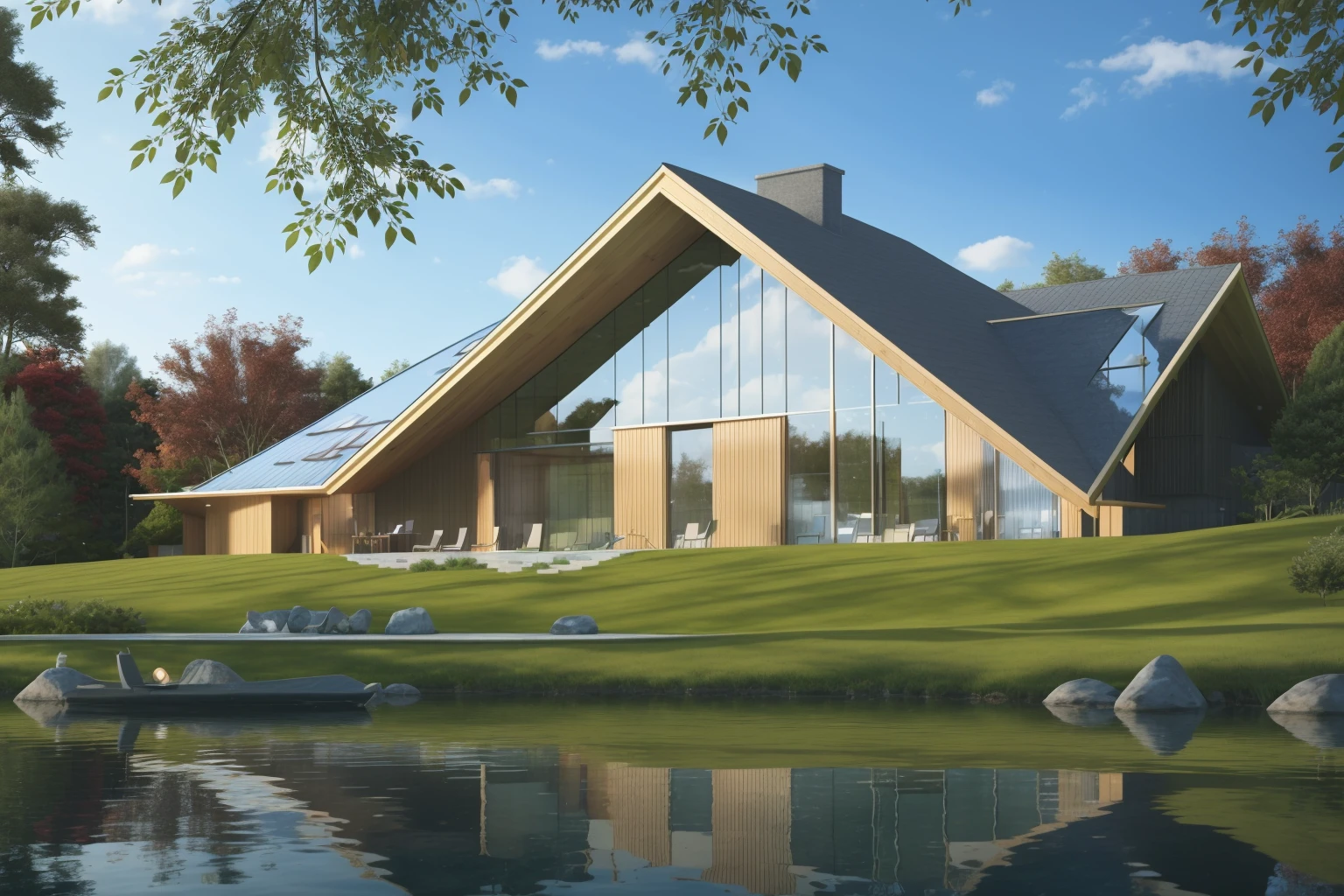
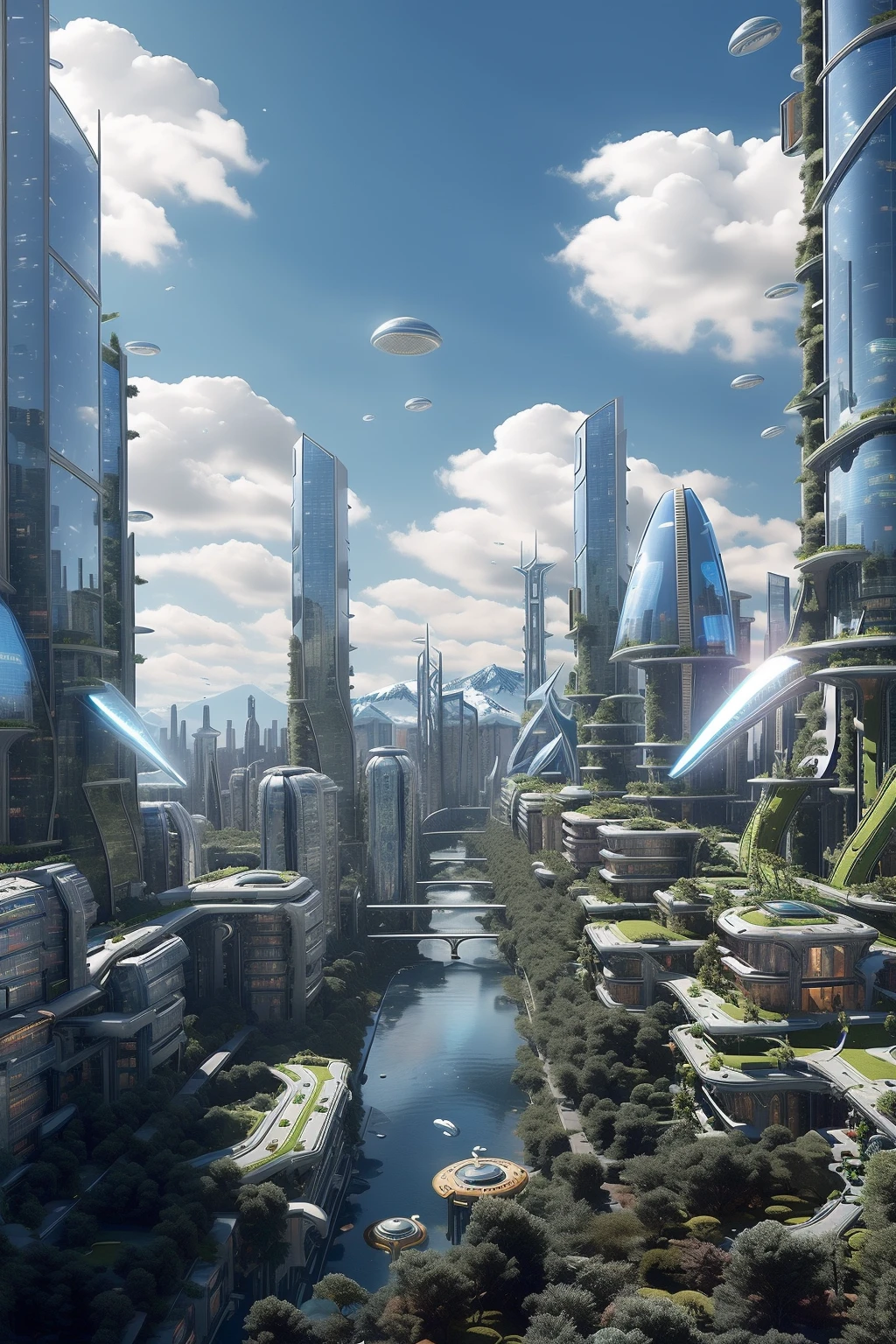
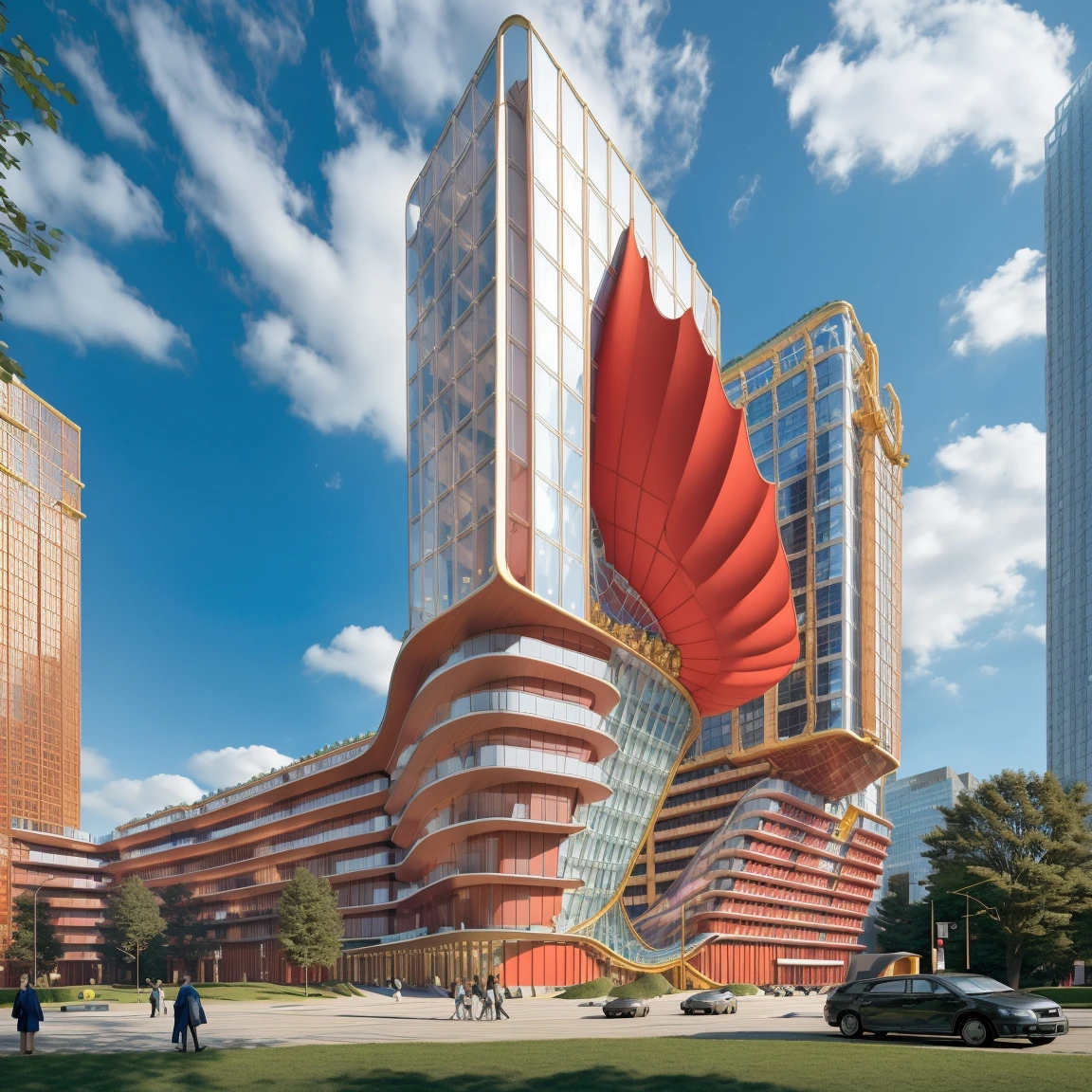
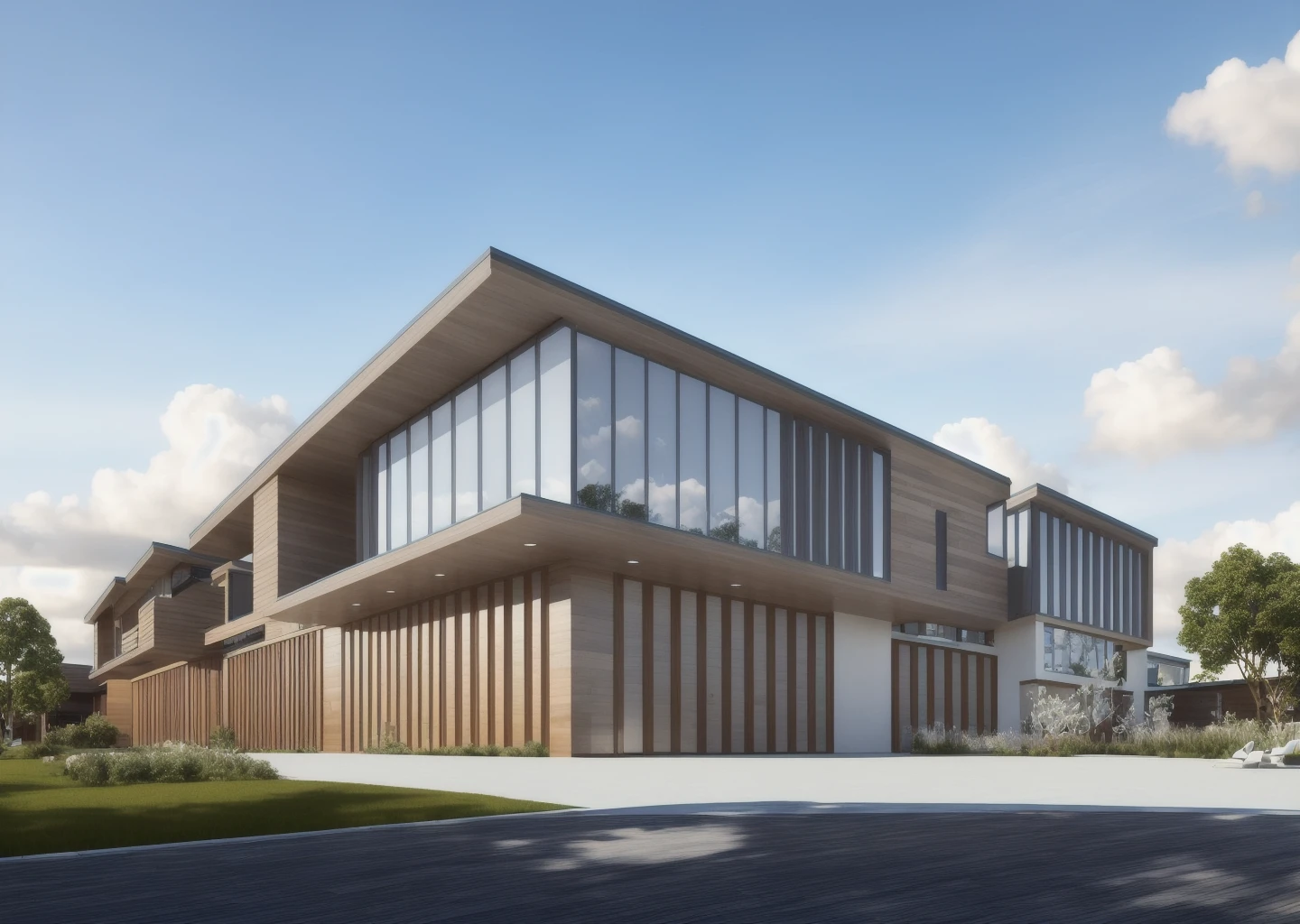
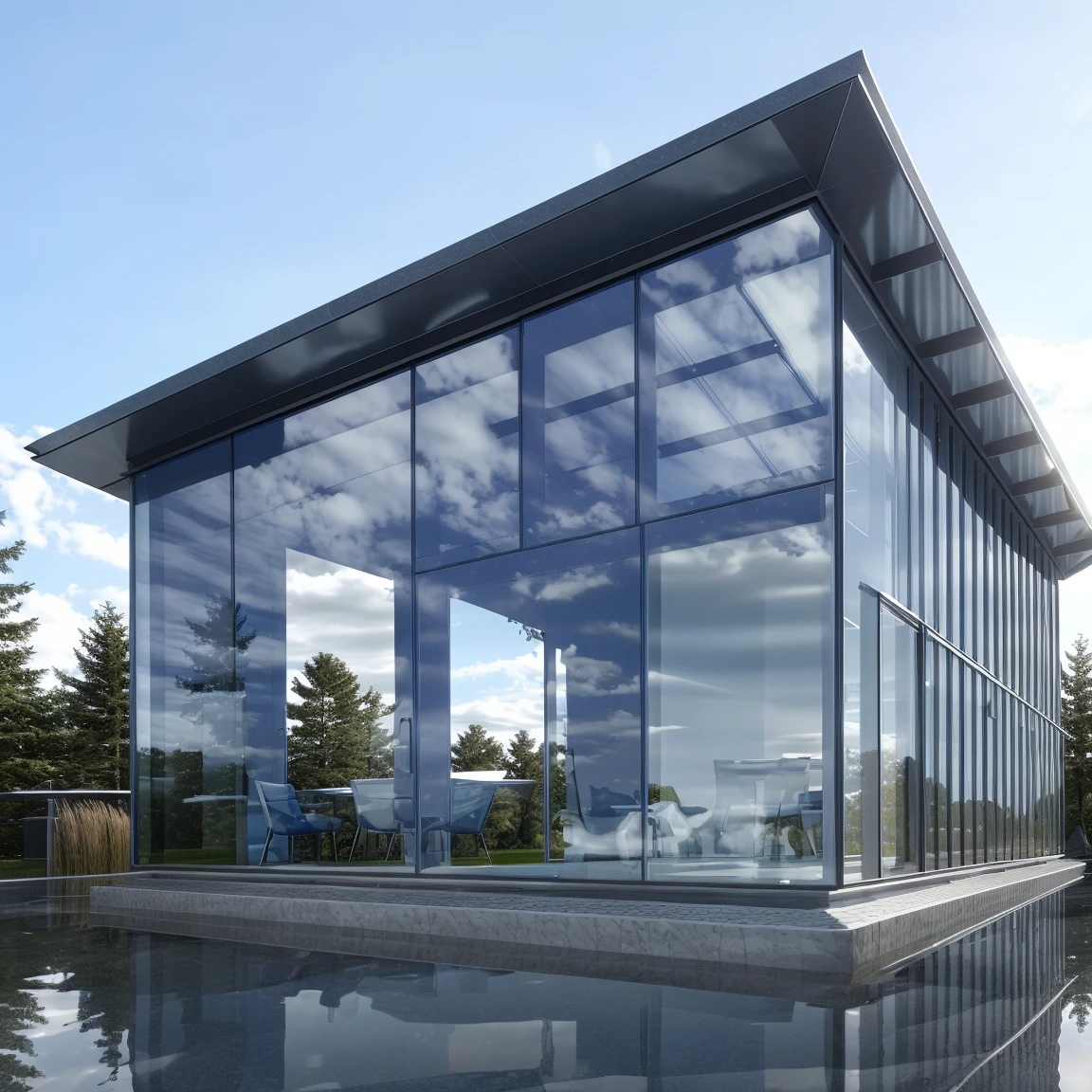
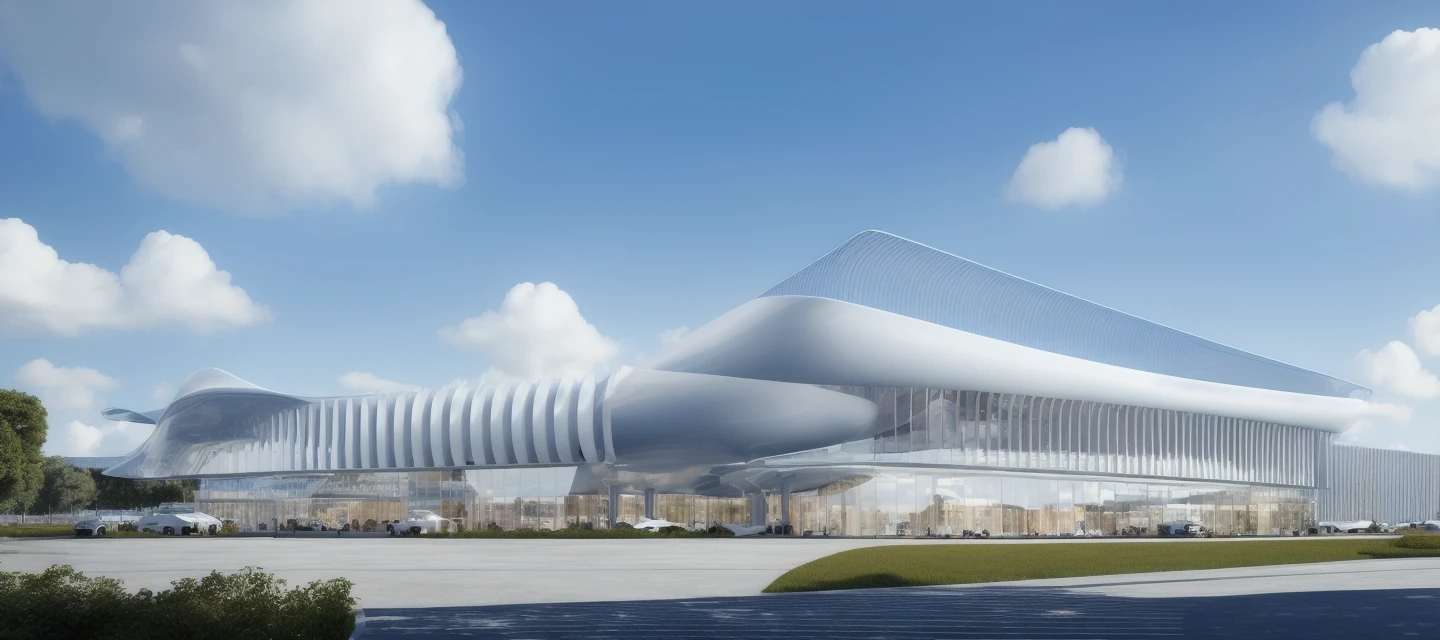
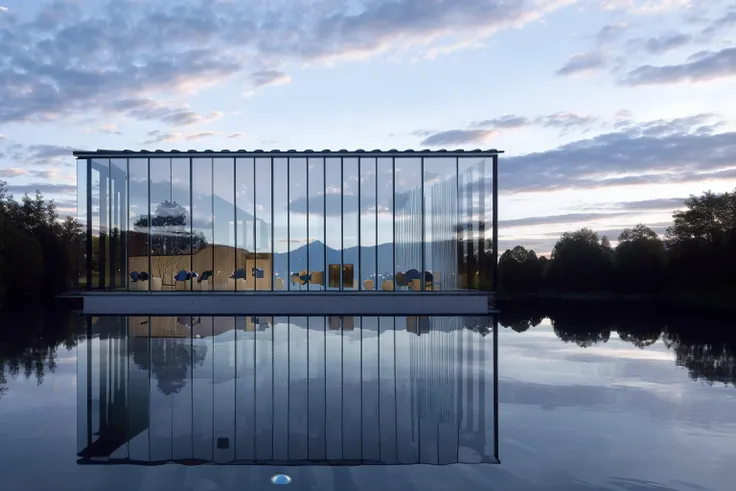
使用建议:
如果您想获得参数,请下载图像并使用稳定扩散特性。
任何现代建筑形式
这次作为XS建筑模型的重要更新,我们不仅解决了柔光曝光的问题,而且在建筑形式上进行了更加多样化的尝试。在渲染软件的帮助下,我们还制作了各种材料的立面表达。提示越详细,提示的效果就越好。您可以在提示符中输入“图像左侧的汽车”,它仍然会显示。
配合一些TI, VAE等使用文件
如果你觉得用起来不错,记得给我打个五星评价哦❤❤❤!这对我来说非常重要(特别是带图像)
如果您有任何问题,请通过[email protected]与我联系(商务相同)
Suggestions for use form XS:
If you want to get the parameters, download the image and use the stable diffusion feature.
Any modern architectural form
This time, as an important update of XS architectural model, we not only solved the problem of soft light exposure, but also made more diverse attempts on architectural forms. With the help of rendering software, we also made the facade expression of various materials. The more detailed the prompt is, the better the prompt will perform. You can enter "car on the left side of the image" into the prompt and it will still display.
TI, VAE and other documents for use
If you think it's good, give me a five-star review❤❤❤,This is very important to me (especially with images)
If you have any questions, please contact me at [email protected] (Same for business)
XSからの使用アドバイス:
パラメータを取得したい場合は、画像をダウンロードし、??拡散機能を使用してください。
現代の建築様式では
今回、xs建築モデルの重要なアップデートとして、ソフトな光の露出の問題を解決しただけでなく、建築形態についてもより多様な試みを行った。また、レンダリングソフトを活用して、様々な素材のファサード表現も行いました。プロンプトが詳細であればあるほど、プロンプトのパフォーマンスは向上します。プロンプトに「画像の左側にある車」と入力しても表示されます。
TI、VAEなどのファイルを一緒で使ってください
モデルをいいと思ったら5つ星をつけて返事してお願い❤❤❤!(特にイメージを持ったら)
何かご質問がございましたら、[email protected]にメールしてください。(ビジネスも同じです)
SafeTensor
1. Hak untuk model yang diposting ulang adalah milik pembuat aslinya.
2. Pencipta asli yang ingin mengklaim model harap hubungi staf SeaArt AI melalui saluran resmi. Klik untuk mengklaim
