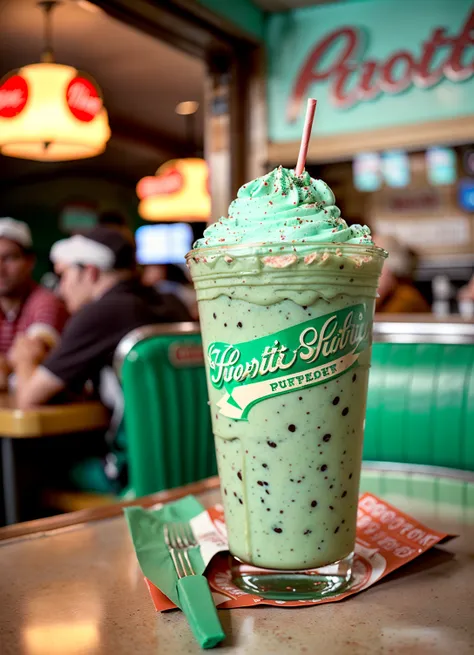
Update 1.5: You fool! That wasn't even my final form! finally cut out the burn effect that hurt some prompts at normal CFG like 7, for what I hope will be once and for all, and reduced the darkness even more. No more random super dark prompts and way fewer super saturated images, while keeping the model's personality intact. Done with MBW with Vodka v4.0 and Centerflex v1.0. Oh yeah, I also have an RTX 3090 now, so expect some fun training from me in the future.
1.5 update quick start info:
<neg-sketch-2> negative embedding highly recommended for realism and 3D style images (among others).
When prompting for paintings, I suggest using framed, borders, photo as your negative prompt to get fullscreen images and cut out any weird 3D-like people.
When prompting for illustrations, I like to use photo, realistic as my negative prompt.
When prompting for realism, I normally use a negative prompt of <neg-sketch-2>, anime, render, pixar, illustration, sketch at 1.2 weight.
Garbage-bin LoHa recommended for some any silliness ;)
Example v1.5 images were generated using latent upscaling from close to ~512x resolution up a few hundred pixels each side at 0.55-0.65 strength w/ DDIM. This was followed up with an ESRGAN model upscale, then converting the image to latents and using ControlNet Tile in a latent to latent stage at 0.2-0.4 strength w/ DDIM.
My personal merge of Stable Diffusion 1.5 custom models using the noise offset to improve contrast and dark images. An inpainting model is provided to make inpainting in the model’s styles and detail easier.
I like to think of this model as being like base SD 1.5 hyped up on energy drinks and ADHD. Maybe some artist names aside (I don't use them ever, anyway), it has a lot of 1.5's general-purpose power, but has a much higher baseline detail and quality and can be very responsive, provided you're using appropriate settings.
This model is meant to be:
Artistic and elegant
Drop-dead easy to work with
Good at making cool characters and landscapes
Not bound or leaning towards any single style
Killer at digital and conventional art in many aesthetics
And above all, fun
It’s not so great at and anime, including anime-based embeddings. There’s a million other models for those if that’s what you’re after.
There is some ability to bring out a neat anime aesthetic when you prompt for 'anime style', which I find to be quite cool to look at, although it can be a bit finicky. If you try to make anime-esque art with this model, do not put 'portrait' in your negative prompt, or use 'close' or 'closeup' in your positive prompt, as those seem to force it into a 3d-like style even if you add more weight on the anime style.
I want to also bring attention to whosawhatsis' verisimilitude, which is great at readily making wallpaper-quality photorealistic stuff.
I also want to shoutout coreco and his seek.art MEGA v2, which was responsible for much of the composition of V1.3-V1.4, and is an excellent update to his Mega model.
Example images were generated in Invoke AI. This means unless you use Invoke AI, you likely won't be able to recreate my images exactly. Just learn from the prompts and modify the weighting in prompts as needed for the UI you use (if you use the A1111 UI, any (plus sign)+ is equal to one set of parentheses).
By downloading, you agree to the creativeml-openrail-m and Dreamlike-art licenses.
Credits (V1.4 / V1.3.5):