Detail
Rekomendasi
v1.0
Eyes detection (Adetailer)

Eyes detection (Adetailer)

0
8
0
#eyes
#tool
#detection

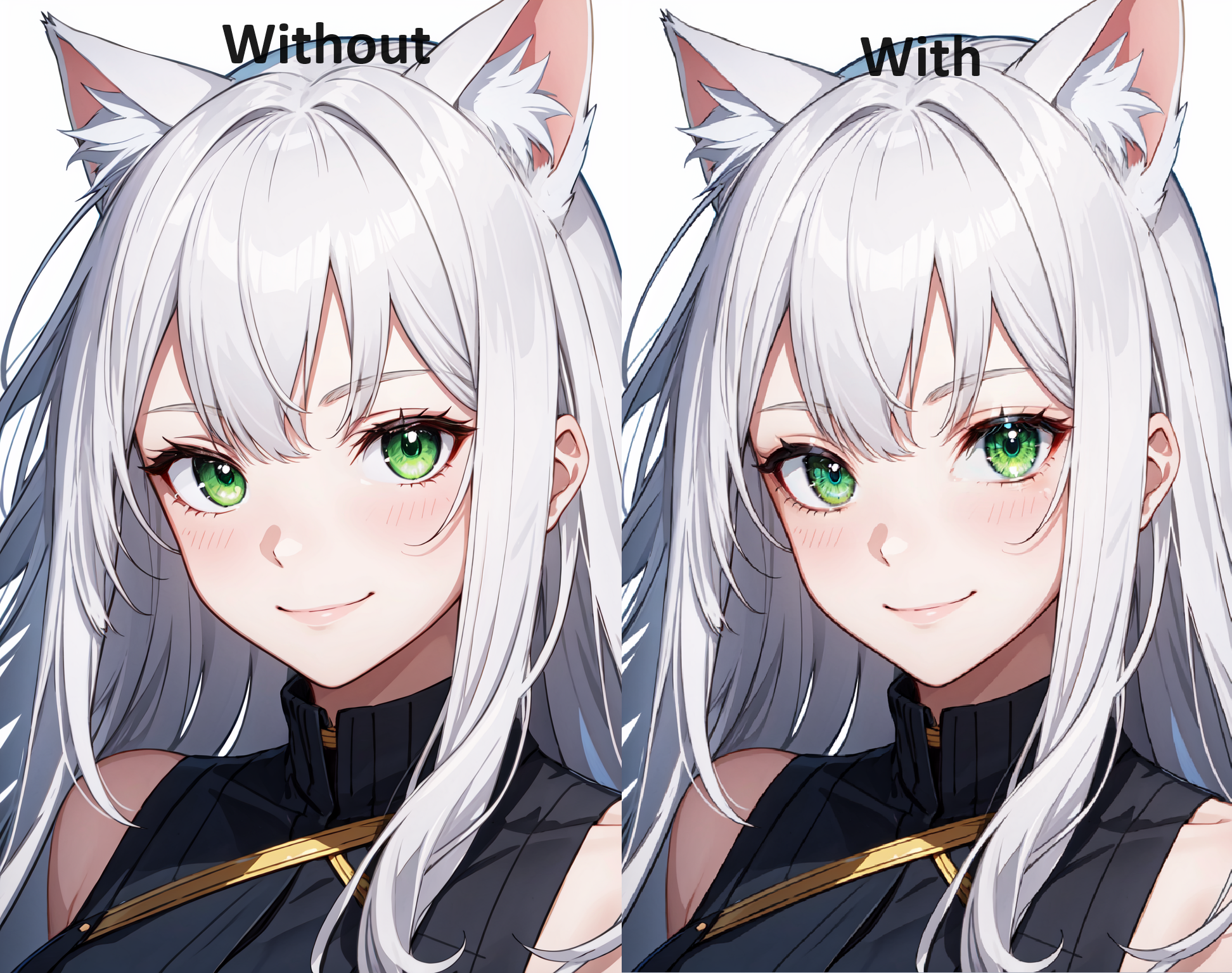
This model detects eyes so you can add more detail to the eyes.

Can be used for:

  • Adding details to eyes

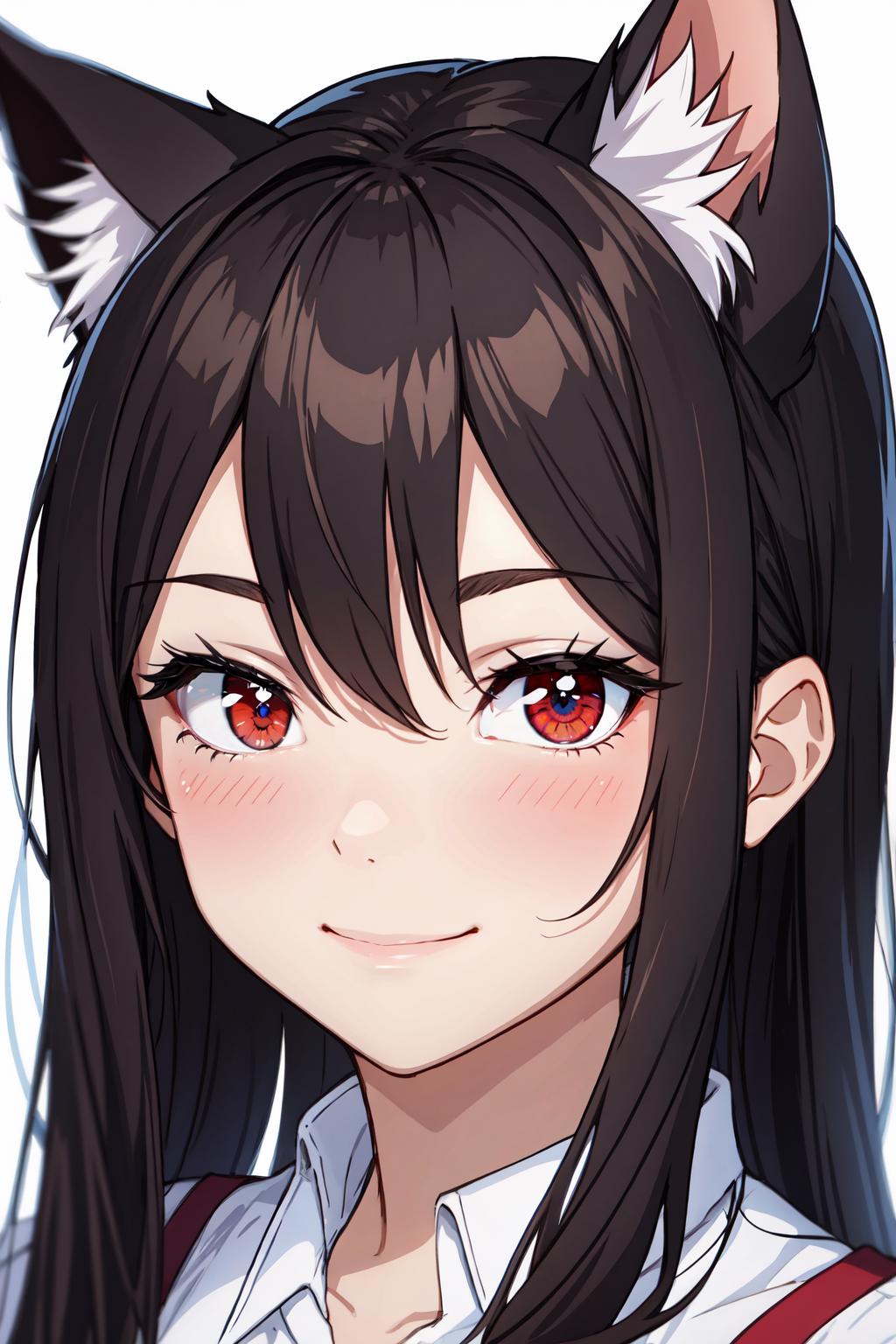
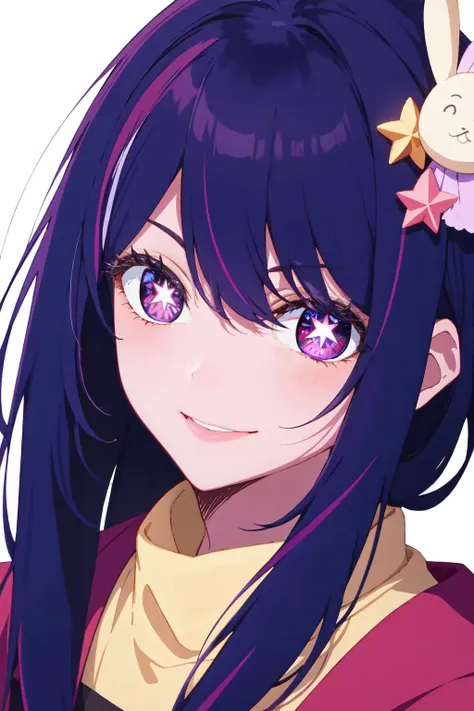
  • Enhance character specific eyes (Hu Tao, AI Hoshino, etc.)

  • Use with models for eyes

How to use:

Open Adetailer tab

  • Open detection tab

  • Insert you prompts, leave empty for same prompts as main generation

  • Decide confidence threshold (recommended 0.3-0.5) usually finds it around 0.8 or higher but might not find the eye if character has disfigured eye or looking away.

  • Mask only the top

    • Apply to top (2) highest confidence score.

    • Depends on the amount of eyes you want to detect, default would be 2!

    • Example: character with eyepatch only detect 1

    • Example: Kokushibo from demonslayer has 6 eyes so apply to top 6

    • 0 = default = no limit, all scores above threshold are applied

  • Mask Preprocessing set to merge to do all detections at the same time

    • Use this mainly for an image of a solo character

    • Have a higher threshold so background characters don't get applied

  • Inpainting, choose to leave settings the same as the main generation or custom

How to install:

  1. Go to https://github.com/Bing-su/adetailer and install Adetailer

  2. Place the this file (Eyes.pt) in "stable-diffusion-webui\models\adetailer"

  3. and reload WebUI.

Install for Automatic1111:

  1. Open "Extensions" tab.

  2. Open "Install from URL" tab in the tab.

  3. Enter https://github.com/Bing-su/adetailer.git to "URL for extension's git repository".

  4. Press "Install" button.

  5. Wait 5 seconds, and you will see the message "Installed into stable-diffusion-webui\extensions\adetailer. Use Installed tab to restart".

  6. Go to "Installed" tab, click "Check for updates", and then click "Apply and restart UI". (The next time you can also use this method to update extensions.)

  7. Completely restart A1111 webui including your terminal. (If you do not know what is a "terminal", you can reboot your computer: turn your computer off and turn it on again.)

Check out my posts on my Pixiv: https://www.pixiv.net/en/users/20080642

If you'd like to support me a little check out my ko-fi page: https://ko-fi.com/yukinoai

If you want to see all my exclusive (and uncensored) posts check out my Patreon: https://www.patreon.com/Yukino_AI

Lihat terjemahan

Rating dan Ulasan

-- /5
0 rating

Belum menerima penilaian atau komentar yang cukup

no-data
Tidak Ada Data
Y
Pengumuman
2024-07-25
Memposting model
2023-09-24
Perbarui informasi model
Detail model
Jenis
Other
Waktu publikasi
2023-09-24
Model Dasar
SD 1.5

Cakupan Lisensi
Model Source: civitai

1. Hak untuk model yang diposting ulang adalah milik pembuat aslinya.

2. Pencipta asli yang ingin mengklaim model harap hubungi staf SeaArt AI melalui saluran resmi. Klik untuk mengklaim

Cakupan Lisensi Penciptaan
Gambar Online
Melakukan Penggabungan
Izinkan Unduhan
Lisensi Komersial
Gambar yang dihasilkan dapat dijual atau digunakan untuk tujuan komersial
Izinkan model dijual kembali atau dijual setelah penggabungan
QR Code
Unduh SeaArt App
Lanjutkan perjalanan kreasi AI Anda di perangkat mobile