Jenis
LORA
Waktu publikasi
2024-02-25
Model Dasar
SDXL 1.0
Perkenalan versi
64色、1/16像素点


2024/03/05补充:
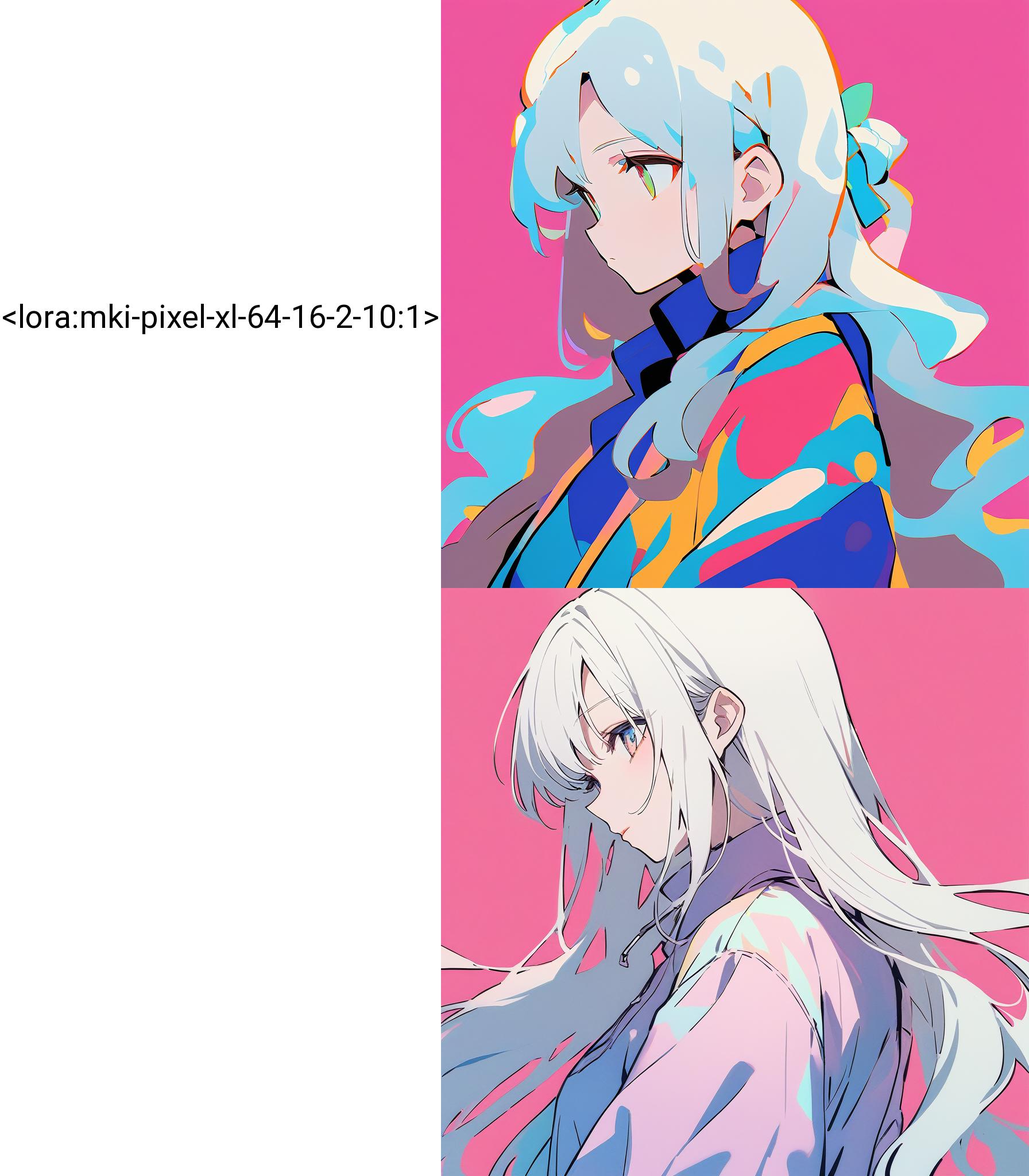
老实说这个并不是一个成功的模型,后续经过更多的测试后发现这个模型的局限依然很大,当前发现最大的问题是对于眼睛等部分无法做到很好的像素化,与常见的像素逻辑相违背,希望您在使用时不要对此抱过高的期望,目前仍然建议使用算法进行像素化,而非图像直出
3/5/2024
To be honest, this isn't a "good" model. After further testing, it's clear that this model still has significant limitations. One major issue we've found is its inability to pixelate areas like the eyes effectively, which goes against common pixelation logic. Please don't expect too much when using it. We still recommend using algorithms for pixelation rather than direct image output.
在animagineXLv3中,有“pixelart”可触发像素风格的图,但无法修改像素点大小
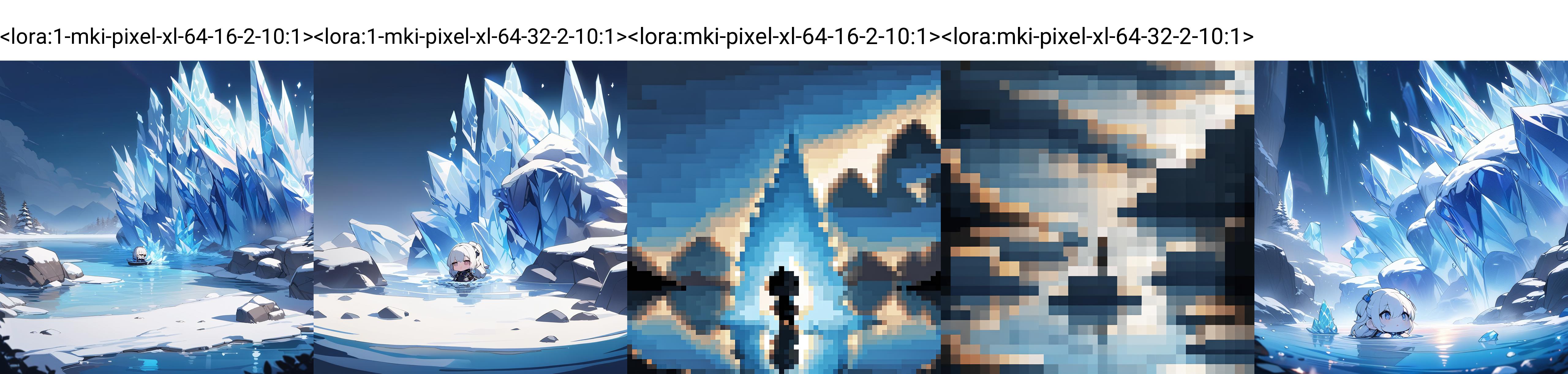
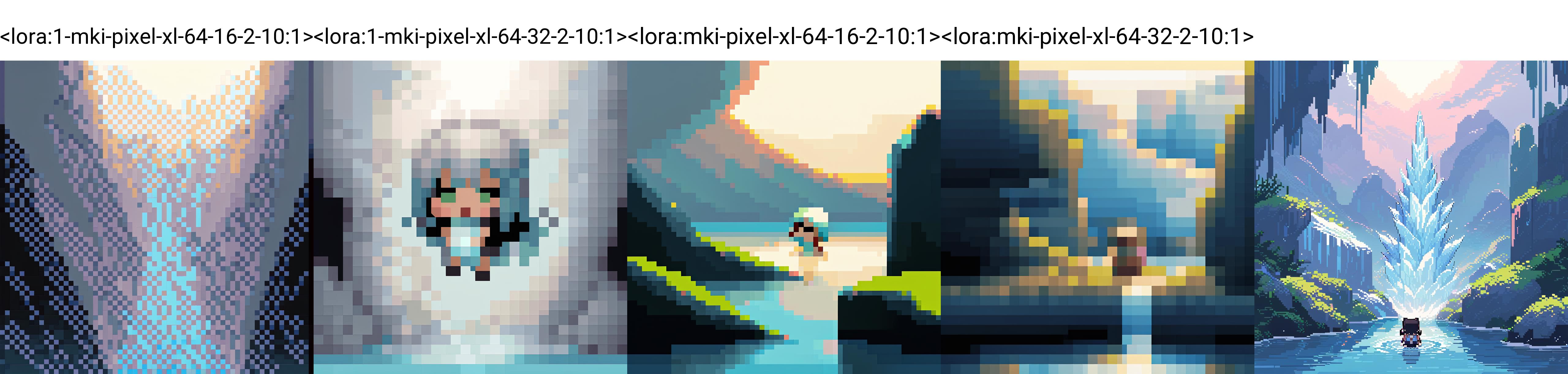
该模型在SDXL中执行像素化作,10241024的图中,切分为6464的像素格效果。(1/16)
经测试,在大多数场景和人物中均能够产生有效的效果,但仍然存在一些测试结果无法达到期望效果的情况(例如64-16最后一张图),具体场景尚不确定。
目前发布版本为64色、1/16缩放、其他版本正在测试。。。但情况貌似不太乐观。
In AnimagineXLv3, there's an option for "pixelart" that triggers a pixel-style image, but unfortunately, you can't tweak the size of the individual pixels.
This model executes pixelation operations in SDXL. In a 10241024 image, the effect is achieved by dividing it into 646ixel grids (1/16th). Through testing, it has proven effective in the majority of scenarios and with various subjects. However, there are instances, such as the last image in the 64-16 series, where the desired effect could not be consistently achieved. The specific scenarios causing this discrepancy are currently uncertain.
The current released version features 64 colors, 1/16 scaling, and other versions are undergoing testing. However, the outlook seems somewhat pessimistic.


64色、1/16像素点
1. Hak untuk model yang diposting ulang adalah milik pembuat aslinya.
2. Pencipta asli yang ingin mengklaim model harap hubungi staf SeaArt AI melalui saluran resmi. Klik untuk mengklaim
