



Detail
Rekomendasi
FurtasticV2.0
FurtasticV1.1
FurtasticV1.0
FurtasticV0.9
FurtasticV2.0

FurtasticV2.0

8.3K
400
2.3K
#3D
#digital art
#blender
#Style
#Furry
#beautiful
#digital illustration
#3D
#digital art
#blender
#Style
#Furry
#beautiful
#digital illustration

Don't forget the negative embeddings or your images won't match the examples

The negative embeddings go in your embeddings folder inside your stable diffusion webui folder

(if you have a different install I'm not sure but someone will know online)

To use the negative embeddings properly they need to be added to your negative Prompt only

Also this is trained on 768 resolution images so it won't do well with 512 resolutions, different ratios do work but are hit or miss.

4 months, 700,000 images, and a very high electric bill and the model is finally in the "Good Enough" stage.

Tags

Tags Alt

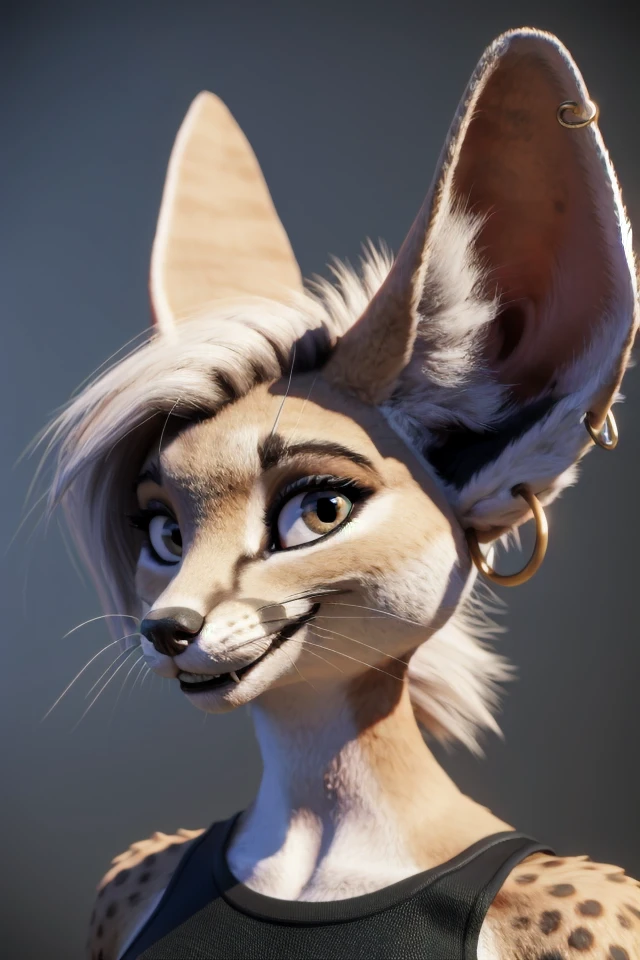
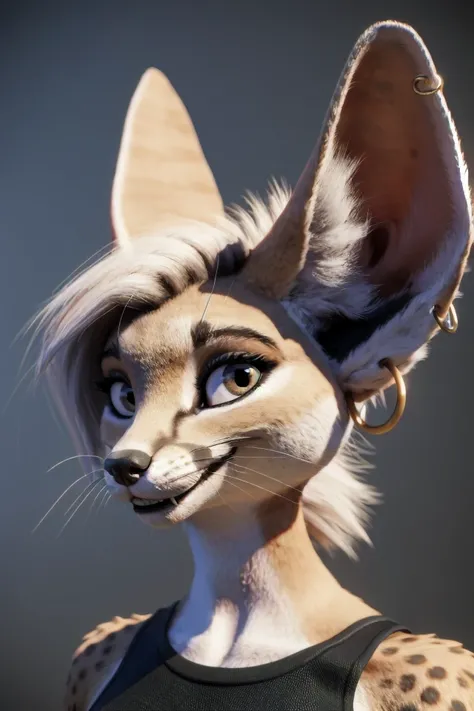
My goal of this model was for it to generate highly detailed and realistic images without the need of those tags in the prompt and it works most of the time, but not every time so that's were the negative embeddings came in making the model about 50% better in most cases.

There is another version of this model the pushes the realistic style even harder, but loses some coherency for it as they're just not enough differing images of that type that at least I could find, so I haven't released it. If you guys want it I will release it in it's current state but I'll probably never get to finishing it as it is now Summer time and I'm tired of it being 105 degrees in my room all day long, so this might be my last model at least until SD LX comes out. Might do some Loras if people want them, but for this model there not really need.

Lihat terjemahan

Rating dan Ulasan

4.9 /5
0 rating

Belum menerima penilaian atau komentar yang cukup

no-data
Tidak Ada Data
avatar
Berbicara dengan model
Pengumuman
2023-03-20
Memposting model
2024-08-06
Perbarui informasi model
Detail model
Jenis
Checkpoint
Waktu publikasi
2023-05-28
Model Dasar
SD 1.5
Perkenalan versi

Don't forget the negative embeddings or your images won't match the examples

The negative embeddings go in your embeddings folder inside your stable diffusion webui folder

(if you have a different install I'm not sure but someone will know online)

To use the negative embeddings properly they need to be added to your negative Prompt only

Also this is trained on 768 resolution images so it won't do well with 512 resolutions, different ratios do work but are hit or miss.

4 months, 700,000 images, and a very high electric bill and the model is finally in the "Good Enough" stage.

My goal of this model was for it to generate highly detailed and realistic images without the need of those tags in the prompt and it works most of the time, but not every time so that's were the negative embeddings came in making the model about 50% better in most cases.

There is another version of this model the pushes the realistic style even harder, but loses some coherency for it as they're just not enough differing images of that type that at least I could find, so I haven't released it. If you guys want it I will release it in it's current state but I'll probably never get to finishing it as it is now Summer time and I'm tired of it being 105 degrees in my room all day long, so this might be my last model at least until SD LX comes out. Might do some Loras if people want them, but for this model there not really need.

Cakupan Lisensi
Model Source: civitai

1. Hak untuk model yang diposting ulang adalah milik pembuat aslinya.

2. Pencipta asli yang ingin mengklaim model harap hubungi staf SeaArt AI melalui saluran resmi. Klik untuk mengklaim

Cakupan Lisensi Penciptaan
Gambar Online
Melakukan Penggabungan
Izinkan Unduhan
Lisensi Komersial
Gambar yang dihasilkan dapat dijual atau digunakan untuk tujuan komersial
Izinkan model dijual kembali atau dijual setelah penggabungan
QR Code
Unduh SeaArt App
Lanjutkan perjalanan kreasi AI Anda di perangkat mobile