
Jenis
LORA
Waktu publikasi
2024-09-07
Model Dasar
Flux.1 D
Kata Pemicu
a social media image post
Salin
Perkenalan versi
Initial Experimental Release!


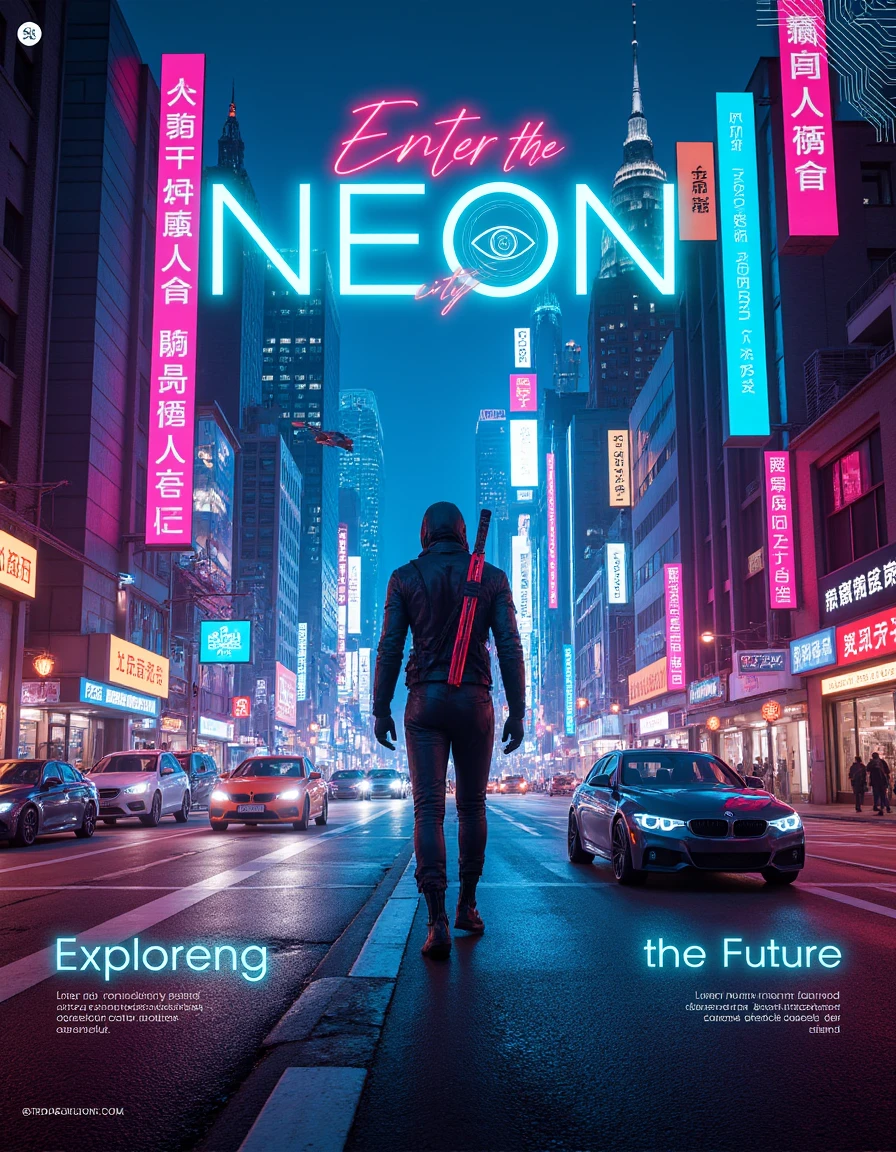
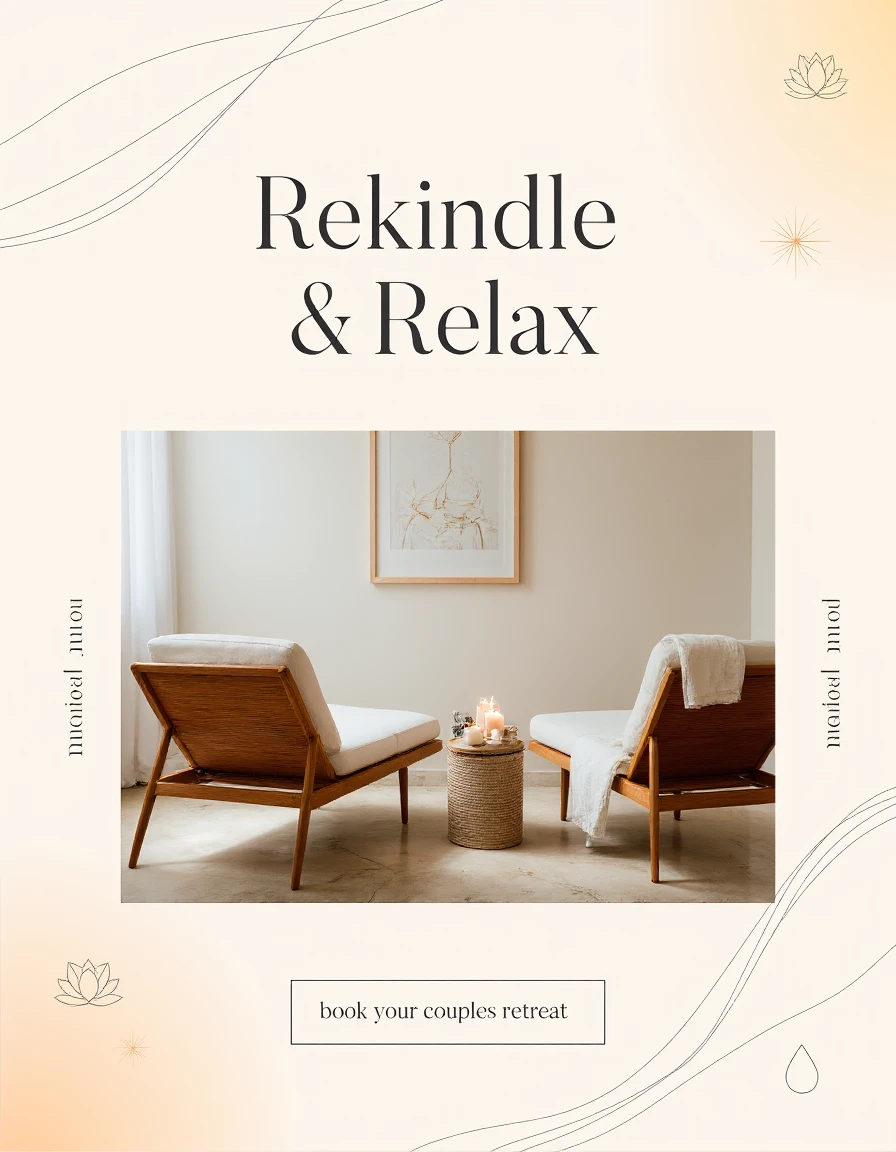
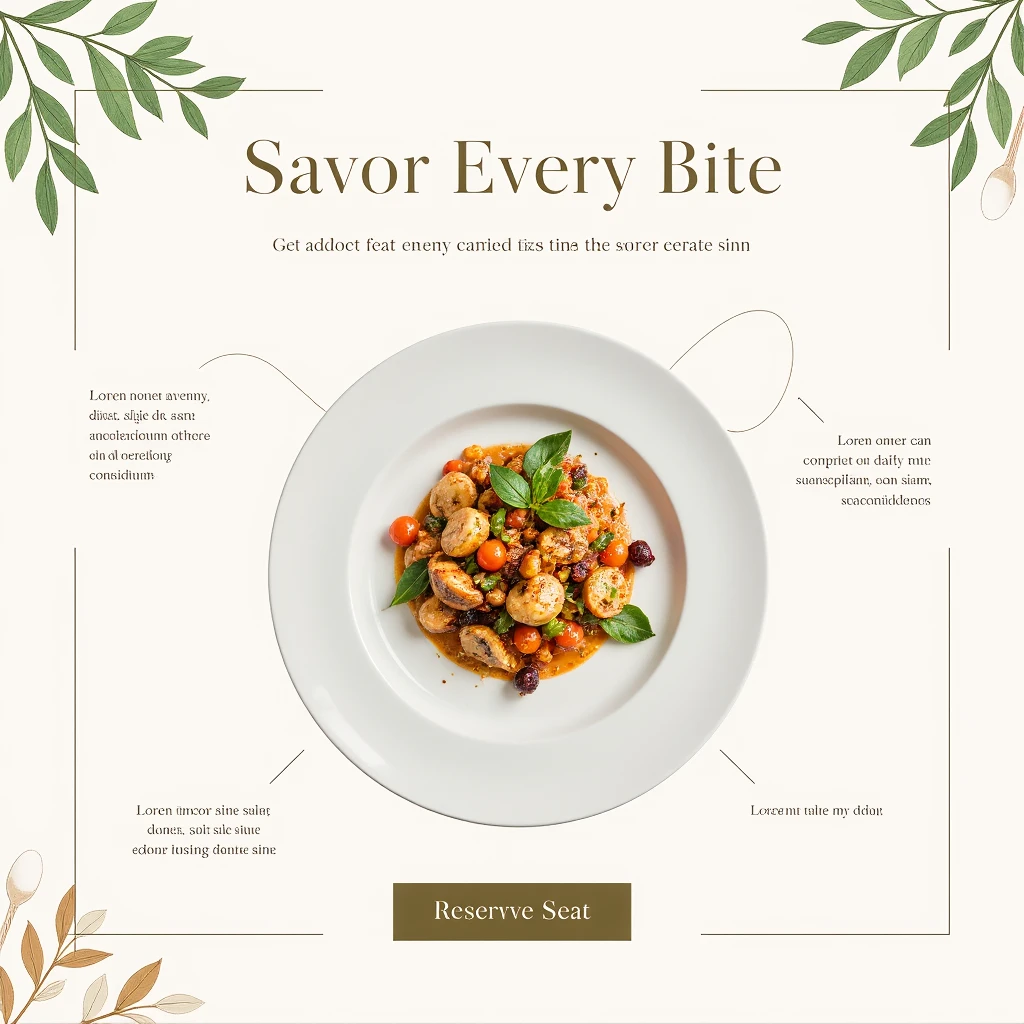
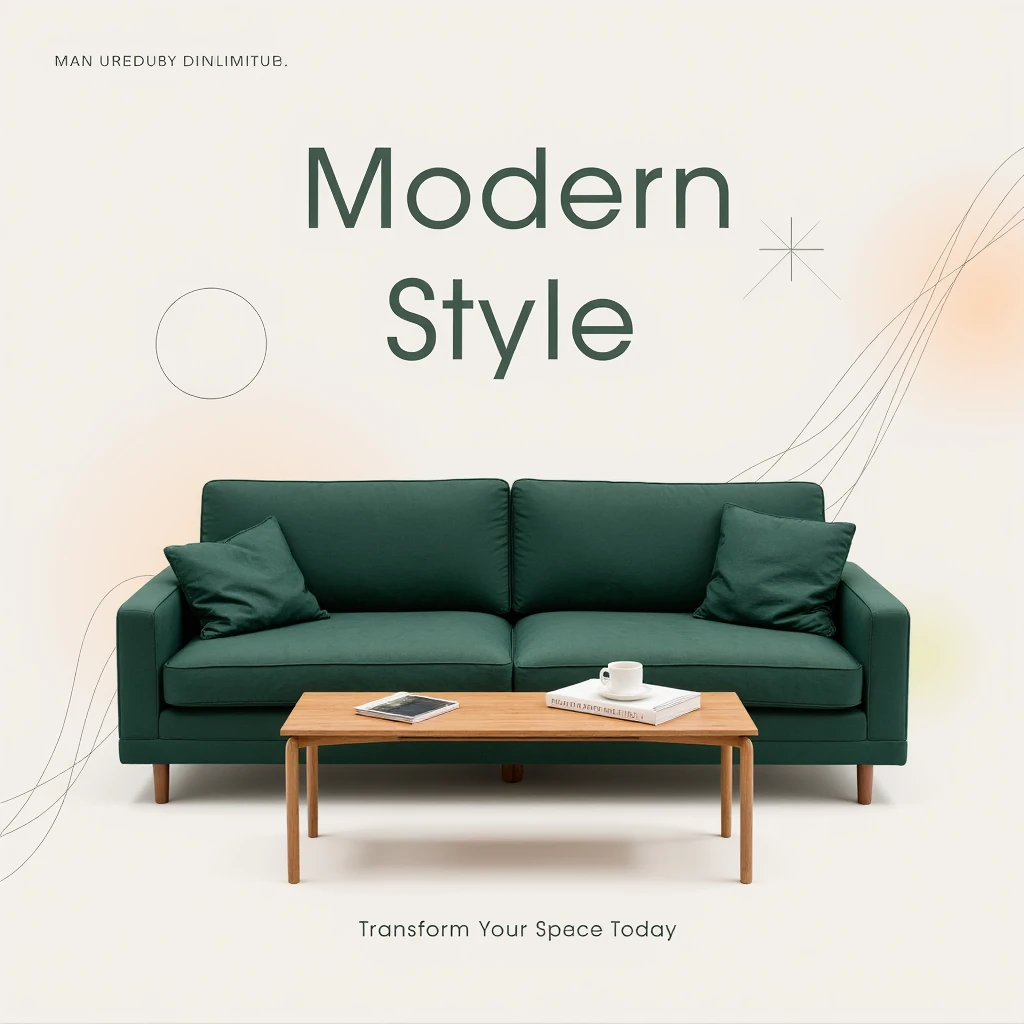

Please Show your love & Support if you find my resources useful -
❤ https://ko-fi.com/psiclone ❤
This Lora is part of my ArtForge MasterKit - https://civitai.com/collections/4329159
Please note this model is currently in the experimental stage which is why it is released under early access! Please share your valuable feedback once you download and test it out!
Please read the guide below and Please please follow the prompt structure for the best results! If you find any other prompt structure and guidance keywords that work better for this please do share them!
I have prepared a custom dataset for this, which means some of the images in the dataset are created using Photoshop and Illustrator, while some dataset items are acquired from free sources.
Every image is Captioned via Joy Caption to create base captions, then each caption file undergoes manual tweaking because Joy Caption is not perfect yet, we Humans are! (Not for long tho ;)
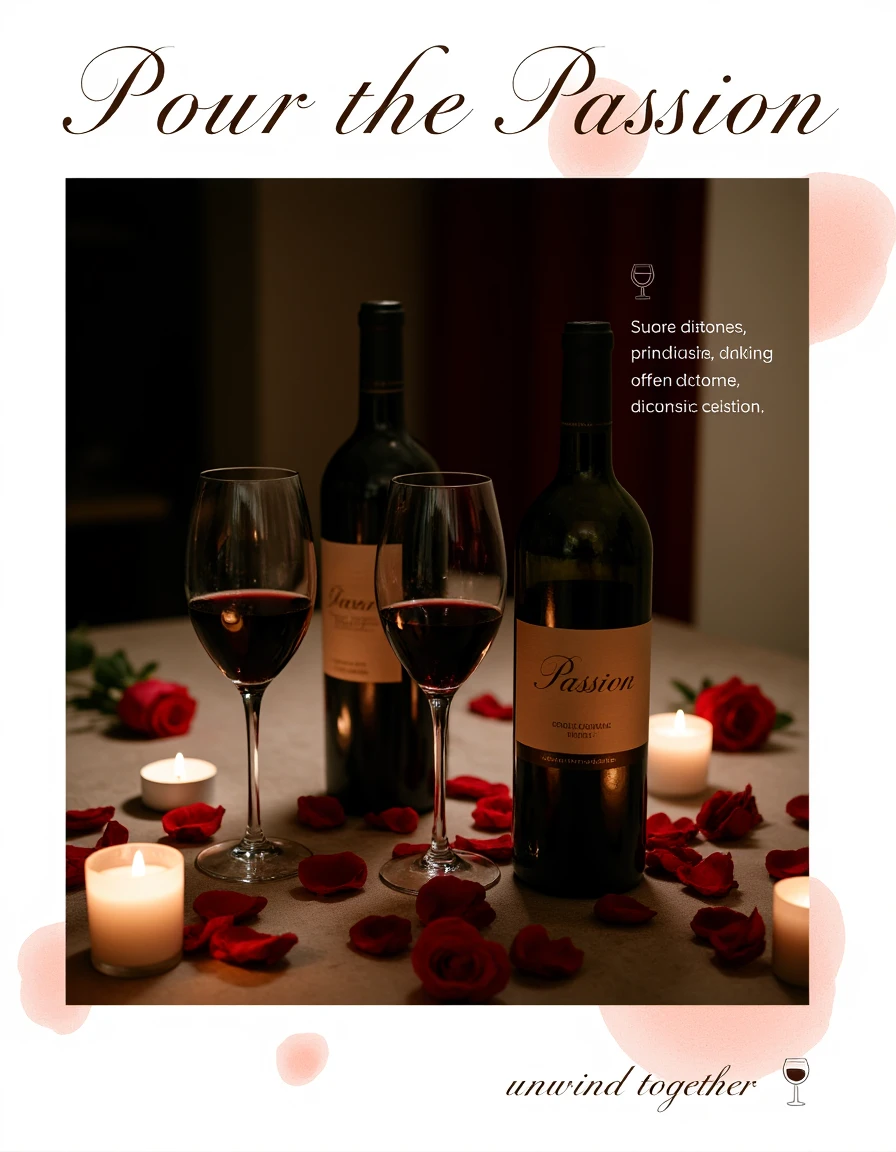
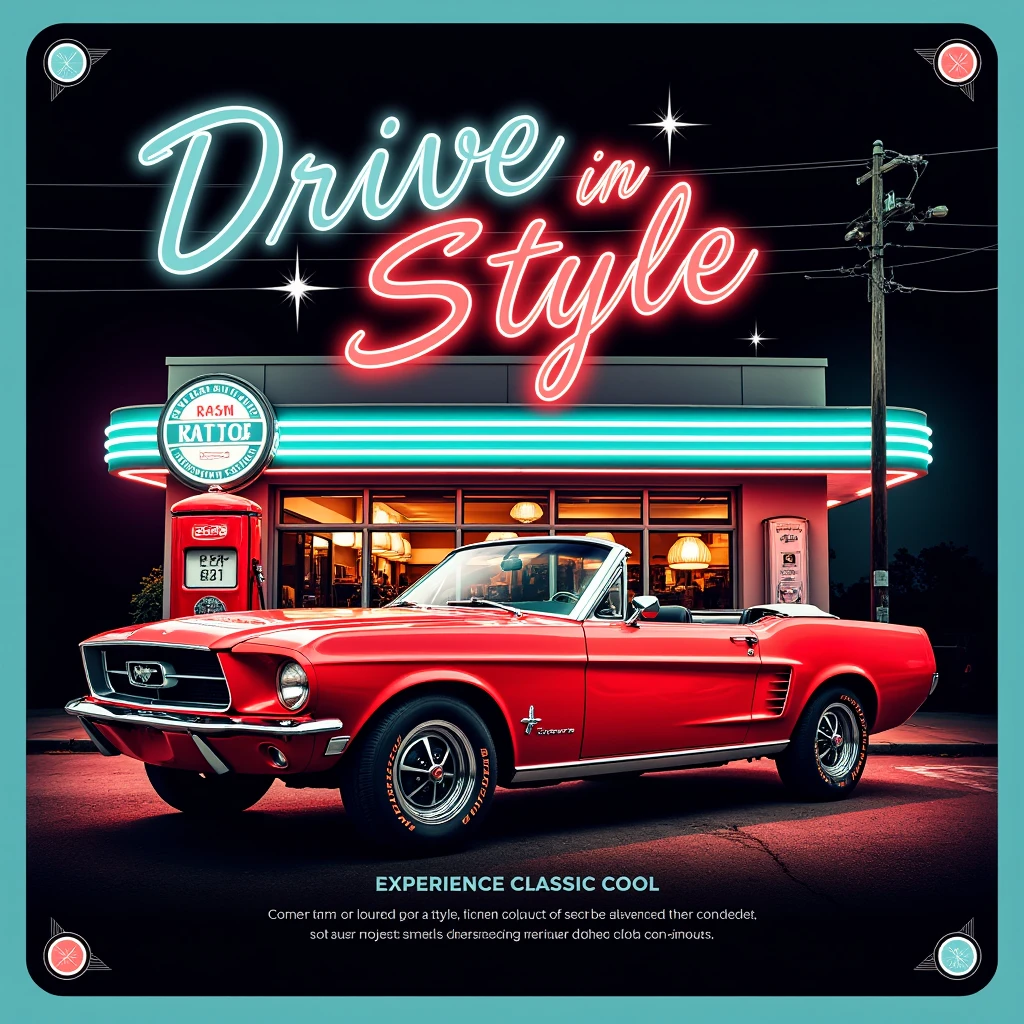
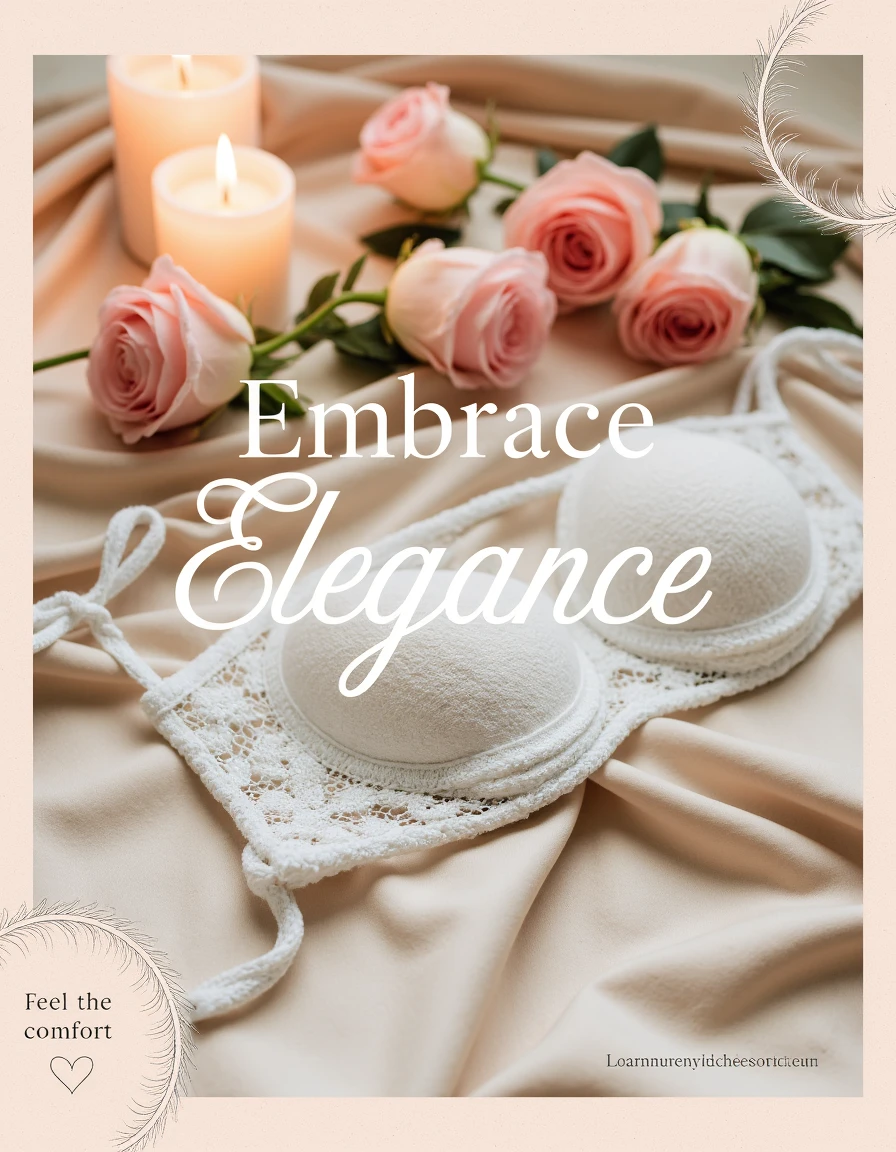
The Flux - Social Media Image Generator LoRa is designed to assist creators in generating visually striking social media post ideas with ease. This model is perfect for conceptualizing post layouts, designing aesthetic visuals, and creating inspiration for brand messaging. However, it is important to note that this LoRa works as an idea generator and may not be used as a final output for social media posts. The model excels at providing creative layouts and visual concepts, which can then be refined and polished externally.
The Flux - Social Media Image Generator LoRa is currently undergoing fine-tuning and dataset adjustments to enhance its effectiveness. As you experiment with different prompts and settings, you’ll find it to be a valuable tool in the brainstorming process for your social media content.
Key Features:
Conceptual Layouts: Generate creative and visually appealing social media post ideas that can be further refined for professional use.
Experimental Model: As an ongoing project, this model is constantly evolving, making it ideal for generating rough drafts and creative inspirations.
Guidance for Text and Graphics Placement: Get recommendations for text placements, graphic elements, and visual arrangements to create stunning post layouts.
How to Use:
Trigger Word:
The trigger word for this LoRa is "a social media image post", but the model may function well without it. For best results, use this phrase to prompt the model’s intended behavior.
Prompt Structure for Best Results:
1. Main Visual Description: Start your prompt with a clear description of the main visual elements (e.g., “A sleek, elegant perfume bottle placed on satin fabric with soft, ambient lighting”).
2. Text Placement: Specify where you want the text to be placed, along with the style (e.g., “Top Center Text Placement: ‘Indulge in Sensuality’ in a soft, flowing script”).
3. Additional Text Elements: Include any secondary text or branding elements and their positions (e.g., “Bottom Right Text Placement: ‘Discover the Essence’ next to a perfume bottle icon”).
4. Graphic Elements and Style: Add design details that complement the overall theme, such as decorative shapes, lines, or icons (e.g., “Soft, flowing lines and delicate abstract shapes that mimic the curves of the body and the flow of perfume”).
2. Advanced Prompting Tips:
Guidance Scale: Experiment with the guidance scale between 3.0 and 4.5. This range allows the model to stay creative while still adhering to the visual structure of a social media post.
LoRa Strength: Keep the LoRa strength between 0.6 and 1.0 for optimal results. This ensures the model generates layouts with clear, visually appealing elements without overwhelming the design.
3. Sample Prompt:
Main Visual: A sleek, elegant perfume bottle placed on satin fabric with soft, ambient lighting. A silhouette of a person gently touching their neck, emphasizing sensuality through body language rather than revealing imagery.
Top Center Text Placement: ‘Indulge in Sensuality’ in a soft, flowing script.0
Bottom Right Text Placement: ‘Discover the Essence’ in smaller, elegant text next to a perfume bottle icon.
Graphic Elements: Soft, flowing lines and delicate abstract shapes that mimic the curves of the body and the flow of perfume. Light sparkles in the background to give a luxurious feel.

Initial Experimental Release!
1. Hak untuk model yang diposting ulang adalah milik pembuat aslinya.
2. Pencipta asli yang ingin mengklaim model harap hubungi staf SeaArt AI melalui saluran resmi. Klik untuk mengklaim
