Jenis
LORA
Waktu publikasi
2024-10-06
Model Dasar
Flux.1 D
Kata Pemicu
MoCSophiaZee
Salin
Perkenalan versi
I fluffed up the trigger word (its not really needed anyway)

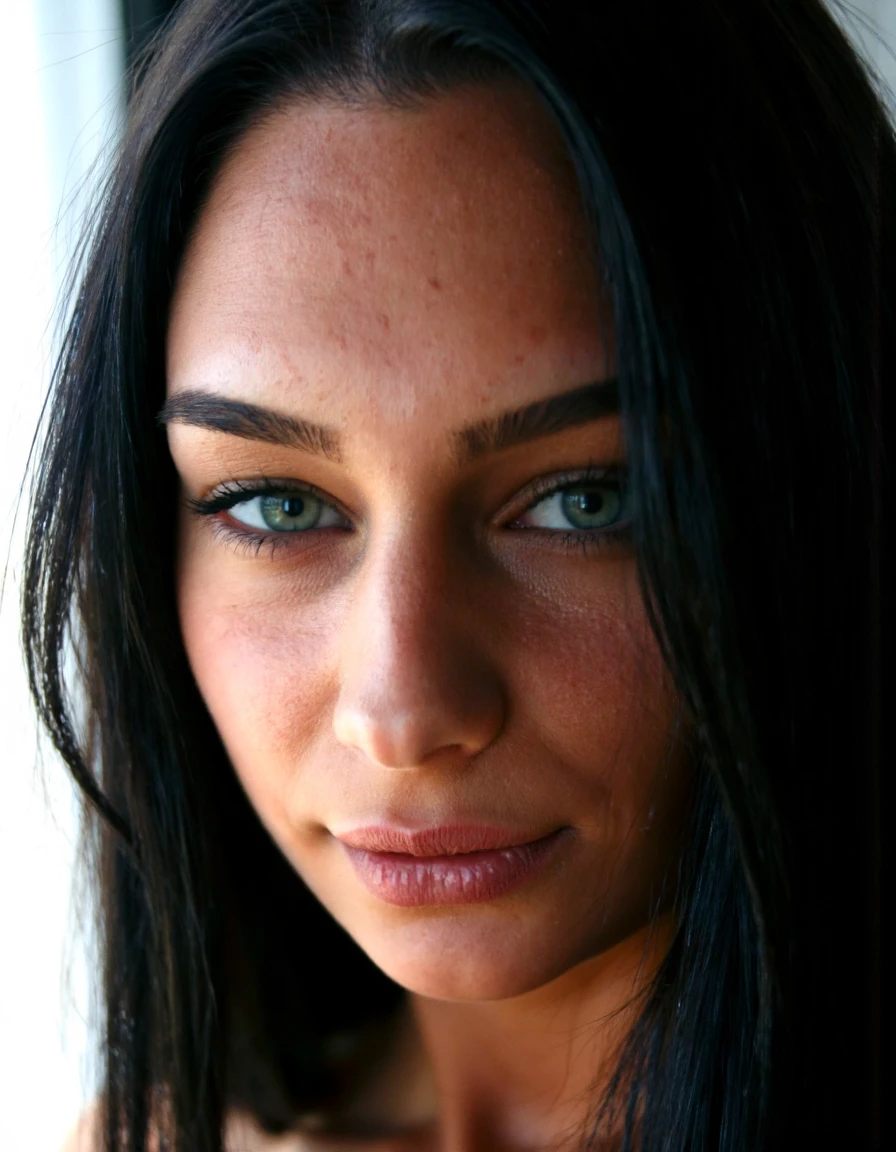
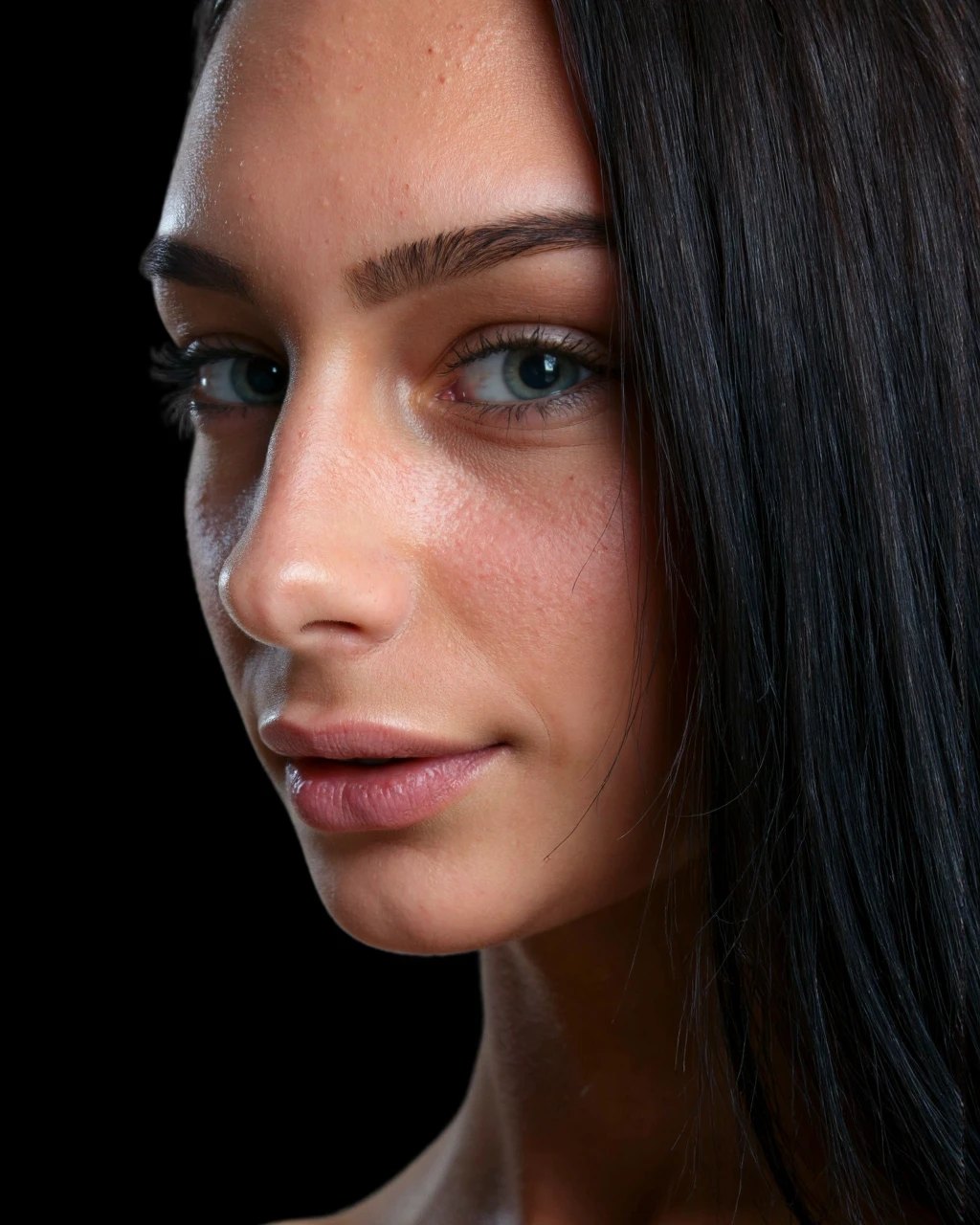
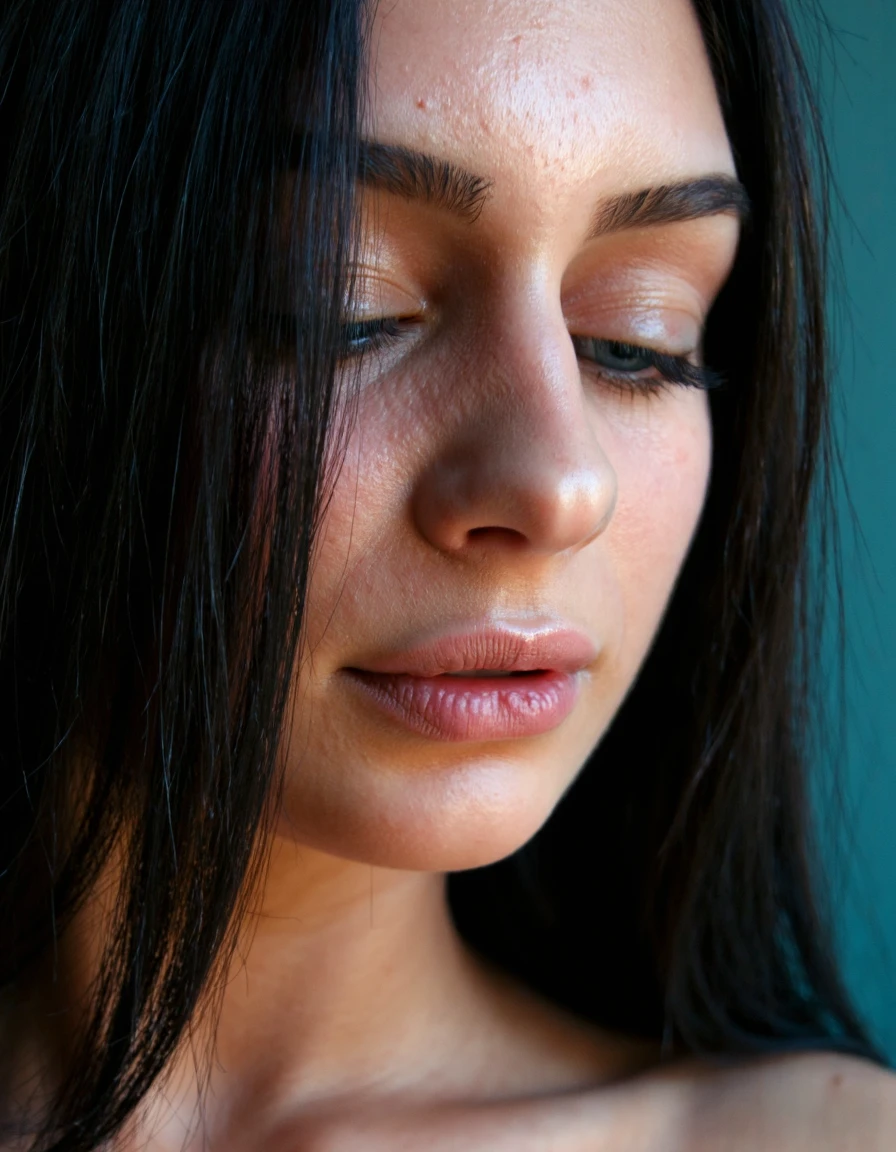
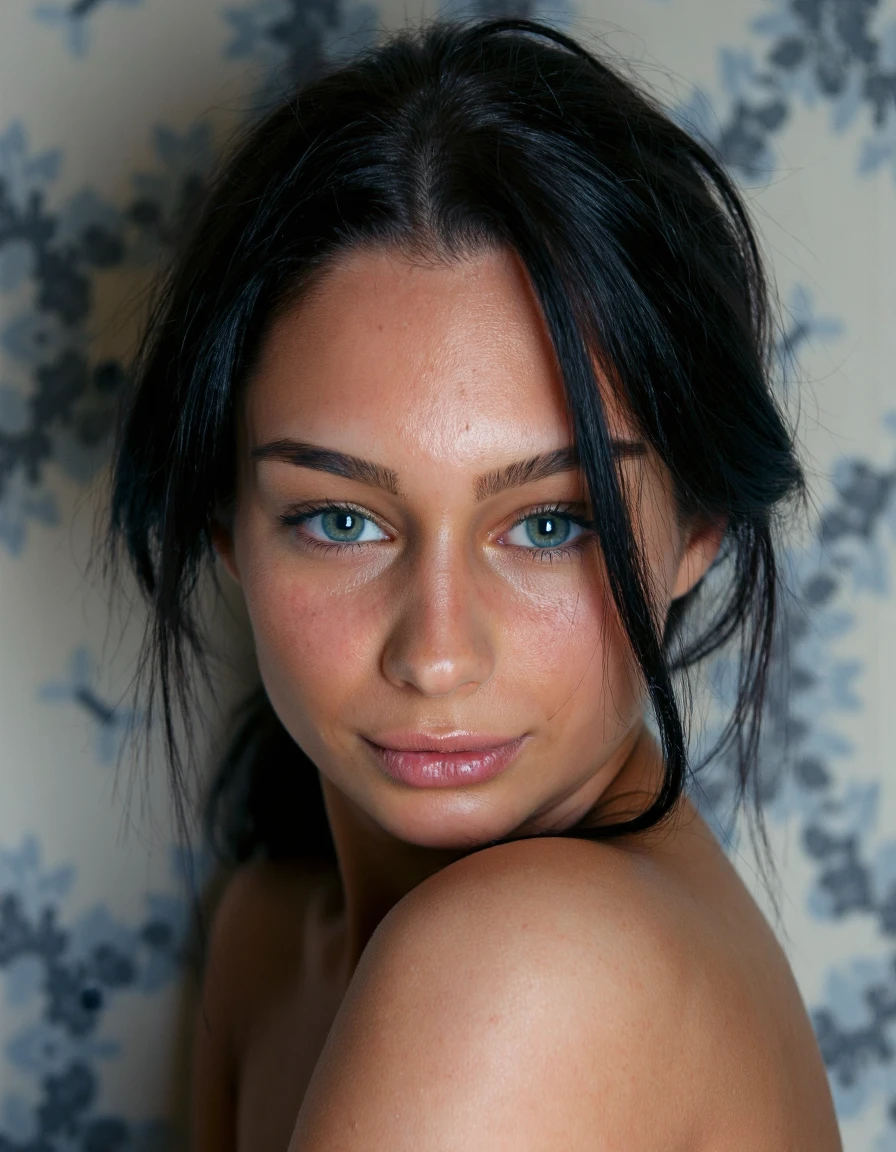

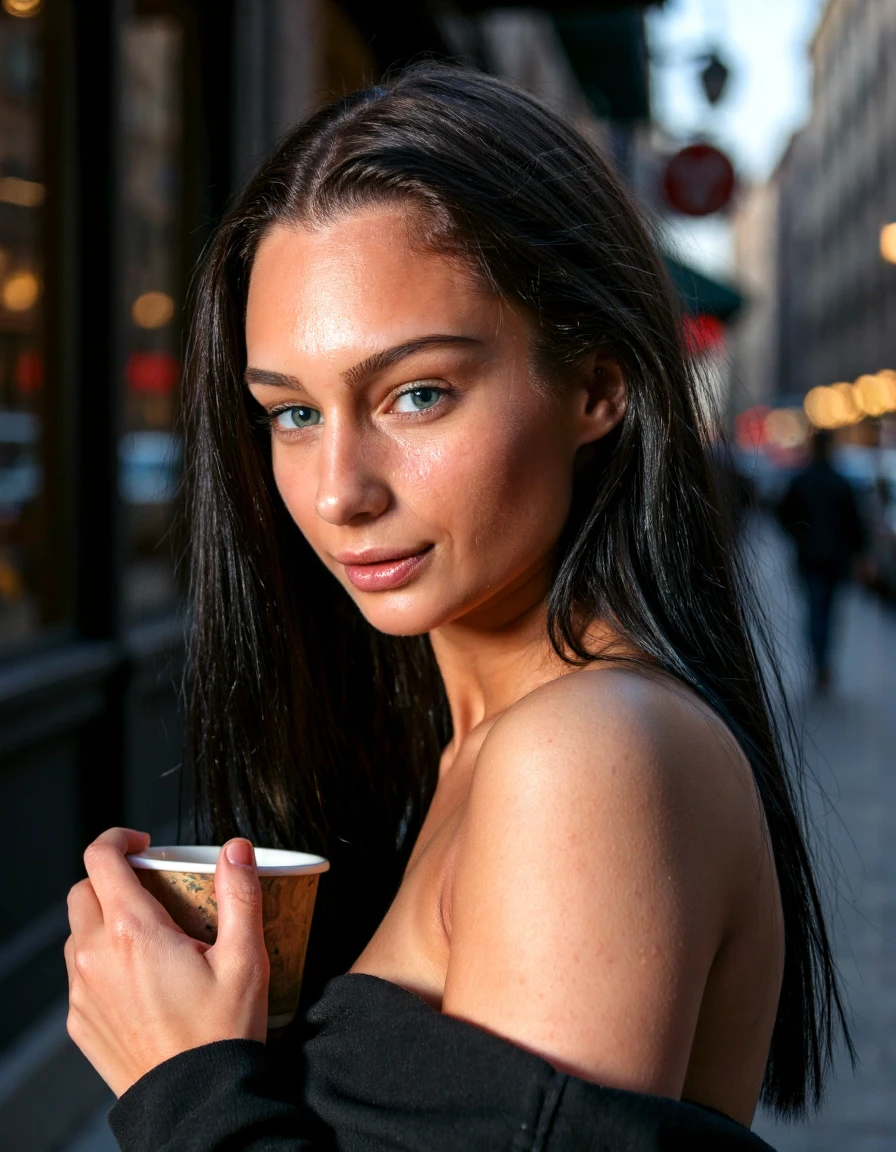
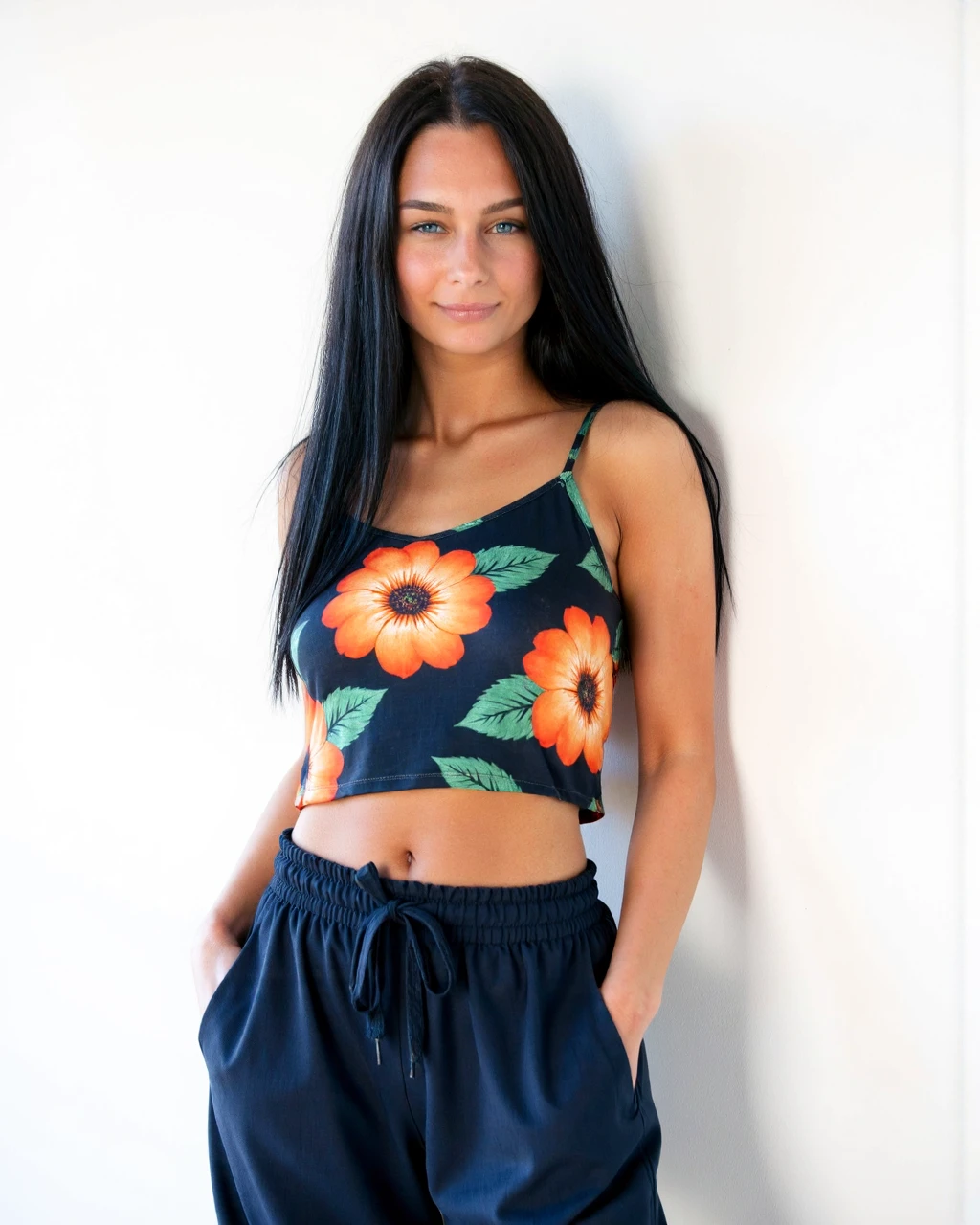
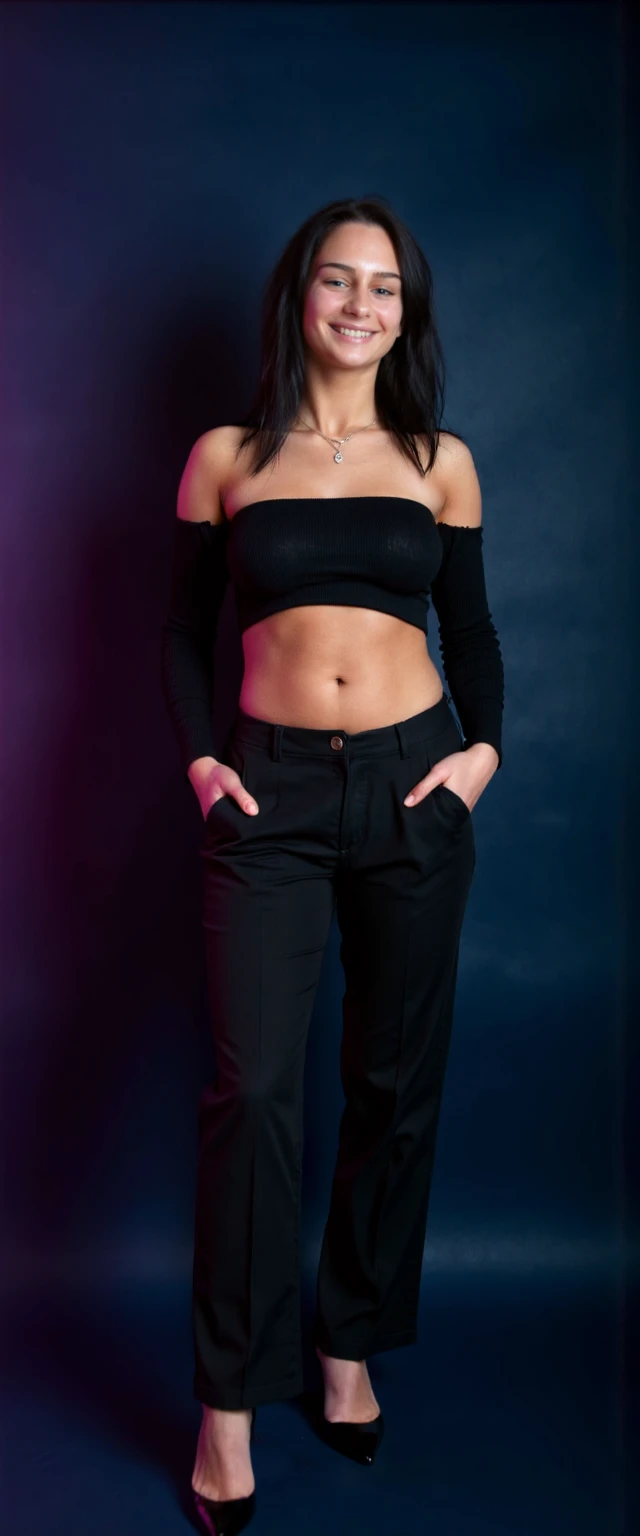
also known as Blera or Sophie, was born on January 26, 1995, in Latvia. She began her career in the adult industry at the age of 20, in 2015, and worked as an adult model for six years. Sophie is known for her natural beauty, with a petite but impressive frame of 34E-23-33, measuring 5'3" (160 cm) and weighing 121 lbs (55 kg), and her striking features, including olive skin, black hair and piercing blue eyes.
Sophie identifies as a lesbian and is open about her sexuality. She is known for her confidence and comfort in her own skin, which has endeared her to fans around the world. After six years in the industry, Sophie retired from adult modeling in 2021, at the age of 26.
I generate these images via Mcmonkeyprojects' fantastic branch of the SwarmUI (a powerful but easy to use front end for ComfyUI and other backends). I find presently other UIs producing lacklustre results. YMMV.
Model: Flux1-dev with clip_l, t5xxl_fp16.
Steps: 30
CFG Scale: 1
I've had success with a good amount of samplers and schedulers, but at present am using the following,
Sampler: DEIS
Scheduler: Beta
Flux Guidance Scale: 3.5
With SwarmUI use the <Segment:> feature to inpaint particular portions of the output. This can be nearly anything the segment model used was trained on, face, eyes, feet, top, etc.
A general statement I tag to most of these prompts is:
<segment:object,0.7>prompt
Where object is the particular object in the image you'd like to inpaint and the number is the strength. SwarmUI explains additional variables. Use like a superior aDetailer. Yolo models can also be added to SwarmUI and used as well.
These settings can be used to get higher resolution outputs without the banding it produces. Starting with a higher resolution and using this as a Refiner mechanism is often the way to maintain detail fidelity. I generally stay between 1 and 1.25 upscales for this reason.
Refiner Control Percentage: 0.3 - 0.7
Refiner Method: Post-Apply
Refiner upscale: 1 - 1.5
Refiner Upscale Method: Latent: Bislerp
Refiner Do Tiling: Checked (Important!)
Each of these LoRAs take me dozens of hours and GPU usage out of pocket. Every review is appreciated and encourages me to do more of these.

I fluffed up the trigger word (its not really needed anyway)
1. Hak untuk model yang diposting ulang adalah milik pembuat aslinya.
2. Pencipta asli yang ingin mengklaim model harap hubungi staf SeaArt AI melalui saluran resmi. Klik untuk mengklaim
