Jenis
LORA
Waktu publikasi
2023-03-20
Model Dasar
SD 1.5
Perkenalan versi
Release

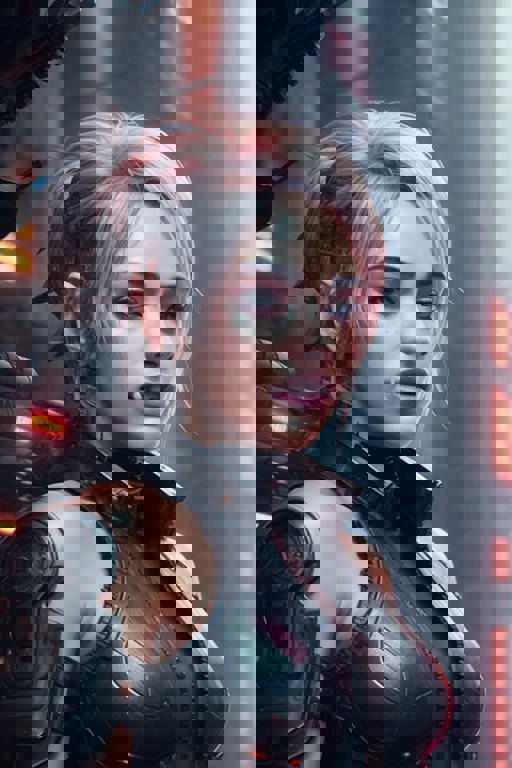

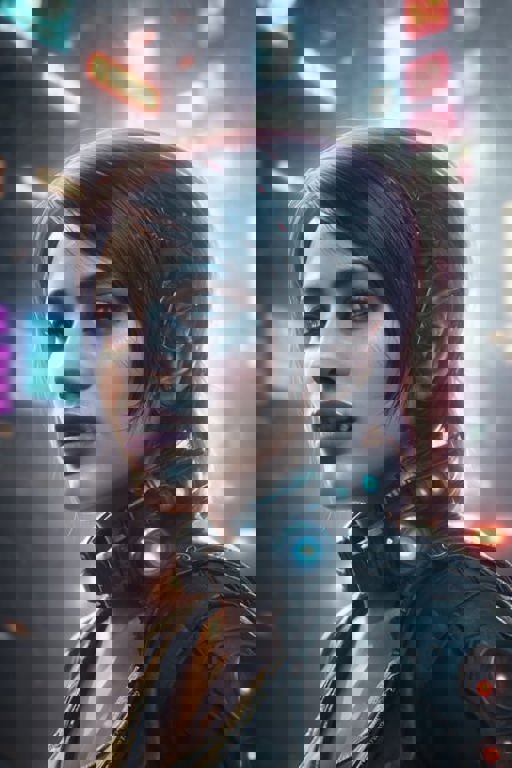
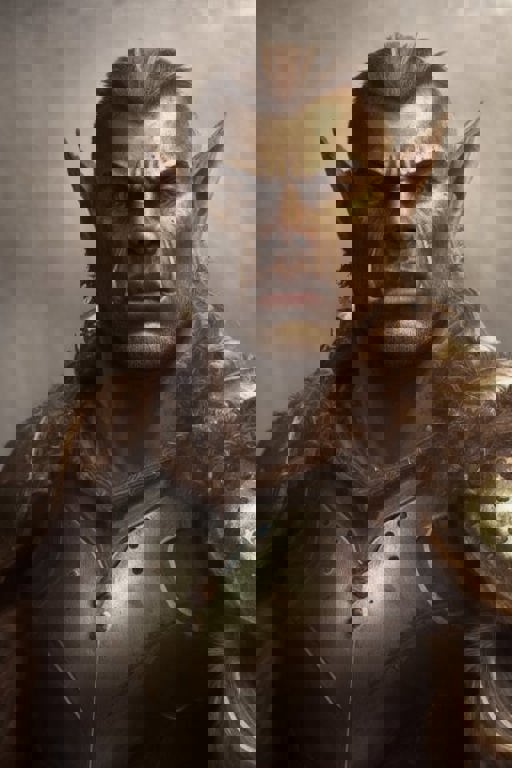
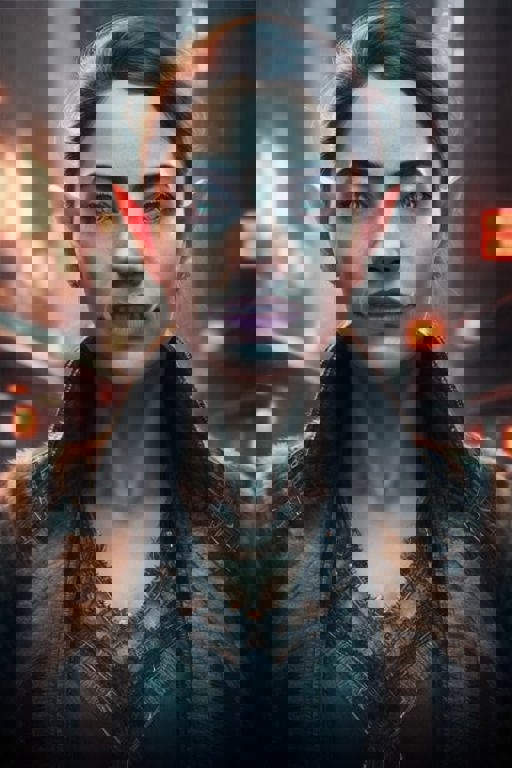
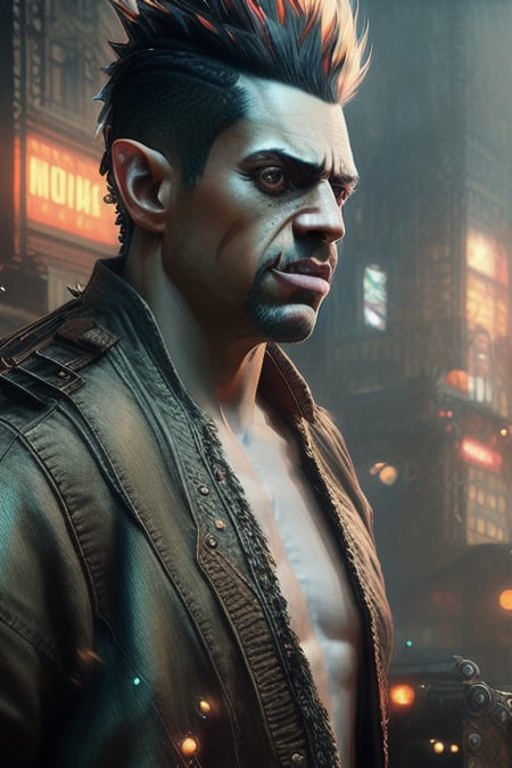
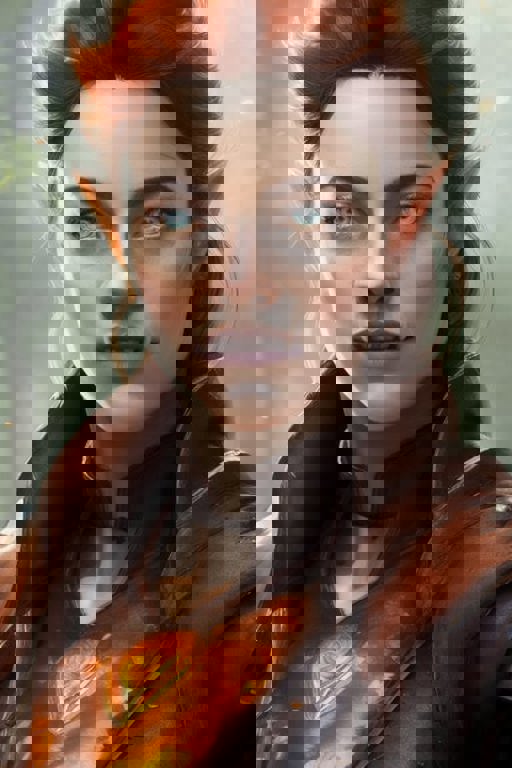
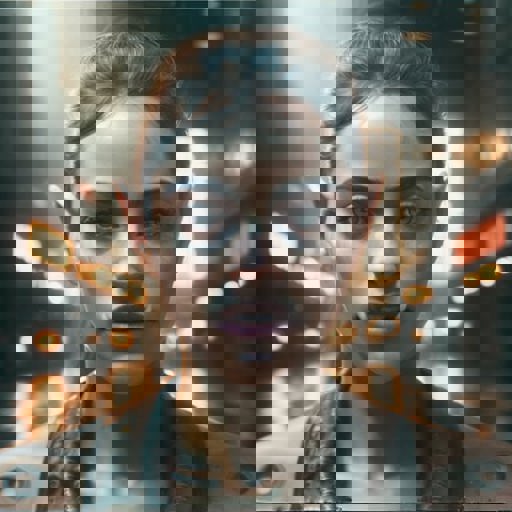
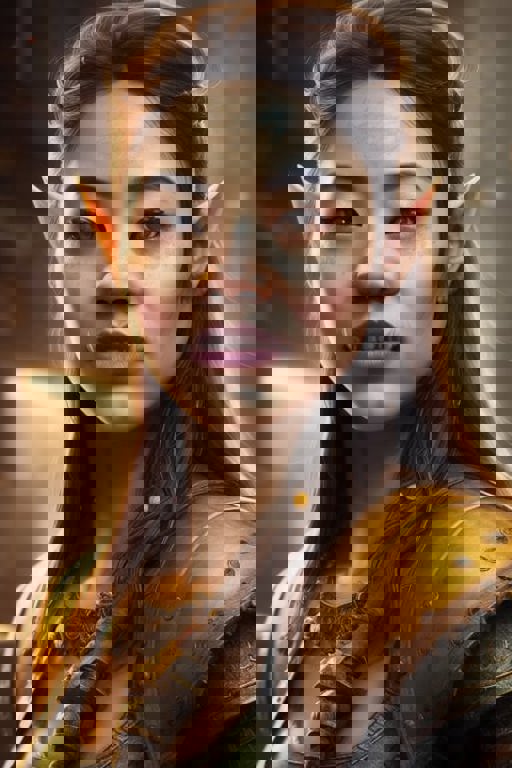

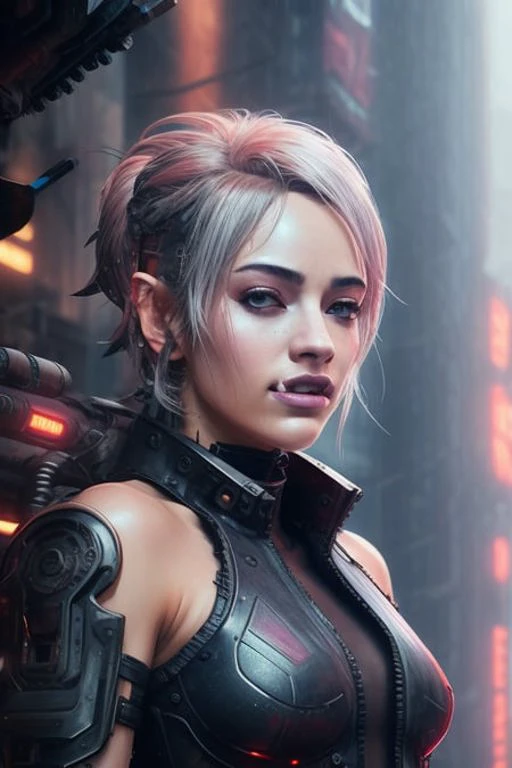
This is a lora meant to create a variety of "orcish" characters. This is a model trained originally to be able to create shadowrun orcs, but ended up being more flexible than that. Trained without text encoder on carefully generated set ??????????????? and on blurry background, it just works to "orcify" any character you are creating - making facial features more pronounced, adding long ears and tusks.
Tags: For making DnD half-orcs, shadowrun orcs and similar characters don't use any keywords. If you want the results to be more striking, add "orc" tag to the prompt and it will complete the effect. You can try adding "demonic horns", "super wide shoulders" and similar tag to create shadowrun trolls. Adding "tusks" tag at low weight does not change things much, but can help make a more pronouned trolls. Using this Lora without clothing tags can lead to shirtless/???? characters. I suggest useing ????, ?????, shirtless and similar negative tags to avoid that.
Go easy on negative tags that can relate to the face, especially with female characters, it often messes with tusks. Examples of such tags include ugly, mutated, disfigured and similar. In further testing I found that https://civitai.com/models/7808/easynegative is quite enough to keep the faces aesthetic without messing up tusks.
Since it was primarily made for Shadowrun, the Lora does not make the skin green by default, if you want typical full-blooded WoW style orcs you'll need to use appropriate model. RPG V4 does tolkien style orcs together with this lora for males (not woman) when tagged "orc". For fantasy characters you may want to add "city" and "cyberpunk" to negative tags to avoid sci-fi-ish background.
Style and Models: This Lora does not affect style that much and can be with most realistic to semi-realistic models. Meant for use with Realistic Vision 1.3, RPG V4, Deliberate V2. Sort of works with anime models, I tried with AbyssOrangeMix2 Hard and it worked from time to time, but I did not test it excensively. Anime males mostly end up nightmarish, you have been warned.
Example images are a mix of the four, straight txt2img. Only the last three are AbyssOrangeMix2 Hard.
Settings: Works best at low CFG (2-4). I don't recommend changing the network weight too much, more than 1.2 can produce artifacts. My samplers of choice are Euler A and DPM++ SDE Karras. Don't use restore faces, it often kills the tusks.
Since it was trained on 512x512 portaits and body shots, it, as usual, struggles when making full body shots, for those I suggest inpainting and hirez.
Issues: two that I'm aware of. 1) On males it can sometimes create some ugly and pronounced lines when going for photorealism. Fix with restore brush, inpainting or similar tools. 2) On females it often leans towards blue eyes. Add "blue eyes" to negative tags if you encounter that.

Release
1. Hak untuk model yang diposting ulang adalah milik pembuat aslinya.
2. Pencipta asli yang ingin mengklaim model harap hubungi staf SeaArt AI melalui saluran resmi. Klik untuk mengklaim
