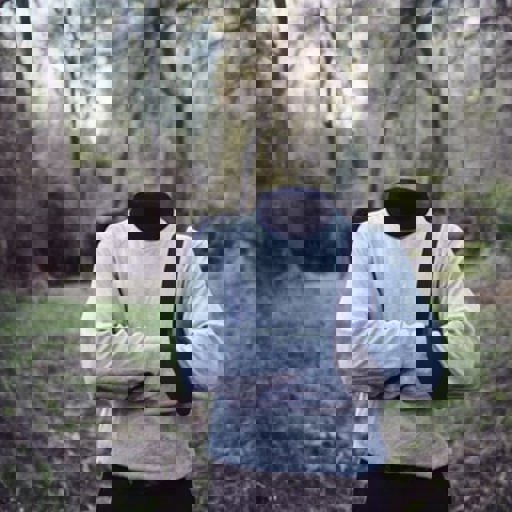
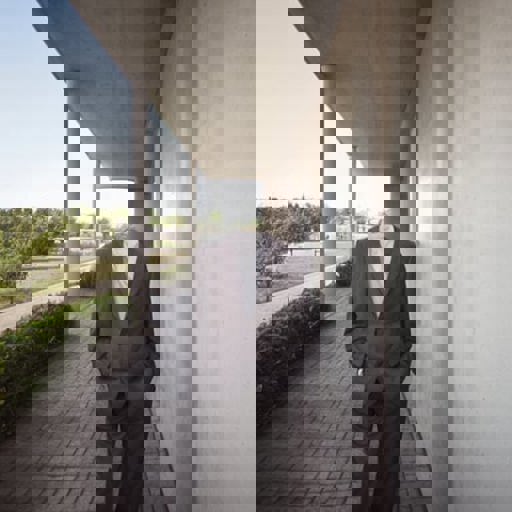
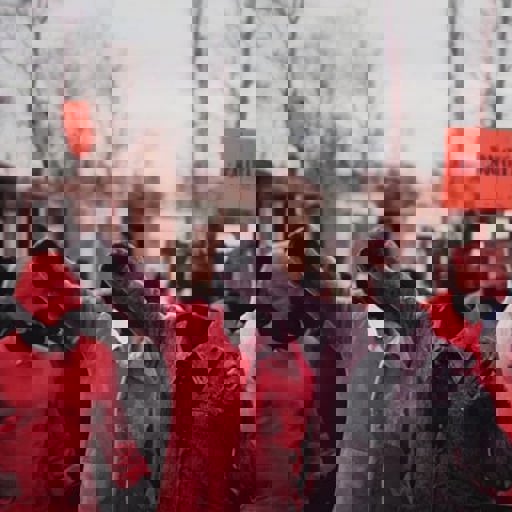
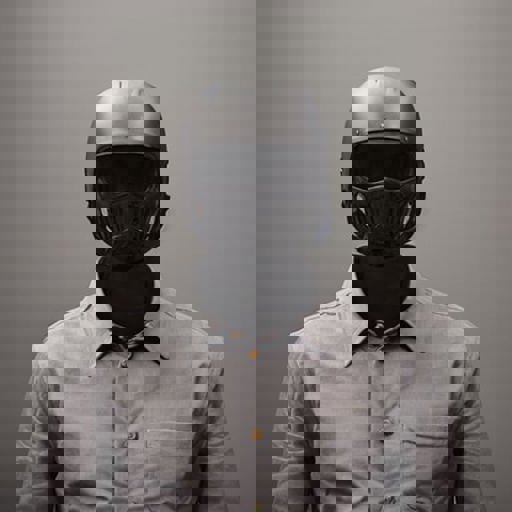
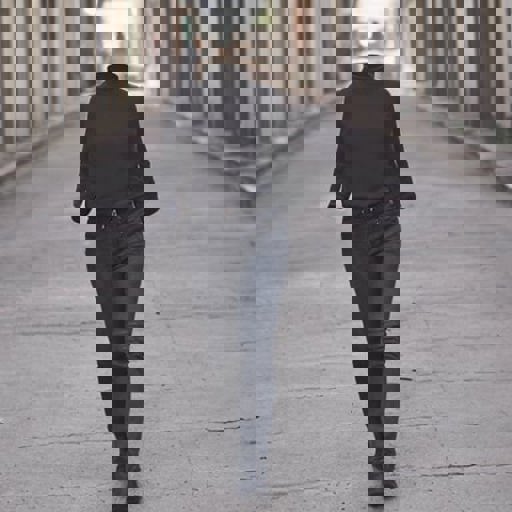
Detail
Rekomendasi
1.0
Invisible

Invisible

0
2
0
#Character

IMPORTANT INSTRUCTIONS!

This model was trained on SD base 1.5 version BUT It does also work for 1.4 as they both share the same Clip encoder.

Install instructions.

Simply place the invisible.pt file inside the \stable-diffusion-webui\models\hypernetworks folder. Load the model inside the Automatic1111 interface under settings hypernetwork.

Use instructions.

Use 1.0 hypernetwork strength for best results.

Use DPM++ SDE Karras sampler with 15 steps and CFG of 4.0.

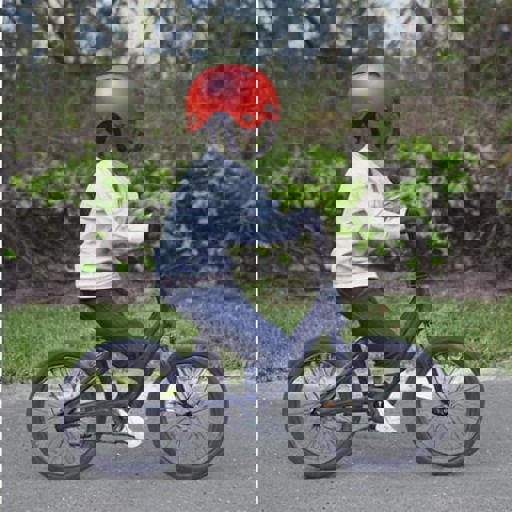
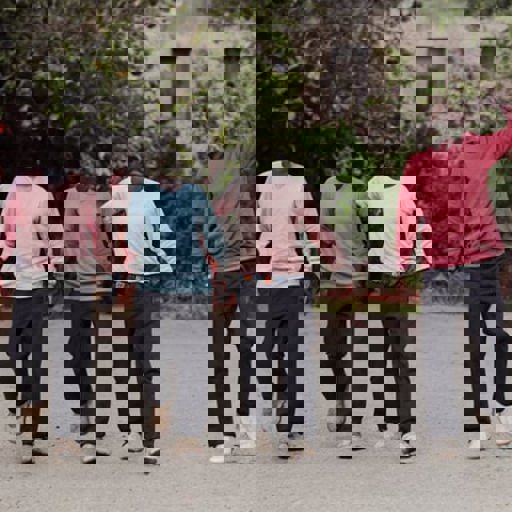
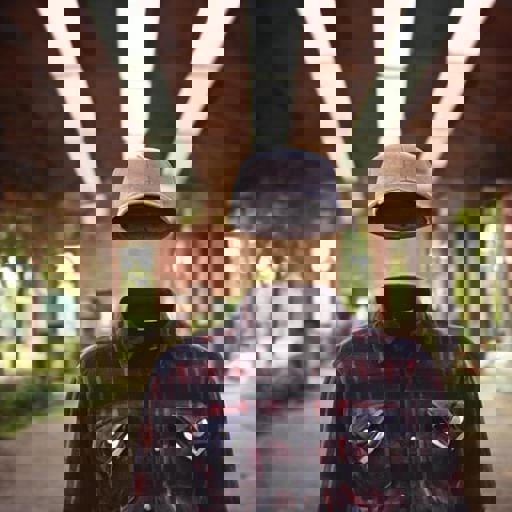
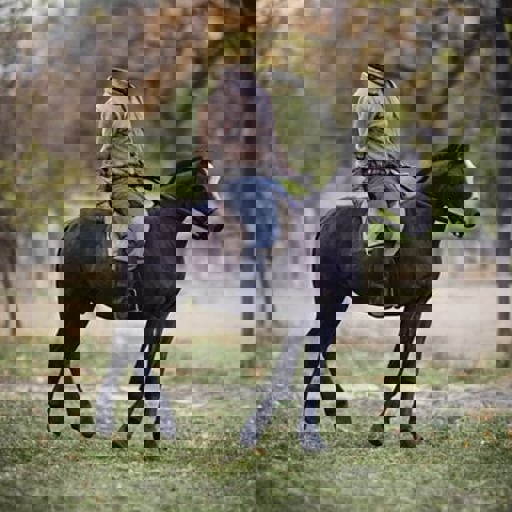
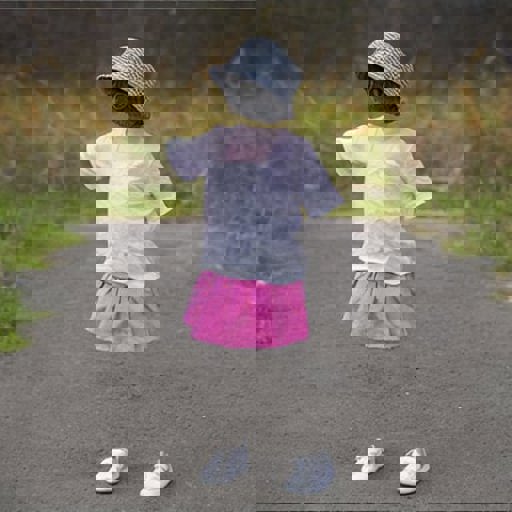
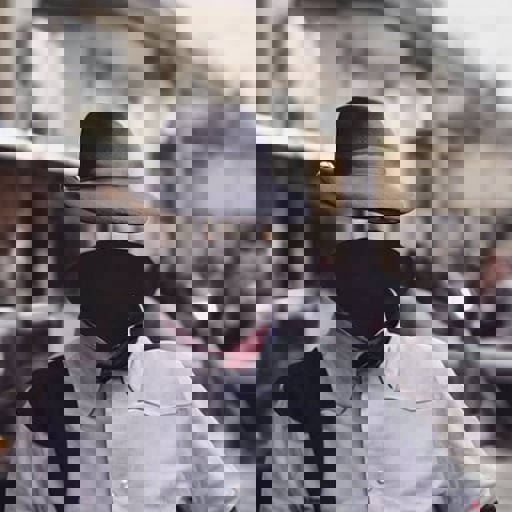
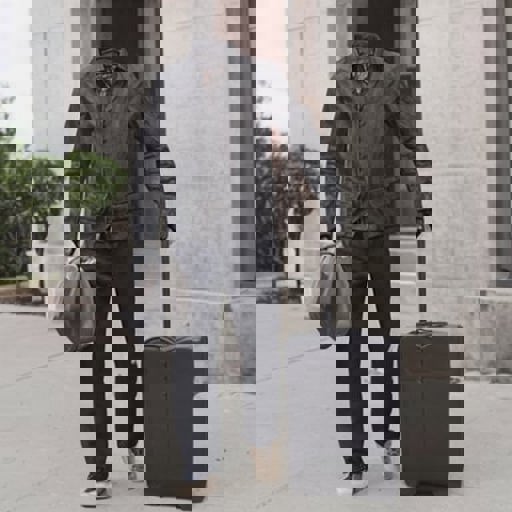
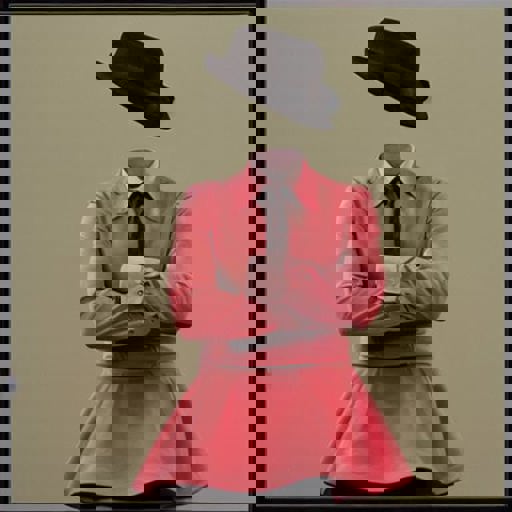
Make sure and always include the word invisible somewhere in the prompt. For people always preface the subject with invisible, example "invisible man walking", "invisible girl playing in the backyard", etc...

VERY IMPORTANT! Always describe the background in some detail or you WILL get a very generic boring background.. So for example DON'T just say "an old invisible man". DO say "an old invisible man inside a rustic hut".

For some fun, use the 1.5 inpaint model with this hypernetwork on your photos. Simply prompt invisible and use the inpaint tool to inpaint any exposed skin and watch the magic happen.

Lihat terjemahan

Rating dan Ulasan

-- /5
0 rating

Belum menerima penilaian atau komentar yang cukup

no-data
Tidak Ada Data
avatar
Pengumuman
2024-07-25
Memposting model
2023-03-20
Perbarui informasi model
Detail model
Jenis
Hypernetwork
Waktu publikasi
2023-03-20
Model Dasar
SD 1.5
Kata Pemicu
invisible
Salin

Cakupan Lisensi
Model Source: civitai

1. Hak untuk model yang diposting ulang adalah milik pembuat aslinya.

2. Pencipta asli yang ingin mengklaim model harap hubungi staf SeaArt AI melalui saluran resmi. Klik untuk mengklaim

Cakupan Lisensi Penciptaan
Gambar Online
Melakukan Penggabungan
Izinkan Unduhan
Lisensi Komersial
Gambar yang dihasilkan dapat dijual atau digunakan untuk tujuan komersial
Izinkan model dijual kembali atau dijual setelah penggabungan
QR Code
Unduh SeaArt App
Lanjutkan perjalanan kreasi AI Anda di perangkat mobile