

Do you want to create Better AI Video Results?
Creating an engaging AI Video is not just about creativity, but also about careful planning. With good planning, you can produce high-quality videos that are effective in conveying your message.
NOTE : to see my article for beginners and intermediate, please visit PART 1 . because this article is for advance user who willing to understand more about creating Good Video, and Spend credits more to create more clips in one video.
Here are the General steps:
1. Determine the Basic Idea and Premise
Before starting production, make sure you have a clear basic idea. This idea can come from trend research, personal experience, or audience needs. After finding an idea, formulate a premise
what is a premise?
A premise is the core of a story or concept that is the basis of a video. This can be called the main idea or message that you want to convey in the video.
A good premise usually includes:
- Main topic: What do you want to discuss in the video?
- Goal: Do you want to educate, entertain, or influence the audience?
- Conflict or challenge (if relevant): What problem is raised or will be solved in the video?
- Solution or conclusion: How does the video provide an answer or new perspective?
Tips : Determine the purpose of the video, Identify the target audience, Create a brief description of the video content
2. Determine Video Duration
Video duration greatly affects the effectiveness of message delivery. Short videos tend to be more attention-grabbing and easier to consume, while long videos are suitable for in-depth content.
Things to consider:
- The platform used (TikTok, YouTube, Instagram, etc.)
- The complexity of the material delivered
- The level of audience engagement
3. Develop a Storyline
A storyline helps keep the message flowing smoothly. A good storyline has a clear structure, such as an opening, an informative body, and an impressive ending.
At least there are three Steps:
- Determine the main elements: introduction, conflict, solution, conclusion (or plot twist)
- Make a list of key scenes
- Make sure the storyline flows naturally, or depends on your need / video characteristic that you want to build
4. Create a Storyboard
A storyboard is a visual representation of the scenes in a video. It helps the process of generating the AI Video production.
How to create an effective storyboard:
- I recommend using Seaart Film as your base model, why? because this checkpoint is really good in understanding cinematic language, also to keep the scene and character consistent it is very easy, but if you don't like the picture, then at the end I will explain more tricks and tips
- Decide what camera angles and transitions to use
- remember to understand the screen direction.
what is screen direction?
Screen direction is the direction of movement or position of a subject in a scene that helps maintain visual continuity in a video. This is important to ensure that the video feels natural and easy for the viewer to follow.
Adding Screen Direction to the Storyboard
Screen direction is used to control how elements within the frame move or interact. It covers several key aspects:
Direction of Subject Movement
- If an actor walks from left to right in one shot, then in the next shot he should still move in the same direction to maintain continuity.
- Changing direction of movement suddenly can confuse the viewer and break the visual flow.
Rule of 180 Degrees
This principle maintains the consistency of the subject's position in relation to the camera. If in one scene the camera is on one side of the action, then the camera should stay on the same side to avoid perspective confusion.
Eye Line Matching
Adjusting the direction of the subject's gaze so that it appears as if they are actually interacting in a different scene. For example, if someone is looking to the left in one shot, then in the next shot, the object they are looking at should be in that direction.
Continuity Editing
Ensuring that the movement and position of characters and objects remain consistent between shots so that transitions feel smooth.
Panning and Camera Movement
- Camera movements such as pans or tracking shots should be in line with the screen direction so that they don't feel awkward.
- For example, if the camera follows someone moving to the right, then in the next cut the camera should still follow the same direction.
5. Editing Video
Editing is the final stage to perfect the video before publication. The choice of music, visual effects, and editing rhythm greatly affect the final impression of the video.
Important editing techniques:
- Cut unnecessary parts to maintain tempo, or use speed ramp or slow motion
- Use smooth transitions
- Add text and graphics to clarify the message (if needed--usually used in commercials)
- use the desired audio that match your scene, or your idea
I think the explanation is enough, now I will give an example:
SAMPLE A
Idea
finding desert tavern on everlasting summer (because i want to participate in the summertime event)
Premise
a lonely old man in the desert where the summer never ends, he tries to find a legendary tavern, he finds the tavern, he enters and found ladies, he drinks milk and entertained by beautiful women, plot twist : when he enjoy the situation, he wake up from his sleep, realize it was all just a dream
Duration
30s - why? because my credits are limited, I can't make long videos yet... and this is the ideal length so that the judges don't think the video is too short or boring because it's too long.
Storyline
the story of a lonely old man walking in the desert where the summer temperature never ends, he tries to find a legendary tavern hidden somewhere in the desert, one day he finds a cave, then he enters the cave, finally he finds the tavern, with curiosity he opens the door, and how surprised he is, he finds a sight he has never seen before, when he enters, he orders and drinks milk to quench his thirst, then he is entertained by beautiful women, in the midst of his joy of getting coolness after a day of heat, suddenly he wakes up, it turns out that it was all just a dream, disappointed with all his hallucinations, and finally he walks home whether to go home or continue his search. oh yeah i adding text "you deserve on desert" , its the information for the elder lol
Storyboard
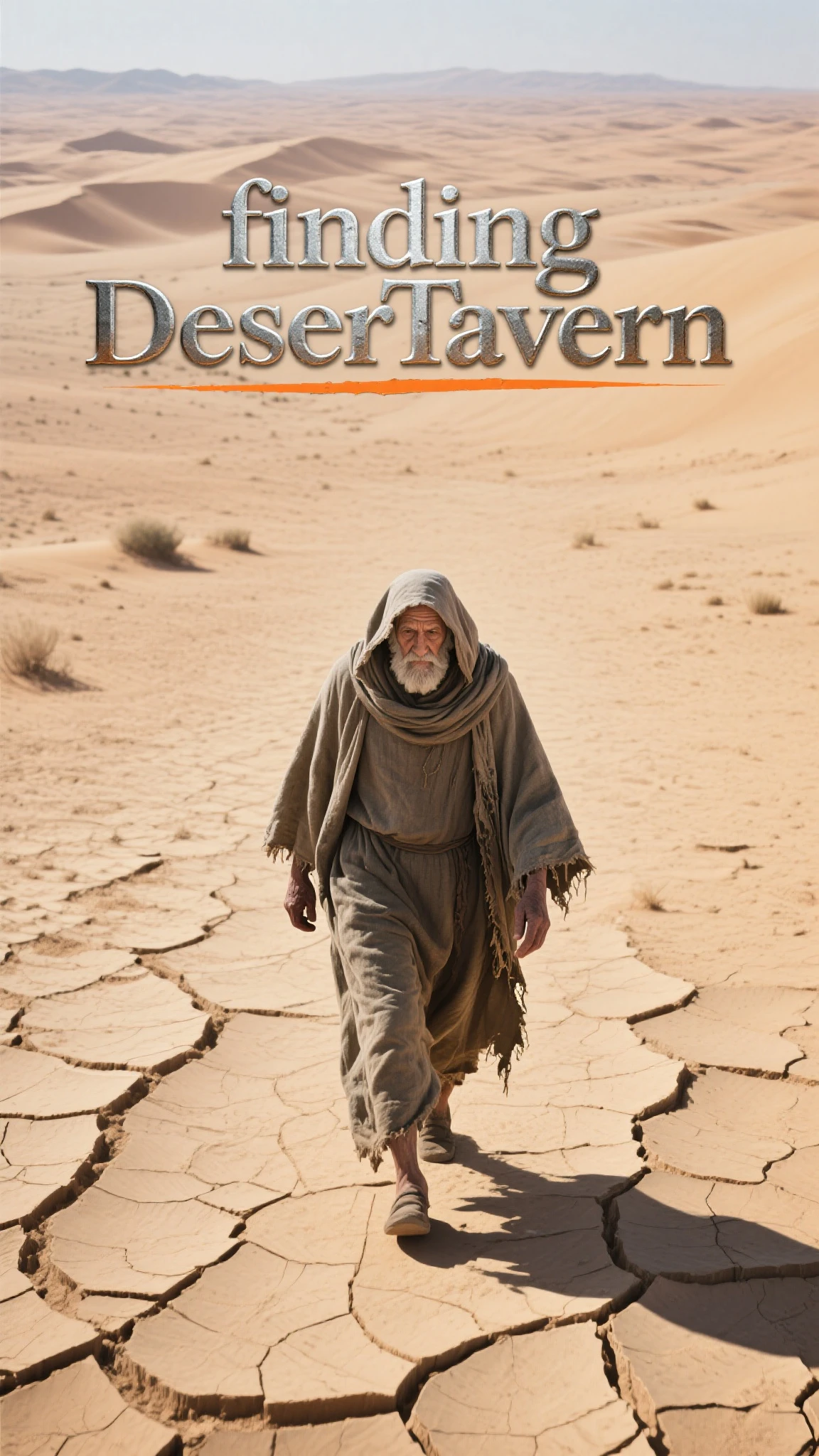
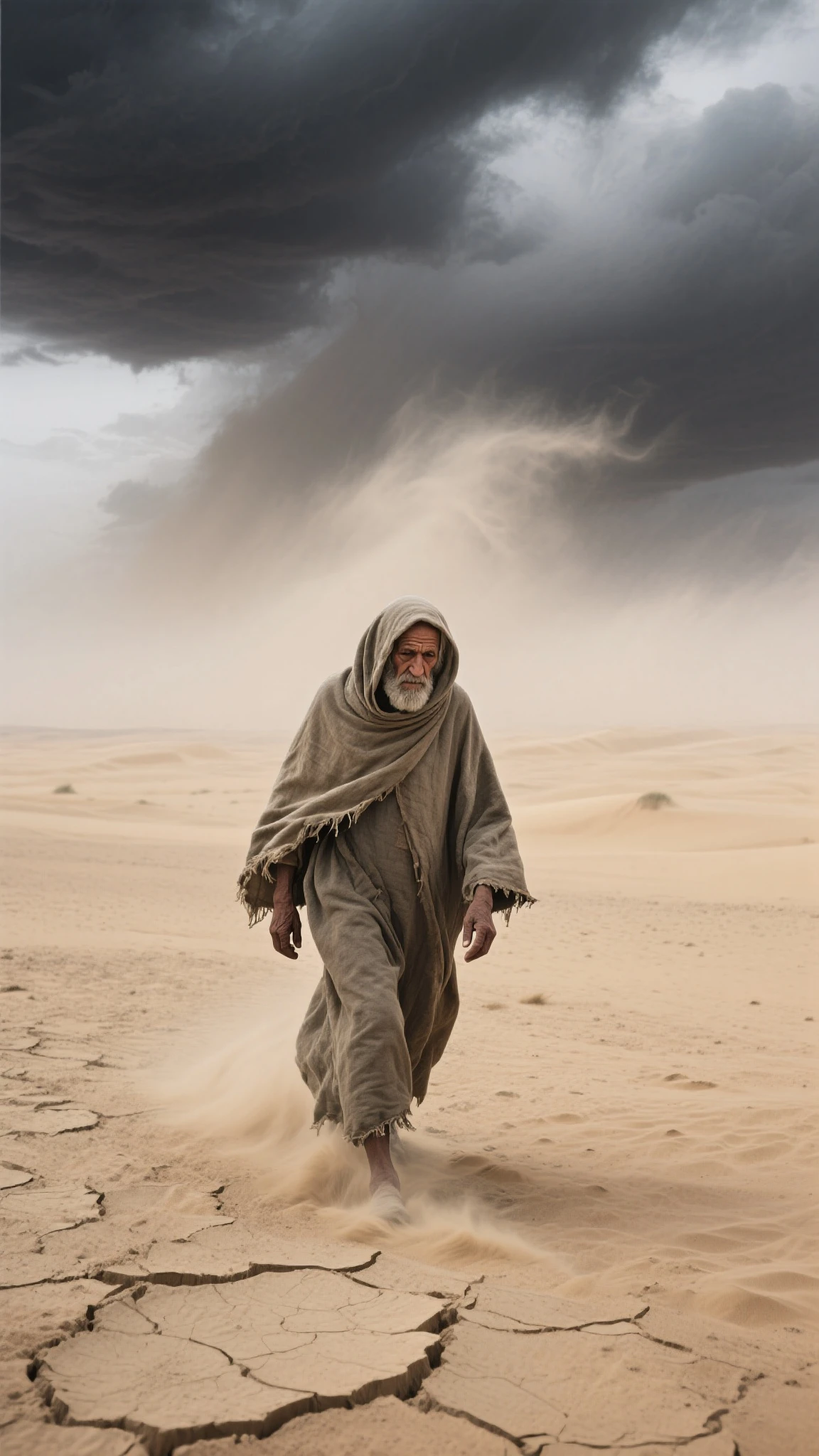
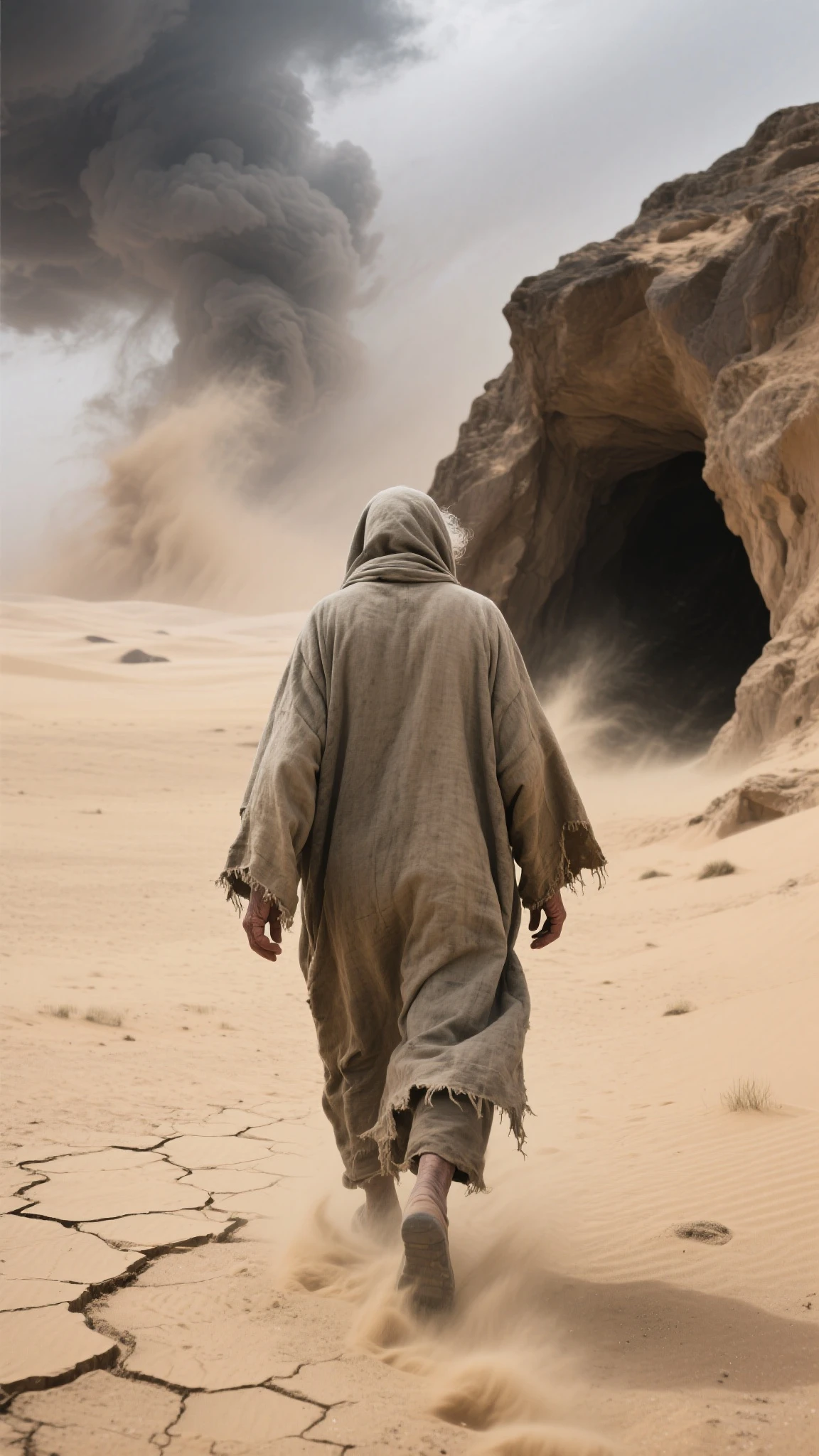
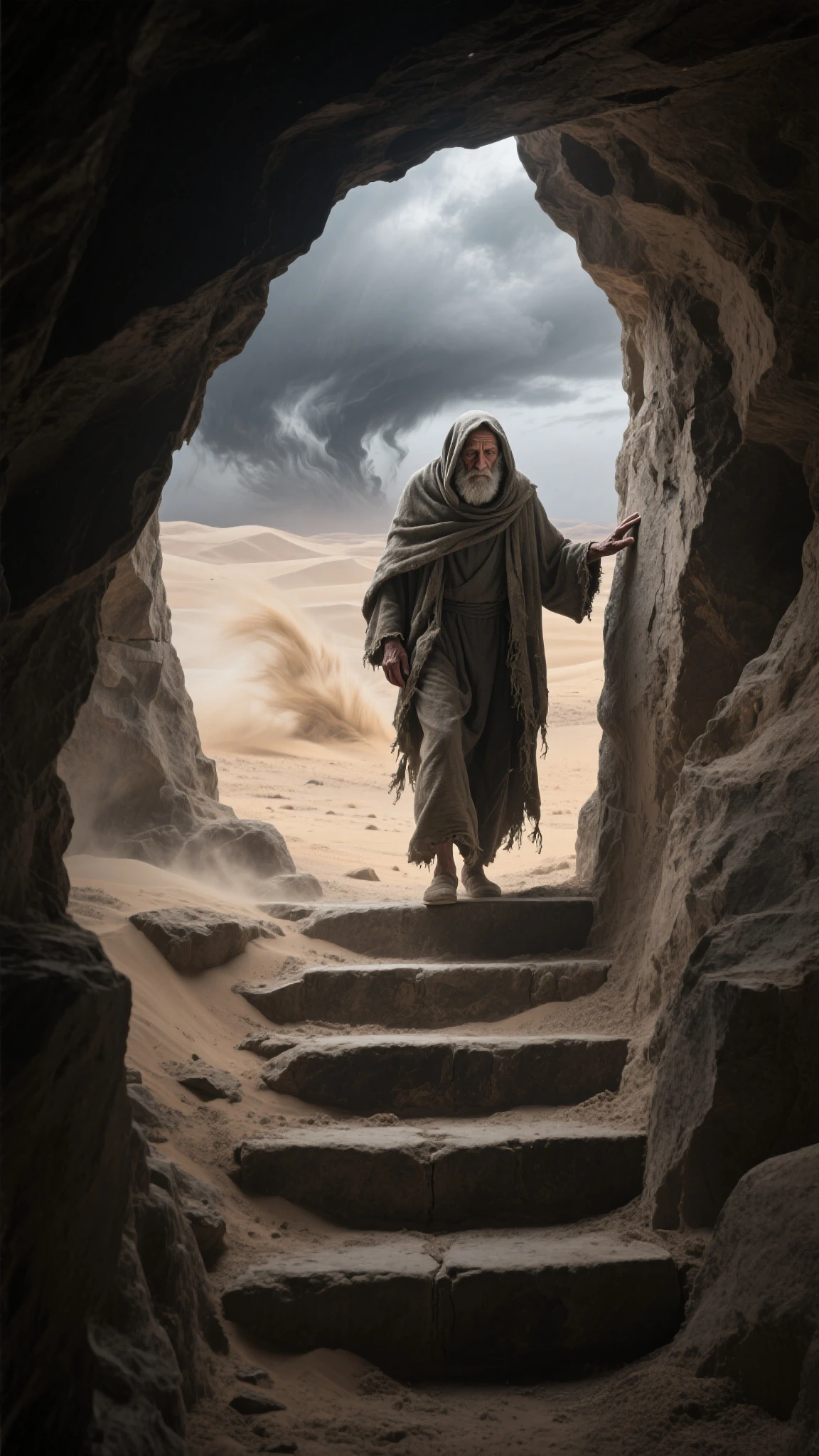
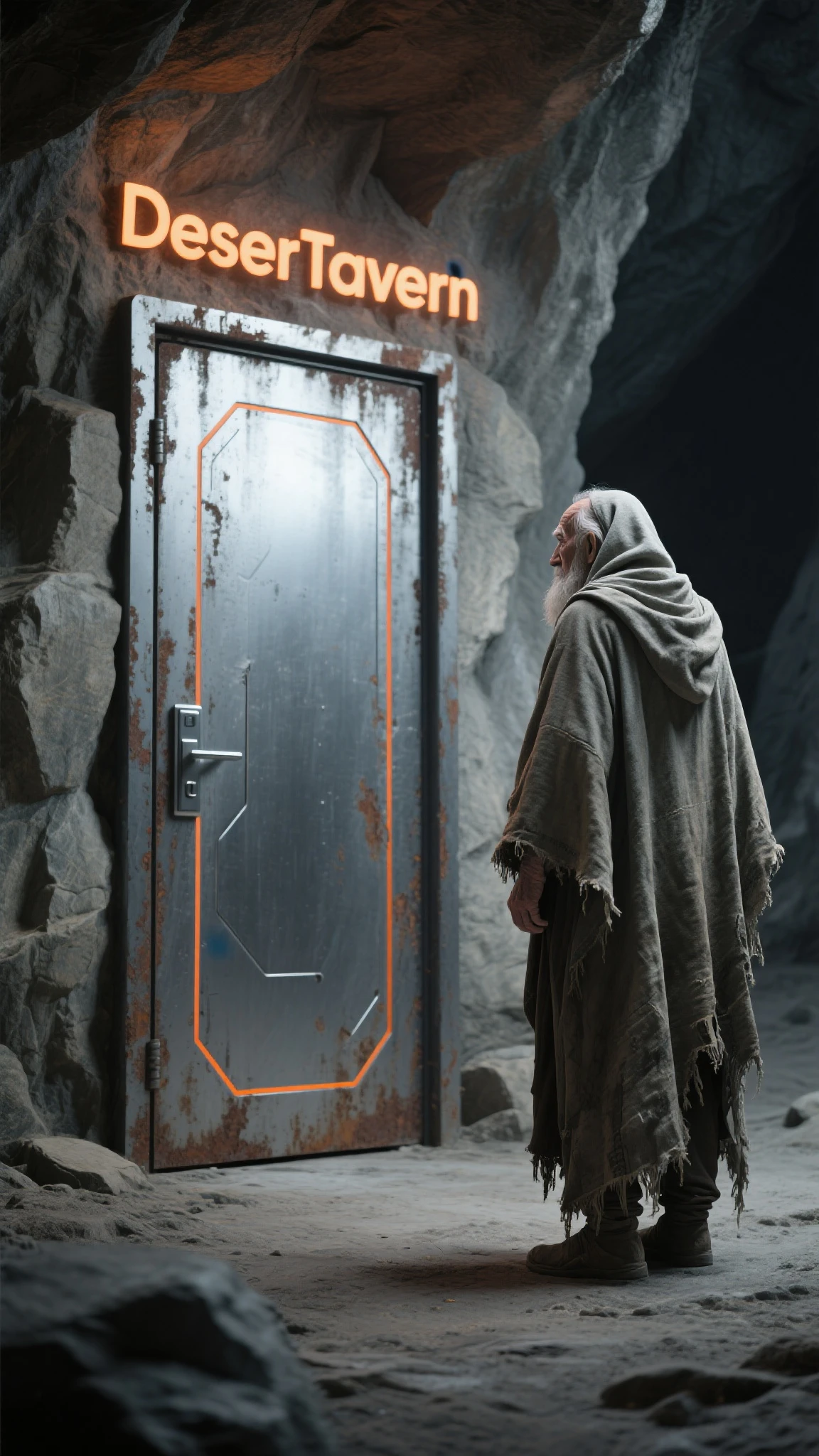
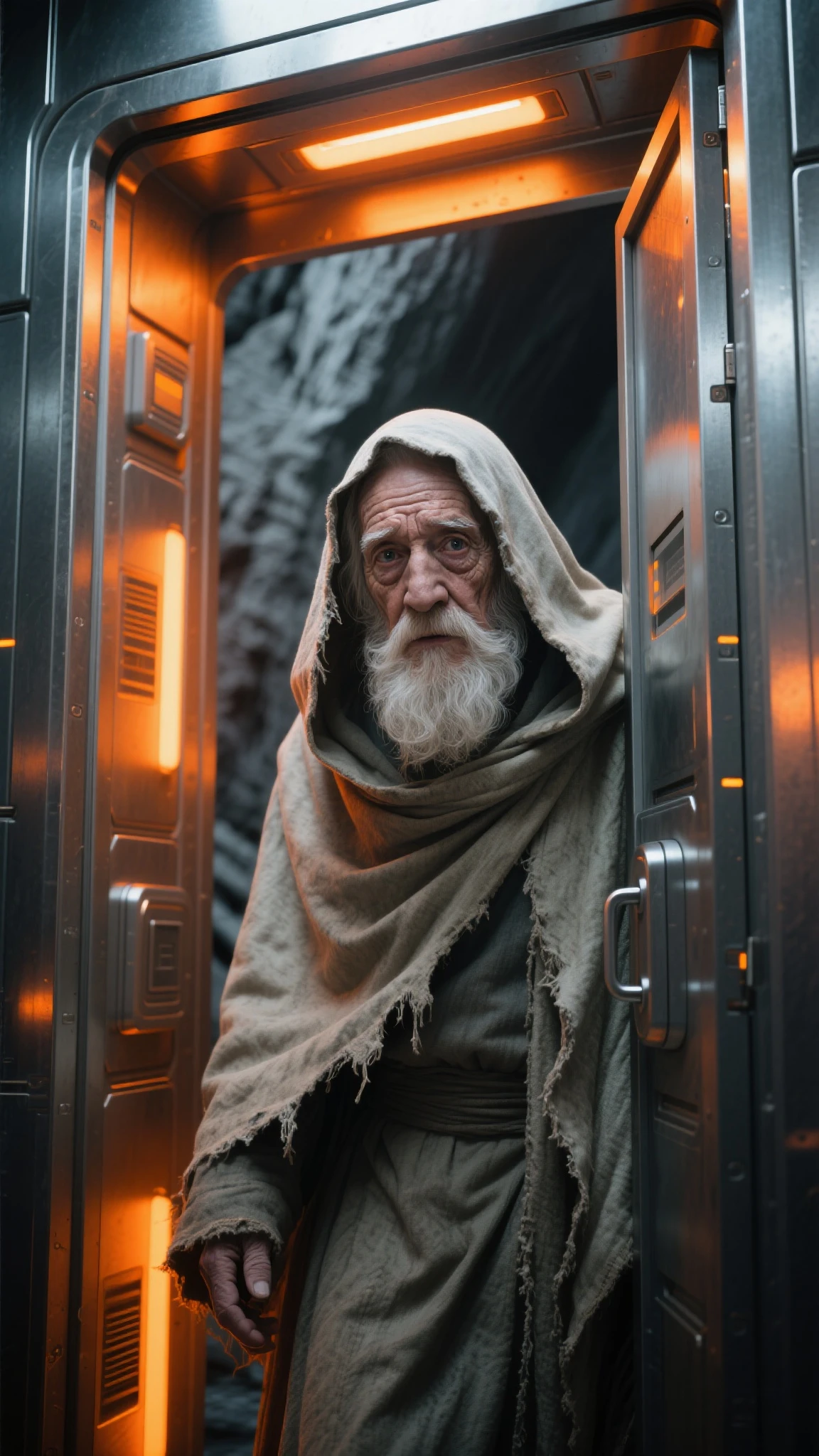
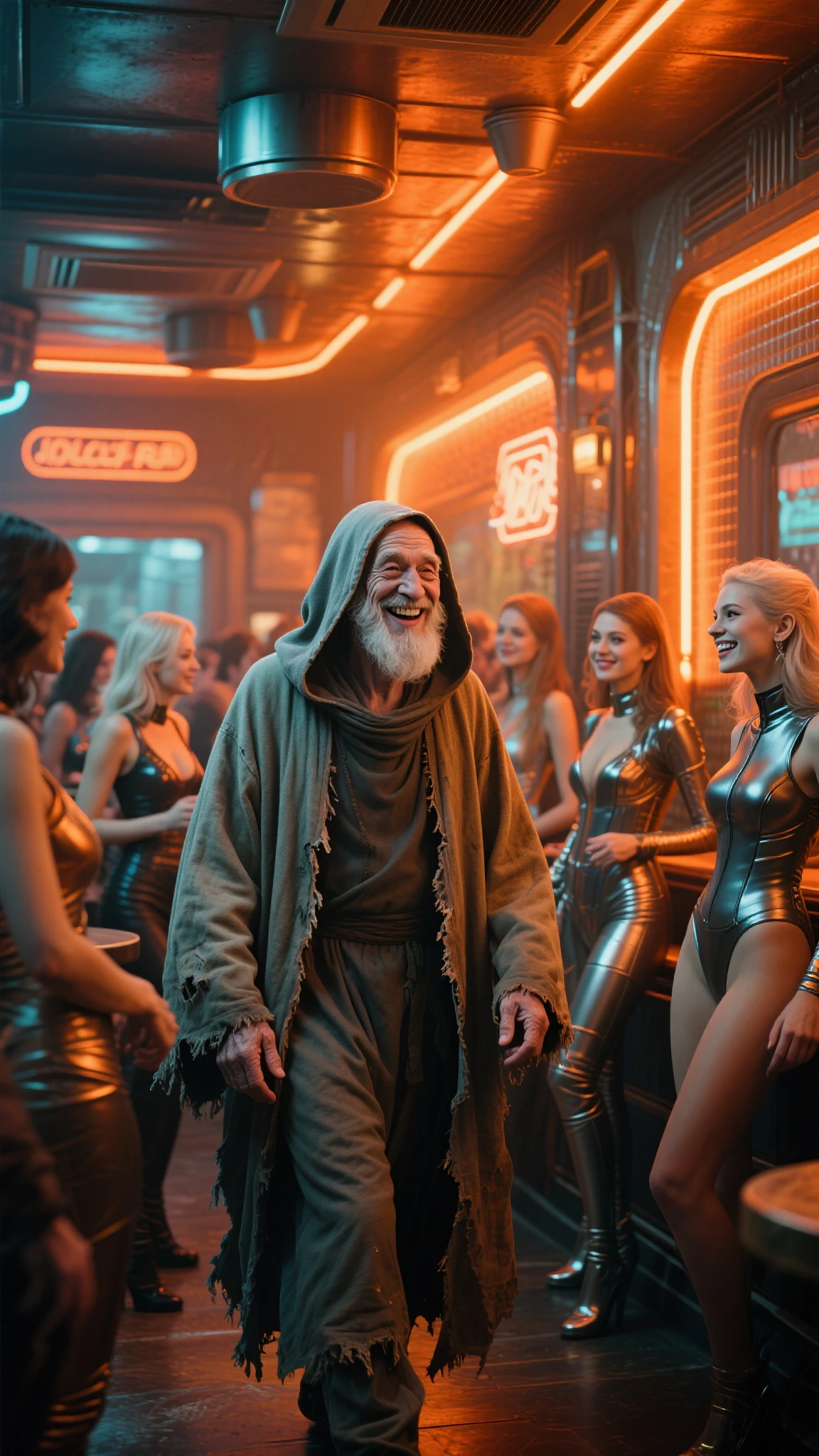
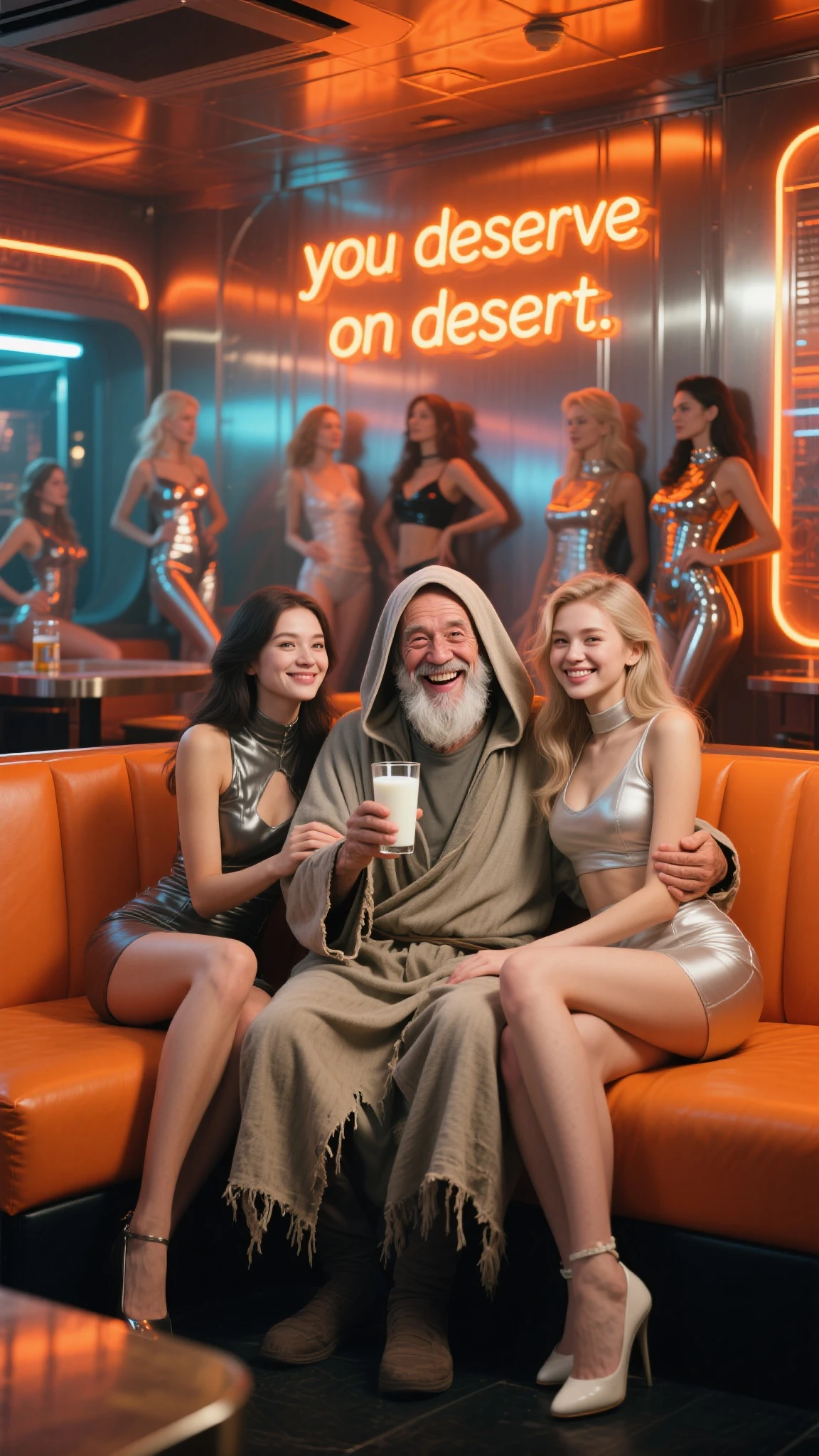
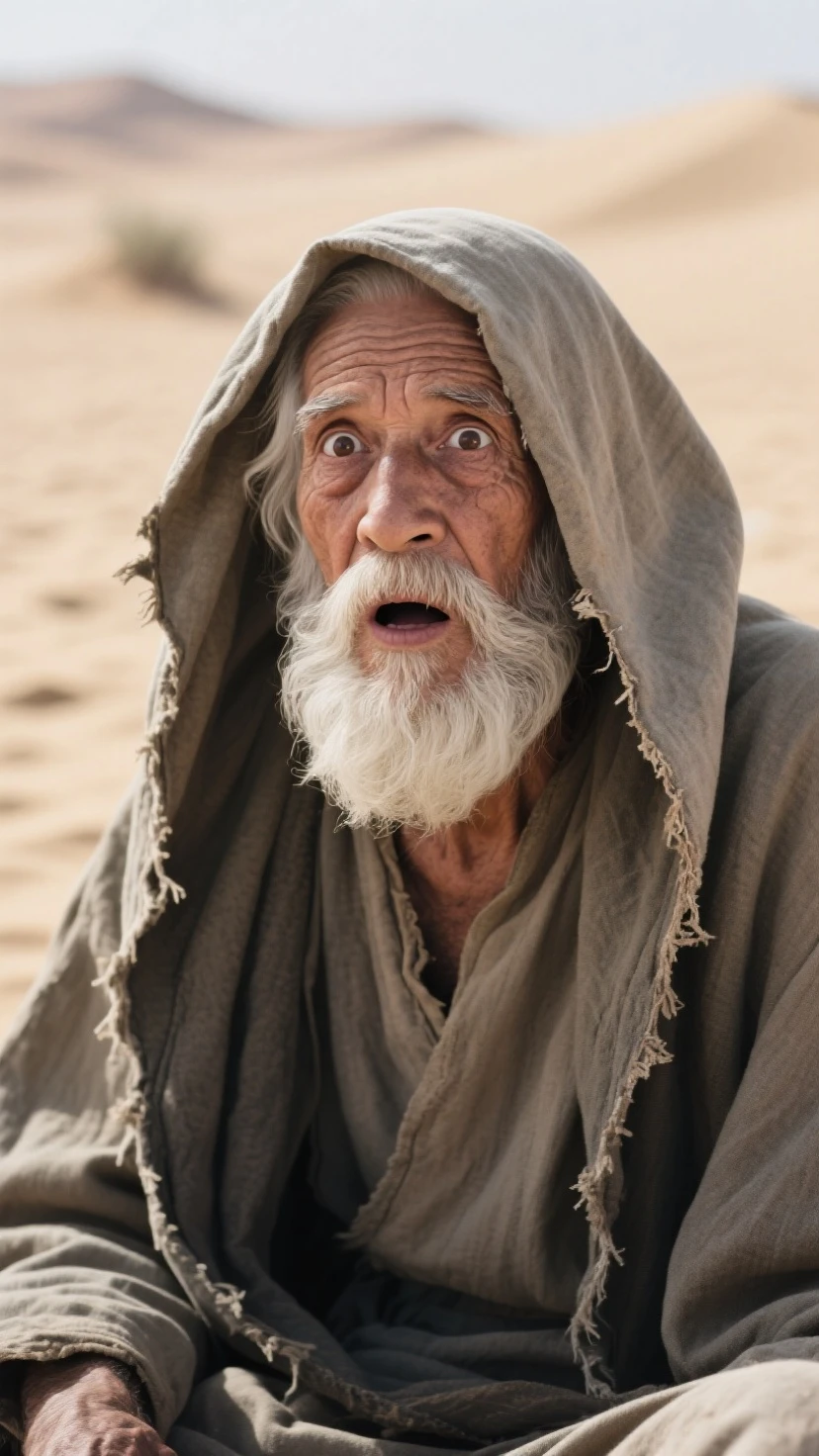
those images are my main story board, but in the production process, i add more frame to be a transition, and to make it smooth, if you want a good result, you need to generate them at least with Seaart Lite. (you need video generator with negative prompts option!), you can read my previous article PART 1 for the reason.
here are the results of video generator :



from the storyboard , i need to make first frame into two images, to create a revealing title more smooth, for video prompt, you can refer to explanation above and my previous article.



i had a lot of troubles in creating the video for 5th and 6th frame, because of automatically panning, so i try add more negative (panning, tracking, zooming) and change to seaart lite, yeah i got what i want, but the 6th is still not good, but because i already know that it can be reversed, so its fine.







so for 30s video, i decide to use 13 clips, ideally is around 20-25 clips, with 1s per video frame.
i edit the all the clips using capcut, and here is the final result :

to view full video and hear the sound you can visit here
CONCLUSION
You can do a production plan like this for long duration video including lip sync or a shorter and simpler video, like this:

to view full video and hear the sound you can visit here urban snapshots

to view detailed video and hear the sound you can visit here anime action scenes
note : almost all video generator will create the anime image into speaking mouth (i don't understand, even the negative prompts inserted)
ADDITIONAL INFORMATION ON STORYBOARD MAKING
tips and tricks : to produce the basic storyboard image with the style you want, you can use the img2img method like this :
Seaart film to illustrious ( i use GR illustrious semi realistic )
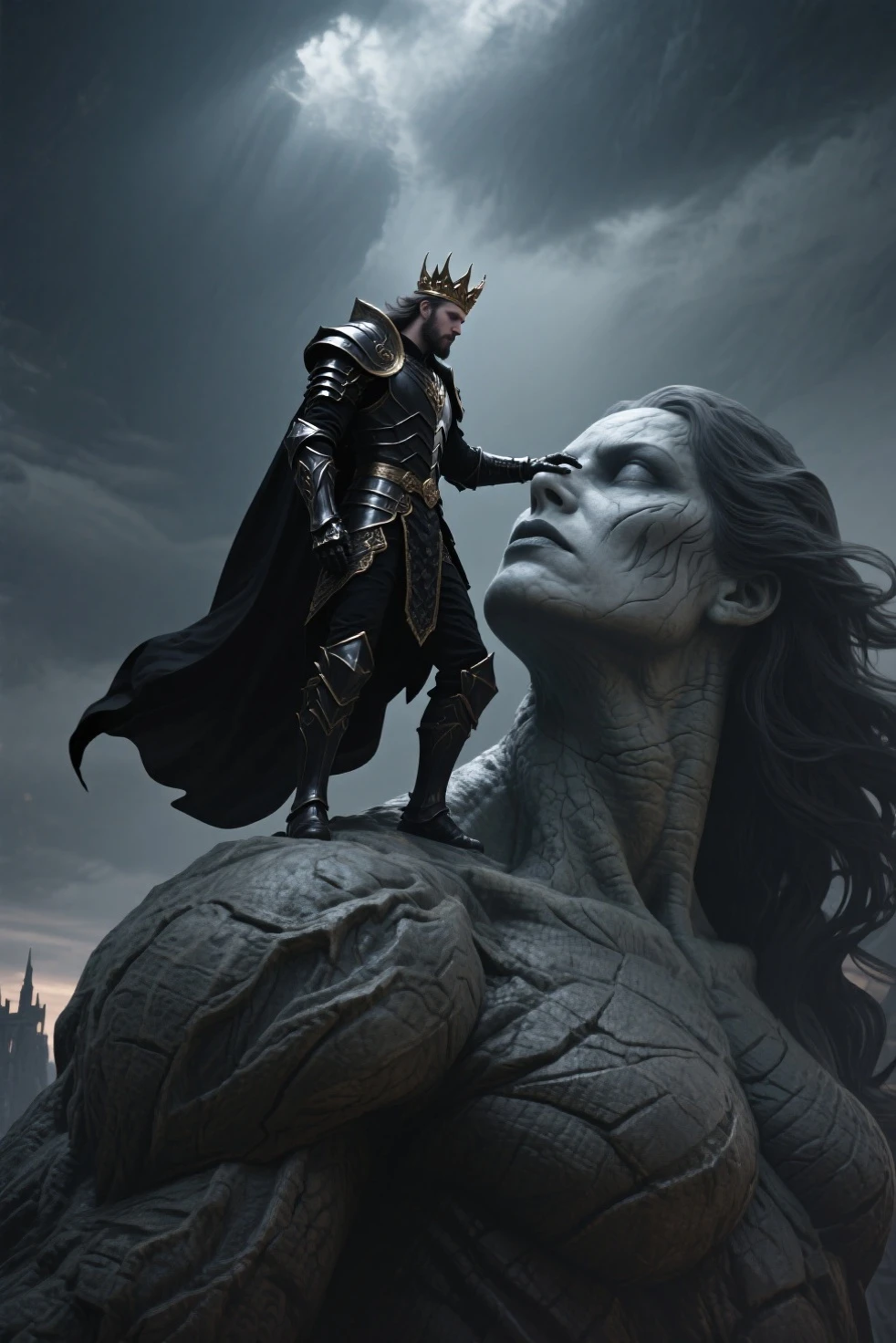
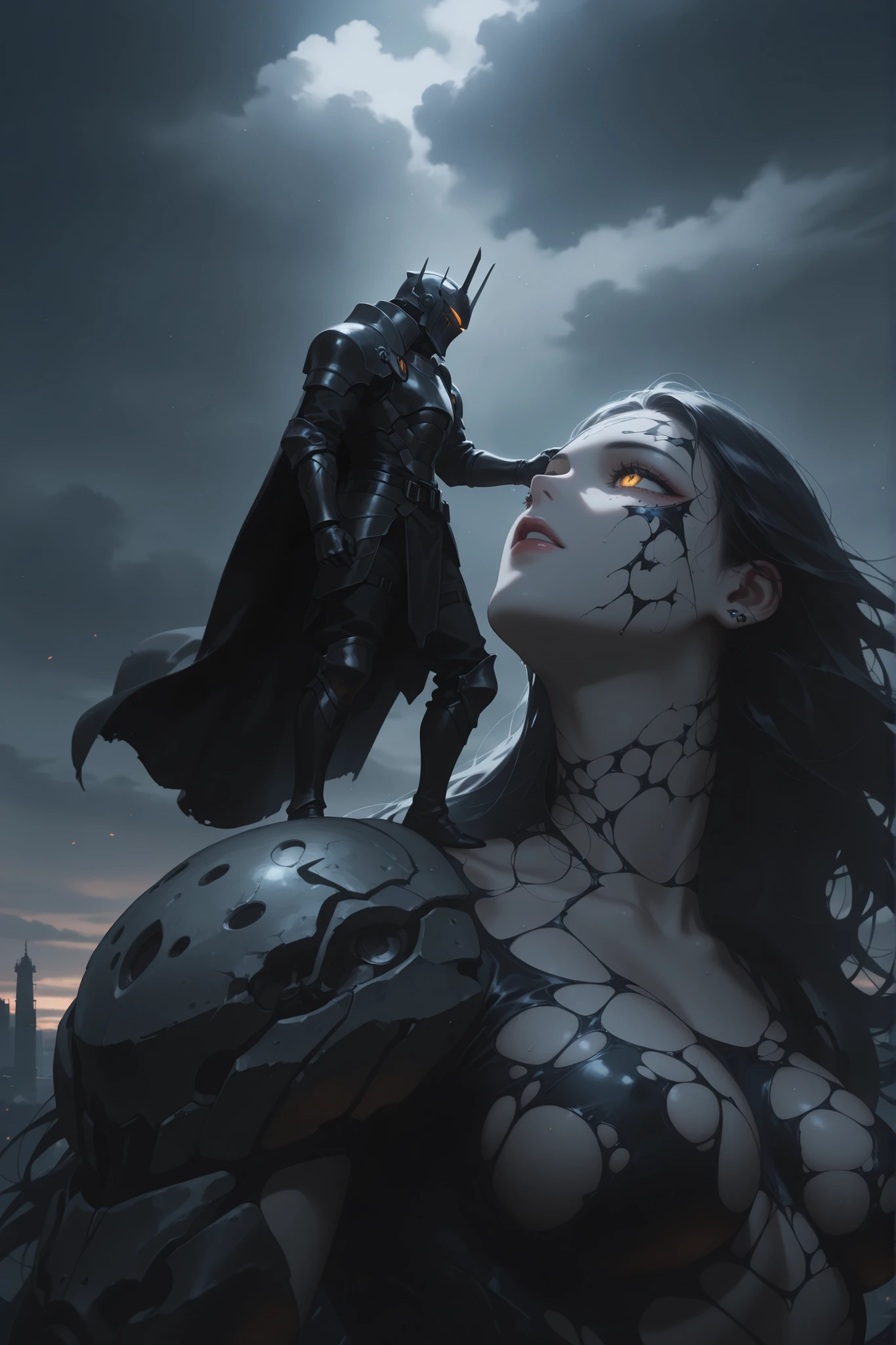
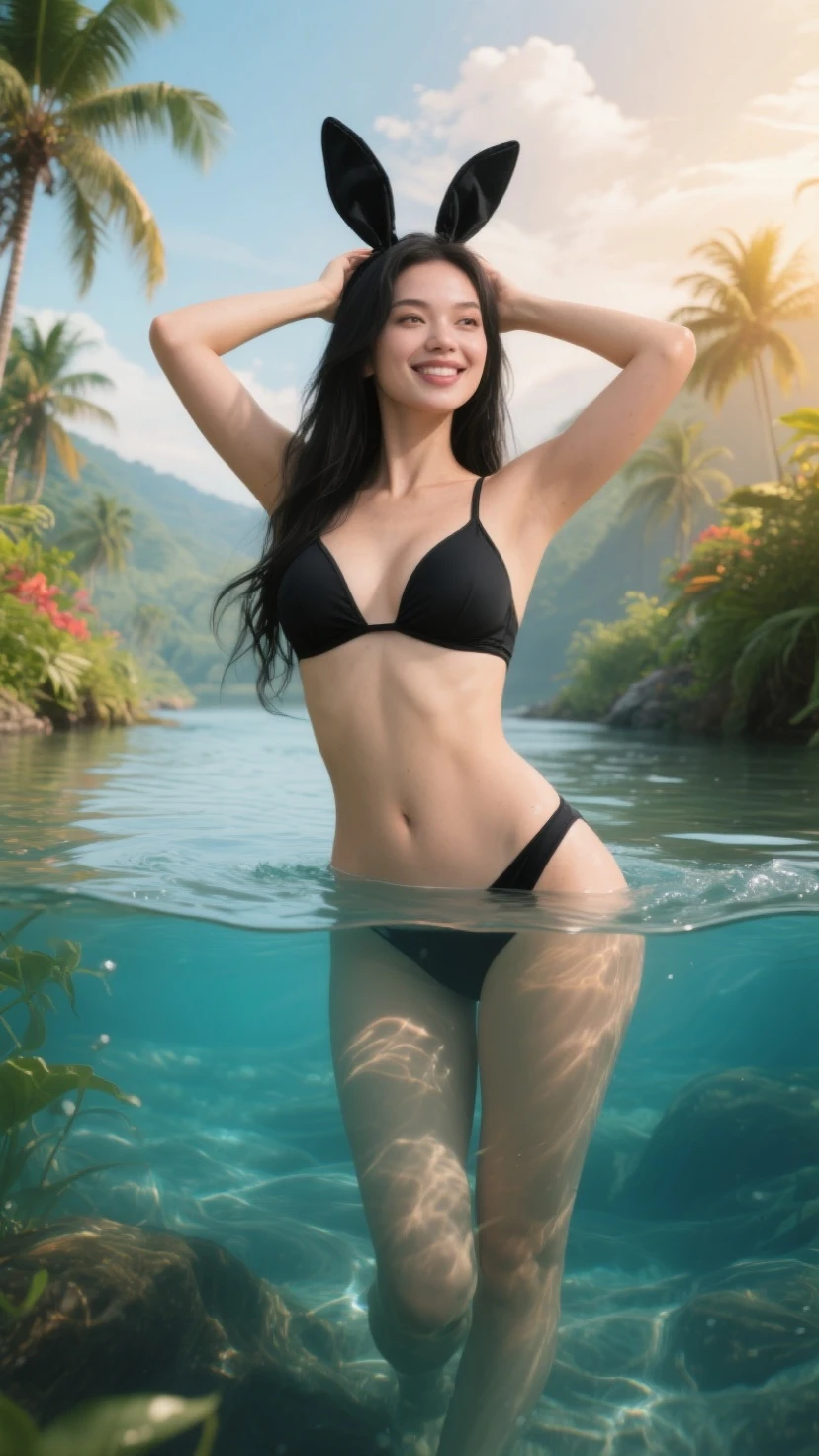
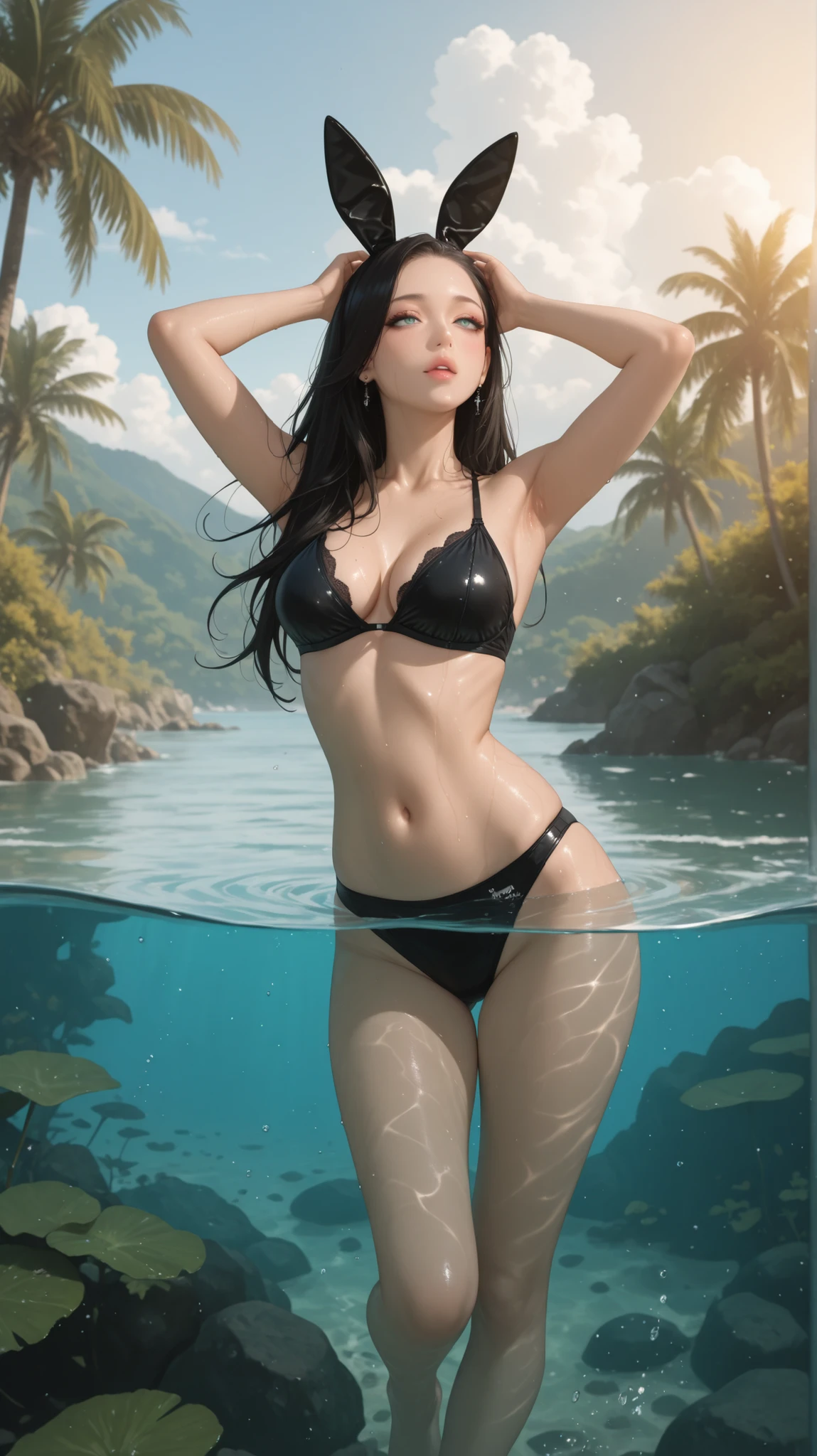
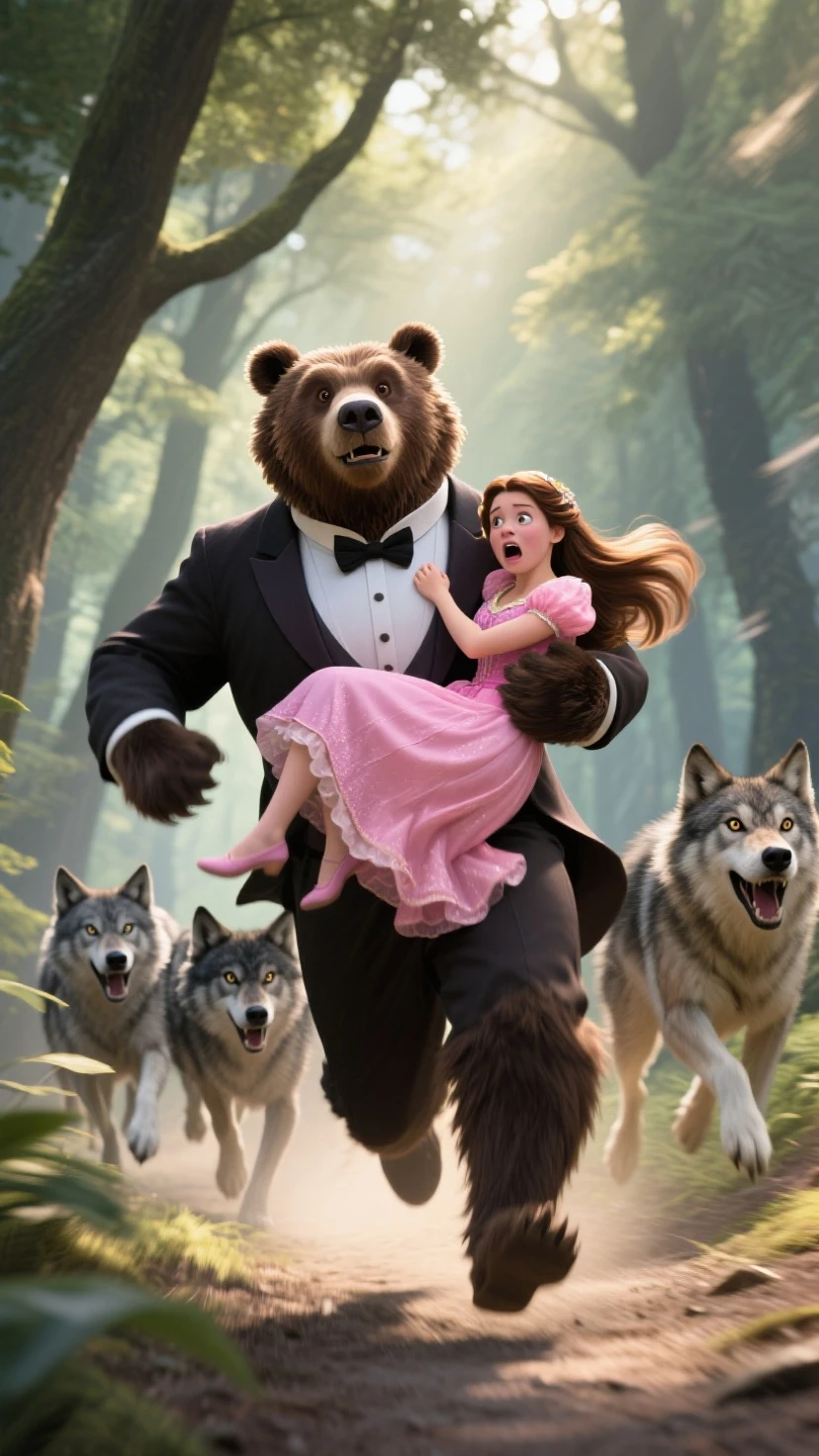
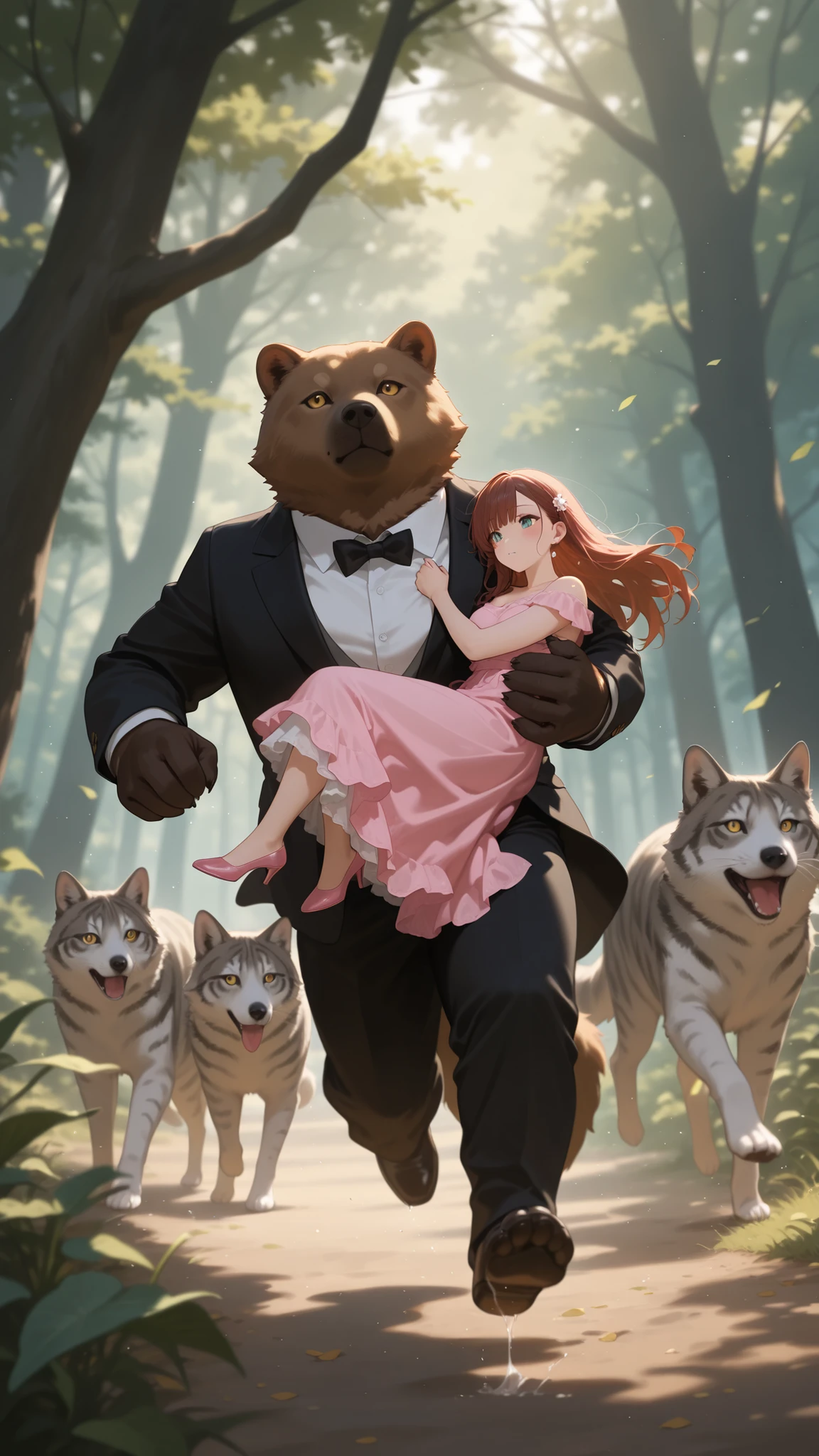
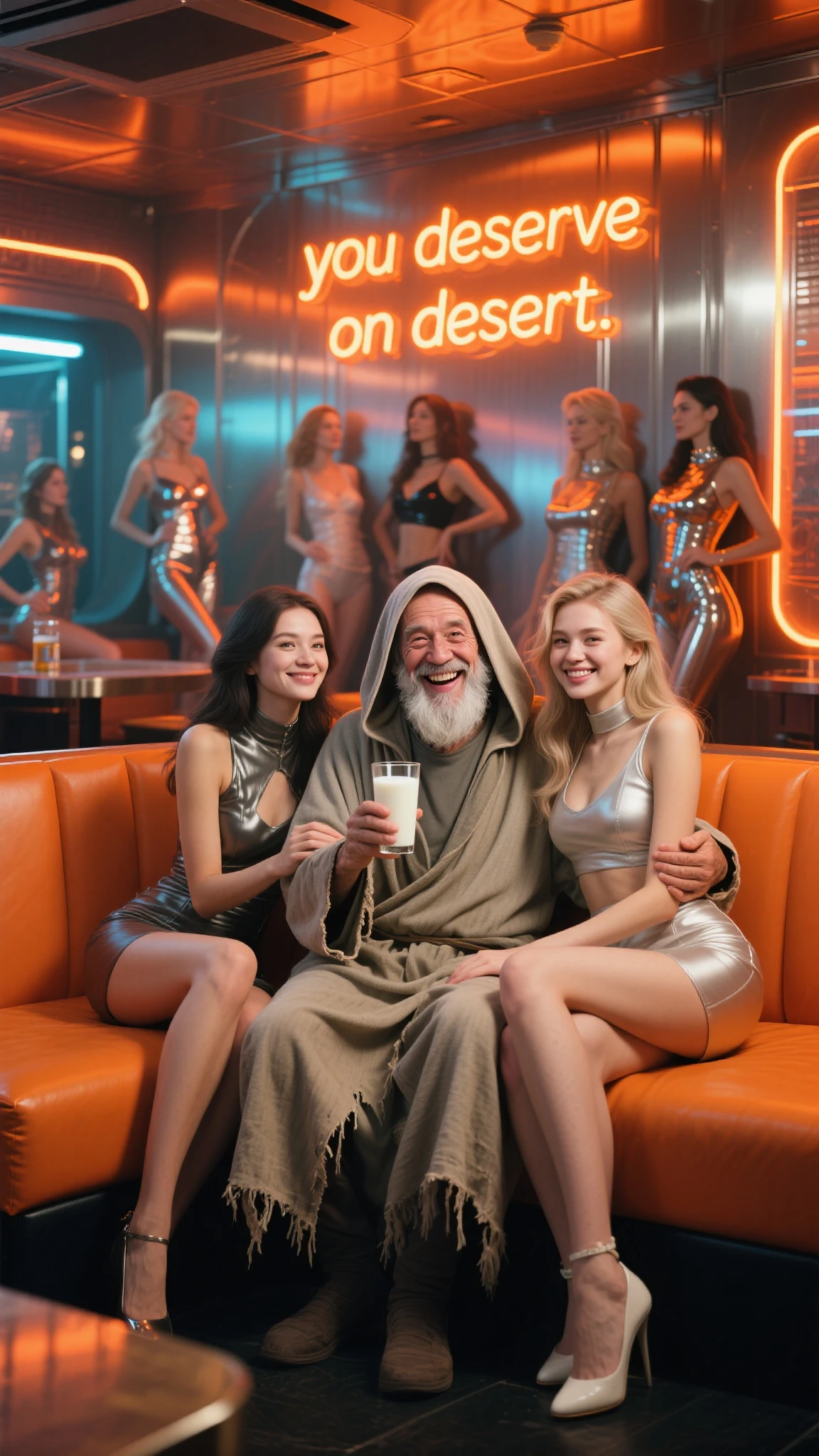
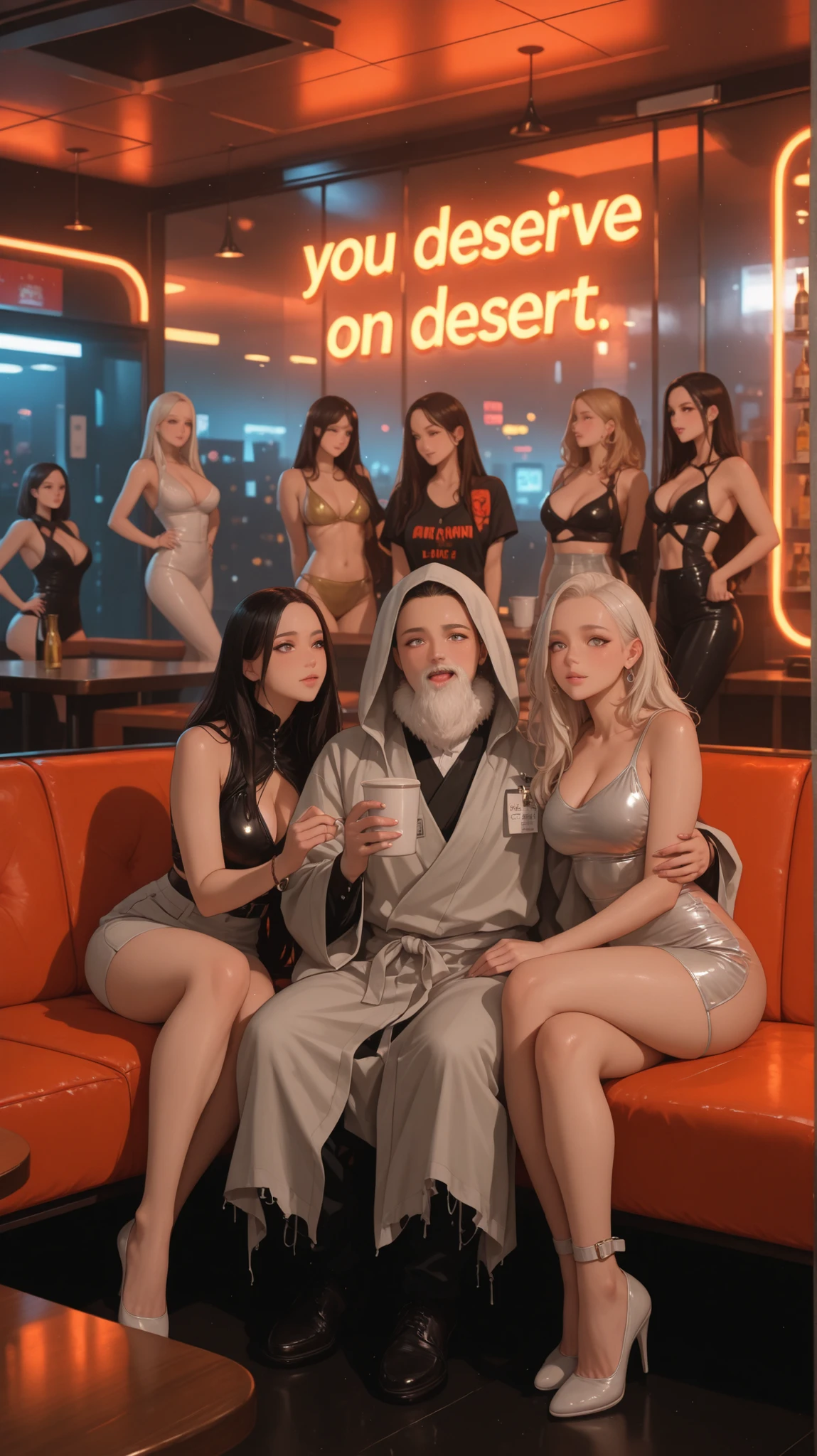
after that you can generate a video from the base image you created, just remember this: the image results from illustrious or flux tend to be made more contrast or darkened by the video generator. but I haven't tried using seaart ultra 2.0, maybe the results will be better.
QUICK QUESTIONS
what if i don't have much stamina or credits to apply this method?
1. you can use your 2 days stamina, spend 60 to create the storyline, and spend 300 to create the video using seaart dance.
tips and tricks : click the generate video on the image, use seaart ultra, and use the auto prompts, if you already get the prompts, change the checkpoint to seaart dance, tweak the prompts as you like. at least you can create a video like this :

to view full video and hear the sound you can visit here Summer Camp - Seaart Dance
with a good editing you can combining standard clips into something delicate.
2. Buy SVIP
if you want to ask something, please leave a comment below.
THANKS FOR READING, HOPE YOU ALL CAN MAKE GOOD VIDEOS!