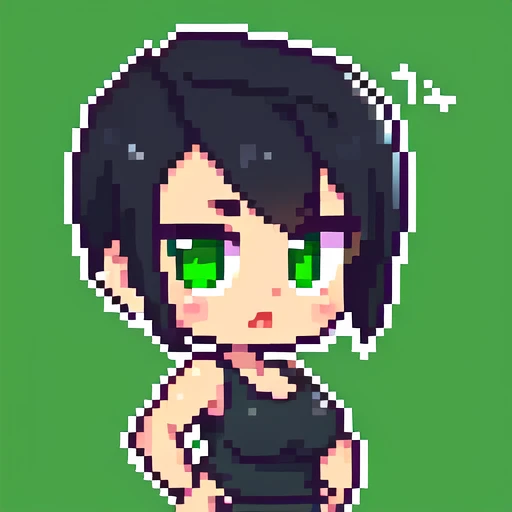
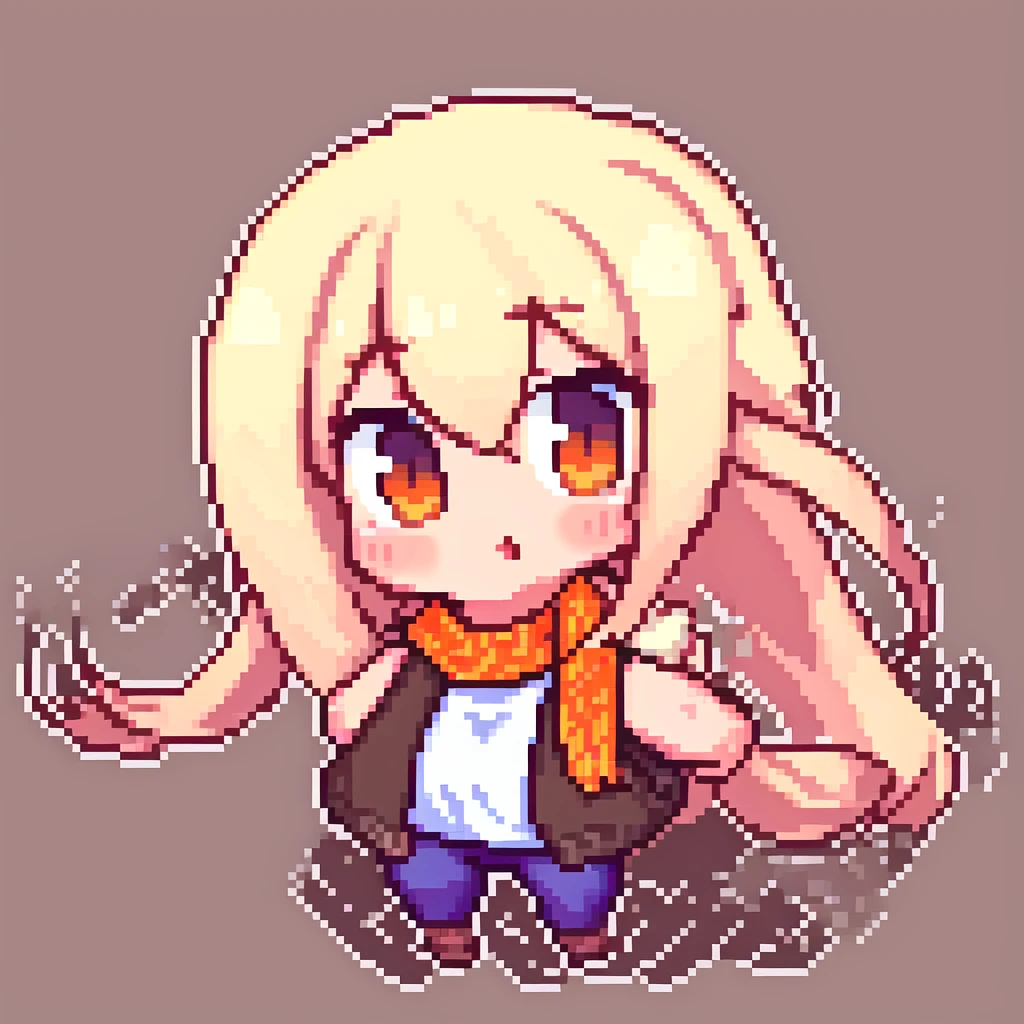
This is 8bitdiffuser! A model trained on ~2k images
This page is for the 64x model!
PLEASE when using this model, use one of the AnyLoRA forks, Qteamix, Angelbreed or Animekawa. it works best with stylized anime / cell shaded models, while it can work on many other models, it might not produce the "pixel perfect" results
When generating images scaling them down 8x will produce pixel perfect results! you can downscale them via billinear or nearest neighbor, but i have had the BEST results when using astropulse's Pixelize plugin for A1111, it is completely free and can run even on lower end devices.
make sure to use an 8X downscale factor in post processing!
the 64x model, while a bit worse at generating even pixels, still operates greatly when downsampling images to native size, it also works much better at full body character portraits. with all v3 versions and above, high resolutions (768x and 1024x) are highly reccomended
Note for versions v4 and above! i used some filtering on the dataset, so if it gives you problems with ???? content, use the v3 or earlier models.
Note that even doe this page specifies a 64x model, u can generate different resolutions of pixel art by just scaling the picture!
256x256 will generate a 32x32 pixel art
512x512 will generate a 64x64 pixel art
1024x1024 will generate a 128x128 pixel art
etc etc...
best settings for this LoRA is:
Steps: 10-30 (On lower step counts, pixels will look very noisy, however if you downsample this to native pixel size this issue is resolved, increase step count if you want a great generation without downsampling)
CFG scale: 4-10
LoRA scale: 0.85-1.25 (the lower you will set the scale, the more it will look like traditional art and the pixels will become uneven, but the higher the scale is it will appear much noisy)
Sampling method: DPM++ 2M SDE karras
Recommended prompt: "pixel_art" (Add these to the start every generation, this isn't "required" but I found it gets the best results)
Resolution: 512-1024 (on lower resolutions, the pixels will be less even, on higher ones the artifacts will be less noticeable but will take much more time)