
Tipo
LORA
Data di pubblicazione
2025-06-15
Modello Base
Illustrious
Parola Chiave
comfyblanket, chibi
Copia

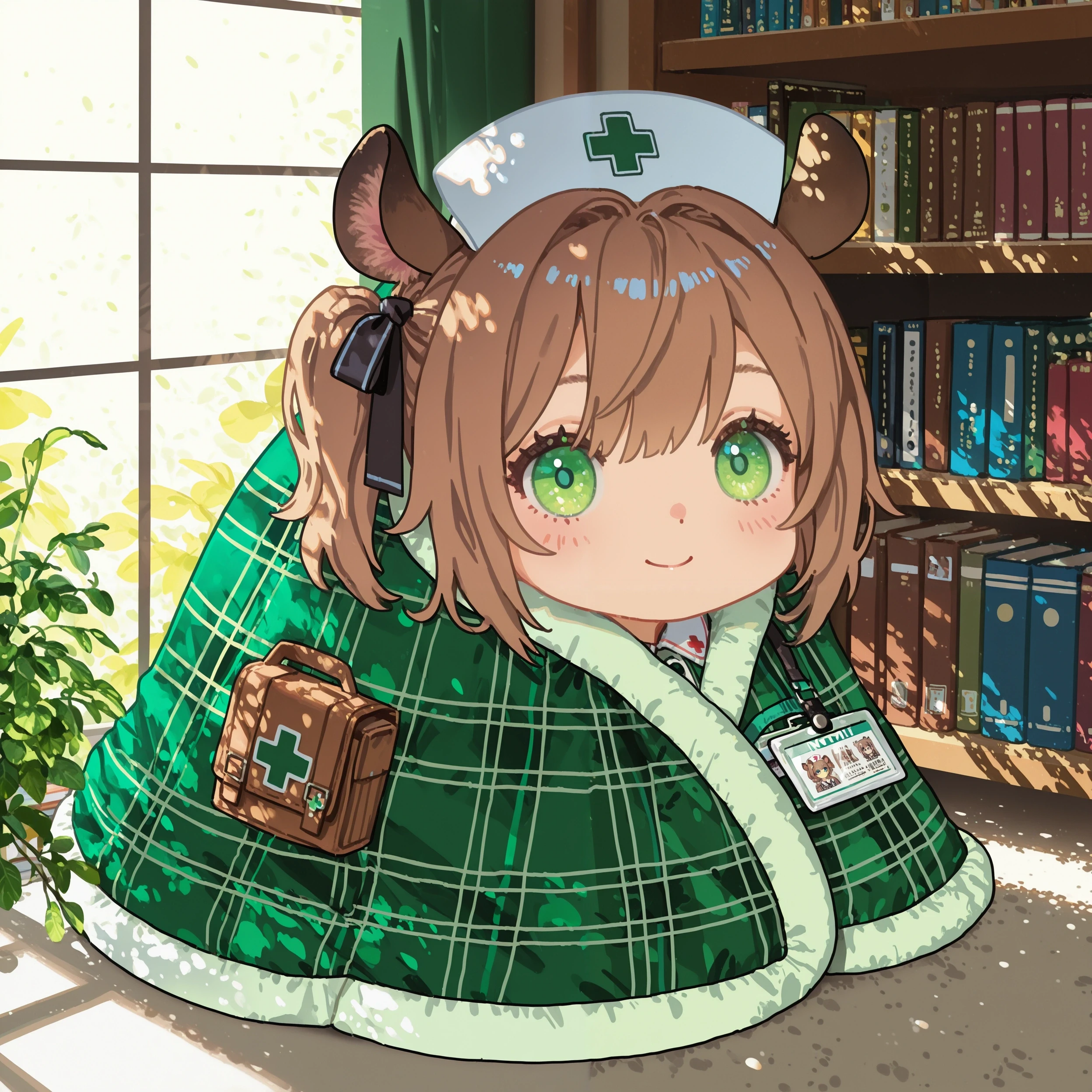
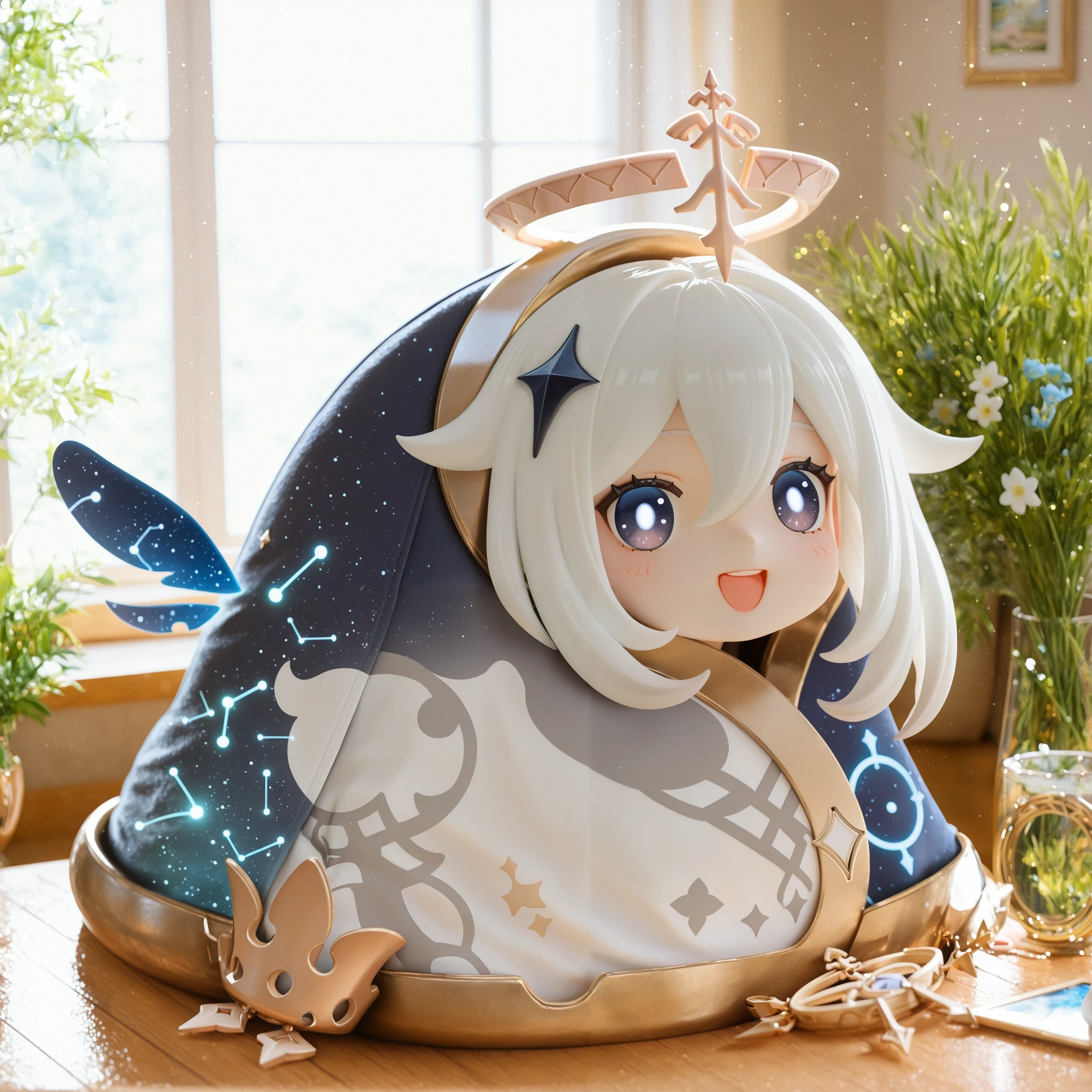
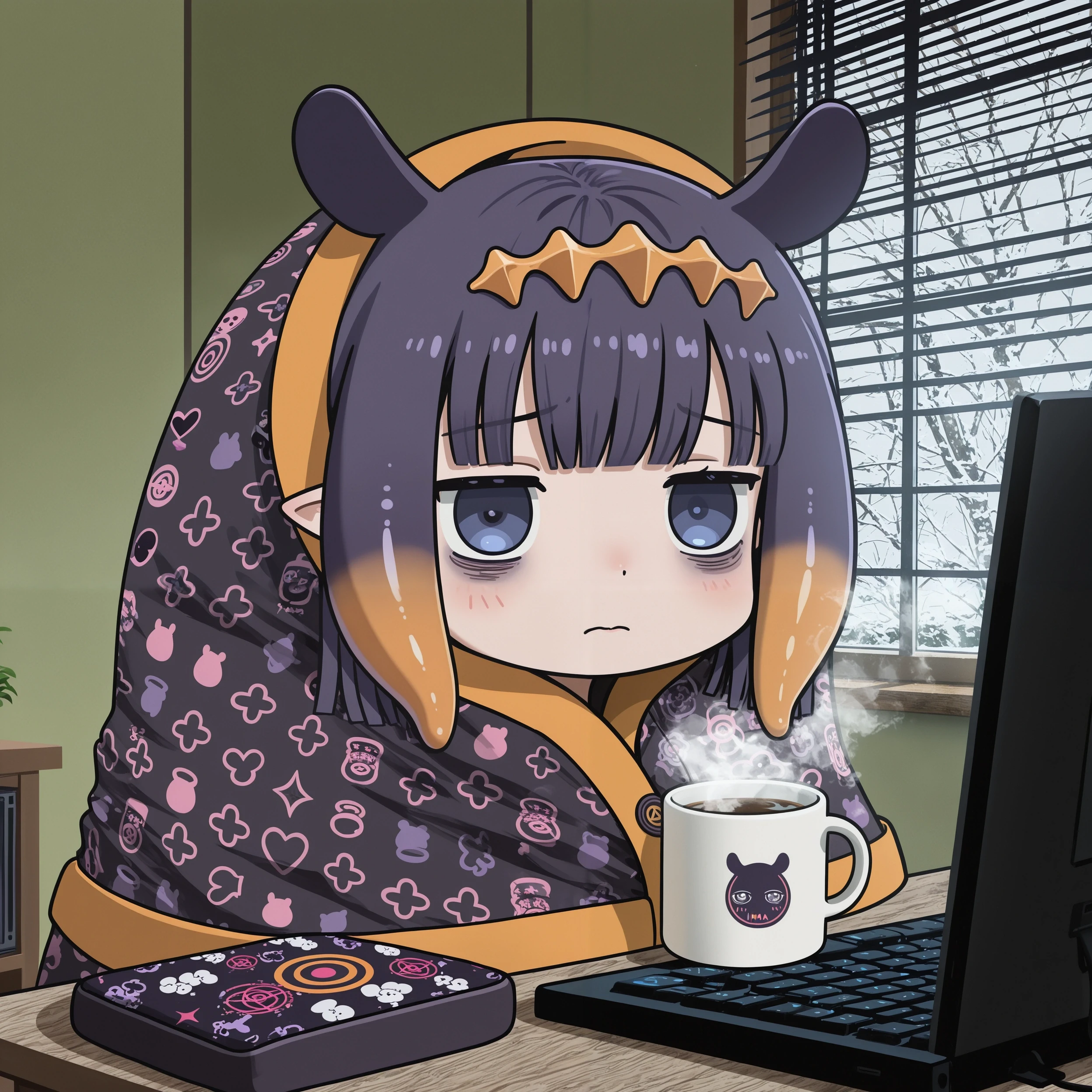
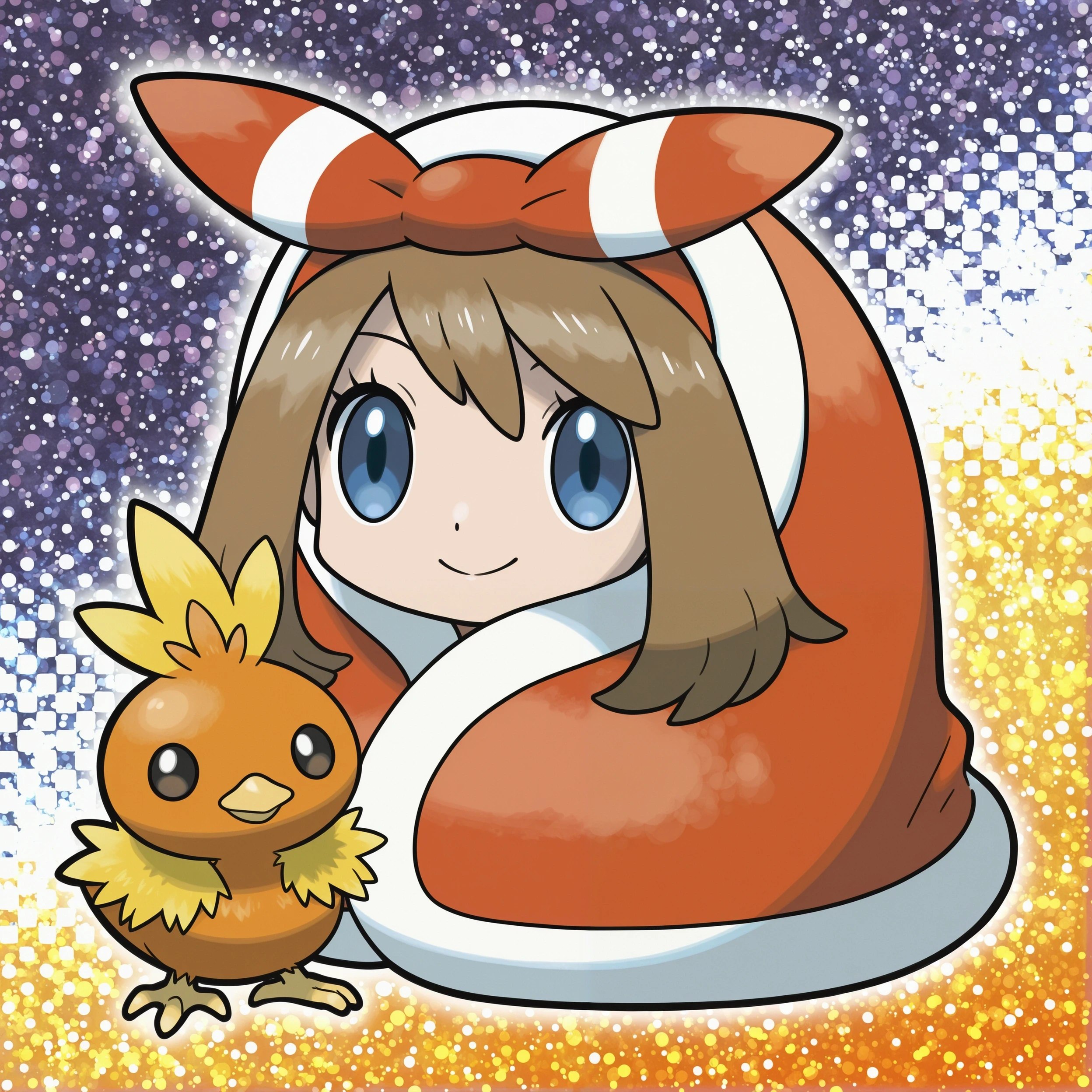
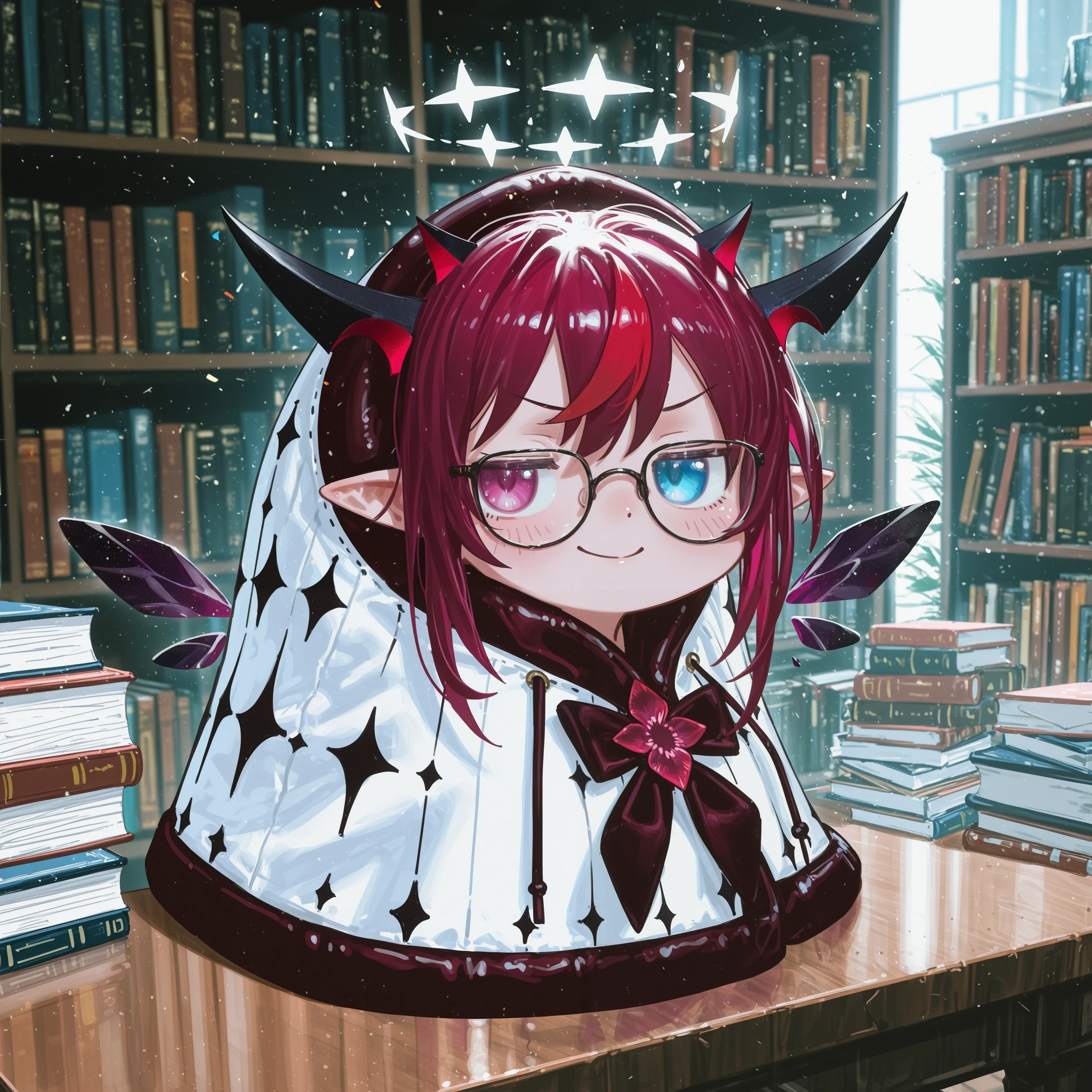
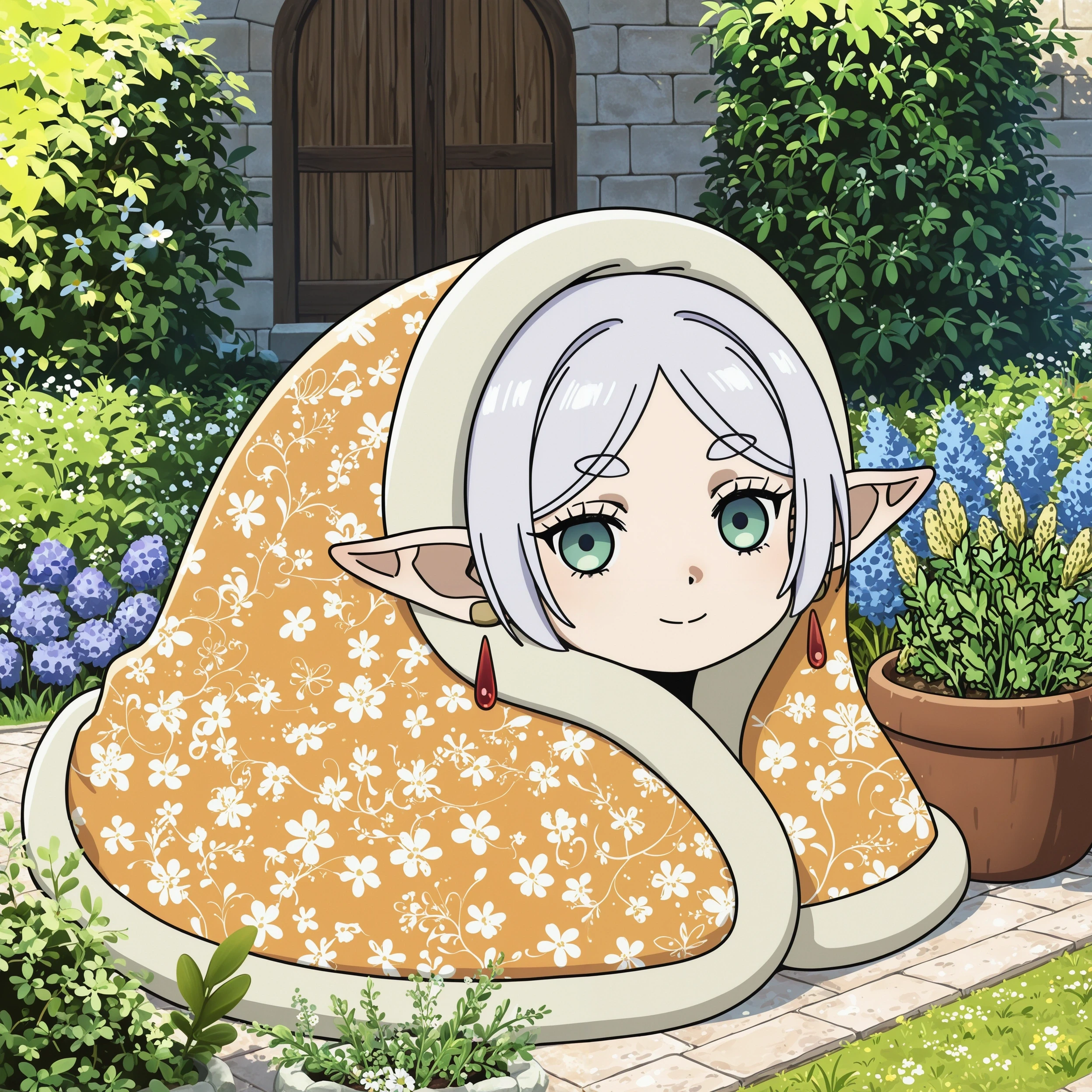
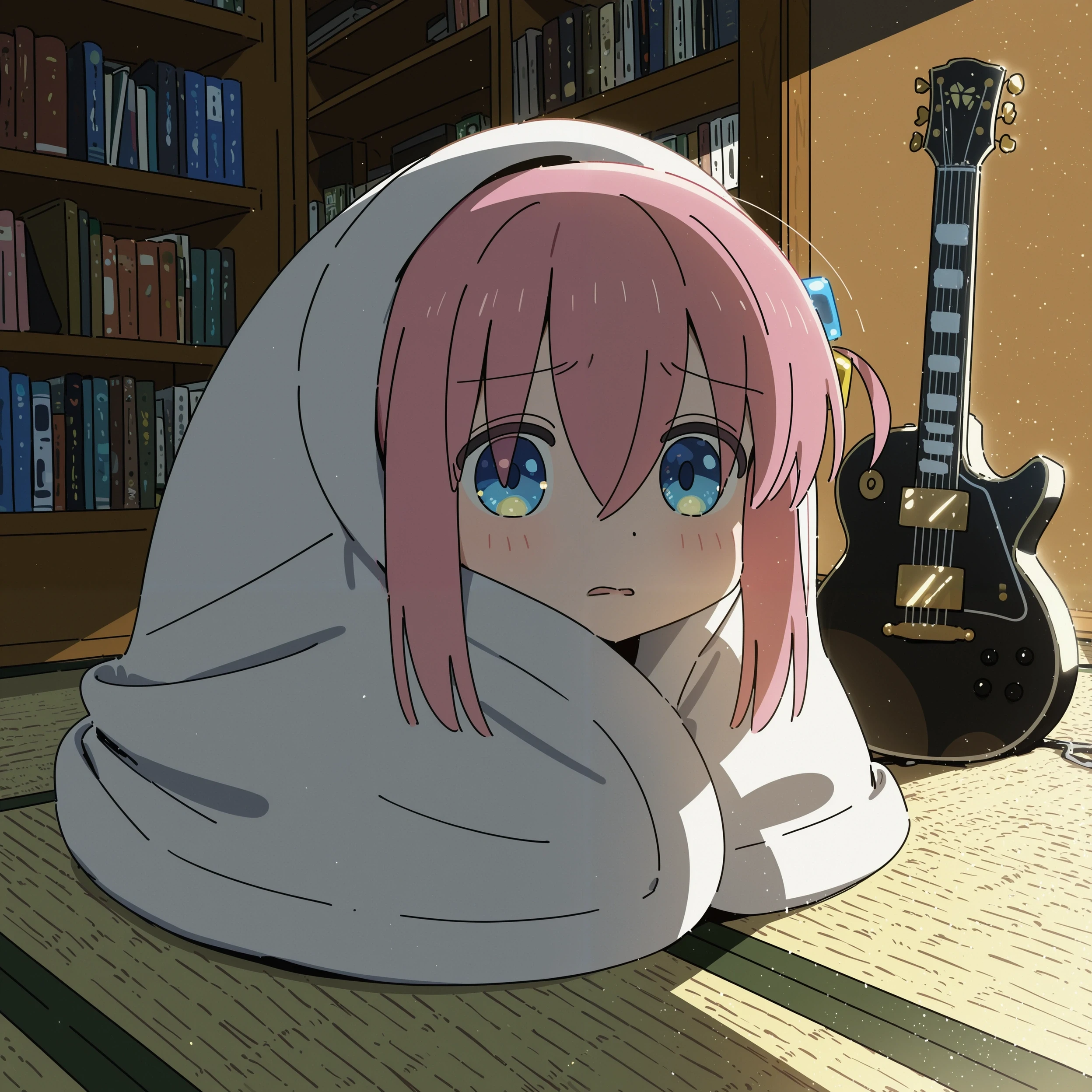
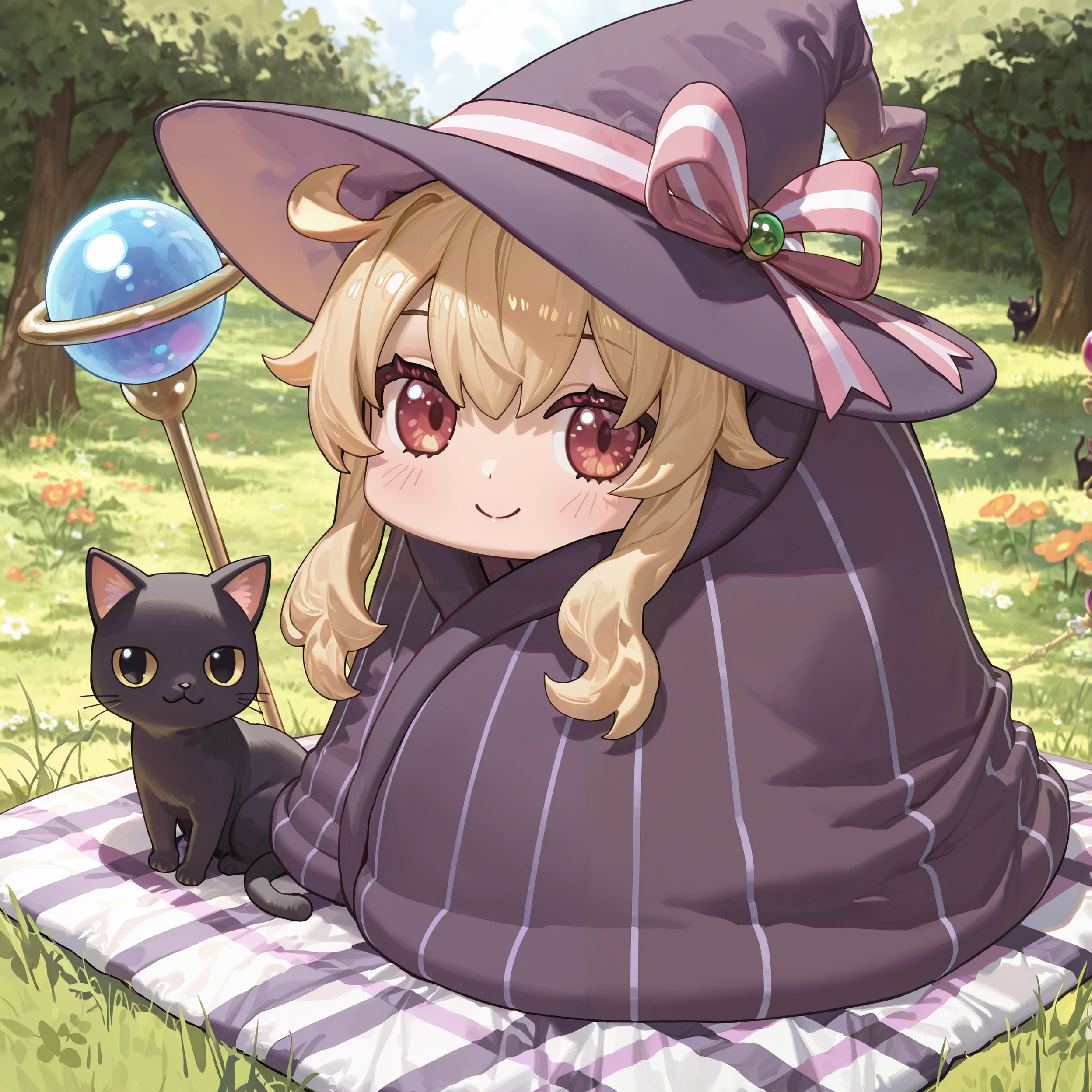
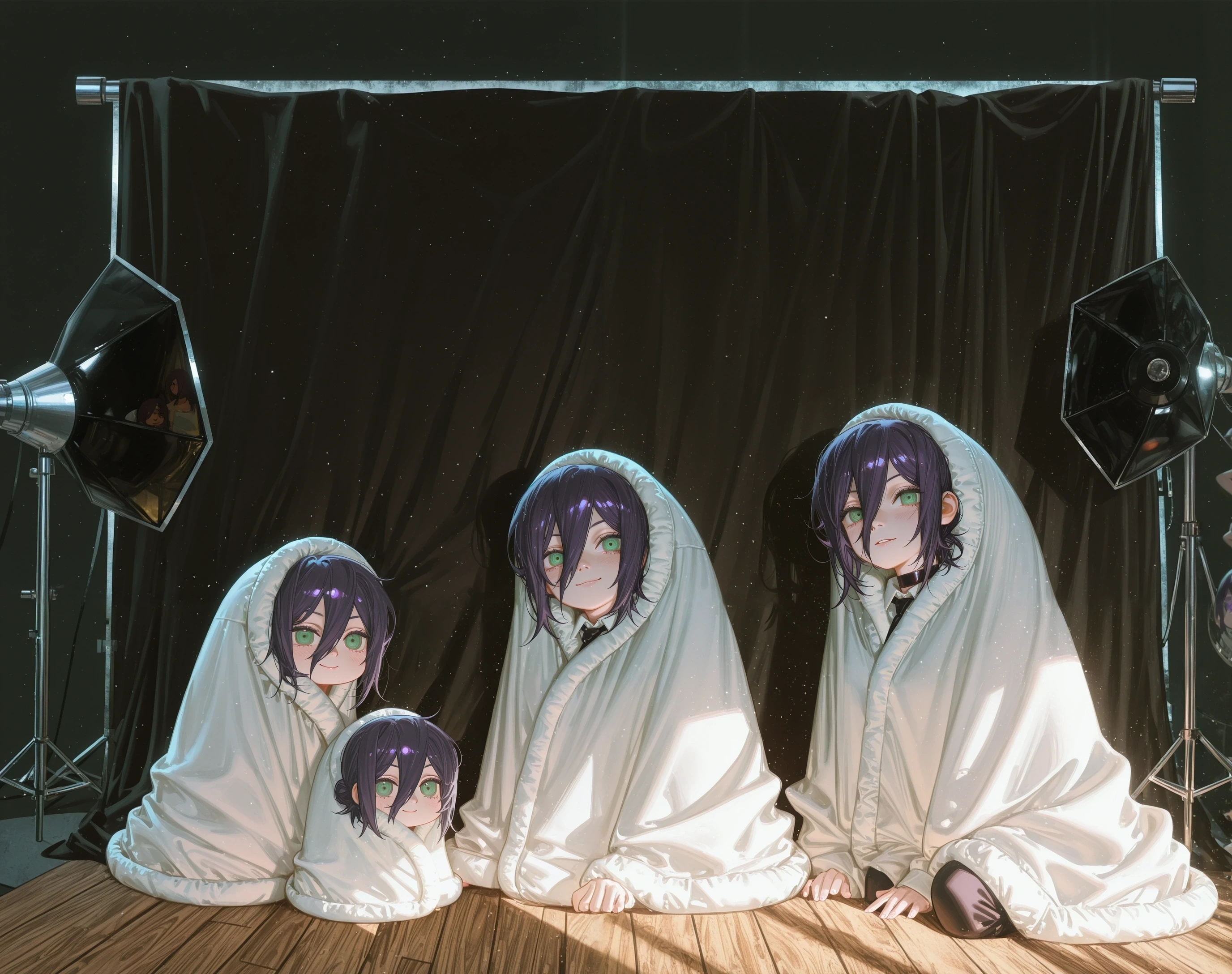
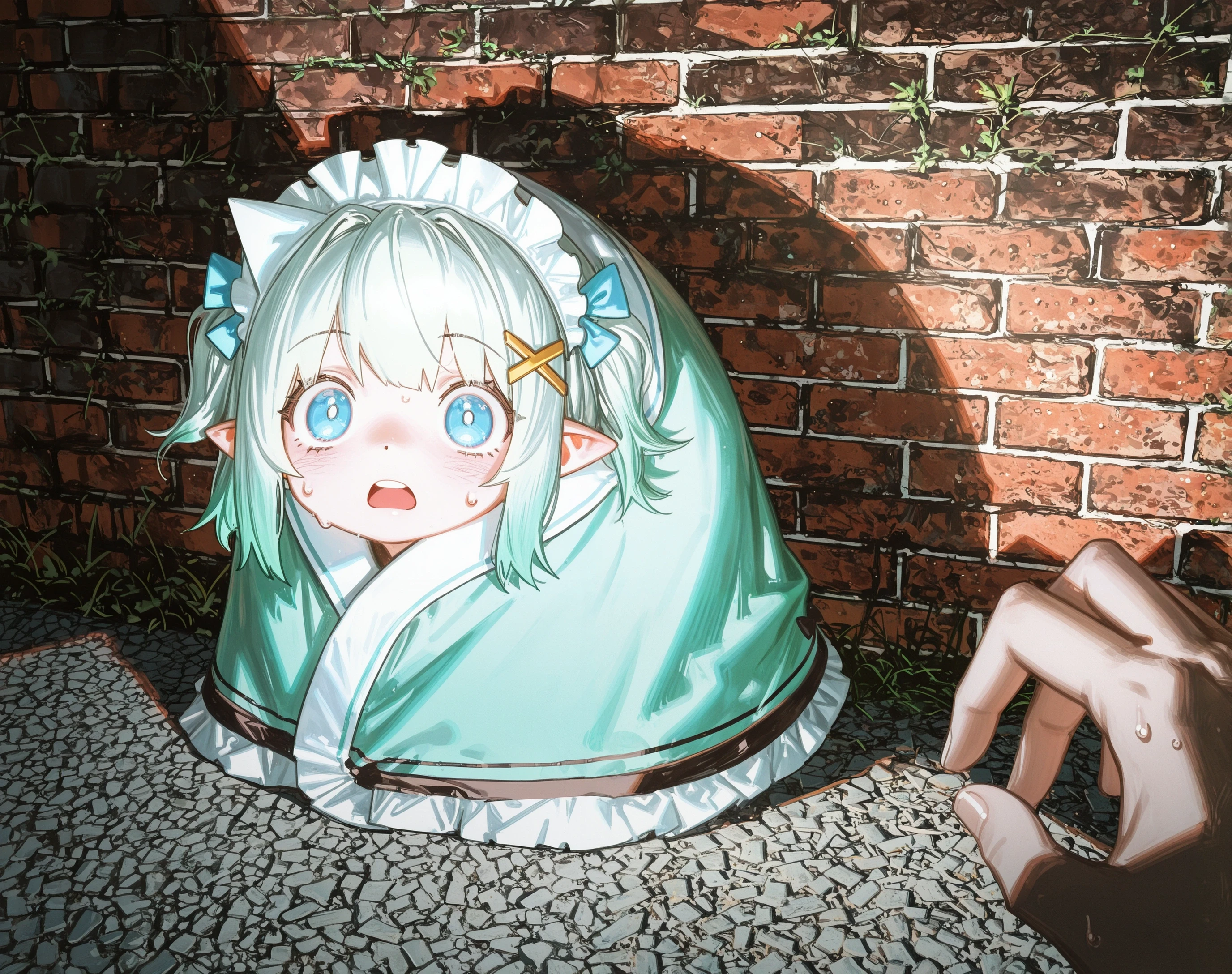
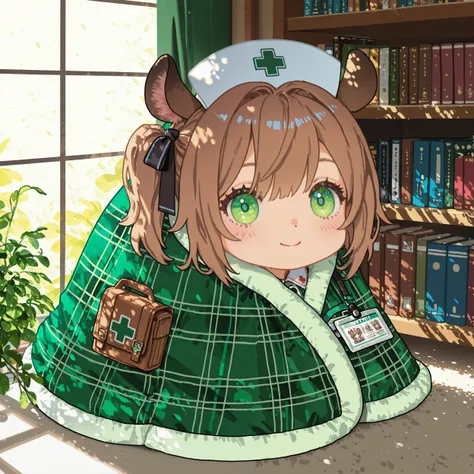
Trigger:
comfyblanket, chibiIf you want to reduce the effect of chibi, use chibi only on the first sampling step (this is A1111/Forge Webui syntax):
comfyblanket, [chibi,::1]Works best on 1:1 (square) aspect ratio, but it should also work with portrait and landscape aspects (thanks to data augmentation).
These generic tags help with "decorating" the blanket: print, accessories and maybe patterned and jewelry. Of course you can also specify in more detail what you want (e.g. floral print, polka dot, plaid).
For LBW users
You can further reduce the intrinsic style of the LoRA at the cost of "blanket stability" by setting the weight of OUT1 to 0. The syntax for LBW on A1111/Forge is:
<lora:concept_comfyblanket-ill-rls1.1:1:lbw=1,1,1,1,1,1,1,0,0,0,0,0>I plan to reduce style leakage in further versions by expanding the dataset.
Tokens:
comfyblanket, blanket, chibiWorks best with square images. This LoRA should be pretty flexible with regards to characters, backgrounds and art styles. You can remove the chibi for a more "normal" style.
Note: There's already another LoRA for this concept (called "Cozy Blanket"), but it's for SD1.5
Ramblings on the Pony version:
The usual Animagine block weights that I use (keep all blocks till OUT0) didn't really work that well on Pony. Crucially, there was some style in the earlier blocks, particularly IN04. Through switching off some of the layers I found that most of the concept is in layers MID and OUT0, but using only these two layers sometimes leads to "collapsed" blankets.
Turns out the BASE is important in shaping the blanket structure and, interestingly, IN07 and IN08 scale the size of the blanket in relation to the image. In order to not have overly large blankets in scenery images, I attempted to remove IN07+IN08, but that again lead to some blanket collapse. The current block weights are a compromise that work quite well even if you want smaller blankets in a larger scenery:
lora block weights: 1,0,1,0.8,0.8,1,1,0,0,0,0,0After that, I've resized with sv_fro and a target of 0.97.
1. I diritti dei modelli ripubblicati appartengono ai creatori originali.
2. I creatori originali che desiderano reclamare il proprio modello devono contattare il personale di SeaArt AI tramite canali ufficiali. Clicca per rivendicare
