

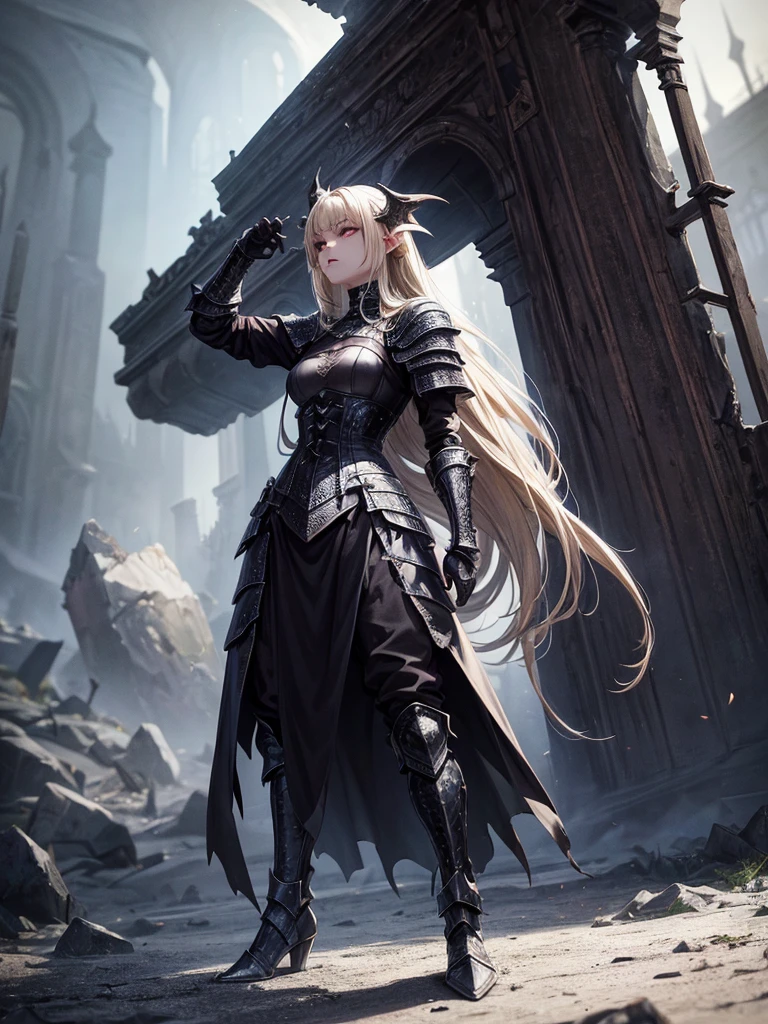
# Script: AI-Generated Art - Gothic Dark Souls-Inspired Woman with Dragon Eyes a

Informazioni sulla creazione
Registrazione
Prompts
# Script: AI-Generated Art - Gothic Dark Souls-Inspired Woman with Dragon Eyes and Wings
**Objective:**
Create an AI-generated image of a woman with specific features and attire
,
inspired by the Gothic style of the Dark Souls series
.
**Character Description:**
- **Gender:** Female
- **Hair:** Long blonde hair
,
tied back
- **Eyes:** Red
,
dragon-like
- **Dragon Features:** Small wings
- **Attire:** Full-body medieval armor
- **Style:** Gothic
,
similar to Dark Souls aesthetics
**Steps:**
1
.
**Gather Reference Images:**
- Collect images of full-body medieval armor from the Dark Souls series
.
- Find examples of blonde hair tied back
.
- Look for images of red
,
dragon-like eyes and small dragon wings
.
- Compile Gothic art references to understand the desired aesthetic
.
2
.
**Character Design:**
- **Hair:** Design the long blonde hair tied back
,
ensuring it looks natural and flows realistically
.
- **Eyes:** Create piercing red eyes with elongated pupils to give a dragon-like appearance
.
- **Dragon Features:** Add small
,
subtle dragon wings that look natural on her back
.
- **Armor:** Design full-body medieval armor with intricate Gothic patterns and dark tones
,
appearing worn and battle-scarred
.
Ensure the armor covers the entire body
,
including helmet
,
chest plate
,
gauntlets
,
greaves
,
and boots
.
- **Overall Style:** Use dark
,
muted colors with high contrasts to emphasize the Gothic style
.
Incorporate dark shadows and dim lighting
.
3
.
**Pose and Composition:**
- Position the character in a dramatic pose
,
possibly standing or in mid-battle stance
.
- Choose a dark
,
eerie background that complements the Gothic theme
,
like a ruined castle or a foggy forest
.
- Use lighting to create a moody
,
atmospheric effect
,
casting shadows that highlight the character’s features and armor
.
4
.
**AI Tools and Techniques:**
- Use AI art generation tools like DALL-E
,
MidJourney
,
or Stable Diffusion
.
- Input the character description and upload refer
Checkpoint & LoRA
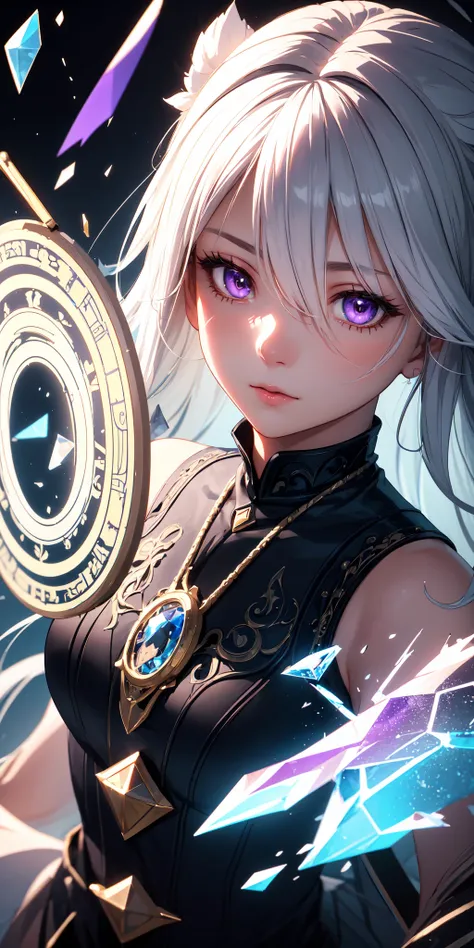
Checkpoint
MeinaUnreal
Totale 0 commenti
0
0
0
0/400
App AI Veloci di SeaArt
Generazione video AI
Libera la tua immaginazione, AI realizza miracoli visivi per te
Scambio Facce Online Gratuito
Crea Video e Foto di Scambio Facce Divertenti e Realistici con Facilità
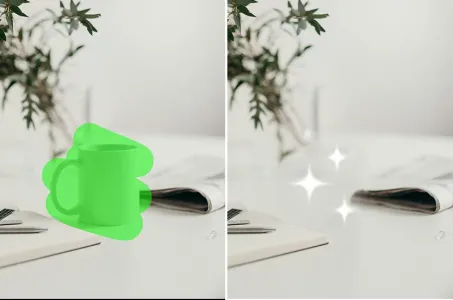
Gomma AI
Rimuovi facilmente oggetti indesiderati, filigrane o persone dalle tue foto.
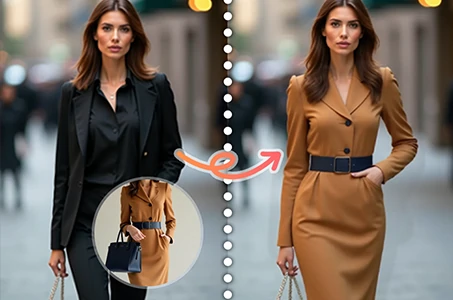
Prova virtuale di abiti
Prova virtualmente qualsiasi tipo di abbigliamento con l'IA
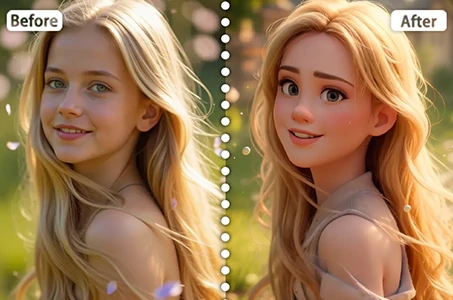
Filtro Disney
Trasforma istantaneamente le tue foto in personaggi Disney.
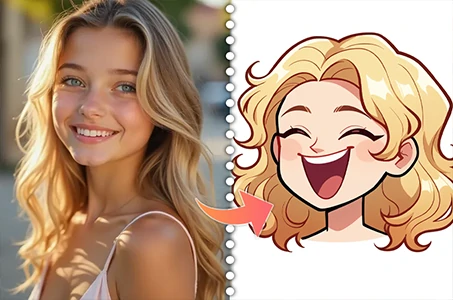
Creatore di avatar cartoni animati
Trasforma le tue foto in avatar cartooneschi unici all'istante.
Esplora più app AI