

Background: background-image: Use an image that refers to the history of aviati


Informazioni sulla creazione
Registrazione
Prompts
Background:
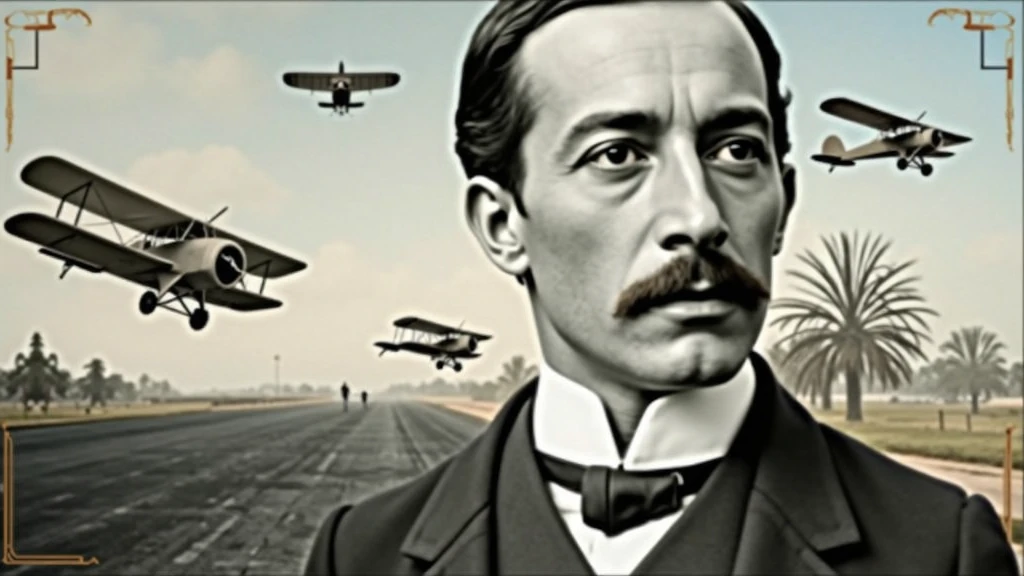
background-image: Use an image that refers to the history of aviation
.
It could be a photo of an old runway
,
a blue sky or a montage with vintage aviation elements
.
Another option is a background that matches Santos Dumont'
;
s era
.,
as an early 20th century setting
.
Color Effect: Consider a sepia tone or a slight texture to give the background a historic
,
vintage feel
..
main image:
Portrait of Santos Dumont: Place a central image of Santos Dumont
.
It could be a classic photo of him or a stylized illustration
..
If you use an illustration
,
make sure it captures the essence of Dumont'
;
s pioneering spirit and personality
.
Historical Aircraft: Include images of your most famous inventions
,
like the 14-Bis or the Demoiselle
,
somewhere on the cover
.
These planes can be in the background or as part of the design
..
Leading text:
Video Title: Add a big
,
eye-catching title
,
as “Santos Dumont: Aviation Pioneer and His Technological Vision”
.
Use an elegant
,
easy-to-read font
,
like “Garamond” or “Montserrat”
.
Color and Effect: Use colors that contrast with the background
,
like white or gold
.
Consider adding a light shadow or outline to improve readability
..
Additional Text:
Subtitle or Short Description: Include shorter text that provides more context
,
as “Exploring the History and Innovations of the Father of Aviation”
.
Use a smaller font and keep the color consistent with the title
,
but a little less prominent
.
Position and Colors: Position the subtitle below the main title
,
ensuring that it does not overlap the main image
.
Use a complementary color to the main text
.
Graphic elements:
Icons and Symbols: Add subtle aviation-related graphics
,
like stylized wings
,
old planes or aircraft parts
.
Position them to complement the main image and text
.,
without overloading the cover
.
Borders and Dividers: Use discreet borders or dividers to separate text from images
,
if necessary
.
Logo and B
Checkpoint & LoRA
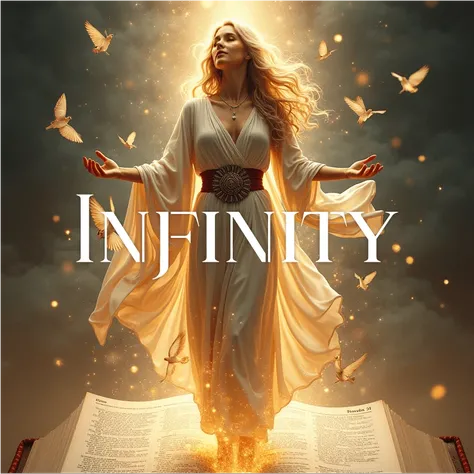
Checkpoint
SeaArt Infinity
Totale 0 commenti
0
1
0
0/400
App AI Veloci di SeaArt
Generazione video AI
Libera la tua immaginazione, AI realizza miracoli visivi per te
Scambio Facce Online Gratuito
Crea Video e Foto di Scambio Facce Divertenti e Realistici con Facilità
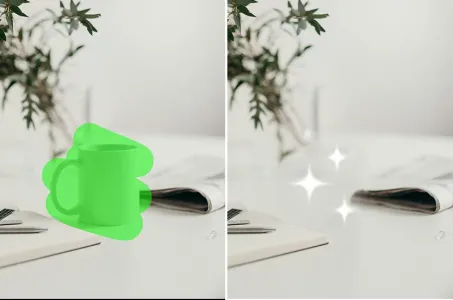
Gomma AI
Rimuovi facilmente oggetti indesiderati, filigrane o persone dalle tue foto.
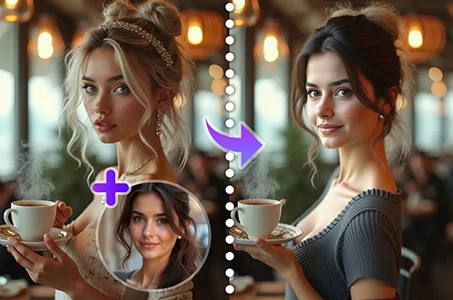
Cambia la persona nella foto
Sostituisci facilmente la persona in qualsiasi foto con l'IA.
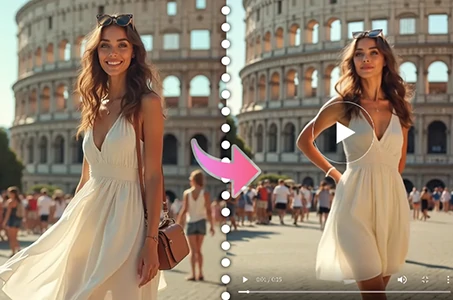
Generatore di video di danza con IA
Gioca con questo generatore di video di danza IA e libera il tuo ballerino interiore all'istante!
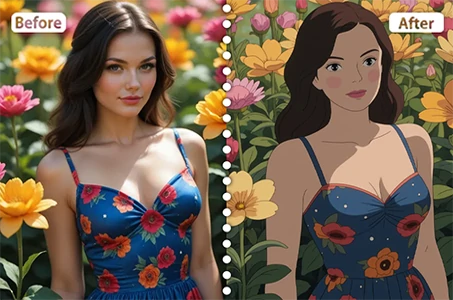
Filtro Ghibli
Trasforma qualsiasi foto in un'opera d'arte unica in stile Ghibli con un solo clic.
Esplora più app AI