







Dettagli
Raccomandazioni
v1.0
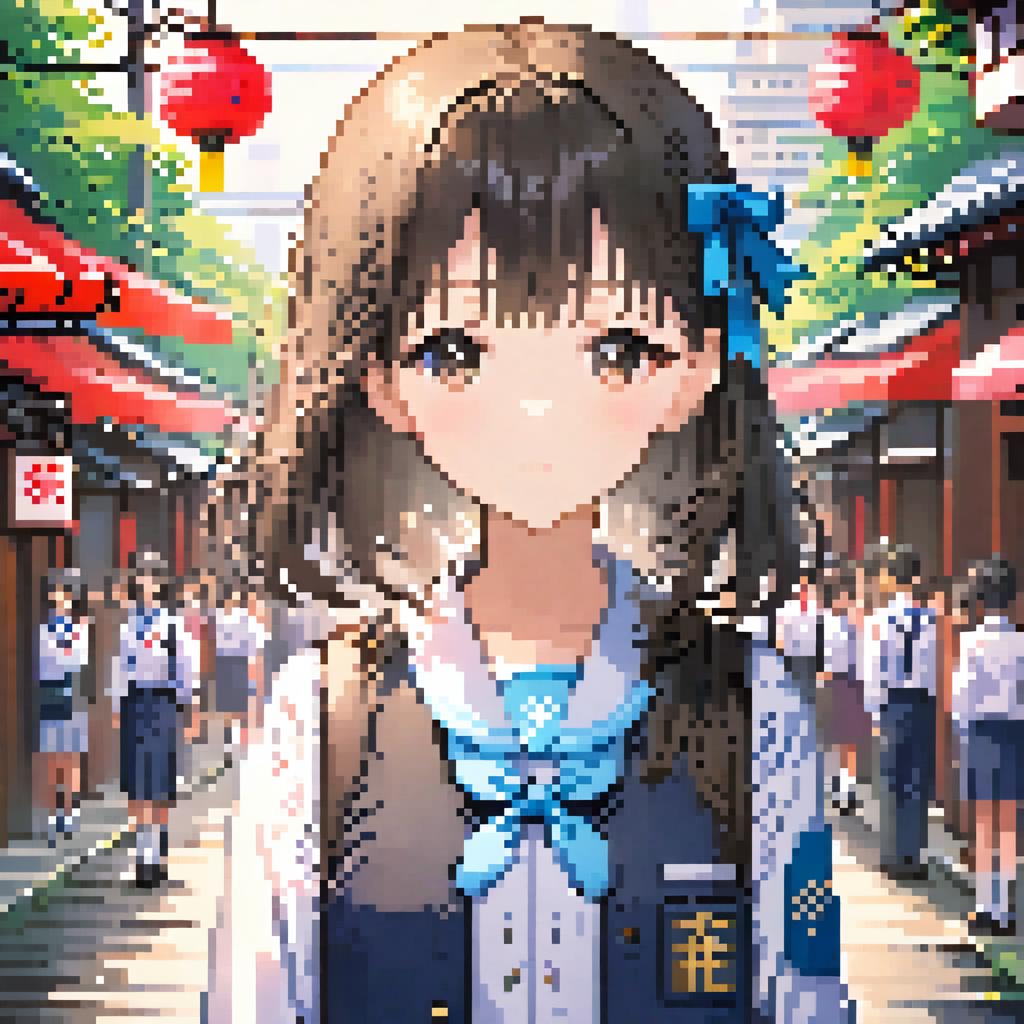
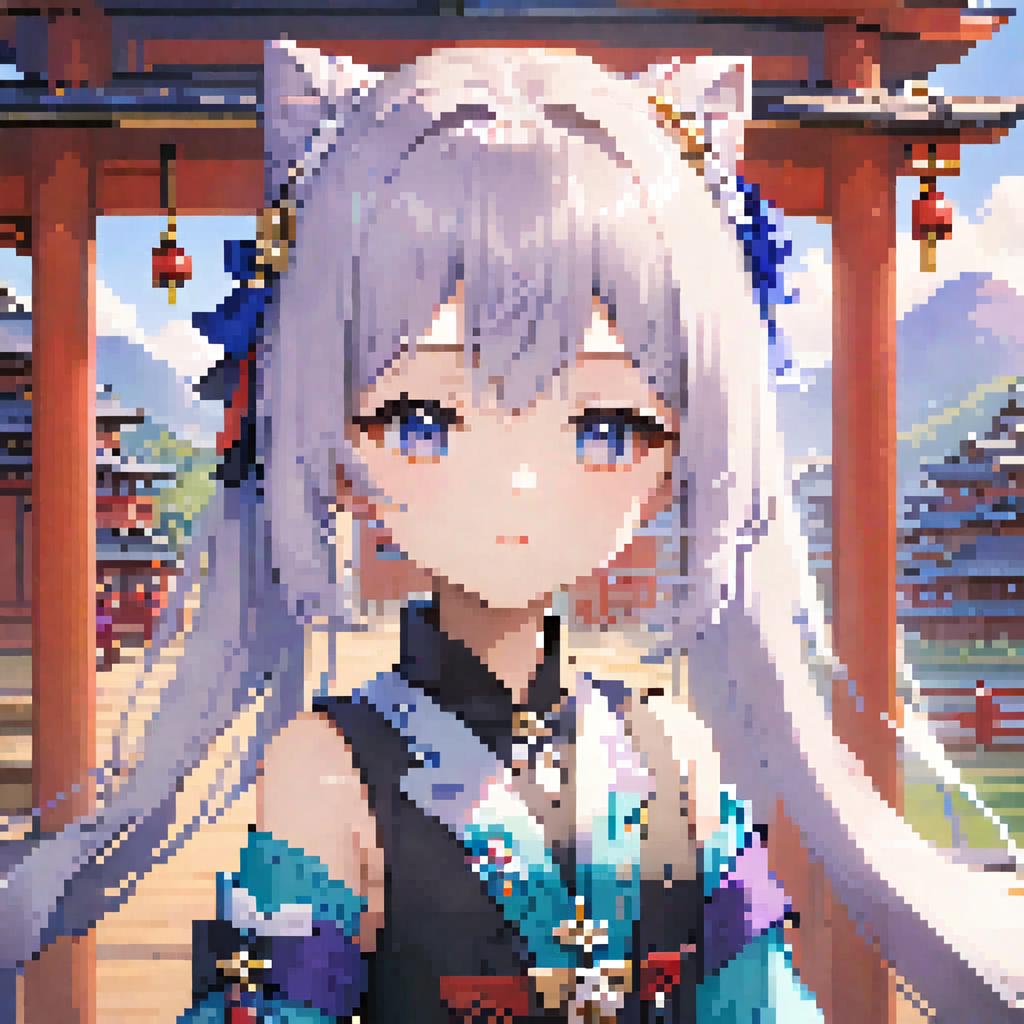
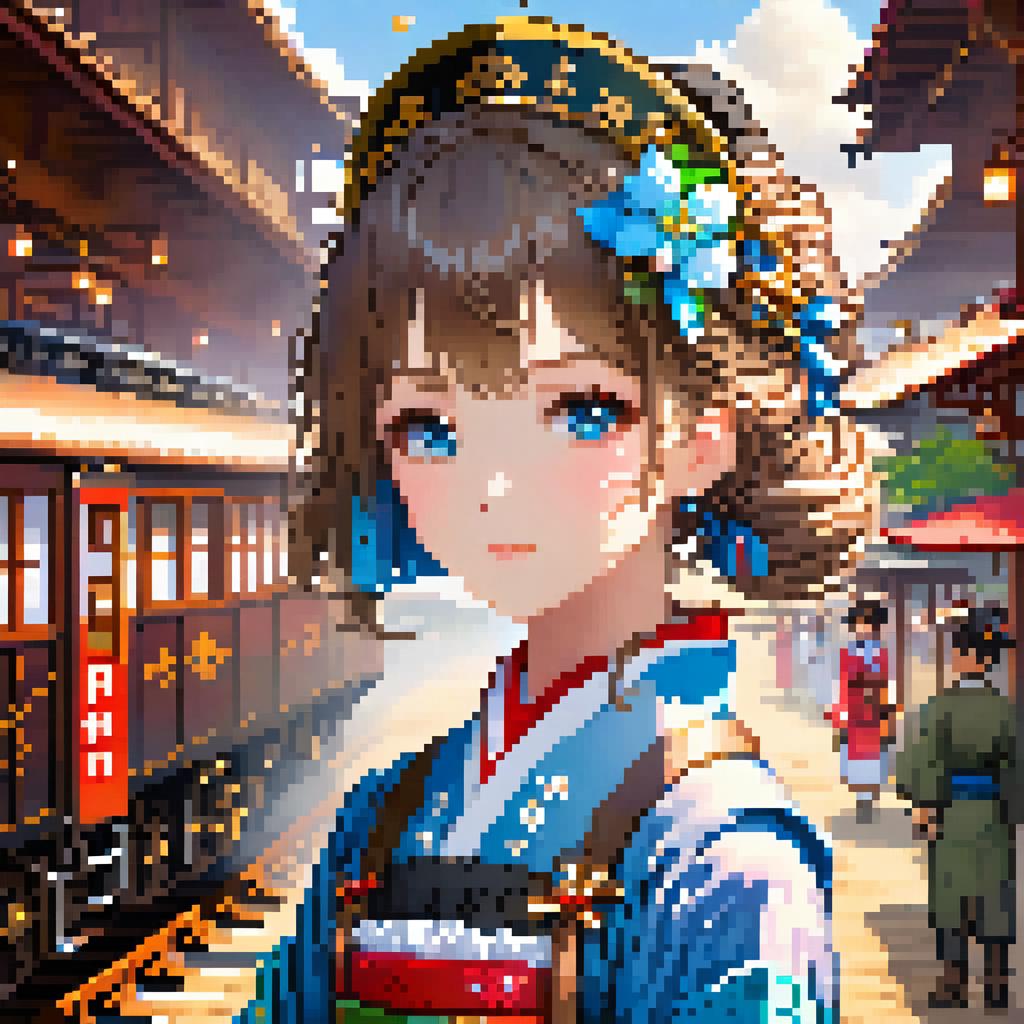
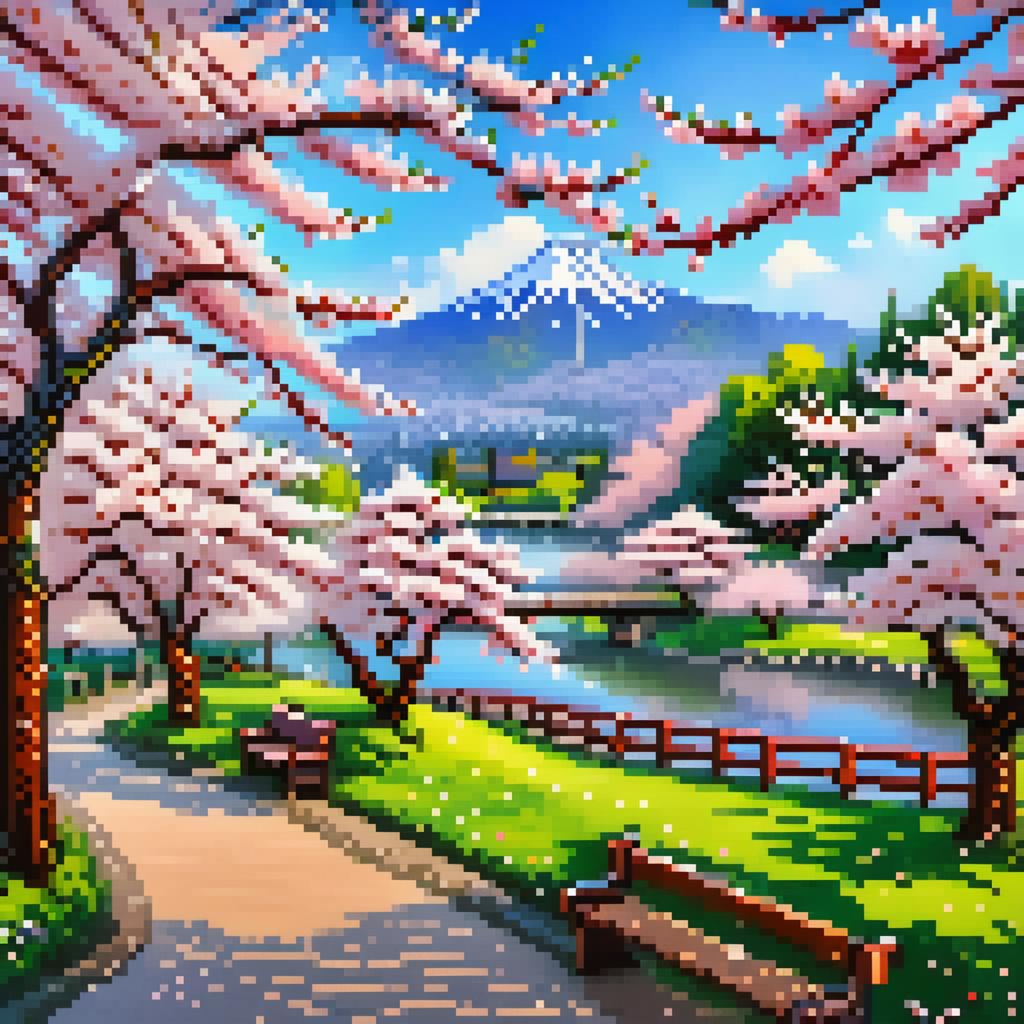
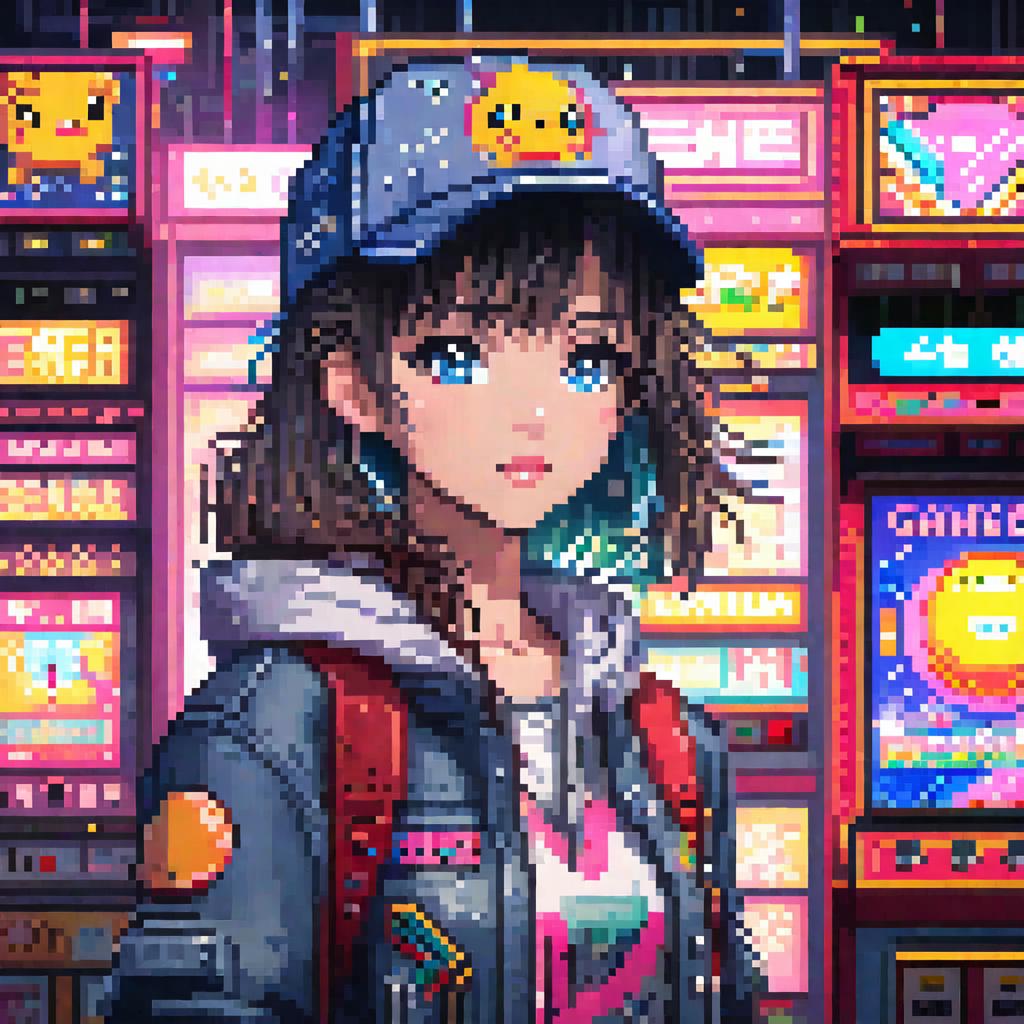
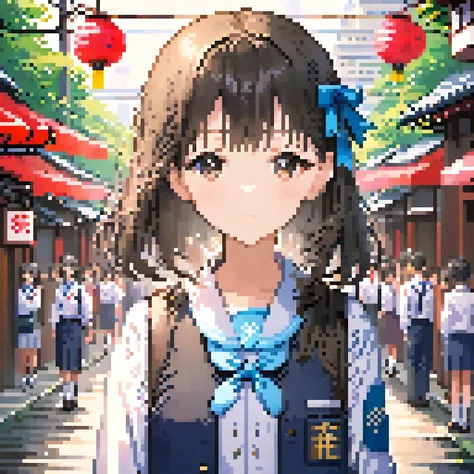
【SDXL Turbo】 Pixel Art | Super Fast Only 5 Steps

【SDXL Turbo】 Pixel Art | Super Fast Only 5 Steps

767
29
51
#อนิเมะ
#Photorealistic
#Pixel
#Style
#woman
#girls
#เรียลลิสติก
#วิดีโอเกม

Download closed, online link:

https://d.design/model-detail/a3147d8fb62e489bb0f73b1c69992539

Hi guys,this is Husky_AI,

This is a pixel art model based on SDXL training:

The triggering words is: pixel art.

For anime style, please write: anime

Realistic: realistic

Chibi: chibi

Landscape: landscape

=============================================

Turbo Recommended parameters:

Steps:5

sampler:DPM++ SDE

CFG Scale:4

=============================================

Below is a pixel repair plugin I wrote for this model, which can fix subtle pixel distortions in images:

https://github.com/sd47942452/sd-webui-pixel-fix

Install PIL: pip install Pillow

Download the plugin and place it in the following path:

Your path\extensions

Start sd-webui, and you will find "Pixel Fix" in the lower-left corner of the interface.

Check the enable box, adjust the size of the pixel grains, and then run the image normally. After running, you will have the original image and the repaired image.

こんにちは、みなさん、Husky_AIです。

これはSDXLトレーニングに基づくピクセルアートモデルです。

トリガーワードは「pixel art」です。

アニメスタイルの場合は、animeと書いてください。

リアル:realistic

チビ:chibi

風景:landscape

Turbo Recommended parameters:

Steps:5

sampler:DPM++ SDE

CFG Scale:4

以下は、このモデル用に私が書いたピクセル修復プラグインです。これは画像中の微細なピクセルの歪みを修復できます:

https://github.com/sd47942452/sd-webui-pixel-fix

PILのインストール:pip install Pillow

プラグインをダウンロードして、次のパスに配置します:

あなたのパス\extensions

sd-webuiを起動すると、インターフェースの左下隅に「Pixel Fix」が表示されます。

有効ボックスをチェックし、ピクセル粒子のサイズを調整してから画像を通常通り実行します。実行後、元の画像と修復された画像が得られます。

Visualizza la traduzione

Valutazioni e recensioni

5.0 /5
0 valutazioni

Non ancora ricevute valutazioni o commenti sufficienti

no-data
Nessun dato disponibile
avatar
Conversazione con il modello
Annuncio
2024-04-01
Pubblicare modello
2025-12-24
Aggiorna le informazioni del modello
Dettagli modello
Tipo
Checkpoint
Data di pubblicazione
2024-01-15
Modello Base
SDXL 1.0
Parola Chiave
pixel art
Copia
Introduzione alla versione

我是《AI魔法绘画》的作者,链接:https://item.m.jd.com/product/14093180.html 购书后可进官方群

Hi guys,this is Husky_AI,

This is a pixel art model based on SDXL training:

The triggering words is: pixel art.

For anime style, please write: anime

Realistic: realistic

Chibi: chibi

Landscape: landscape

Below is a pixel repair plugin I wrote for this model, which can fix subtle pixel distortions in images:

https://github.com/sd47942452/sd-webui-pixel-fix

Install PIL: pip install Pillow

Download the plugin and place it in the following path:

Your path\extensions

Start sd-webui, and you will find "Pixel Fix" in the lower-left corner of the interface.

Check the enable box, adjust the size of the pixel grains, and then run the image normally. After running, you will have the original image and the repaired image.

こんにちは、みなさん、Husky_AIです。

これはSDXLトレーニングに基づくピクセルアートモデルです。

トリガーワードは「pixel art」です。

アニメスタイルの場合は、animeと書いてください。

リアル:realistic

チビ:chibi

風景:landscape

以下は、このモデル用に私が書いたピクセル修復プラグインです。これは画像中の微細なピクセルの歪みを修復できます:

https://github.com/sd47942452/sd-webui-pixel-fix

PILのインストール:pip install Pillow

プラグインをダウンロードして、次のパスに配置します:

あなたのパス\extensions

sd-webuiを起動すると、インターフェースの左下隅に「Pixel Fix」が表示されます。

有効ボックスをチェックし、ピクセル粒子のサイズを調整してから画像を通常通り実行します。実行後、元の画像と修復された画像が得られます。

Ambito di Licenza
Model Source: civitai

1. I diritti dei modelli ripubblicati appartengono ai creatori originali.

2. I creatori originali che desiderano reclamare il proprio modello devono contattare il personale di SeaArt AI tramite canali ufficiali. Clicca per rivendicare

Ambito di Licenza di Creazione
Immagini Online
Effettua una Fusione
Consenti Download
Licenza Commerciale
Le immagini generate possono essere vendute o utilizzate per scopi commerciali
Consenti la rivendita del modello o la vendita dopo la fusione
QR Code
Scarica l'app SeaArt
Continua il tuo viaggio di creazione AI su mobile