
創作する
履歴
プライベート創作
詳細
73.0K
30.1K
2025-03-27 13:39:12 更新
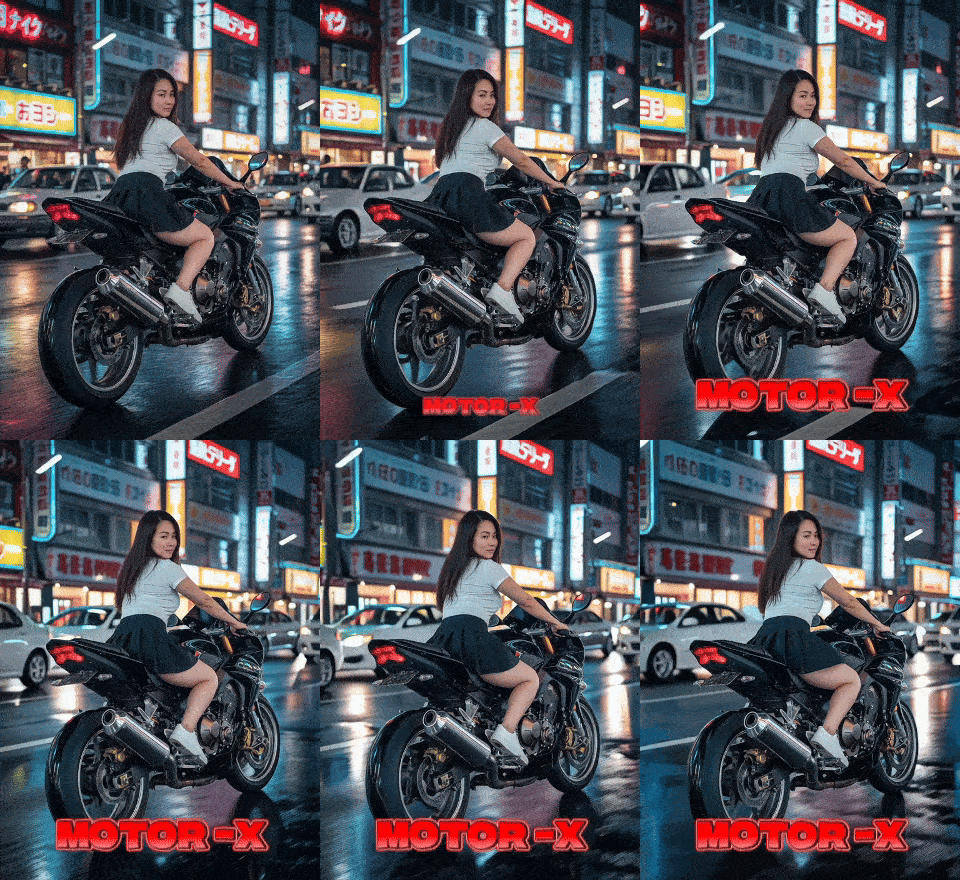
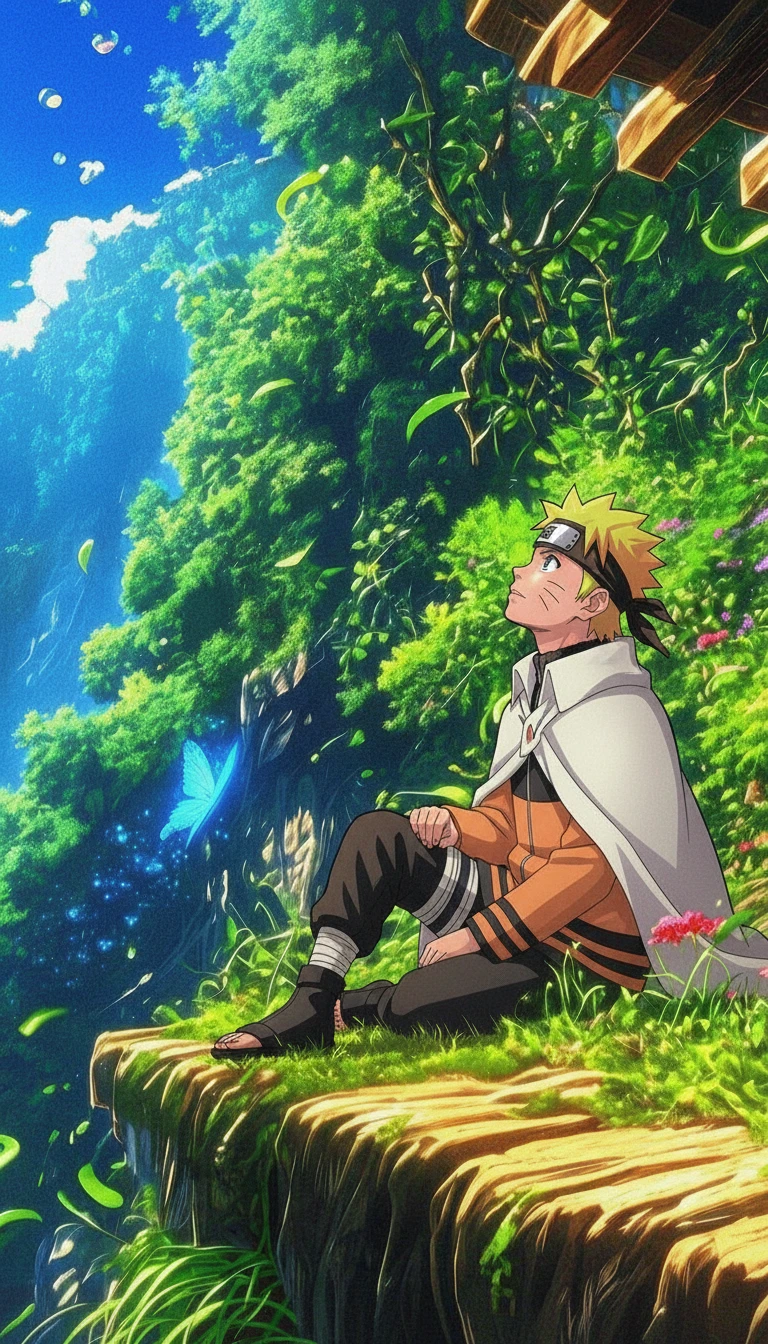

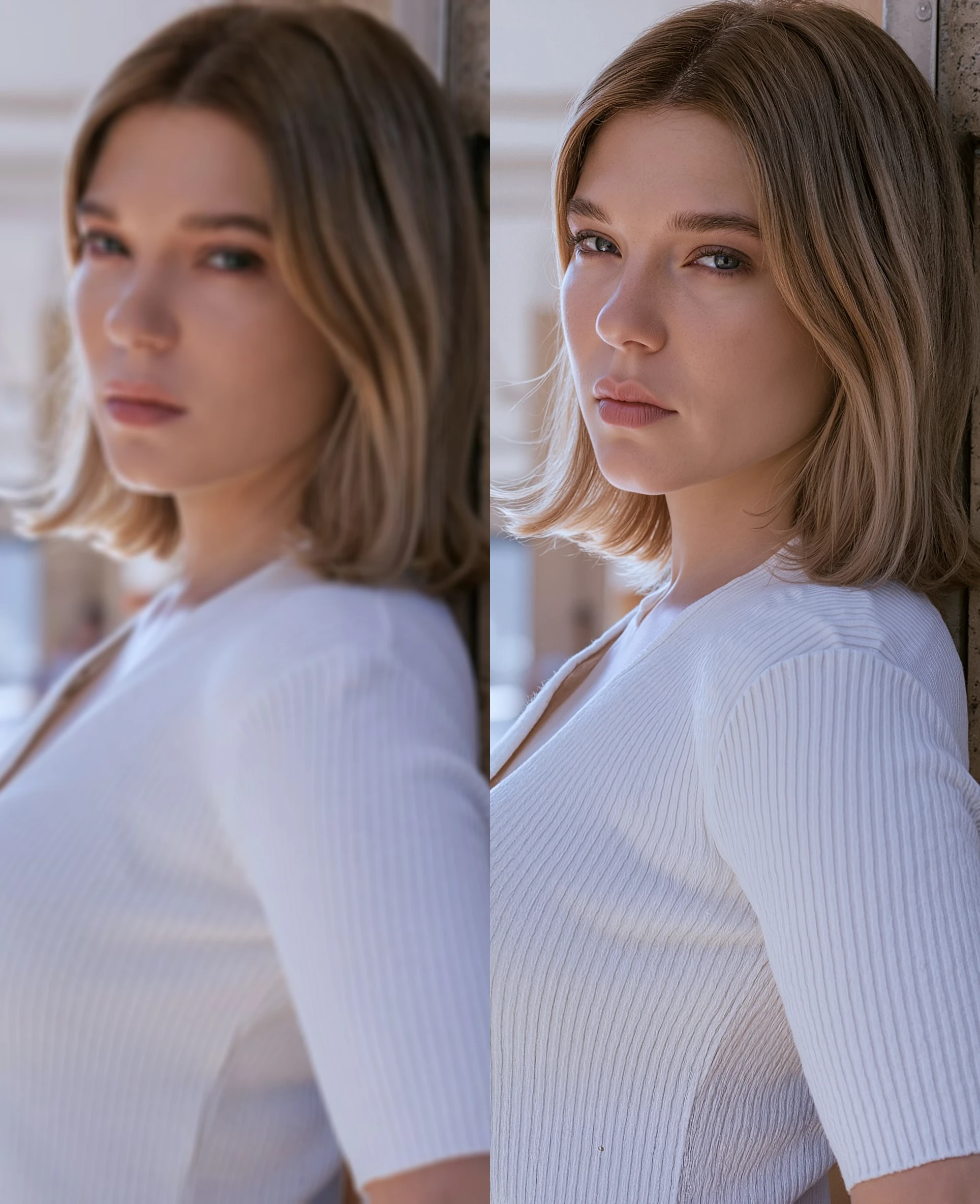
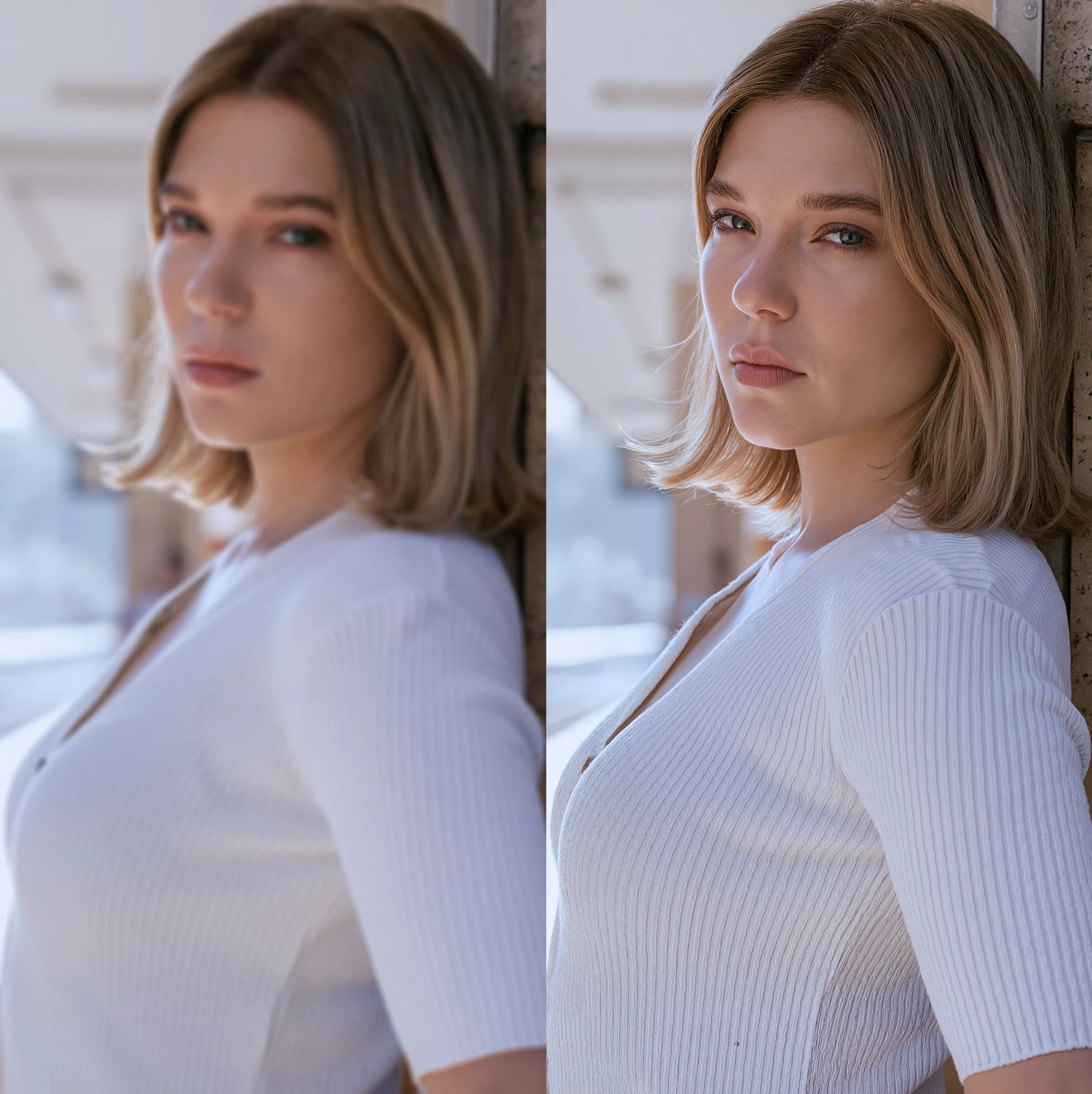
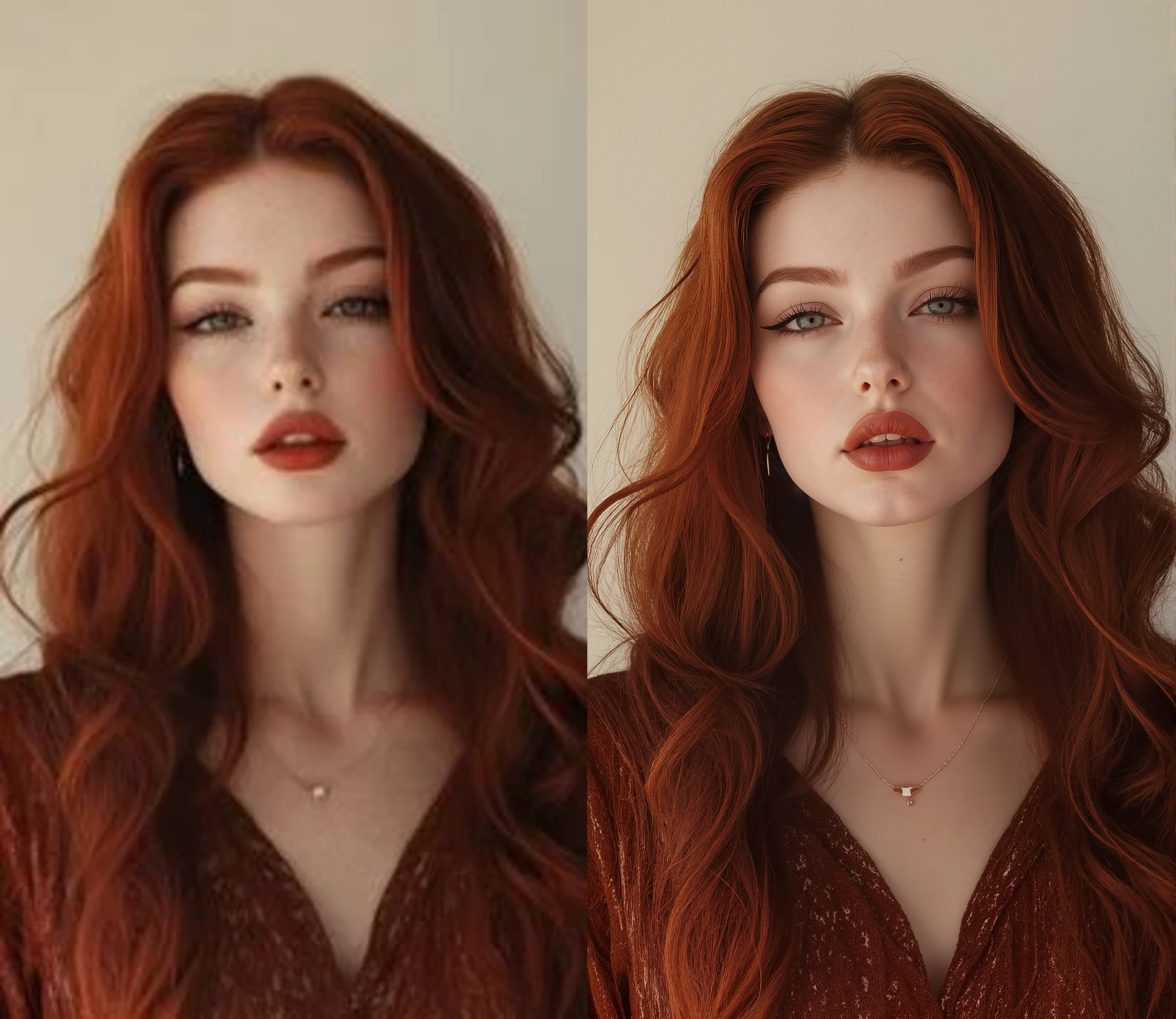
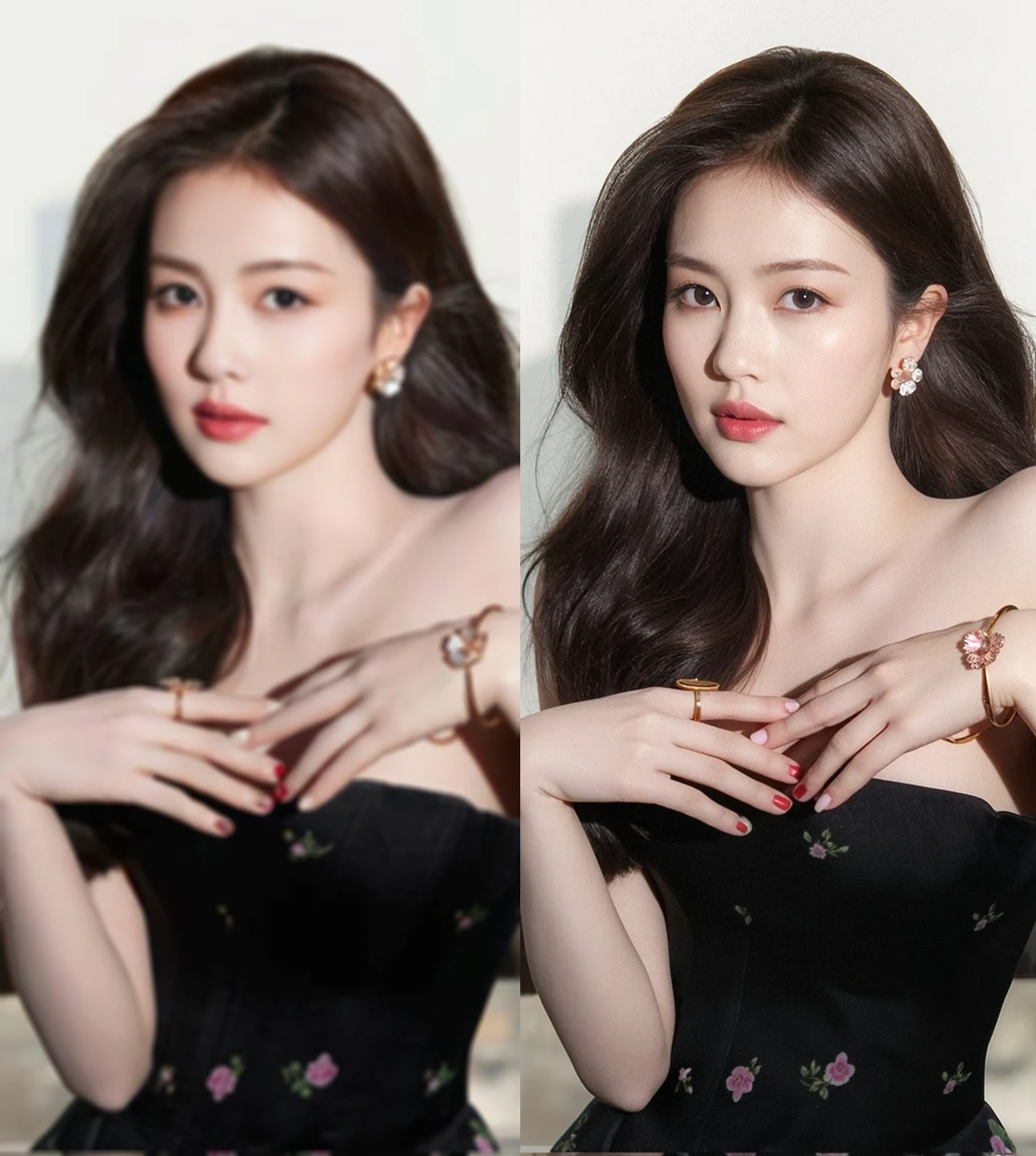
を読み込むすべての画像 , upscale と color fix low resolution realistic images と portraits (blurry と non-blurry aswell) FLUX .1 モデルs.
重要な使用上の注意 :
1) Time generation will drastically depend on what 価値s you put in " 入力画像リサイザー " と " Image Upscale _による". ステップでノイズ除去値を !
2) [In square Brackets is recommended 価値 ranges] - による default any image you load ( をスキップできます。256x256 画像 ) の基本解像度である , で変更できます。FLUX .1 モデル. を復元するように設計されたこの AI アプリこの設定は、-- " 画像入力リサイザー [0.8Mp-1Mp ]" グラフ. その後, this resized image will be upscaled による whichever 価値 you have in " Image Upscale _による".
3) Prompt is not mとatory, は、1メガピクセル , as well as denoise 価値s.
4)入力画像として、解像度が 1 メガピクセル前後以上の、ぼやけていない高品質の画像が既にある場合は、, を使用すると "復元" step による lowering denoise 価値 as low as [0.01], ただし、解像度が " 入力画像リサイザー " 価値, 入力解像度が 1Mp を超える場合, そうでない場合、画像は縮小されます。. This way you'll get clean upscale without image 復元 step, シャープになりすぎるのを避けます。.
5)You can still use 価値 " Image Upscale _による = 1", ステップでノイズ除去値を .
6)Film grain 価値 is set to [0.02] による default と reference images were made with this 価値 と siax200 upscaler, you might want to change this 価値 depending on upscaler model you are using or if your images are too "grainy".