SeaArt AI エンタープライズ版

Create a high-quality video showcasing a red sleepwear set with a model posing g
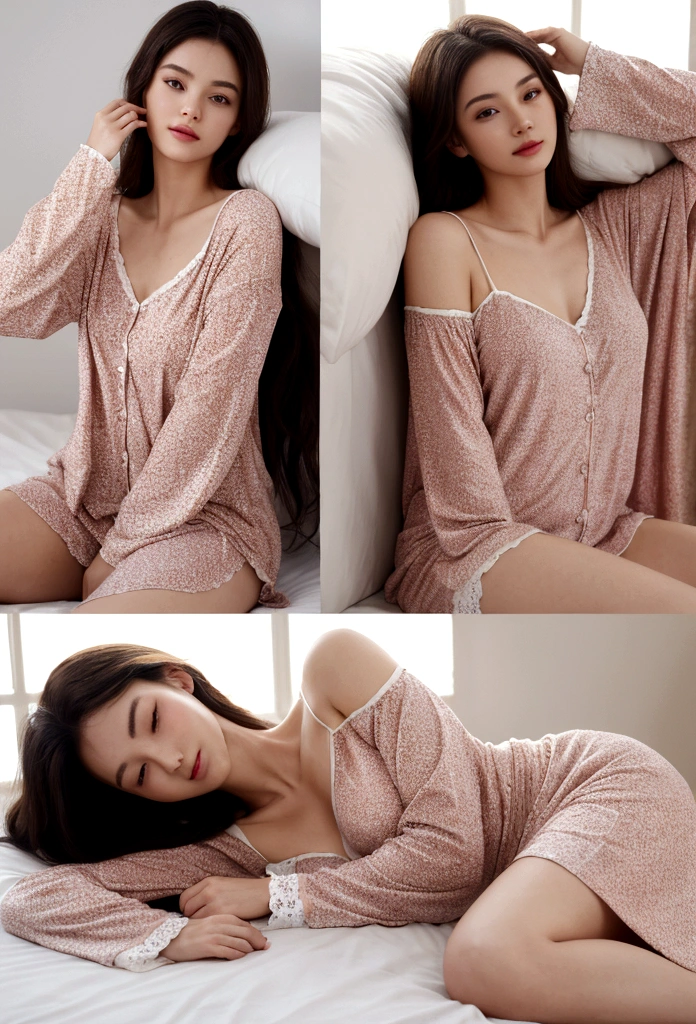

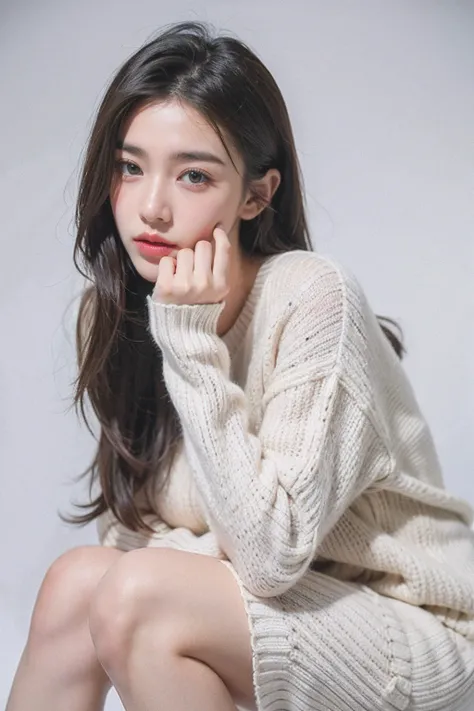
Create a high-quality video showcasing a red sleepwear set with a model posing gracefully on a bed. The video should feature professional 3D camera angles to highlight the product from all perspectives. Follow these specific instructions: Introduction: Start with a wide shot of the entire scene, showing the model and the bed in a well-lit, aesthetically pleasing bedroom setting. Zoom-In and Detail Shots: Slowly zoom in on the model to focus on the details of the sleepwear. Capture close-up shots of the fabric, design, and any unique features such as lace, buttons, or patterns. 360-Degree View: Implement a 360-degree camera rotation around the model to provide a comprehensive view of the sleepwear. Ensure the camera moves smoothly and maintains focus on the product. Dynamic Angles: Use dynamic angles to showcase the sleepwear from different perspectives, including top-down views, low angles, and side views. Highlight how the fabric moves and drapes naturally. Pose Transitions: Have the model change poses to demonstrate the versatility and comfort of the sleepwear. Include poses such as lying down, sitting up, and stretching to show how the product looks in different positions. Lighting Effects: Utilize soft, flattering lighting to enhance the visual appeal of the sleepwear. Play with light and shadow to create depth and highlight the texture of the fabric. Conclusion: End with a final wide shot of the model smiling and looking comfortable in the sleepwear, providing a sense of relaxation and luxury.
image
avatar
N
Nguyễn Thiên Long
創作情報
創作
履歴
プロンプト
Create a high-quality video showcasing a red sleepwear set with a model posing gracefully on a bed . The video should feature professional 3D camera angles to highlight the product from all perspectives . Follow these specific instructions: Introduction: Start with a wide shot of the entire scene , showing the model and the bed in a well-lit , aesthetically pleasing bedroom setting . Zoom-In and Detail Shots: Slowly zoom in on the model to focus on the details of the sleepwear . Capture close-up shots of the fabric , design , and any unique features such as lace , buttons , or patterns . 360-Degree View: Implement a 360-degree camera rotation around the model to provide a comprehensive view of the sleepwear . Ensure the camera moves smoothly and maintains focus on the product . Dynamic Angles: Use dynamic angles to showcase the sleepwear from different perspectives , including top-down views , low angles , and side views . Highlight how the fabric moves and drapes naturally . Pose Transitions: Have the model change poses to demonstrate the versatility and comfort of the sleepwear . Include poses such as lying down , sitting up , and stretching to show how the product looks in different positions . Lighting Effects: Utilize soft , flattering lighting to enhance the visual appeal of the sleepwear . Play with light and shadow to create depth and highlight the texture of the fabric . Conclusion: End with a final wide shot of the model smiling and looking comfortable in the sleepwear , providing a sense of relaxation and luxury .
サイズ
696X1024
日付
Jul 2, 2024
モード
スタジオ
タイプ
cell
Checkpoint & LoRA
majicMIX realistic 麦橘写实
Checkpoint
majicMIX realistic 麦橘写实
コメント:0件
0
0
0
0/400
SeaArtクイックAIアプリ

ai_video_generationimg
AI動画生成

想像力を解き放ち、AIが視覚的な奇跡を実現します

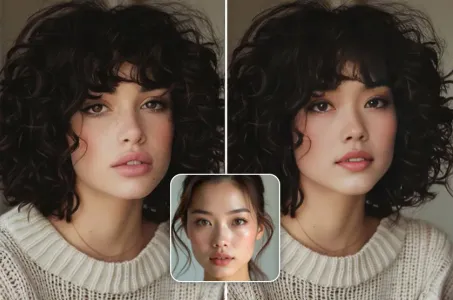
face_swap_titleimg
無料オンライン顔交換

面白くてリアルな顔交換動画や写真を瞬時に作成しましょう

anime2realityimg
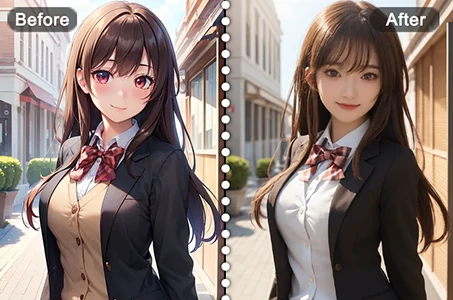
アニメを現実に

お気に入りのアニメキャラクターを即座にリアルな姿で蘇らせます

ai_tools_4img
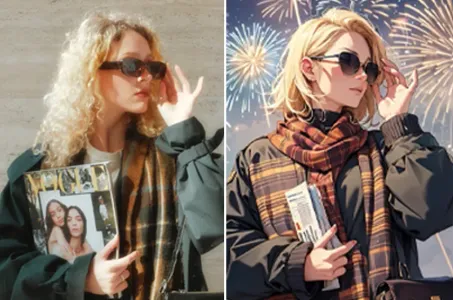
AIフィルター

写真をアート作品に変える

vrtry_cloth_h1img
バーチャル試着

AIを使用して、あらゆる種類の服を仮想的に試着することができます。

video_face_swapimg
動画フェイススワップ

任意の動画クリップで顔を入れ替えて面白い動画を作成できます。

より多くのAIアプリを探索 

関連コンテンツ

コントロールネット
logo
日本語
プロダクト
画像生成 AIキャラクター クイックAI モデルトレーニング Canvas クイックツール ワークフロー
その他
スタジオ ランキング AIチャット AIブログ AIニュース
サポート
利用案内 カスタマーサポート
アプリをダウンロード
icon
Download on the
APP Store
icon
GET IT ON
Google Play
公式SNS
iconiconiconiconiconiconiconicon
© 2025 シーアート株式会社 
Copyright Policy
利用規約
プライバシーポリシー
特定商取引法
資金決済法に基づく表示
もっと見る