



Updating this is a very, very, very low priority for me. If you are good at making embeddings (textual inversions) and have some tips, please comment.


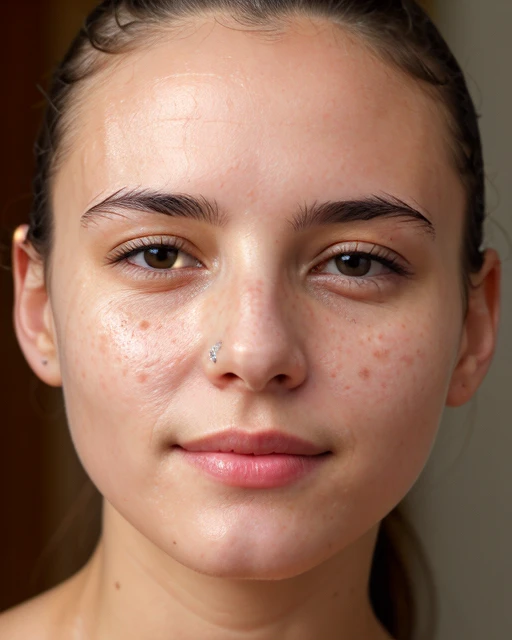
This negative embedding intends to fix deformed (oval-shaped, weird, etc.) irises in SD 1.5 based models.
It may or may not work well for you. After some months since its initial release people say it does and have used it often. It might be placebo, given that high resolution images, Adetailer eyes, upscales and luck can also provide the same results. I posted the original 'before and after' image, in which you can see the 'after' result doesn't have deformed irises.
It's a negative embedding, so put it in the folder where your SD interface looks for embeddings, and put badIrisNeg in the negative prompt. Add the prompt 'deformed iris' to the negative prompt field too. You can also add 'oval iris' and/or 'asymmetrical iris' as it was trained on images with those tags.
Please like and follow and feel free to ask questions. And please consider following me to stay updated on my progress and releases.
I also have a Patreon that includes the Stable Diffusion Black Book for SD 1.5.
https://www.patreon.com/slashkey
https://twitter.com/slashkeyAI
Updating this is a very, very, very low priority for me. If you are good at making embeddings (textual inversions) and have some tips, please comment.
1.転載モデルは学習・共有目的のみで使用し、著作権は原作者に帰属します
2.モデルの認証は公式チャンネルでご連絡ください。クリエイターの権利保護に努めています クリックして認証
