タイプ
LORA
投稿日時
2023-09-21
基本モデル
SD 1.5
トリガーワード
3d_lettering
コピー
バージョン紹介
best with controlnet text method : preprocessor: invert model: depth

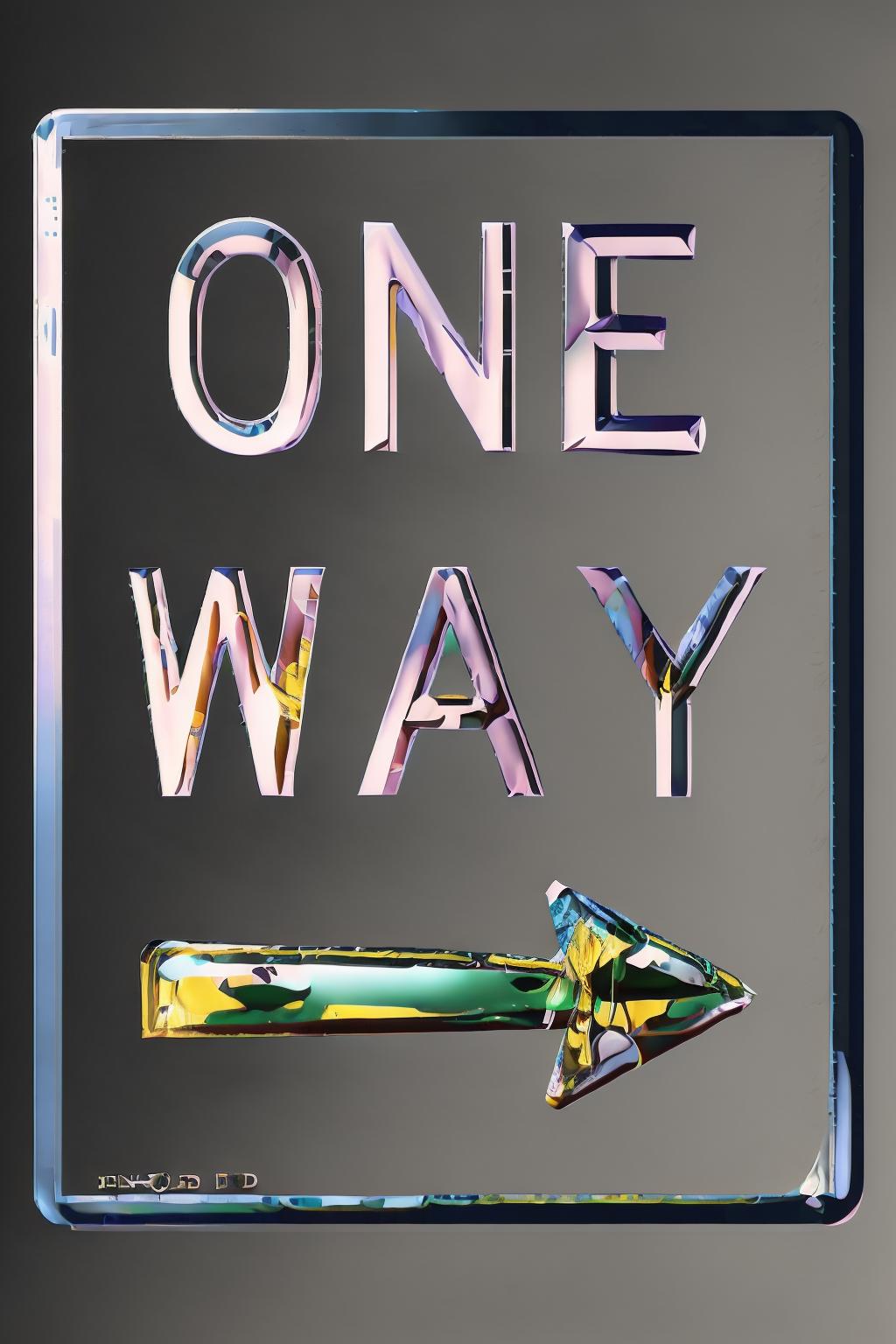

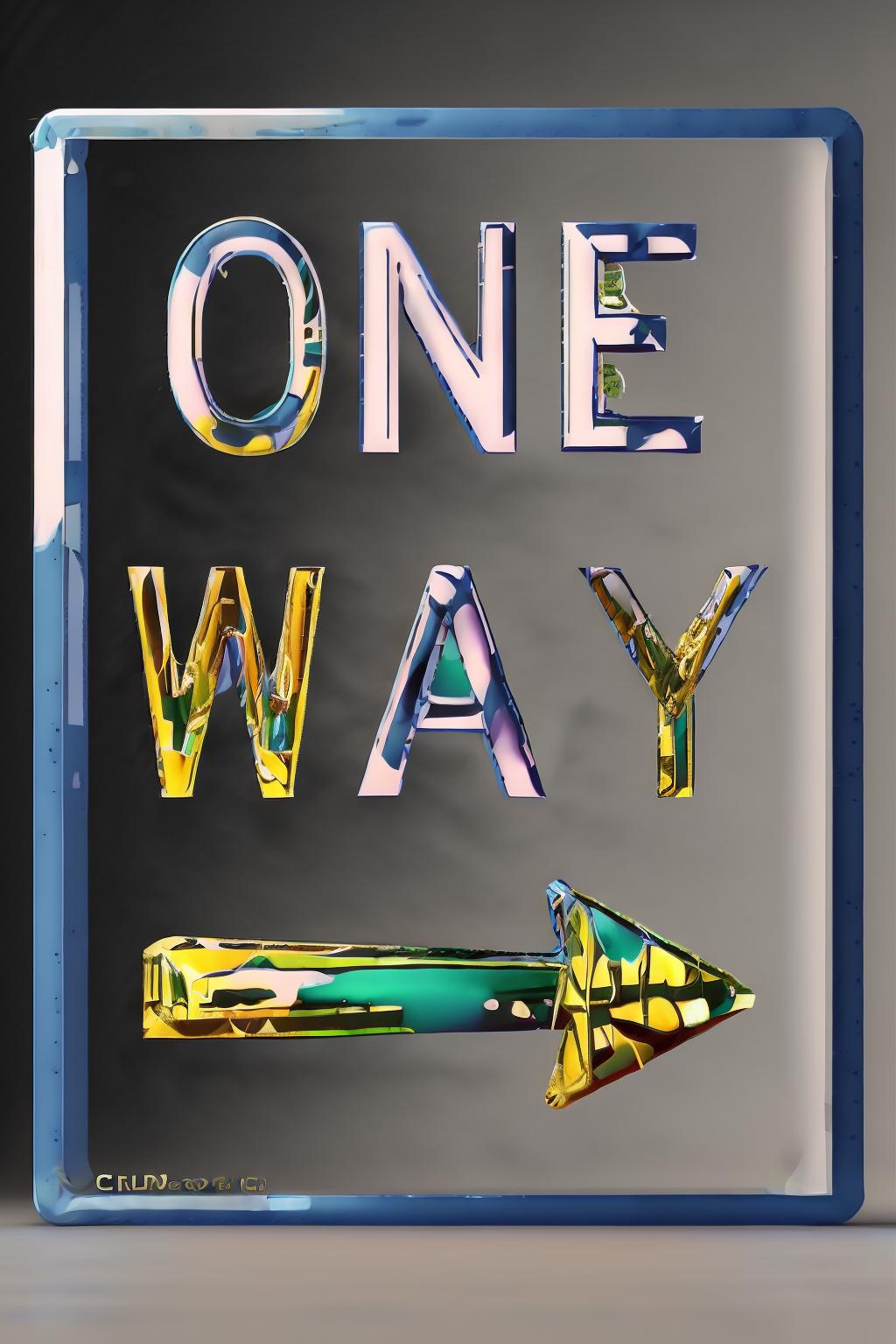









use it with controlnet
preprocessor: invert
model: depth
or use a simple canny
Enable: Set to "Yes" to activate ControlNet functionality.
Pixel Perfect: Set to "Yes" for precise rendering.
Preprocessor: Use "invert" to ensure the foreground (text) appears correctly.
Model: Select the desired ControlNet model (e.g., control_xxxxx_depth).
Prompt: Input a description of the desired visual effect.
Image Size: Ensure the aspect ratio matches the text image (e.g., Width: 768, Height: 512).
Stable Diffusion Checkpoint: Choose a checkpoint for generating the effect.
Enable: Activate ControlNet for multiple units.
Preprocessor: Use "invert" to adjust the background's appearance.
Model: Choose the ControlNet model for controlling the background.
Control Weight: Adjust to balance the effects of both units.
Ending Control Step: Optionally reduce to introduce more variations.
Enable: Activate ControlNet for the background image.
Preprocessor: Utilize "depth_zoe" for extracting depth information.
Model: Select the ControlNet model for the background.
Control Weight: Adjust to control the influence of the background.
Ending Control Step: Optionally reduce for varied text-background blending.
These configurations allow for precise control over the ControlNet functionality, enabling manipulation of text and background elements to generate diverse text effect images using Stable Diffusion techniques.

best with controlnet text method : preprocessor: invert model: depth
1.転載モデルは学習・共有目的のみで使用し、著作権は原作者に帰属します
2.モデルの認証は公式チャンネルでご連絡ください。クリエイターの権利保護に努めています クリックして認証
