タイプ
Checkpoint
投稿日時
2023-07-14
基本モデル
SD 1.5
バージョン紹介
Swaps out AtoZovya 2Art with v3, less painterly influence. Increased noise offset difference merge to 50%

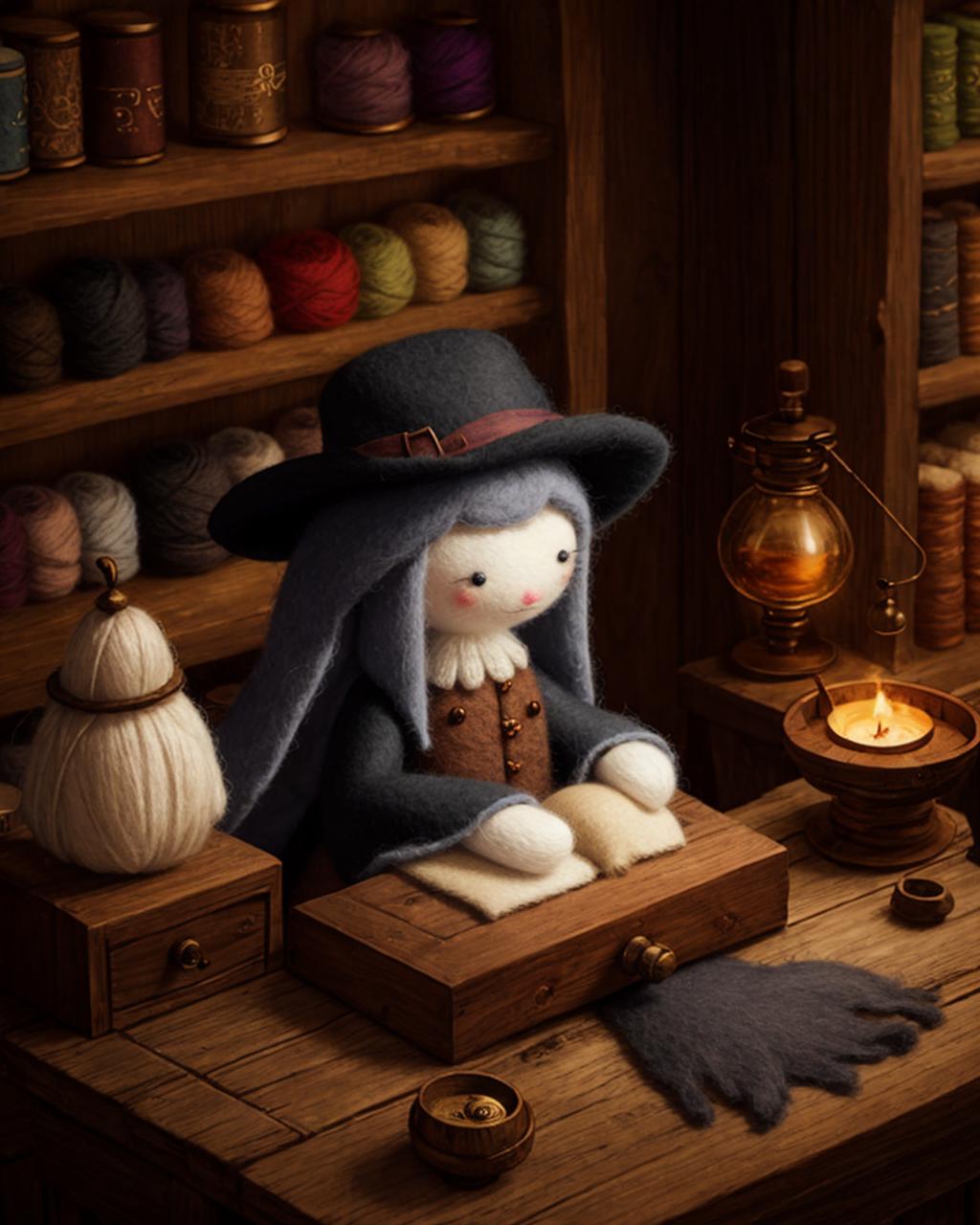
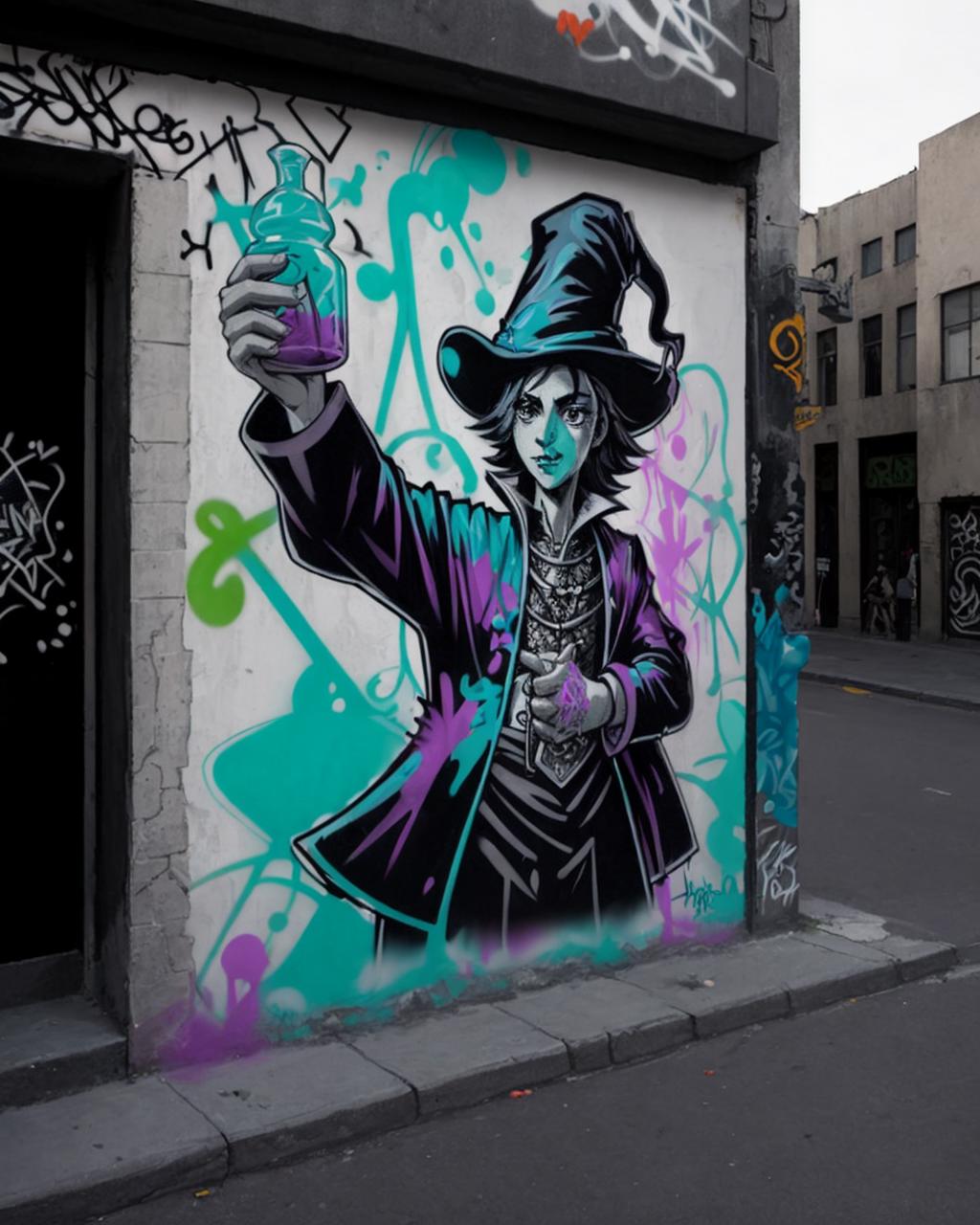
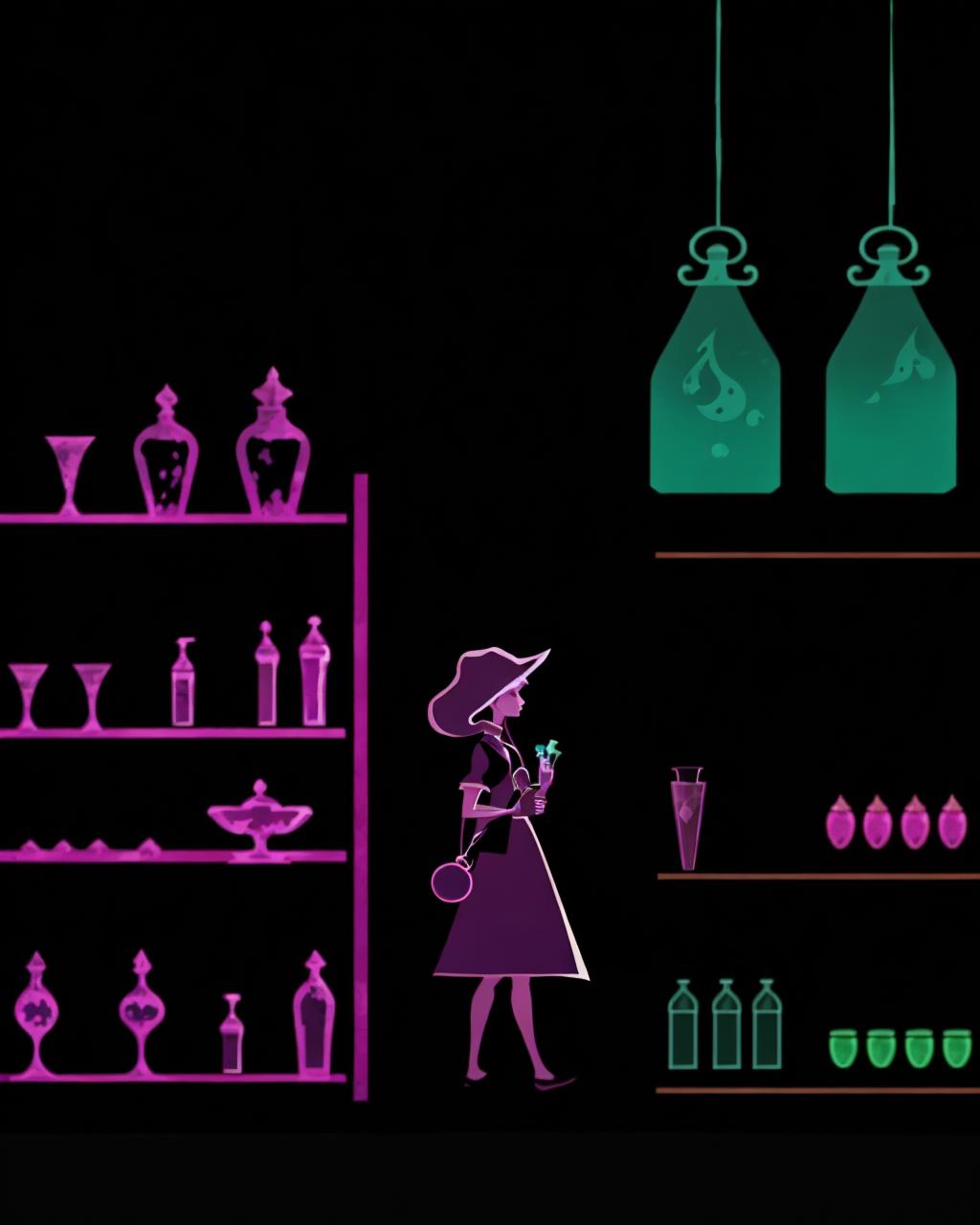

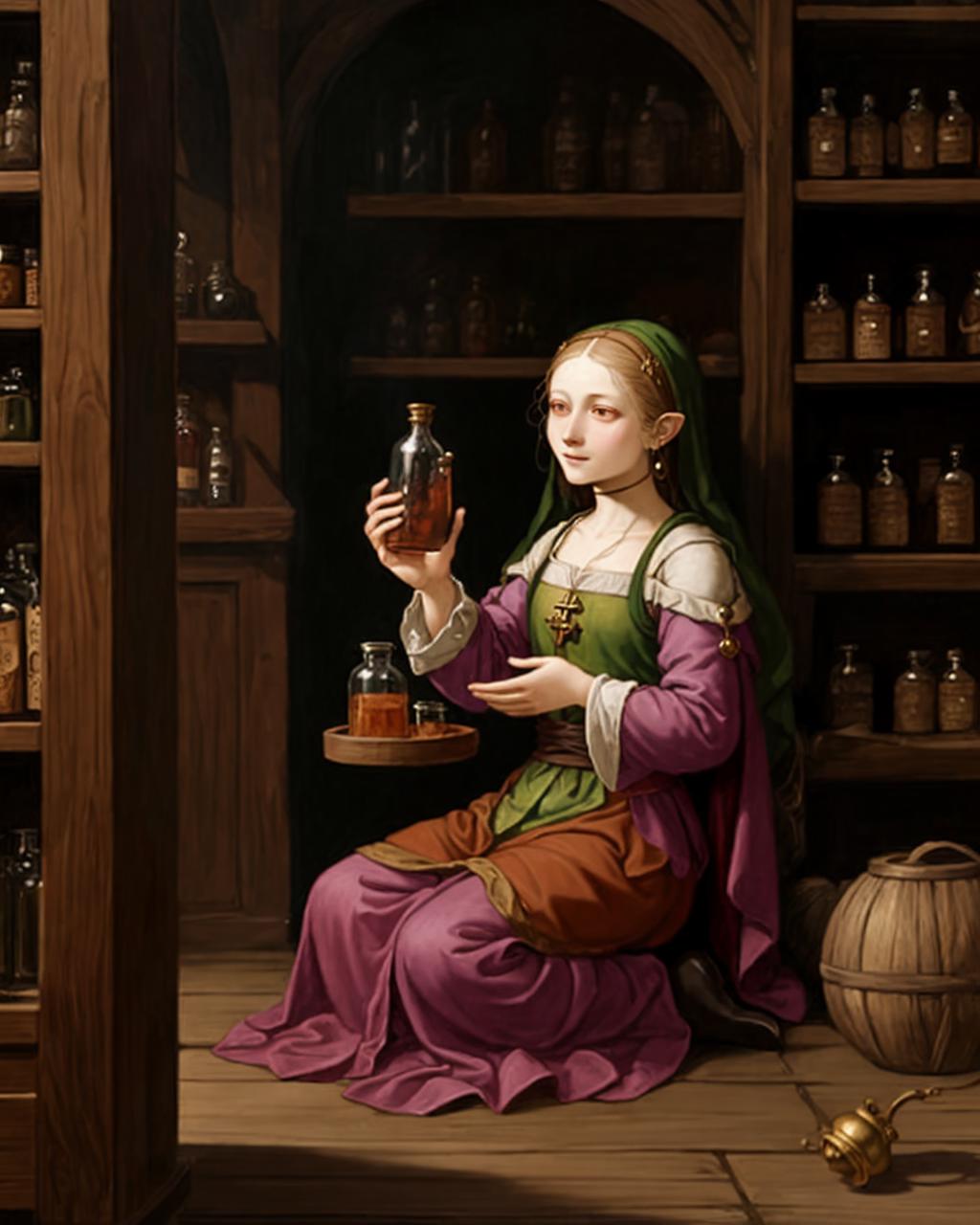
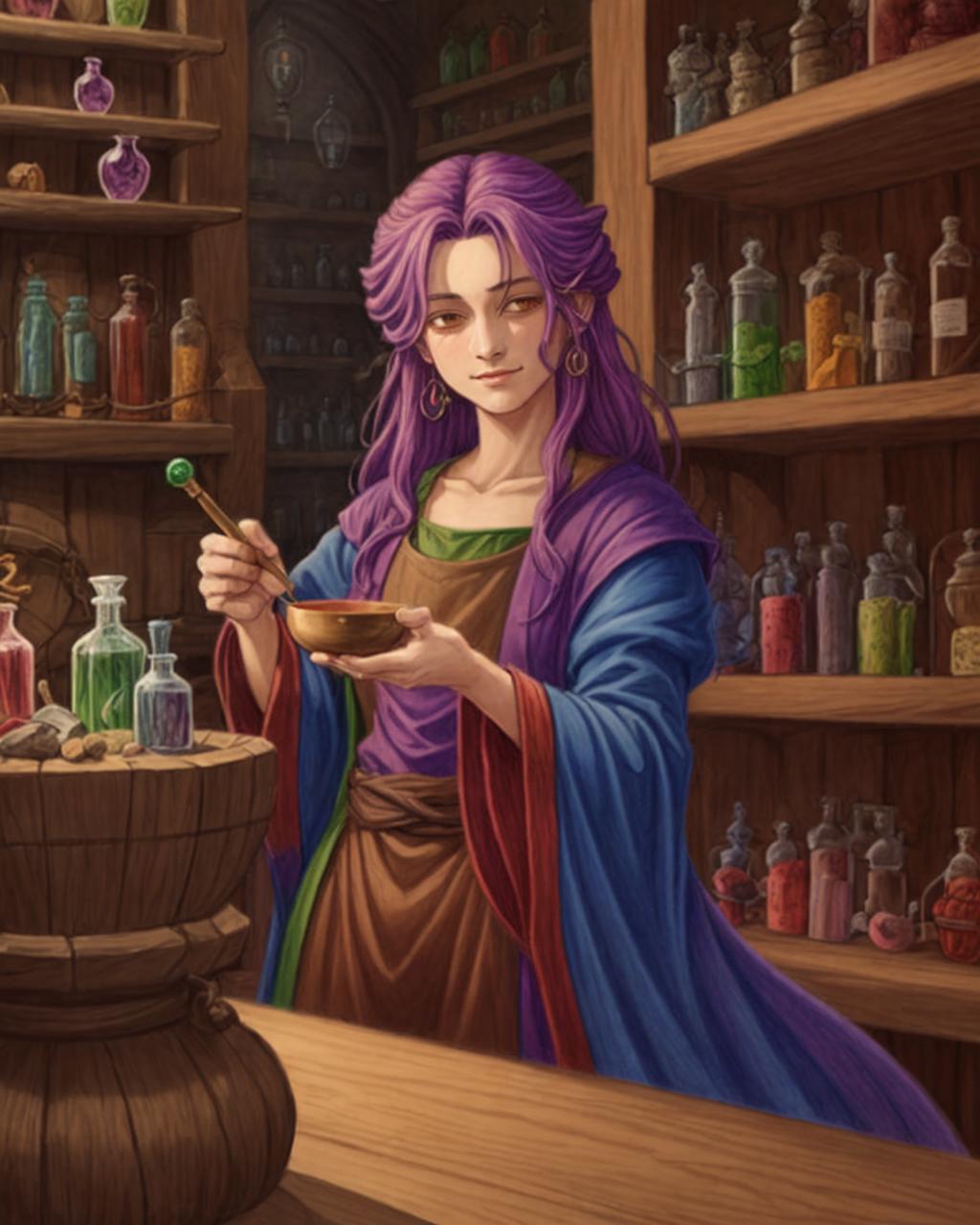
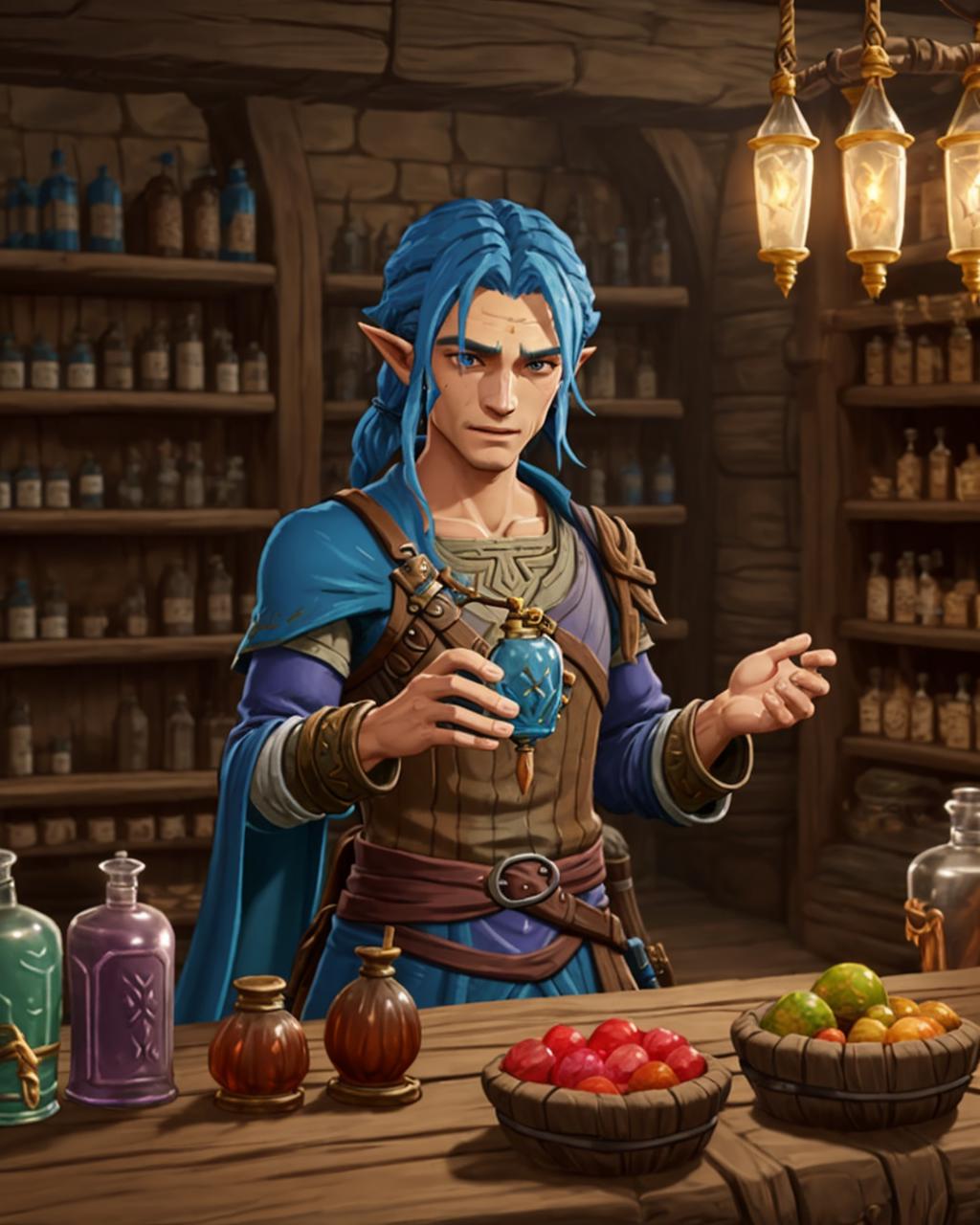
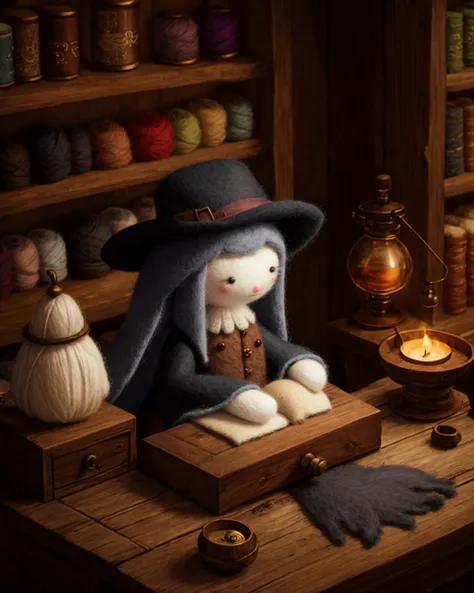
Because I'm lazy and a comedic genius, all of the examples for v1.1 are simple Potion Seller prompts. For more examples of what the model can do, go look at the v1.0 samples.
This mix is intended to reach that oh-so-popular digital art style that many other models have. The goal was to get that style while preserving the variability of the base models using high iteration re-basin merges. It has a default painterly aesthetic, but it can be pushed into both anime and digital photorealism.
As a consequence of the popular trends that went into it, this model does bias towards human subjects, but it's not so strong that you can't prompt against it.
In a normal interpolation merge, a model that makes good anime and a model that makes good photographs typically merge together to create a bad mush in the middle. This happens because nearly unused weights in the anime model are being merged with critical texture and composition weights in the photograph model, ruining details like hands and material textures in the outcome. This was less of a problem when every model was a light finetune of the NovelAI leak, but as finetunes get more advanced the models have become less compatible.
Re-basin merging is a technique that shuffles the weights around inside a model in way that does not affect the outcome of the neural network, but also lines up similar weights to make merging less destructive. The result is a model that can achieve the style of both input models while also preserving the lower level details of each.
Special thanks to T0b1maru for creating such an easy tool to get this done quickly https://github.com/T0b1maru/re-basin_merger
Merge 1 - 75% Nothing v2.3 : 25% MeinaMix 9
Merge 2 - 40% I Can't Believe It's Not Photography
Merge 3 - 30% DreamShaper 6
Merge 4 - 15% AtoZovya v2 Art [Changed to V3 in 1.1 release]
Add Difference 20% Noise Offset Model [Changed to 50% in 1.1 release]
These models were selected to provide as varied a dataset as possible. All merges (aside from the noise offset) were 500 iteration re-basin merges, all layers. By merge 2, the model was already similar in style to DreamShaper, but leaned too heavily towards anime-shaped faces.
Without style input, the model will trend towards a painted texture. This is mostly the result of the 15% AtoZovya which, while it does add lots of unique variation to fantasy themes and faces, it did slightly poison the model's ability to make clean anime images. If you are finding the textures not to your liking, I suggest using negative "Painting" in your prompts.
When going for the extreme ends of style (anime/realism) it's best to put your style keywords at the start of the prompt and remember to include negatives from the opposite end. Specific style information like "cel shaded anime" or "toriyama anime style" work better than generic "anime" descriptors.
For realism, terms like "photograph" and "macro photograph" push the style harder than "photorealistic" which is generally used to tag digital art that is meant to look similar to realism. This model will not be able to create fully photo-realistic images, since the most realistic model in the merge is ICBINP which itself is not fully realistic. If your goal is perfect realism or anime, then this is simply not the model for you.
Highres fix is highly recommended to get the best details out of any model these days.
An unfortunate side effect of this merge style is that edges are not very sharp, and small subjects/faces are not very detailed. Highres fix improves this, but it works best with denoise values between 0.45-0.7 to avoid soft edges. If you try to use highres fix with a more sane value (<0.3) then you will get lackluster results. If you want to get an upscaled result without destroying the composition with higher denoise, then I suggest using the ControlNet Tile upscale to keep things clean.
Be specific and concise with your prompts. If you put the entire magna carta in your negatives, then you will lose control of the style and composition. You do not need a boiler-plate negative here. I recommend generating your test images without any negatives, and then add specific negative tags to avoid specific issues you are having.
While this model is fine at producing ??????, it has excellent creative clothing results as long as you remember to prompt for clothes.

Swaps out AtoZovya 2Art with v3, less painterly influence. Increased noise offset difference merge to 50%
1.転載モデルは学習・共有目的のみで使用し、著作権は原作者に帰属します
2.モデルの認証は公式チャンネルでご連絡ください。クリエイターの権利保護に努めています クリックして認証
