詳細
おすすめ
V1 Python
V2
V3
V1
Organize models script

Organize models script

0
0
3
#道具

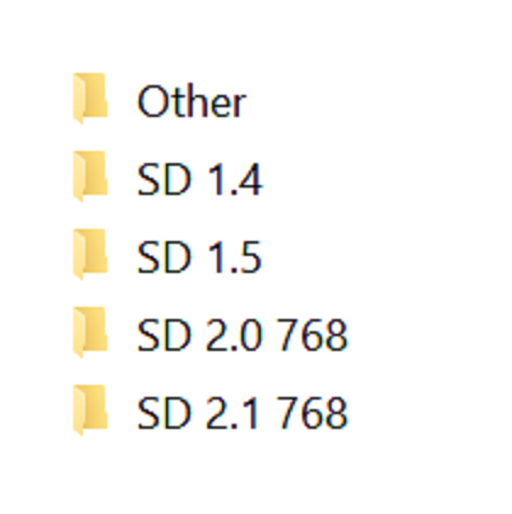
Simple script, execute it from the directory you want to organize. Sorts models into different directories by Person and flags base on the ".civitai.info" files created by Civitai Helper. AUTOMATIC1111 will show -directories when the show/hide extra network icon is used so you can filter your results. You need to "Scan Models for Civitai" in the Civitai Helper tab prior to running the script in the model directory you want to organize.

Prerequisite: Civitai Helper

https://github.com/butaixianran/Stable-Diffusion-Webui-Civitai-Helper

Procedure:

  1. Install Civitai Helper

  2. Restart AUTOMATIC1111

  3. Check the checkboxes (ti, hyper, ckp, lora) of the model types you want to organize in the "Scan Models for Civitai" section in the "Civitai Helper" tab

  4. Run "Scan Models for Civitai" in the "Civitai Helper" tab by clicking the "Scan" button

  5. Wait for scan to complete

  6. Make sure that ".civitai.info" files have been created in the AUTOMATIC1111 model directories you selected

  7. Download the script zip archive

  8. Extract the Organize Script from the downloaded zip file

  9. Place this Organize Script file in the AUTOMATIC1111 model directory you want to organize (".\models\hypernetworks", ".\models\lora", ".\models\Stable-diffusion", ".\embeddings")

  10. Run the Organize Script file

  11. Wait for the script to finish organizing your models

  12. Verify the models have been organized into -directories as expected

翻訳を表示

評価とレビュー

-- /5
0 件の評価

まだ十分な評価やレビューが集まっていません

no-data
データなし
お知らせ
2024-07-25
モデルを公開
2023-05-05
モデル情報を更新
モデル詳細
タイプ
Other
投稿日時
2023-05-05
基本モデル
Other
バージョン紹介

Python version of the scripts, should be the same as the powershell versions

許可範囲
モデルソース: civitai

1.転載モデルは学習・共有目的のみで使用し、著作権は原作者に帰属します

2.モデルの認証は公式チャンネルでご連絡ください。クリエイターの権利保護に努めています クリックして認証

創作許可範囲
オンライン画像生成
統合
ダウンロード
商用利用の許可範囲
生成された画像は販売または商業目的での使用
モデルの転売やモデル統合後の販売
QR Code
SeaArt Appをダウンロード
モバイルでAI創作の旅を続けよう