タイプ
LORA
投稿日時
2024-08-30
基本モデル
SDXL 1.0
バージョン紹介
Reduced the effect of the LoRA on the general composition of the image while maintaining the intended effect. Reduced file size.


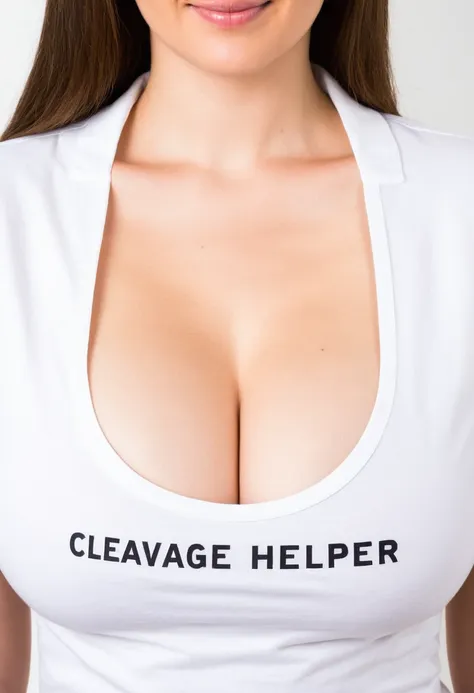
It seems that by default, most prompts for cleavage in SDXL checkpoints result in a type of cleavage where the are barely touching. With the help of this SDXL 1.0 trained LoRA, the prompting for cleavage will cause to cling together better, forming better and more realistic cleavage.
V2.1 update:
The overall composition of the image will now change less when using the LoRA, and the file size has been reduced.
V2 update:
I have completed version 2 and have uploaded comparison images which show testing across several models.
Note: to get the actual comfyui workflow for each example image, you need to click on the image to view it in the gallery, and then click the download button (an arrow pointing down). You then drag and drop the PNG onto an open window with comfyui, OR you can click "load" in comfyui and select the PNG you downloaded. I went out of my way to only use nodes that come with comfyui, so you shouldn't have to worry about getting hit with a wall of red nodes which when you install them then floods your comfyui with hundreds of nodes you never used before just because the author of the image used three nodes from three separate swiss-army node packs and now every time you click to add a node you are used to adding all the time the menu is now longer and more confusing and where is that node three up from the bottom god now its 4th up I clicked the wrong node I didn't want to click that node why are there so many nodes now I just wanted to reproduce the image from civitai why cant it be simple. Anyways, as I was saying, the trade-off is that the workflow is more...nodey, and a bit harder to read and understand as a result.
To get the "before" image render, just detach the LoRA node. Some nodes may be present that aren't used in that workflow- just ignore or delete them. The LoRA filename in the workflow is different than what I renamed the LoRA file to, so you will have select the LoRA yourself.
See also:

Reduced the effect of the LoRA on the general composition of the image while maintaining the intended effect. Reduced file size.
1.転載モデルは学習・共有目的のみで使用し、著作権は原作者に帰属します
2.モデルの認証は公式チャンネルでご連絡ください。クリエイターの権利保護に努めています クリックして認証
