タイプ
Hypernetwork
投稿日時
2023-03-20
基本モデル
SD 1.5
トリガーワード
invisible
コピー


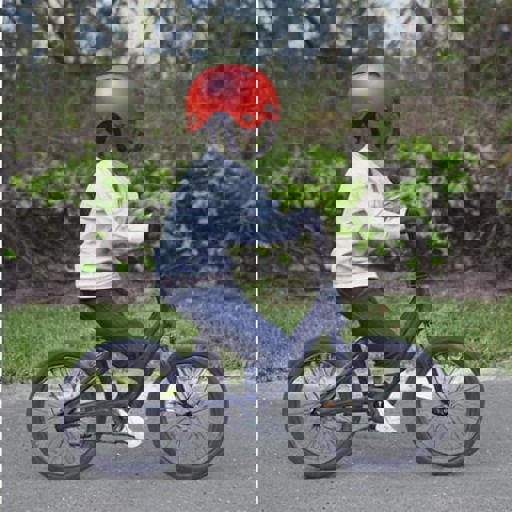
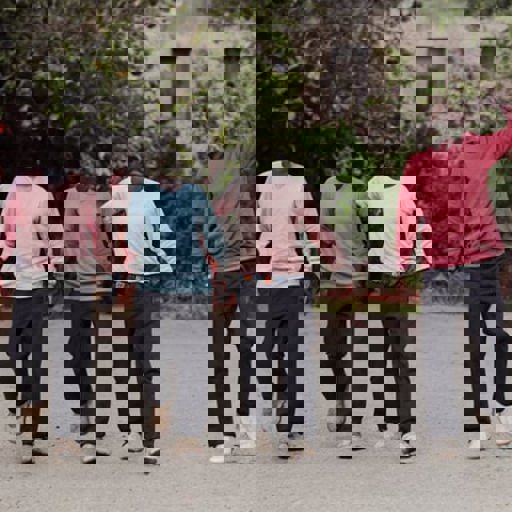
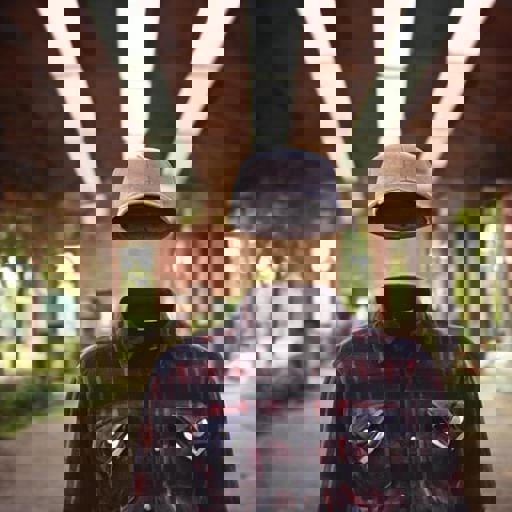
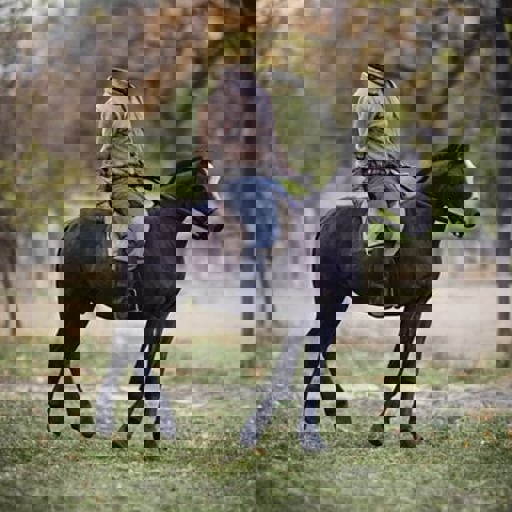
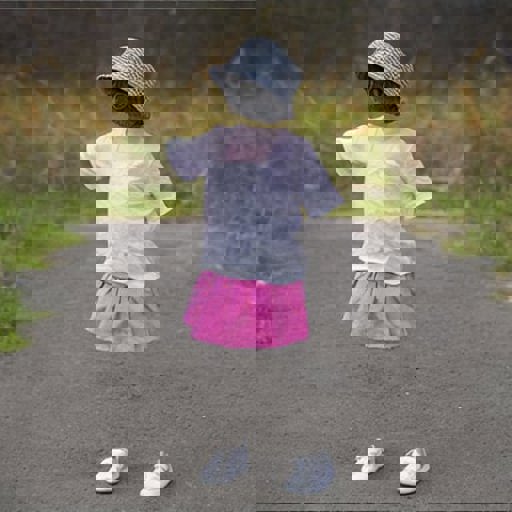
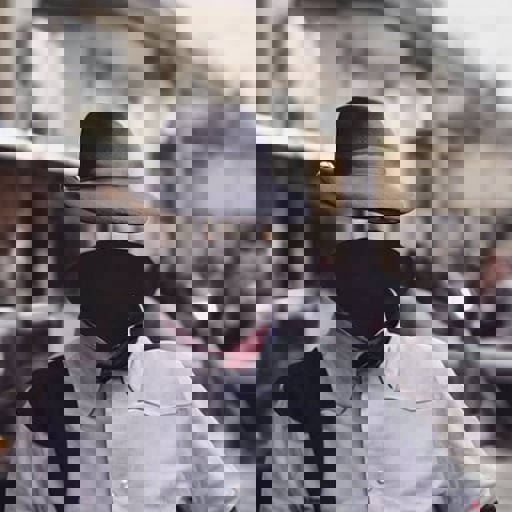
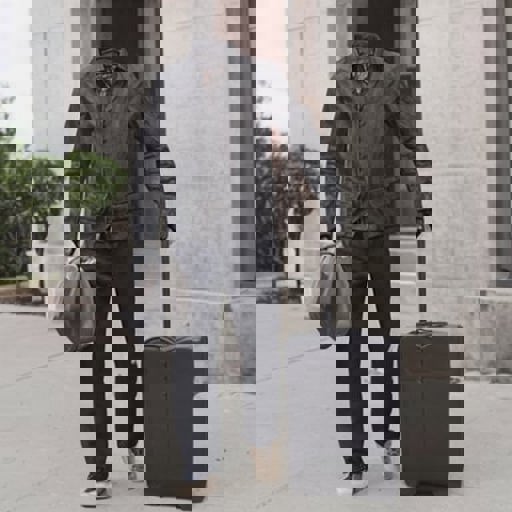
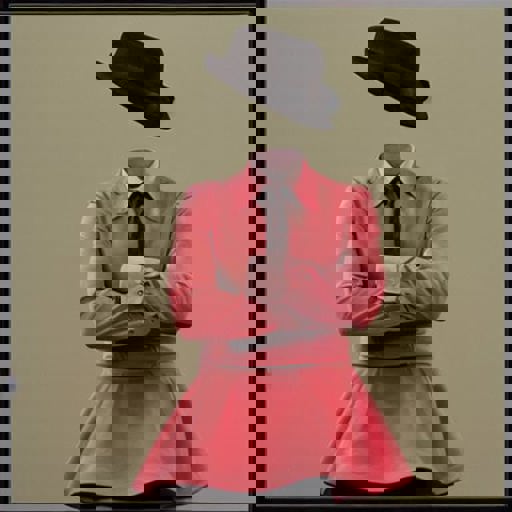



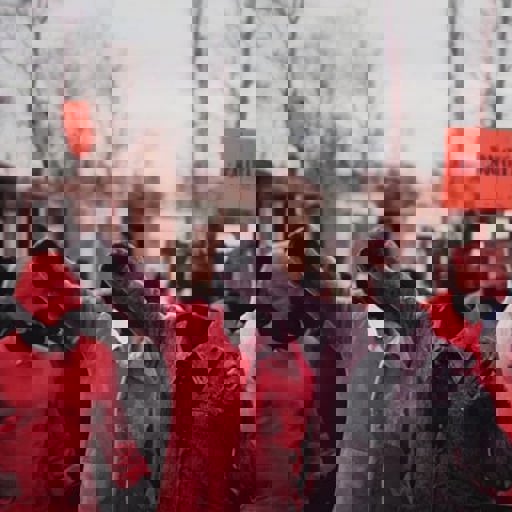
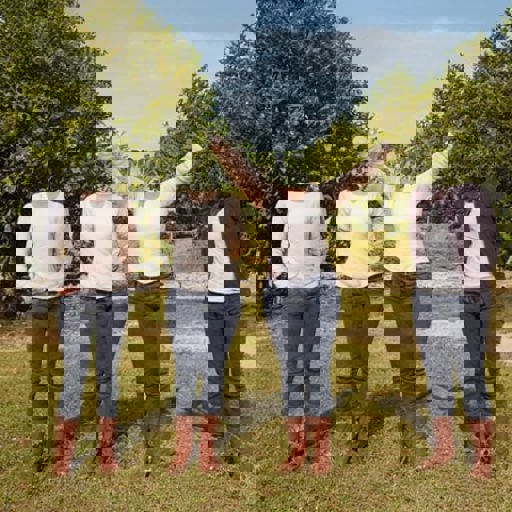
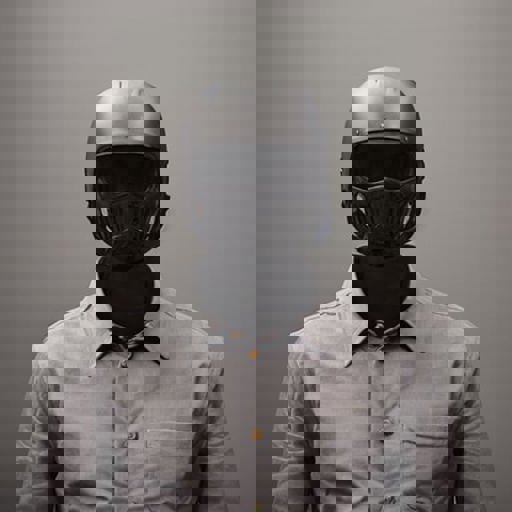
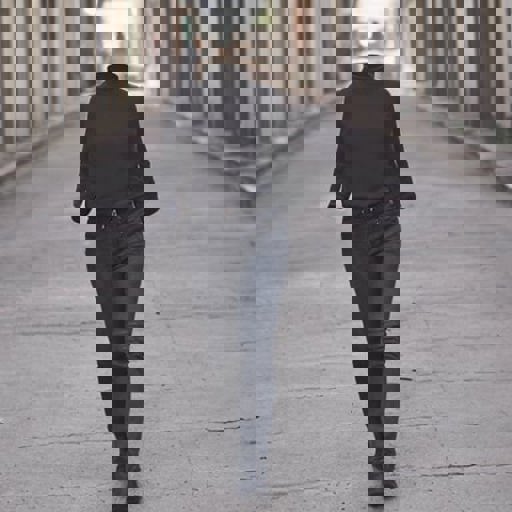

IMPORTANT INSTRUCTIONS!
This model was trained on SD base 1.5 version BUT It does also work for 1.4 as they both share the same Clip encoder.
Install instructions.
Simply place the invisible.pt file inside the \stable-diffusion-webui\models\hypernetworks folder. Load the model inside the Automatic1111 interface under settings hypernetwork.
Use instructions.
Use 1.0 hypernetwork strength for best results.
Use DPM++ SDE Karras sampler with 15 steps and CFG of 4.0.
Make sure and always include the word invisible somewhere in the prompt. For people always preface the subject with invisible, example "invisible man walking", "invisible girl playing in the backyard", etc...
VERY IMPORTANT! Always describe the background in some detail or you WILL get a very generic boring background.. So for example DON'T just say "an old invisible man". DO say "an old invisible man inside a rustic hut".
For some fun, use the 1.5 inpaint model with this hypernetwork on your photos. Simply prompt invisible and use the inpaint tool to inpaint any exposed skin and watch the magic happen.


1.転載モデルは学習・共有目的のみで使用し、著作権は原作者に帰属します
2.モデルの認証は公式チャンネルでご連絡ください。クリエイターの権利保護に努めています クリックして認証
