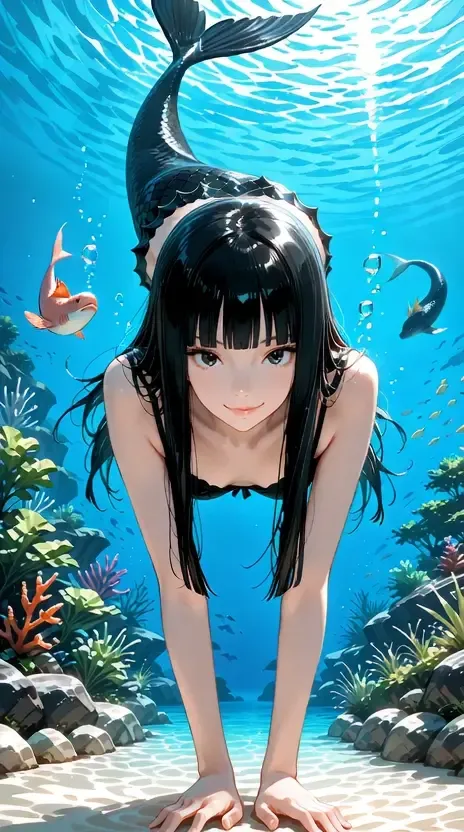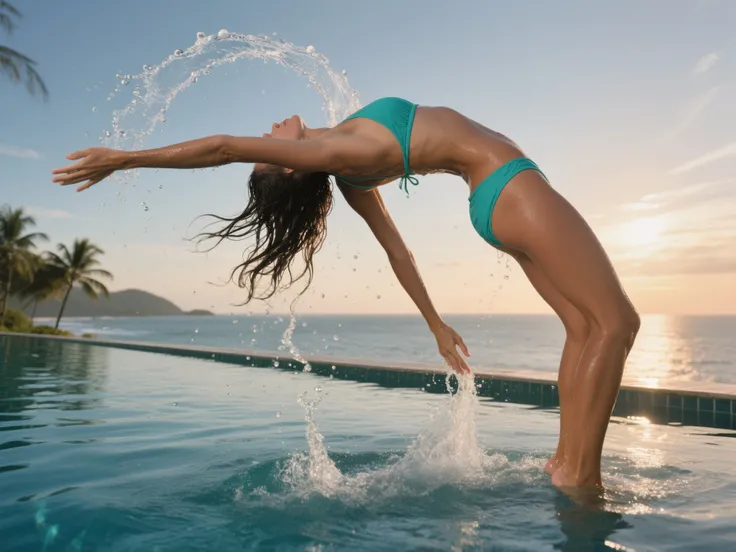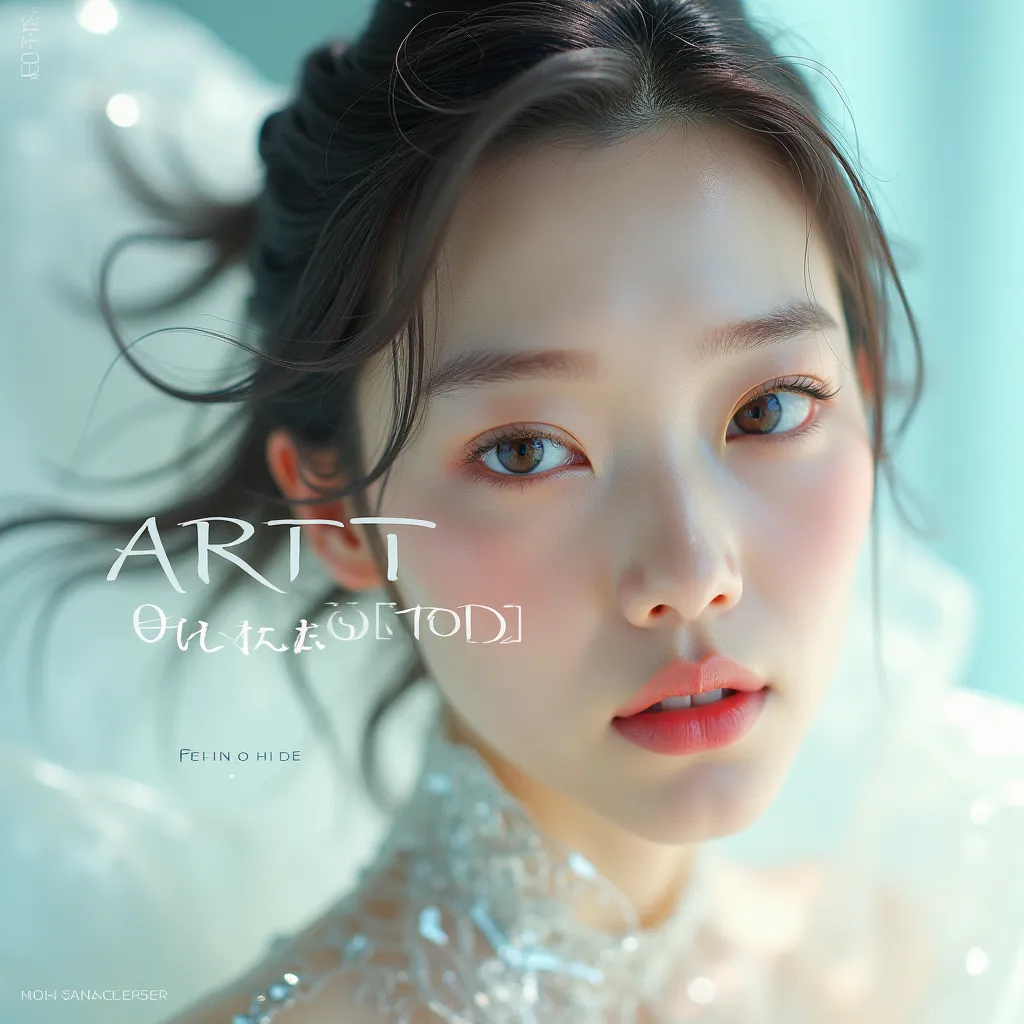

Do you want your image complete with astonishing text style?
it's time for you to use Seaart FILM !!!
seaart film does have some drawbacks such as (cons):
- it is not known what the base model is
- there are no step and CFG scale settings
- lora cannot be added
- negative prompt cannot be added
- 1 prompt can only generate 1 image
- 1 generate takes 15 credits
but you should know the advantages (pros):
- the resulting image is cinema quality
- strong in understanding camera angles
- has a fast generation speed with 2K quality
- this App is LLM model, it can digest complex and simple prompts
- can produce very good text
- can add effects in the use of text !!!
CREATE TEXT EFFECT
here I try using a simple prompt:
a beautiful woman, cute face, blue silvery hair, beautiful ? dress, she is extending her arms to the viewer, and there is a text in front of her hands "I AM ICE MAGE", cinematic color grading, with dark castle background.
and this is the result:
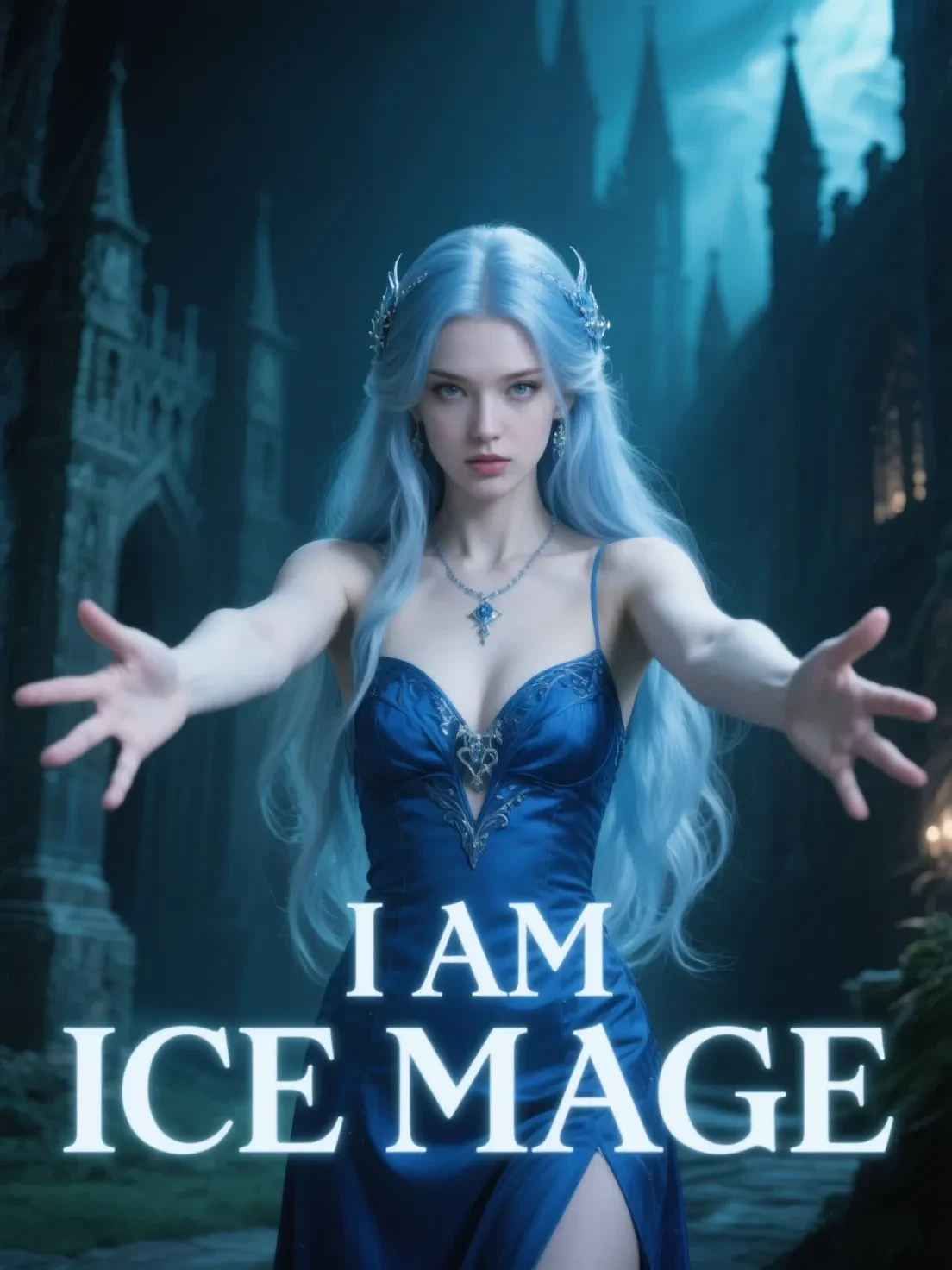
indirectly it gave a mage visual without me asking, and also automatically gave a glowing effect on the text based on the visual prompt, pretty good right? (ah yes she has 4 fingers, lol)
and this is a prompt with clear scene details, without giving a text effect prompt:
a beautiful mage, cute face, blue silvery hair, beautiful mage dress, she is releasing her ice magic power, extending her arms to the viewer, sparkling frosts are around her palm, and there is a text in front of her hands "I AM ICE MAGE", magical scene, cinematic color grading, dark fantasy style, with dark frosty castle background.
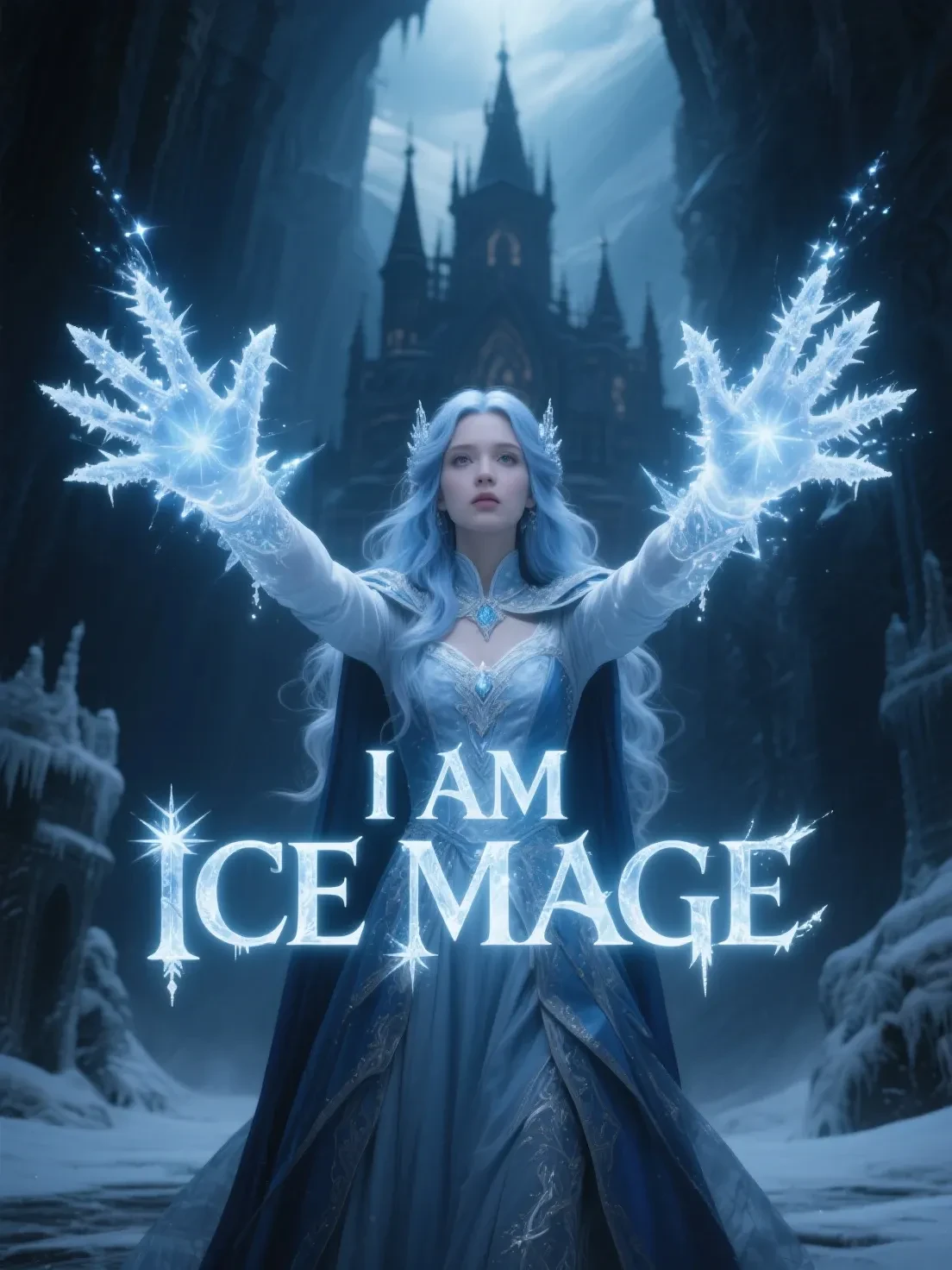
the results made are beyond expectations, this model automatically makes text with an ice effect, because the visual prompt uses the ice element mage.
and finally I tried to add ice effect in the text:
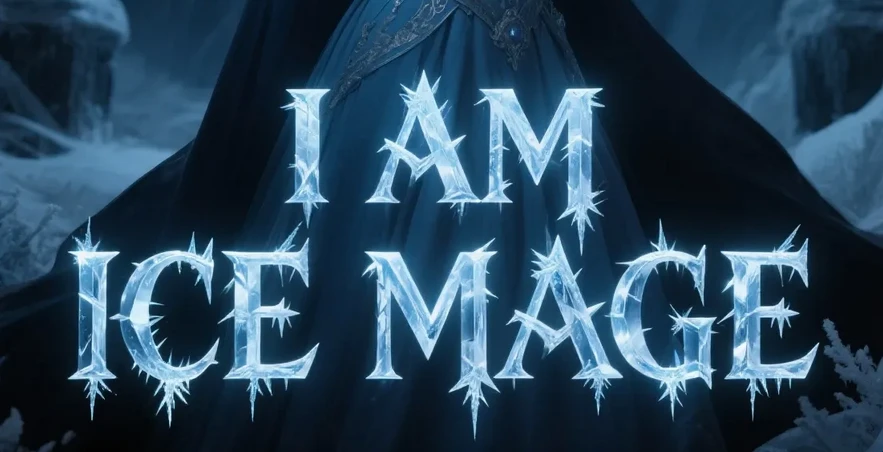
a beautiful mage, cute face, blue silvery hair, beautiful mage dress, she is releasing her ice magic power, extending her arms to the viewer, sparkling frosts are around her palm, and there is a clear frosty text with ice element in front of her hands "I AM ICE MAGE" , the text must be clear and shaped by ice, magical scene, cinematic color grading, dark fantasy style, with dark frosty castle background.
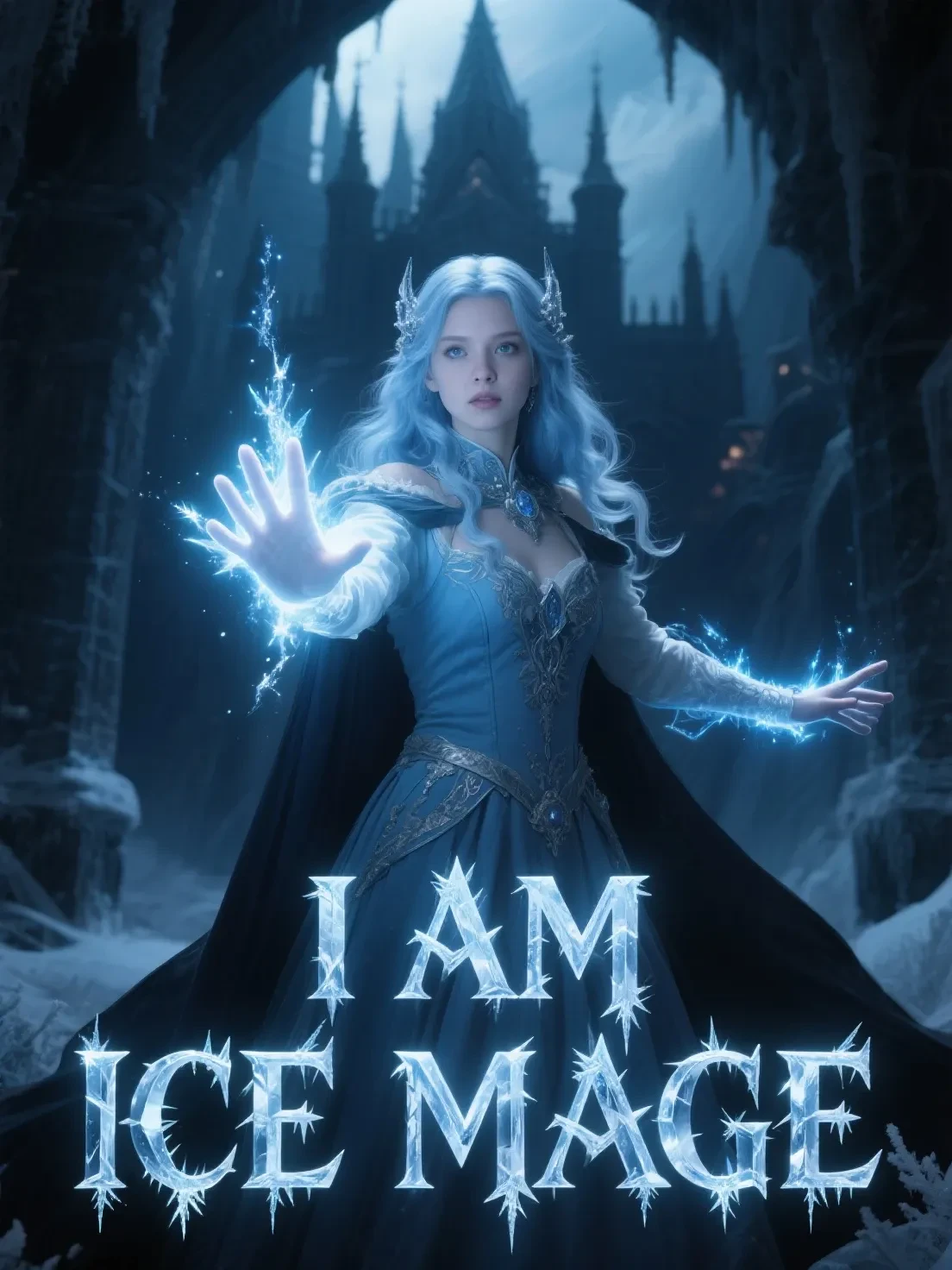
the result is amazing, pay attention to the ice details in the text!, compare it with my second image, this is best!!!
CONCLUSION
if you want to get a better text effect , put the effect prompt before the "text" prompt, and enhance effect after the "text" prompt to enhance the result. (check my third image prompt)
hopefully my article can help you in making beautiful astonishing text with effects.