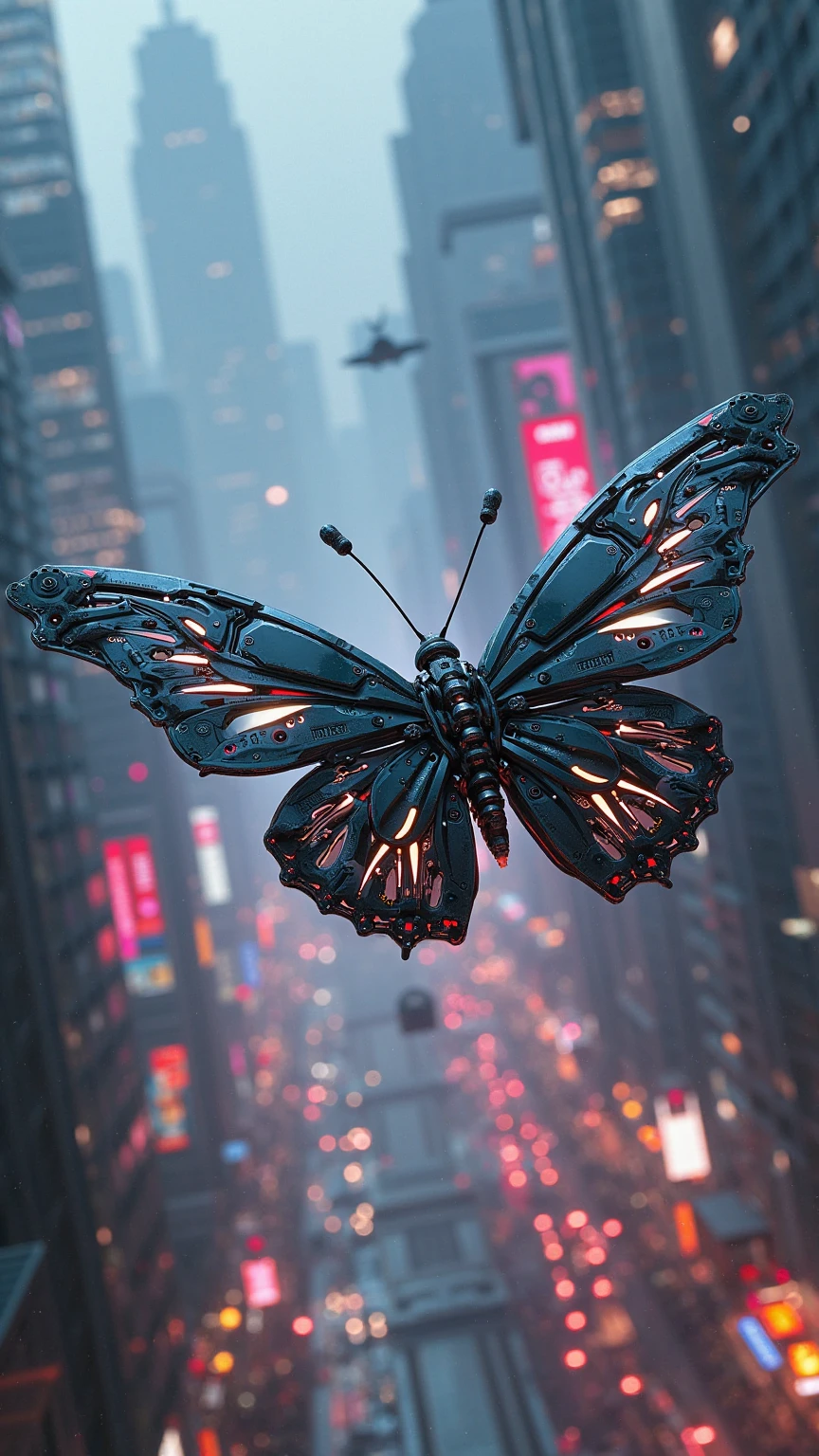


🎬 Welcome to the Official SeaArt Film Video Model Tutorial!To help you navigate and use the SeaArt Film Video Model more easily and effectively, we’ve created this detailed guide. Follow the steps to better understand how to operate the model and generate stunning, precise, cinematic visuals with AI.
🖼️ From Still to Motion · Film Image-to-Video Tutorial 🎬
Upload a reference image, describe the motion you envision, and effortlessly generate a dreamy cinematic video clip. Turn static pictures into flowing motion with AI!
1. Introduction
The Film Image-to-Video Model allows you to upload a static reference image and combine it with detailed text prompts to generate short video clips featuring dynamic motion and cinematic camera movement.
Perfect for creative storytelling, character motion simulation, atmospheric video scenes, and more.
2. How to Use
📤 Step 1: Upload a Reference Image
- ✅ Supported formats: PNG, JPG
- ✅ Max file size: 10MB
- ✅ Minimum resolution: 300px
📌 Recommended Image Requirements:
- Clear subject
- Clean, uncluttered composition
- Avoid overly busy backgrounds
- Preferably a single character or object as the main focus
✏️ Step 2: Write a Prompt (Key Step)
Recommended Prompt Structure:
Subject Action + Scene Dynamics + Camera Movement + Atmosphere/Style + Optional Keywords
✅ Key Elements Explained:
- 🔸 Subject Action Describe what the subject (person, animal, object) is doing. Examples: “A girl gracefully dancing among flowers” “A cat lazily stretching”
- 🔸 Scene Dynamics Describe the environmental changes or motion. Examples: “Petals drifting in the wind” “Sunlight streaming through the clouds”
- 🔸 Camera Movement Specify how the camera should move. Examples: “The camera slowly pushes in to focus on the girl’s face” “The camera pans from the sky to show the entire forest”
- 🔸 Atmosphere / Style Define the mood and artistic style of the video. Examples: “Dreamy and romantic” “Techno-futuristic” “Vintage film” “Ink-painting style” “Cinematic tone”
- ✨ Prompt Writing Tips: Be as specific and vivid as possible Example comparison: ✅ “A girl in a red dress twirling under a cherry blossom tree, petals falling gently, warm sunlight, side-following camera movement” ❌ “A person spinning under a tree” Include stylistic keywords like: “Cyberpunk”, “Ghibli-style animation”, “Traditional Chinese ink painting” Check the prompt suggestion panel or sample templates in the interface for inspiration.
- https://www.seaart.ai/explore/detail/d1ih0dle878c73banmvg?source=share_link&u_code=KBO0MPCC
💾 Step 3:输出与发布
💾 Step 3: Output & Share
- ✅ After the video is generated, click the “Download” button. You can choose “Smart HD” for a maximum resolution of up to 2K
- 🚀 You can also publish to the SeaArt community to showcase your creative work and receive feedback and appreciation!
3. Example Showcase
🎥 Example 1: A Quiet Artistic Moment
Prompt:
A young man sitting in a cozy room picks up a paintbrush to draw, sunlight shines through the window, the camera slowly pushes forward, dreamy and romantic atmosphere.
https://www.seaart.ai/explore/detail/d1hk2v5e878c73f295a0?source=share_link&u_code=KBO0MPCC
🎥 Example 2: Cherry Blossoms & Spinning Girl
Prompt:
A girl in a pink dress twirls gracefully under a cherry blossom tree, petals gently fall with the wind, the sun is shining, the camera follows her from the side, Ghibli-style animation.
https://www.seaart.ai/explore/detail/d1hkqjte878c7397mk30?source=share_link&u_code=KBO0MPCC
4. Conclusion
With the Film Image-to-Video Model, you can effortlessly transform a static image into a flowing cinematic animation.
🎨 Let your creativity shine—use words and visuals to tell stories that are uniquely yours!