

🎨 The Ultimate, Comprehensive Guide to Z-Image AI
> Unlock the full potential of Alibaba's revolutionary Z-Image model. From installation to mastery, this is your definitive roadmap.
📖 Introduction: What is Z-Image?
Z-Image (technically known as the model from Tongyi-MAI) is not just another image generator. It is a technological breakthrough in the world of Generative AI.
Most older models work like a committee: one part reads your text, another part tries to draw it, and they pass notes back and forth. Z-Image uses a Scalable Single-Stream Diffusion Transformer (S3-DiT) architecture. ensuring that text and image processing happen in a single, unified "brain."
✨ Key Advantages
- Blazing Speed (Turbo): The "Turbo" variant is distilled, meaning it can create a full HD image in under a second on powerful cards, or just a few seconds on average laptops.
- Bilingual Mastery: It understands both English and Chinese prompts fluently, allowing for rich cultural nuance in generation.
- Text Rendering: Need a sign that says "Coffee Shop"? Z-Image can actually write the text correctly, unlike many competitors that produce gibberish.
- Low Hardware Cost: You can run the Turbo version on consumer graphics cards with as little as 16GB VRAM (or even less with optimizations).
🧬 The Three Faces of Z-Image: Which One Do You Need?
Z-Image isn't just one file; it's a family. Choose the right one for your mission:
1. Z-Image-Turbo (🚀 The Speedster)
- Best For: Everyday users, beginners, and rapid experimentation.
- Why: It uses only 8 steps to generate an image. It is optimized for speed without sacrificing much quality.
- Recommendation: Start here.
2. Z-Image-Base (🏛️ The Foundation)
- Best For: Researchers and people who want to train their own styles (LoRAs).
- Why: It is the raw, uncompressed brain of the model. It's slower but holds the most information.
3. Z-Image-Edit (🎨 The Editor)
- Best For: Photoshopping without Photoshop.
- Why: It is specialized in following instructions like "Change the red car to blue" or "Add a hat to this person."
🛠️ Step-by-Step Installation Guide
We will use ComfyUI, the most powerful and flexible interface for AI art.
Phase 1: The Setup
- Select the model at the following link on SeaArt: https://www.seaart.ai/models/detail/d4kssode878c7387fae0
Phase 2: Getting the Brains (The Models)
- The Text Encoder:
qwen_3_4b.safetensors(This is the language brain!)- Select your preferred options to generate the image
Phase 3: The Workflow
- Write the prompt and then on the button labeled "Generate."
💡 Advanced Prompting Masterclass
Writing prompts is an art form. To get professional results, you need to structure your language precisely.
The "Z-Formula"
construct your prompt in this exact order:
[Subject] + [Action] + [Environment] + [Lighting] + [Camera/Style] + [Quality Boosters]
🧪 Detailed Examples
Scenario A: Product Photography
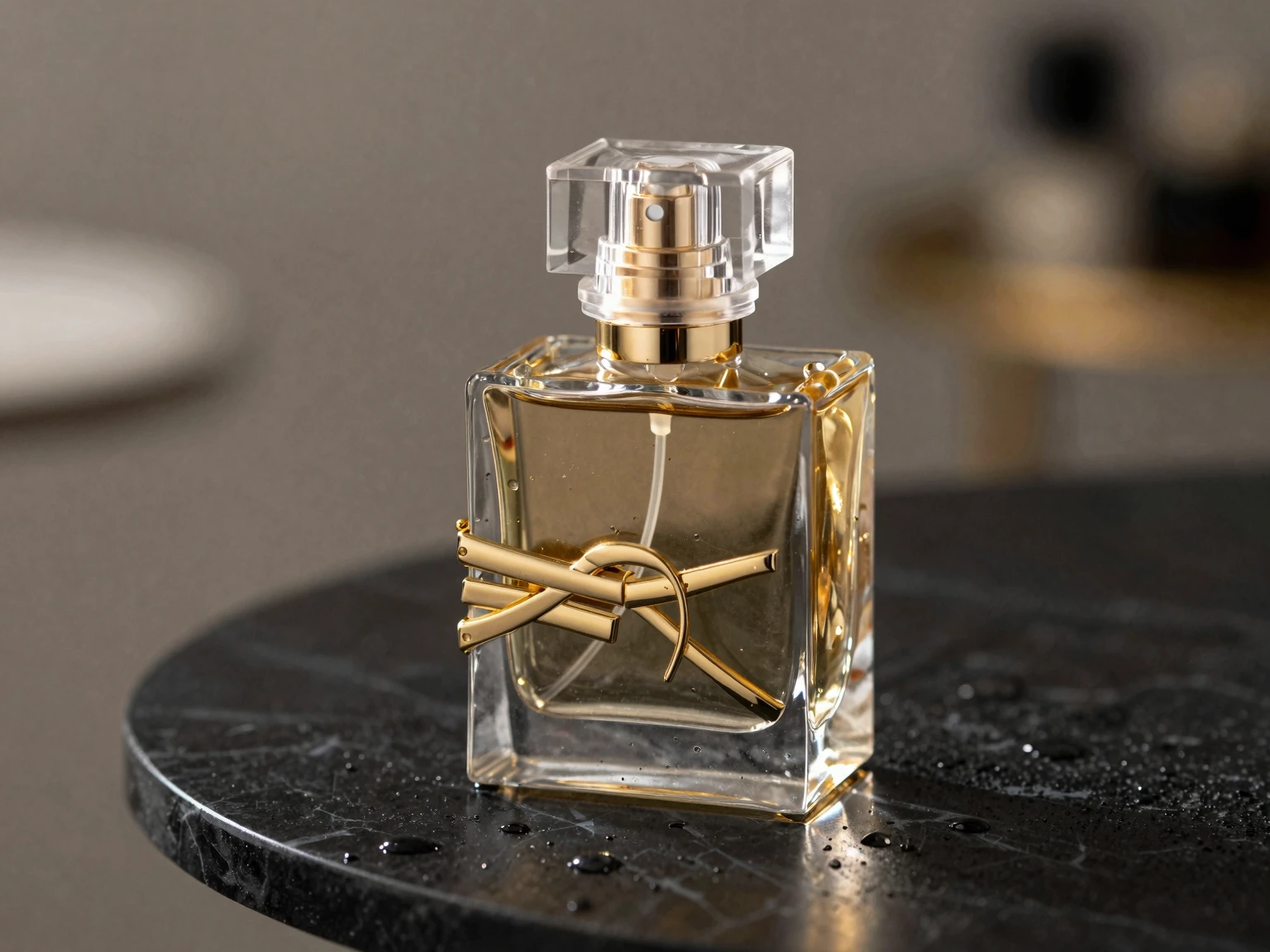
> "A sleek glass perfume bottle with gold accents, sitting on a black marble table, water droplets on the surface, dramatic rim lighting, soft bokeh background, 8k resolution, macro photography, commercial advertisement style."
Scenario B: Character Design
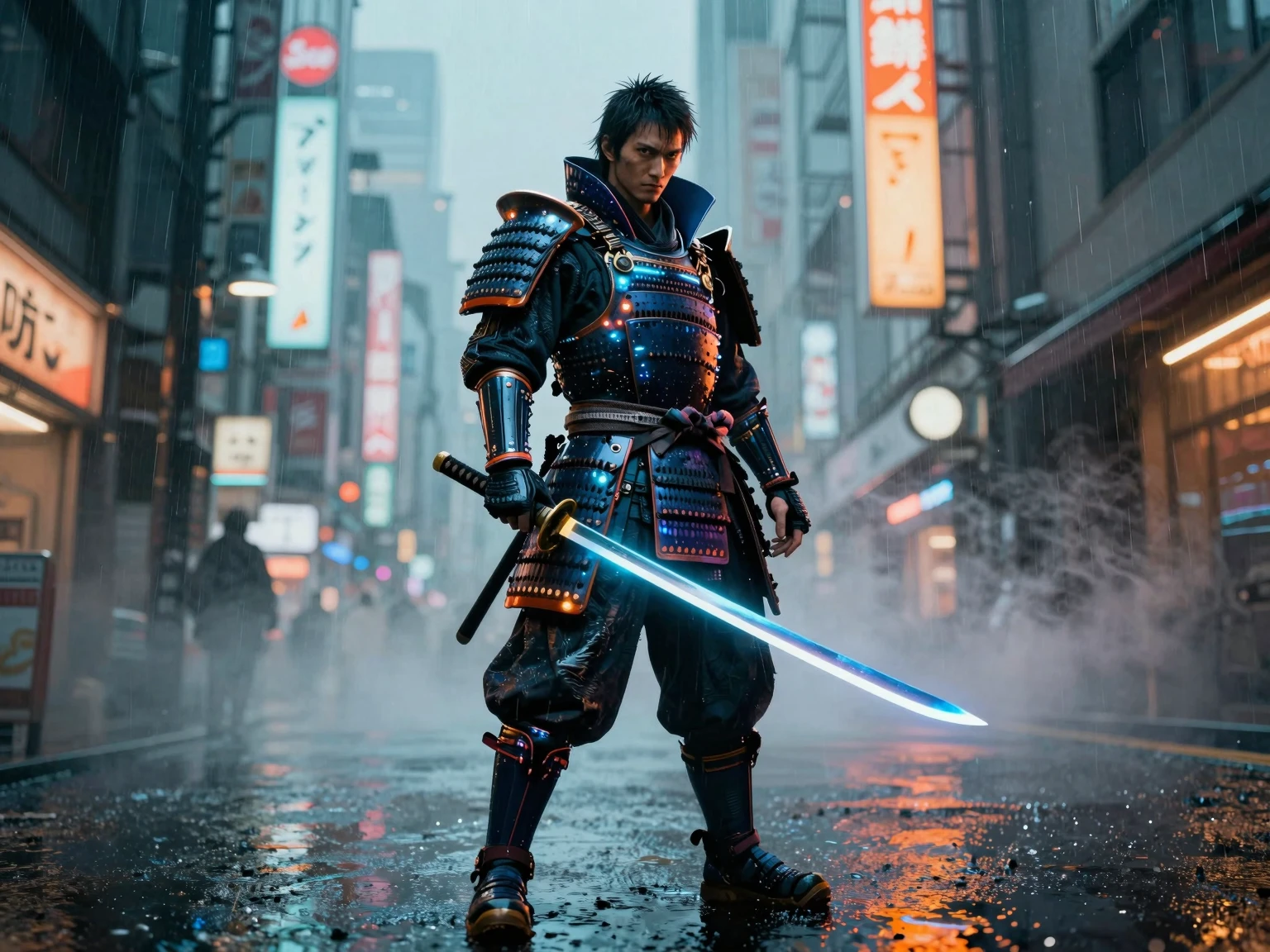
> "Full body shot of a Cyberpunk samurai warrior, wearing neon-lit armor, standing in rain-slicked Tokyo streets, holding a glowing katana, intense expression, volumetric fog, cinematic teal and orange color grading, unreal engine 5 render."
Scenario C: The Bilingual Test 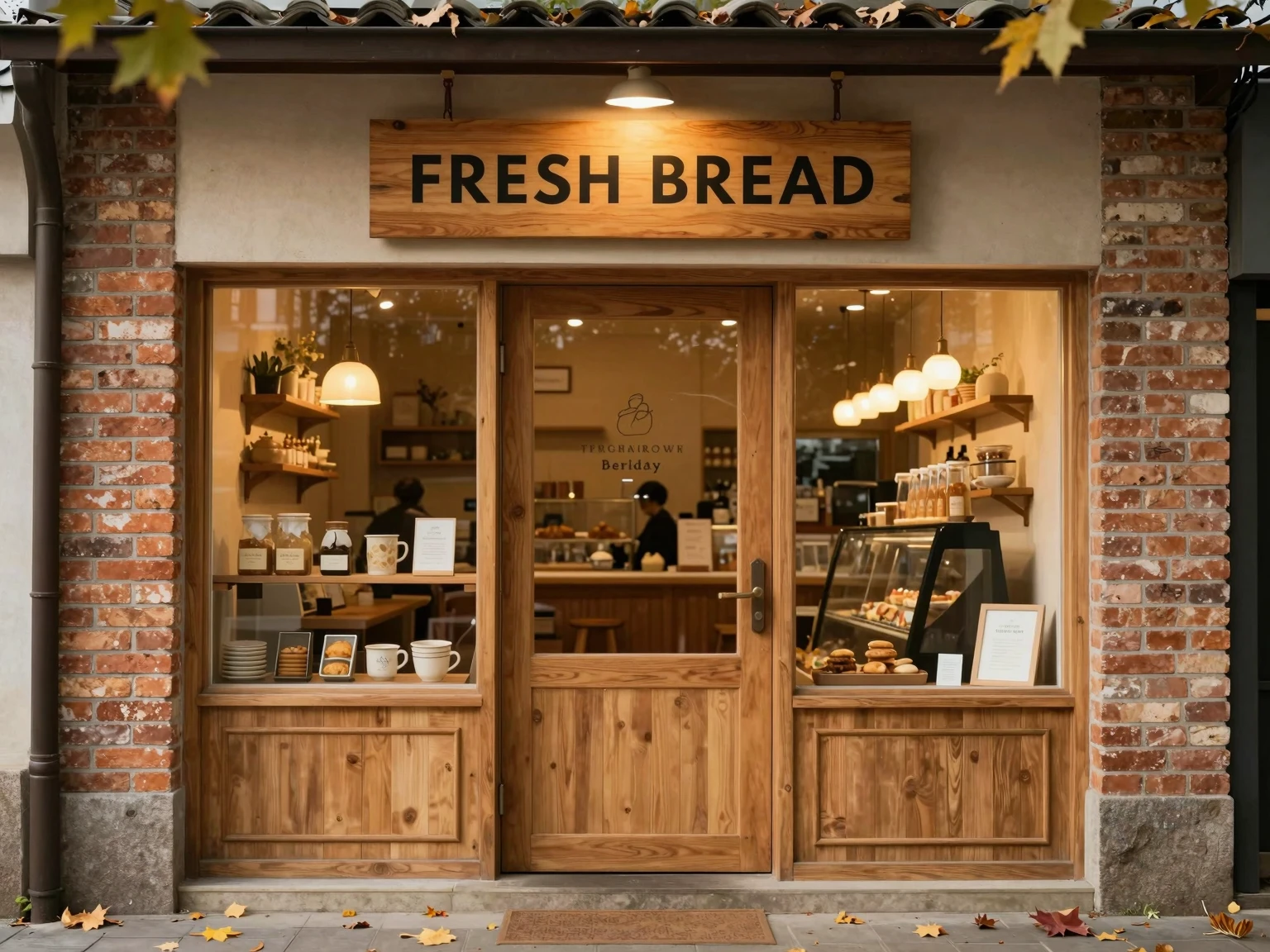
> "A cozy bakery store front with a wooden sign that hangs above the door saying 'FRESH BREAD', warm invitation lighting, detailed brick texture, autumn leaves on the ground."
🔧 Troubleshooting Common Issues
Even the best technology hiccups. Here is how to fix common problems:
🔴 "The image is just static noise!"
- Fix: Check your VAE. If you don't load the correct VAE (
ae.safetensors), the model cannot maintain the image structure and will just output TV static.
🔴 "It looks like a cartoon, but I want realism."
- Fix: You are likely missing style keywords. Add: "photorealistic, raw photo, dslr, 50mm lens, film grain". Also, ensure you are using the Turbo model, which defaults to realism more easily.
🚀 Final Words
Z-Image represents the democratization of high-end AI art. It gives you the power of a SUPERCOMPUTER in your own home. Experiment, fail fast, and create something beautiful.
Now, go create your masterpiece.