

상세 정보
추천
Version 1.0
Isopropanol Addiction Mix

Isopropanol Addiction Mix

5.7K
189
241
#애니메이션
#일반적인 목적
#매우 디테일한
#기본 모델
#모델
#일러스트레이션
#digital illustration
#환상
#사진
#photorealism
#semi-realistic
#애니메이션
#일반적인 목적
#매우 디테일한
#모델
#일러스트레이션
#digital illustration
#환상
#사진
#photorealism
#semi-realistic

Introduction

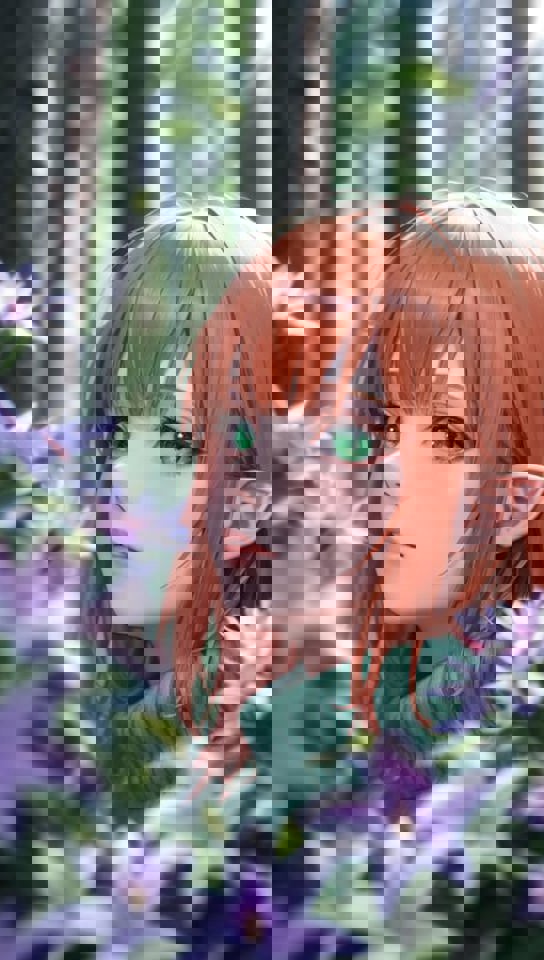
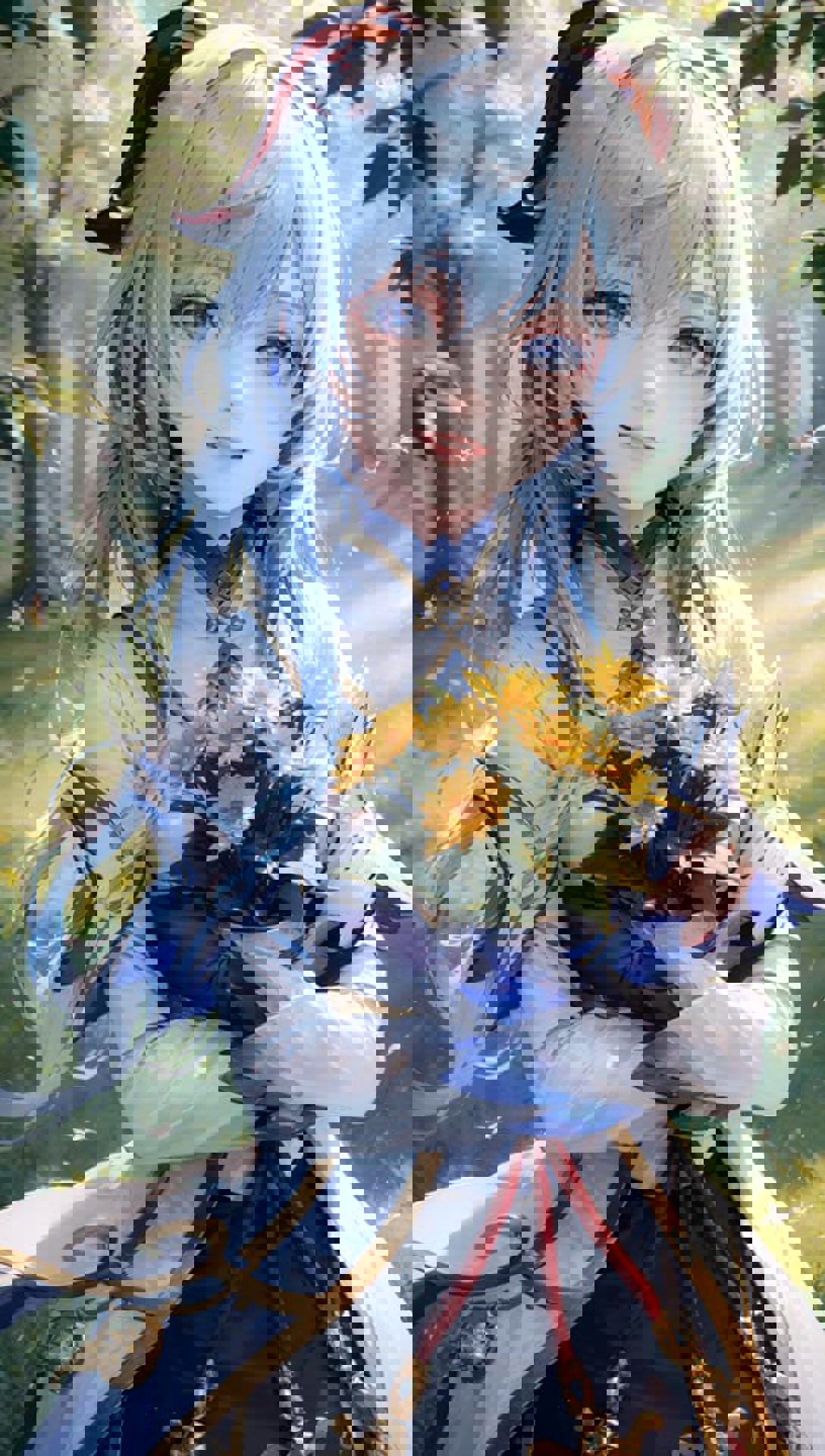
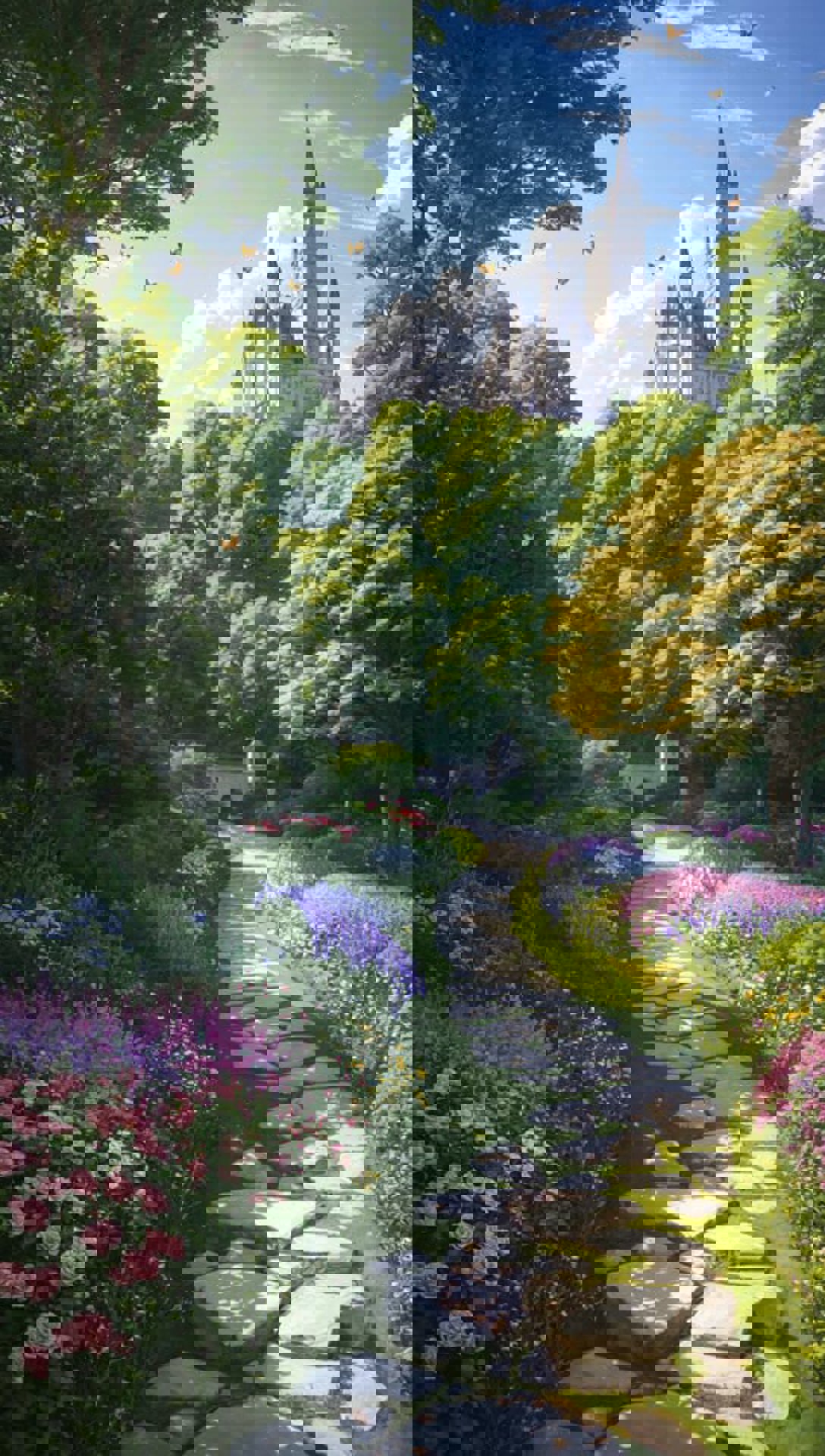
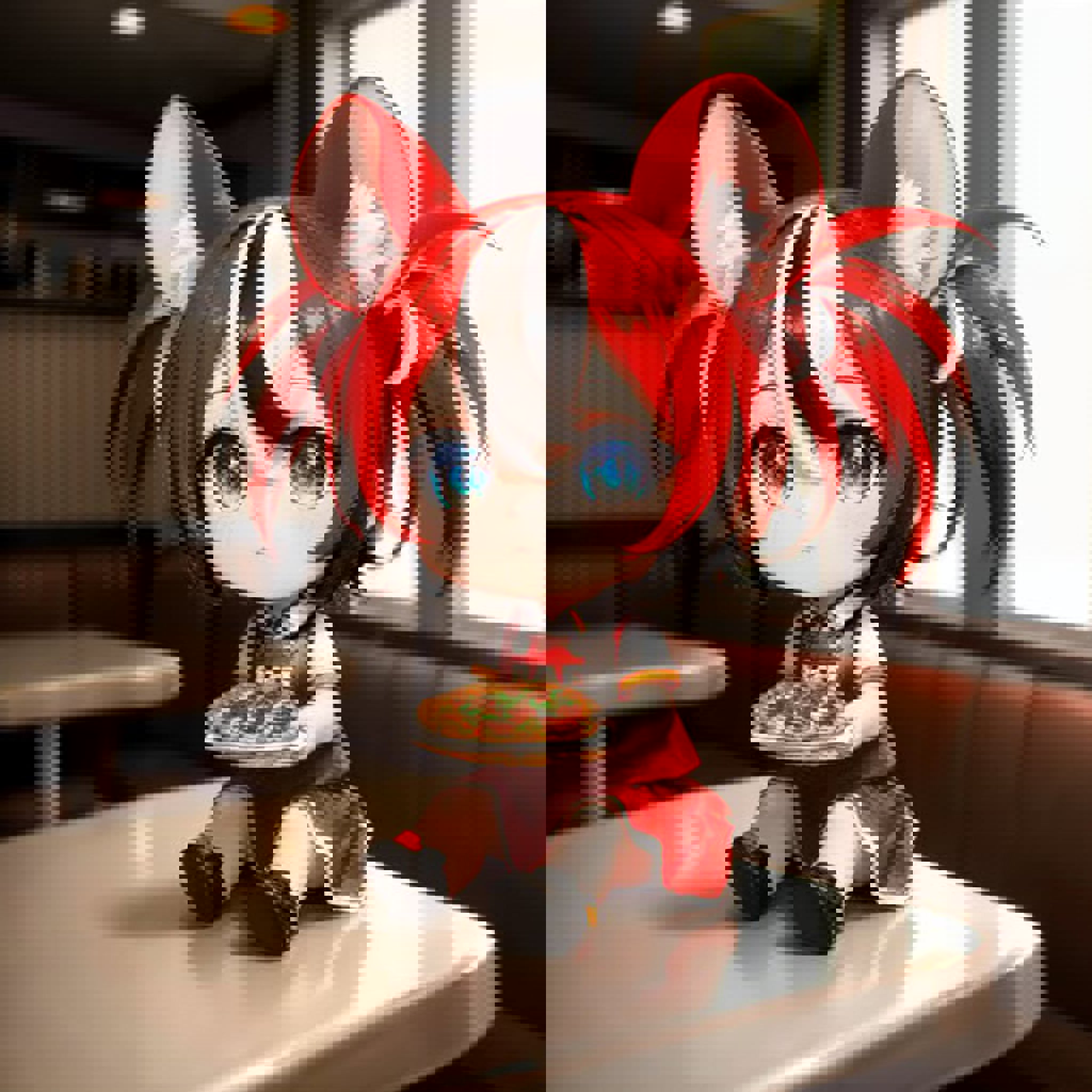
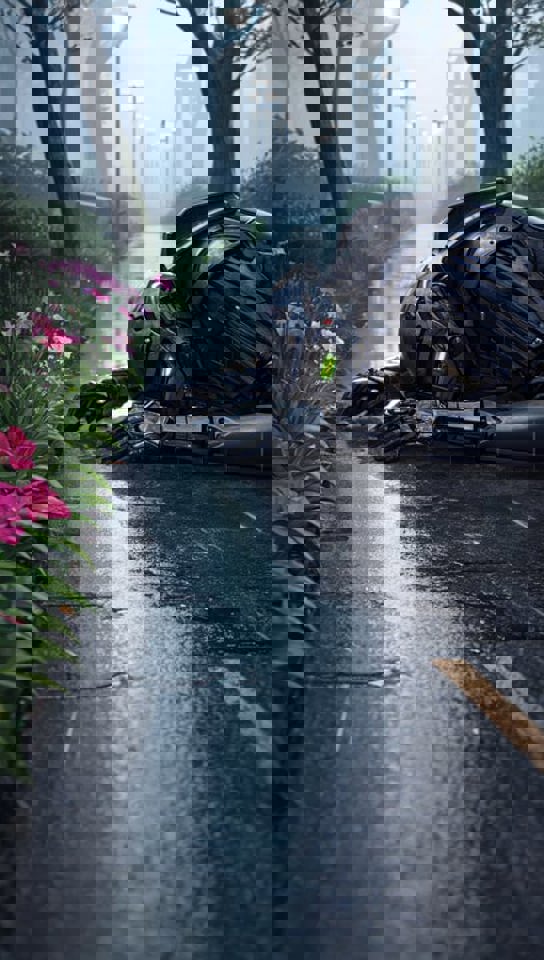
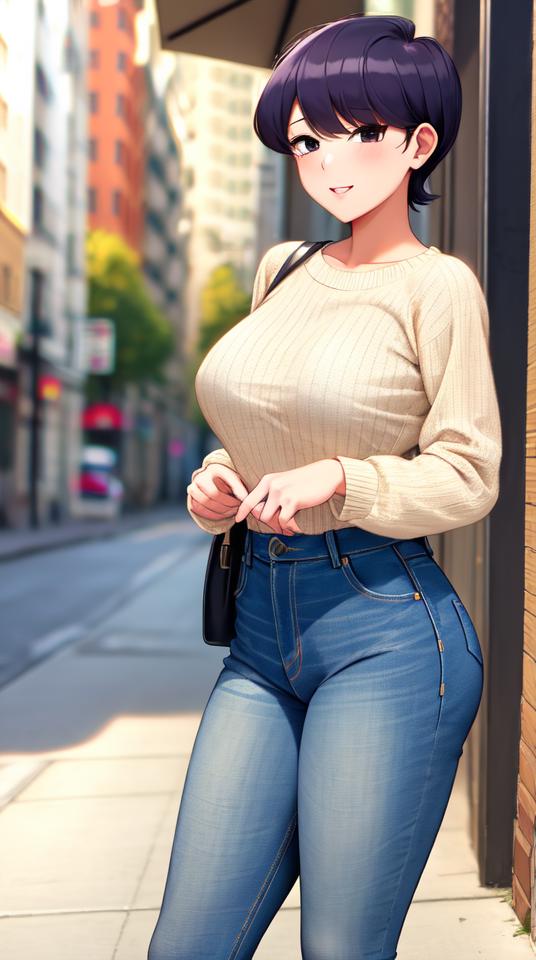
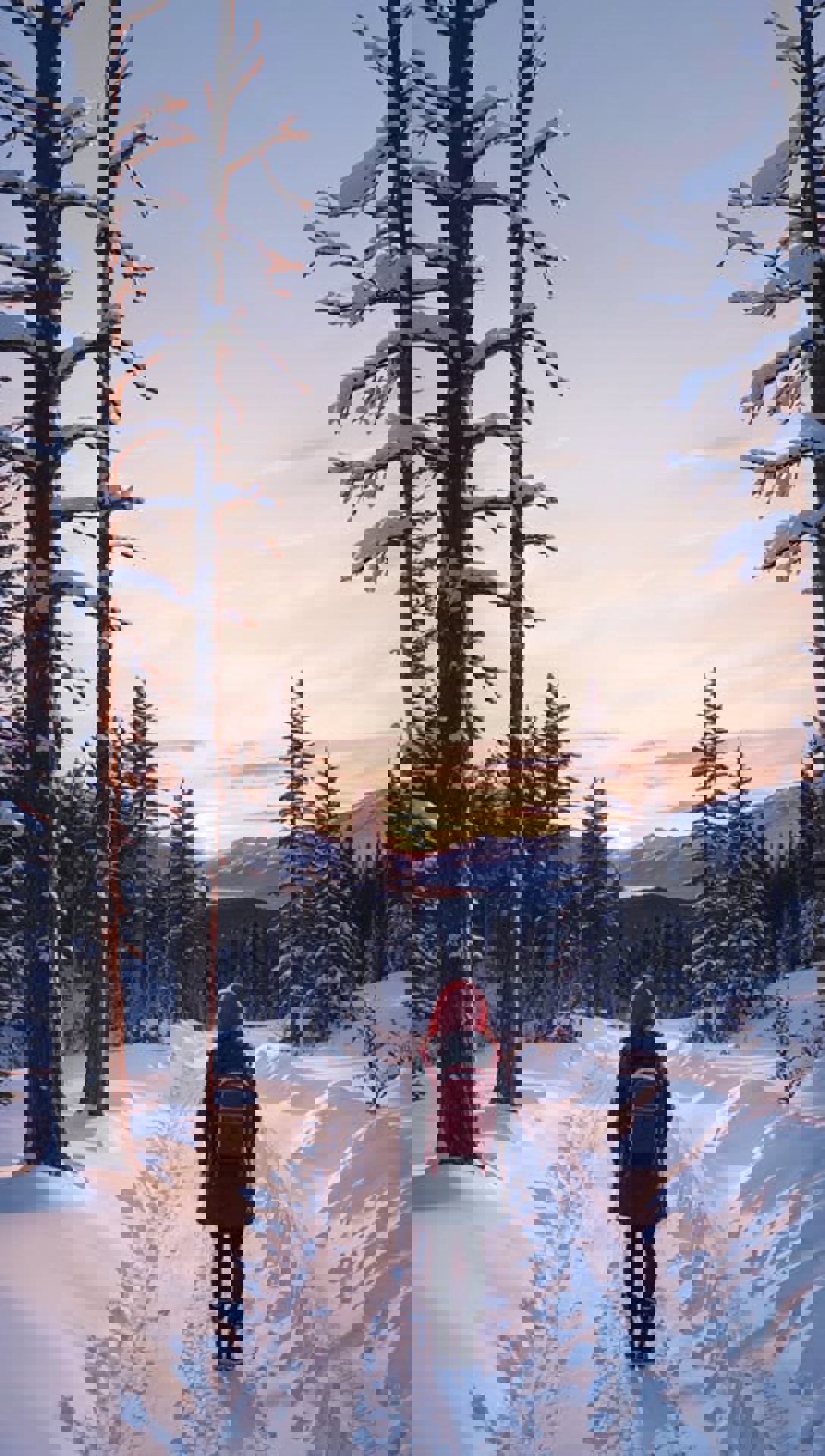
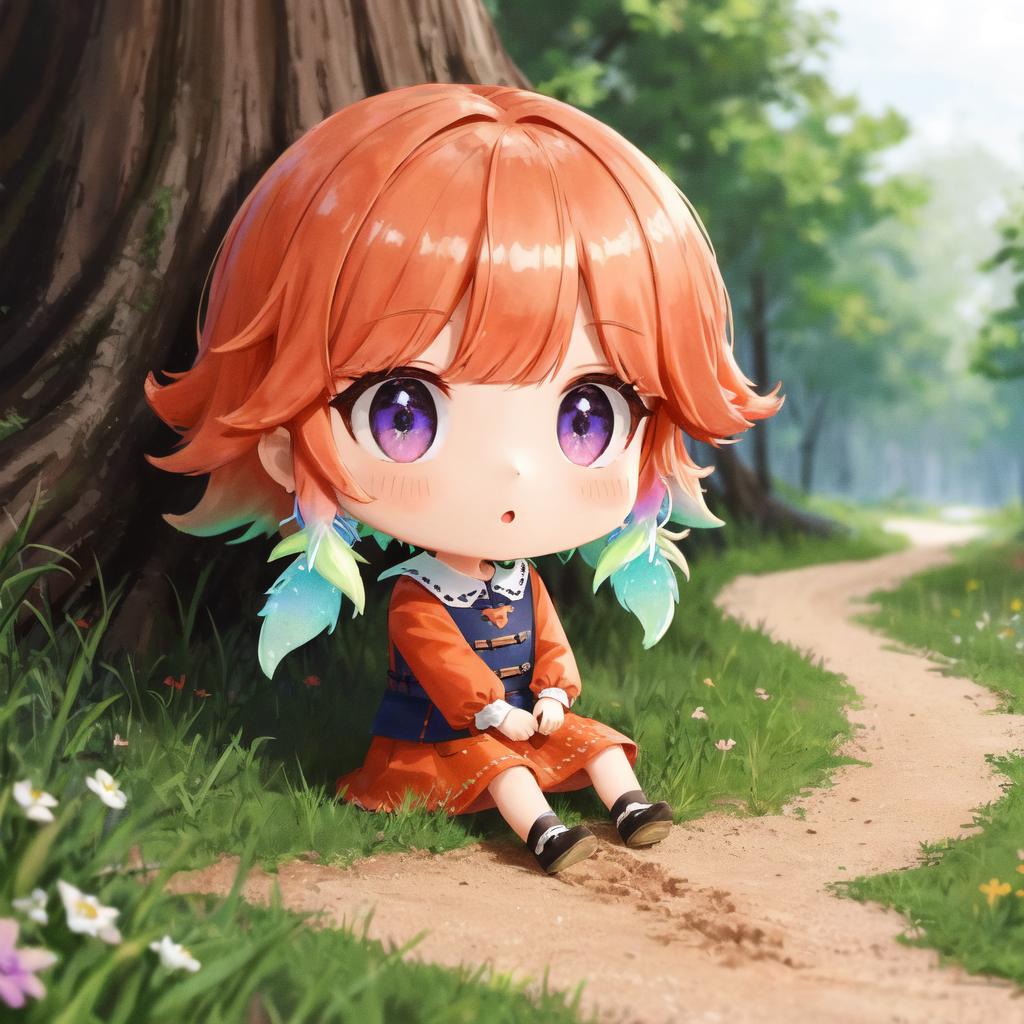
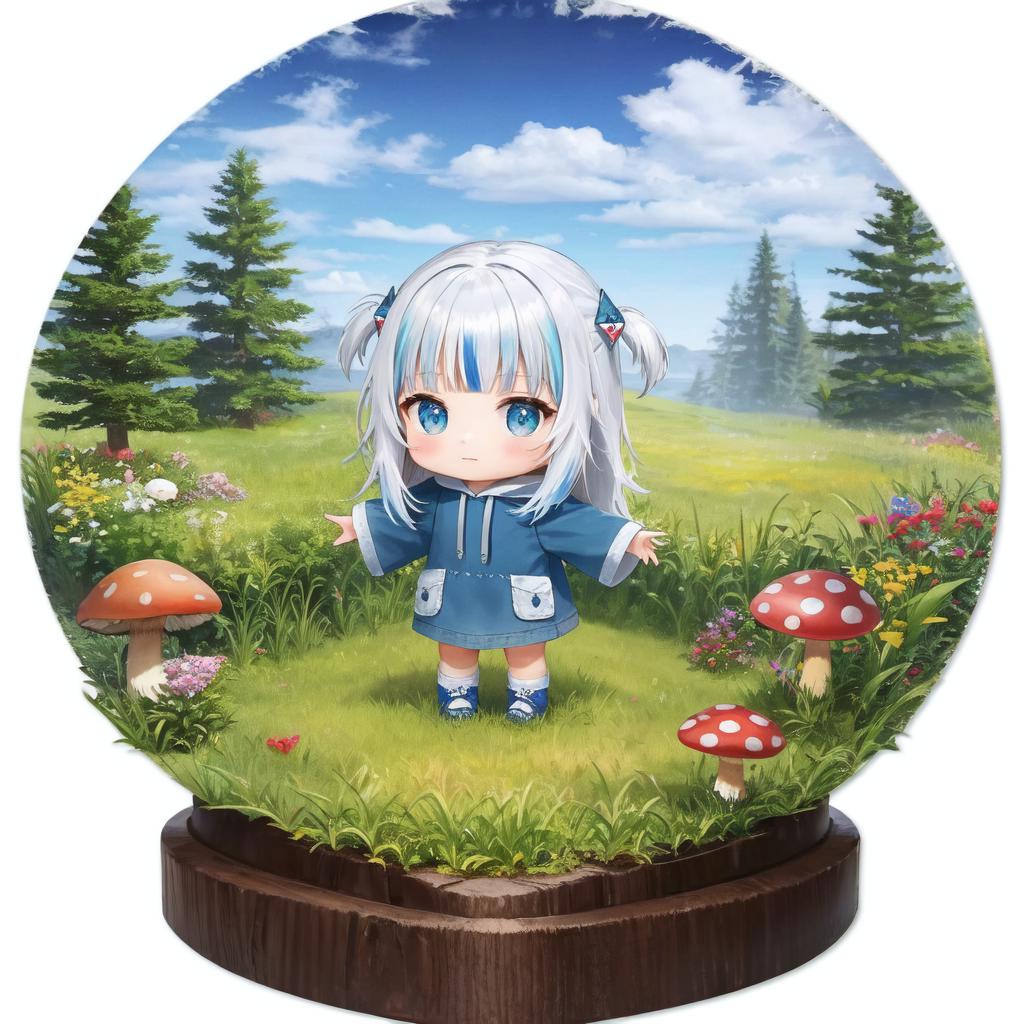
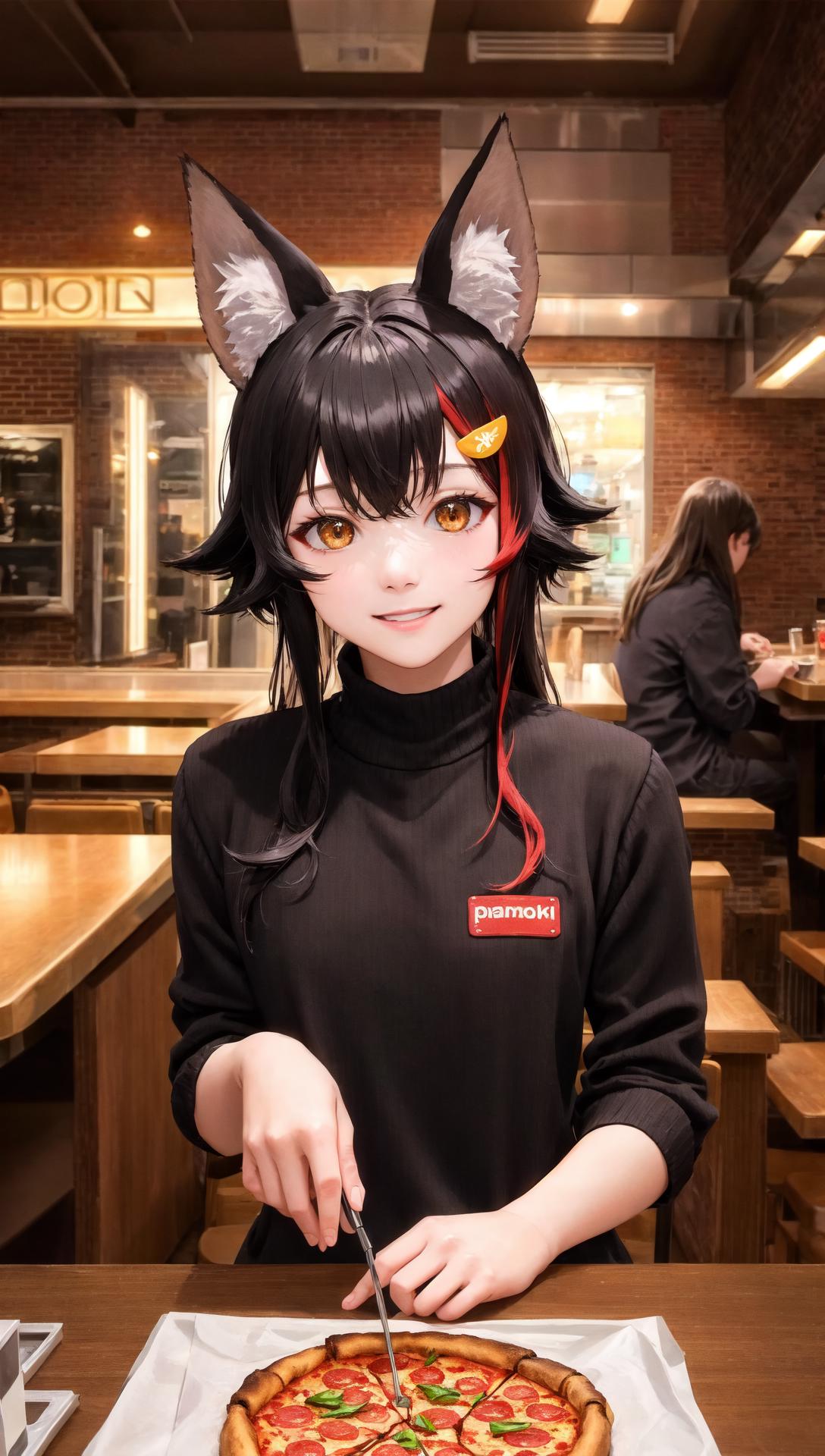
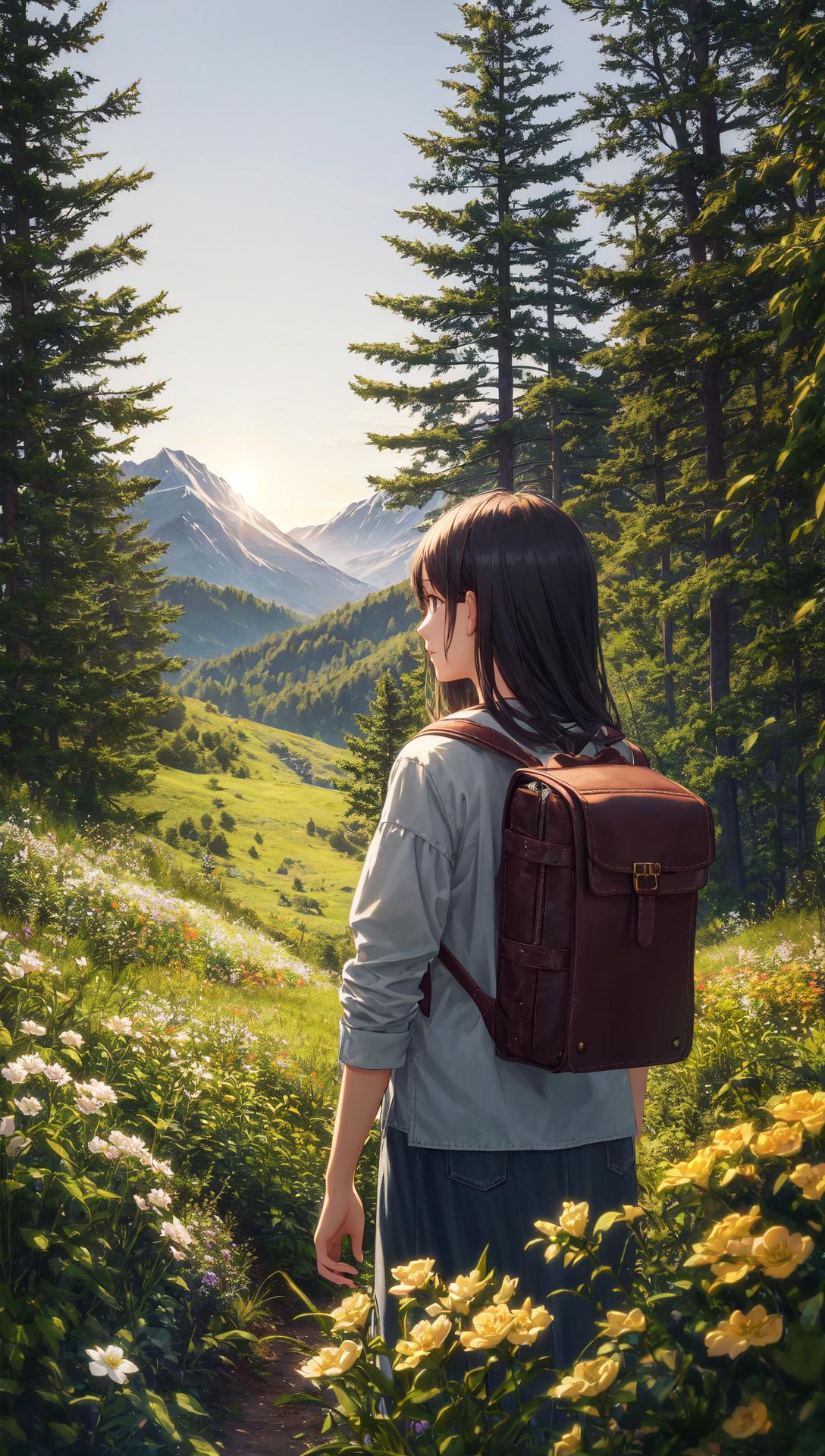
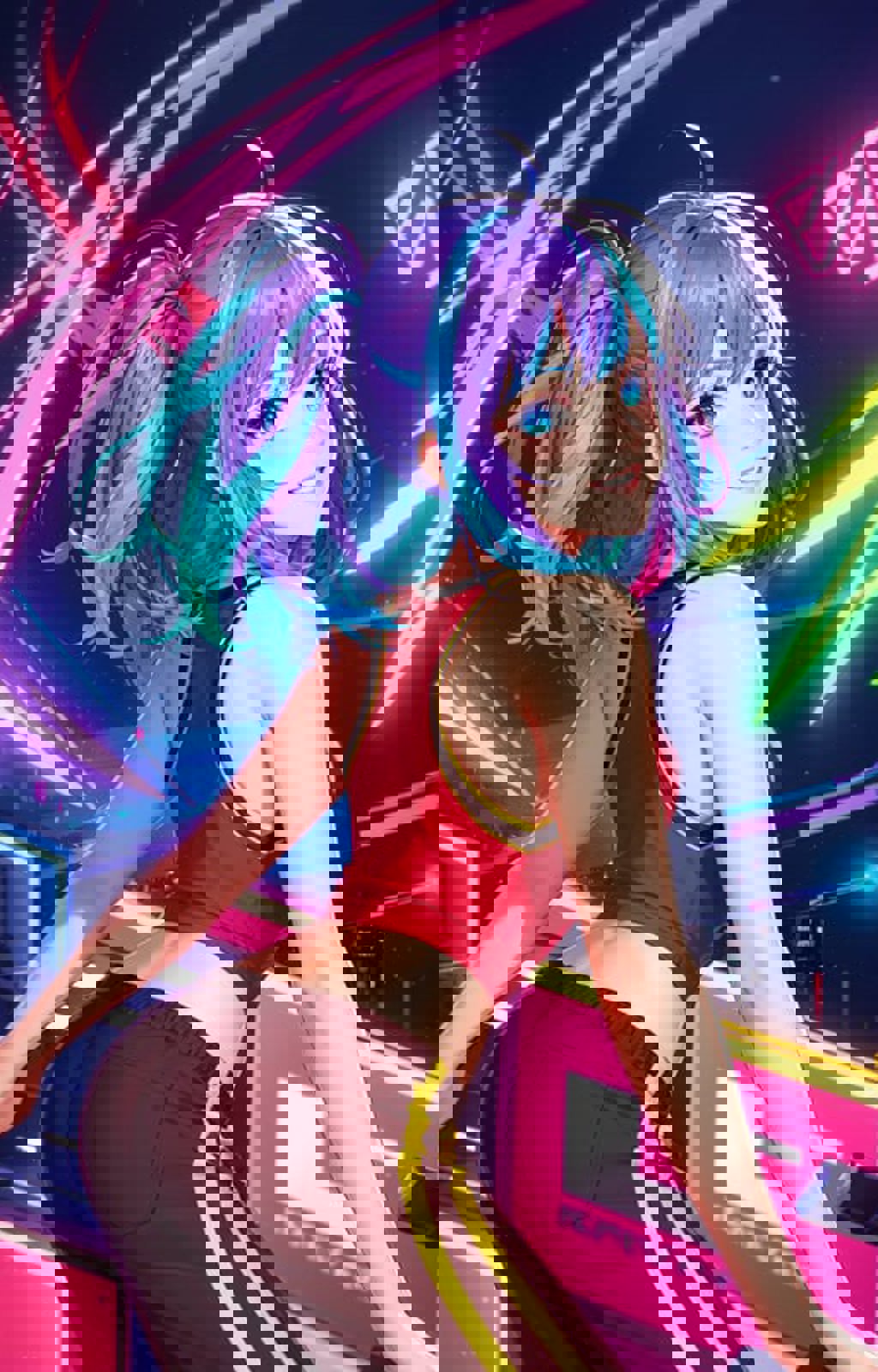
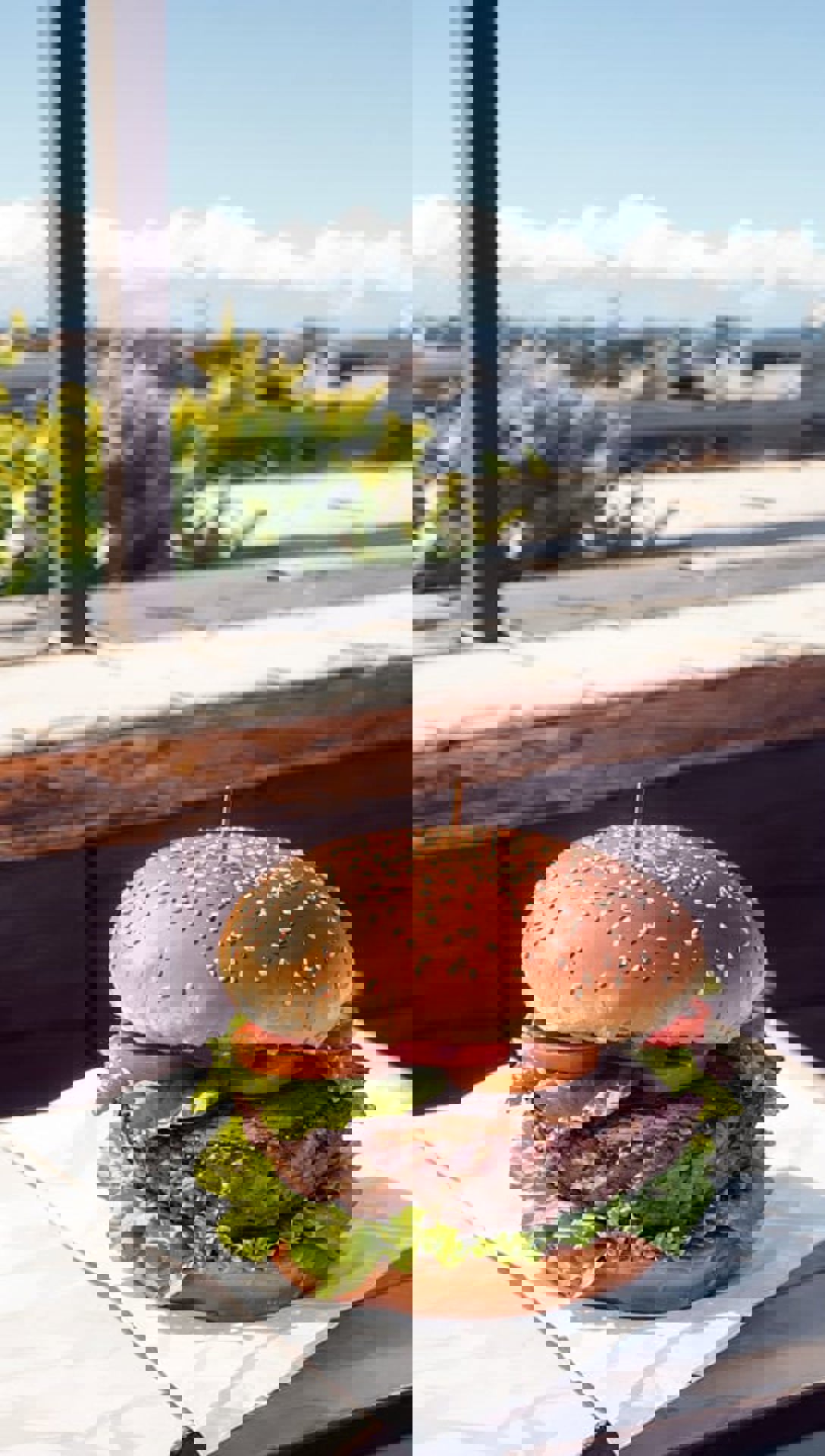
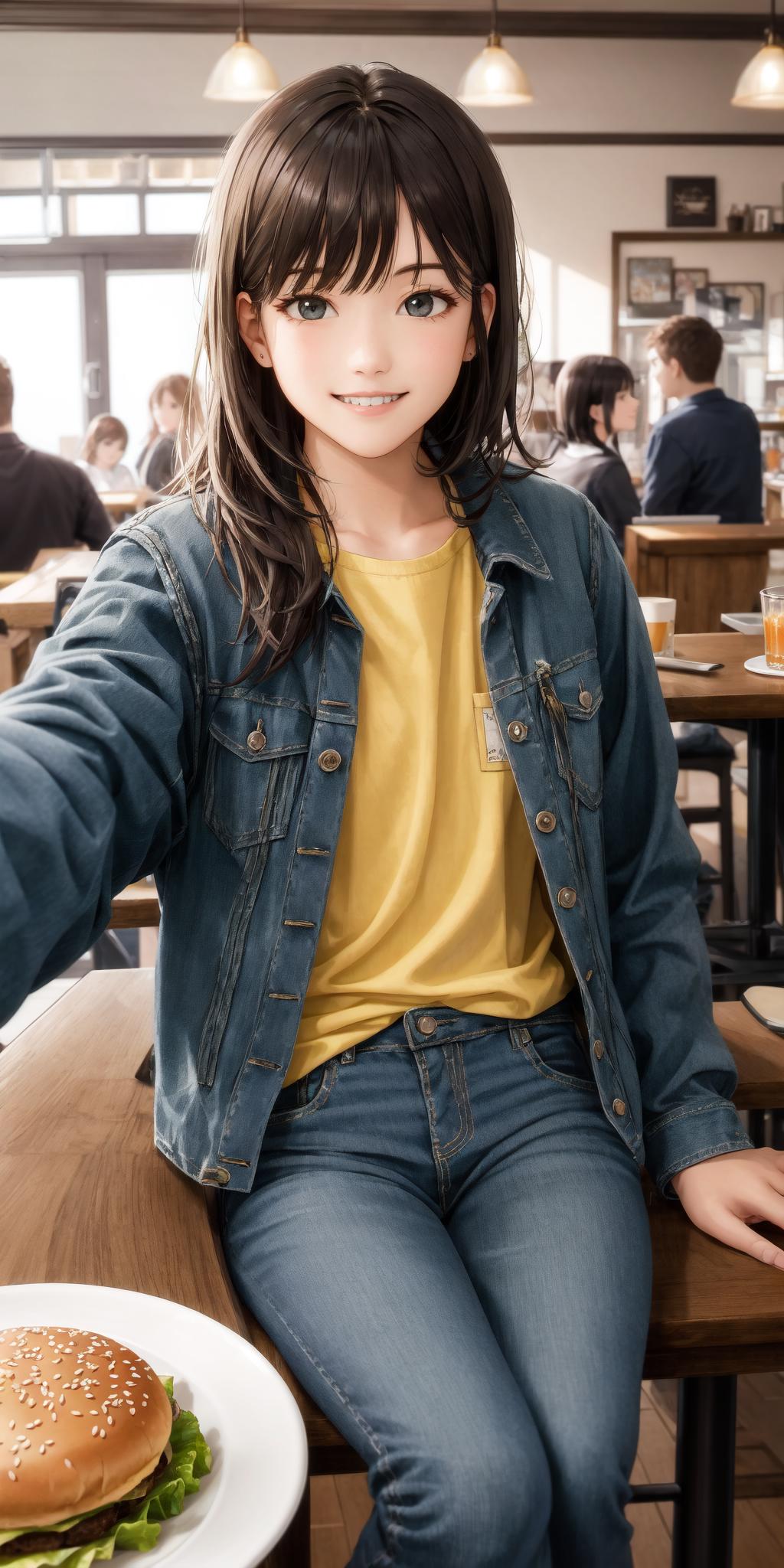
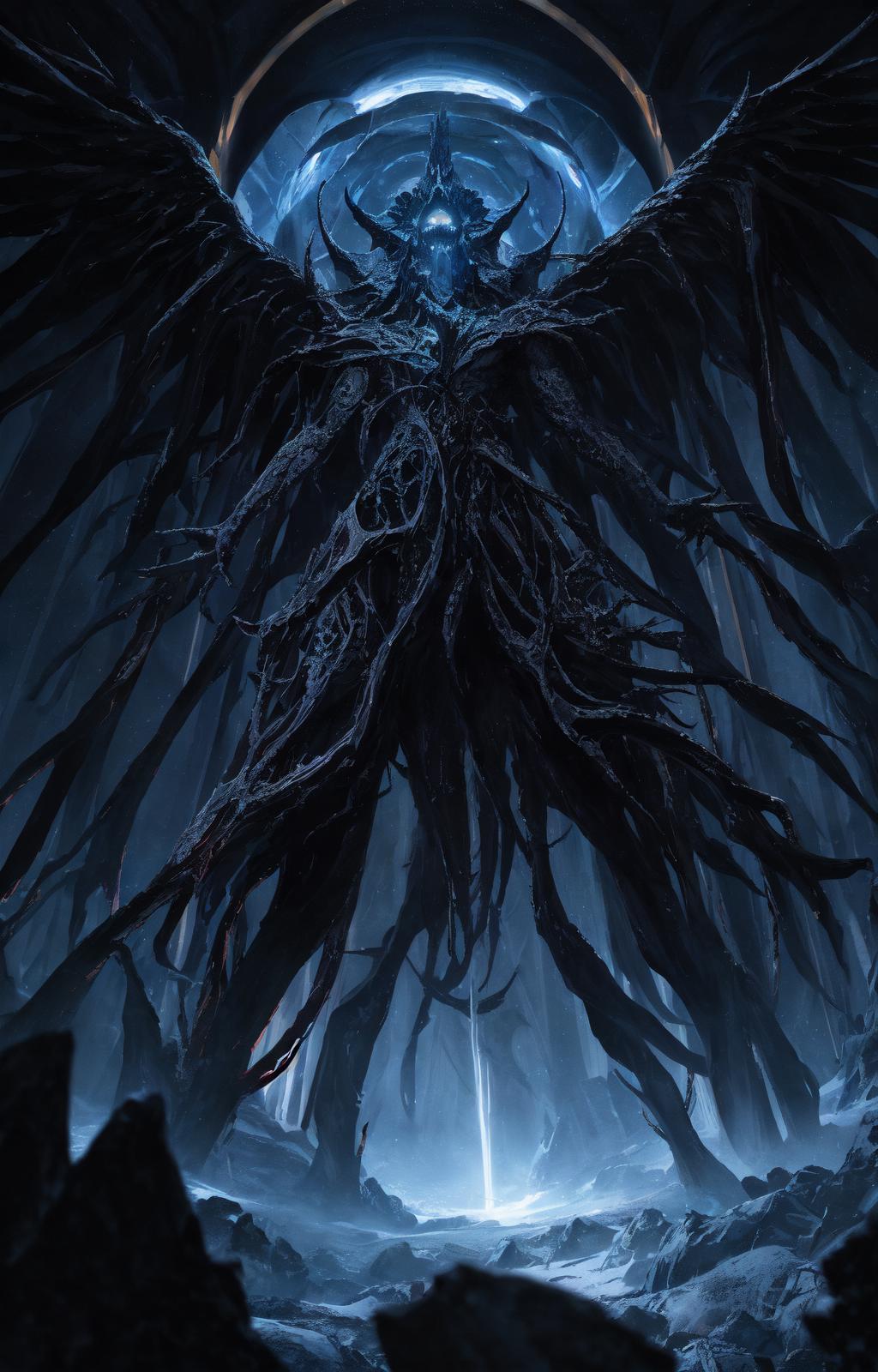
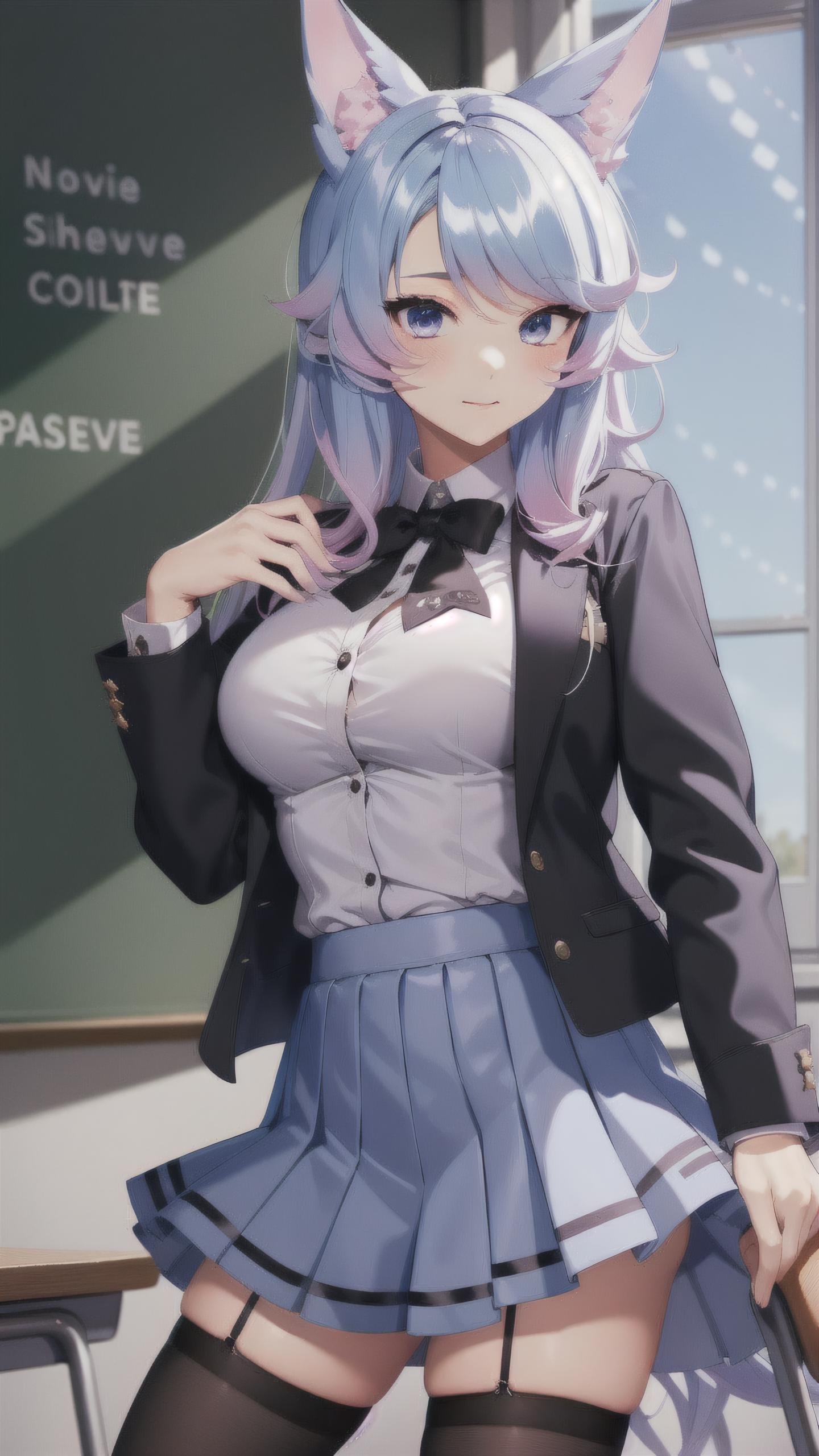
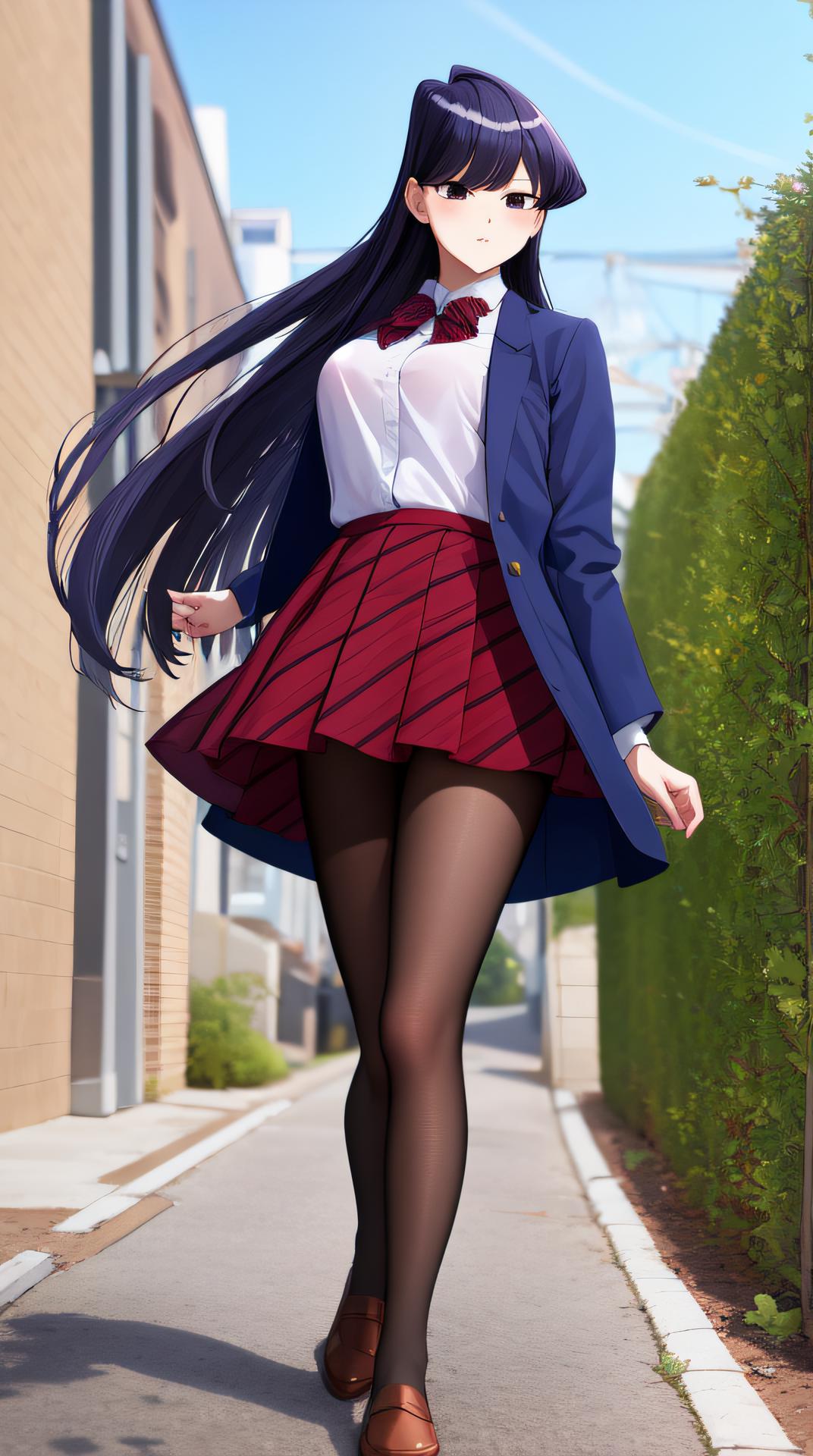
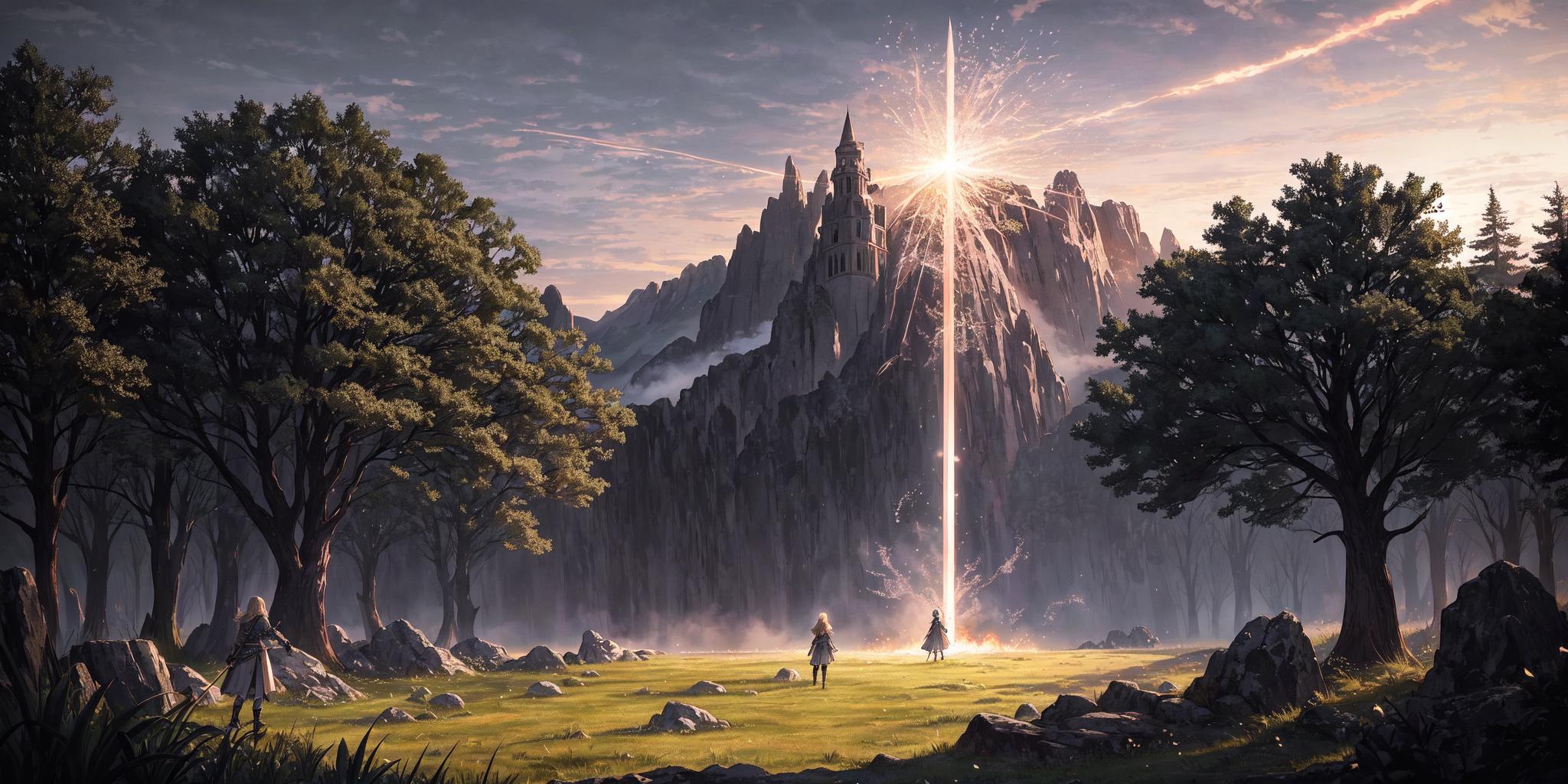
Isopropanol Addiction Mix (so named because of my ongoing struggles with drinking rubbing alcohol) is a semi-realistic merge of a few different models, mostly anime, that has resulted in a nice versatile model. It works surprisingly well with a lot of LoRAs, and produces very good close-up details. It is based, ultimately, on Anything v4.5 and BasilMix.

Recommended Settings

These are the settings that I use personally. Feel free to experiment.

  • Sampler: DPM++ 2M Karras

  • CFG Scale: 7.5

  • Steps: 20

  • Clip Skip: 2

  • Hires Upscale (best enjoyed with this): Either Latent (Nearest-Exact) or whatever your preferred upscaler is, such as 4x-UltraSharp. The former should have a higher denoising strength (0.5 is the hard minimum, sometimes a bit higher than that is needed, I like 0.6), and the latter can have any denoising strength, but I recommend 0.3-0.4 for it. Again, up to you. If your VRAM keeps getting gobbled up, try this extension.

  • VAE: kl-f8-anime2.ckpt, also known as the Waifu Diffusion VAE, is good and my personal choice. You can also use blessed2.vae.pt.

  • Positive prompt: See the examples above. For a more realistic look, try adding "hyperrealistic" to your prompt. Equally "anime" may shift you in the other direction, but only so far.

  • Negative prompt: A lot of models seem to have a bit of an issue with earrings and ear piercings being disproportionately common. Try adding "(ear piercing, earrings:1.2)" or similar. Beyond this, I recommend EasyNegative and bad-image-v2-39000. Try the negatives I use in the example images!

  • How Do I Get Darker Images Please Help: Behold! DarkKukiv1.safetensors at 0.3-0.4 LoRA strength. At least, that one is my favourite. You can try other offset noise LoRAs if you want.

Feel free to share what it creates in a review.

번역문 보기

평점 및 리뷰

4.8 /5
0 개의 평점

충분한 평가나 댓글을 받지 못했습니다.

R
Refiner_Img
753
19.4K
공고
2024-04-02
모델 게시
2023-03-22
모델 정보 업데이트
모델 상세정보
유형
Checkpoint
게시 날짜
2023-03-22
기본 모델
SD 1.5
버전 소개

This is the initial version of Isopropanol Addiction Mix. I will copy the recommended (but not required) settings below.

Recommended Settings

These are the settings that I use personally. Feel free to experiment.

  • Sampler: DPM++ 2M Karras

  • CFG Scale: 7.5

  • Steps: 20

  • Hires Upscale: Either Latent (Nearest-Exact) or whatever your preferred upscaler is, such as 4x-UltraSharp. The former should have a higher denoising strength (0.5 is the hard minimum, sometimes a bit higher than that is needed, I like 0.6), and the latter can have any denoising strength, but I recommend 0.3-0.4 for it. Again, up to you.

  • VAE: kl-f8-anime2.ckpt, also known as the Waifu Diffusion VAE, is good and my personal choice. You can also use blessed2.vae.pt.

  • Positive prompt: See the examples above. For a more realistic look, try adding "hyperrealistic" to your prompt. Equally "anime" may shift you in the other direction, but only so far.

  • Negative prompt: A lot of models seem to have a bit of an issue with earrings and ear piercings being disproportionately common. Try adding "(ear piercing, earrings:1.2)" or similar. Beyond this, I recommend EasyNegative.

  • How Do I Get Darker Images Please Help: Behold! DarkKukiv1.safetensors at 0.3-0.4 LoRA strength. At least, that one is my favourite. You can try other offset noise LoRAs if you want.

허가 범위
모델 출처: civitai

1. 재게시된 모델의 권리는 원 제작자에게 있습니다.

2. 모델 원작자가 모델을 인증받으려면 공식 채널을 통해 SeaArt.AI 직원에게 문의하세요. 저희는 모든 창작자의 권리를 보호하기 위해 노력합니다. 인증하러 이동

창작 허가 범위
온라인 생방송
혼합 진행
다운로드 허용
상업적 허가 범위
생성된 이미지를 판매하거나 상업적 목적으로 사용 가능
모델의 재판매 또는 융합 후 판매 허용
QR Code
SeaArt 앱 다운로드
모바일에서 AI 창작 여정을 계속하세요