유형
TextualInversion
게시 날짜
2023-03-20
기본 모델
SD 1.5
트리거 단어
electroboom
복사
버전 소개
Remember to use something like this when prompting:
[a bald man:ElectroBoom:0.3]

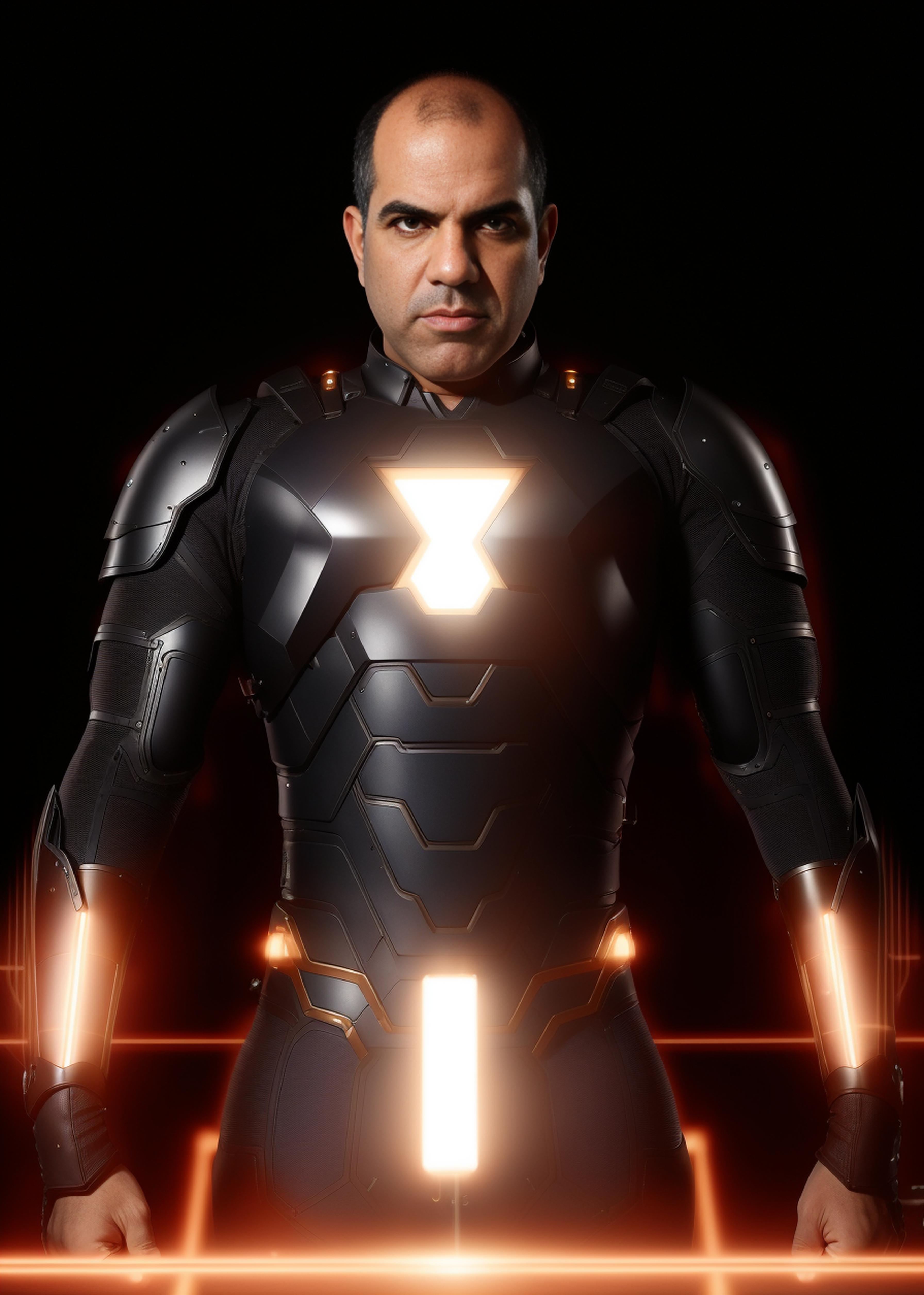
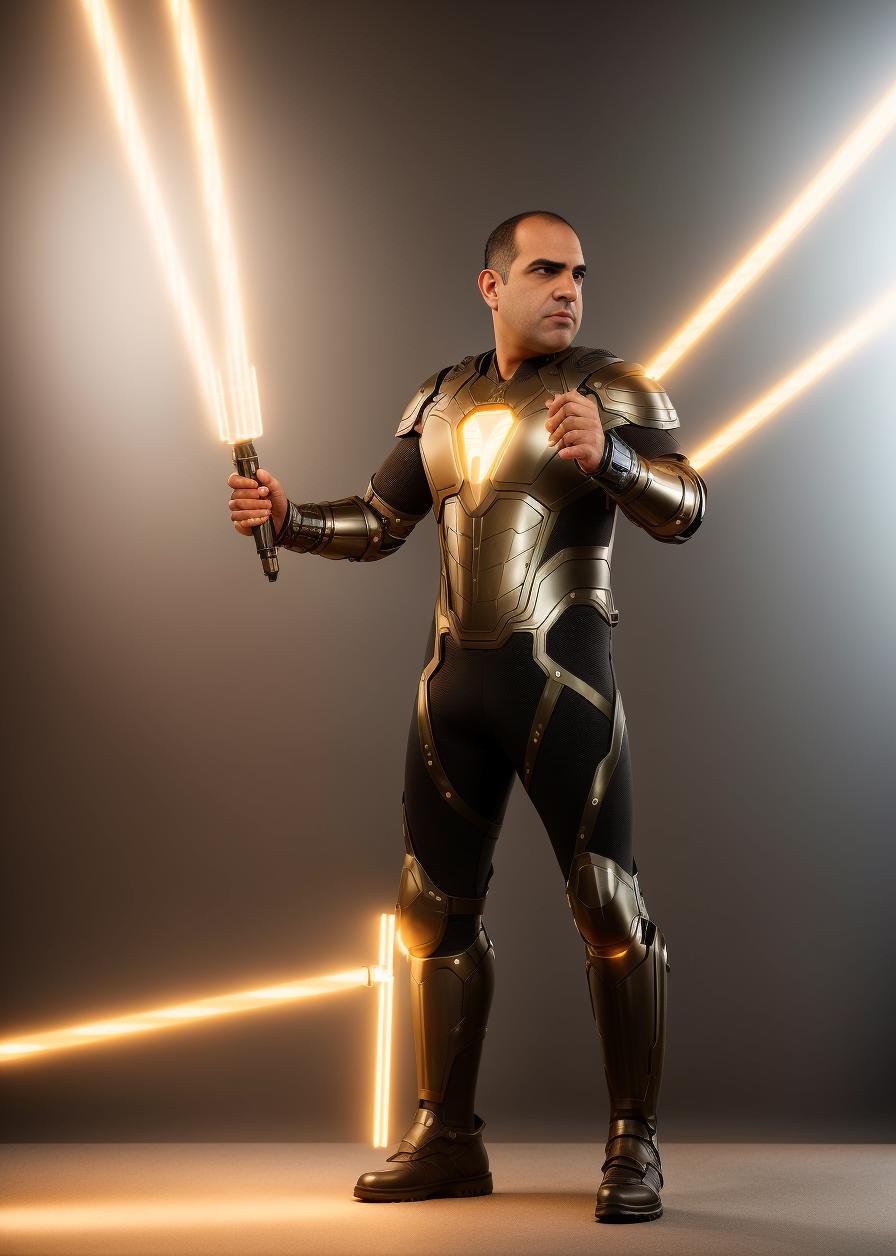
Behold, the electrical man himself.
Go visit and subscribe to ElectroBoom, he is extremely entertaining and educational.
Only use this for entertainment purposes. No harassing or portraying him in a bad way. Remember to follow the laws in your country governing the depiction of public figures. And most of all, don't be an asshole.
This embedding was trained using screencaps from the youtube videos and as such, it tends to be heavy on his studio background and soft lighting. So here is a small tutorial on how to properly cast embeddings in your prompt:
The wrong:
(EmbeddingName:0.5)
Don't do this. You can get away with a couple decimal points change, but the way embedding works, they don't properly scale with this method.
The chad way:
[Before:After:When]
This is available in Automatic1111 and probably in others, this controls when tokens or an embedding begins being used and stops being used. Like I said, this embedding will change your composition due to the photo availability of the subject, so the proper way of using is something like:
[a bald man:ElectroBoom:0.3]
This means the rendering will go for 30% before starting to use the token, giving the model plenty of time to create the background and the subject before changing it to be our hero.
Remember to use something like this when prompting:
[a bald man:ElectroBoom:0.3]
1. 재게시된 모델의 권리는 원 제작자에게 있습니다.
2. 모델 원작자가 모델을 인증받으려면 공식 채널을 통해 SeaArt.AI 직원에게 문의하세요. 저희는 모든 창작자의 권리를 보호하기 위해 노력합니다. 인증하러 이동
