



상세 정보
추천
v2.3
v2.0
v1.5
v2.2-Lite
v1.0
v2.1
v2.3-Lite
v1.3
v1.2
v1.1
v1.7
v1.4
v1.6
v2.1-Lite
v2.0-Lite
v1.7-Lite
v2.2
Full Feature Fantasy Prompts - Characters

Full Feature Fantasy Prompts - Characters

0
1
1
#롤
#공상과학
#마나
#판타지
#등장인물
#판타지 캐릭터

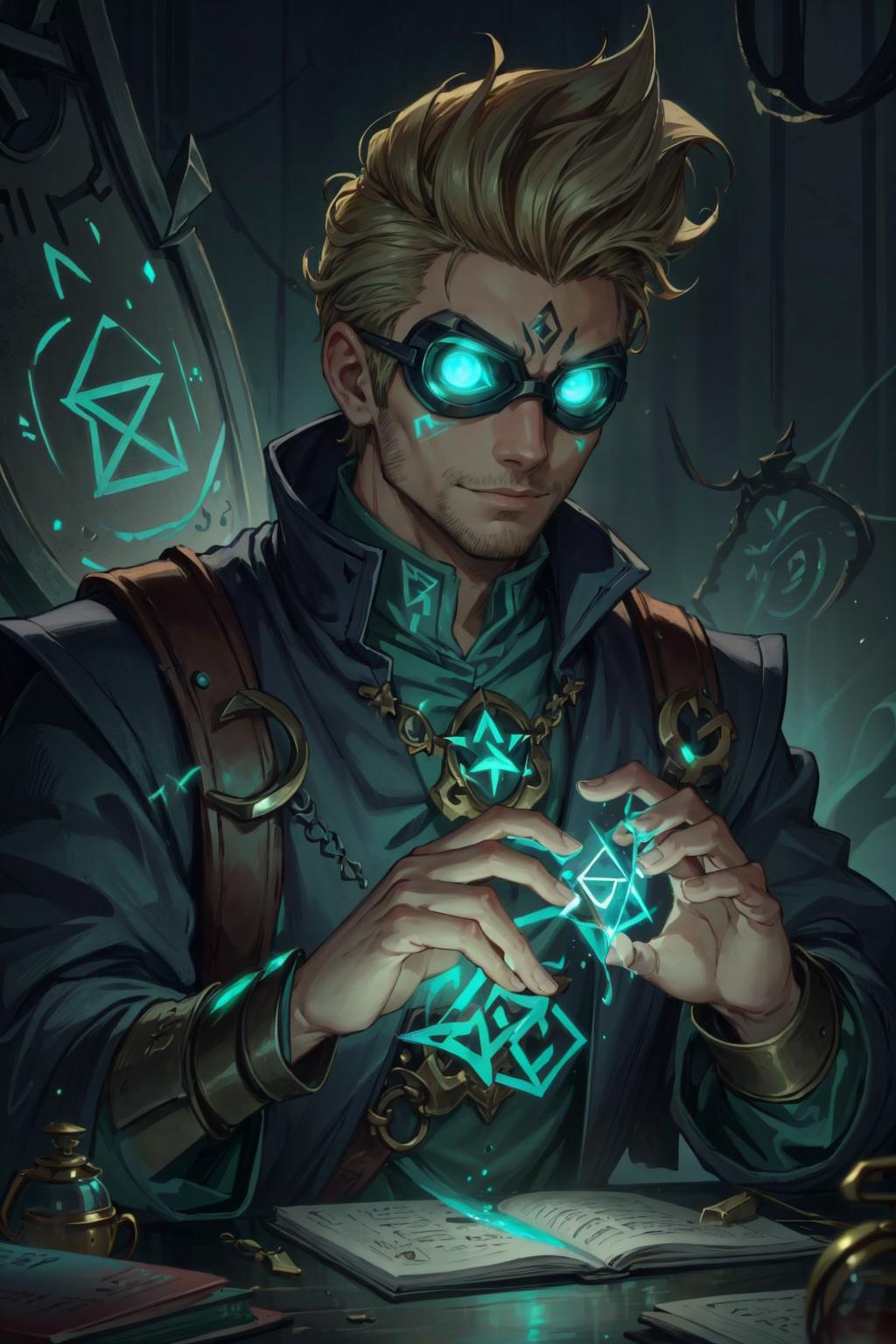
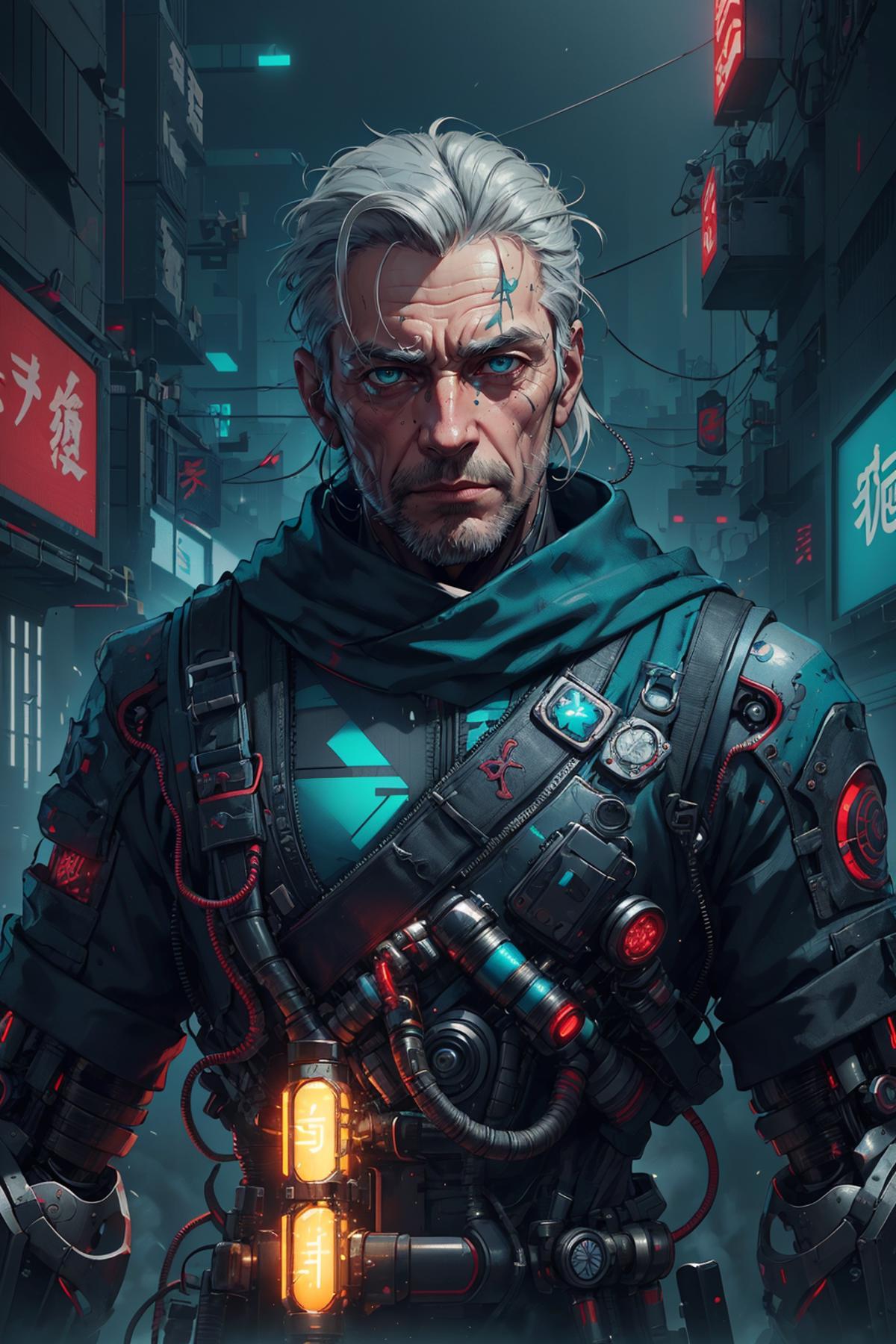
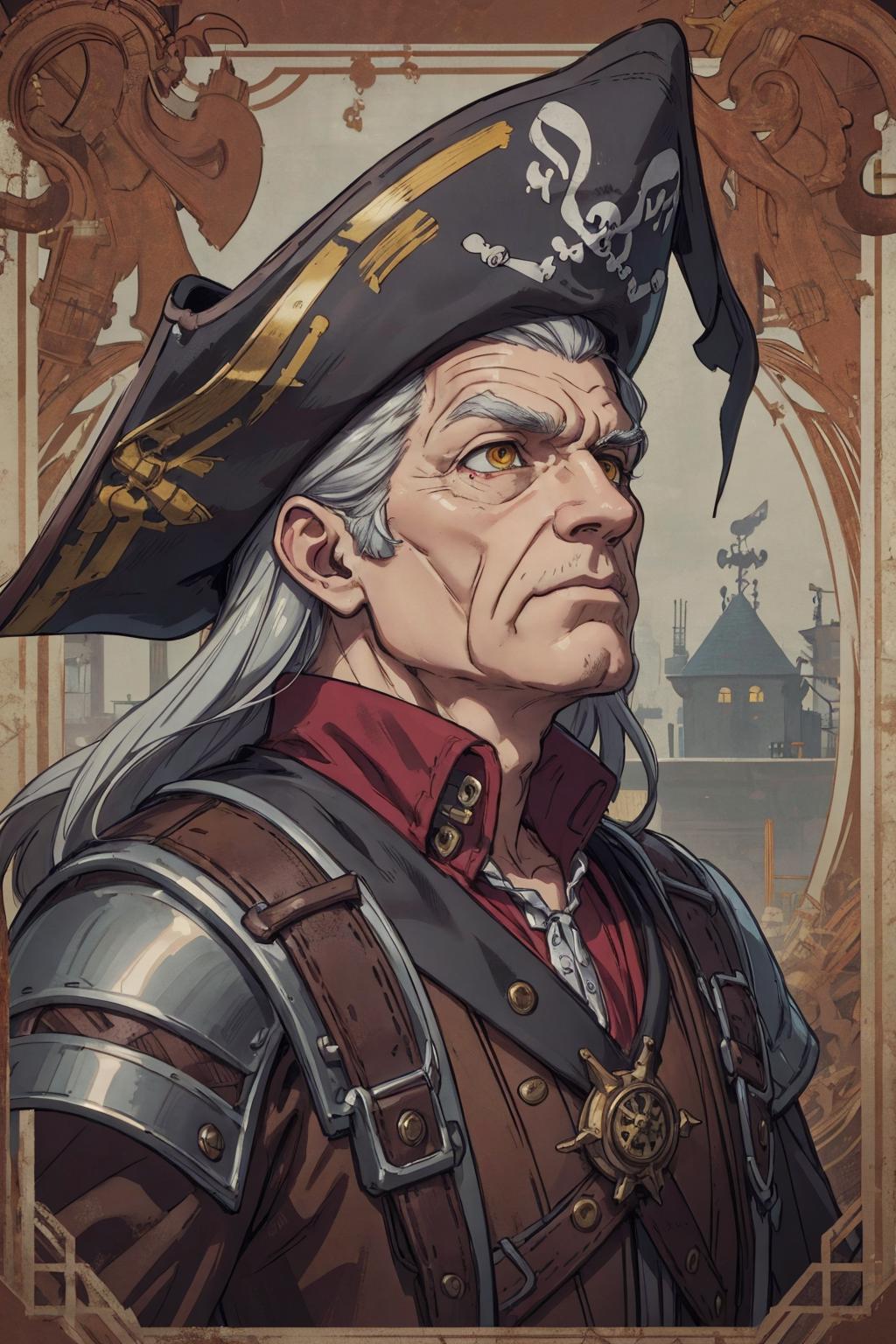
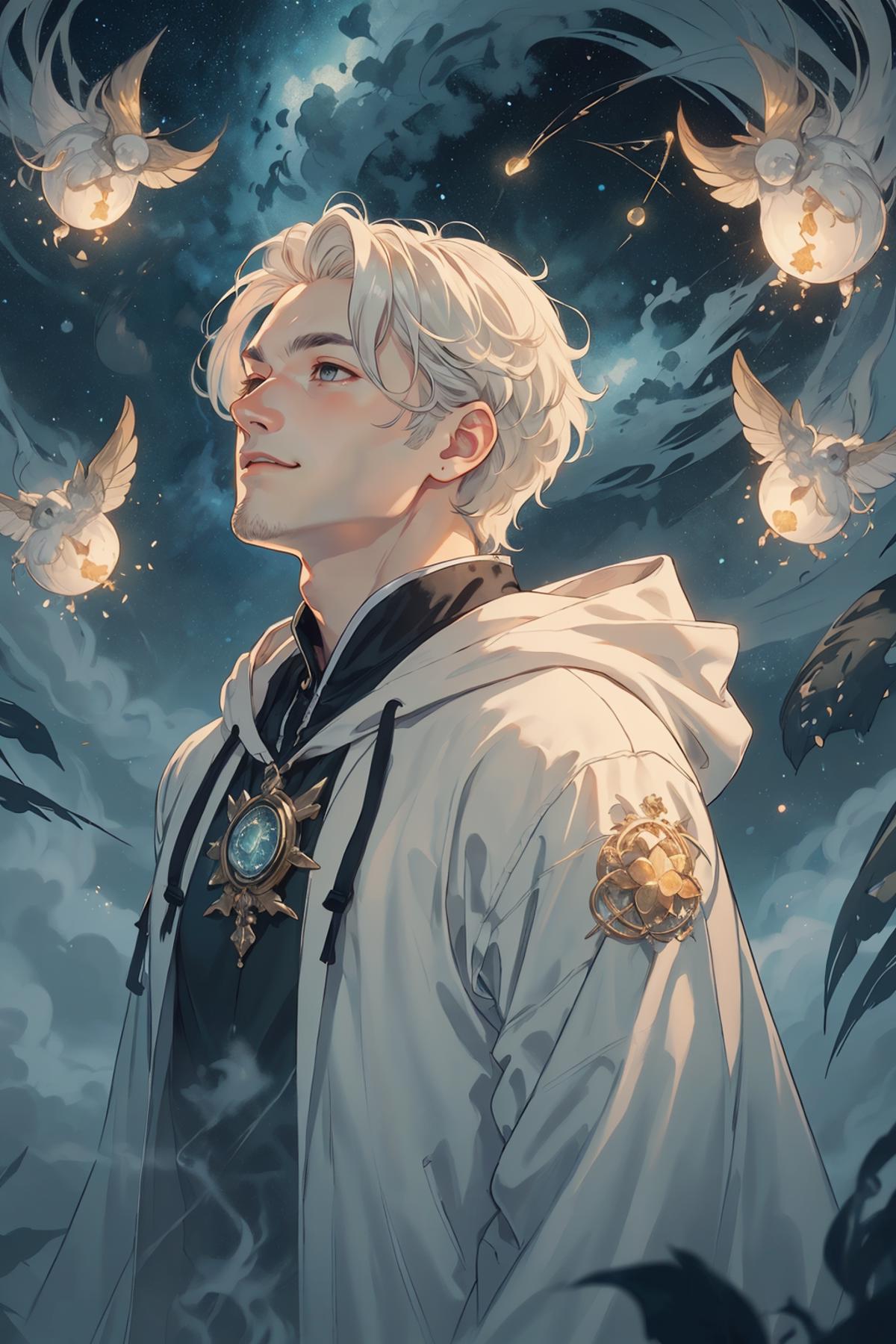
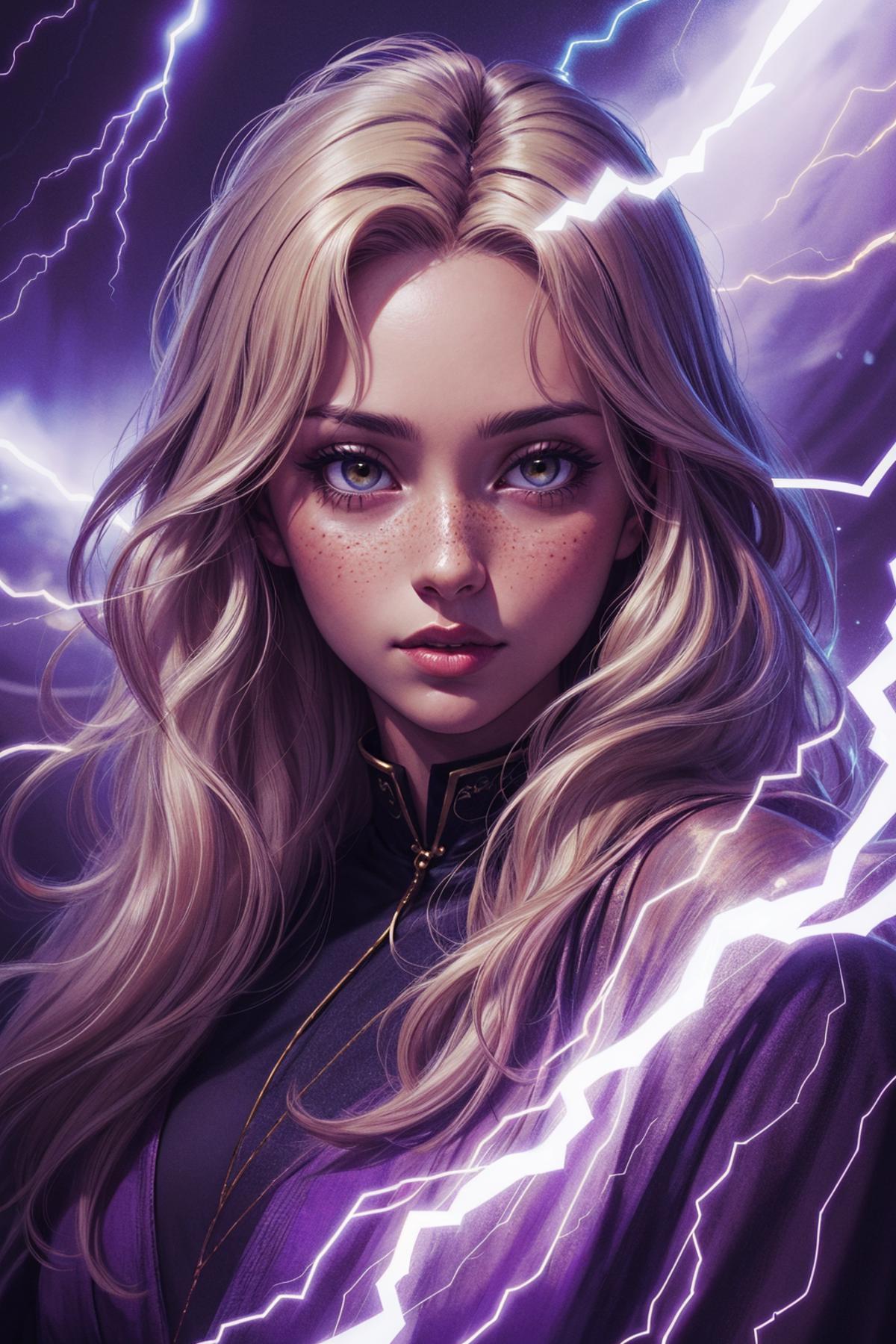
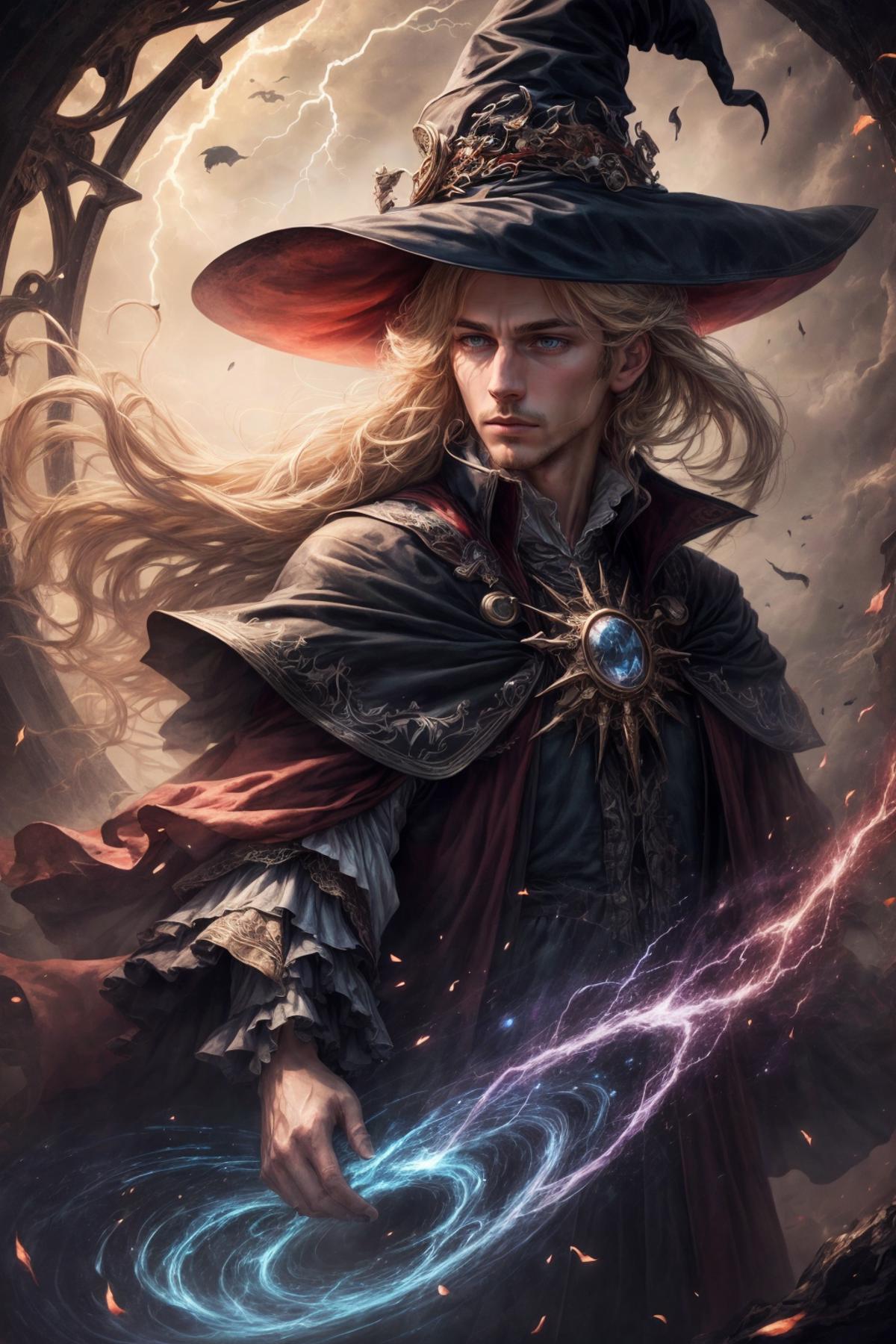
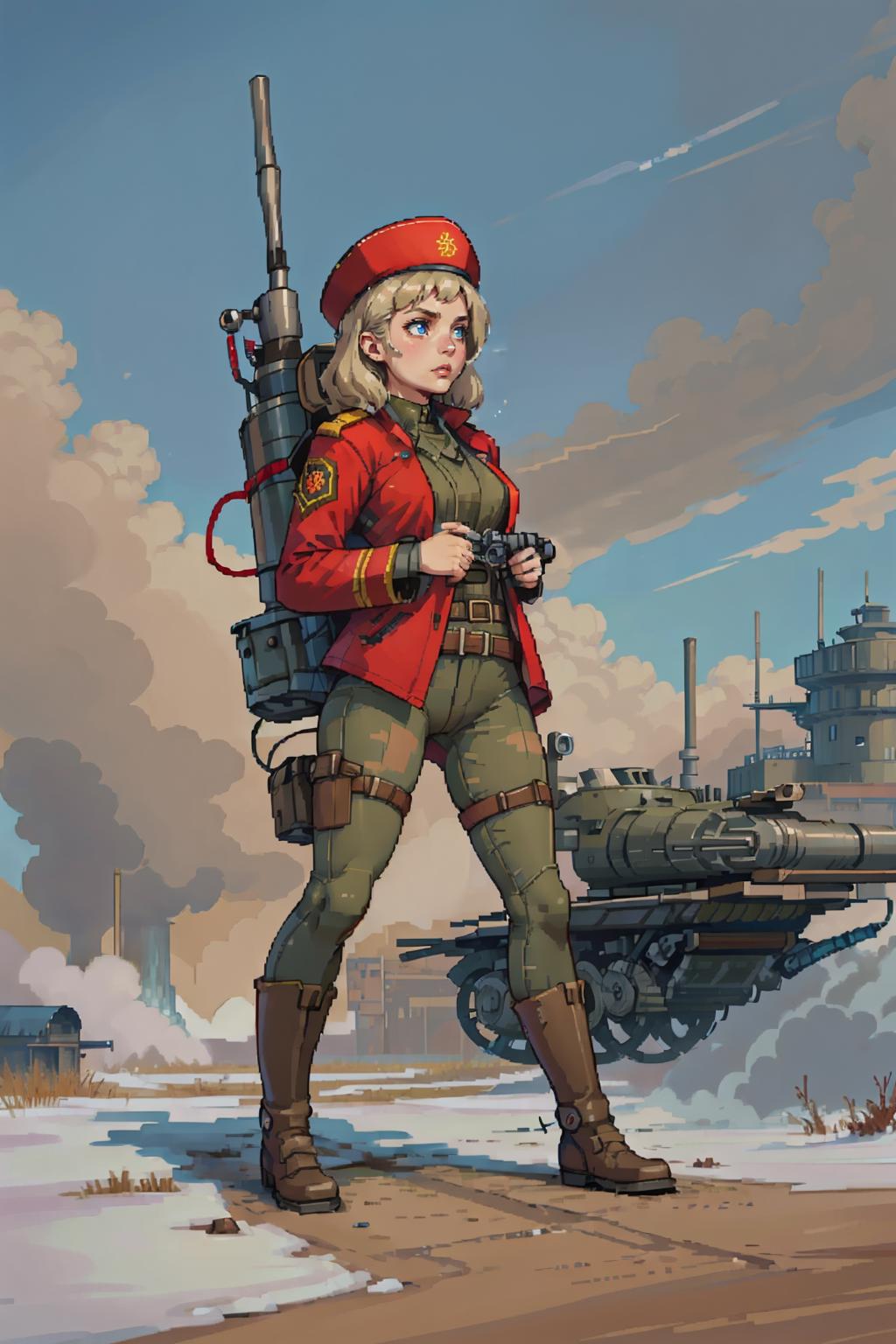
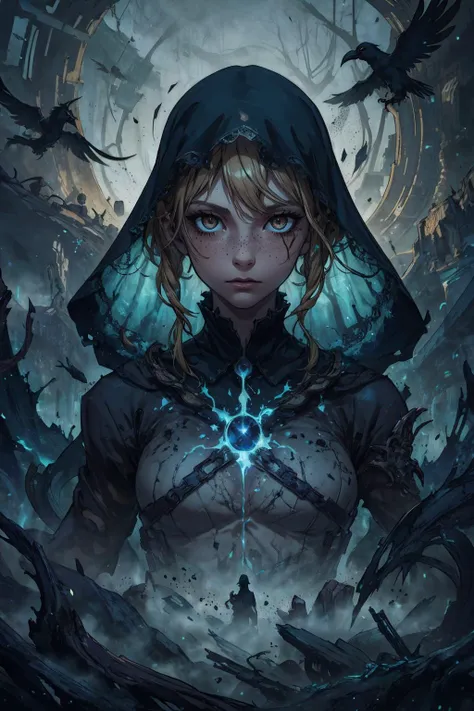
100+ detailed dynamic prompts with fantasy, sci-fi, video game, mythological and historical themes. Each prompt includes setting, background, pose and (mostly) gender-agnostic character details.

WARNING: Starting from version 2.0, the wildcards require a new extension.

Please install https://github.com/Klokinator/Umi-AI-Embeds, and move all of your wildcards to its 'wildcards' folder, if you're using v2.0 of the wildcards or newer. The extension offers the same functionality as dynamic prompts, but allows for negative prompts to be added to the wildcards, which is utilized in the files. For guaranteed compatibility, it is recommended that you remove the dynamic prompts extension when installing Umi-AI.
If for any reason, you wish to continue using the dynamic prompts extension, you can simply replace the ** .. ** text in the wildcards files. For detailed instructions, scroll to the bottom of the description.

As of v2.1, LoRas and embeddings used by the wildcards can now be downloaded with the included lora_downloader script.
Usage:

  • make sure that the lora_downloader.py scirpt, and the fpf_download_links.txt files are in your wildcards folder

  • start the script with the lora_downloader.bat file (Windows), or type python lora_downloader.py into your console

The script was developed and tested with python 3.10.12. If you run into any issues, try

If you do not wish to use the script, the links for the used LoRas and embeddings can be found in the fpf_download_links.txt file.

Note on 'Lite' versions of the wildcards: These are the same wildcards, without the LoRas in them. There is still plenty of variance among generated images even without the LoRas, but expect less overall flavor when using the lite versions.
The lite versions are useful

  • if you want to run batch generations, as the without the LoRas, there won't be cross-contamination, or tensor size mismatch among the images in the batch

  • if you don't want to download the ever increasing list of LoRas

  • if you want to rely more on the base model, without LoRas potentially influencing the style of the generation

Note: textual inversions (embeddings) are still utilized in lite versions, so please download the ones listed below.

Usage:

Add a description of the character you'd like in the generated image (feel free to use character LoRas), plus any style/quality keywords necessary for the model you're using, then add __full-prompt-fantasy__ or __full-prompt-fantasy-random__ to the prompt.

Example:
best quality, masterpiece, 1man, russian (male:1.1), solo, aquamarine eyes, long brown beard, __full-prompt-fantasy__

Some example characters are provided in the character.txt in the downloaded archive, so if you just want to run a few tests, you can use the following prompt:
best quality, masterpiece, __character__ __full-prompt-fantasy__

More diverse character wildcards can be found here: https://civitai.com/models/118508?modelVersionId=128565

Negative prompt should be whatever the model necessitates, or your preferred negative prompt. Some models have race or gender bias due to the material that was used for training, you can usually use negative prompts to compensate. eg. if your generations come out with female characters despite describing the character as male, add "woman, girl" to the negative prompt, use weights if necessary.

Other settings mostly depend on the model, use whatever gives good results even without the wildcards. Image aspect ratio should either be portrait, or 1:1 (most test-generations were made with 512x768 resolution).

Necessary extension: https://github.com/Klokinator/Umi-AI-Embeds (needed for wildcards to work)

Additional usage notes:

Other than the above, feel free to experiment with additions to the prompt, though most of the wildcards are rather long, so if you want to have a significant impact, weights may be necessary. The prompts rarely use weights above 1.1, so if your additions seem to have no effect, try weights of 1.15 or more.

Credits:

Appendix

If you want to continue using the dynamic prompts extension instead of UMI AI, you can remove the negative prompts from your wildcard files.

Negative prompts are surrounded by ** characters, so in short, you can use find & replace with following regex in suitable text editors, like Notepad++: (\*\*.*?\*\*) ).

  1. Open the wildcard file with Notepad++ (download and install the latest version if you don't have it).

  2. Press Ctrl+H to open the Replace window

  3. Search for the following expression: (\*\*.*?\*\*), and replace it with nothing, make sure you have Search Mode set to 'Regular expression'. Click 'Replace All' to perform the replace operation.

번역문 보기

평점 및 리뷰

-- /5
0 개의 평점

충분한 평가나 댓글을 받지 못했습니다.

no-data
데이터 없음
T
TxcTrtl
250
2.6K
공고
2024-07-25
모델 게시
2023-11-29
모델 정보 업데이트
모델 상세정보
유형
Wildcards
게시 날짜
2023-11-29
기본 모델
SD 1.5
트리거 단어
full-prompt-fantasy
full-prompt-fantasy-random
복사
버전 소개
  • Minor fixes to wildcards and LoRA downloader script.

  • Added new LoRAs

  • Added new wildcard file, that generates a fully random character: use with ___full-prompt-fantasy-random__

허가 범위
모델 출처: civitai

1. 재게시된 모델의 권리는 원 제작자에게 있습니다.

2. 모델 원작자가 모델을 인증받으려면 공식 채널을 통해 SeaArt.AI 직원에게 문의하세요. 저희는 모든 창작자의 권리를 보호하기 위해 노력합니다. 인증하러 이동

창작 허가 범위
온라인 생방송
혼합 진행
다운로드 허용
상업적 허가 범위
생성된 이미지를 판매하거나 상업적 목적으로 사용 가능
모델의 재판매 또는 융합 후 판매 허용
QR Code
SeaArt 앱 다운로드
모바일에서 AI 창작 여정을 계속하세요