유형
LORA
게시 날짜
2023-09-21
기본 모델
SD 1.5
트리거 단어
3d_lettering
복사
버전 소개
best with controlnet text method : preprocessor: invert model: depth

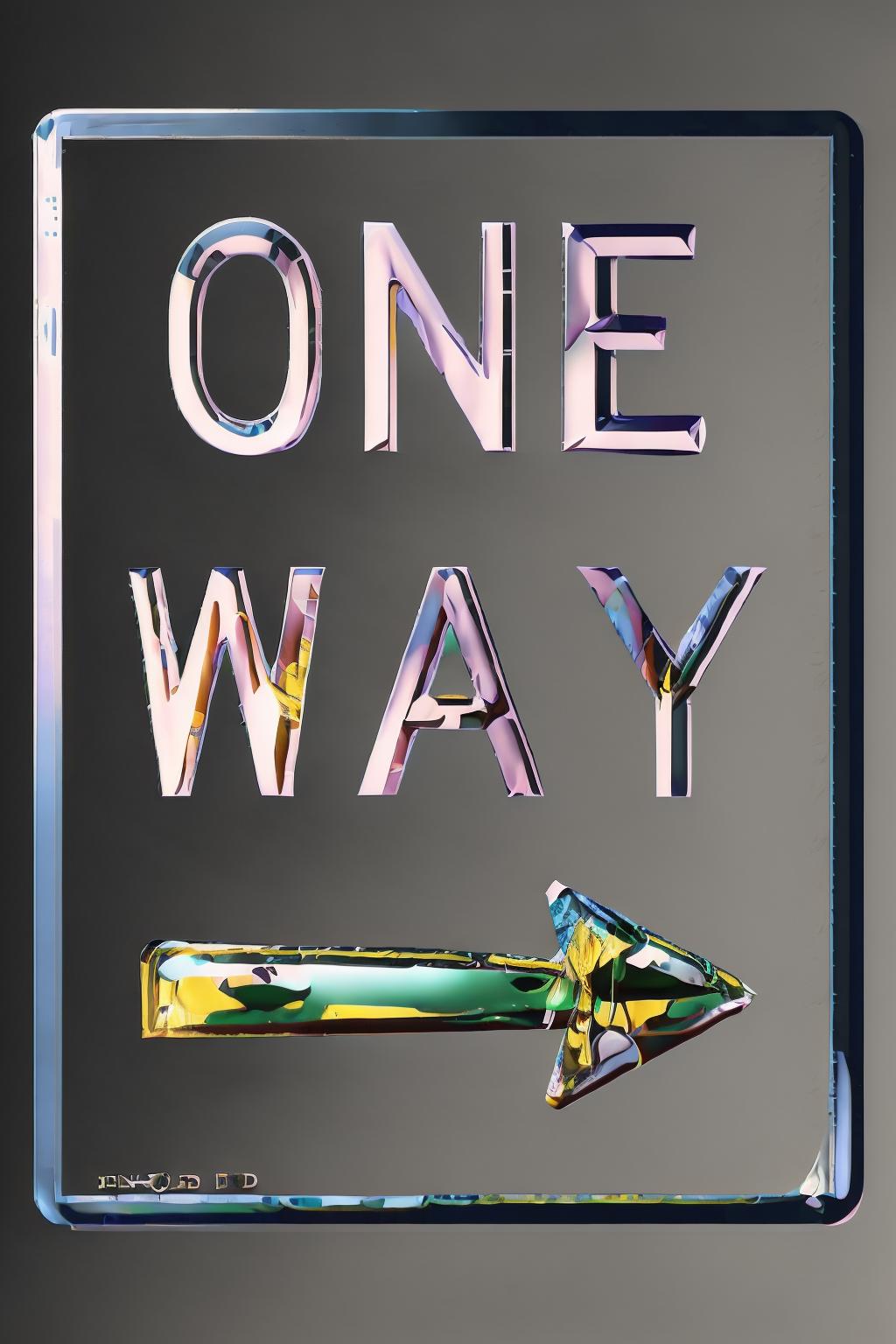

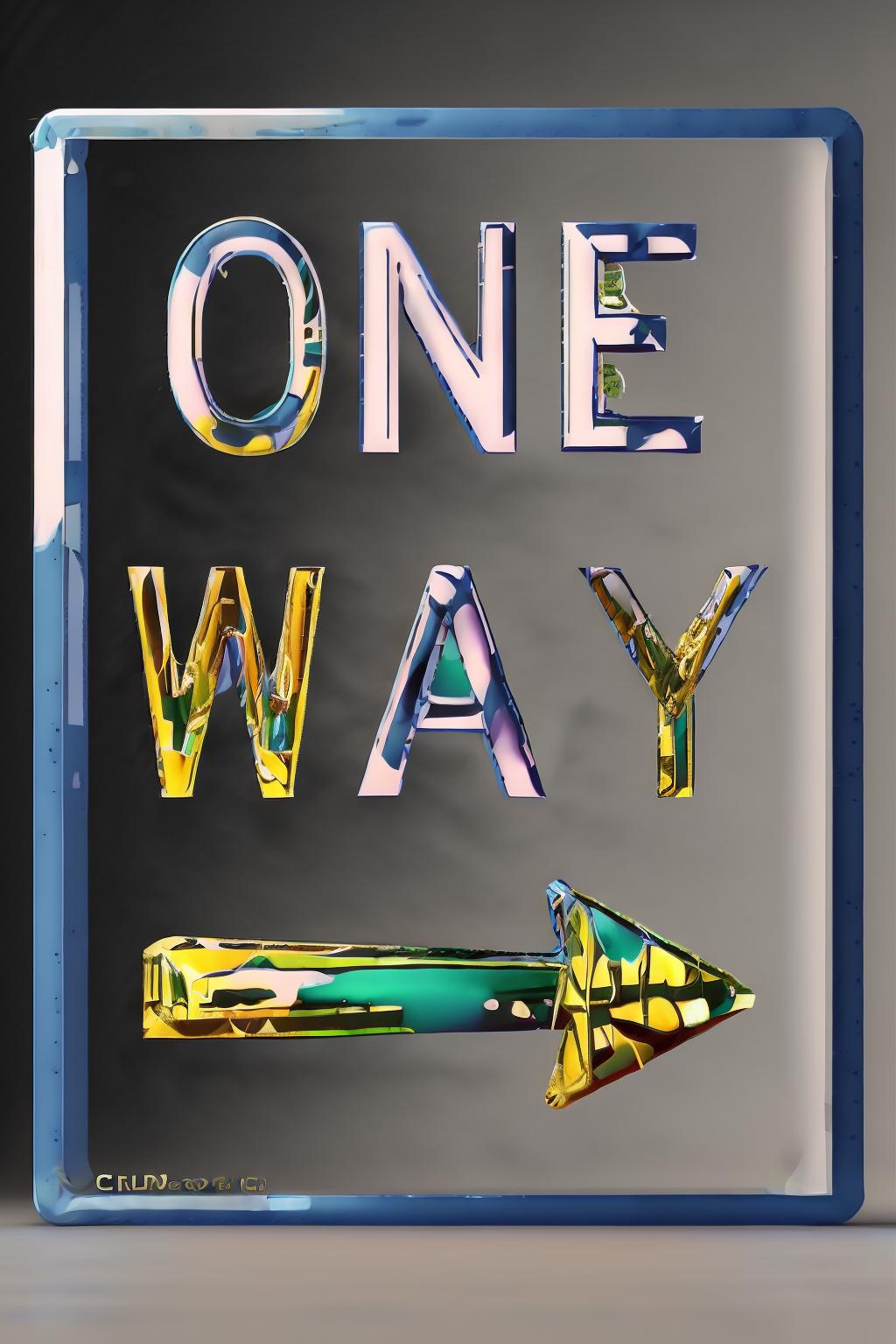



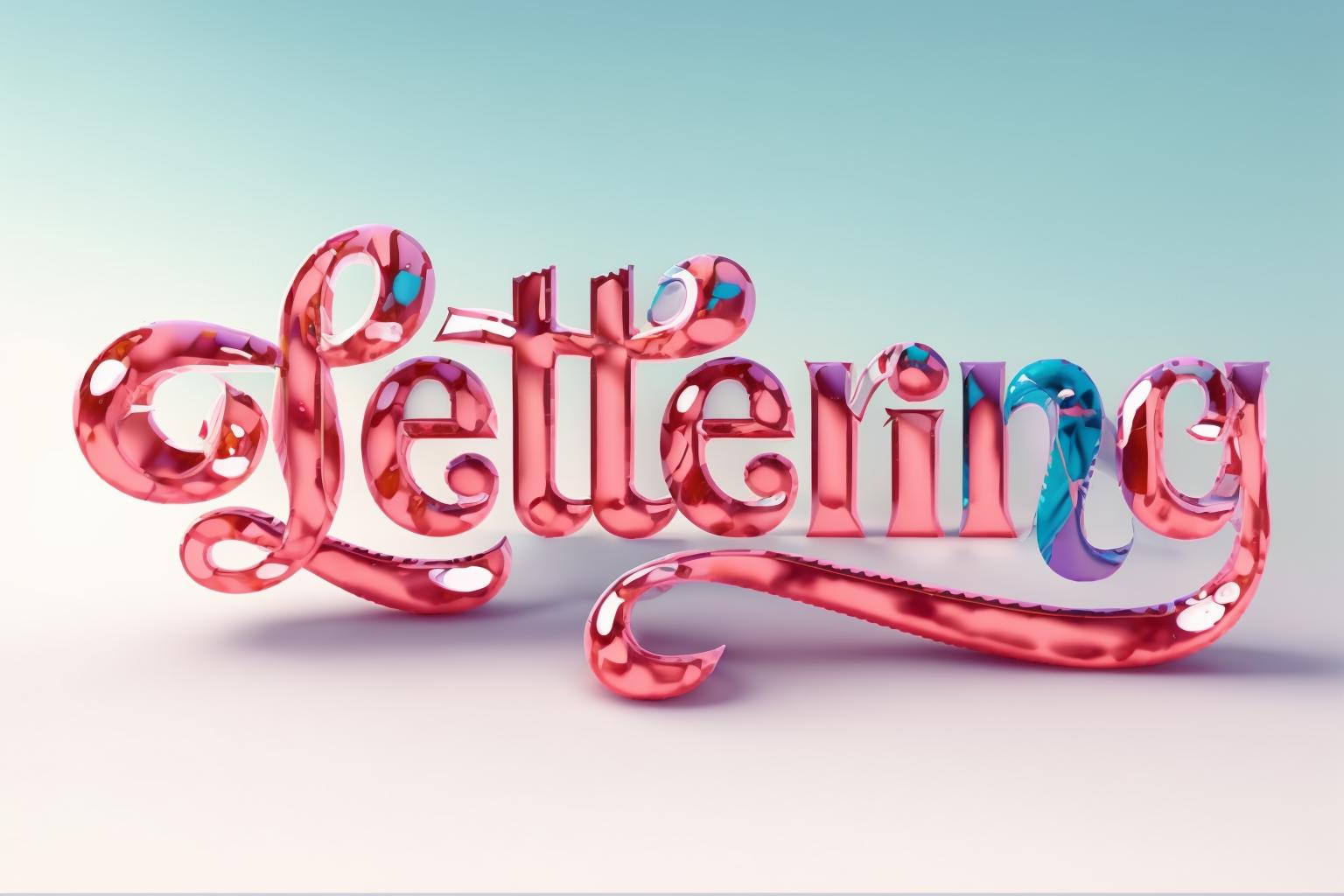




use it with controlnet
preprocessor: invert
model: depth
or use a simple canny
Enable: Set to "Yes" to activate ControlNet functionality.
Pixel Perfect: Set to "Yes" for precise rendering.
Preprocessor: Use "invert" to ensure the foreground (text) appears correctly.
Model: Select the desired ControlNet model (e.g., control_xxxxx_depth).
Prompt: Input a description of the desired visual effect.
Image Size: Ensure the aspect ratio matches the text image (e.g., Width: 768, Height: 512).
Stable Diffusion Checkpoint: Choose a checkpoint for generating the effect.
Enable: Activate ControlNet for multiple units.
Preprocessor: Use "invert" to adjust the background's appearance.
Model: Choose the ControlNet model for controlling the background.
Control Weight: Adjust to balance the effects of both units.
Ending Control Step: Optionally reduce to introduce more variations.
Enable: Activate ControlNet for the background image.
Preprocessor: Utilize "depth_zoe" for extracting depth information.
Model: Select the ControlNet model for the background.
Control Weight: Adjust to control the influence of the background.
Ending Control Step: Optionally reduce for varied text-background blending.
These configurations allow for precise control over the ControlNet functionality, enabling manipulation of text and background elements to generate diverse text effect images using Stable Diffusion techniques.

best with controlnet text method : preprocessor: invert model: depth
1. 재게시된 모델의 권리는 원 제작자에게 있습니다.
2. 모델 원작자가 모델을 인증받으려면 공식 채널을 통해 SeaArt.AI 직원에게 문의하세요. 저희는 모든 창작자의 권리를 보호하기 위해 노력합니다. 인증하러 이동
