유형
Checkpoint
게시 날짜
2023-10-13
기본 모델
SDXL 1.0
버전 소개
experimental version

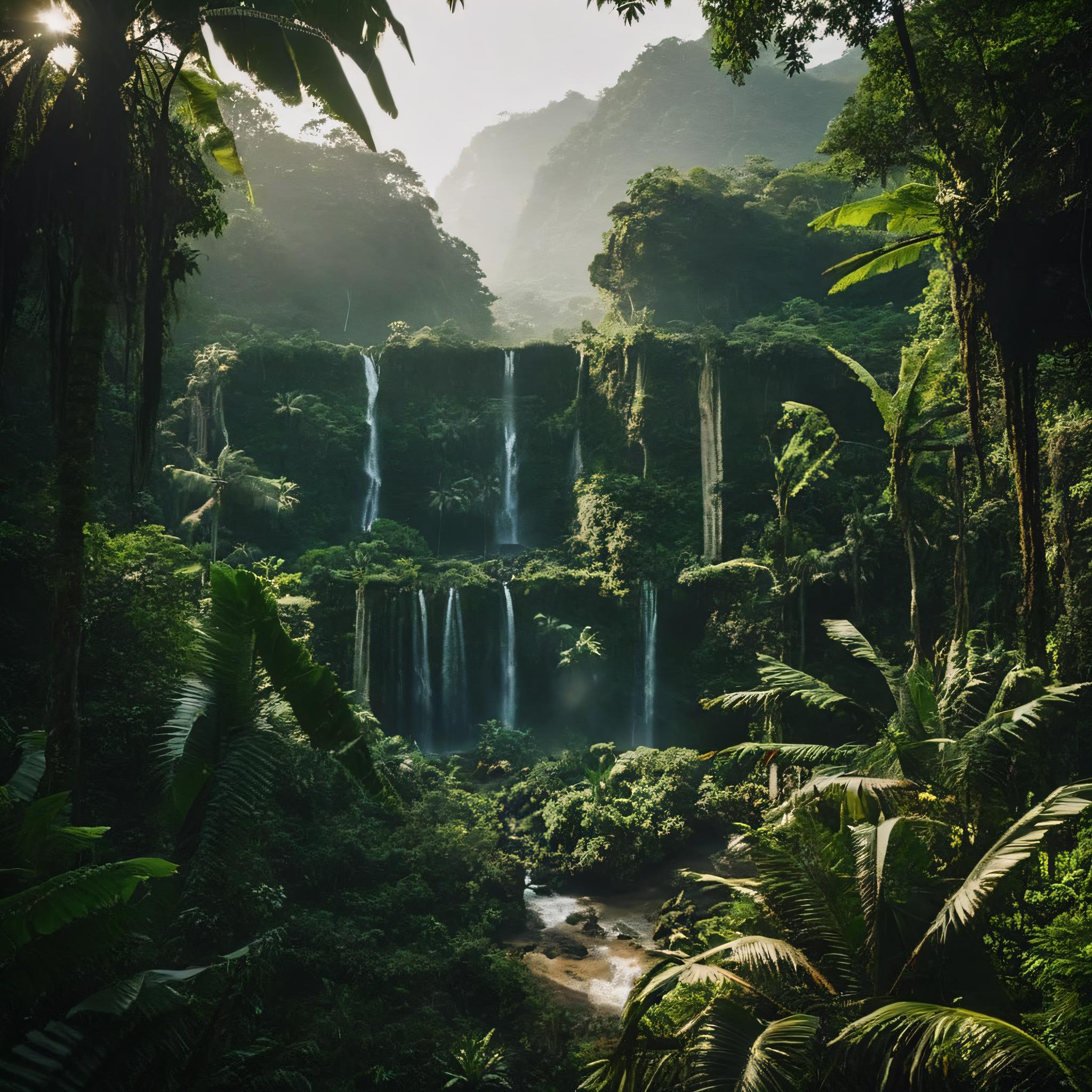
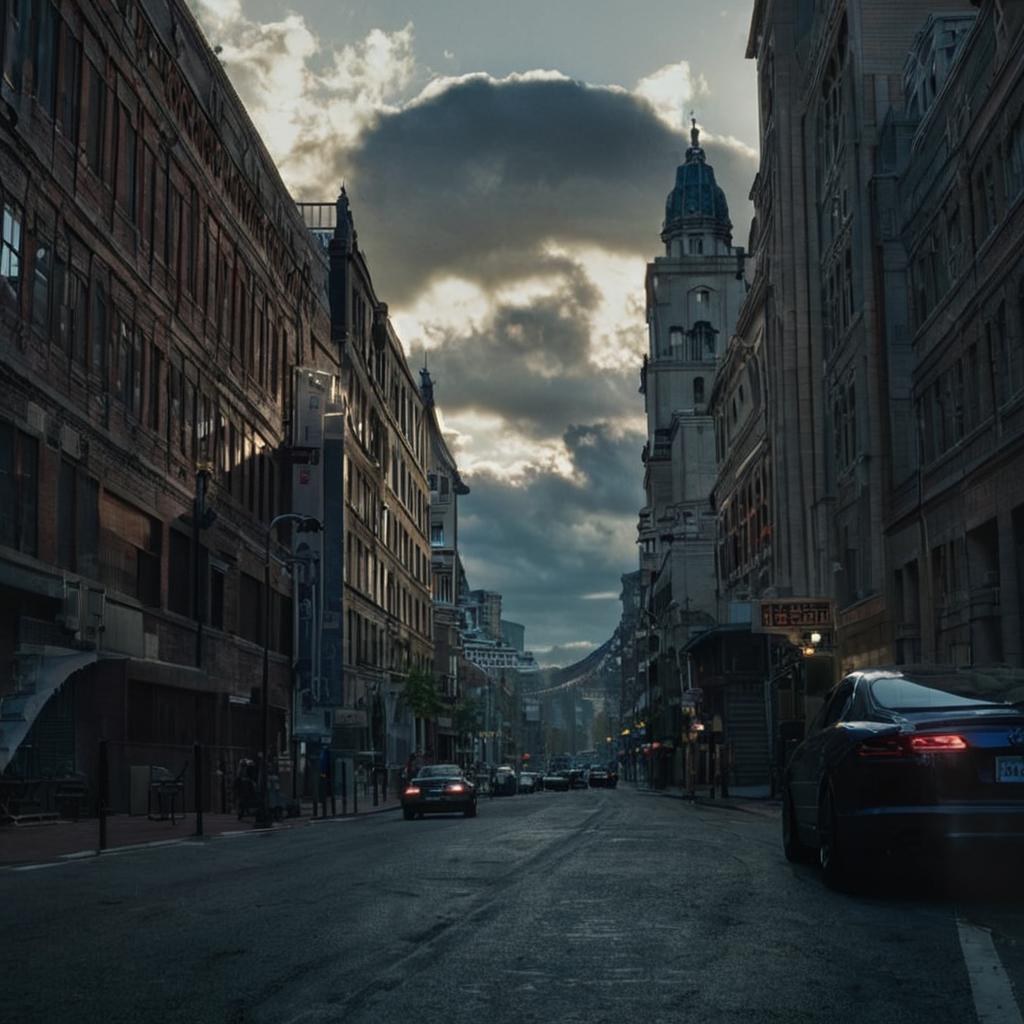
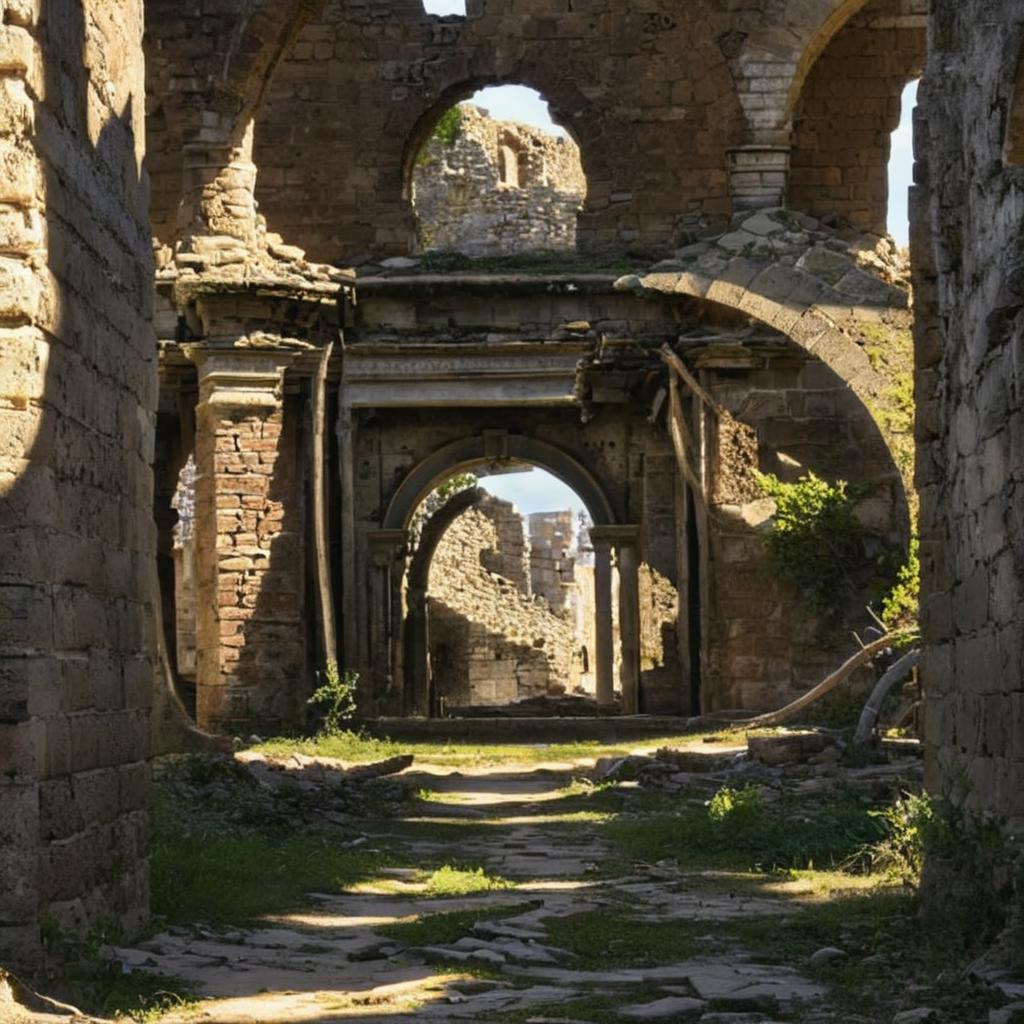
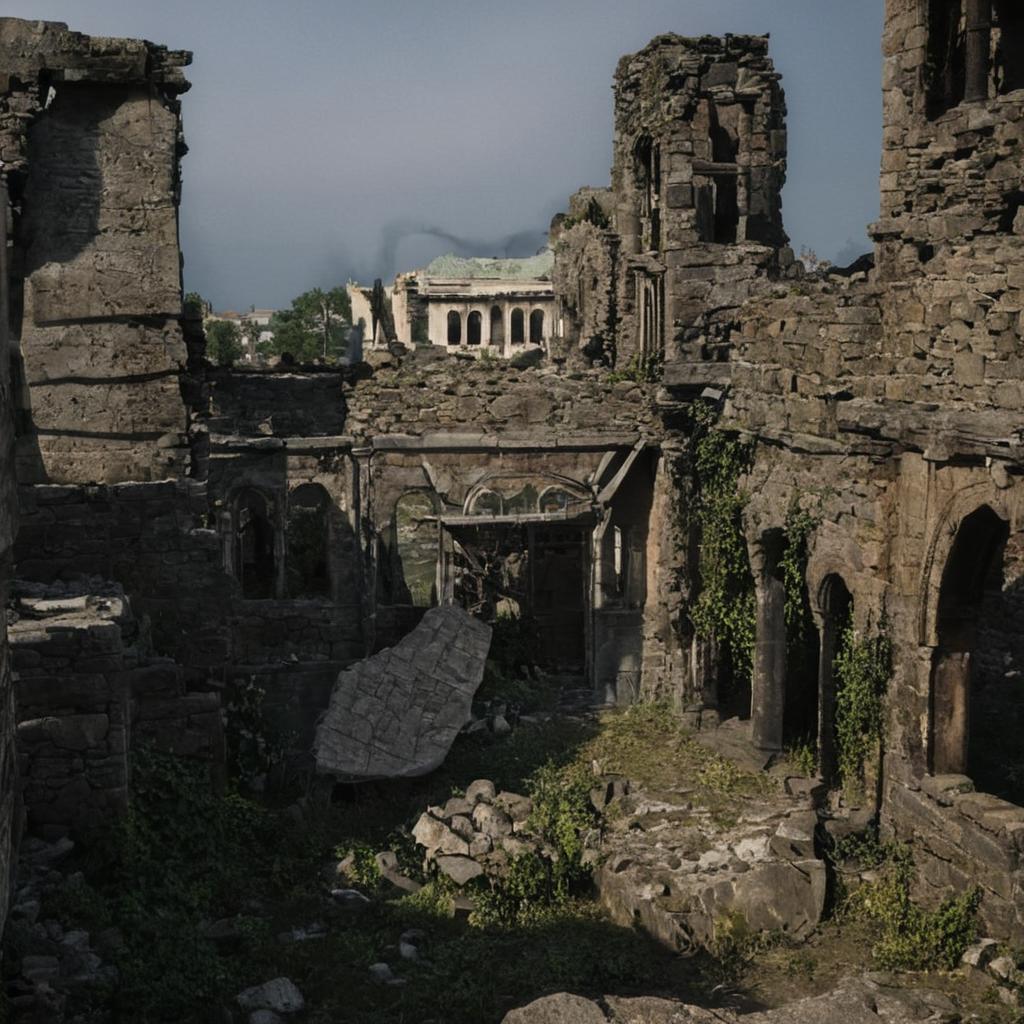
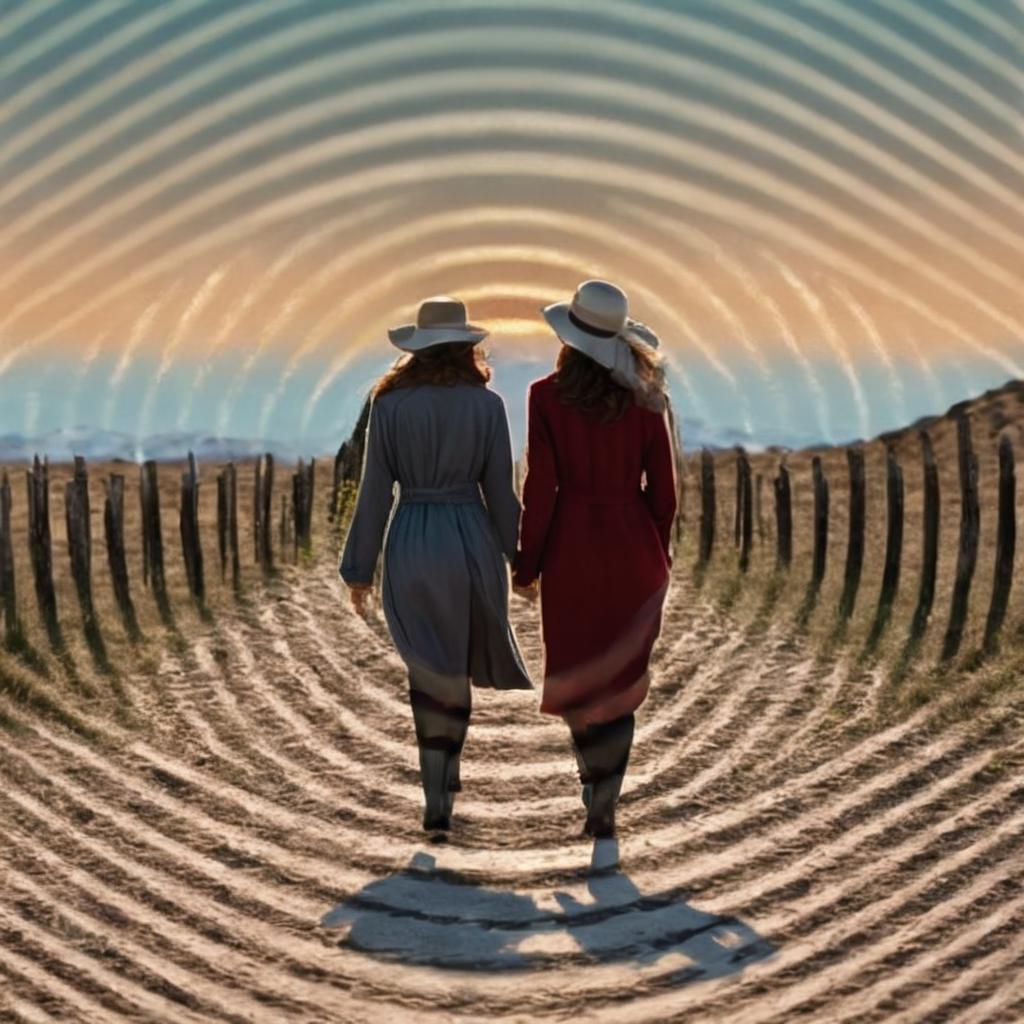
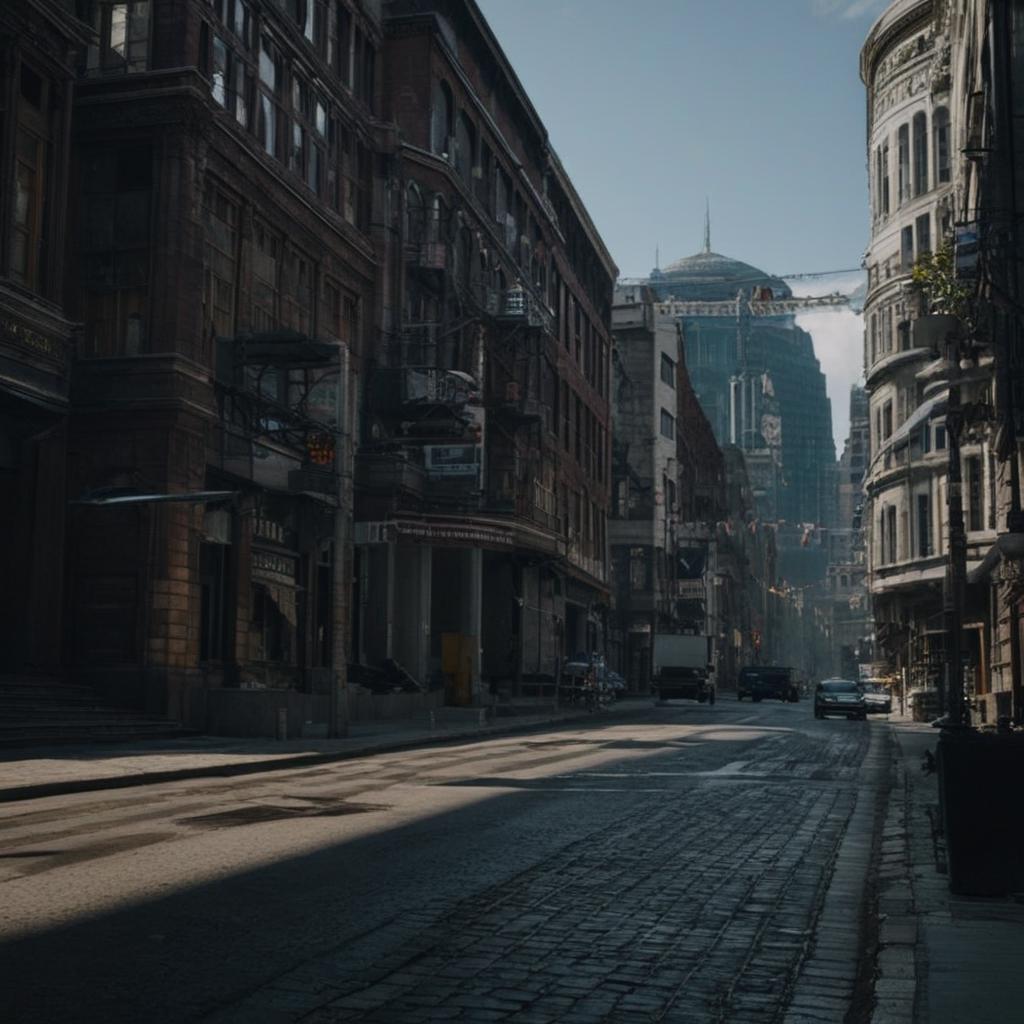
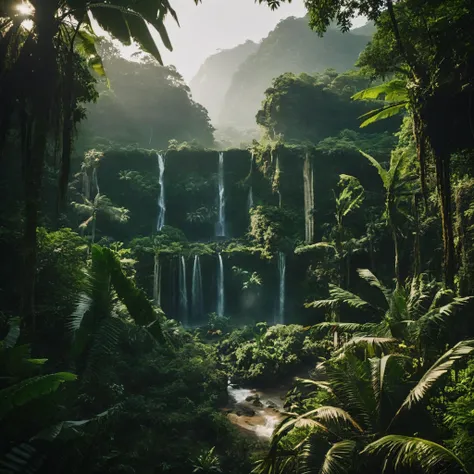
Conditioning only 25% of the pixels closest to black and the 25% closest to white
IMPORTANT: Try to generate a lot of images and adjust the parameters. The example parameters are the ones used in the images above, many images require different values
Sdxl Model: realvisxlV20
Preprocessor: none
ContolNetModel: control_v10e_sdxl_opticalpattern
Control Weight: 1
Starting Control Step: 0.15
Ending Control Step 0.75
Prompt: cinematic scenery city street
Negative prompt: (worst quality, low quality, illustration, 3d, 2d, painting, cartoons, sketch), (illustration, 3d, 2d, painting, cartoons, sketch, blurry, film grain, noise)
Resolution: 1024x1024
Version v10e is now compatible with comfyui and low vram option in automatic webui
I'm still working in a "production ready" version with improve sharpness, for now I recommend the 4x-UltraSharp upscaler
QRPattern version still is in work in progress
OpticalPattern v10e can produce scanneable qr codes for iphone users, but the goal is a version compatible with android google lens also
Thanks for the support, you guys are awesome!
Example comfyui workflow
https://files.catbox.moe/6hz2cs.png
QR Pattern and OpticalPattern sdxl were created as free community resources by an Argentinian university student. Training AI models requires money, which can be challenging in Argentina's economy. If you find these models helpful and would like to support an enthusiastic community member to keep creating free open models, I humbly welcome any support you can offer through ko-fi here https://ko-fi.com/nacholmo

experimental version
1. 재게시된 모델의 권리는 원 제작자에게 있습니다.
2. 모델 원작자가 모델을 인증받으려면 공식 채널을 통해 SeaArt.AI 직원에게 문의하세요. 저희는 모든 창작자의 권리를 보호하기 위해 노력합니다. 인증하러 이동
