유형
Checkpoint
게시 날짜
2025-04-22
기본 모델
Flux.1 D

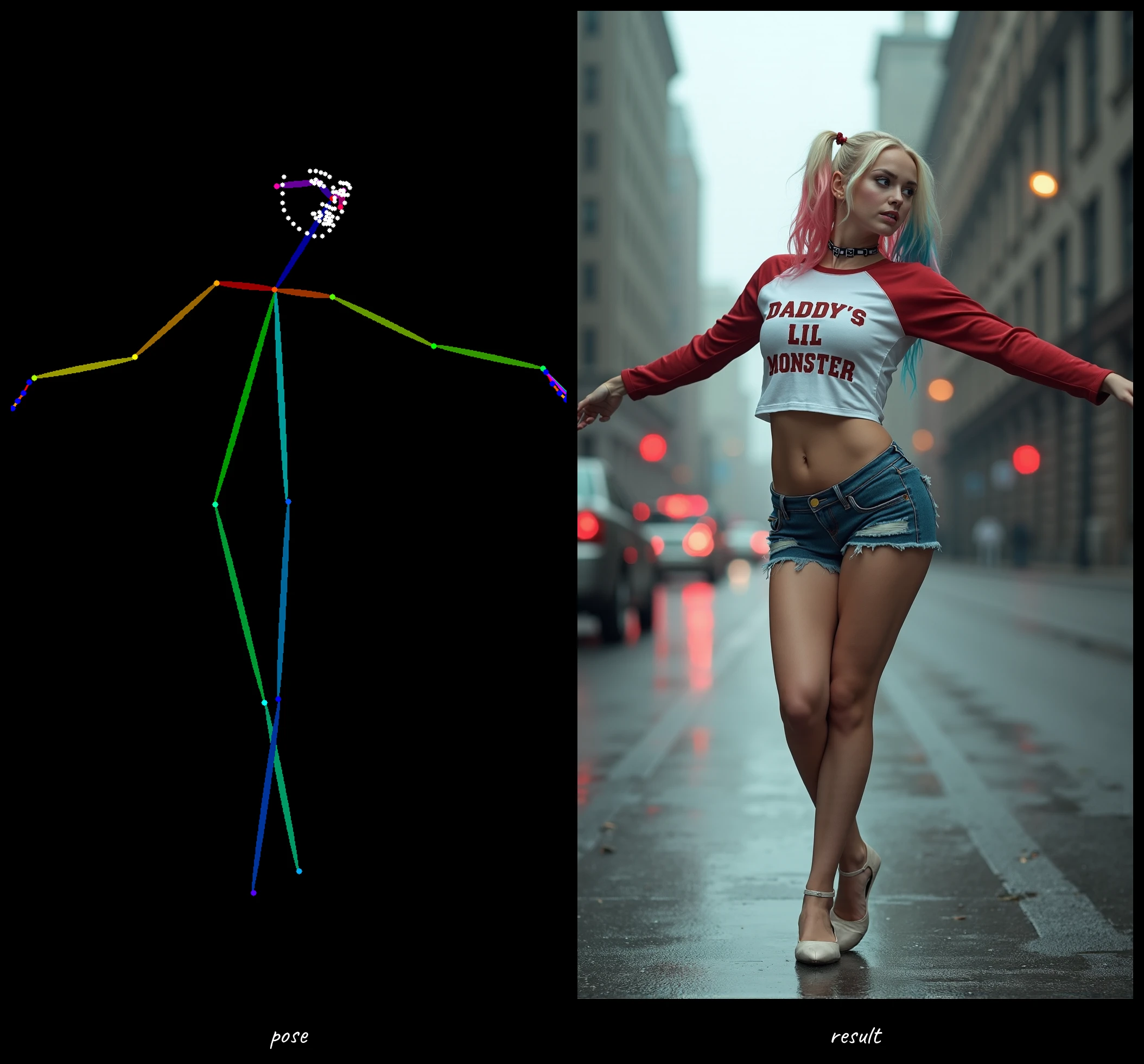
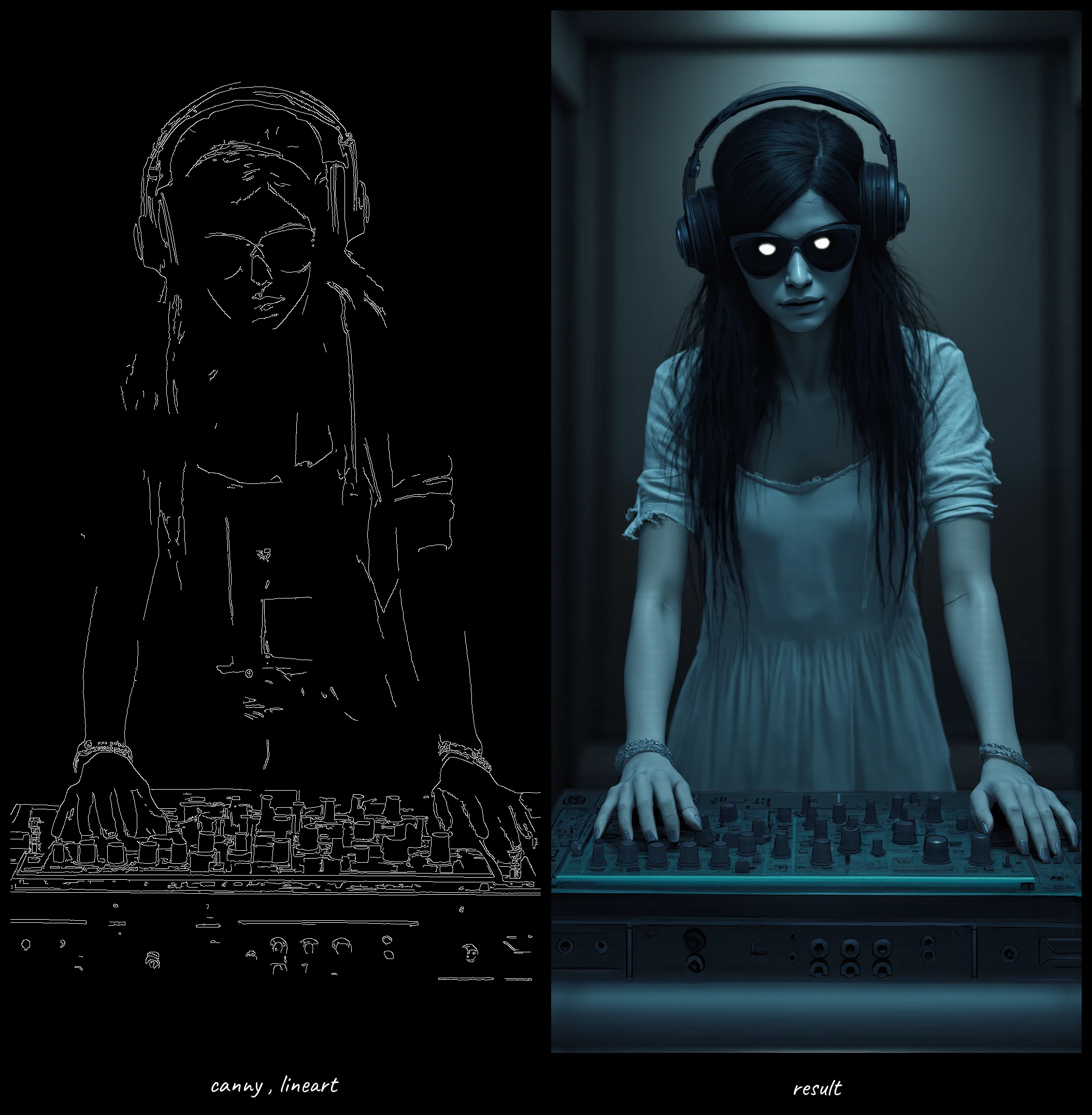

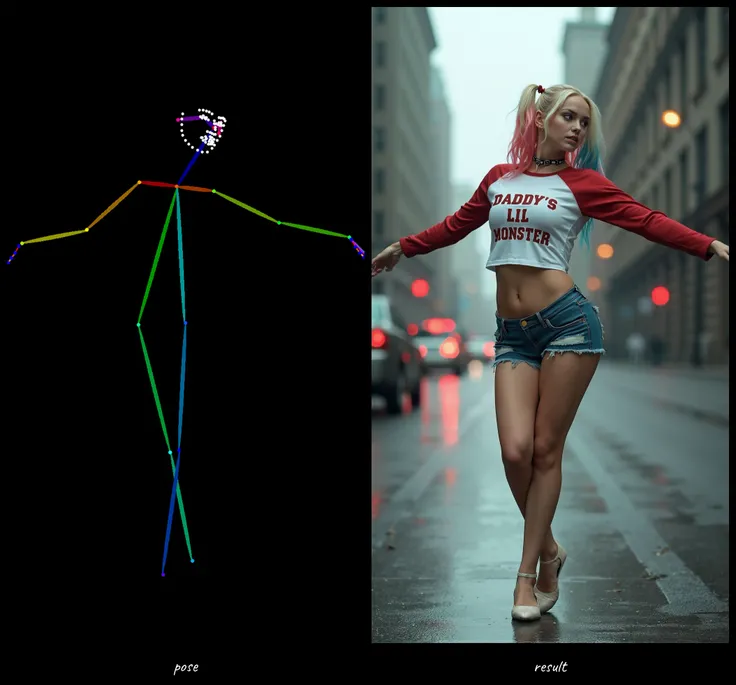
i appreciate your support
if u couldn't its okay (give it like and enjoy)
😉 https://huggingface.co/ABDALLALSWAITI/FLUX.1-dev-ControlNet-Union-Pro-2.0-fp8
a good reference for parameters
Canny: controlnet_conditioning_scale=0.7, control_guidance_end=0.8.
Depth: use depth-anything, controlnet_conditioning_scale=0.8, control_guidance_end=0.8.
Pose: use DWPose, controlnet_conditioning_scale=0.9, control_guidance_end=0.65.
Gray: use Color, controlnet_conditioning_scale=0.9, control_guidance_end=0.8.
Canny, controlnet_conditioning_scale=0.7, control_guidance_end=0.8.
As an AI enthusiast with limited computational resources, I recently faced a common challenge when working with the powerful Shakker-Labs/FLUX.1-dev-ControlNet-Union-Pro-2.0 model. Despite its impressive capabilities for image generation and manipulation across multiple control types, my system quickly ran out of memory when attempting to use it at full precision.
Rather than giving up on this versatile tool, I leveraged my basic coding skills to implement an effective solution: quantizing the model to FP8 precision. This technique significantly reduced the memory footprint while maintaining remarkably good performance.
The original FLUX.1-dev-ControlNet-Union-Pro-2.0 model, while powerful for pose, depth, and canny edge-based image generation, requires substantial GPU resources. Many users with consumer-grade hardware find themselves hitting memory limitations when attempting to run these advanced models at full precision.
Despite having only modest coding experience, I researched quantization techniques and successfully implemented FP8 compression for the model. To my delight, this quantized version works perfectly for my needs, enabling various ControlNet workflows without sacrificing noticeable quality.
The quantized model supports all the same control types as the original, including:
Pose control for generating images with specific body positions
Depth mapping for 3D-aware image creation
Canny edge detection for maintaining structural integrity
Simply drop any reference image into the workflow, select your desired control type, and generate impressive results with substantially lower memory requirements.
To further improve my workflows, I've incorporated my custom OllamaGemini node for ComfyUI, which helps generate optimal prompts tailored to specific needs. This combination of the memory-efficient quantized model and intelligent prompt generation creates a powerful pipeline for creative image manipulation.
For those interested in the prompt generation capabilities, my OllamaGemini node repository is available at: https://github.com/al-swaiti/ComfyUI-OllamaGemini
If you're fortunate enough to have access to more powerful GPU resources, the original unquantized model from Shakker-Labs remains an excellent option, offering potentially higher fidelity results at the cost of increased memory usage.
As I continue refining these tools and techniques, I welcome feedback from the community. If you find these workflows helpful, please consider showing your support with a 👍 on the project. I'm actively seeking opportunities in this field and deeply appreciate any encouragement as I develop these resources.
Feel free to experiment with the model for your creative projects – whether you're using the memory-efficient quantized version or the original full-precision implementation!

1. 재게시된 모델의 권리는 원 제작자에게 있습니다.
2. 모델 원작자가 모델을 인증받으려면 공식 채널을 통해 SeaArt.AI 직원에게 문의하세요. 저희는 모든 창작자의 권리를 보호하기 위해 노력합니다. 인증하러 이동
