





상세 정보
추천
v1.0
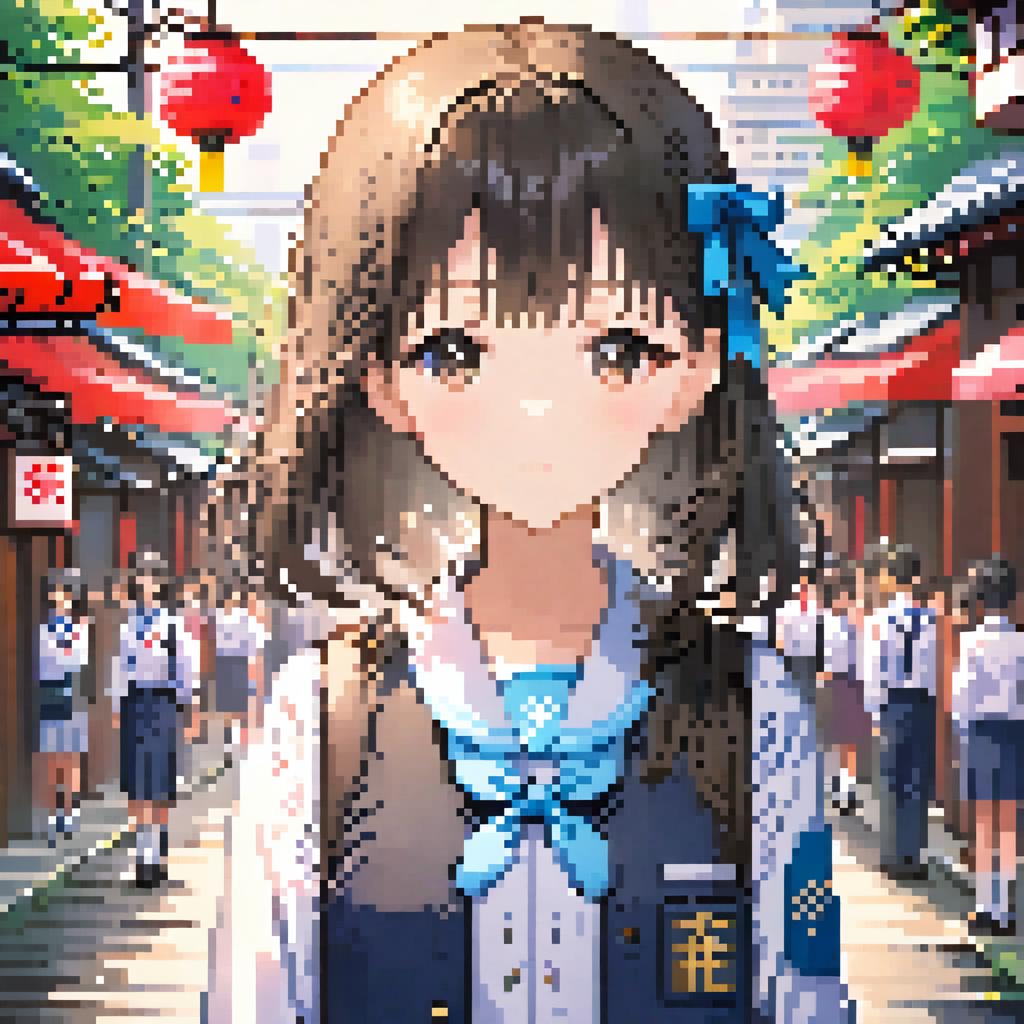
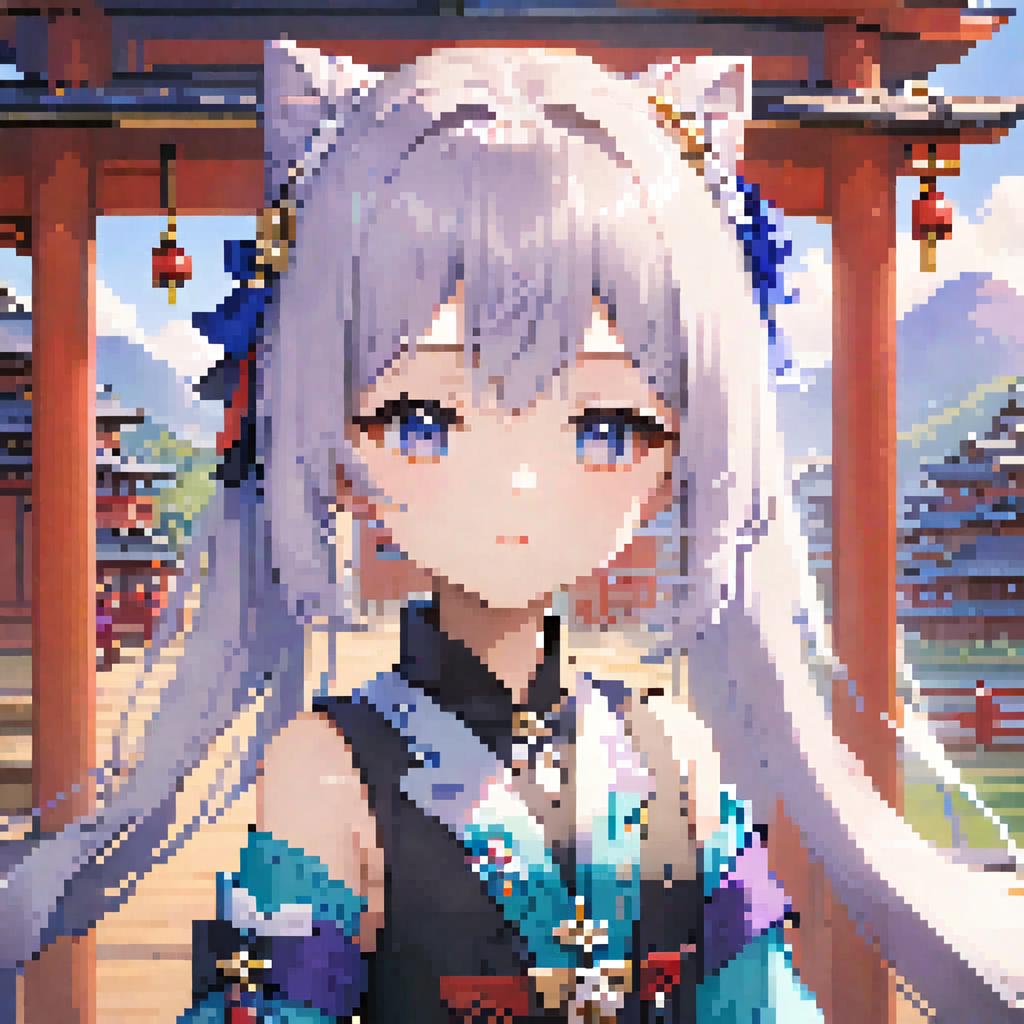
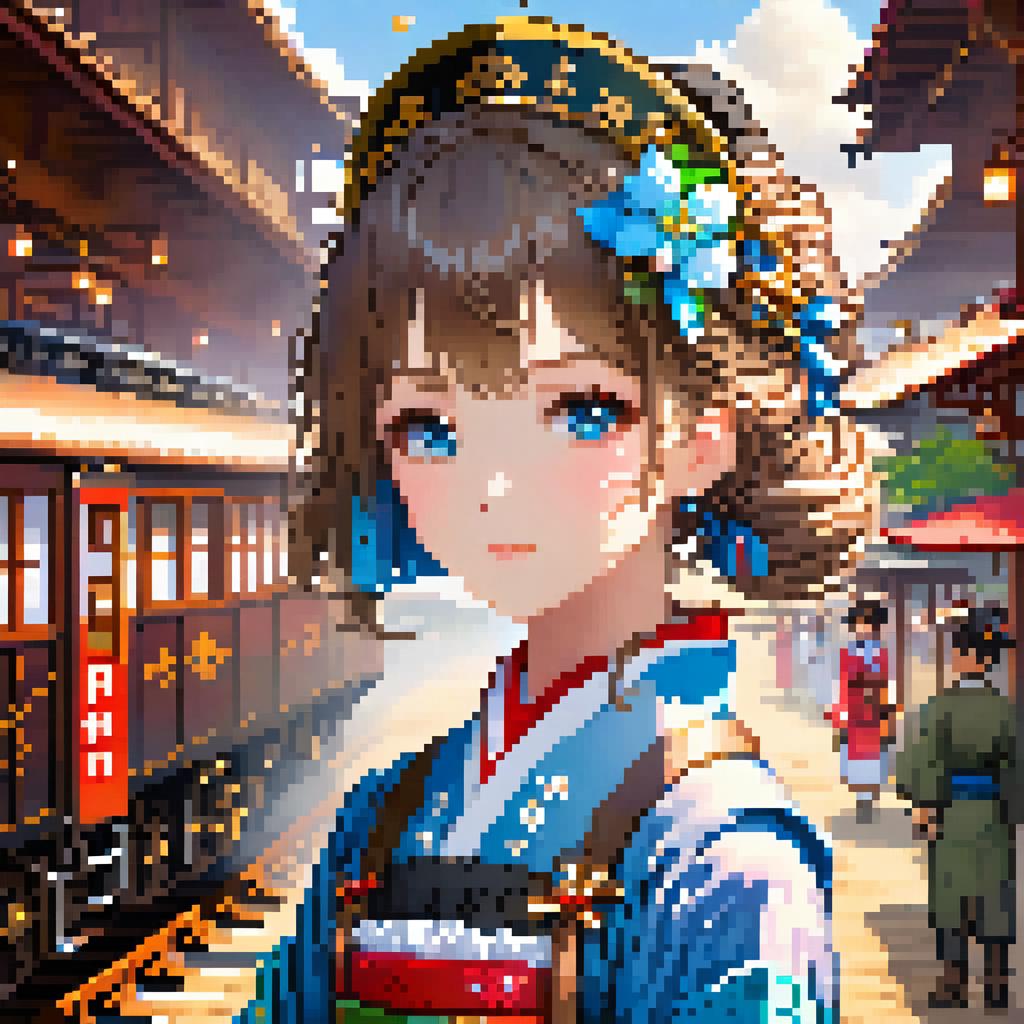
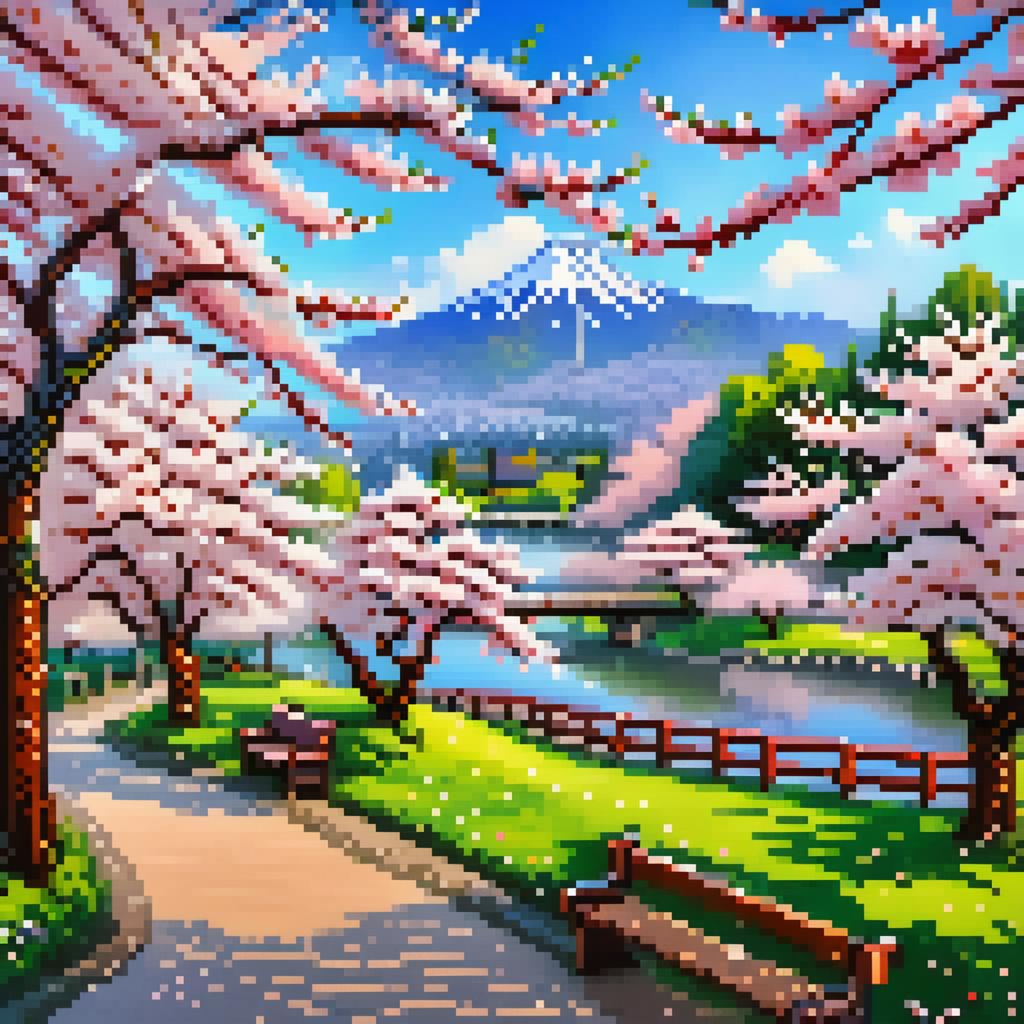
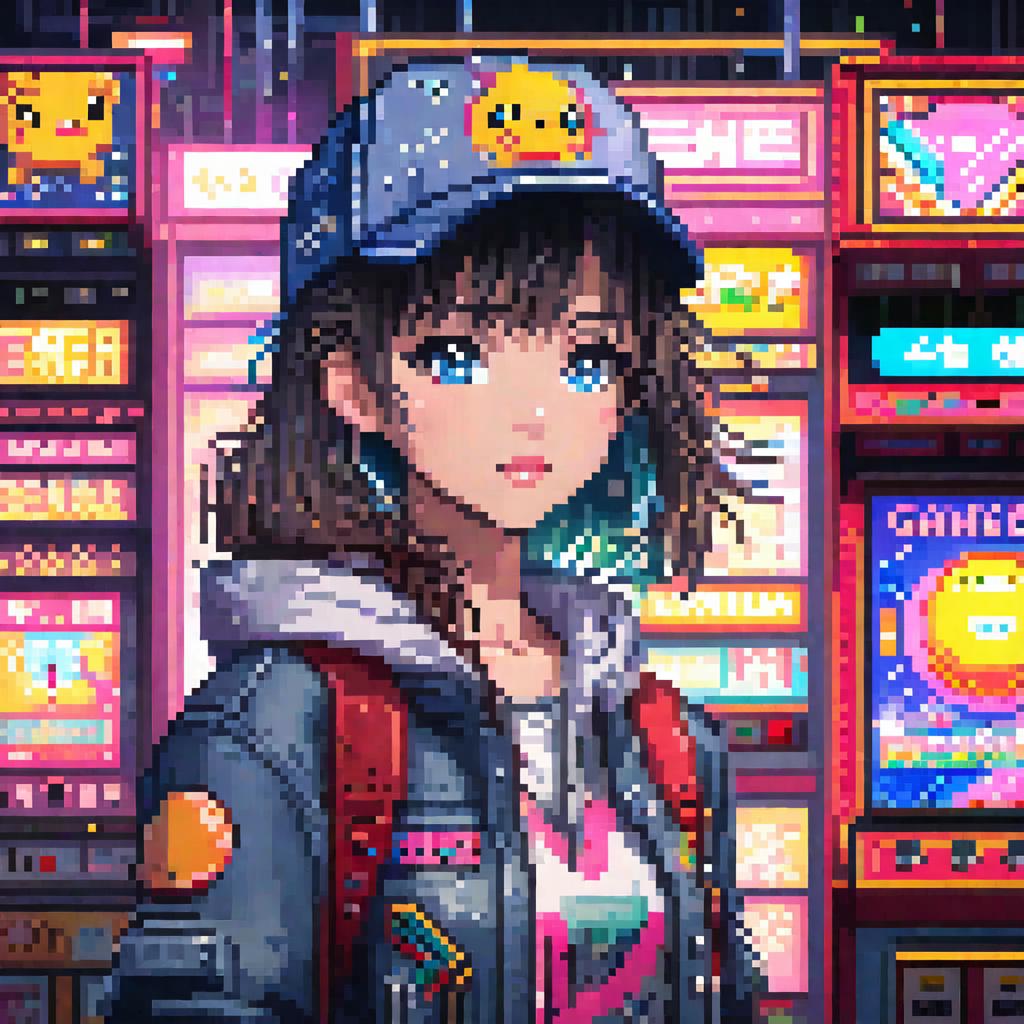
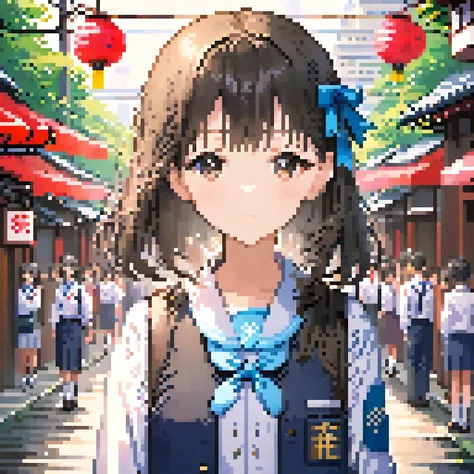
【SDXL Turbo】 Pixel Art | Super Fast Only 5 Steps

【SDXL Turbo】 Pixel Art | Super Fast Only 5 Steps

767
29
51
#애니메이션
#사실적인
#픽셀
#스타일
#어디 남자
#girls
#사실주의
#비디오 게임

Download closed, online link:

https://d.design/model-detail/a3147d8fb62e489bb0f73b1c69992539

Hi guys,this is Husky_AI,

This is a pixel art model based on SDXL training:

The triggering words is: pixel art.

For anime style, please write: anime

Realistic: realistic

Chibi: chibi

Landscape: landscape

=============================================

Turbo Recommended parameters:

Steps:5

sampler:DPM++ SDE

CFG Scale:4

=============================================

Below is a pixel repair plugin I wrote for this model, which can fix subtle pixel distortions in images:

https://github.com/sd47942452/sd-webui-pixel-fix

Install PIL: pip install Pillow

Download the plugin and place it in the following path:

Your path\extensions

Start sd-webui, and you will find "Pixel Fix" in the lower-left corner of the interface.

Check the enable box, adjust the size of the pixel grains, and then run the image normally. After running, you will have the original image and the repaired image.

こんにちは、みなさん、Husky_AIです。

これはSDXLトレーニングに基づくピクセルアートモデルです。

トリガーワードは「pixel art」です。

アニメスタイルの場合は、animeと書いてください。

リアル:realistic

チビ:chibi

風景:landscape

Turbo Recommended parameters:

Steps:5

sampler:DPM++ SDE

CFG Scale:4

以下は、このモデル用に私が書いたピクセル修復プラグインです。これは画像中の微細なピクセルの歪みを修復できます:

https://github.com/sd47942452/sd-webui-pixel-fix

PILのインストール:pip install Pillow

プラグインをダウンロードして、次のパスに配置します:

あなたのパス\extensions

sd-webuiを起動すると、インターフェースの左下隅に「Pixel Fix」が表示されます。

有効ボックスをチェックし、ピクセル粒子のサイズを調整してから画像を通常通り実行します。実行後、元の画像と修復された画像が得られます。

번역문 보기

평점 및 리뷰

5.0 /5
0 개의 평점

충분한 평가나 댓글을 받지 못했습니다.

no-data
데이터 없음
avatar
모델과 대화하기
공고
2024-04-01
모델 게시
2025-12-24
모델 정보 업데이트
모델 상세정보
유형
Checkpoint
게시 날짜
2024-01-15
기본 모델
SDXL 1.0
트리거 단어
pixel art
복사
버전 소개

我是《AI魔法绘画》的作者,链接:https://item.m.jd.com/product/14093180.html 购书后可进官方群

Hi guys,this is Husky_AI,

This is a pixel art model based on SDXL training:

The triggering words is: pixel art.

For anime style, please write: anime

Realistic: realistic

Chibi: chibi

Landscape: landscape

Below is a pixel repair plugin I wrote for this model, which can fix subtle pixel distortions in images:

https://github.com/sd47942452/sd-webui-pixel-fix

Install PIL: pip install Pillow

Download the plugin and place it in the following path:

Your path\extensions

Start sd-webui, and you will find "Pixel Fix" in the lower-left corner of the interface.

Check the enable box, adjust the size of the pixel grains, and then run the image normally. After running, you will have the original image and the repaired image.

こんにちは、みなさん、Husky_AIです。

これはSDXLトレーニングに基づくピクセルアートモデルです。

トリガーワードは「pixel art」です。

アニメスタイルの場合は、animeと書いてください。

リアル:realistic

チビ:chibi

風景:landscape

以下は、このモデル用に私が書いたピクセル修復プラグインです。これは画像中の微細なピクセルの歪みを修復できます:

https://github.com/sd47942452/sd-webui-pixel-fix

PILのインストール:pip install Pillow

プラグインをダウンロードして、次のパスに配置します:

あなたのパス\extensions

sd-webuiを起動すると、インターフェースの左下隅に「Pixel Fix」が表示されます。

有効ボックスをチェックし、ピクセル粒子のサイズを調整してから画像を通常通り実行します。実行後、元の画像と修復された画像が得られます。

허가 범위
모델 출처: civitai

1. 재게시된 모델의 권리는 원 제작자에게 있습니다.

2. 모델 원작자가 모델을 인증받으려면 공식 채널을 통해 SeaArt.AI 직원에게 문의하세요. 저희는 모든 창작자의 권리를 보호하기 위해 노력합니다. 인증하러 이동

창작 허가 범위
온라인 생방송
혼합 진행
다운로드 허용
상업적 허가 범위
생성된 이미지를 판매하거나 상업적 목적으로 사용 가능
모델의 재판매 또는 융합 후 판매 허용
QR Code
SeaArt 앱 다운로드
모바일에서 AI 창작 여정을 계속하세요