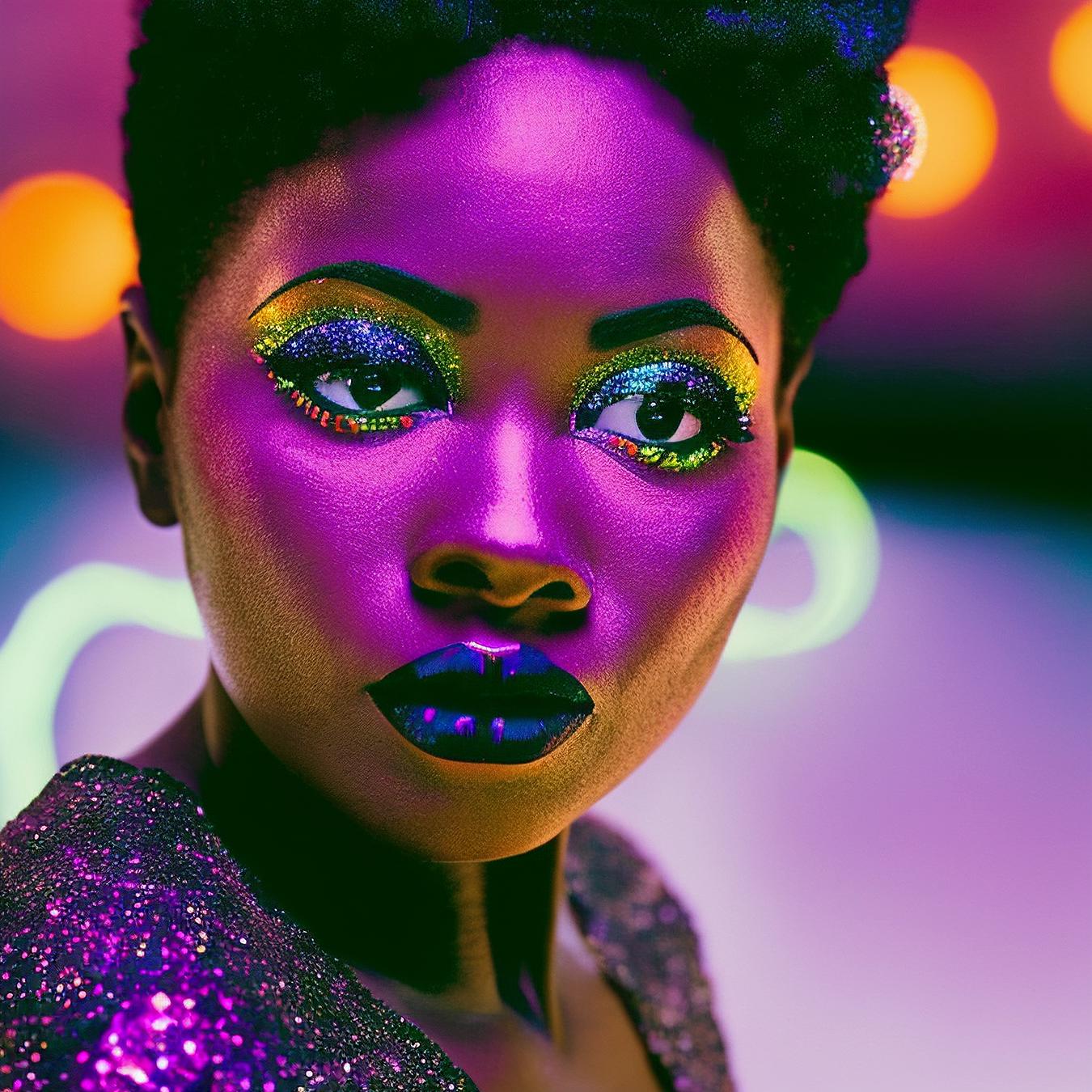
Trained on 250 images at 4500 steps using the Fast Dreambooth colab with external captions.


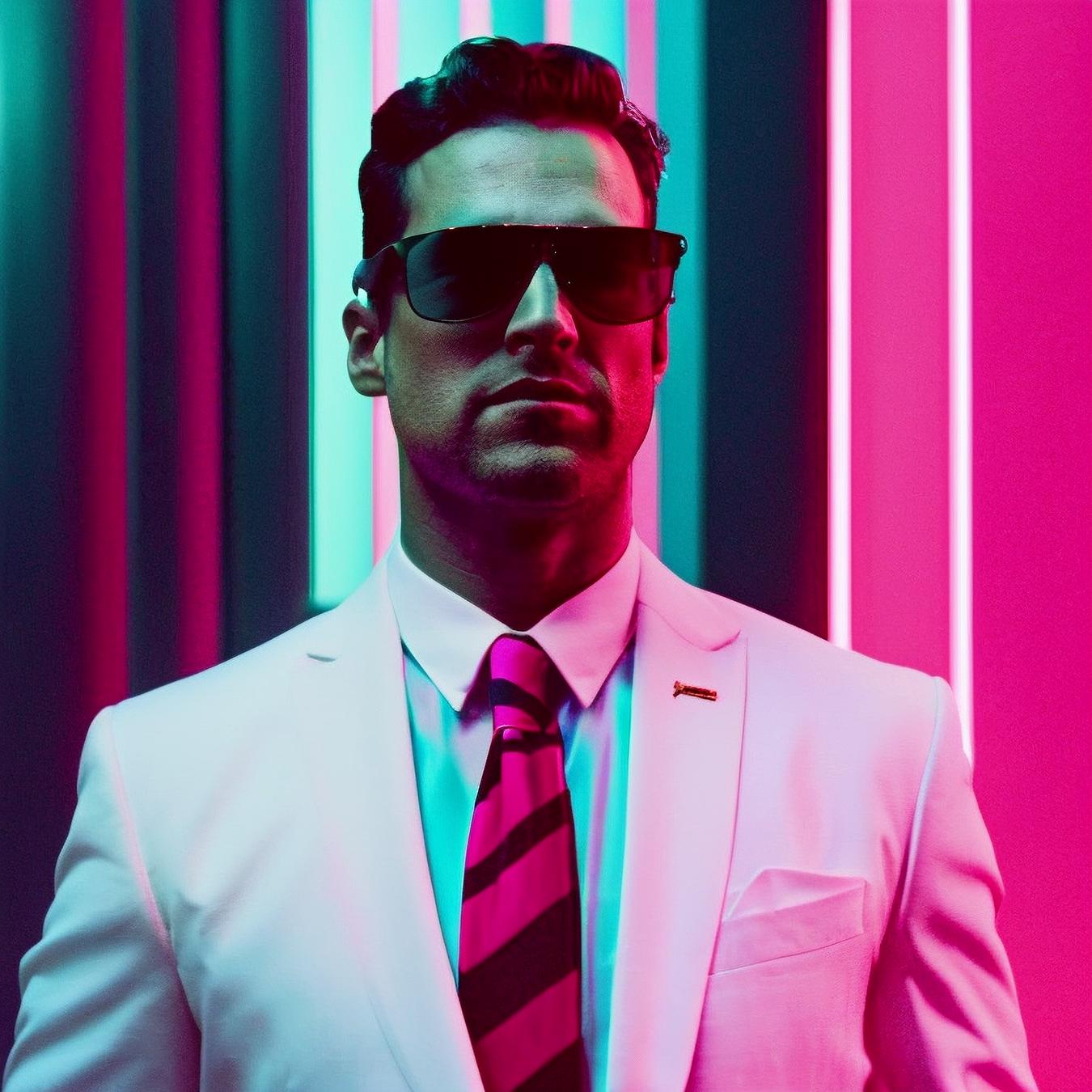
35mmNeon is a color lighting mod inspired by the work of Nicolas Winding Refn, David Leicht, Jonathan Sela, Panos Cosmatos and a special sauce of 80s movies. Wanting to move away from the typical 'portraity'/magazine cover look of most mods (centered in frame, looking at the camera, illuminated from the front with a white fill light), I trained this model on 250 film stills (with external captions) using the fast-Dreambooth colab by TheLastBen, trying to create a somewhat photorealistic retro/outrun/vaporwave style with heavy colorful illumination and a more cinematic visual feel.
________________________________________________________________
This is a heavy style model, I have not tried merging yet but I'm thinking it's going to transfer just fine.
It reacts extremely well to lighting requests. An example of the syntax used in training is: "in a pink-blue lit room". Replace with desired colors. Powerful combos: pink-cyan, orange-purple, orange-teal, orange-pink, red-blue, red-teal. White is also an option, enhance with 'fluorescent lights' or 'daytime, overcast'. This will influence everything, not only lighting but also the color of clothes, background and, rarely, hair.
Adding 'analog photo' will make it look like an 80s movie, specially if you set a landscape aspect ratio. It might become too grainy and noticeable on the skin sometimes.
This mod has its sweet spots, for me CFG from 7 to 13 worked well. At 7 you get really clean renders, subtle lighting. As you raise the number, the background neon lights and color saturation become more pronounced. It held well until 25/30 in some cases. Sampling steps in the 25/100 range. If you are not in a sweet spot you will start getting overcooked images (in some colors particularly, like red). You'll notice that if you let it run to 100%, it will oversharpen the skin, creating a 'needs more jpeg' effect or the illuminated areas of the skin will start glowing and become incandescent. So until you find a sweet spot again, you can interrupt these renders at around 80% to get the best results.
Prompting 2 different characters might be difficult as it will just spawn the same character twice.
If you change the aspect ratio to anything other than 1:1 there's a high probability you'll get defects (landscape will increase the number of characters but portrait will create half-body duplicates).
Posing instructions should be kept simple (bringing up actions involving objects like a gun, a camera, a cell phone, driving a car/bike or a secondary subject just creates the worst Photoshop imaginable).
Removing the default background neon lights is as simple as prompting them out in negatives. You can use "city lights / christmas lights / red curtains / red wall in the background" in the main prompt instead.
Camera instructions (from_above, from_below, from_behind, from_side) are hit or miss.
This is a very clean model, it does not produce ????? by accident.
________________________________________________________________
Checkpoint
Copy the 35mmNeon.safetensors file to your stable-diffusion-webui\models\Stable-diffusion folder.
Select as your checkpoint inside your interface.
LoRA
Copy the 35mmNeon-LoRA.safetensors file to your stable-diffusion-webui\models\Lora folder.
Type <lora:35mmNeon-LoRA:1> in your prompt.
________________________________________________________________
Demo images were rendered at 768x768 and 1152x768.
There will be no restrictive license linked to this model.
Use your outputs however you want and feel free to merge and share.
Now drive into the sunset and burn in the neon night at the end of the palm tree road.
pew pew
Trained on 250 images at 4500 steps using the Fast Dreambooth colab with external captions.
1. 재게시된 모델의 권리는 원 제작자에게 있습니다.
2. 모델 원작자가 모델을 인증받으려면 공식 채널을 통해 SeaArt.AI 직원에게 문의하세요. 저희는 모든 창작자의 권리를 보호하기 위해 노력합니다. 인증하러 이동