유형
LORA
게시 날짜
2024-04-14
기본 모델
Pony
트리거 단어
CarnageStyle
복사


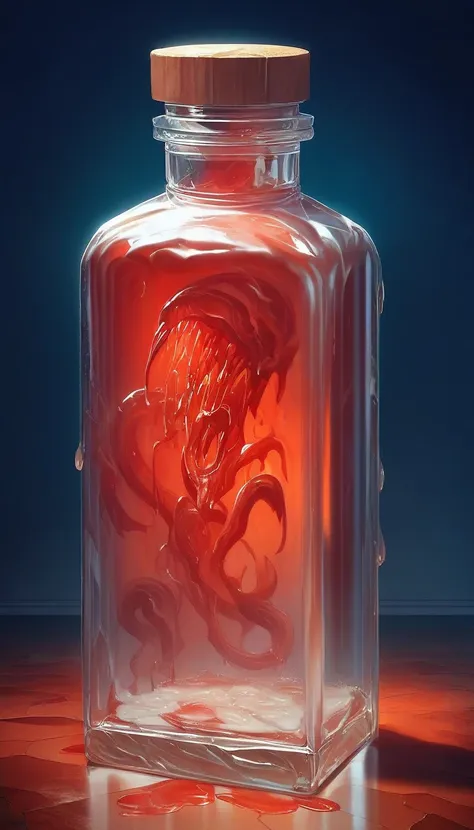
Use the trigger word: "CarnageStyle" along with the LoRA to activate it.
Example prompt: gory, bloody, messy, CarnageStyle assassin kitten <lora:CarnageStyleXL:1.5>
This LoRA supports RGB color changes. Simply prompt any color after the activation keyword, and before your subject, as seen from the examples.
Note:
I may be using the following extensions in the reference images: FreeU or ADetailer / Face Editor. I may also be using a specific Hires Checkpoint (swaps to another model when doing the hires steps). If your results don't match mine exactly, this may explain why.
Here's a list of keywords you can use to enhance the different effects of the model.
blood

liquid
wet
red slime
vore
splatter
organs
guts
goo
glowing
luminous_red
black
ebony
abyss
dark
mouth
maw
teeth
incisors
tongue
tendrils
feelers
evil
darkness
spiral
spirals
mutilation
mutation
horror
terror
scary
killer
bloody
hemoglobin
life-fluid
fluid
bodyfluid
slaughter
gruesome
moist
drenched
crimson
malevolence
wickedness
abyss
deformation
alteration
frightening
ominous
macabre
Training Data attached.
Like it?


1. 재게시된 모델의 권리는 원 제작자에게 있습니다.
2. 모델 원작자가 모델을 인증받으려면 공식 채널을 통해 SeaArt.AI 직원에게 문의하세요. 저희는 모든 창작자의 권리를 보호하기 위해 노력합니다. 인증하러 이동
