유형
LORA
게시 날짜
2024-09-19
기본 모델
Flux.1 D
트리거 단어
MoCLena
복사

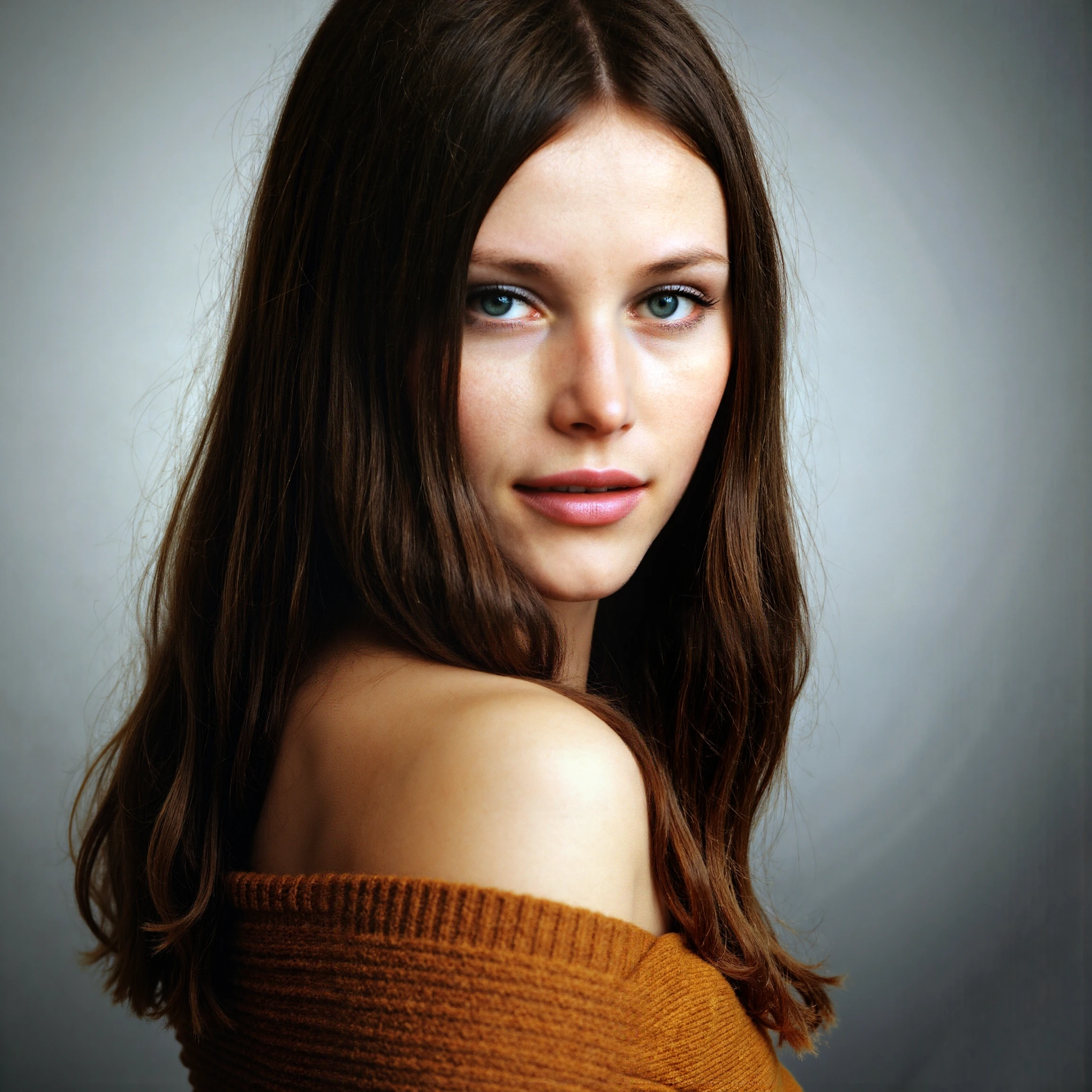
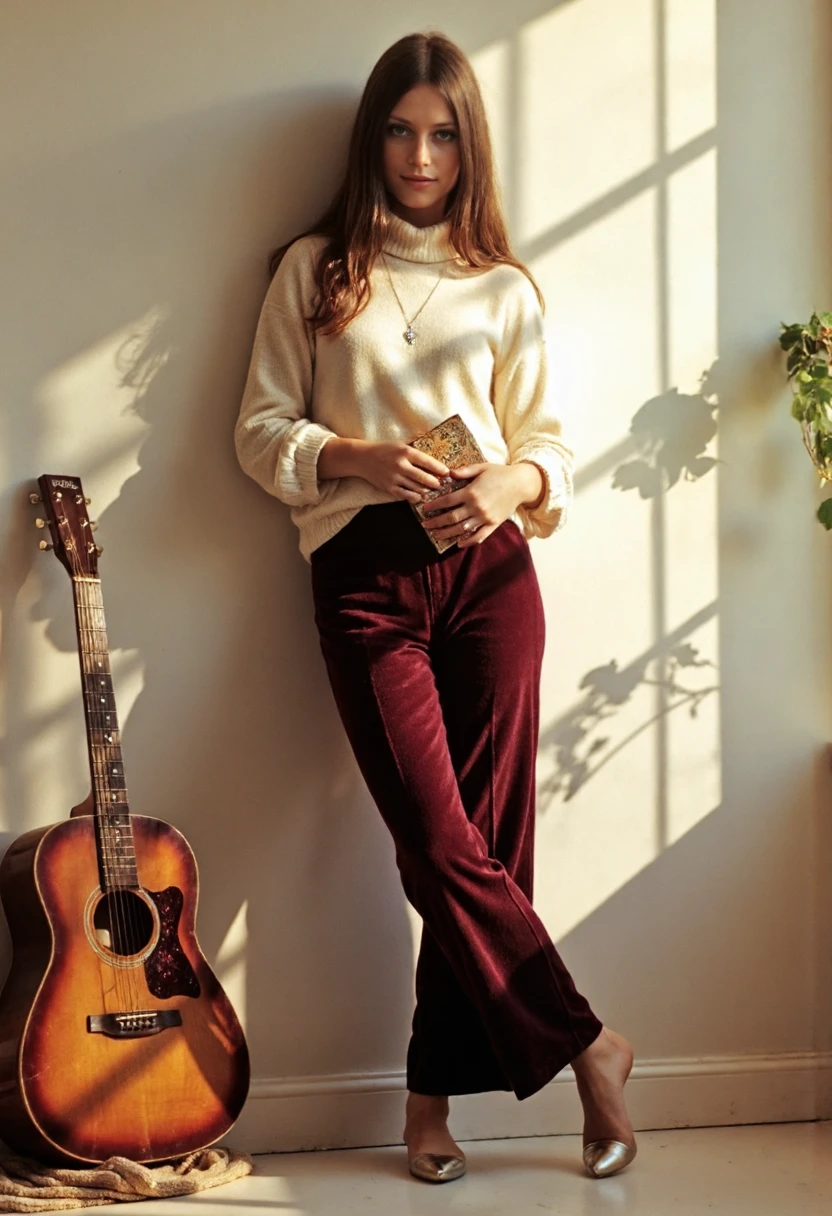
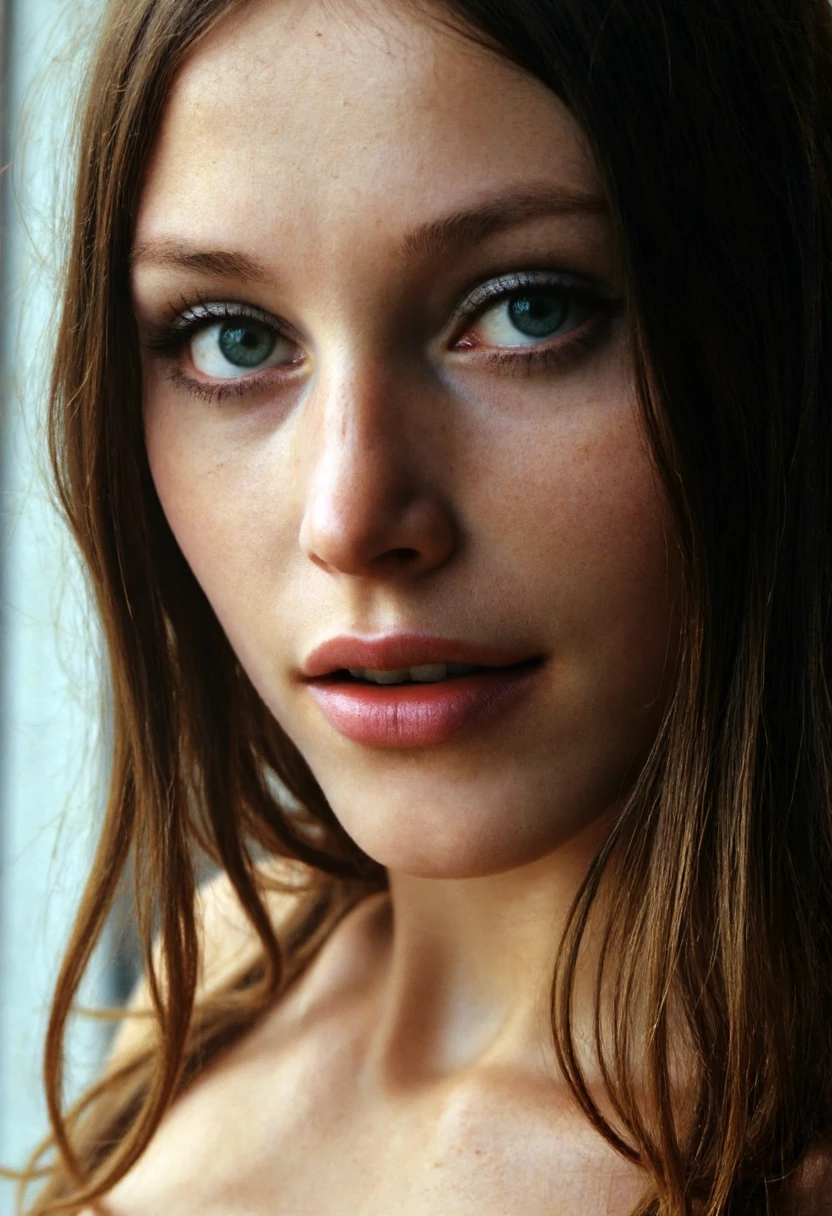
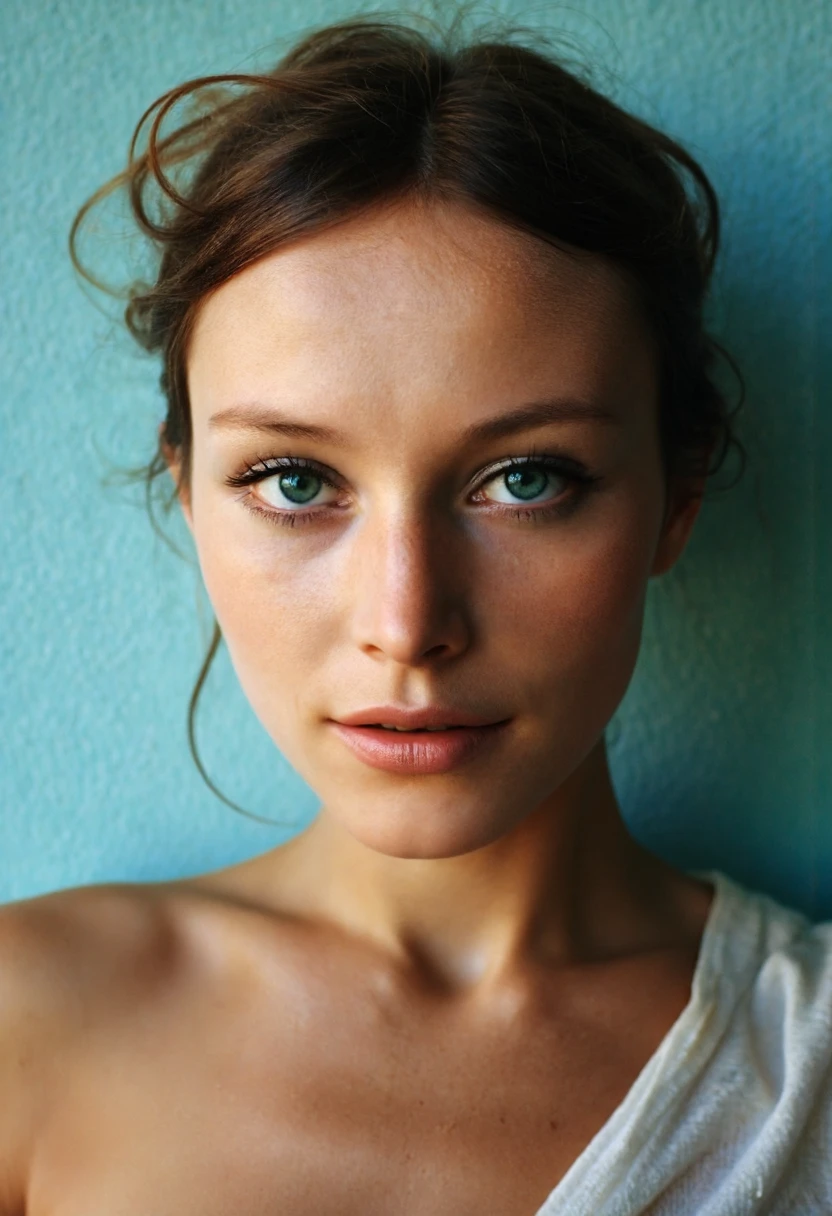
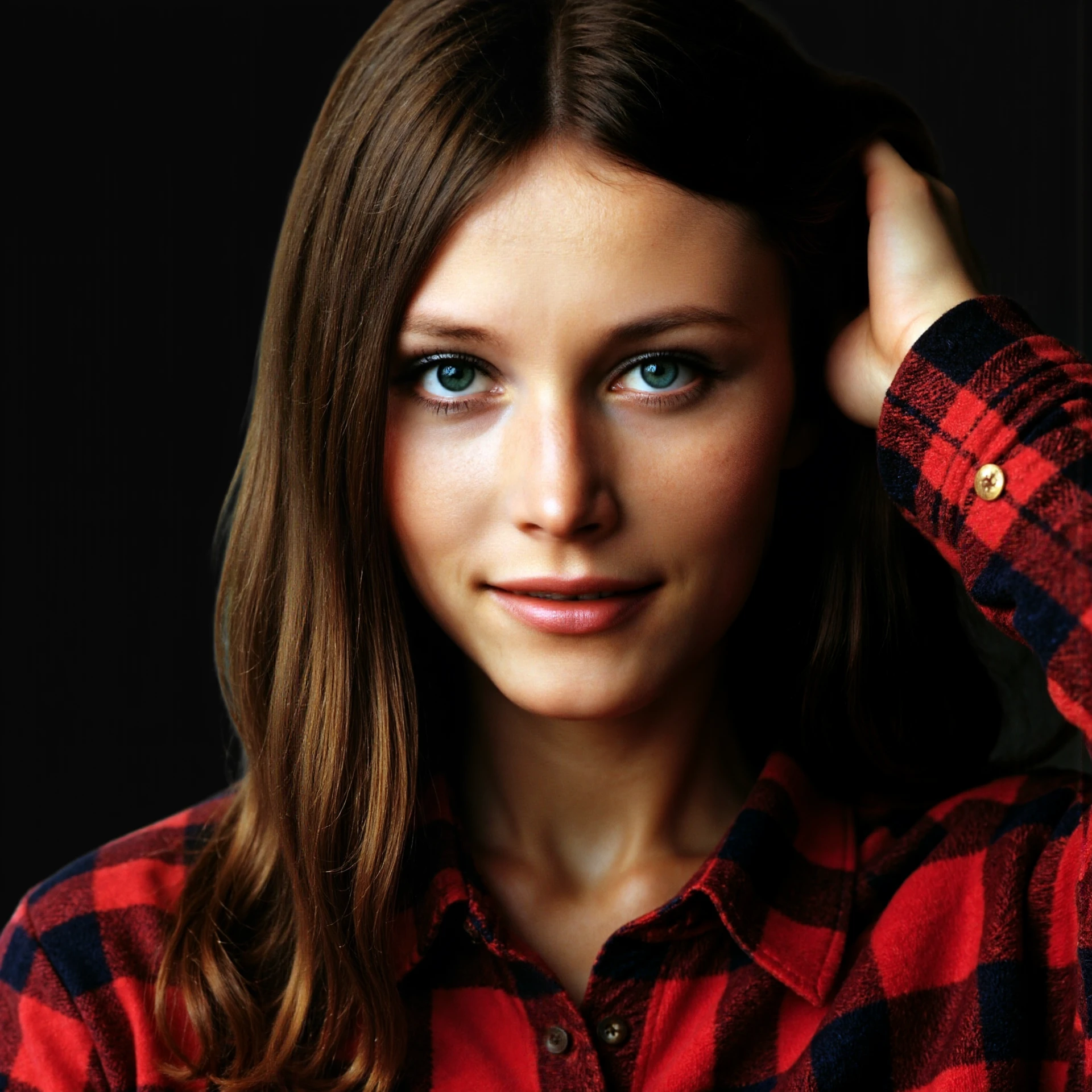
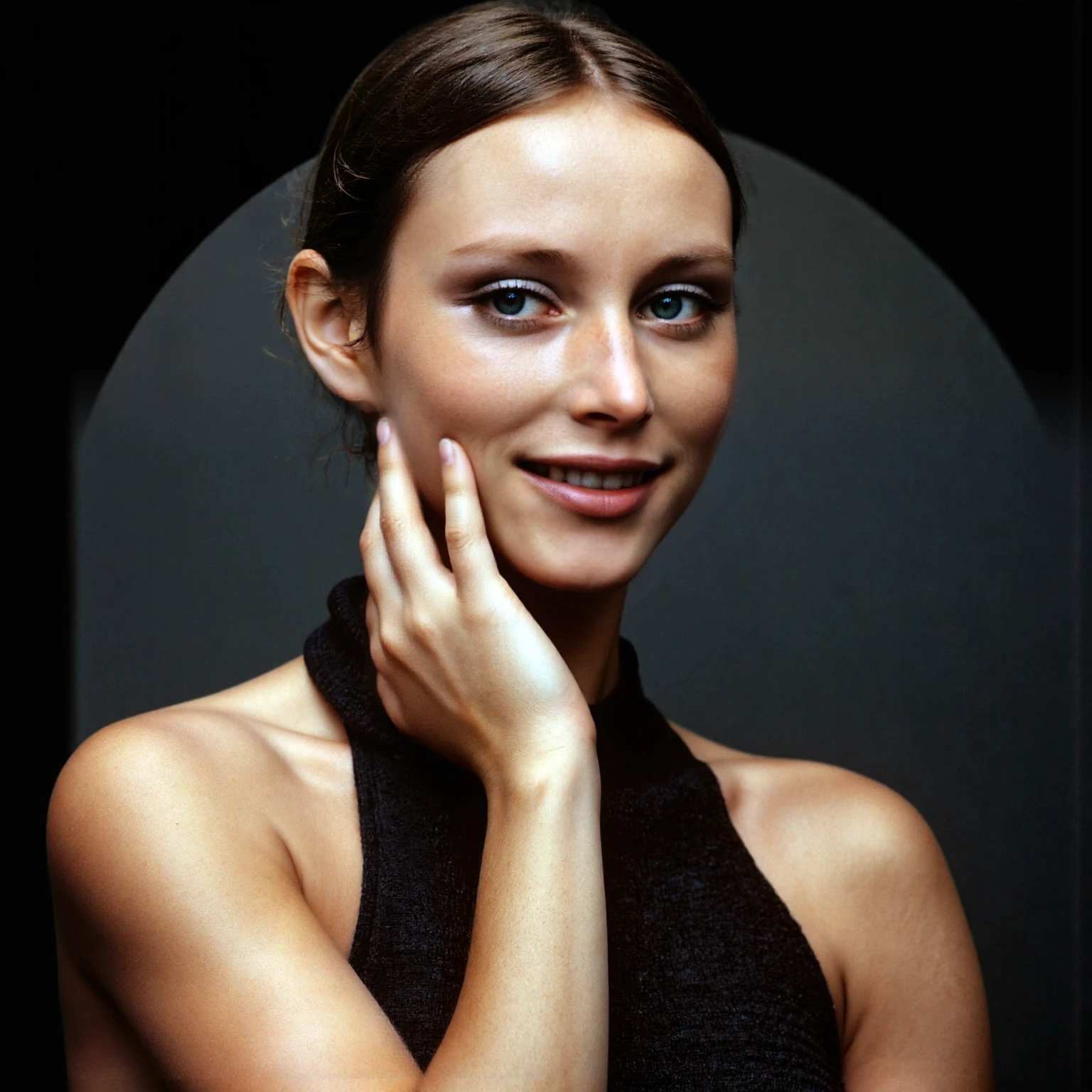
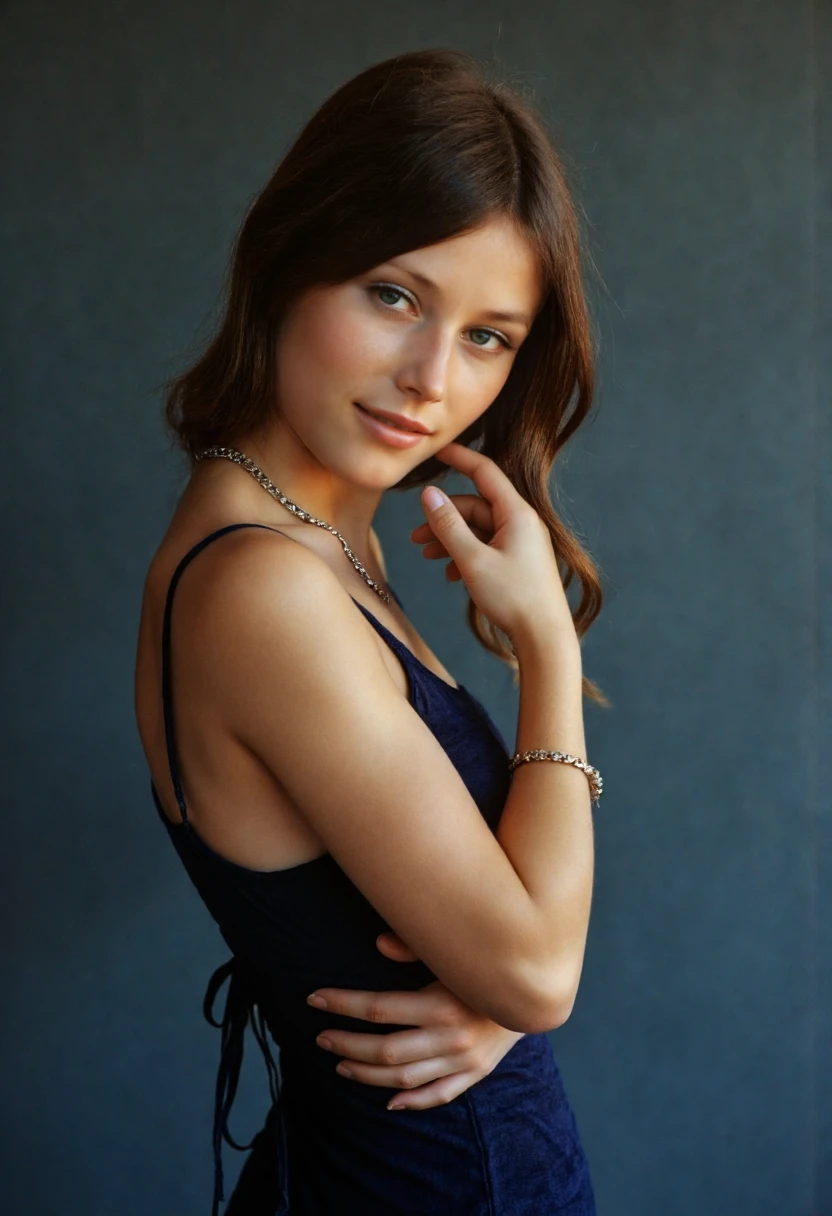

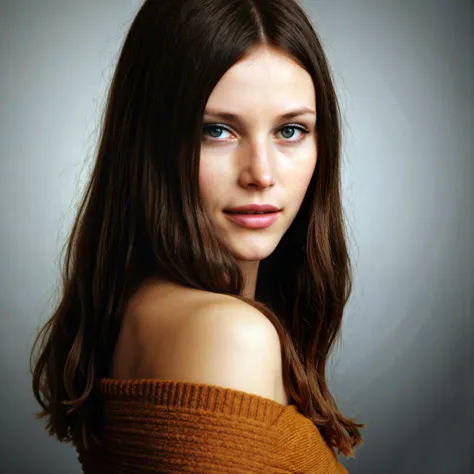
Lena Forsén previously Söderberg is renowned for her dual impact in the modelling industry and technology. Born on the 31st of March 1951 in Jarna, Sweden, she began her career as a model, captivating audiences with her striking presence on runways and magazine covers. Her Playboy modelling career was particularly notable, with her measurements of 34B-26-36 standing at 167cm tall and weighing 50kg; her stunning features earned her a spot at the age of 21as a Playboy Playmate of the Month under the alias Lenna Sjööblom. However, her journey took a pivotal turn when she pursued a degree in computer science at Stanford University. Lena’s technical acumen led her to significant roles at major tech companies, where her work focused on digital imaging.
As a passionate advocate for diversity in tech, Lena Forsén has worked tirelessly to promote STEM education for underrepresented groups. Through her unique blend of modelling and technological innovation, she continues to inspire young women to explore careers in both fields, while also addressing the complexities of digital representation and rights.
In more recent times Lena became embroiled in a controversy surrounding the initial development of JPEG (and MPEG) technology. A 512x512px scan of her featured in the November 1972 Playboy magazine, was used in initial development circles for the USC-SIPI image database to help develop the industry standard JPEG format due to its highly specific and ideal characteristics:
Dubbed "Lenna" The standard test image previously often used to test algorithms in digital image processing. This image officially made Lena the "Patron Saint" of JPEG.
Initially celebrated for its ability to compress images for easier sharing, the format became embroiled in debates about image quality, copyright issues, but in particular relating to the use of her iconic modelling image, which brought attention to the ethical implications of digital media. Feminists critiqued the use of this image to develop technology as the indicator for the male bias present in the STEM industry against women and some even argued to have the image "banned" from the Internet 🙄 (it obviously wasn't and can't be).
But as we know, once it is on the Internet, it is there until the end of time. ✌
Especially when dealing with an image that has been stated to be, "more studied than the Mona Lisa".
Lena herself has been quoted saying in January 2019 (while she wished she had been better compensated) that she was "really proud of that picture". She later argued that it was time for technology engineers to "retire" the use of this image from the development of digital tech.
So please enjoy Lena while you can, in the offhand chance this gets ban hammered from Civitai.
I generate these images via Mcmonkeyprojects' fantastic branch of the SwarmUI (a powerful but easy to use front end for ComfyUI and other backends). I find presently other UIs producing lacklustre results. YMMV.
Model: Flux1-dev with clip_l, t5xxl_fp16.
Steps: 30
CFG Scale: 1
I've had success with a good amount of samplers and schedulers, but at present am using the following,
Sampler: DEIS
Scheduler: Beta
Flux Guidance Scale: 3.5
With SwarmUI use the <Segment:> feature to inpaint particular portions of the output. This can be nearly anything the segment model used was trained on, face, eyes, feet, top, etc.
A general statement I tag to most of these prompts is:
<segment:object,0.7>prompt
Where object is the particular object in the image you'd like to inpaint and the number is the strength. SwarmUI explains additional variables. Use like a superior aDetailer. Yolo models can also be added to SwarmUI and used as well.
These settings can be used to get higher resolution outputs without the banding it produces. Starting with a higher resolution and using this as a Refiner mechanism is often the way to maintain detail fidelity. I generally stay between 1 and 1.25 upscales for this reason.
Refiner Control Percentage: 0.3 - 0.7
Refiner Method: Post-Apply
Refiner upscale: 1 - 1.5
Refiner Upscale Method: Latent: Bislerp
Refiner Do Tiling: Checked (Important!)
Each of these LoRAs take me dozens of hours and GPU usage out of pocket. Every review is appreciated and encourages me to do more of these.

1. 재게시된 모델의 권리는 원 제작자에게 있습니다.
2. 모델 원작자가 모델을 인증받으려면 공식 채널을 통해 SeaArt.AI 직원에게 문의하세요. 저희는 모든 창작자의 권리를 보호하기 위해 노력합니다. 인증하러 이동
