유형
TextualInversion
게시 날짜
2024-09-20
기본 모델
SD 1.5
트리거 단어
NewLightHouseEmbedding
복사

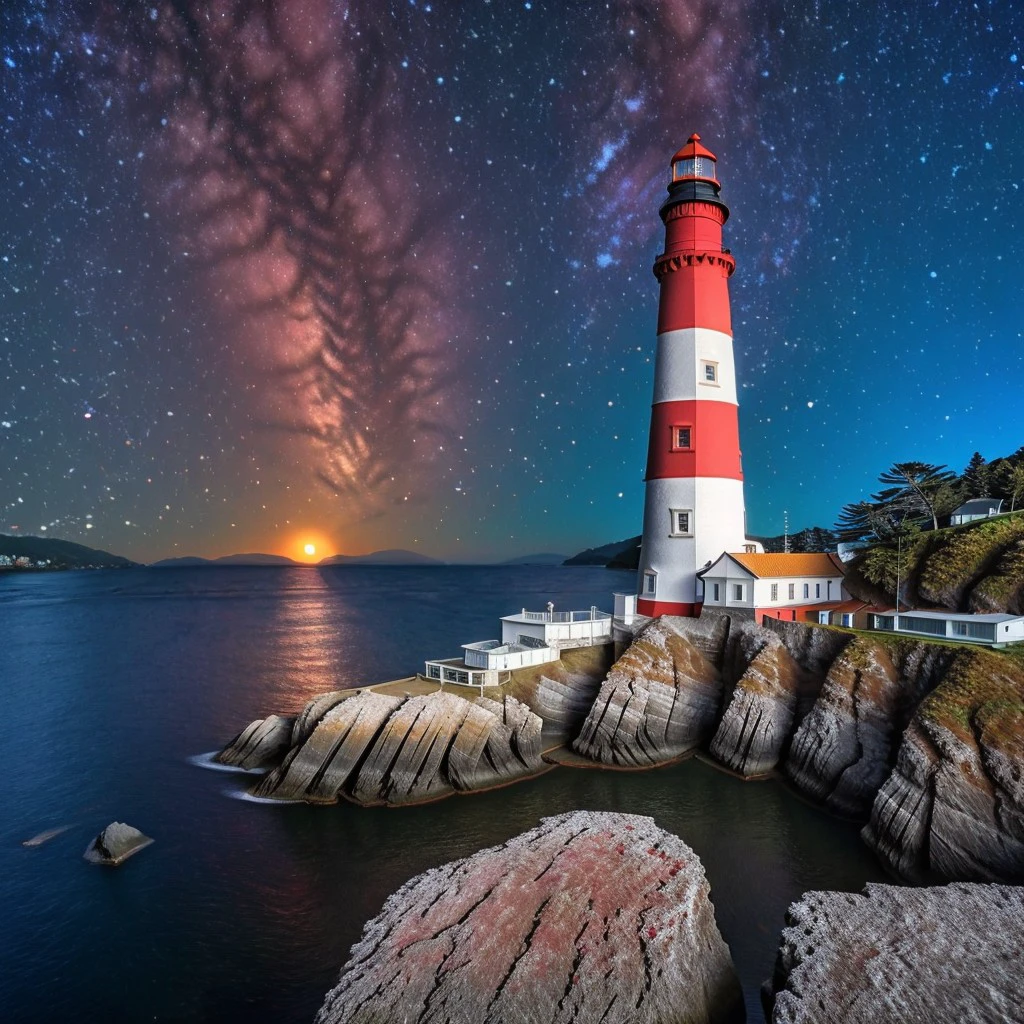
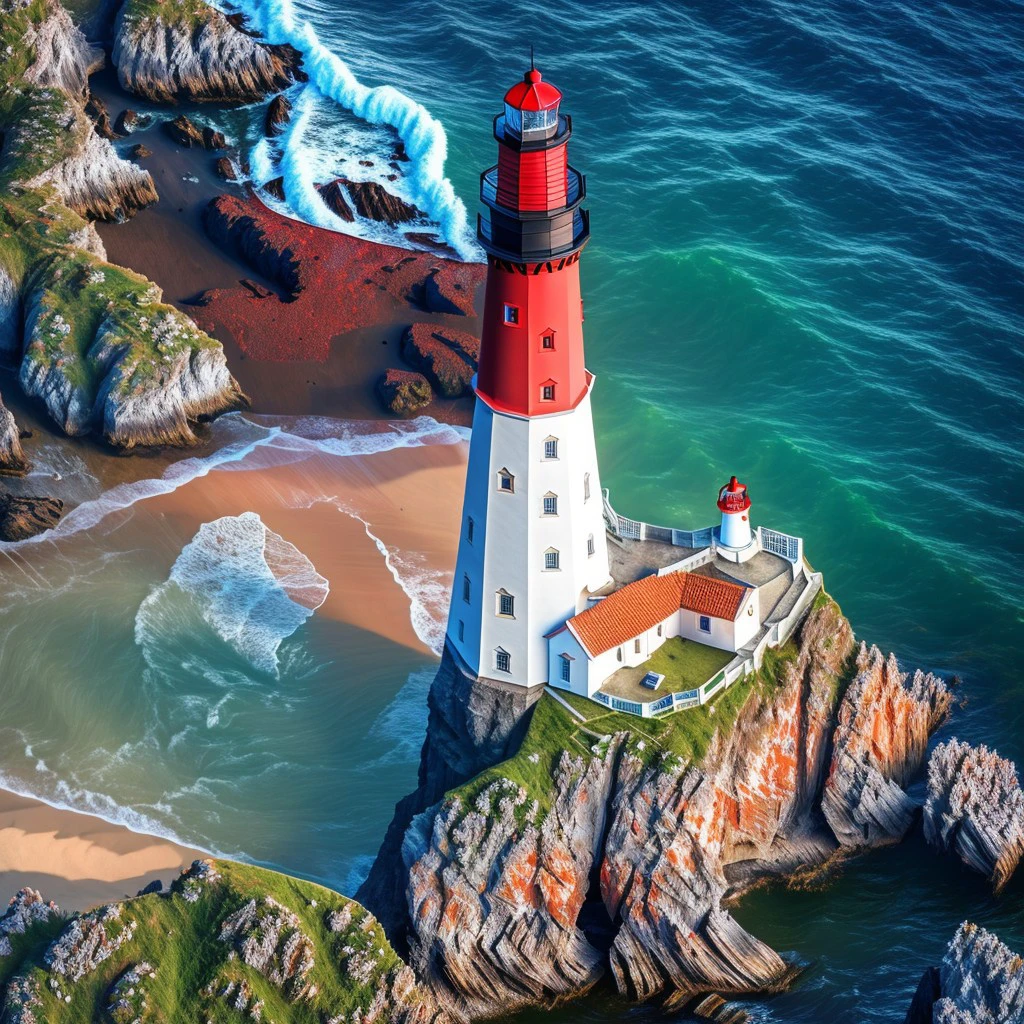
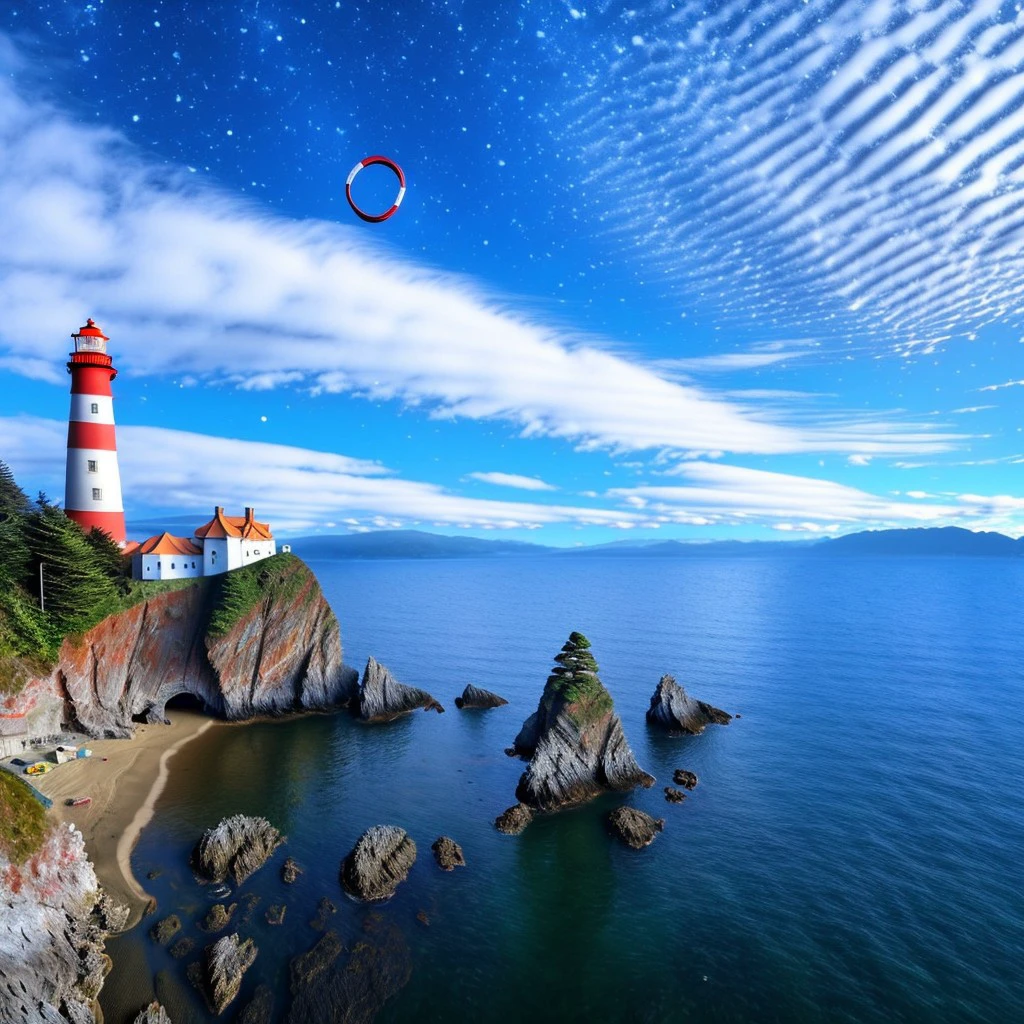
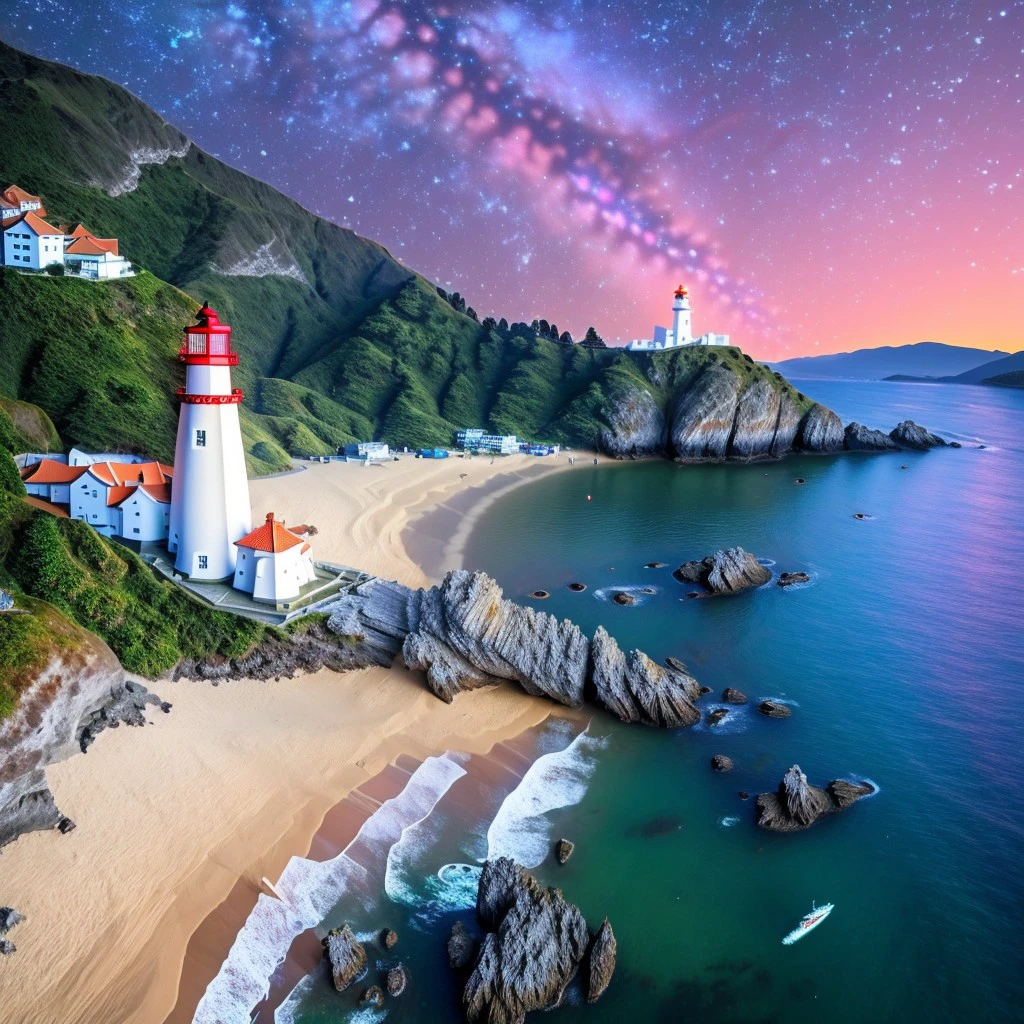
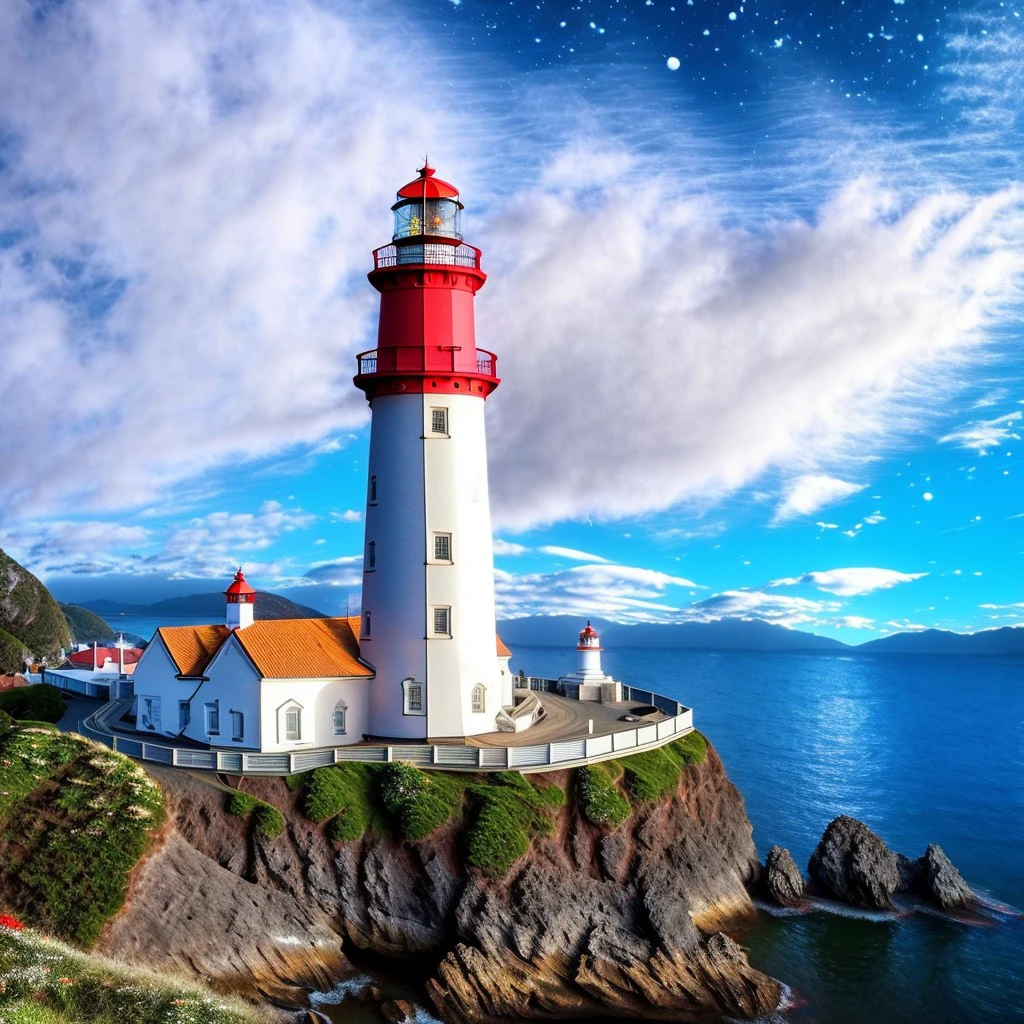
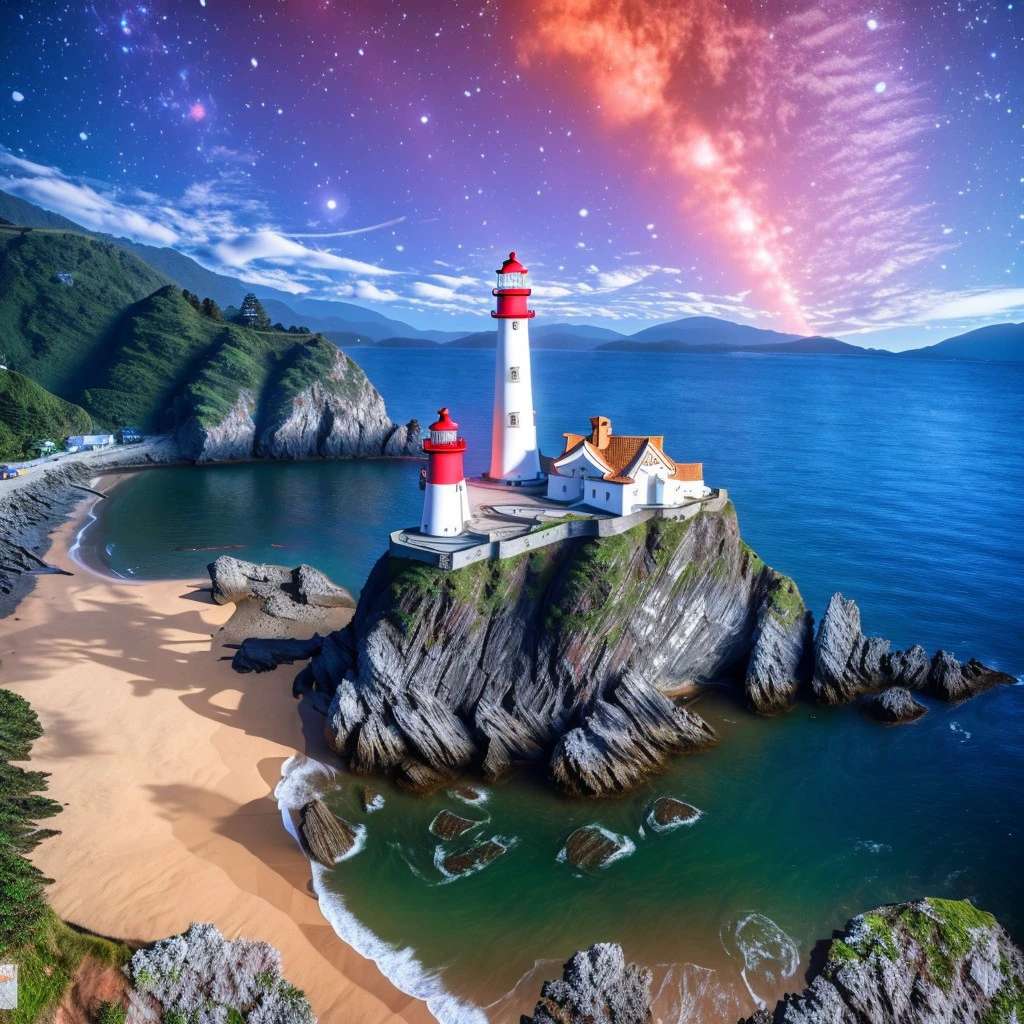
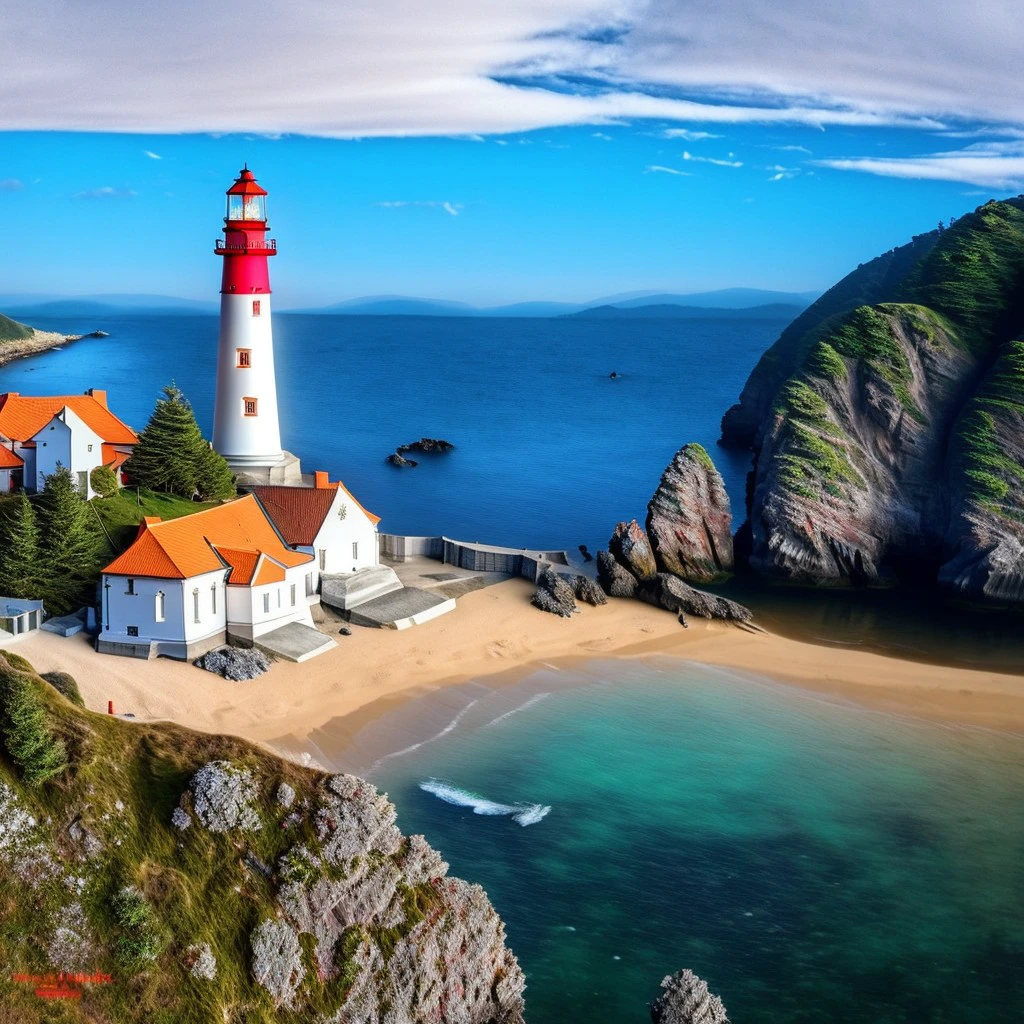
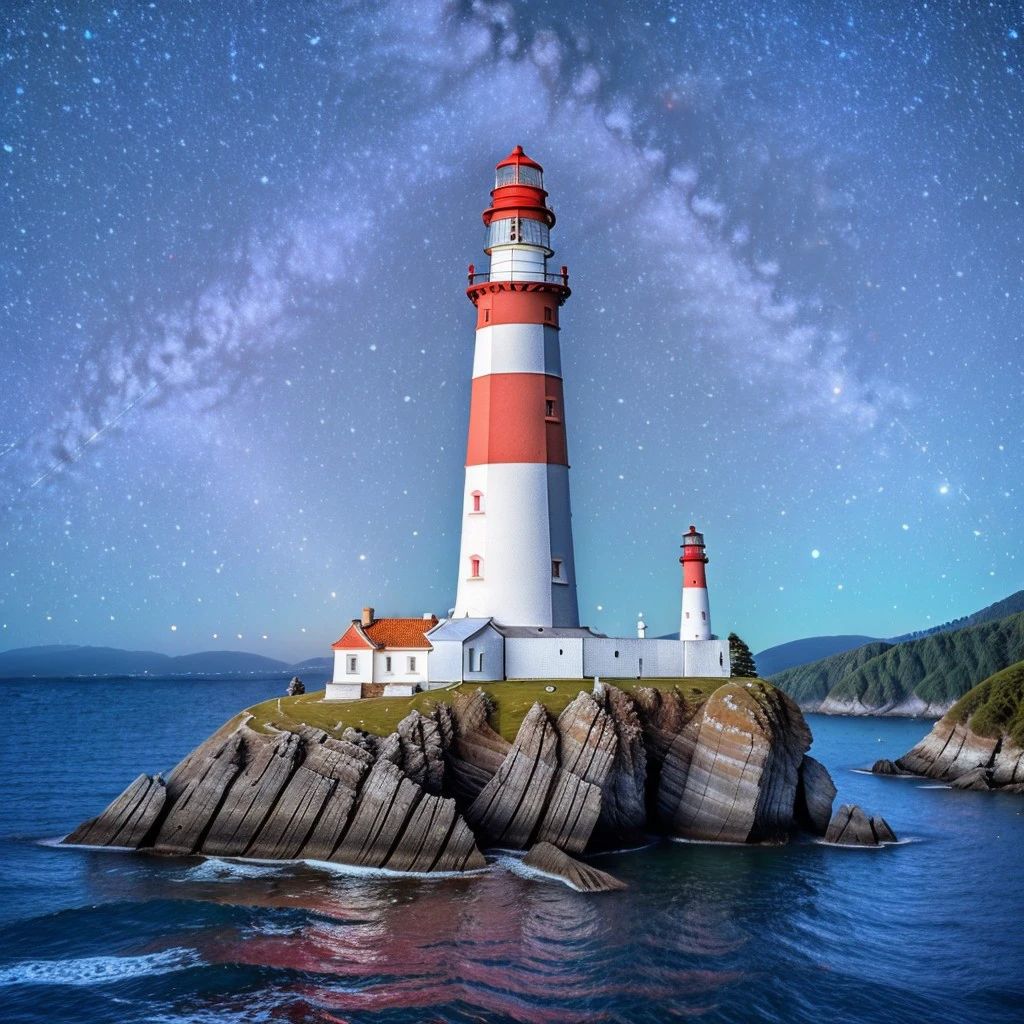
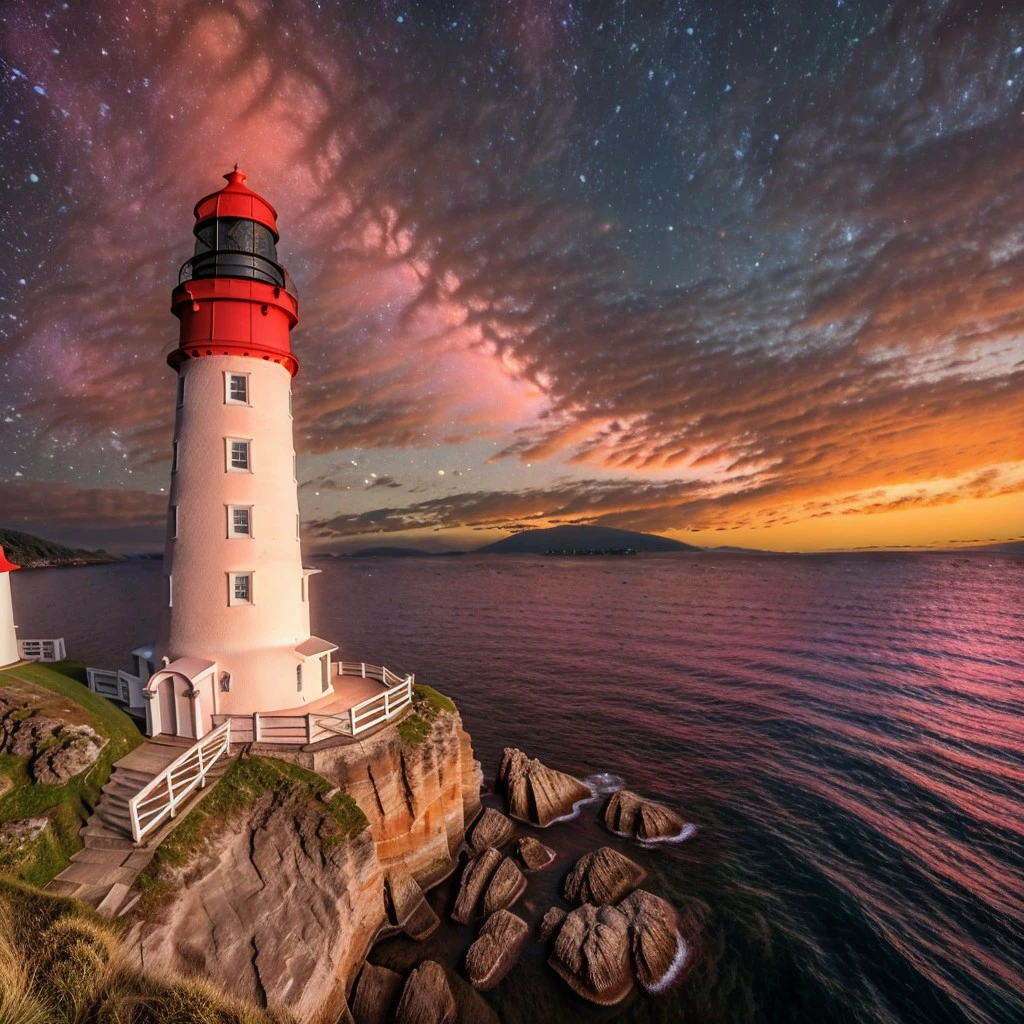
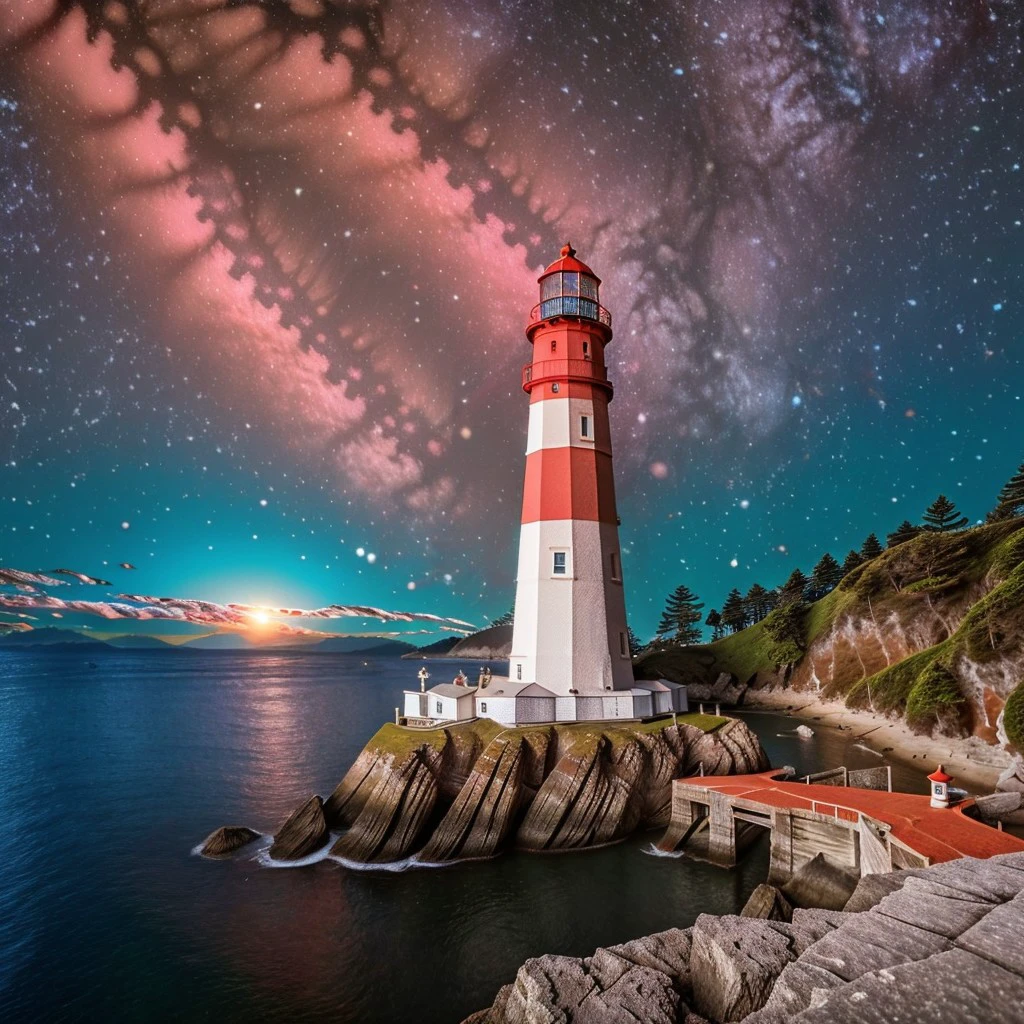
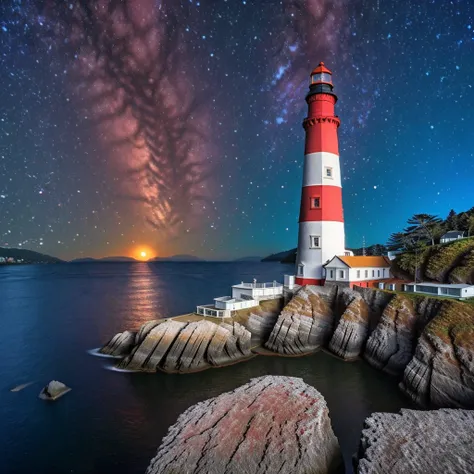
After my first lighthouse Embedding only delivered mediocre results, I created a new model with new parameters. The results are now more or less what I expected.
When creating the image, you have to weigh up whether the image without embedding is better than the image with embedding.
You cannot really avoid experimenting. This is similar to the problem that every added or removed letter in a Prompt changes the image.
Now, creates from cae to case a better looking red-white colored lighthouse with surrounding.
Trials have shown that both the Interpretation of the Prompt and the background itself are influenced.
For further description, a distinction is made between Model Name and Model Weight and the Trigger Words.
A minimal working Prompt looks like
lighthouse, NewLighthouseEmbedding:0.5Using this Prompt the image quality will be most of the time worst without further steps. In principle the Prompt must contains 'lighthouse' as well as 'NewLighthouseEmbedding:0.5' using different values for the weight.
A good Prompt without Embedding e.g. is
masterpiece, intricate photo, large lighthouse image-dominating with red-white colored ring-sections on a rock in the ocean bay, rough foggy sea, blue light at the horizon, photo realistic, hyper realistic, highly detailed, sharp focus, best quality, high resolution, 8K, HDR A good Prompt with Embedding e.g. is
masterpiece, intricate photo, large lighthouse image-dominating with red-white colored ring-sections on a rock in the ocean bay, rough foggy sea, blue light at the horizon, photo realistic, hyper realistic, highly detailed, sharp focus, best quality, high resolution, 8K, HDR, NewLighthouseEmbedding:1.0I have reworked my pictures for this model. I deleted one picture because the lighthouse on it was too small. I deleted two pictures because the lighthouses could not be clearly identified as such. So in the end there are 10 pictures left for the training.
The used square photos have a resolution of 512 x 512 pixel.
For the training I used a Textual Inversion template text file, where im using [name] an not [filewords] like this
a photo of a [name]
a full scale photo of a [name]
a intricate photo of a [name]
a detailed photo of a [name]
a photorealistic photo of a [name]
In addition I changed some parameters.
Have a nice day. Have fun. Be inspired!

1. 재게시된 모델의 권리는 원 제작자에게 있습니다.
2. 모델 원작자가 모델을 인증받으려면 공식 채널을 통해 SeaArt.AI 직원에게 문의하세요. 저희는 모든 창작자의 권리를 보호하기 위해 노력합니다. 인증하러 이동
