유형
Other
게시 날짜
2023-08-13
기본 모델
Other
버전 소개
Initial upload

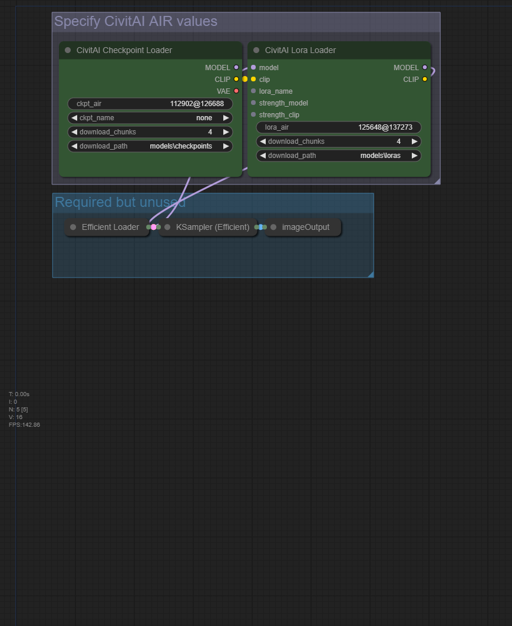
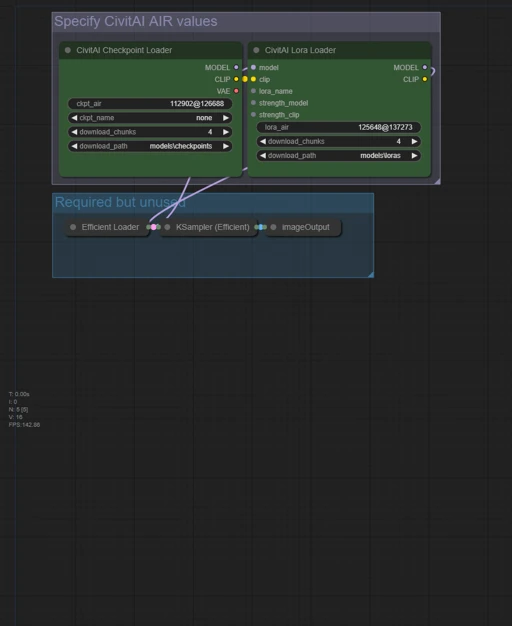
As I'm spending more time in ComfyUI, I thought it would be useful to have a simple workflow that has the minimum required nodes to download a model based on its AI Resource Identifier (AIR) code.
Note: this workflow requires the ComfyUI custom workflow civitai_comfy_nodes. I recommend installing it using ComfyUI-Manager, but that's not required.
In ComfyUI, click Load, and find this workflow PNG.
If you don't have civitai_comfy_nodes installed yet, do that. (ComfyUI-Manager has a handy install missing custom nodes button which makes this easy.) Restart ComfyUI if needed.
Go to your CivitAI Account Settings page, scroll down to Browsing Settings, and enable AI Resource Identifier, if you had not already.
Now, just go to the model you would like to download, and click the icon to copy the AIR code to your clipboard.
Back in ComfyUI, paste the code into either the ckpt_air or lora_air field. Change the download_path field if you want, and click the Queue button. The node will show download progress, and it'll make a little image and ding when it's done.
(Honestly it took me longer to write these instructions than it'll take you to do the above and download a small lora. :D )

Initial upload
1. 재게시된 모델의 권리는 원 제작자에게 있습니다.
2. 모델 원작자가 모델을 인증받으려면 공식 채널을 통해 SeaArt.AI 직원에게 문의하세요. 저희는 모든 창작자의 권리를 보호하기 위해 노력합니다. 인증하러 이동
