
유형
LORA
게시 날짜
2024-11-08
기본 모델
SDXL 1.0
트리거 단어
among us
복사

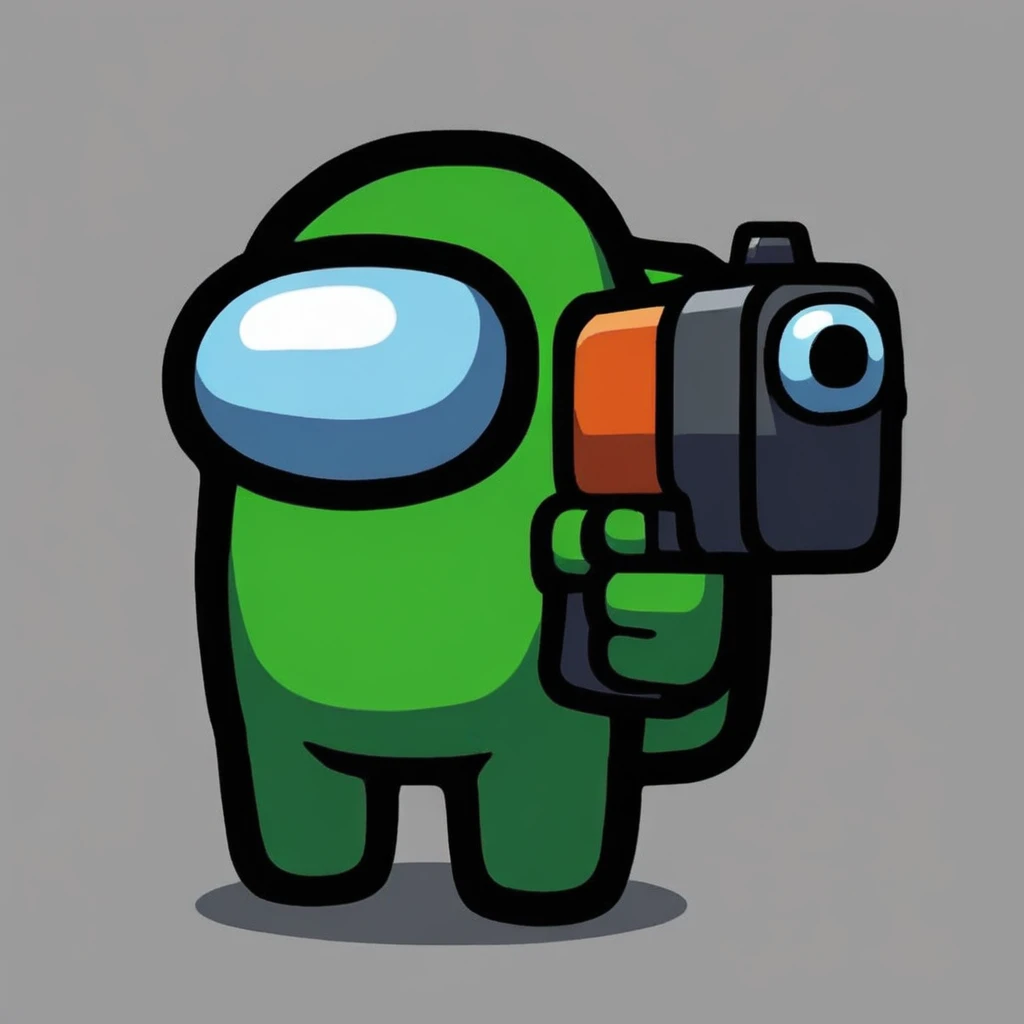
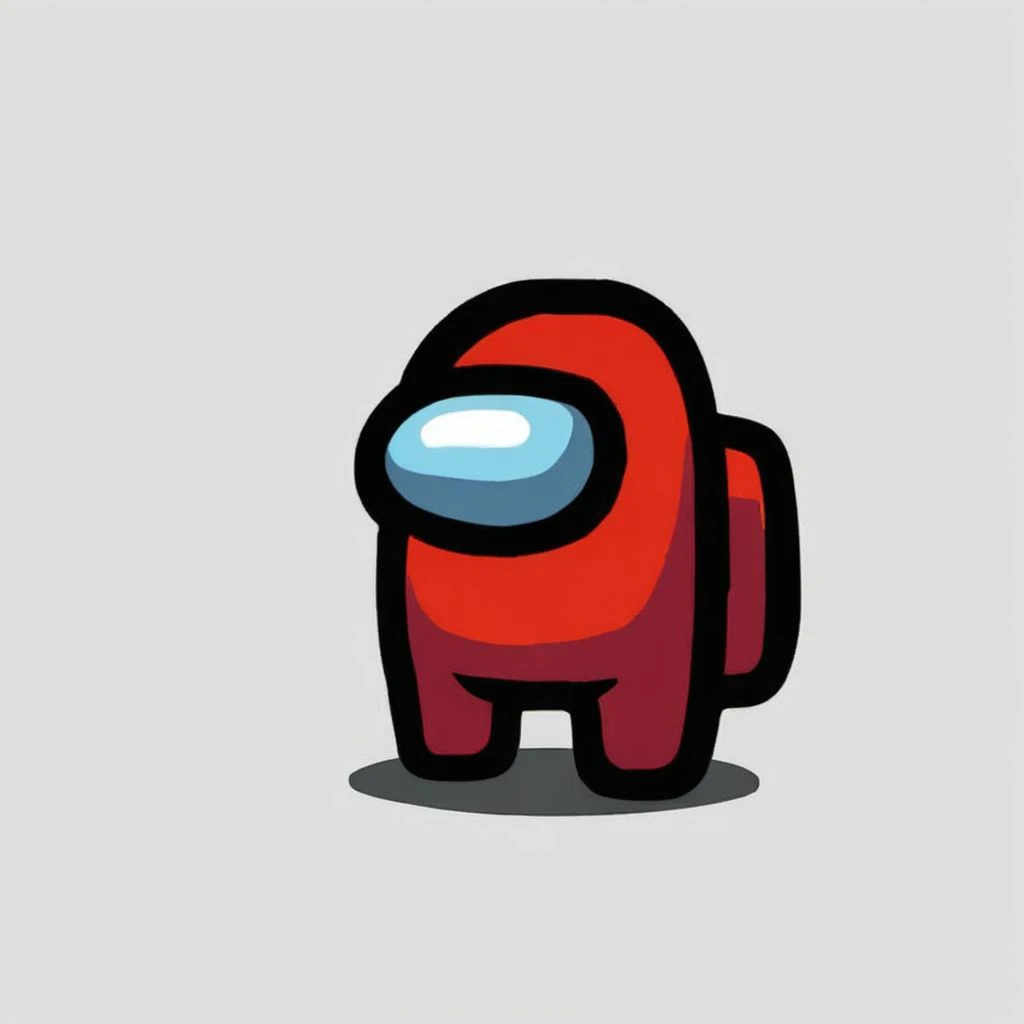
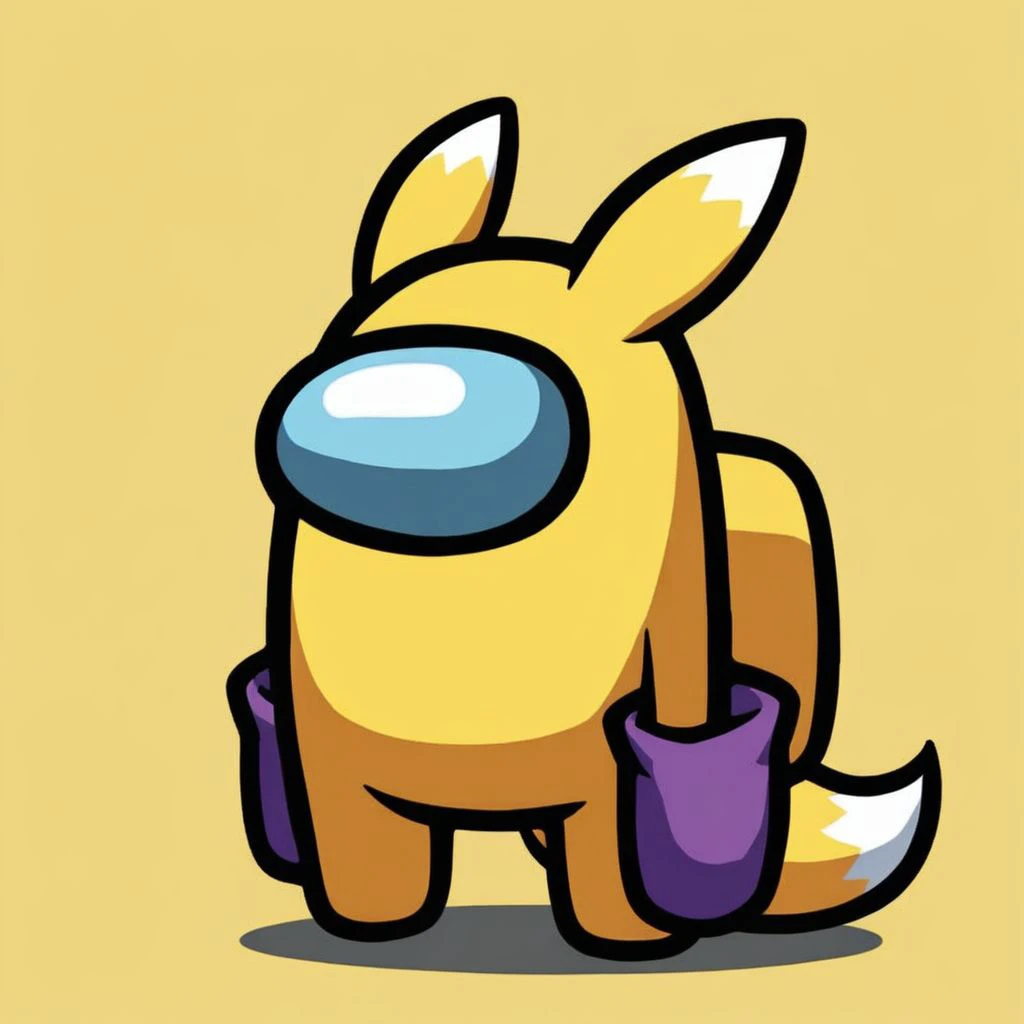
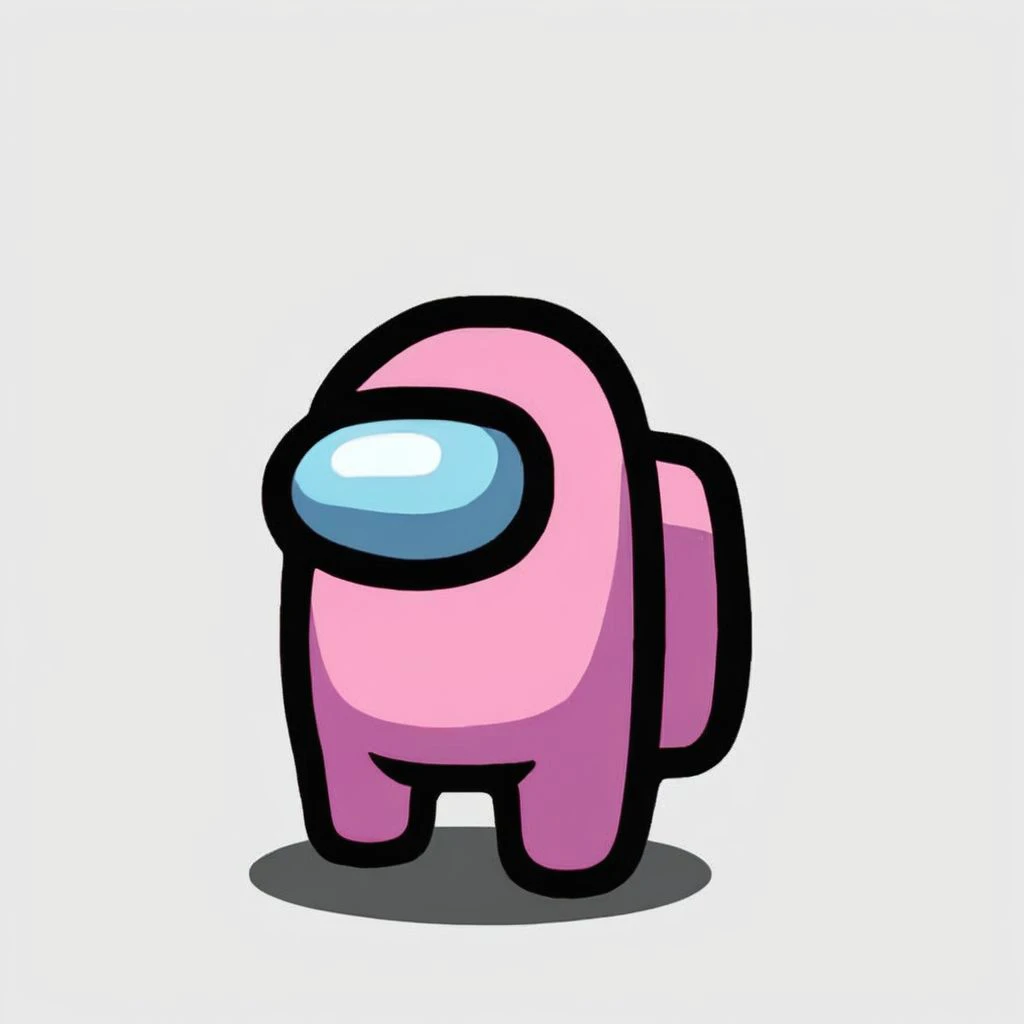
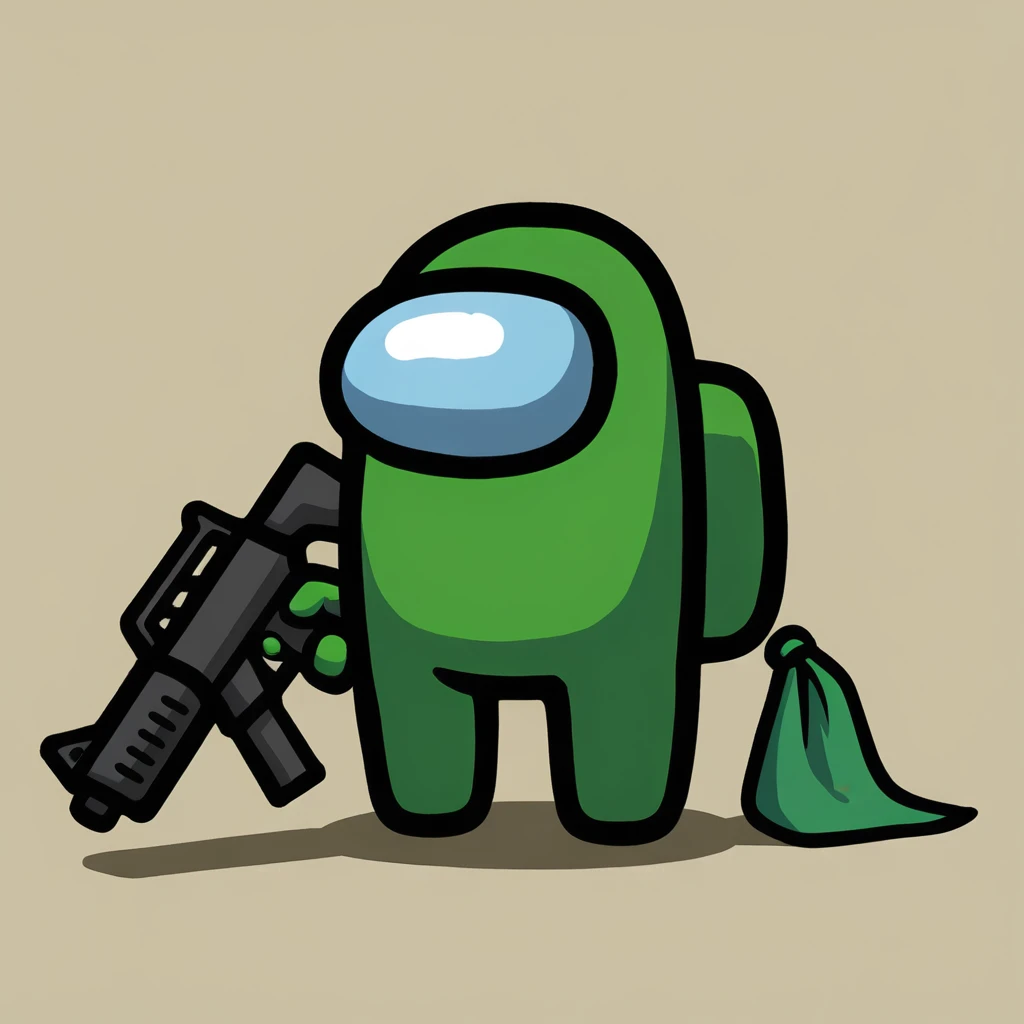
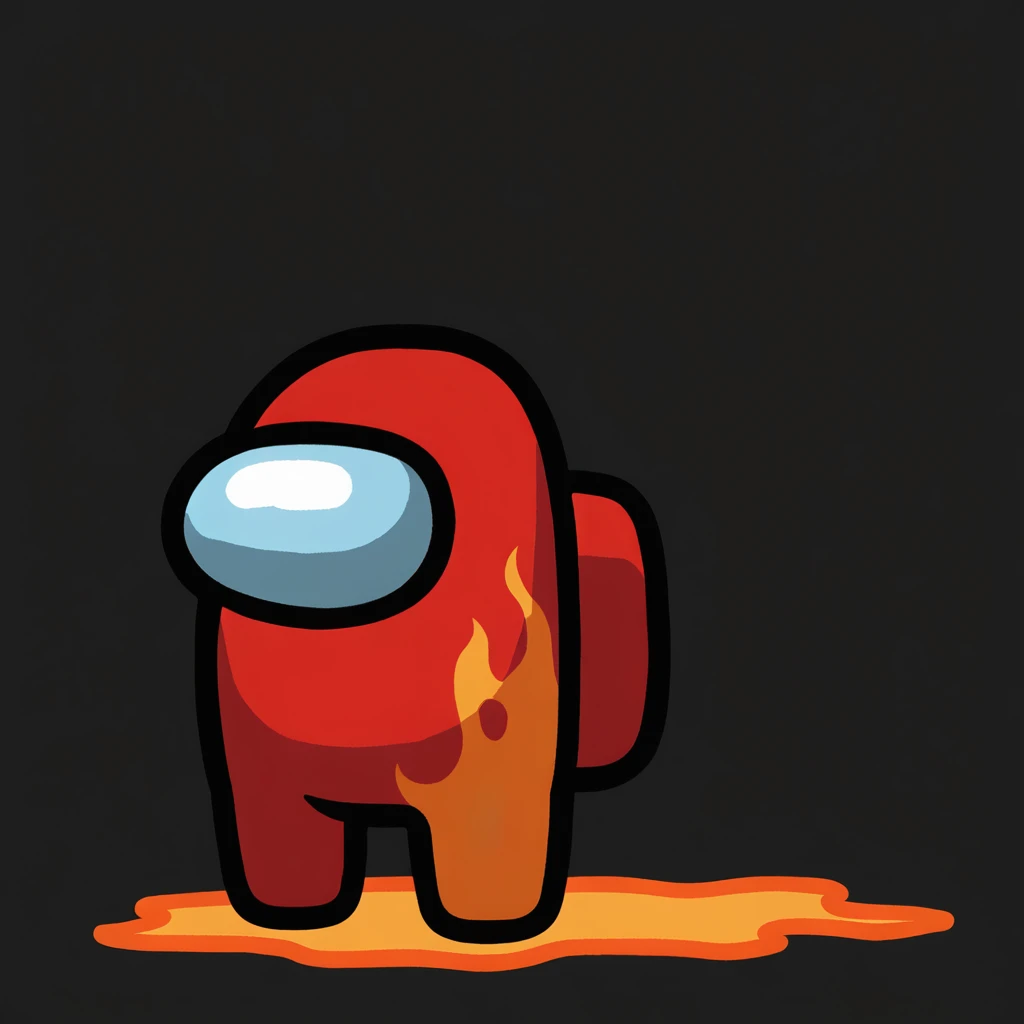

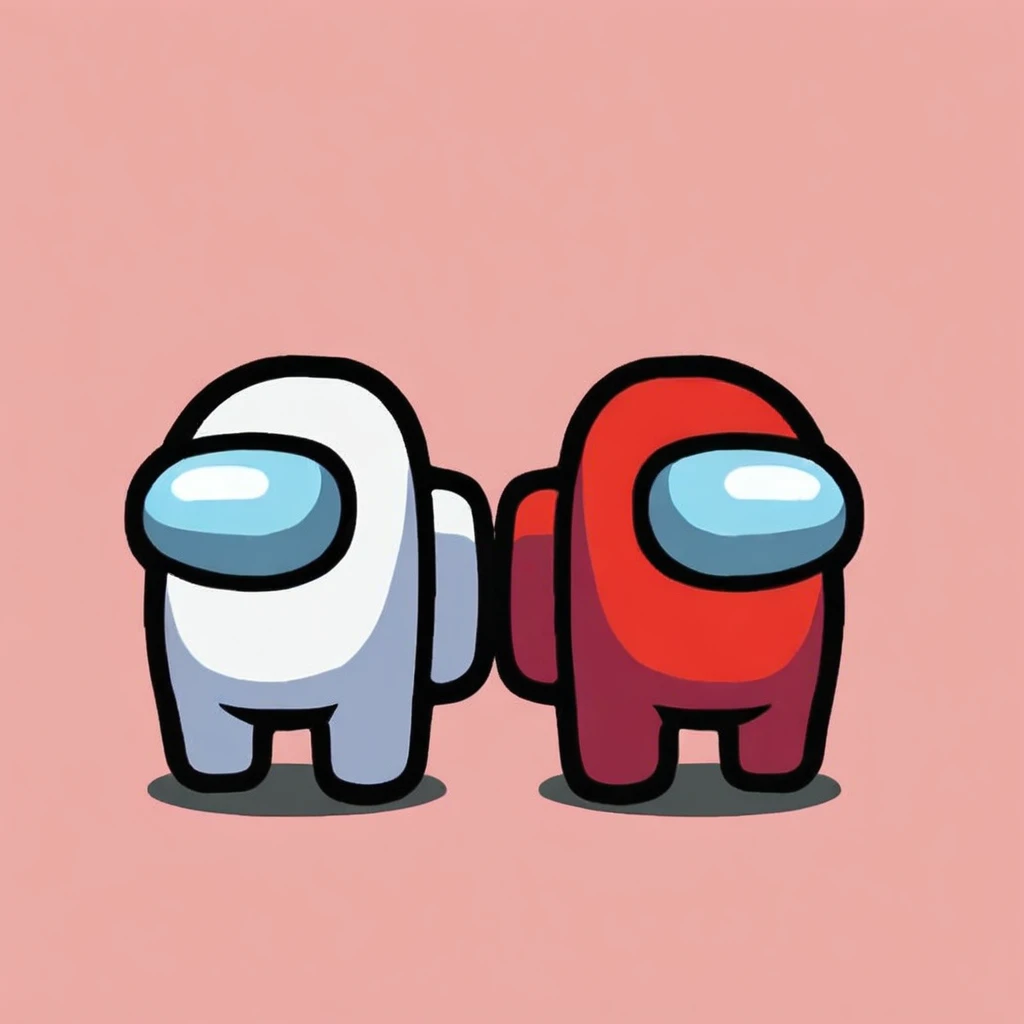

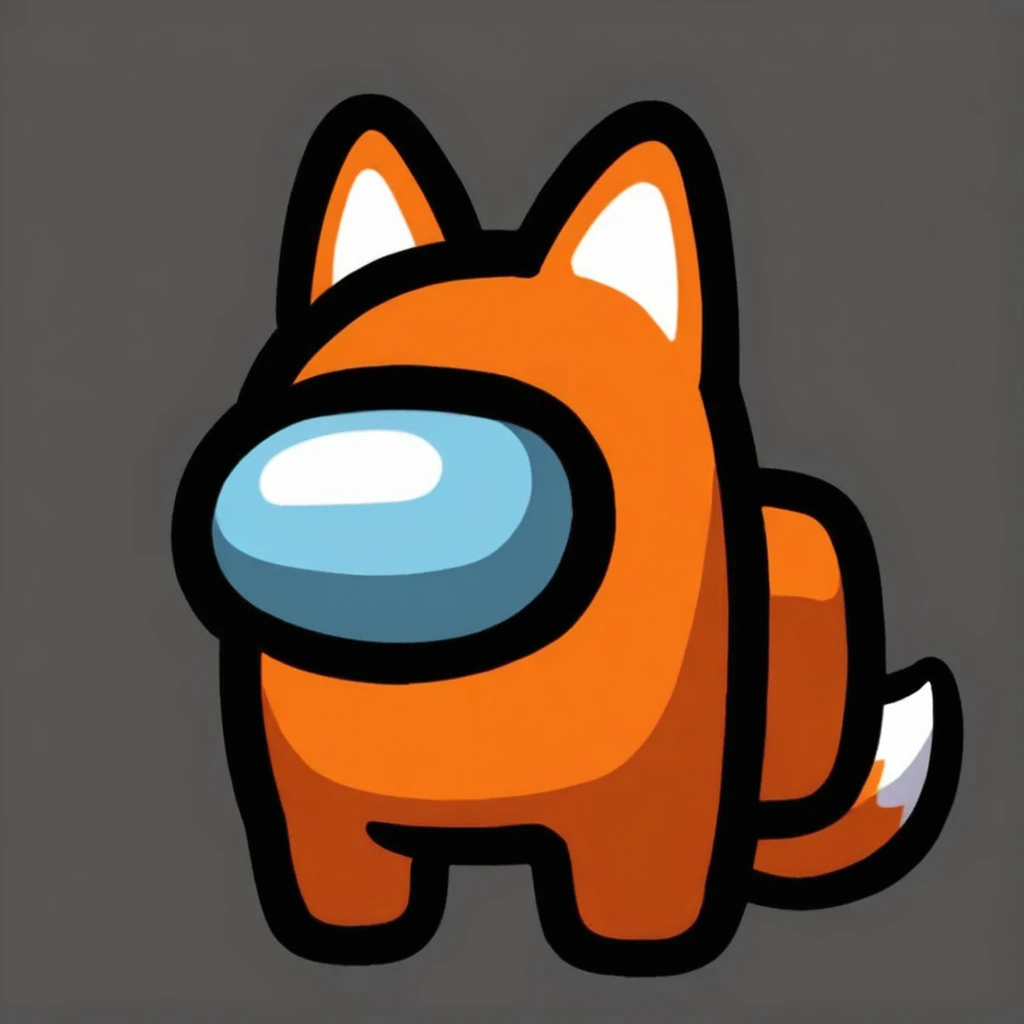
![Among Us Concept LoRA [NoobAI-XL]](https://image.cdn2.seaart.me/temp-convert-webp/highwebp/static/images/20241108/c79fdf9b326b57294f992813277fb5b6_low.webp)
Settings and Recommendations:
Weight: Suggested range is between 0.8 and 1.2, with 1 as the optimal starting point.
Image Dimensions: Ideal dimensions are 1024x1024 for best results.
Avoid Prompting for Eyes: To maintain the aesthetic, avoid eye-specific prompts.
Key Trigger Words: Use the following trigger words to activate the "Among Us" concept:
crewmate (among us)
spacesuit
no humans
space helmet
full body
solo
Step-by-Step Guide to Using LoRA in auto1111:
Download LoRA: Start by downloading the desired LoRA model.
File Placement: Place the LoRA file into the stable-diffusion-webui/models/lora directory in your system.
Select and Activate: In auto1111, choose your LoRA model and include the relevant trigger words listed above in your prompt.
Adjust Weight: Depending on the effect you want, tweak the weight from the default range (typically between 0.5 and 0.8).
Experiment and Enjoy: Modify settings as you explore different styles and character models for unique results!

1. 재게시된 모델의 권리는 원 제작자에게 있습니다.
2. 모델 원작자가 모델을 인증받으려면 공식 채널을 통해 SeaArt.AI 직원에게 문의하세요. 저희는 모든 창작자의 권리를 보호하기 위해 노력합니다. 인증하러 이동
