
유형
LORA
게시 날짜
2024-03-02
기본 모델
SDXL 1.0
트리거 단어
shot in the point of view from the back of a
복사
버전 소개
Epoch 18 out of 44. Recommended weight at 0.85.

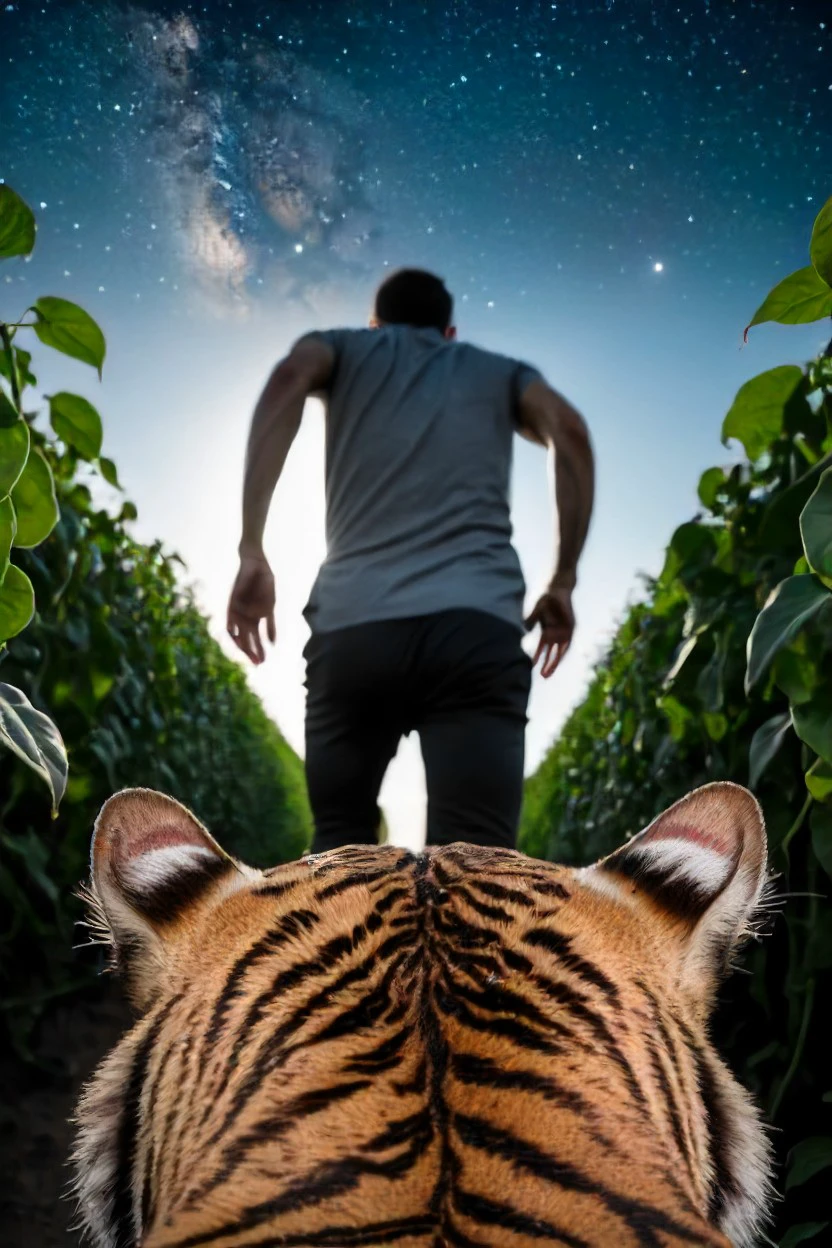
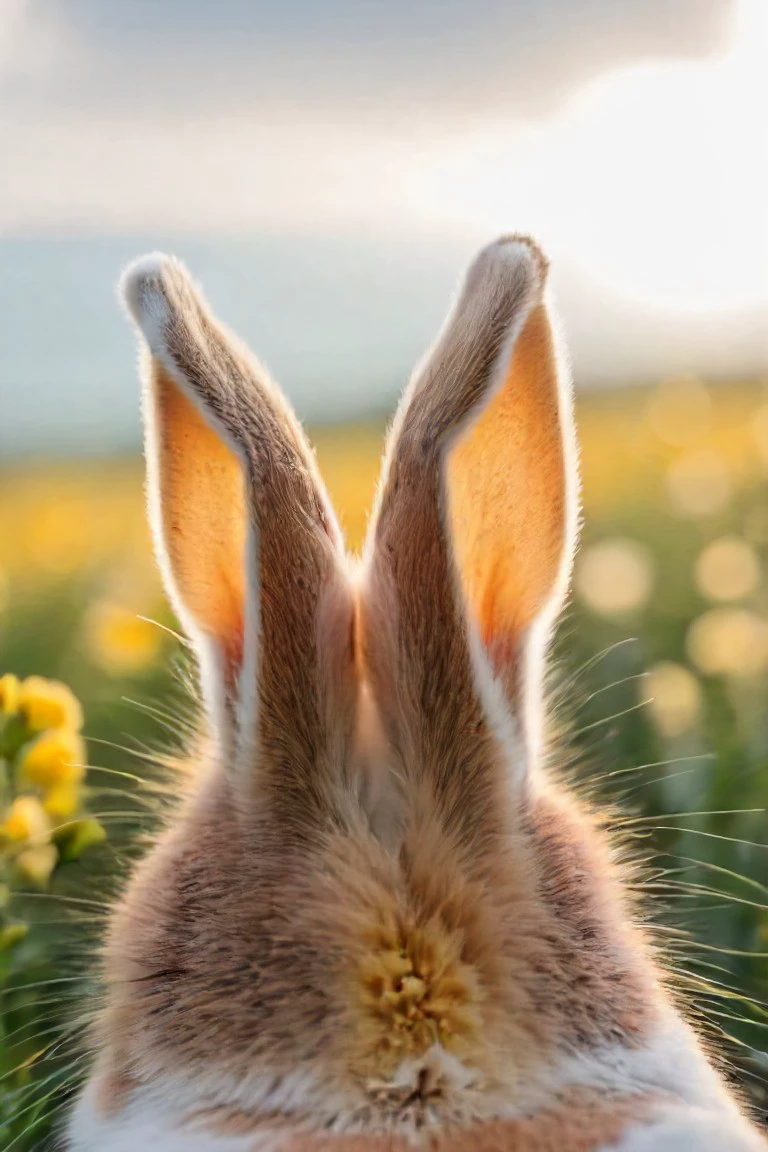
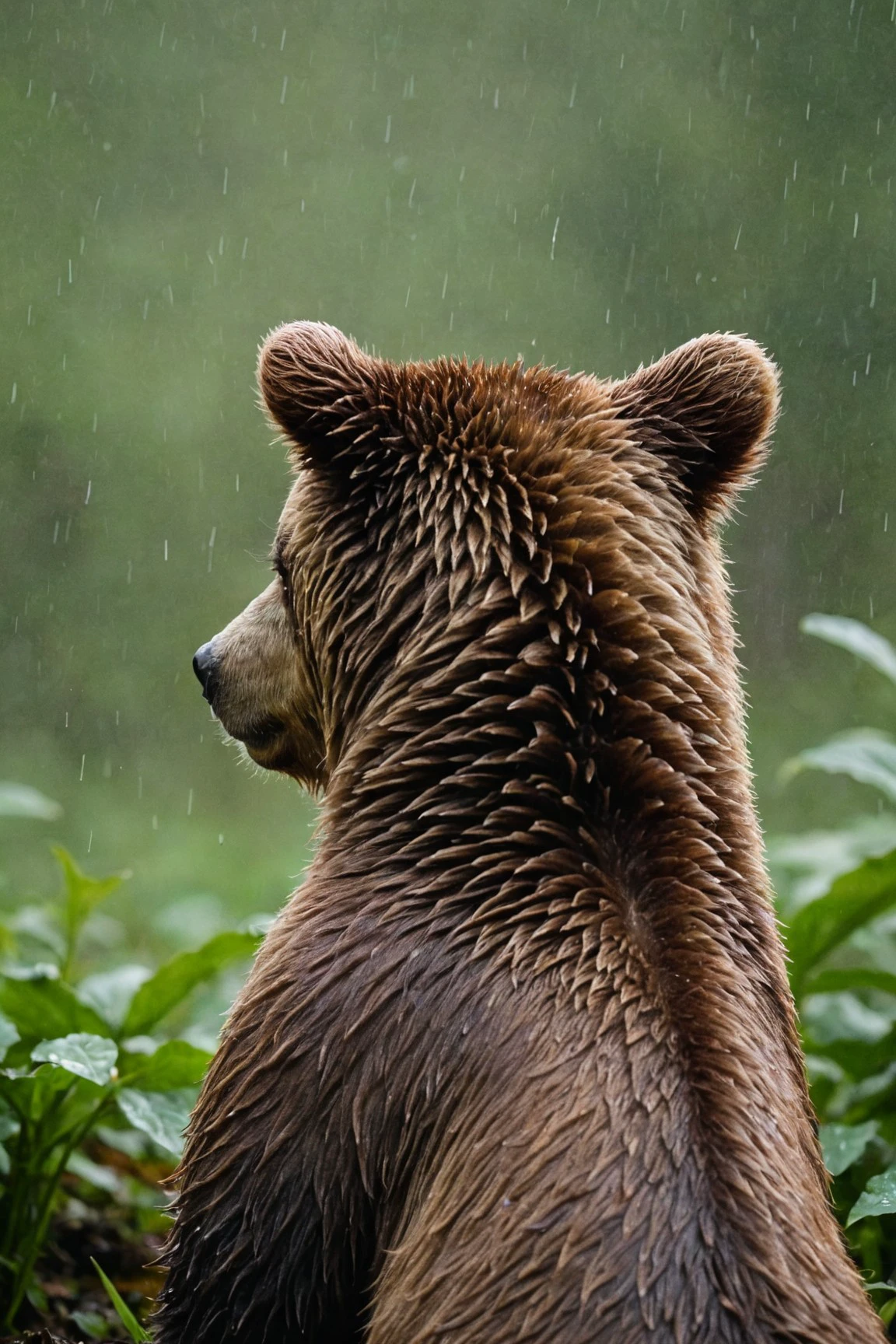
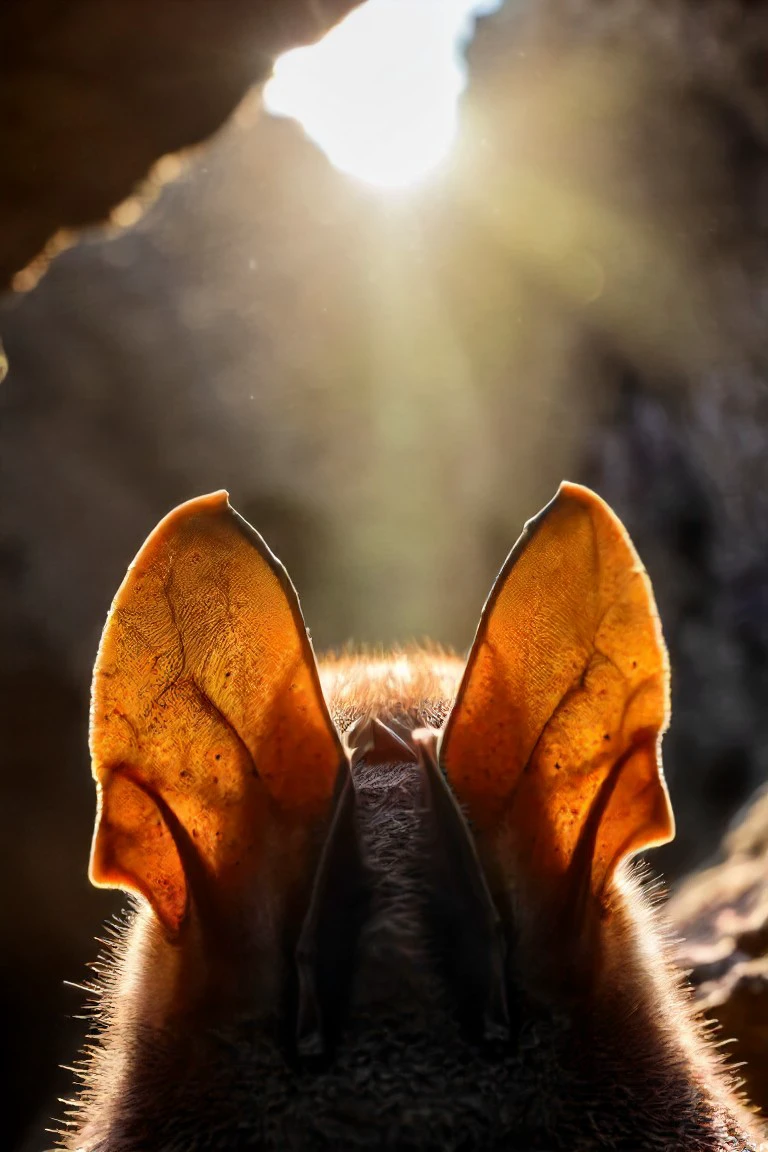
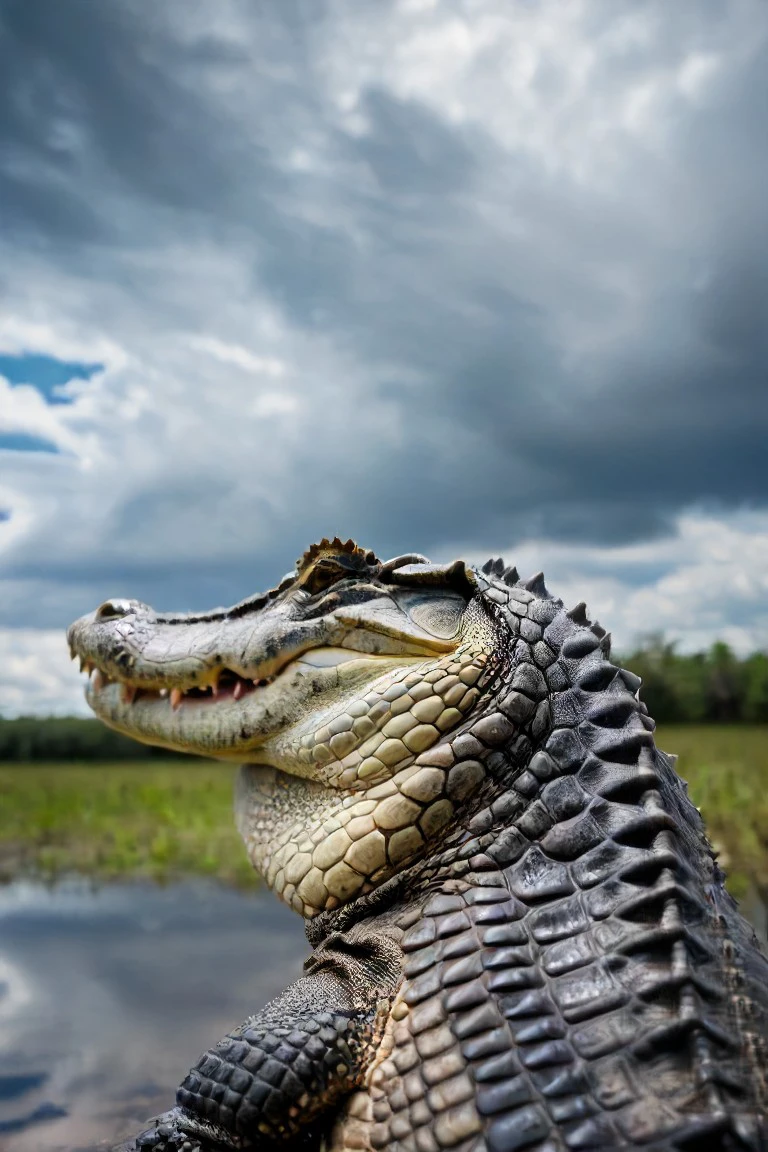
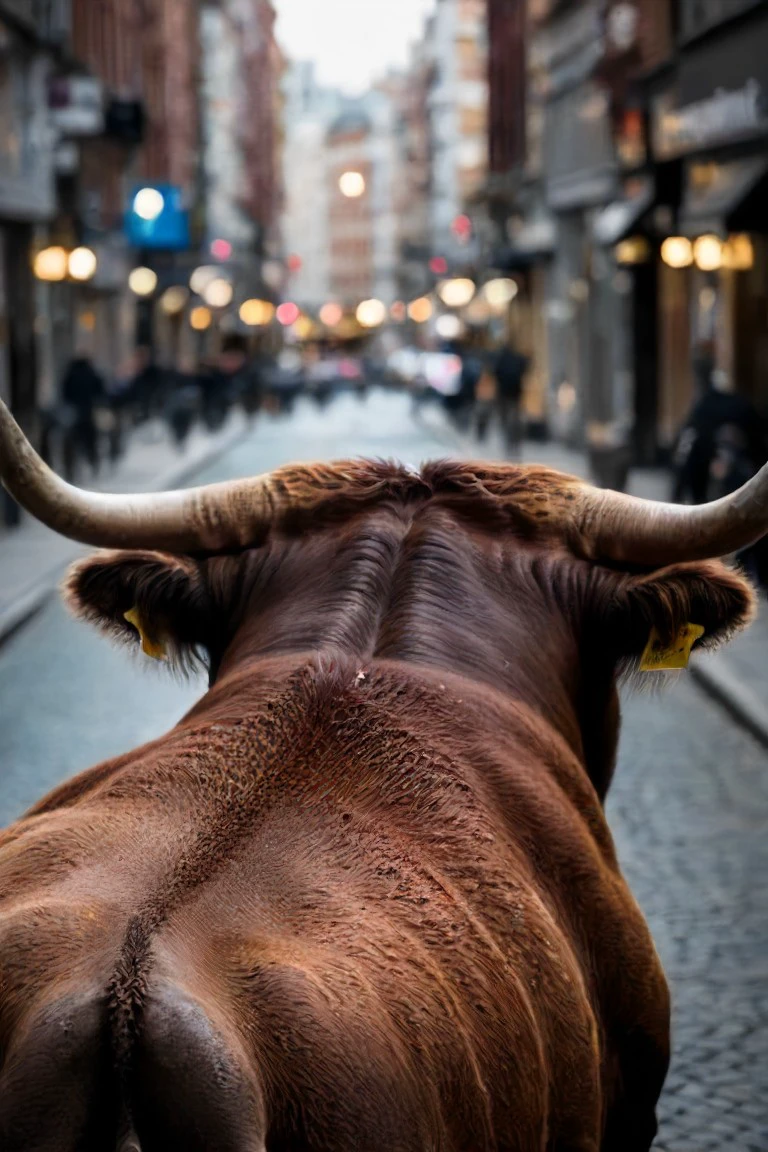
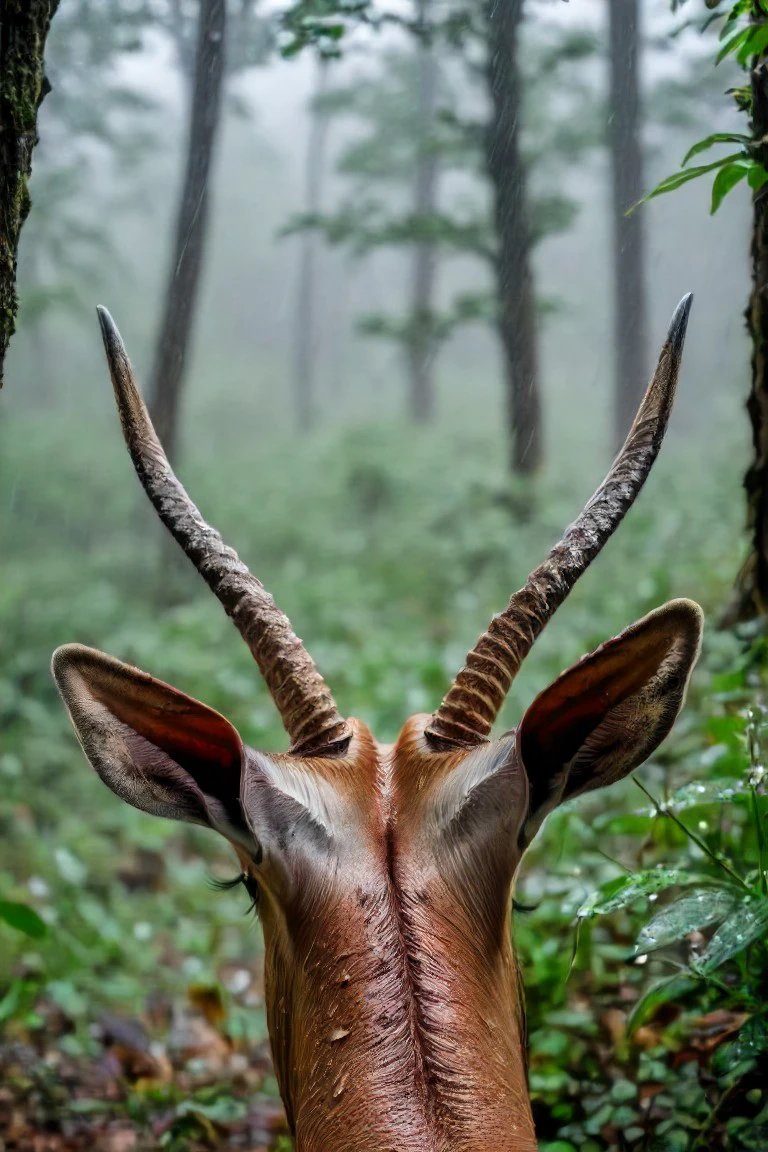
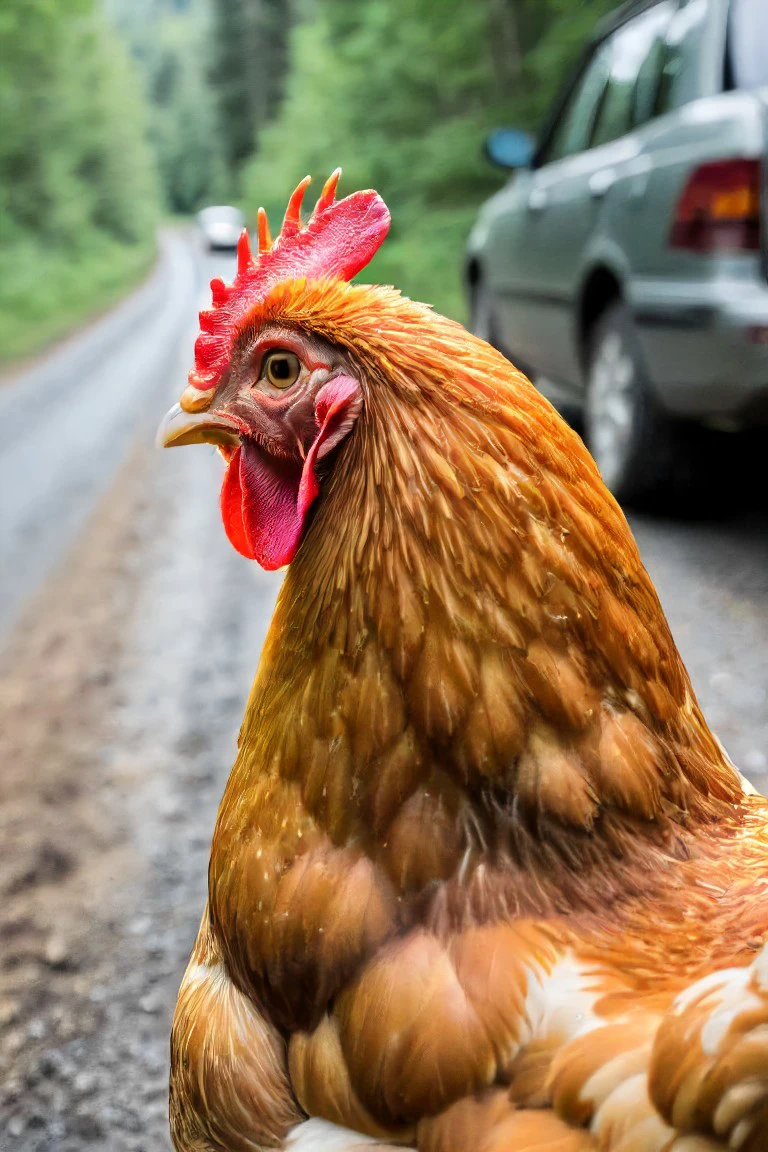
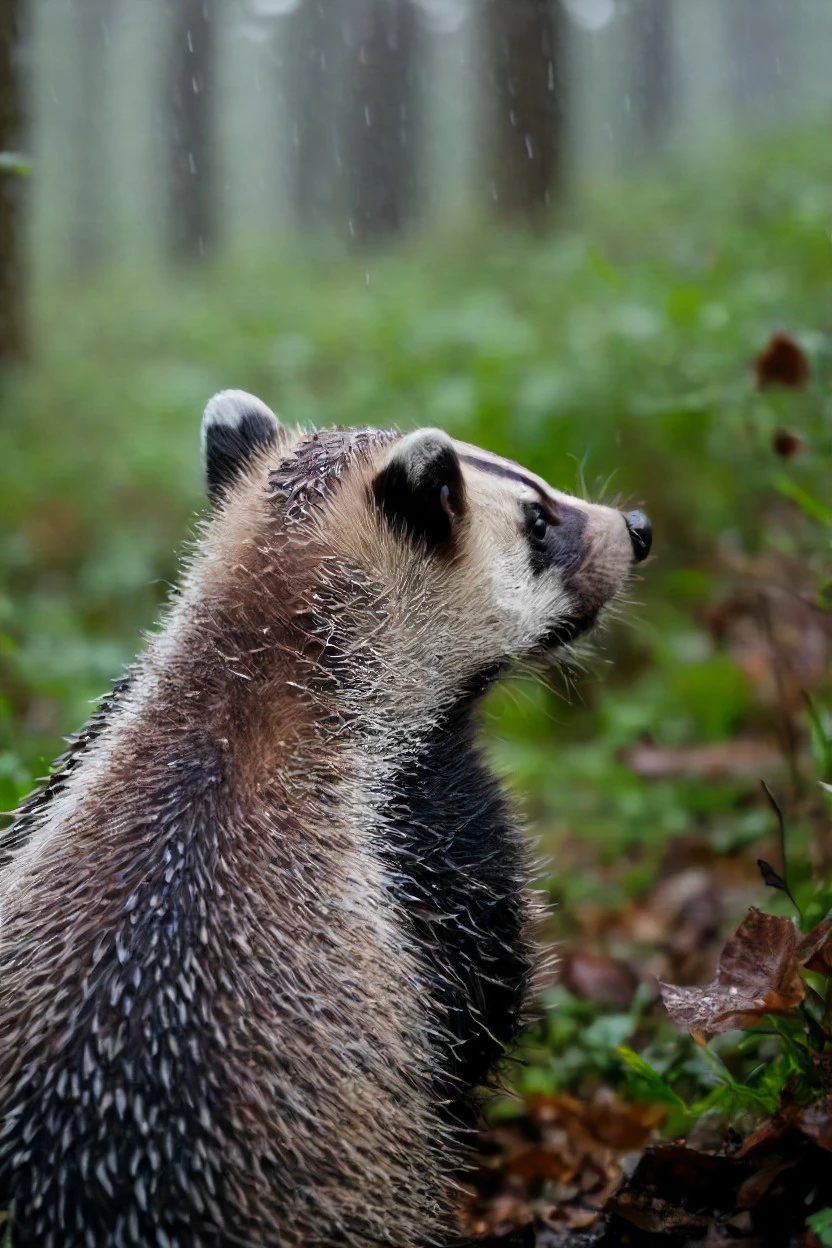
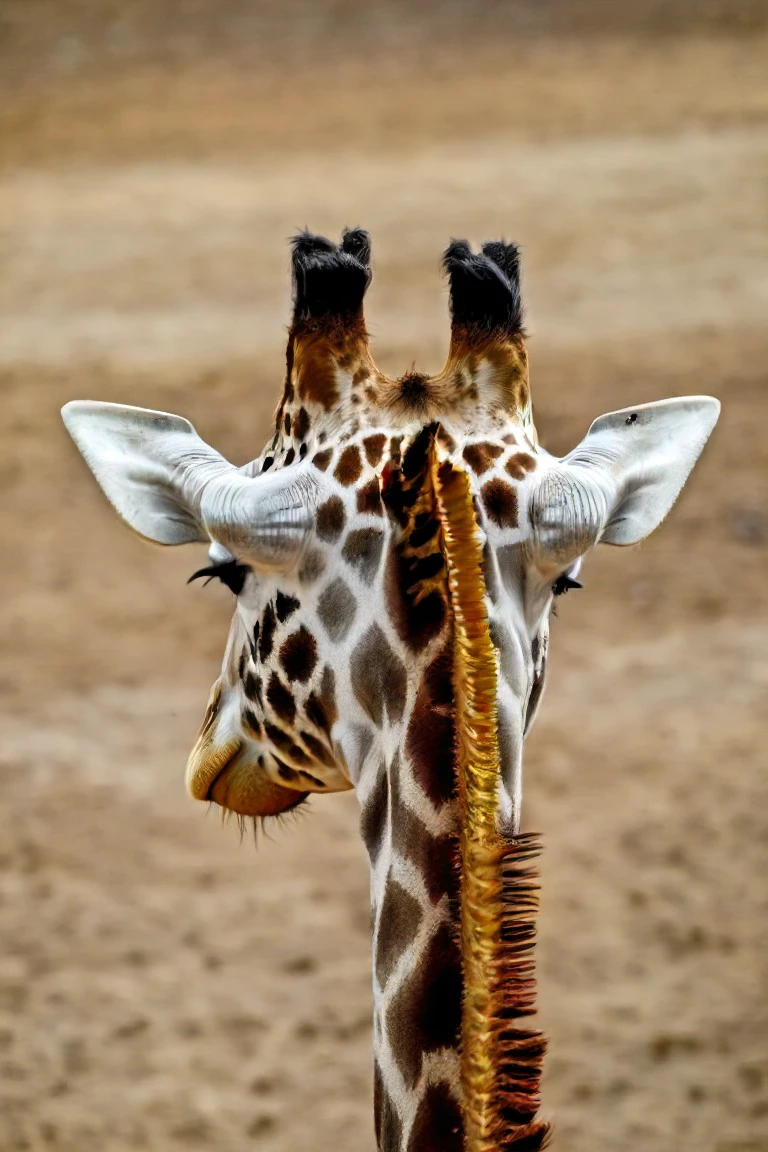
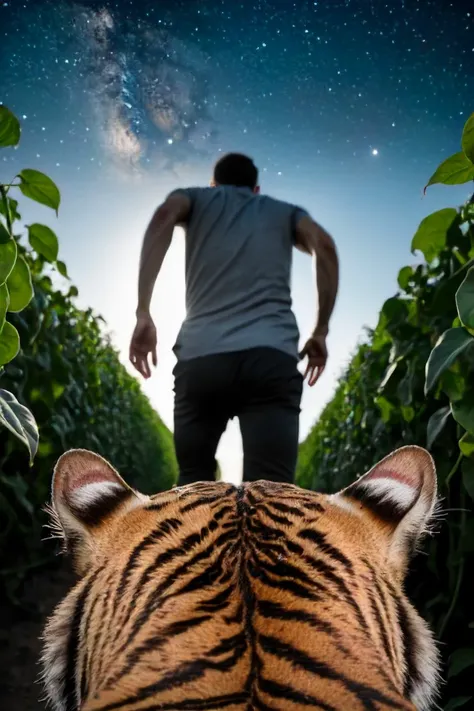
A simple concept that I could not do it right with SDXL
Recommended weight is 0.85 / Good from 0.6 up to 1.3
It generalizes quite well for humans and even objects. Try it out.
Trigger Keyword:
a photo shot in the point of view from the back of a SUBJECT's headSupporting prompts:
on the lower side, cropped, looking at___, ears, bokeh, dof, blurNegative supporting prompts:
mouth, nose, eyes, facing the camera, bokeh, dof, blur
The dataset was not big and had only animals and one or two bike. So, some animals will be hard to turn like snakes, ostrich, pigs, turtles...
I choose epoch 18, but for some subjects a more trained epoch worked better and manage to turn them better. But introduced more errors, so IMO this one is the best. I might upload a more trained epoch if anyone wants.
Just and example, with this epoch Pikachu red cheeks will always look wrong. Epoch 24 and epoch 40 turned him super well. A mouse ear will also look like it's facing the wrong direction while on epoch 40 it looks correct.
This is a "POV", "over the shoulder shot", but I did not use those exact words on the training, I used "point of view". So I don't know if they help or not.
They migh occupy the whole screen, if you want them only on the lower side I suggest to use Regional Prompter. I works super great. Also if you want to use it with other character Loras you should also use regional prompter or else they will morph.
I hope in the future to increase the dataset and caption the position (right side, left side, bottom, upper side). But right now it is not, so it won't work.
Other parameters and settings:
The base checkpoint is the “sdXL_v10VAEFix” 6.7GB. So, it should be very flexible with any checkpoint.
As of right now, I recommend juggernautXL_v8Rundiffusion and juggerxlInpaint_juggerInpaintV8 for inpaiting.
Lighting models works great! I recommend Dreamshaper SDXL
I prefer 6 steps with DPM++ 2S a Karras CFG 2.2 and high-res for 5 steps 0.45 denois and 1.5x res. But the default is DPM++ SDE Karras, CFG 2, 4 steps.
The new Juggernaut lighting is probably excellent too.
For standard generation
CFG: 5.5
DPM++ 3M Exponential (50 steps or more)
DPM++ 2M Karras (25 Steps or more)
DPM++ SDE Karras
DPM++ 2S a Karras
Loractl works great if you want to have a more complex prompts, subjects or other Loras, start high and loose later. Like this:
<LoraName:[email protected],[email protected]>
Want to have some “fun”? Install wildcards dynamic prompts extension https://github.com/adieyal/sd-dynamic-prompts and my common_animals.txt to \extensions\sd-dynamic-prompts\wildcards: Here is a prompt I made for testing. Paste on prompt:
a photo shot in the point of view from the back of a __common_animals__'s head close-up, on __YetAnotherWildcardCollection-main/Background/Environment__<lora:HeadPOV_from_behind_vk1-000018:0.85>
Problems with the current Lora:
Might not turn a bunch of animals, needs more data
Sometimes double horns, weird ears and eyes, ears facing the camera
Some more settings: Trained 1024 res. 61 images captioned with the help of CogVL and taggui-v1.15.0-windows. Epoch 18 of 44. now prodigy 1.0. 2 steps folder "Pose" as the concept. constant BATCH 2, rank 16/1,Scale weight norms 1, snr gamma 5, Noise offset 0.0357, no regularization image
Hopefully you can leave some results and some comments. Any idea is appreciated. Thank you.

Epoch 18 out of 44. Recommended weight at 0.85.
1. 재게시된 모델의 권리는 원 제작자에게 있습니다.
2. 모델 원작자가 모델을 인증받으려면 공식 채널을 통해 SeaArt.AI 직원에게 문의하세요. 저희는 모든 창작자의 권리를 보호하기 위해 노력합니다. 인증하러 이동
