50M
+ Creator

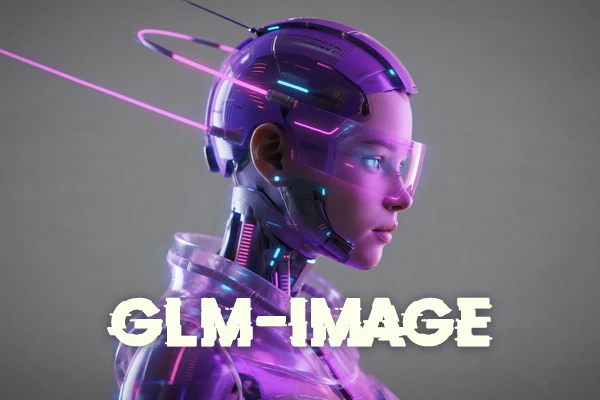
GLM-Image is a free, open-source AI image generator and editor for text-to-image and image-to-image. It is designed for information-heavy scenes where the text needs to be legible. Create posters with accurate text, knowledge-rich visuals, and consistent multi-subject sets.


Text That Actually Reads
GLM-Image produces layouts with readable titles, labels, and multi-line text, including Chinese, without turning letters into noise.

High-Fidelity Detail
Keep fine textures and crisp edges so posters, diagrams, and product mockups look intentional, not blurry.



Unified AI Image Generation & Edit
Use text-to-image for new visuals, then switch to editing and style transfer without jumping between tools.

Fast Text & Image to Image AI
Start simple, then add layout, lighting, and typography cues to guide results in a predictable direction.
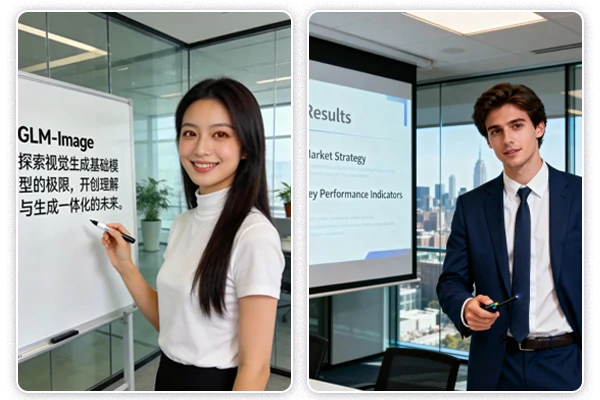
GLM-Image is built for scenes where words matter: posters, product cards, diagrams, and presentation-style visuals. It aims for readable characters and stable lines, which is especially useful for Chinese and English text. Use GLM-Image at SeaArt AI when your AI generated image needs both strong visuals and text that people can actually read.
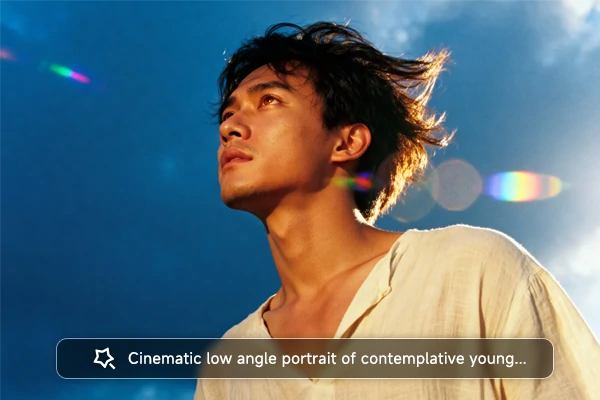
GLM-Image powers smart Image & Text to Image workflows, so you can start from either side. Type a prompt to generate a fresh visual, or upload an image to guide edits and variations. Use text-to-image for posters, diagrams, and layouts with readable titles, then switch to image-to-image for style transfer, cleanup, and consistent multi-subject sets without rebuilding from scratch.
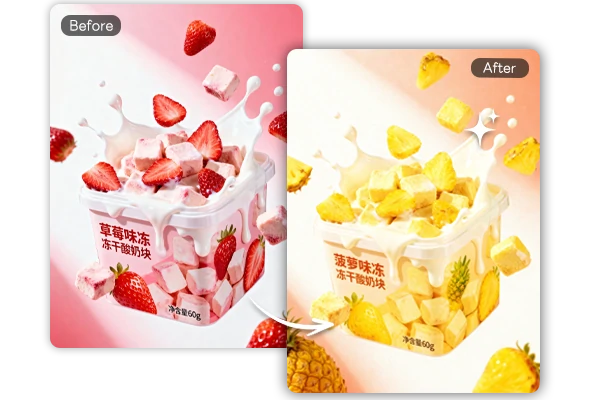
GLM-Image supports AI image editing when you need changes without losing identity or composition. Lock what must stay (subject identity, pose, framing, key details), then list what can change (background, palette, typography, lighting). Generate 3–6 candidates and compare them side by side, checking identity first, then structure, then style. If results drift, tighten the keep constraints and simplify the change list.
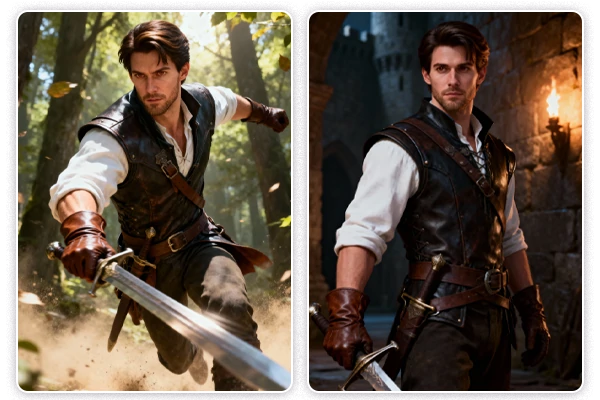
GLM-Image is designed for repeatable sets where multiple subjects must stay coherent. Treat your first result as a template and define set rules (palette, lighting, layout grid, camera distance, recurring subjects). Give each subject stable identifiers and specify placement so elements don’t shuffle. Then change only one field per version (headline, scene, or one product detail) to reduce drift and keep the whole set unified.
Step 1: Input Your Content
Enter a prompt describing what you want, or upload an image and specify how you want it changed.
Step 2: Generate Your Image
Choose an AI image model. Customize settings like aspect ratio and image quantity, then click generate.
Step 3: Edit and Export Variants
Save your image directly or switch to image-to-image for style transfer or fixes, then export matching versions for campaigns or slides.
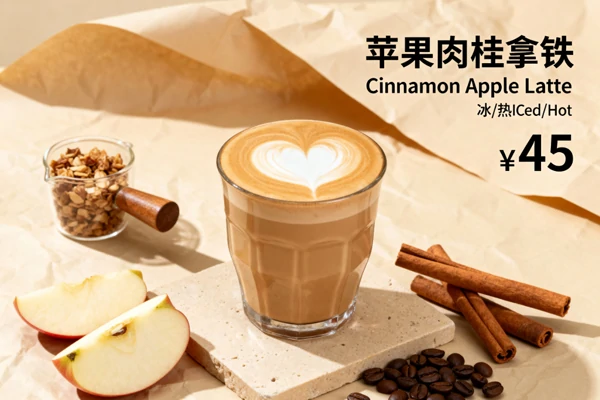
Marketing Posters
Create posters with readable headlines and product callouts, then iterate layouts quickly for seasonal campaigns and A/B tests.
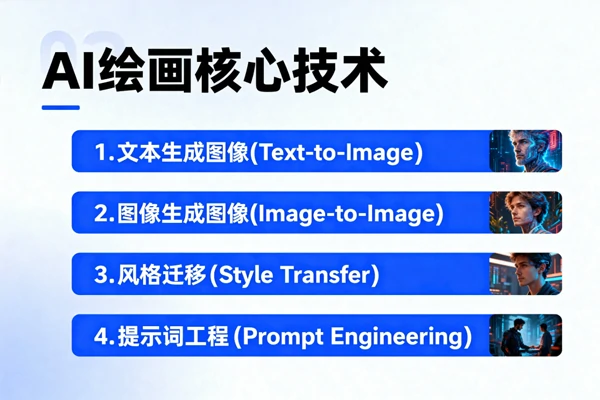
Presentation Slides
Generate slide-like visuals with structured titles, bullets, and diagrams, then refine style for a clean, professional look.

Brand Asset Sets
Build consistent series visuals with repeatable templates, keeping multiple subjects coherent across a set of images.

What is GLM Image and what makes it different?

How do I get better Chinese text rendering in my images?
Keep the background simple, specify the exact Chinese headline, and include layout instructions like centered title, two-line subhead, and clean margins. Generate several drafts and adjust only spacing or font style per iteration to avoid drifting.
Can I use GLM-Image generation model for editing, not just new images?
Yes. It supports image-to-image tasks like style transfer, controlled edits, and identity-preserving generation. Keep composition fixed, describe what to change (background, palette, typography), and generate a few candidates to compare.
What is the best use case for an AI Image Editor workflow with GLM Image?
Brand and marketing work: you can take an existing asset and produce consistent variants (new background mood, different poster style, seasonal palette) without losing the subject's identity and structure.


