50M
+Creator

Create short cinematic clips from text, images, and motion ideas with a video model built for synchronized visual storytelling.
Use skyreels v4 for cinematic drafts, then compare related models inside the AI video generator workspace when you need a different style, length, or motion result.
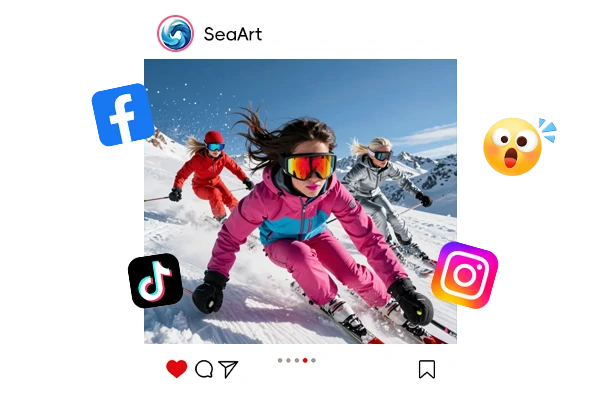
Social Video Concepts
Creators can test short vertical scenes for Reels, TikTok, Shorts, and campaign previews before spending time on a full edit.
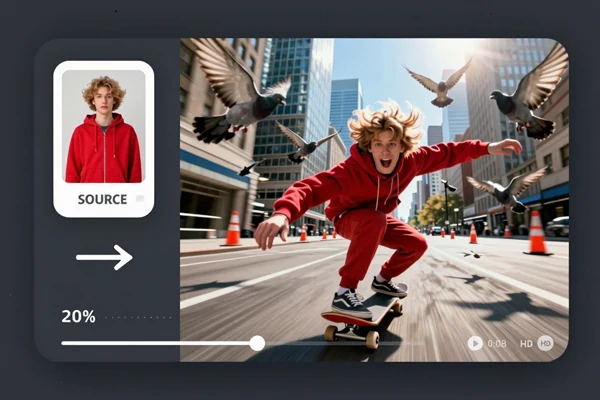
Character Motion Tests
Artists can animate a reference image to check how a character reads in motion, then move into image to video tools for more related tests.
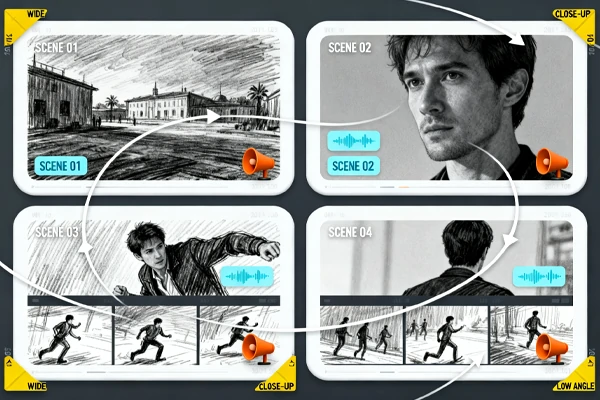
Storyboard Previews
Writers, directors, and game teams can turn scene notes into moving drafts that communicate pacing, sound, and camera direction.


Fast Direction Tests
Check tone, pacing, and camera direction before spending time on a full edit.

Clear Creative Control
Use plain shot notes to guide mood, subject behavior, and visual style.



Connected Workspace
Move from model testing to related SeaArt AI tools without restarting your creative process.

100% Private & Watermark-Free
Your dataset and trained adapters stay private by default. Every download is clean - no watermarks, full commercial rights, ready for client work or personal projects.
Start with a text prompt when you need a new clip from scratch. Describe the subject, location, shot type, camera movement, and action, then let the model shape the scene into a short video. This suits concept trailers, product mood shots, anime scenes, game cutscene ideas, and quick social drafts where the visual direction matters more than hand editing every frame.
Upload a still image when the subject design already exists. The model can treat the image as the visual anchor, adding motion while keeping the shot readable. This is useful for character showcases, poster style animation, product teasers, and image to video experiments where the creator wants movement without losing the original composition too quickly.
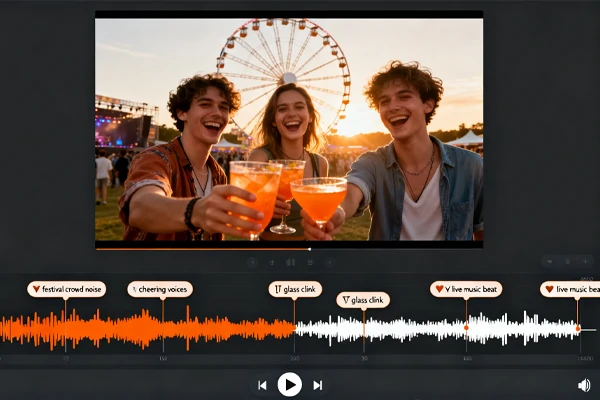
Video generation with audio is the key difference from many silent video models. Instead of adding sound after export, creators can plan scenes where action, timing, atmosphere, and audio feel connected. That matters for trailer beats, character moments, fantasy scenes, meme clips, and storyboards that need more than camera movement to feel complete.
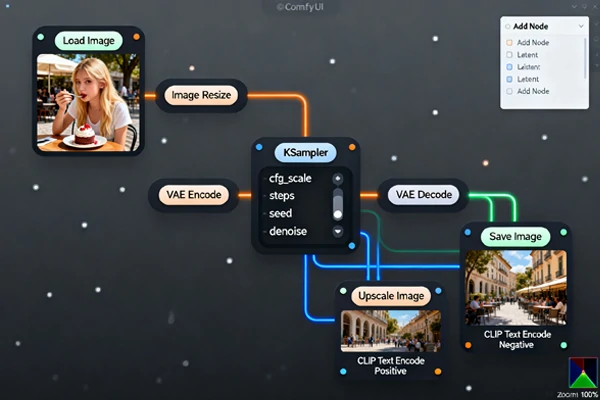
The wider model research covers directions such as video extension, inpainting, outpainting, and guided editing. In SeaArt AI's current creator workflow, start with core video generation here, then use SeaArt AI Flow for multi step work that expands, repairs, or reshapes visual results.
Choose the Model
Open the model page, sign in, and prepare a text prompt or reference image.
Describe the Shot
Add subject, action, camera movement, mood, and any audio cues you want reflected.
Generate and Refine
Review the clip, adjust the prompt, and create another version if the motion needs tuning.













What makes SkyReels V4 different from earlier video models?

Can I use a still image as the starting point?
Yes, the model is useful for image guided clips when you already have a character, product render, poster, or concept image. Results still depend on prompt clarity and the source image quality, so simple compositions usually test better.
Is this an AI video generator for finished ads?
It can produce strong draft material and short cinematic shots, but final ads may still need editing, captions, brand review, and format checks. Treat the output as production-ready only after your own review.
Where should I start if I mainly make video from images?
Start with a clean reference image and a prompt that describes only the motion you want. If you need a broader tool path, the SeaArt AI image to video page is a useful next stop.
Switch between top models to get the style and quality you want.


"The audio-aware direction helps me test trailer ideas faster. I can judge rhythm before opening a full editor."
Maya R.
Short Film Creator
"I use it for character motion checks. A still concept becomes a quick scene, and that makes feedback easier."
Daniel K.
Game Artist
"The main way I use it is for early concept work. I can try three shot directions before committing to a final edit."
Nina S.
Social Video Producer