
Type
Checkpoint
Publish Time
2024-12-26
Base Model
SDXL 1.0

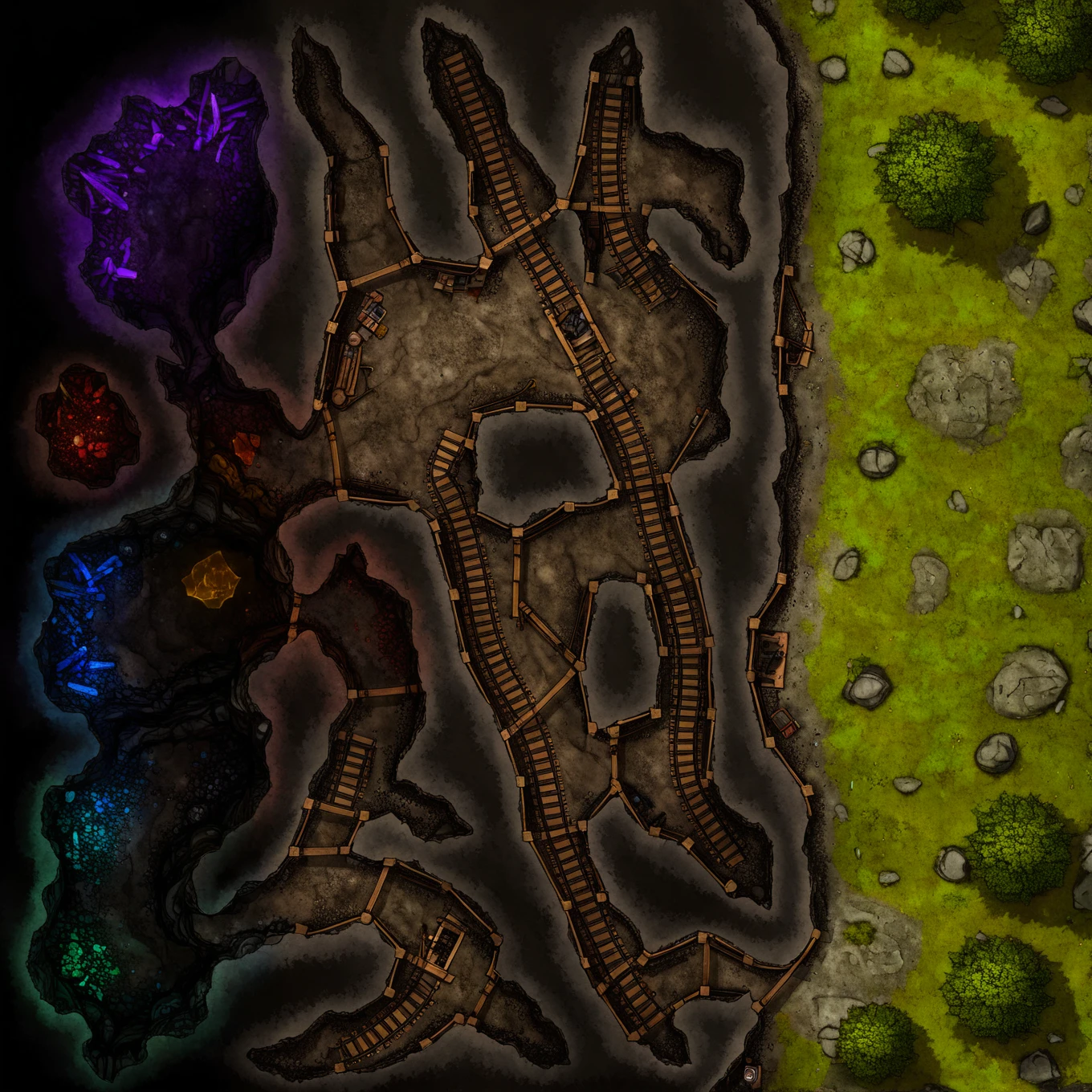
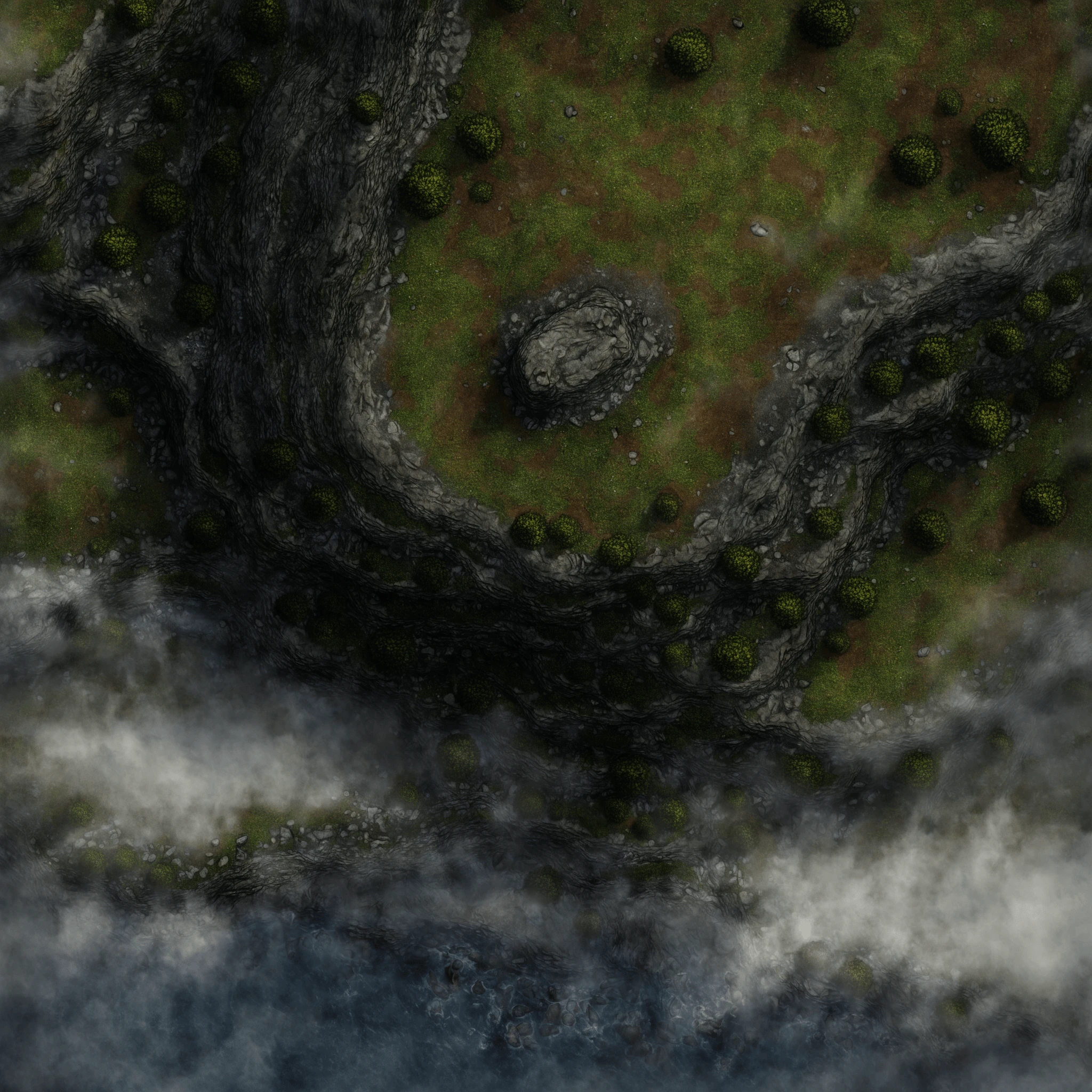
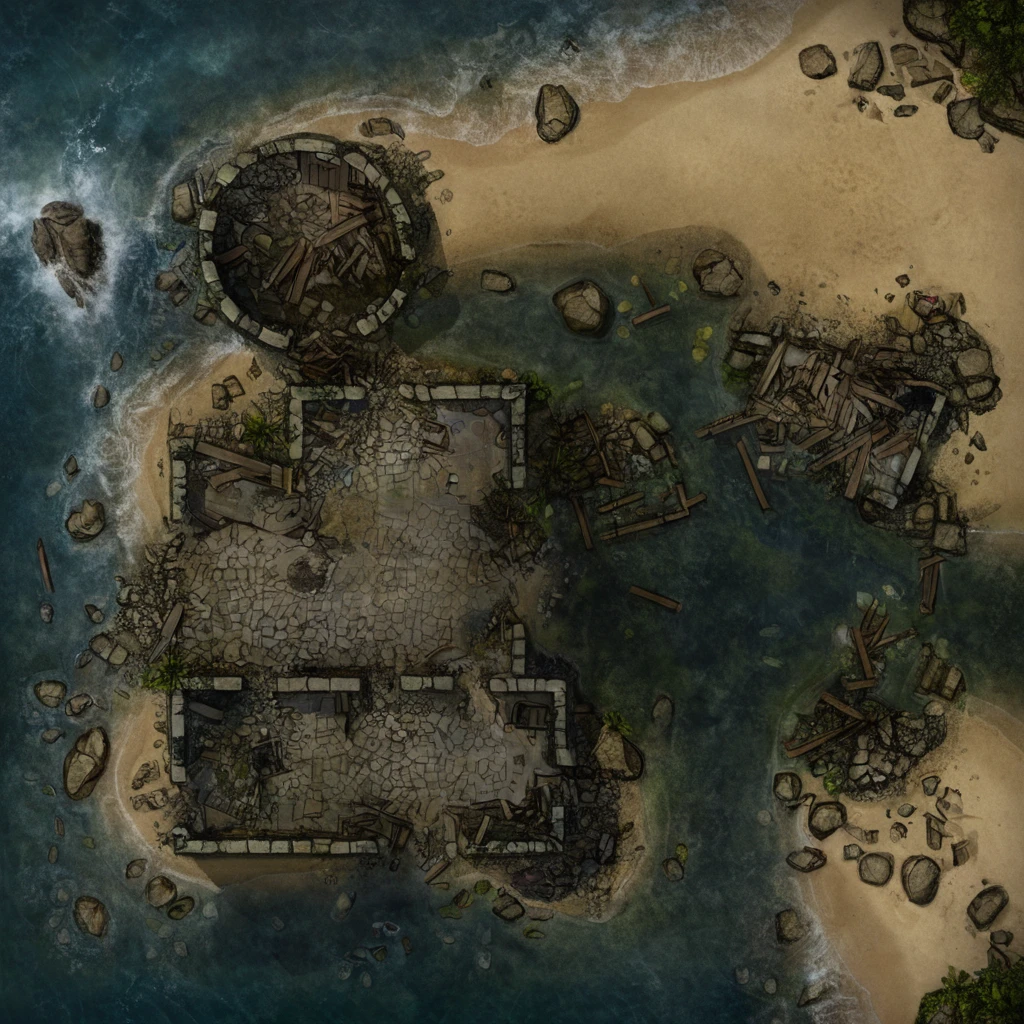
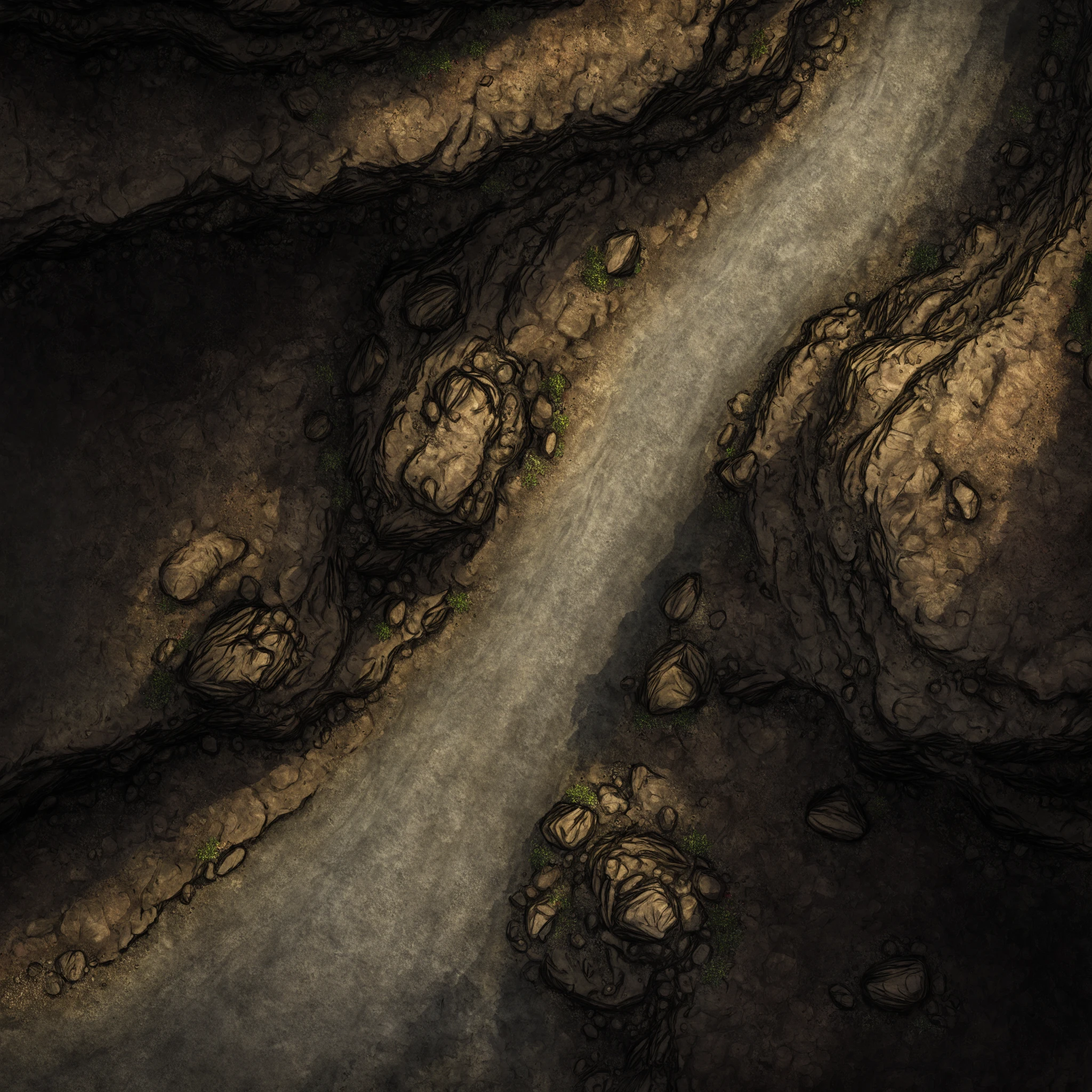
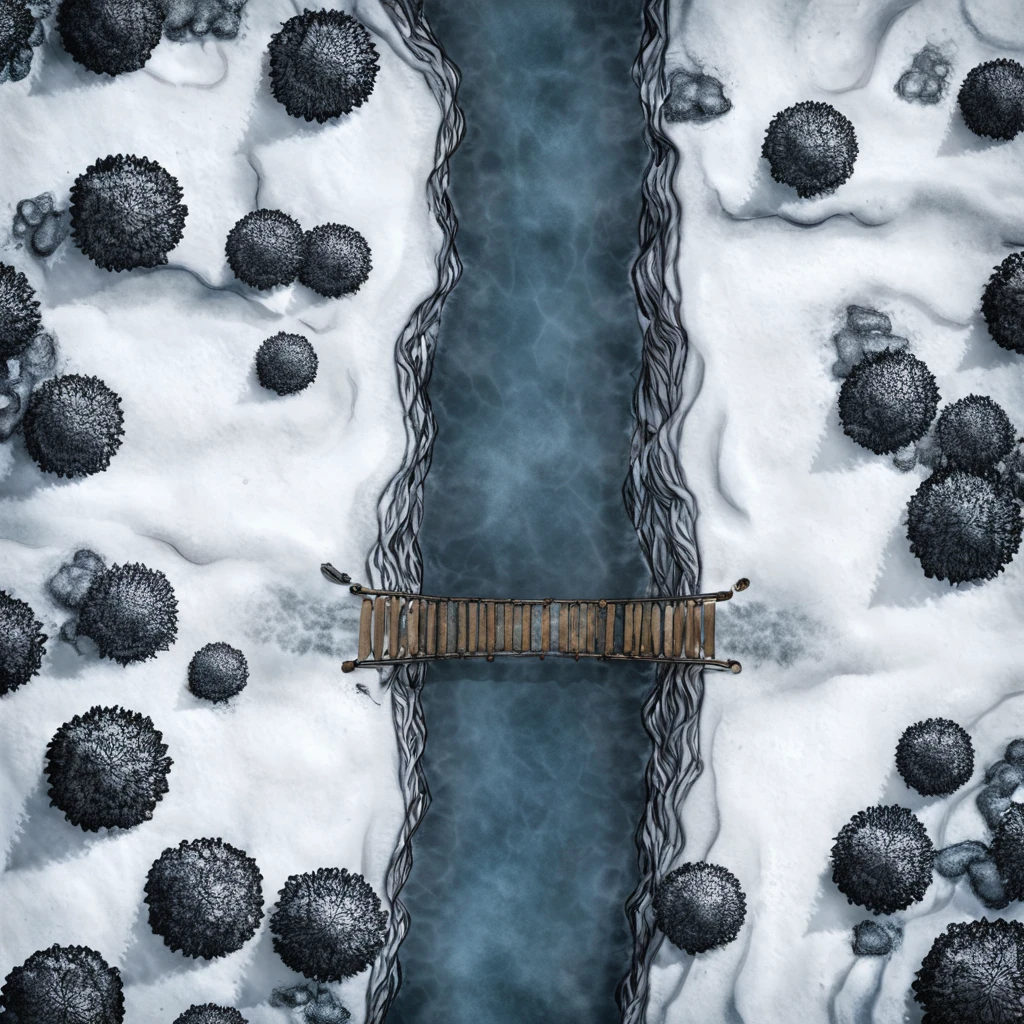
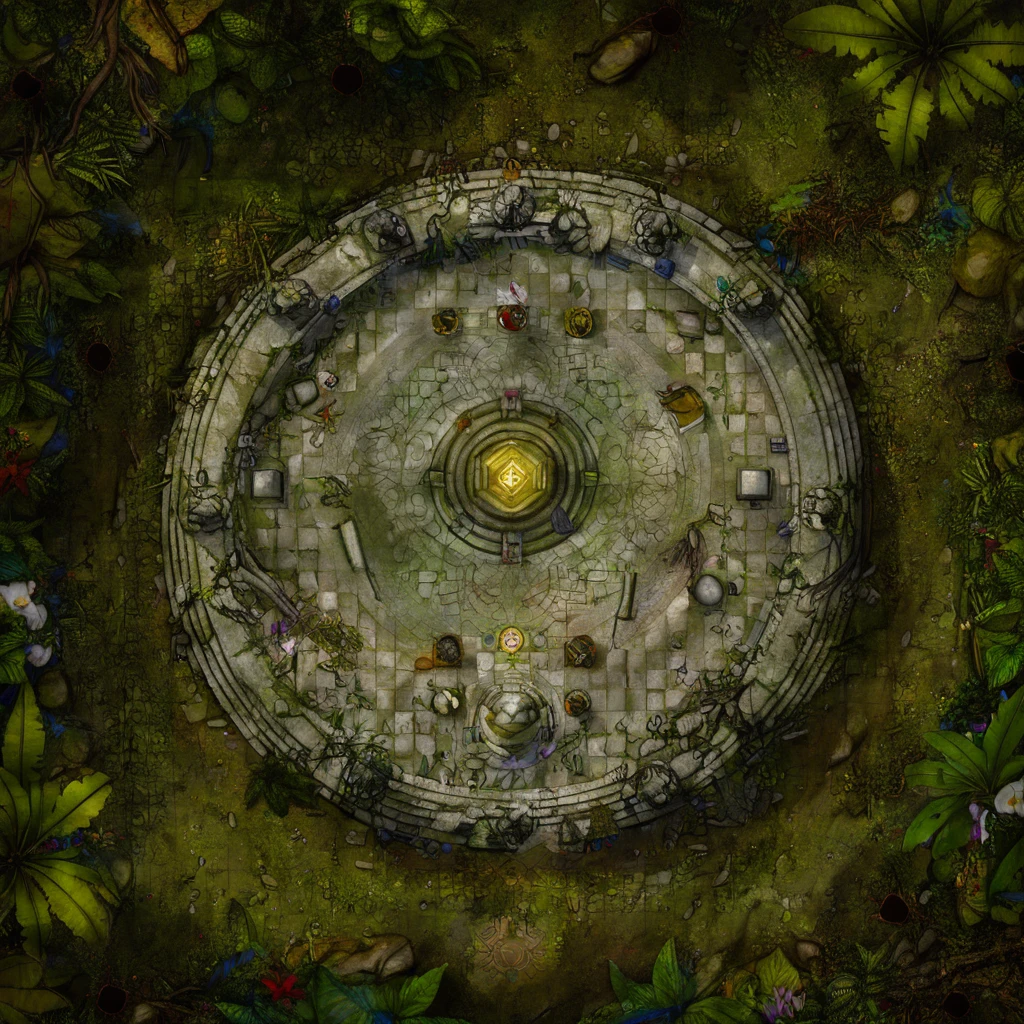
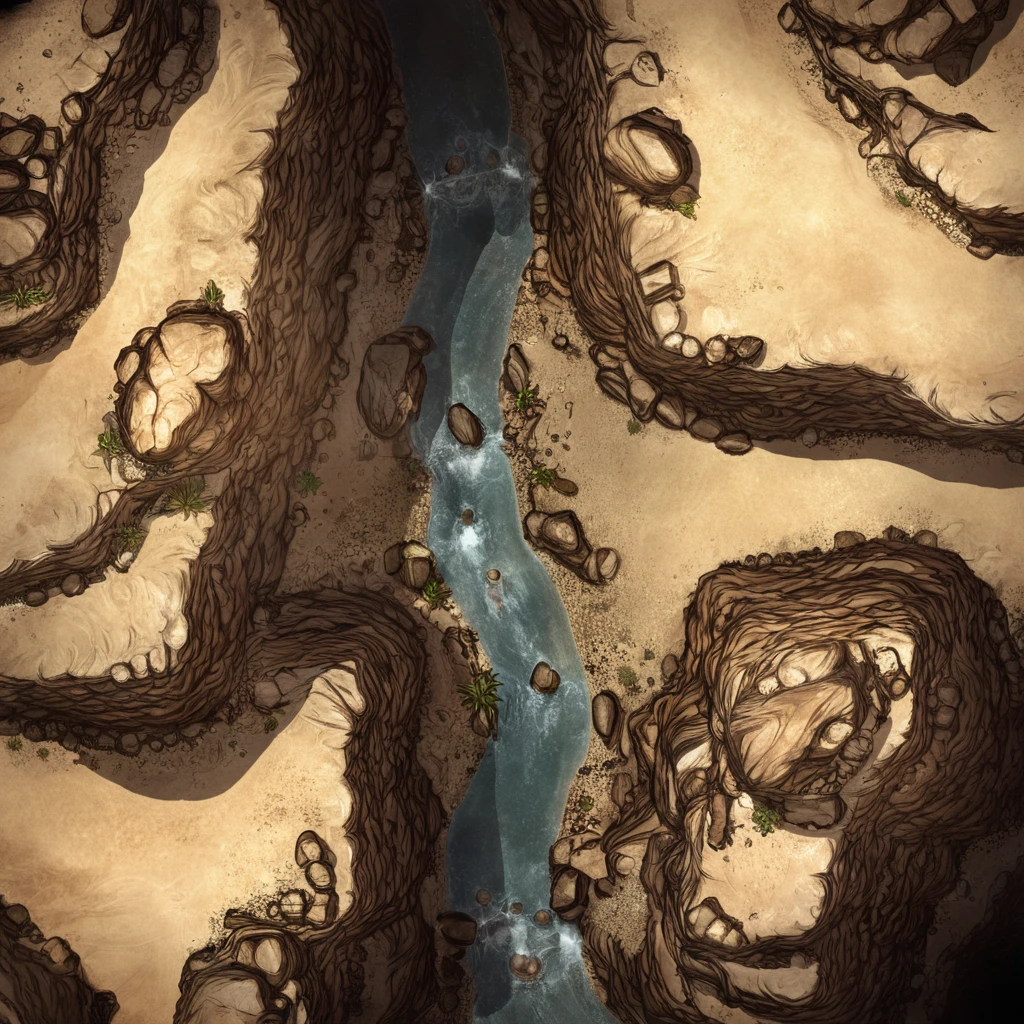
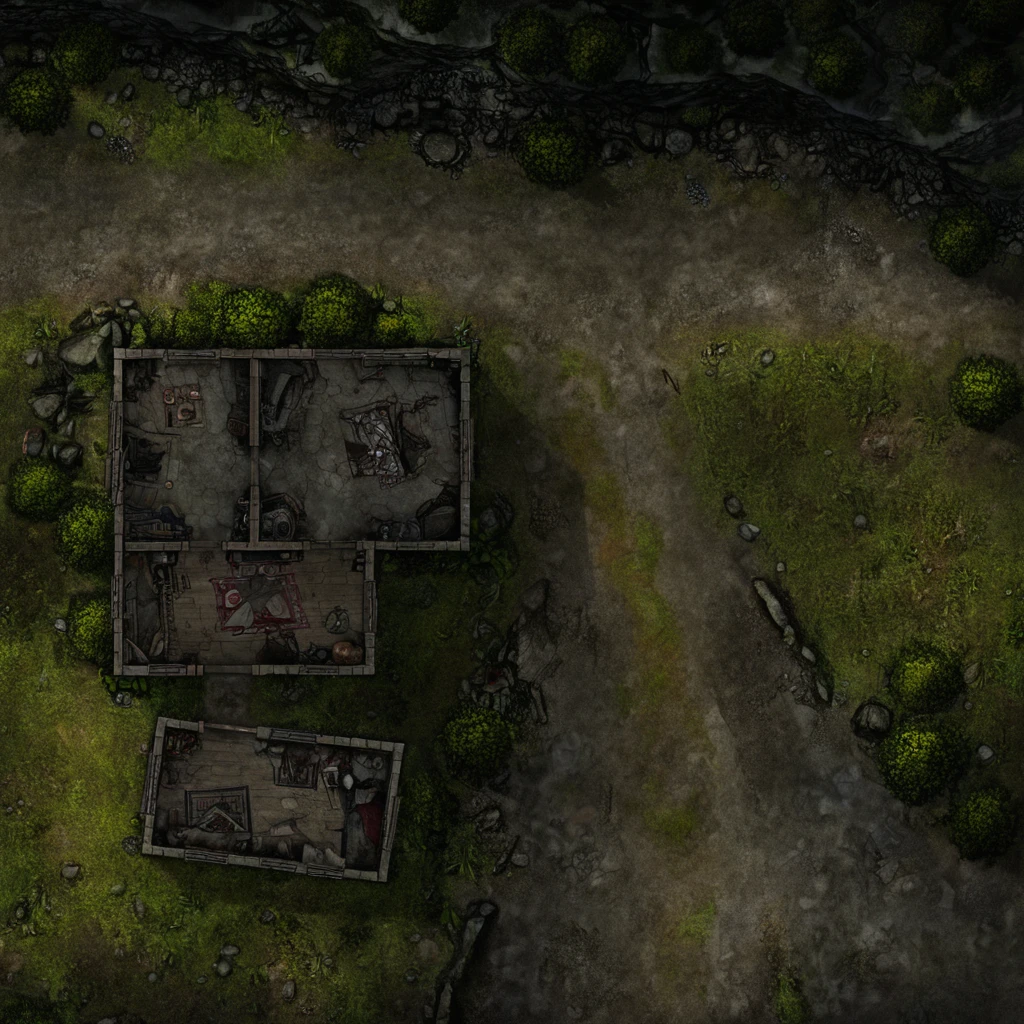
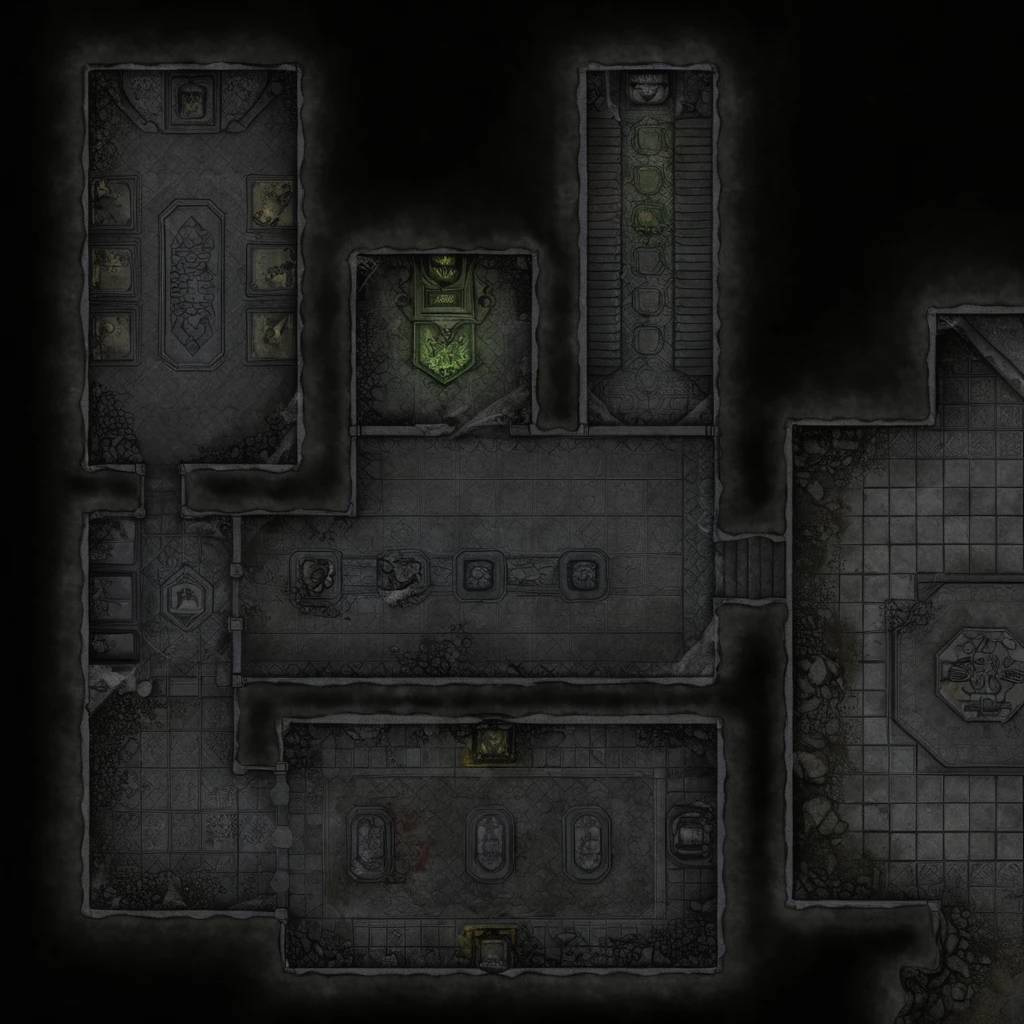
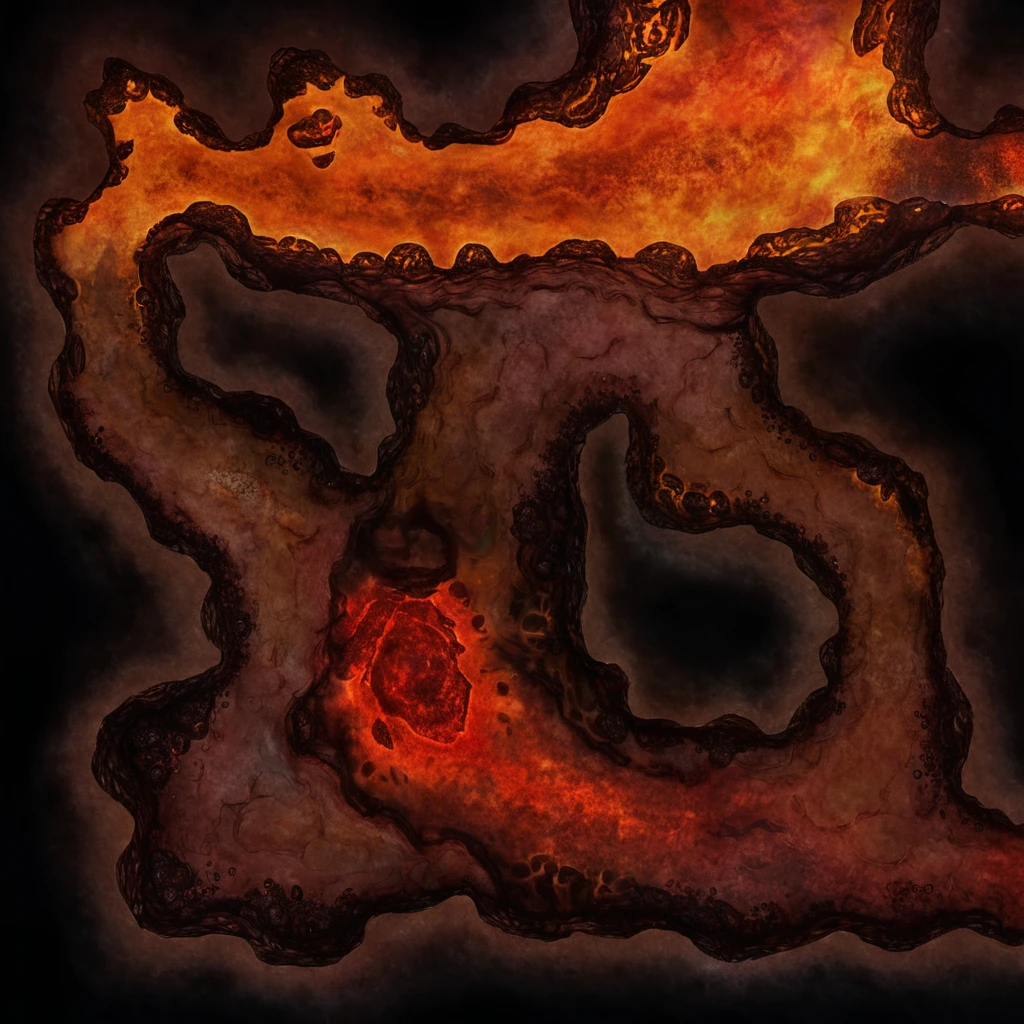

The model is trained on fantasy battlemaps, so it works the best for medieval fantasy setting but not only limited to this.
To install just put both checkpoint and config files to your model folder and keep same names for them.
You need to use width and height not less than resolution 1024 but you can make it larger and that works perfectly just producing bigger battlemap.
You can assume battlemaps dimensions as approximately 24x24 squares (120x120 feet) for normal dimensions of specific model, for example:
1024x1024 generation is 24x24 battlemap
1536x1024 generation is 36x24 battlemap
2048x1024 generation is 48x24 battlemap
And so on. But it can be depending on concept.
Grid can be produced unintentionally but it very unlikely and also depends on concept.
This model has no trigger words but you can refer to the graph below. X axis is tag words and Y axis is how often it was used in dataset. It is not complete tag list but these should work more or less reliable. Captioning on dataset was made not with natural language but with tags, for example "Forest, river, bridge, road". However I did not found significant difference between these prompting types on tests. Feel free to try both and share what you prefer.
Steps: 30
Sampler: DPM++ 2M SDE
Schedule type: Karras
CFG scale: 2.5
Size: 1024x1024
Sampler - I did not tried, so you can experiment and share your favorite.
CFG - you have to use pretty low values between 2 and 3. On 7 it feels really overtrained and burnt but hopefully later i will fix it. It is especially bad with high contrast concepts, like "Lava" or "Winter" and in these cases go CFG 2. In others I prefer 2.5 or 3.
Try regional prompter. You can produce something like this in one generation:
Try draw a simple scheme of map and img2img it with denoise about 0.75
->
Try make scale "Smaller" with same composition. Resize generated image (for example x2) with denoise 0.5.
This one looks like 24x24
And this one is around 48x48 ->
If you want to support new models release, you can share battlemaps you have. That would be perfect if they will be same style, good quality and no grid. Also I really want to try something not medieval fantasy, for example cyberpunk or postapocalypse like fallout.

1. The rights to reposted models belong to original creators.
2. Original creators should contact SeaArt.AI staff through official channels to claim their models. We are committed to protecting every creator's rights. Click to Claim
