Type
LORA
Publish Time
2024-07-12
Base Model
Pony
Trigger Words
ct_a01,
white apron, short over long sleeves, sash,
v-shaped eyebrows,
Copy





![Aoi Kanzaki 神崎 アオイ PONY - Demon Slayer / Kimetsu no Yaiba / 鬼滅の刃 [2 OUTFITS]](https://image.cdn2.seaart.me/temp-convert-webp/highwebp/static/images/20240712/8d1be97124027a89e81edd0ae2426b42_low.webp)
Trigger word(s): ct_a01,
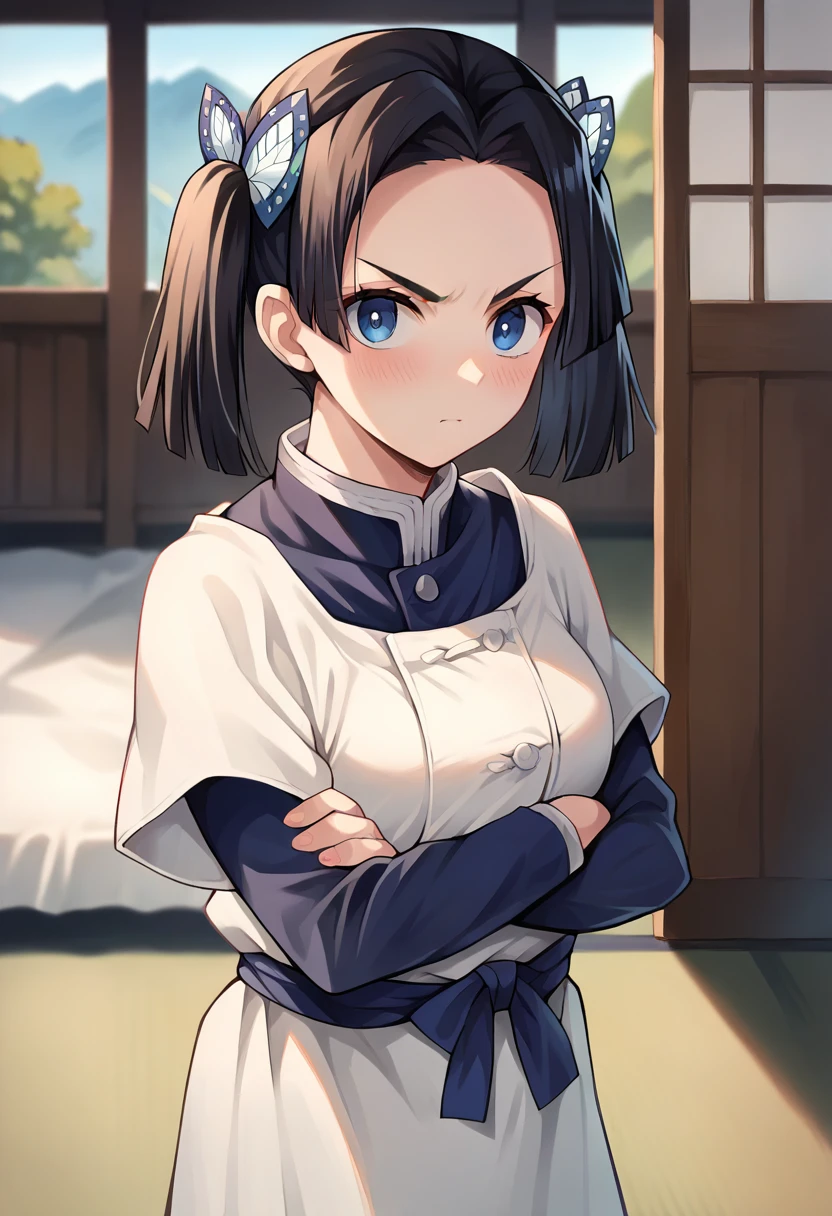
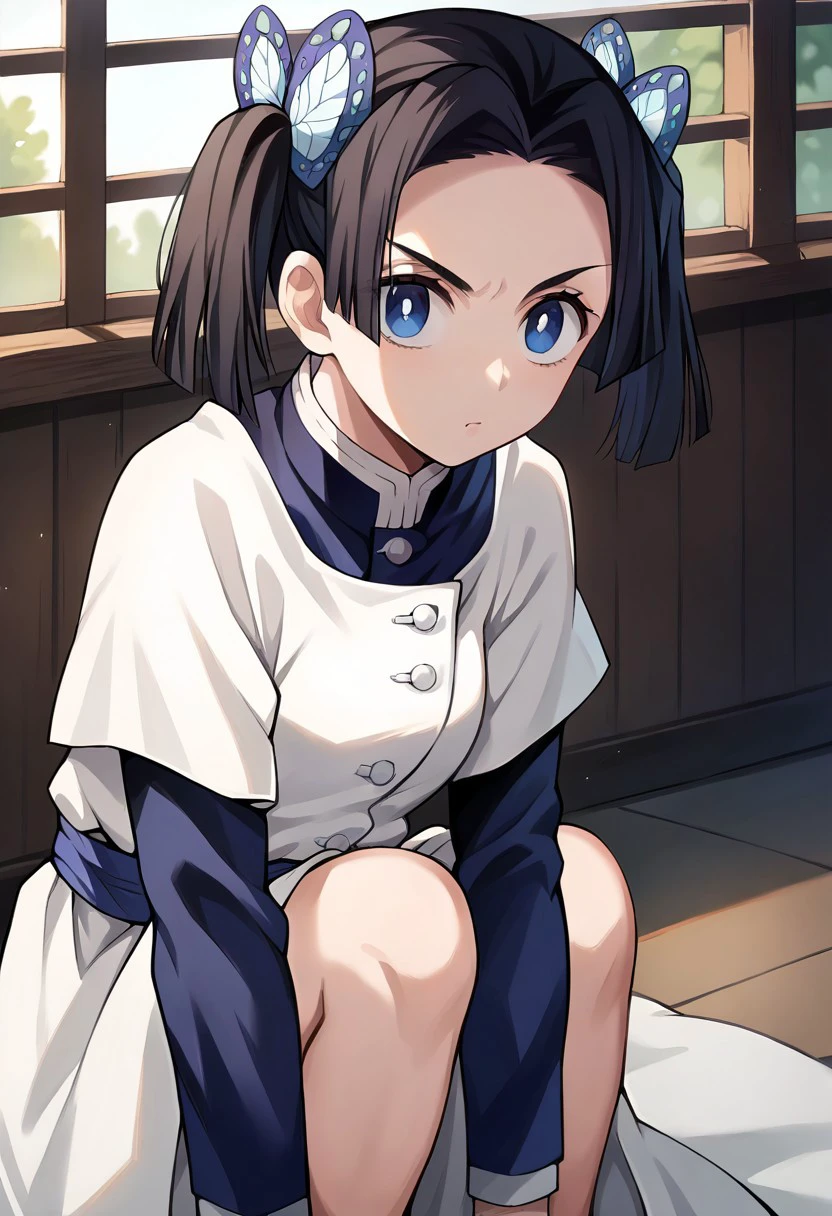
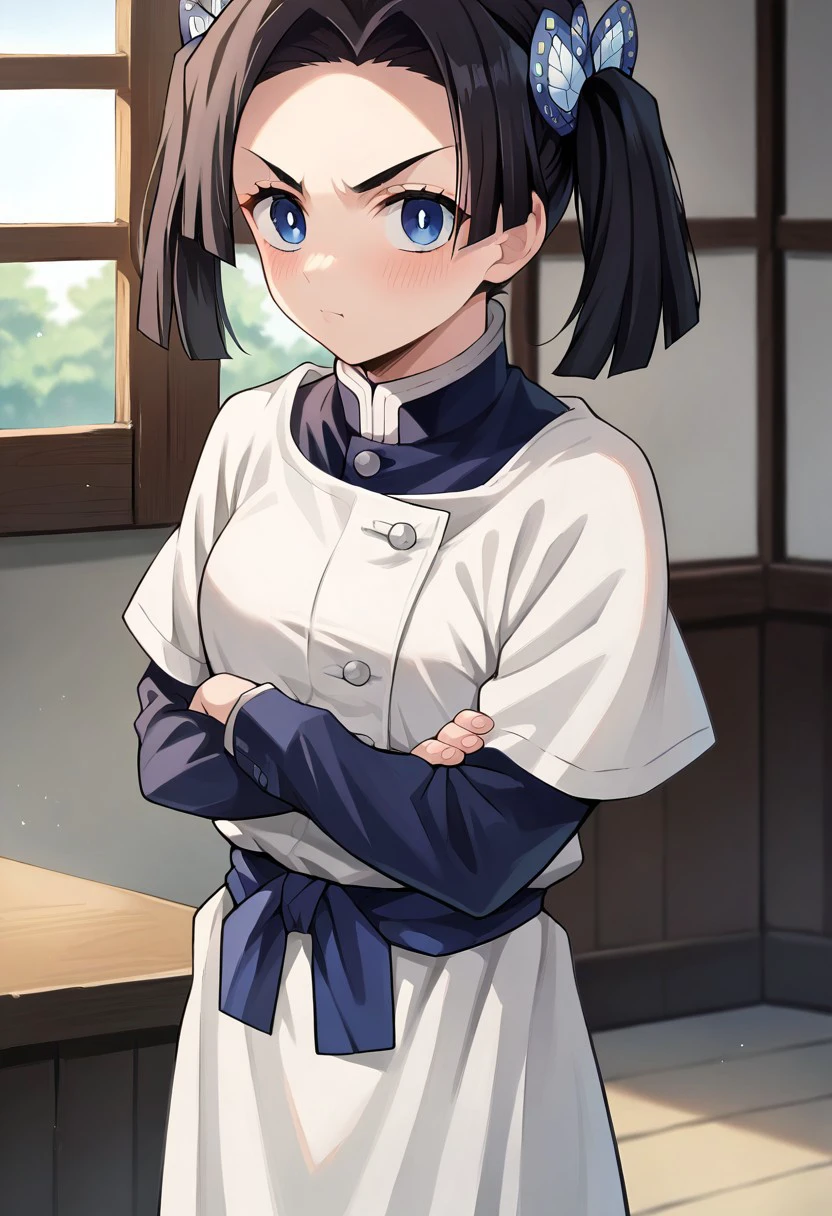
Clothing nurse: white apron, short over long sleeves, sash,
Trigger word(s): ct_a01,
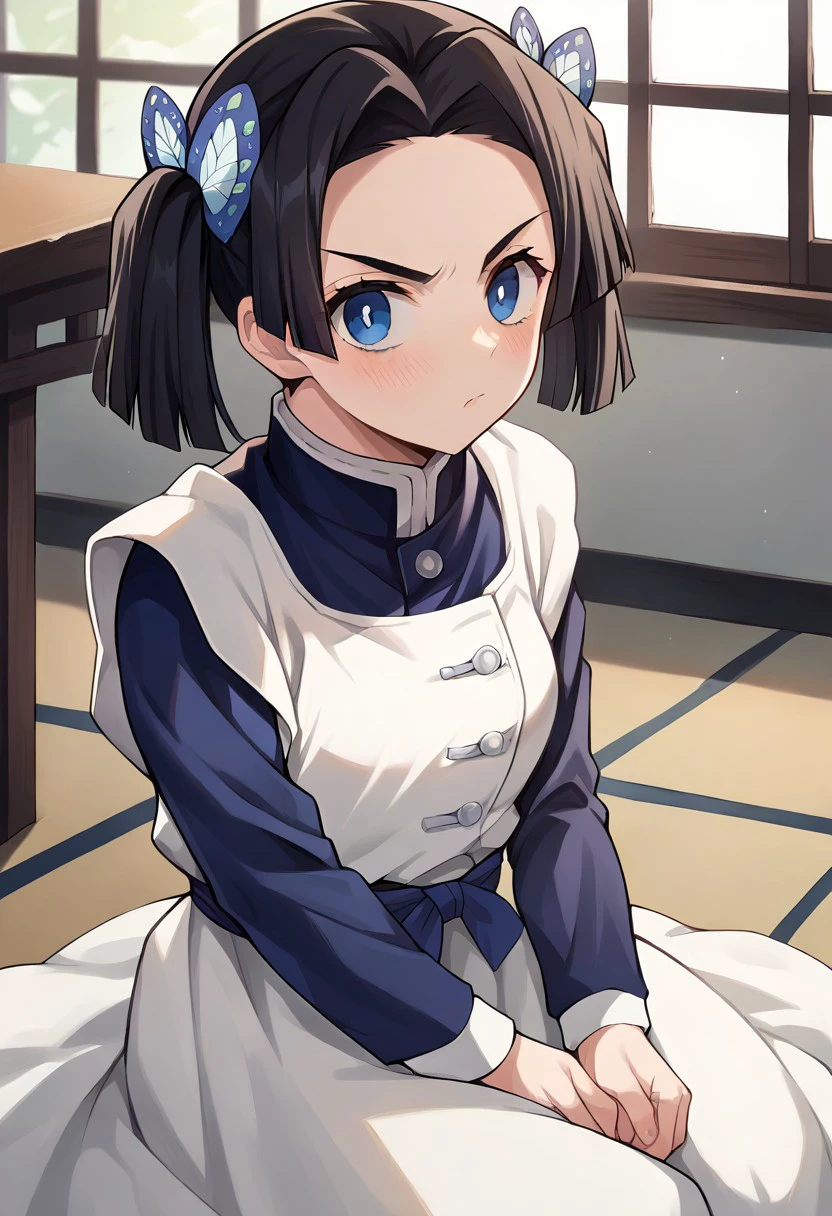
Clothing 2 uniform: black uniform, black pants, white belt, long sleeves,
Example nurse
Positive prompt ✅:
score_9, score_8_up, score_7_up, score_6_up, source_anime, masterpiece, 1girl, ct_a01, white apron, short over long sleeves, sash, looking at viewer, indoors, japanese house, crossed arms, v-shaped eyebrows, depth of field,Negative prompt ❌:
sketch, 3d,Example uniform
Positive prompt ✅:
score_9, score_8_up, score_7_up, source_anime, masterpiece, 1girl, ct_a01, black uniform, black pants, white belt, long sleeves, looking at viewer, leaning forward, indoors, japanese house, blush, v-shaped eyebrows,Negative prompt ❌:
sketch, 3d,Recommended resolution, aspect ratio for sdxl, pony 📷
768 x 1344: Vertical (9:16)
832 x 1216: Portrait (4:5) **
1024 x 1024: Square (1:1)
1182 x 886: Photo (4:3)
1254 x 836: Landscape (3:2)
1365 x 768: Widescreen (16:9)
Work flow, procedure 🔧
1. Collect dataset (pixiv, booru, anime screencaps, search)
2. Clean up dataset using upscalers, inpainting and photoshop
3. Tag dataset using booru github
4. Train LoRa in kohya ss locally github
5. Test epochs using xyz grid in controlnet to ensure LoRa is not overfitted/underfitted.
6. Submit model to CivitAI profile
do not ask me training parameters, check lora metadata for training parameters
Q: How do I use this?
A: This is a Low-Rank Adaptation (LoRa), it is trained on the ponydiffusion v6 model, and is only compatible with pony checkpoints. You can use this LoRa model in civitai by clicking the "create" button next to the paintbrush icon. If you are generating locally, download the model and place the file in your LoRa folder.
Q: Are all your models free?
A: Yes all my models are free to use and to download, you can find them here and other websites.
Q: How do I make models like you?
A: I listed my workflow in the description of all my lora models, use it as reference. If you want you can contact me if you need help with your creating your own lora.
Q: Can I request lora model for free?
A: Yes you can message me, but I will only do characters that I like or I feel requires a LoRa. I am not obligated to respond to these requests or complete them.
Q: why not use character name as trigger word?
A: I use unique token to prevent other things from bleeding in when using the triggerword.
Q: do you have other account in other websites?
A: yes, tensor, pixai
Q: what external generator do you use?
A: a111 mostly, comfyui for img2vid
Q: What checkpoint you use to generate example images
A: I use autismmix checkpoint, you can copy my example prompt by clicking the i icon next the the images.


1. The rights to reposted models belong to original creators.
2. Original creators should contact SeaArt.AI staff through official channels to claim their models. We are committed to protecting every creator's rights. Click to Claim
