Details
Related
v1.2
v1.1
v1.0
GlassSphereLoRA

GlassSphereLoRA

114
3
140
#concept
#model
#glass
#ball
#Sphere
#Globe
#lora
#transparency

ForewordWhen I started with AI image generation, I adapted the so-called Glass Ball Photography. Unfortunately, my first results were not really reproducible. They were more a product of chance. One major reason was, that I was not yet able to create good Prompts.

Now that I am in a position to create models like LoRAs myself, I am also taking up the aforementioned topic with respect to Glass Ball Photography again.

The first results are very promising. Since I can now create better Prompts, I can see what the result is with a good Prompt with and without LoRA.

Evolution from Version v1.0 to v1.2A few words are needed about the individual versions. The main difference is the increased number of training iterations from 1000 up to 3000.

  • v1.0 → 1000

  • v1.1 → 1500

  • v1.2 → 3000

The number of training iterations influences the result of the created image considerable.

With increasing weighting, images that resemble the training images are created faster and faster. The influence of the Prompt decreases with increasing the weight. The higher the version number, the faster a glass ball is reached with a given weighting, latest with a weight of 1.0 as value.

Try out and use the model which fits best to your needs.

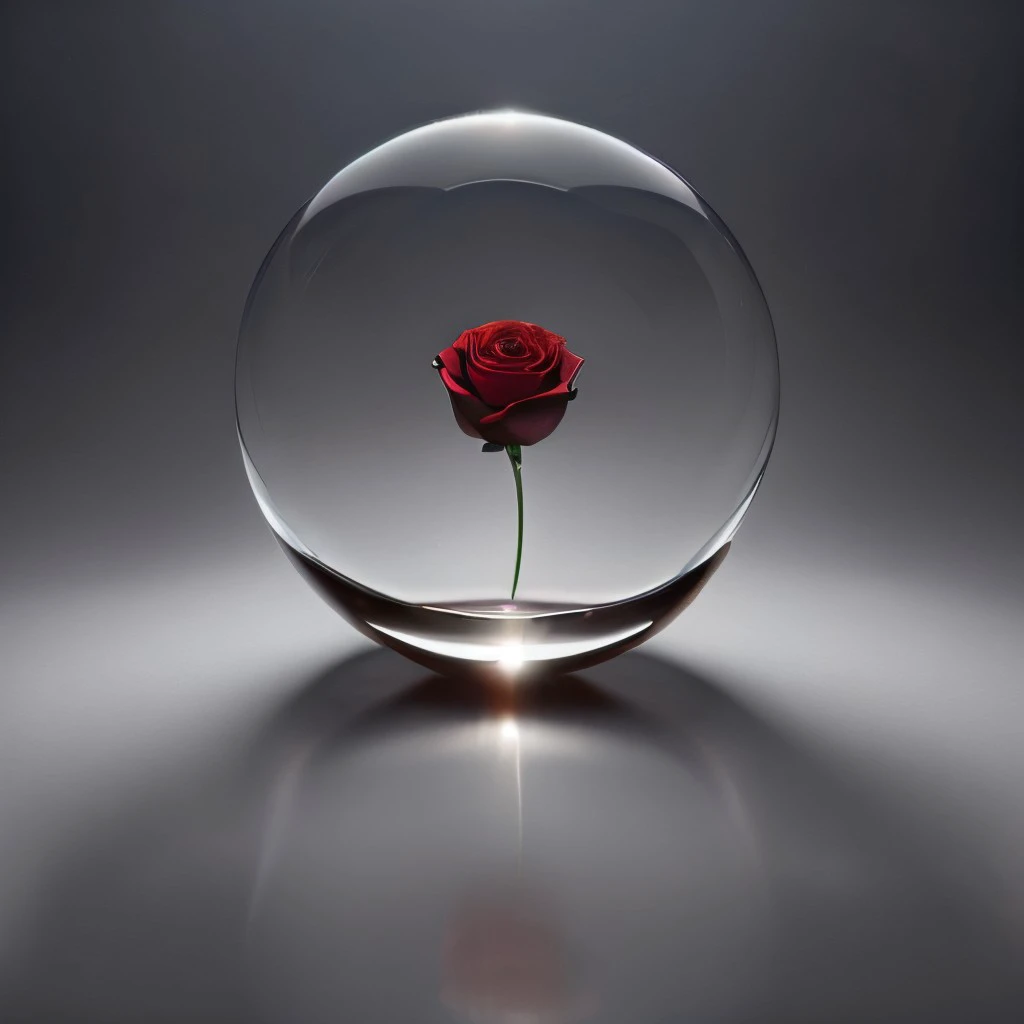
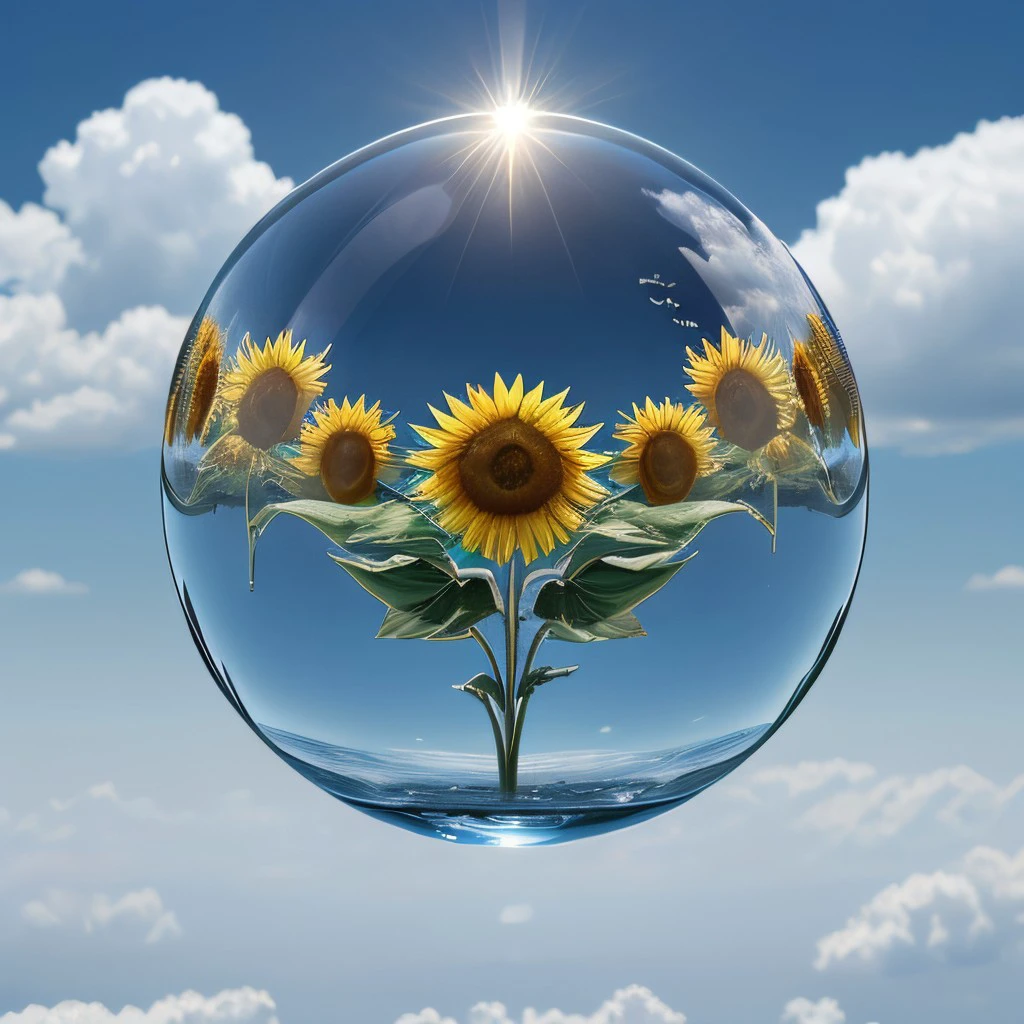
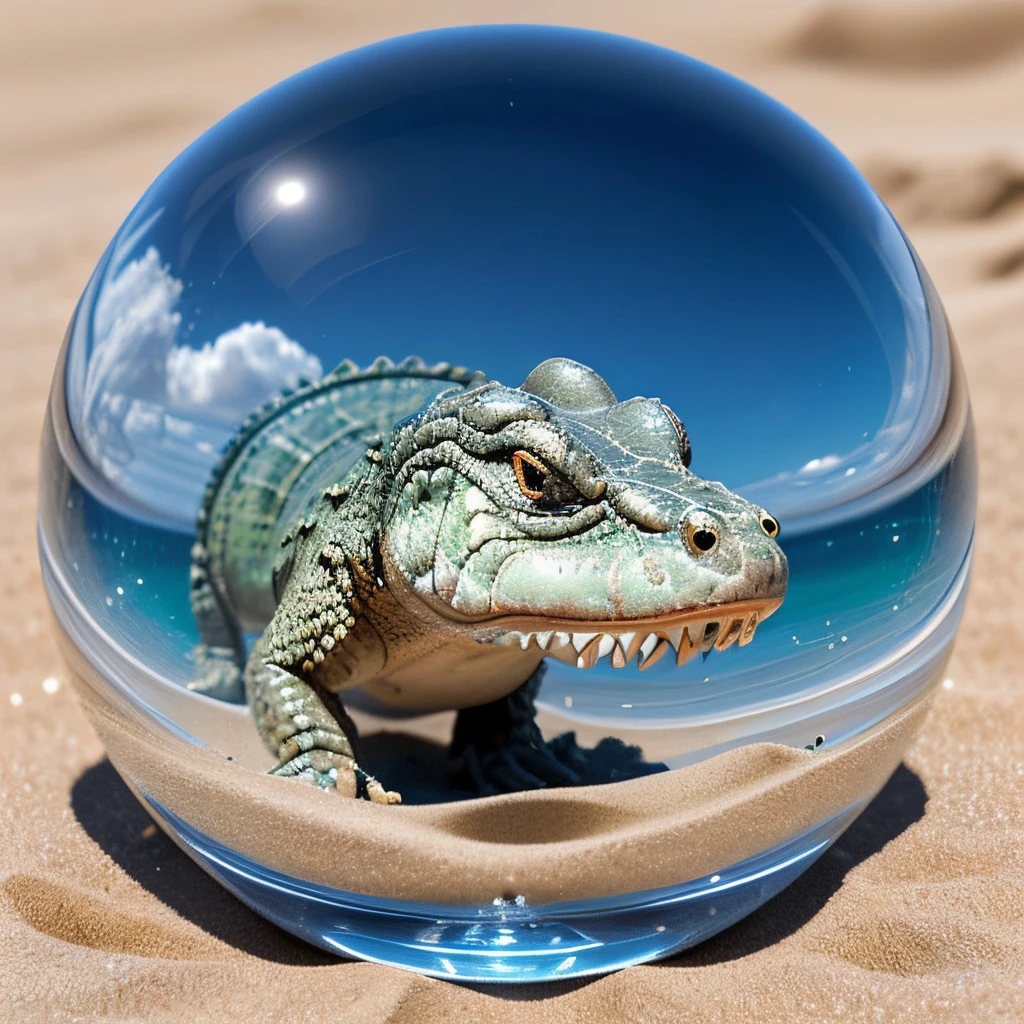
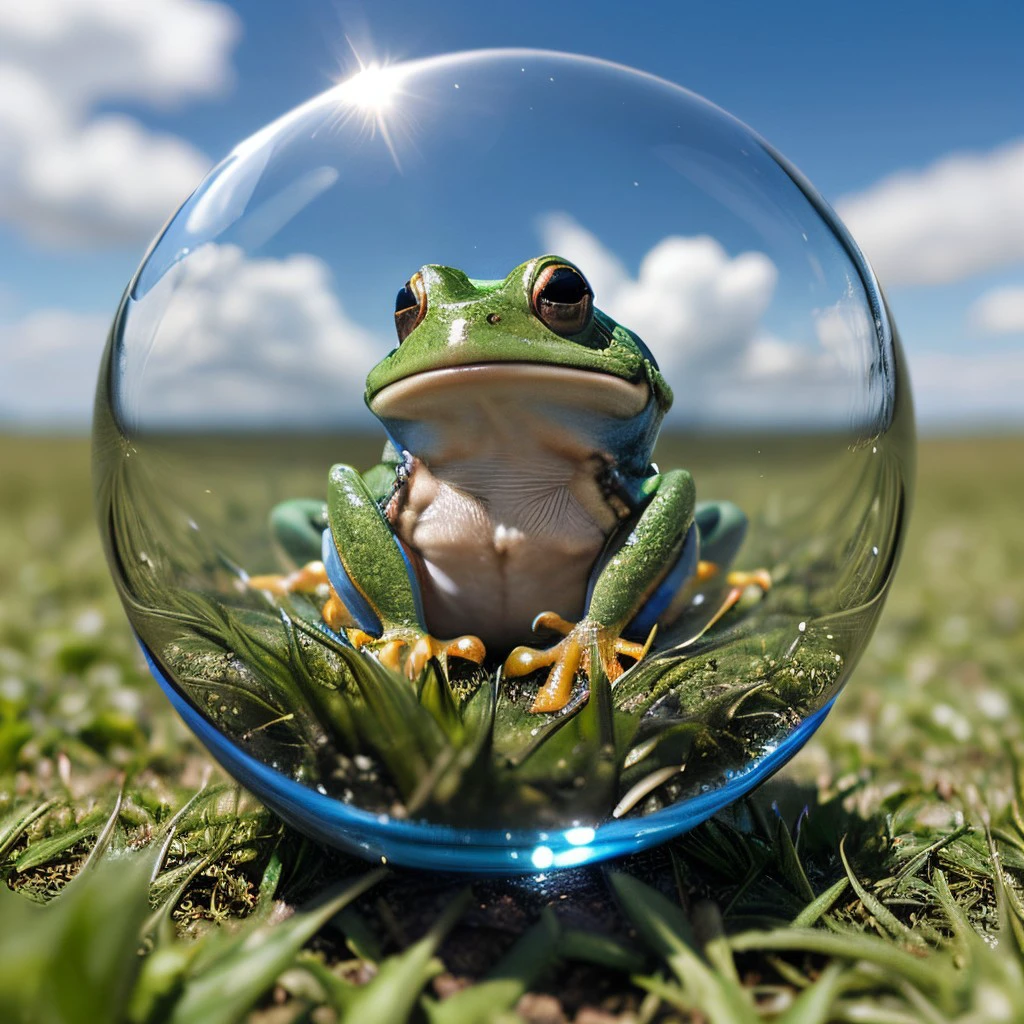
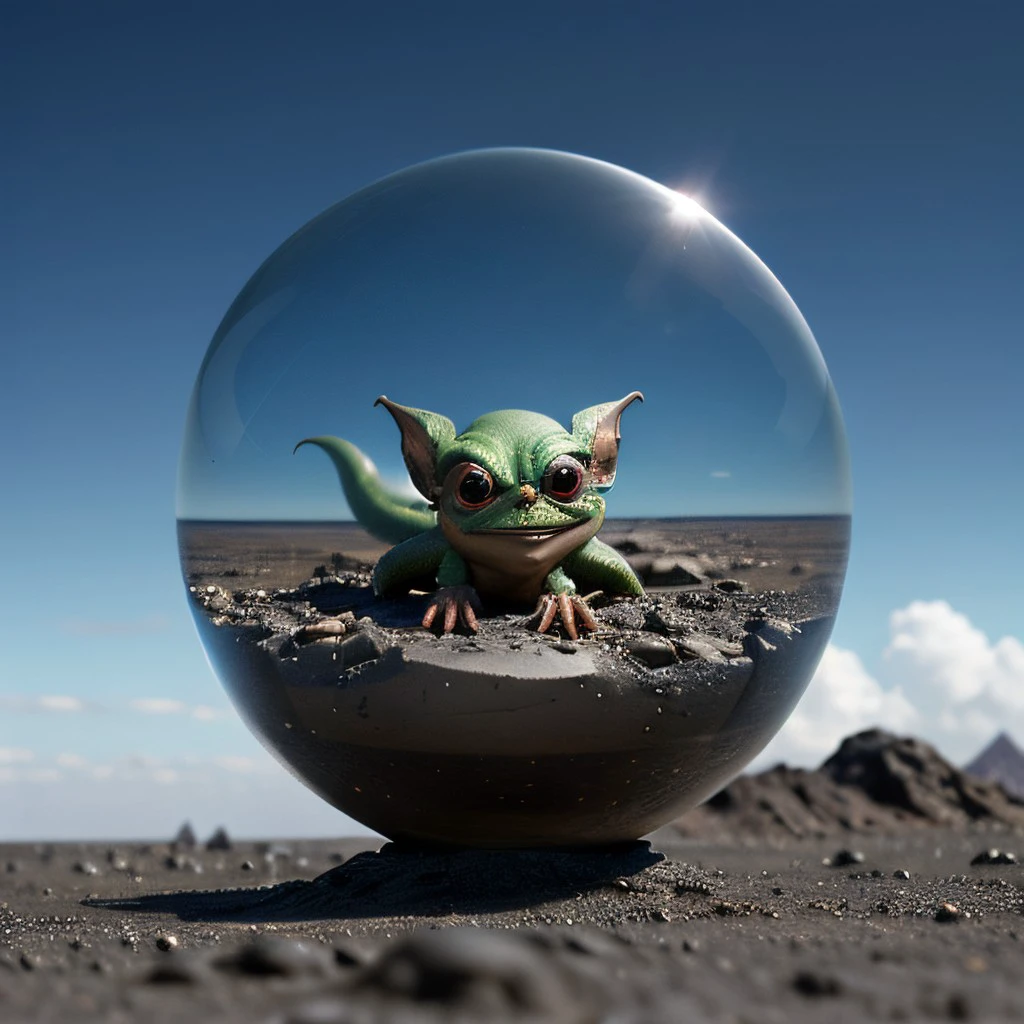
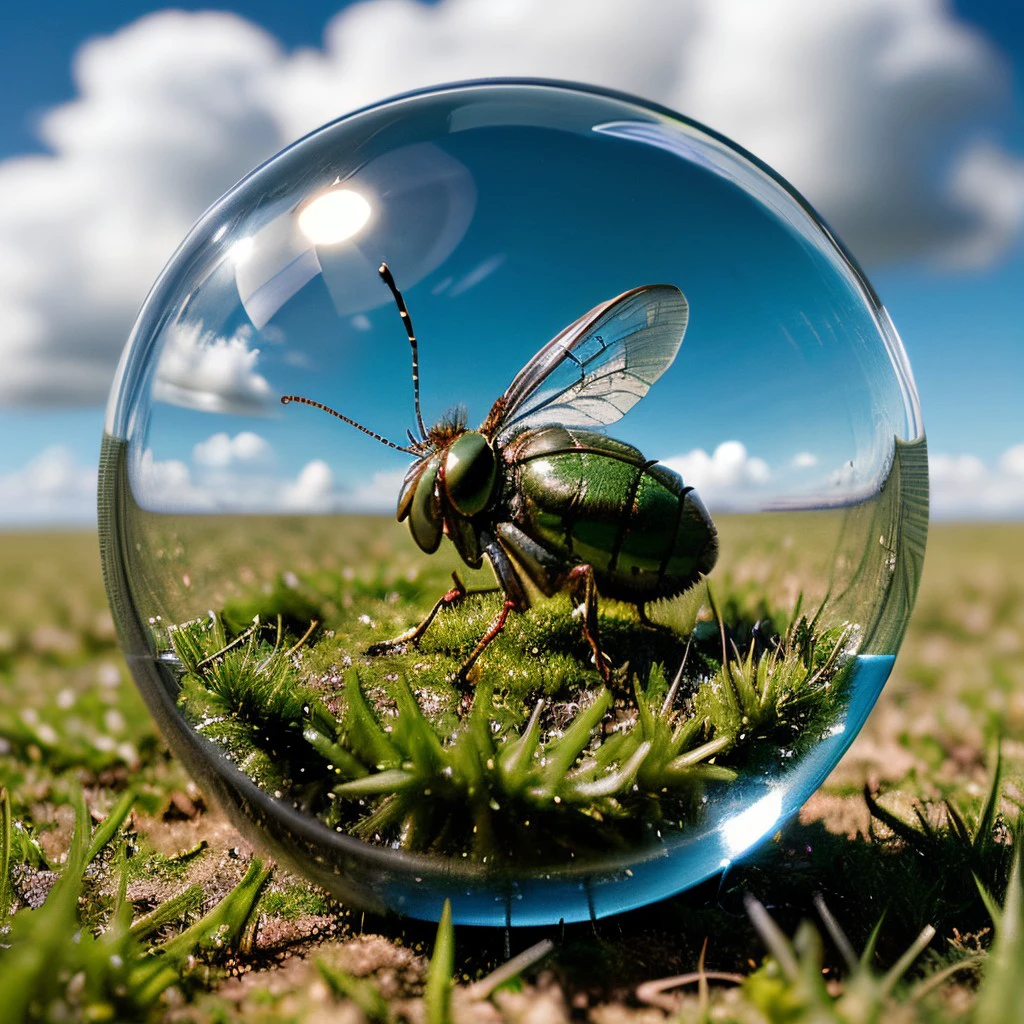
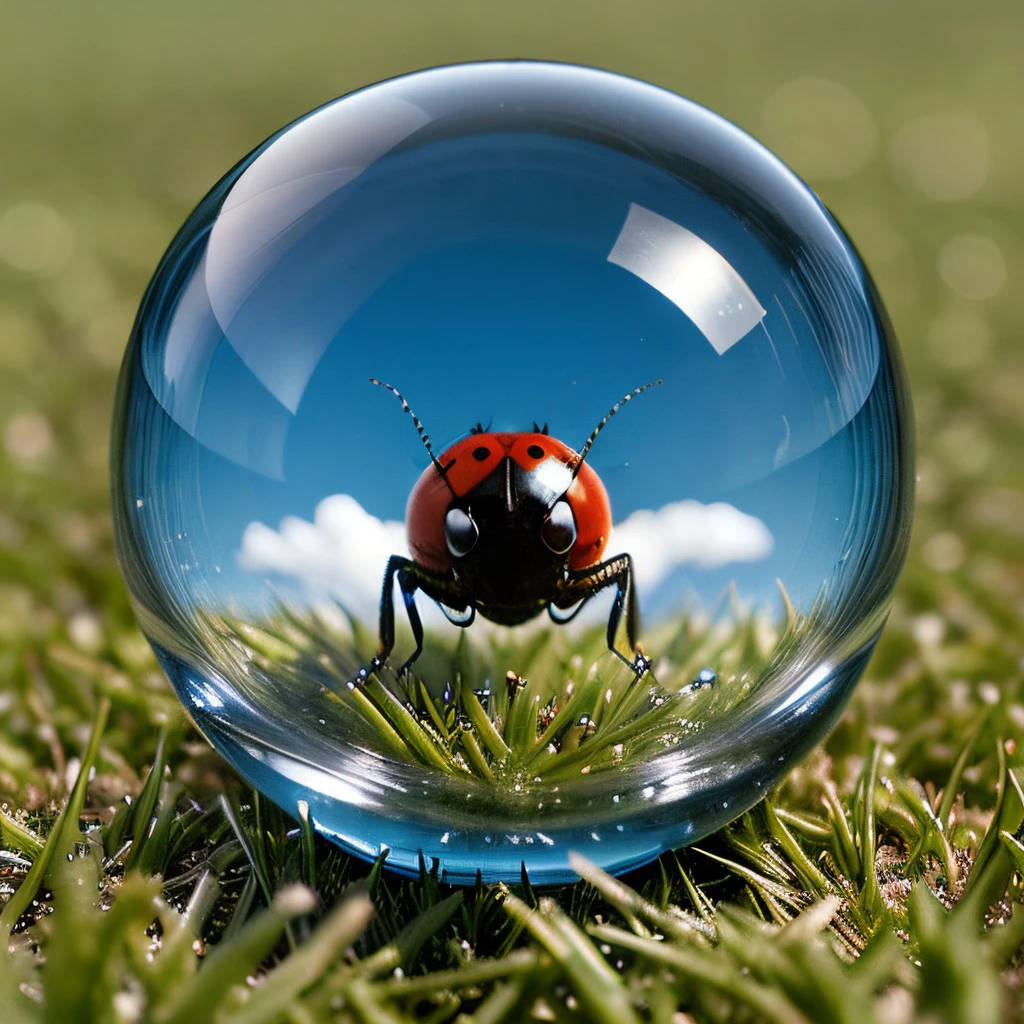
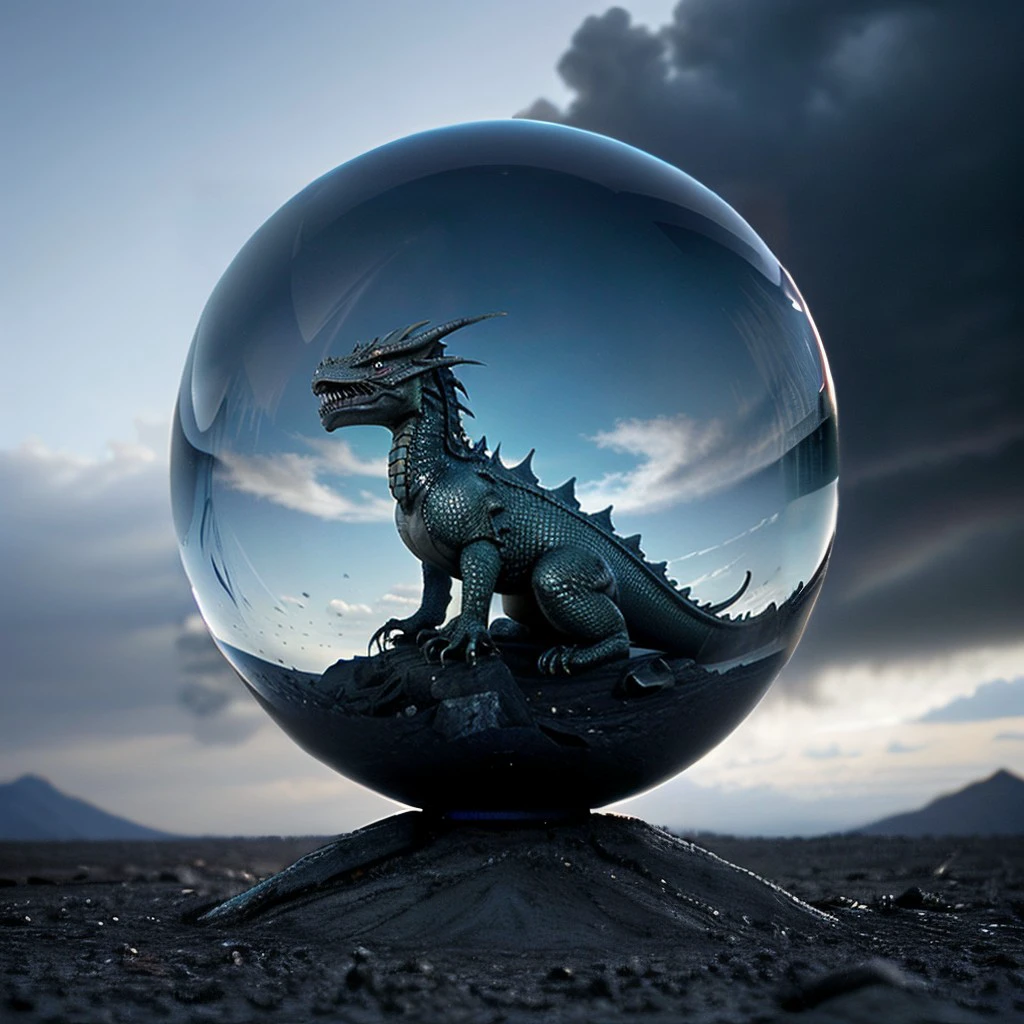
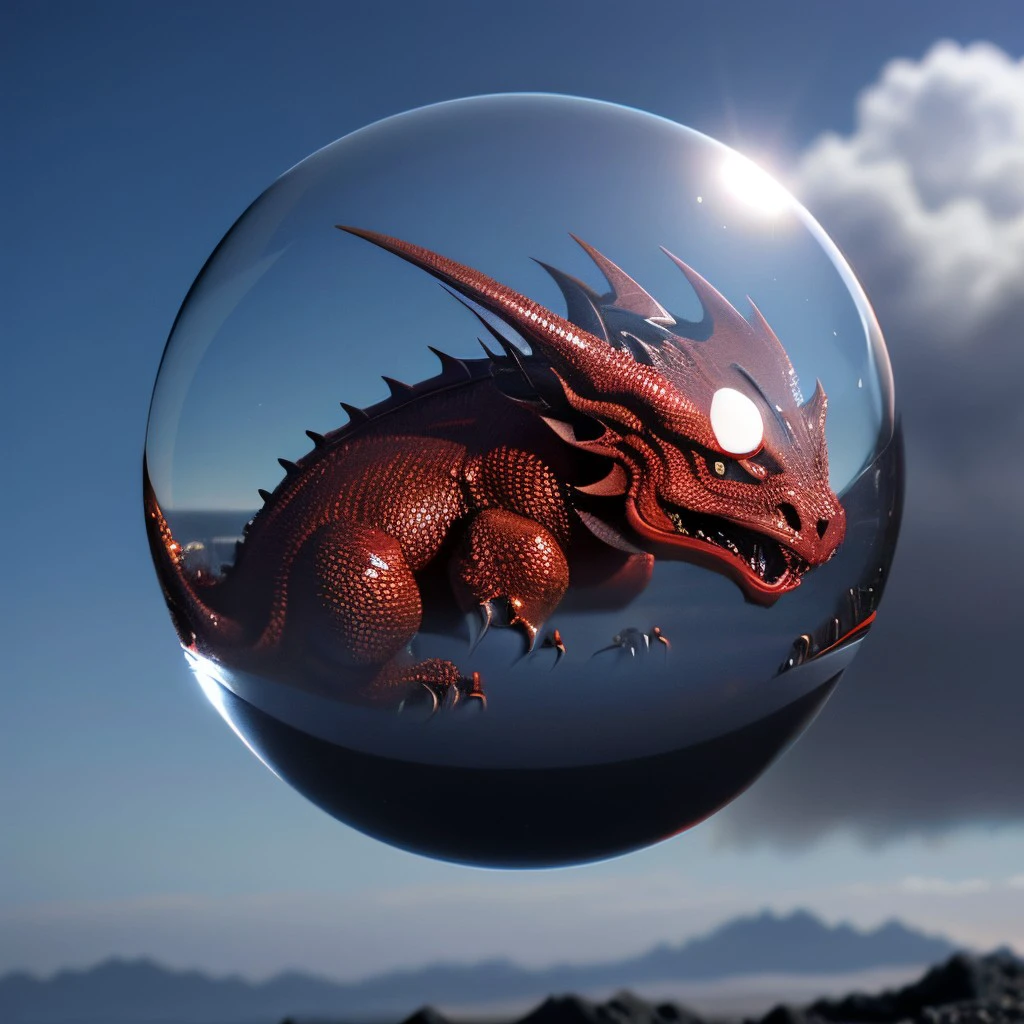
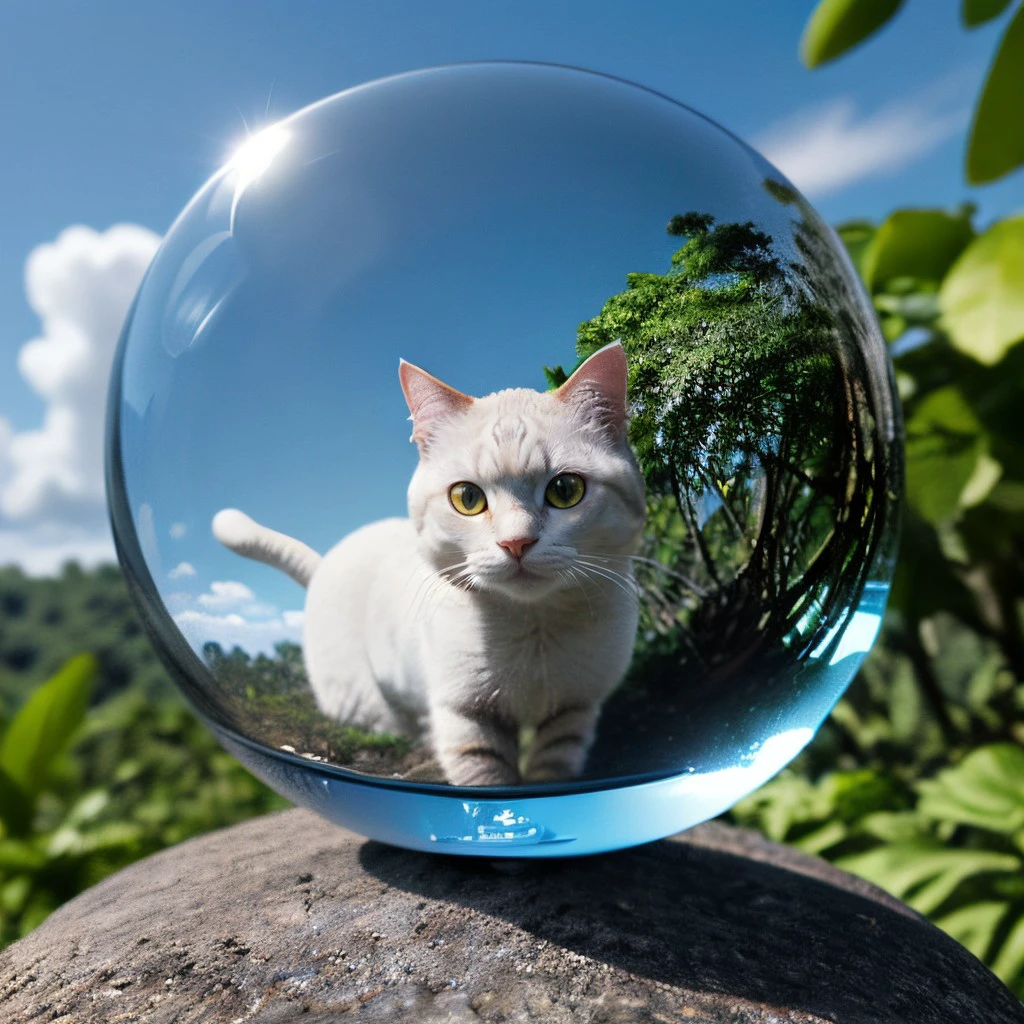
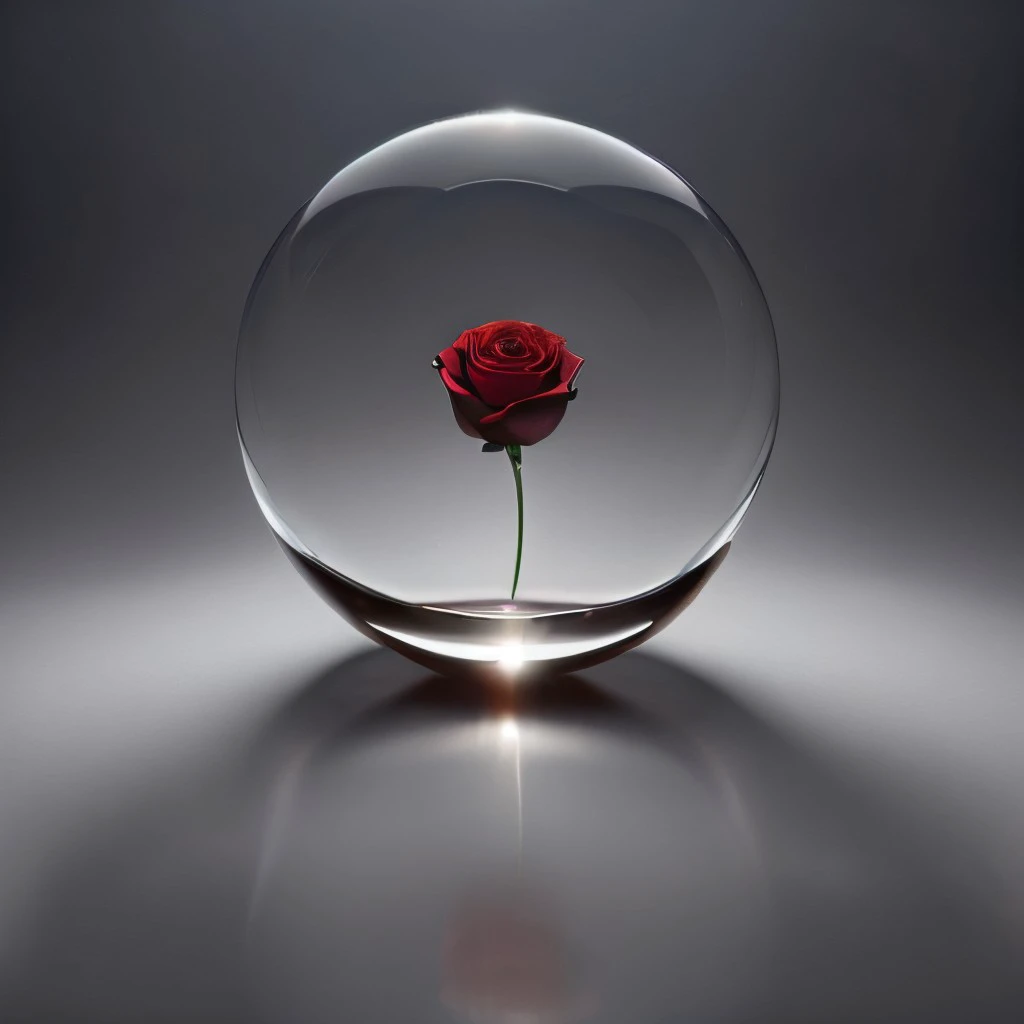
What the Model DoesThe model creates a main glass sphere in the center of an image with or without content and with or without a background, mostly.

Trigger WordsOn should use the Trigger Words next to model and weight like this

glass sphere, <lora:GlassSphere:0.5>

The expression or Trigger Words Glass Sphere triggers the model to create a glass sphere. Without the Trigger Words Glass Sphere there will be no result.

WeightIn principle the LoRA model works with weights from 0.0 up to 1.0. Using the weight 0.0 has no influence on the image generation. This weight can still be used for testing purposes. On can start with 0.0 and can go up to 1.0, incrementing by steps of 0.1 to see, how the created result is changing. One has take into account, that the Seed is not changing, while doing this.

TrainingThe model was trained using six glass spheres of different size and color. The background color of these glass ranged from dark grey over light blue to white.

ConclusionThis LoRA model is the first model that actually does what I had in mind. It is possible to create a glass sphere that either floats in space or lies in the grass, for example. One can put things in the glass sphere or using the glass sphere as itself.

FinallyHave a nice day. Have fun with the model. Be inspired!

View Translation

Rating & Review

-- /5
0 Ratings

Not enough ratings or reviews received yet

no-data
No data available
Z
Chat with the model
Notice
2024-09-22
Publish Model
2024-09-23
Update Model Info
Model Details
Type
LORA
Publish Time
2024-09-23
Base Model
SD 1.5
Trigger Words
glass sphere
Copy
Version Introduction

Train iterations were increased to 3000.

License Scope
Model Source: civitai

1. The rights to reposted models belong to original creators.

2. Original creators should contact SeaArt.AI staff through official channels to claim their models. We are committed to protecting every creator's rights. Click to Claim

Creative License Scope
Online Image Generation
Merge
Allow Downloads
Commercial License Scope
Sale or Commercial Use of Generated Images
Resale of Models or Their Sale After Merging
QR Code
Download SeaArt App
Continue your AI creation journey on mobile devices